GPT Image 2.0 Prompt - Les héros de Naruto rendent visite à Reina dans un RPG hospitalier

- Modèle
- GPT Image 2.0
- Format
- 4:3
- Qualité
- 1k
Prompt
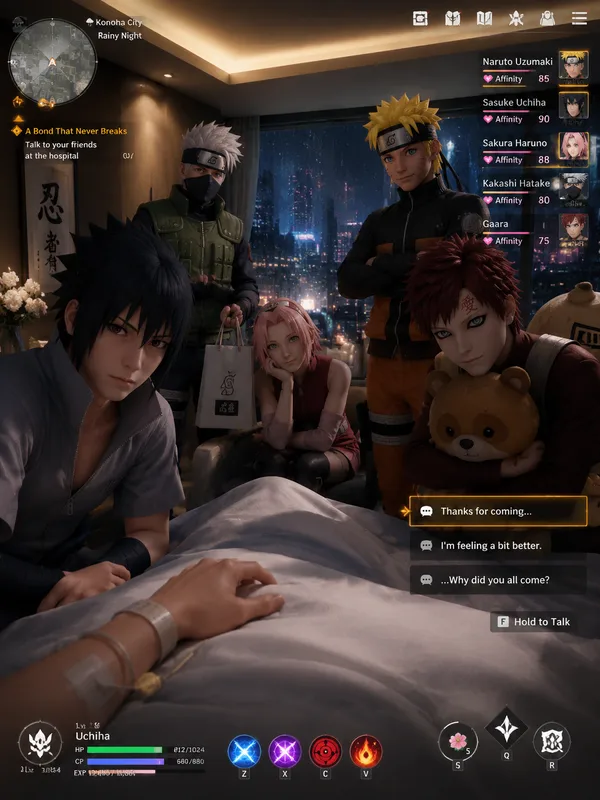
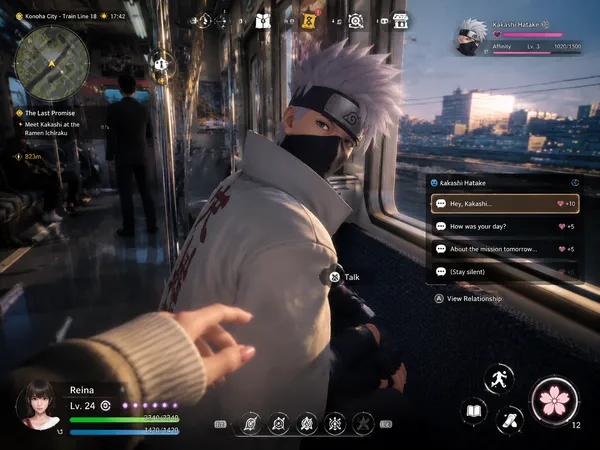
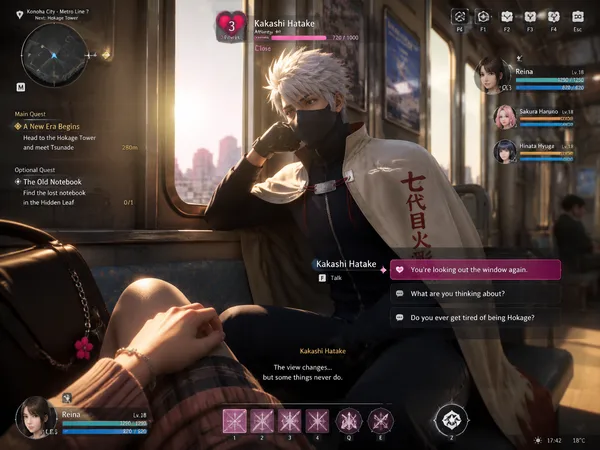
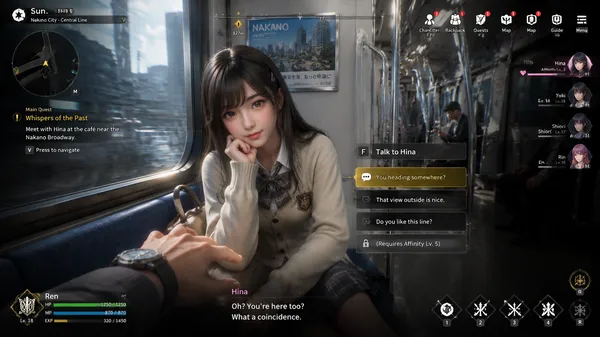
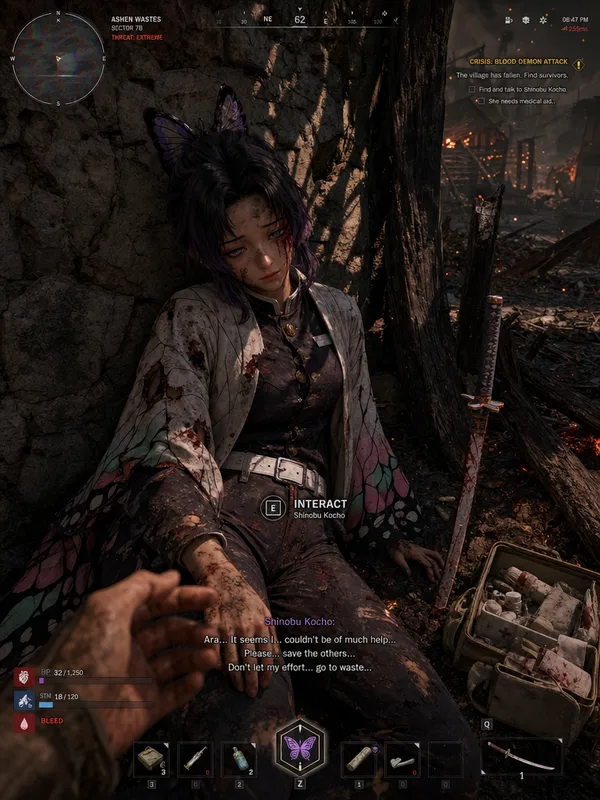
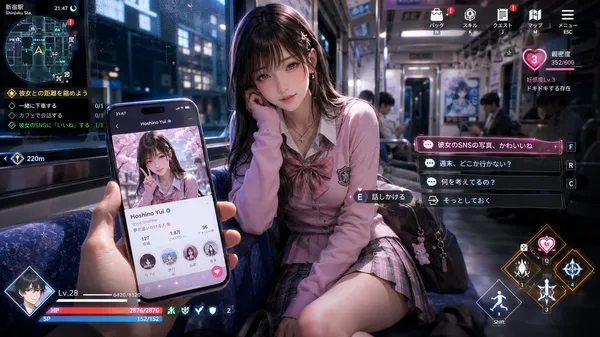
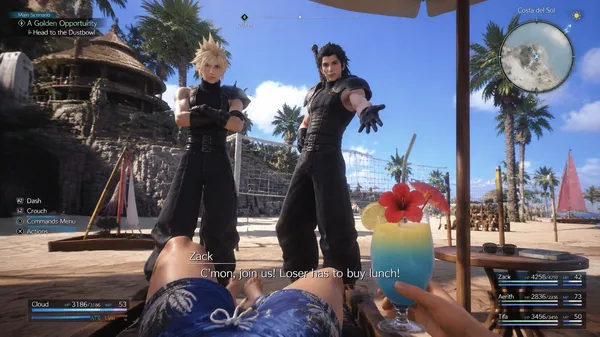
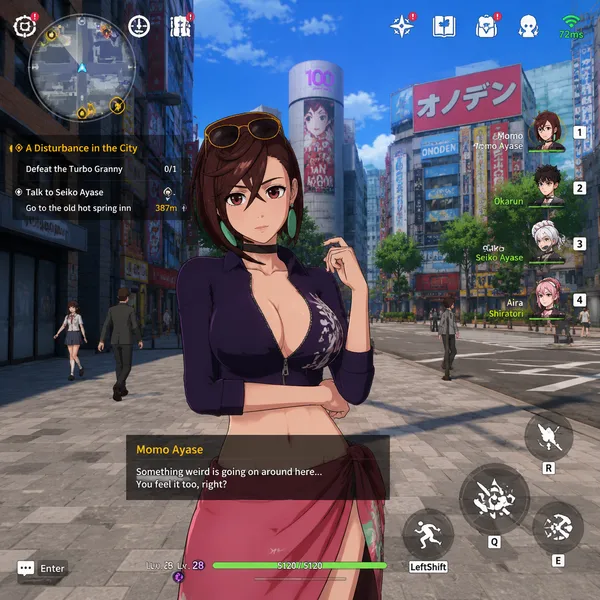
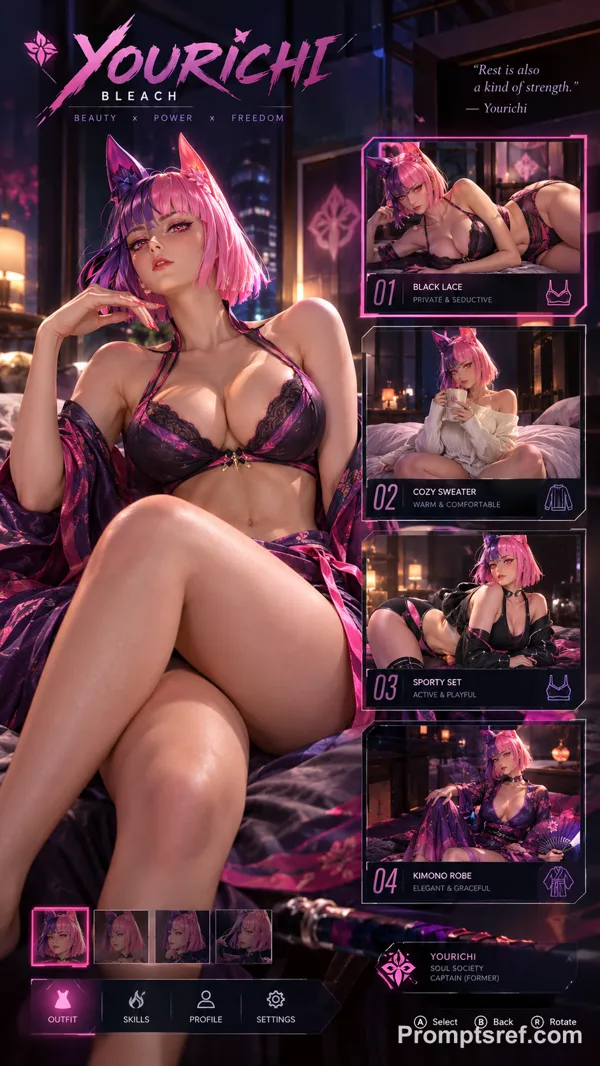
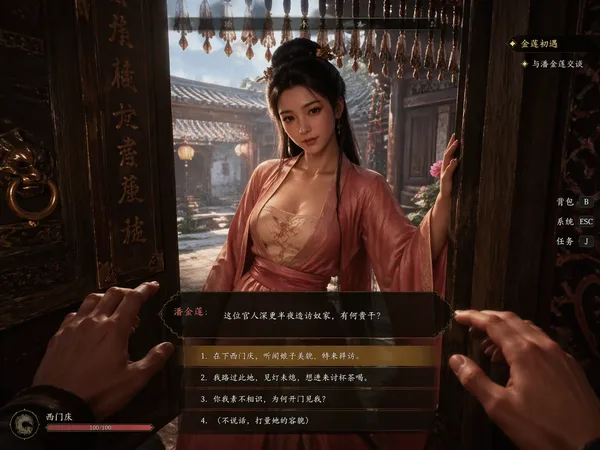
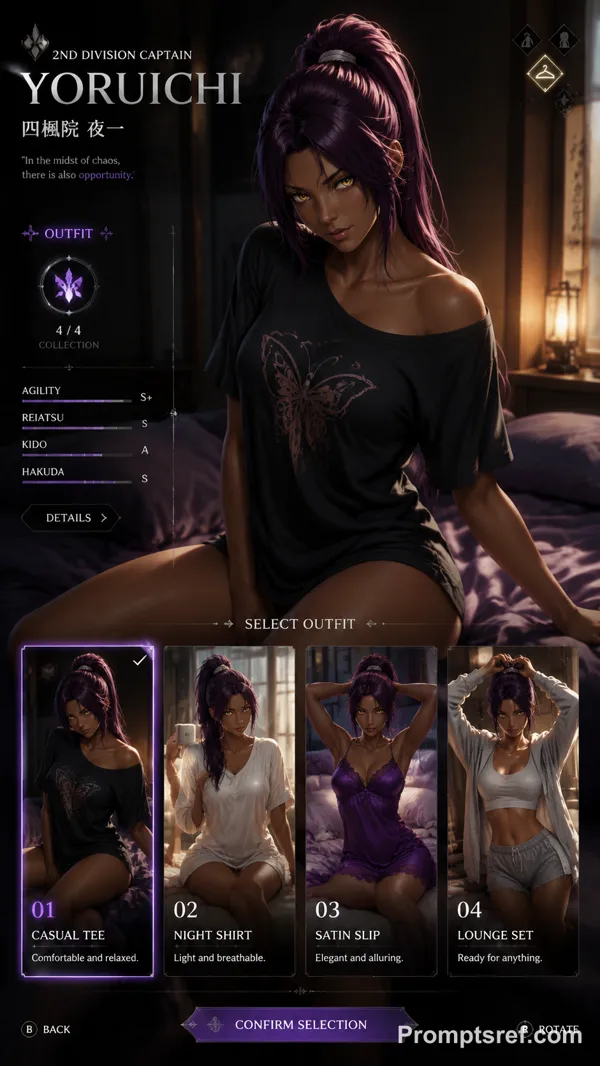
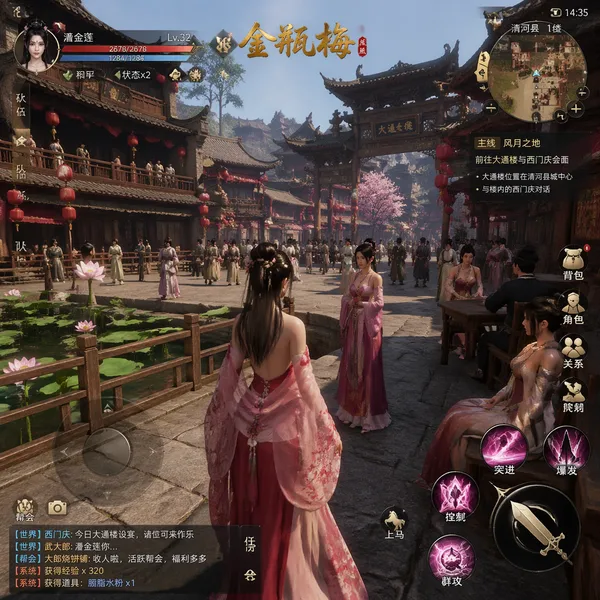
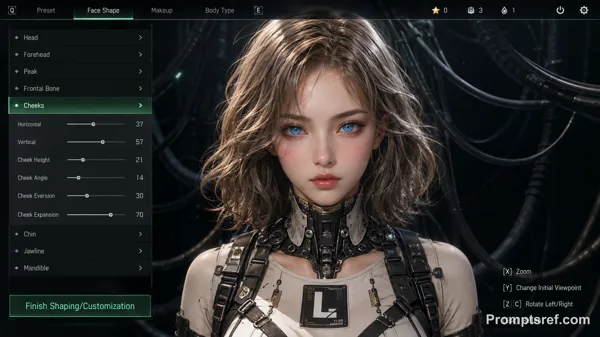
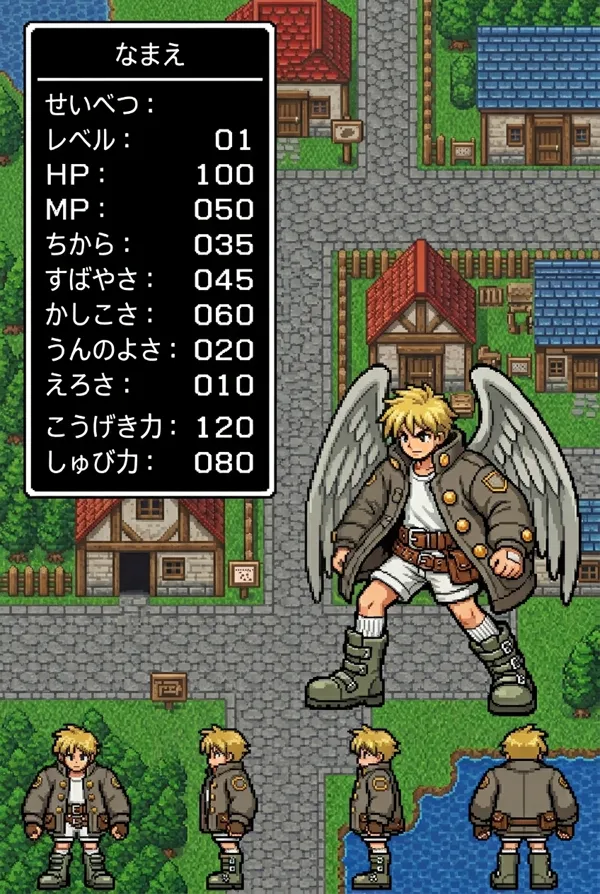
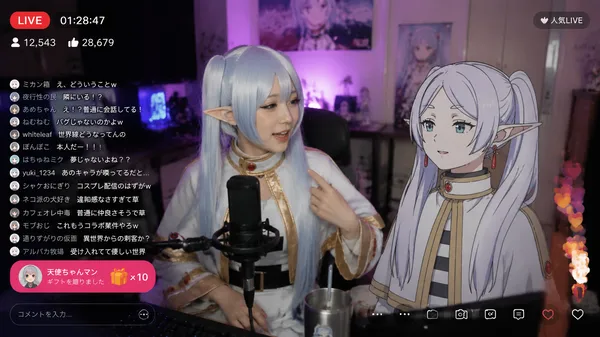
Please generate an actual screenshot from a fictional next-generation 3D anime-style open-world RPG game from a girl friend first-person POV perspective. The scene takes place inside a modern Japanese luxury hospital room, where the protagonist is lying on a hospital bed after waking up. Soft ambient lighting fills the room, while rainy nighttime city lights glow faintly outside the window, creating a calm and intimate atmosphere.
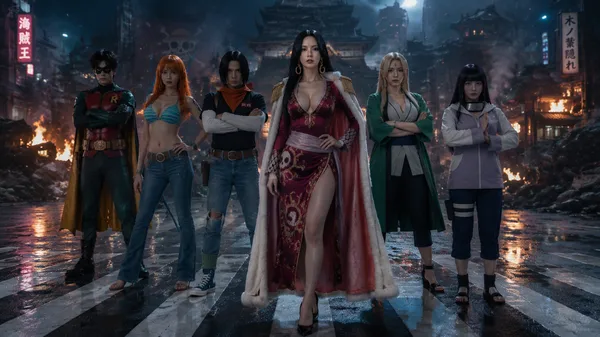
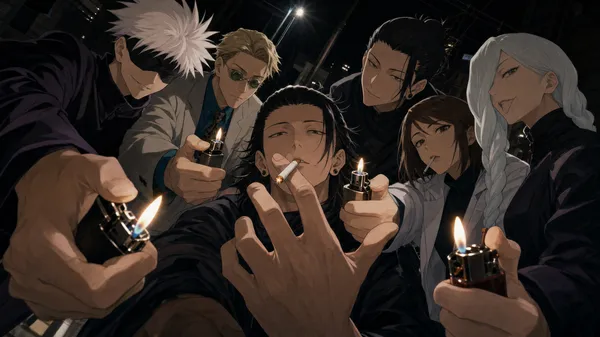
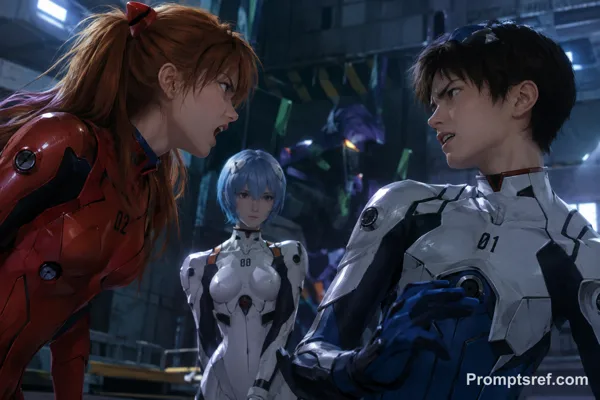
Surrounding the hospital bed are famous female characters from Naruto: Kakashi hatake, Uchiha Itachi, Uchiha Sasuke, Gaara, Minato Namikaze, and Shikamaru Nara. They are rendered in high-quality next-generation anime-style 3D graphics with Unreal Engine 5-level character modeling, cinematic lighting, realistic skin shading, and expressive facial animations.
Kakashi leans slightly toward the bed with a worried yet gentle expression. Itachi quietly sits beside the bed, resting him chin on him hand. Sasuke lock down toward the camera with a proud but subtly concerned gaze. Minato stands in the background with a relieved smile. Gaara sits nearby hugging a plush toy, while Shikamaru carries a small gift bag for the visit. Their poses and interactions feel natural and emotionally immersive.
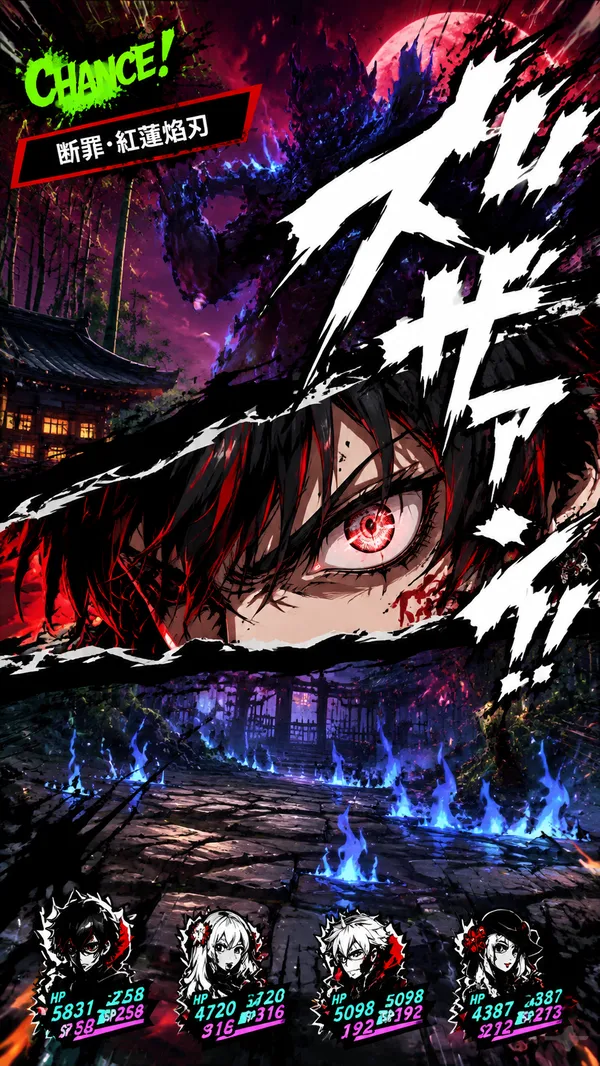
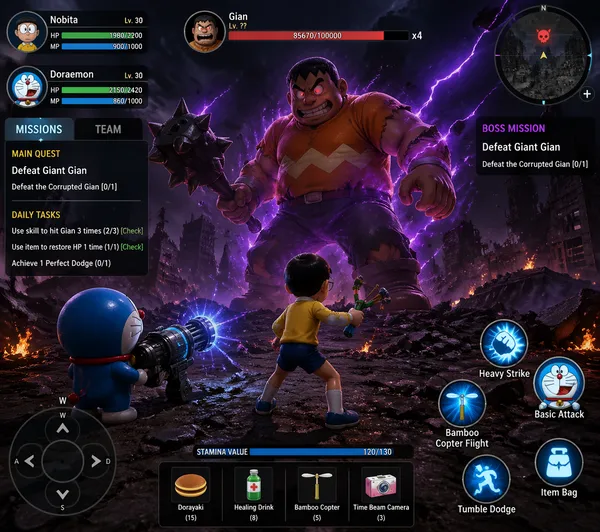
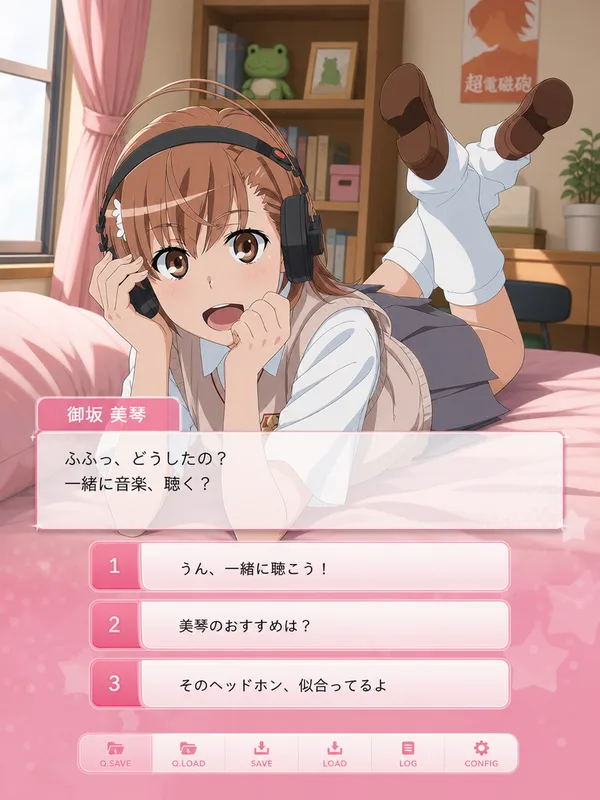
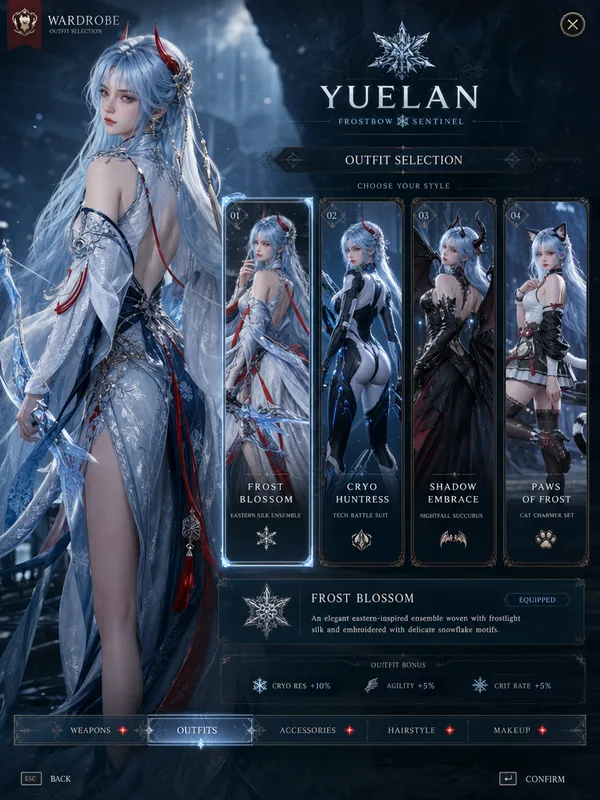
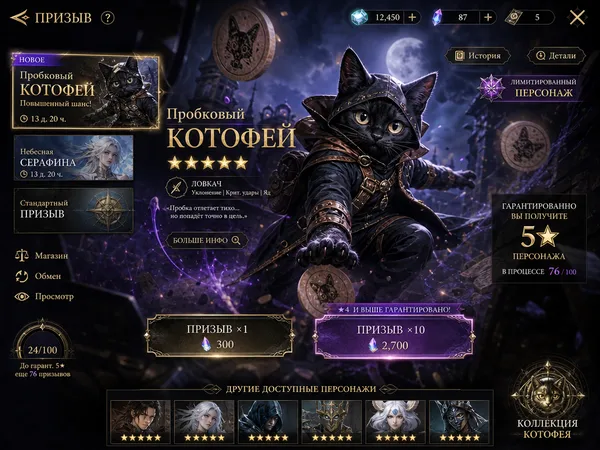
The screenshot should include a fully playable RPG game UI, including a minimap, quest objectives, dialogue choices, interaction prompts, character portraits, relationship affinity indicators, and player status bars. Btw her name player is Reina. The overall presentation should resemble a polished AAA anime open-world RPG with cinematic depth of field, volumetric lighting, detailed UI design, and immersive girl friend POV gameplay presentation.
Remix
RemixPas encore de remix. Créez la première version.
Utiliser ce prompt d’image
- 01
Commencer avec le prompt
Copiez le prompt ou ouvrez-le avec le bouton de génération.
- 02
Apporter vos modifications
Adaptez le sujet, le décor ou les détails. Ajoutez des références si nécessaire.
- 03
Vérifier avant de générer
Vérifiez le modèle et les paramètres de sortie. Les résultats peuvent varier.