GPT Image 2.0 Prompt - Libération émotionnelle en monochrome

- Modèle
- GPT Image 2.0
- Format
- auto
- Qualité
- 1K
Prompt
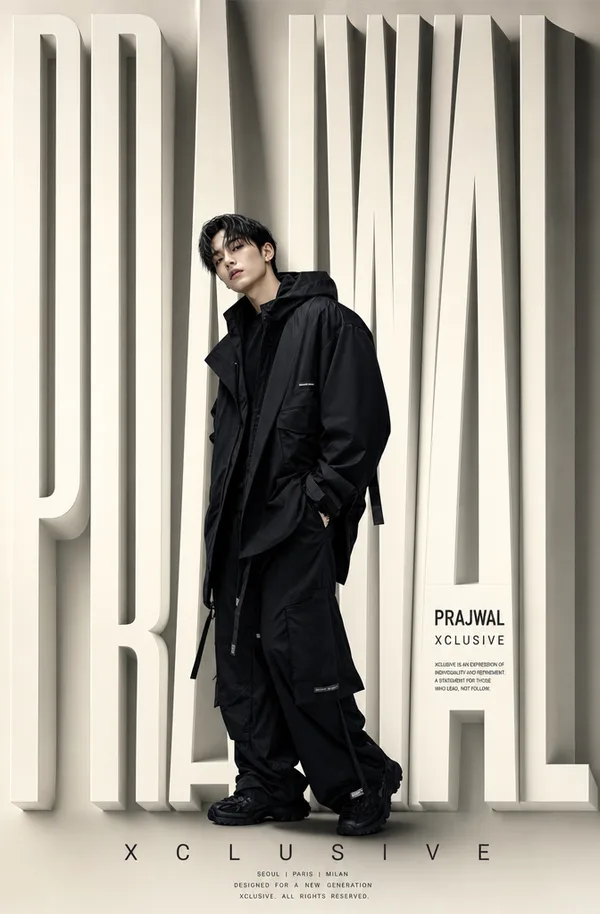
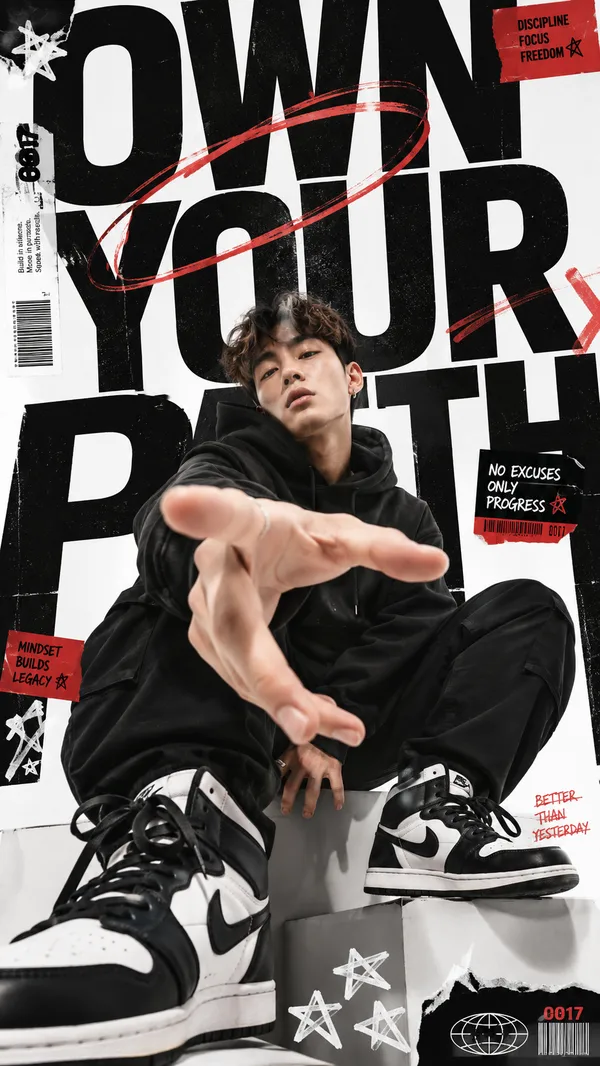
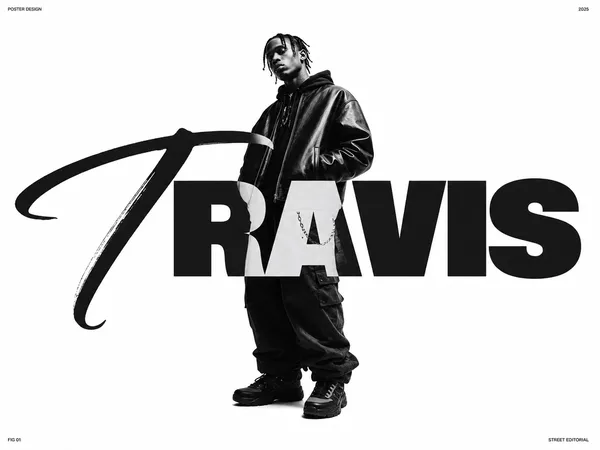
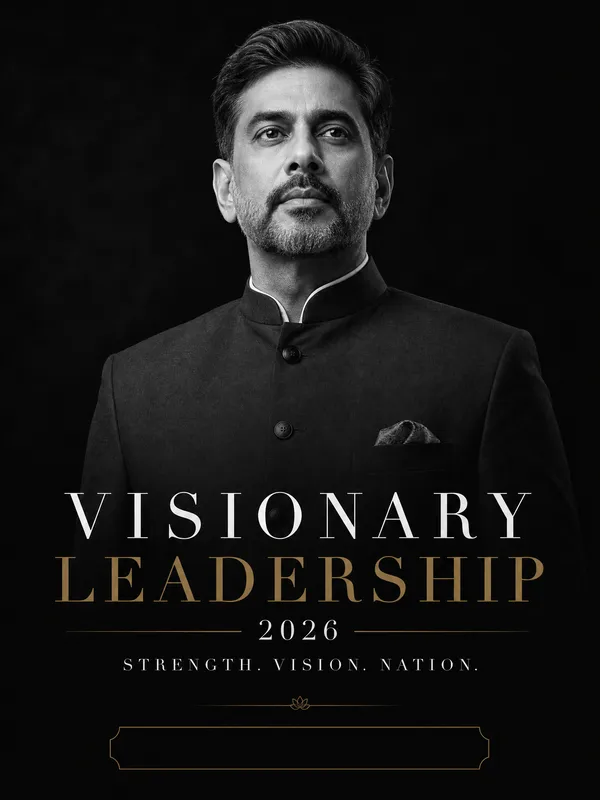
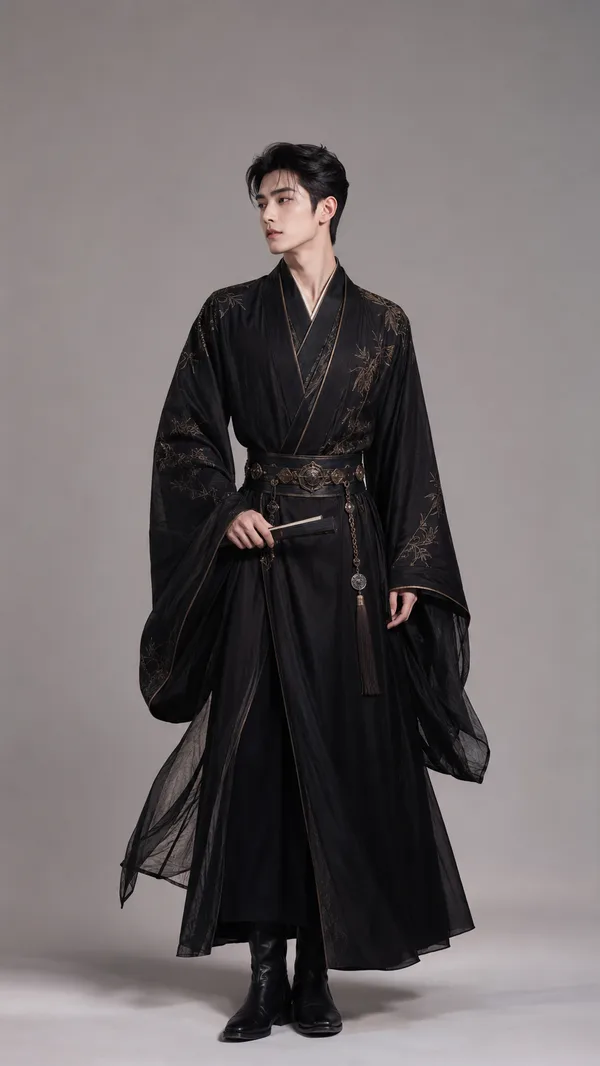
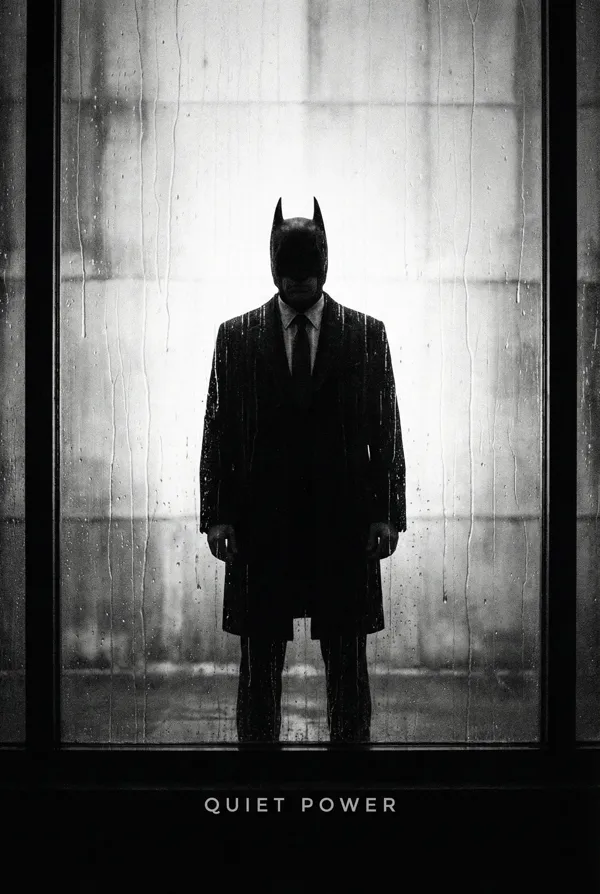
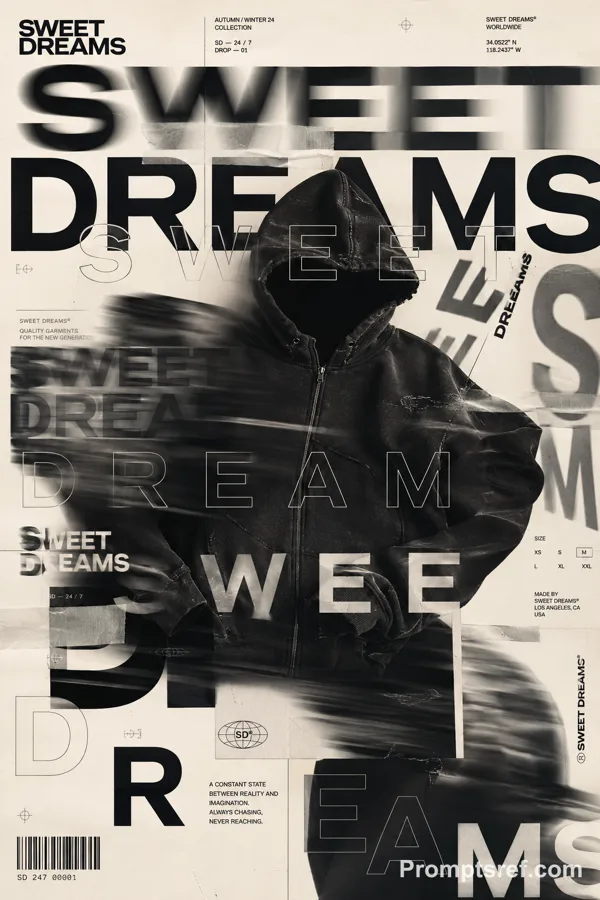
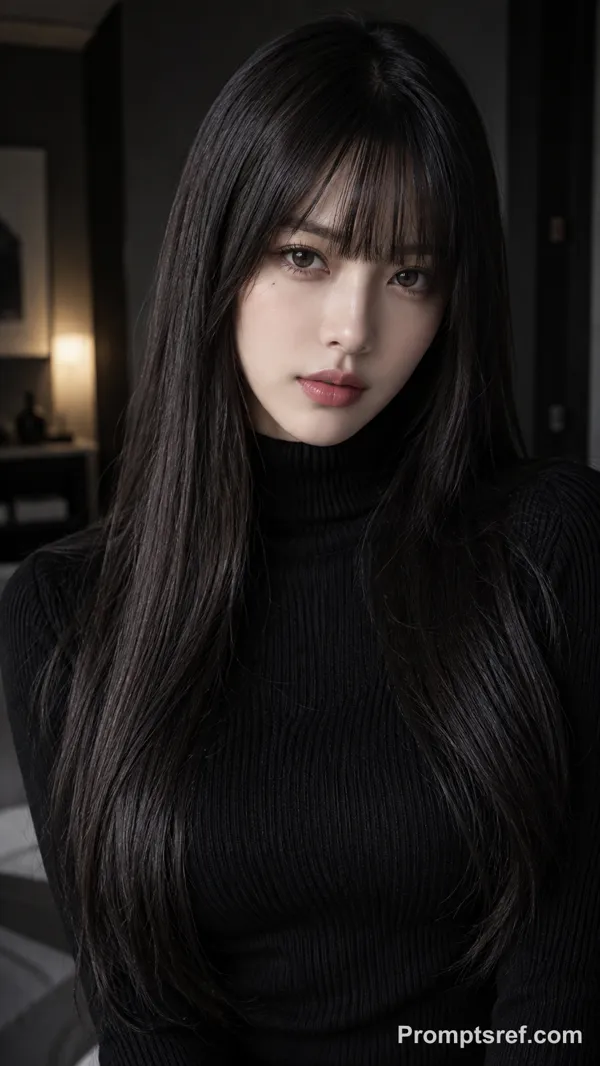
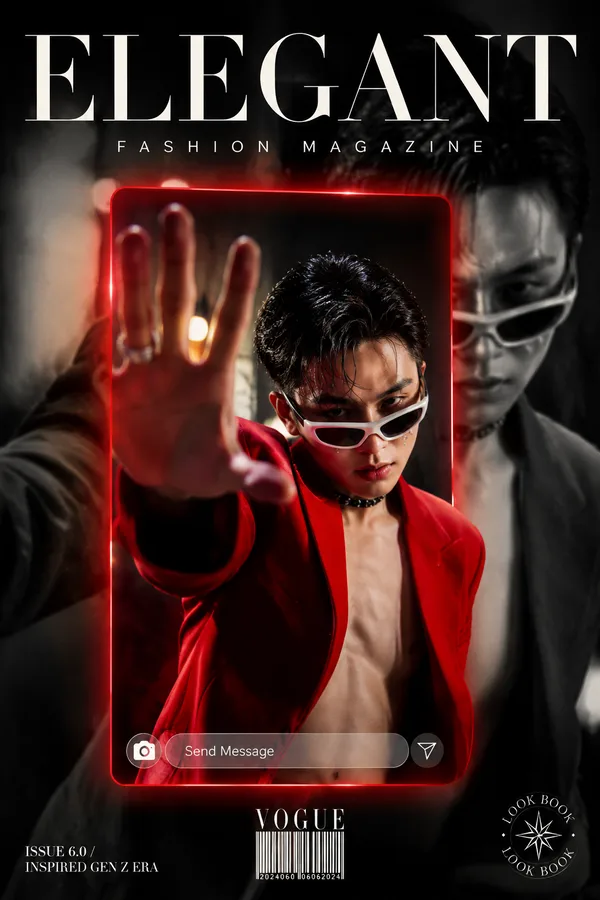
IMAGE GENERATION PROMPTEditorial fashion poster, black and white monochrome aesthetic, featuring a young East Asian male subject with dark medium-length hair, dressed in an oversized black long coat/robe, standing in a dramatic side-profile pose with head tilted back and chin raised upward, eyes closed, conveying emotional release and vulnerability, full body visible from head to shoes, wearing black dress shoes, soft gradient background transitioning from dark charcoal gray at the top to slightly lighter gray at the bottom, studio lighting with a single soft directional light source casting gentle shadow on the left side, matte filmic finish with slight grain texture, no harsh contrast, skin tone rendered in smooth natural gray tones --Massive bold condensed sans-serif typography layered BEHIND and IN FRONT of the subject simultaneously, creating a depth illusion where the figure intersects the text, top section reads "THIS TIME FOR" in small spaced uppercase tracking, followed by oversized display text "HEA_ING" (partially obscured by figure), middle section reads "AND NOW" in small caps, followed by giant bold "TAKE A", then a small boxed label "REST" in black-on-white inset box, bottom section shows large italic/oblique "MUST" cropped and angled, typography style is high-fashion editorial magazine cover layout, font weight ultra-bold condensed similar to Bebas Neue or Editorial New Heavy --Colour PaletteBackground: #2A2A2A to #3D3D3D gradient, Subject clothing: #0A0A0A pure black, Typography: #FFFFFF pure white with slight inner glow, Small label box: #FFFFFF background with #000000 text, Skin tones: #8C8C8C to #B0B0B0 mid-gray range, Shadow areas: #1A1A1A --Shot on medium format, editorial magazine poster layout, portrait orientation 9:16 ratio, no watermarks, no color, no warm tones, no busy background, no distracting elements, no soft focus on typography --
Remix
RemixPas encore de remix. Créez la première version.
Utiliser ce prompt d’image
- 01
Commencer avec le prompt
Copiez le prompt ou ouvrez-le avec le bouton de génération.
- 02
Apporter vos modifications
Adaptez le sujet, le décor ou les détails. Ajoutez des références si nécessaire.
- 03
Vérifier avant de générer
Vérifiez le modèle et les paramètres de sortie. Les résultats peuvent varier.