Seedance 2.0 Prompt - Héros du football en costume de mascotte marque

- Modèle
- Seedance 2.0
- Format
- 16:9
- Qualité
- 720p
Prompt
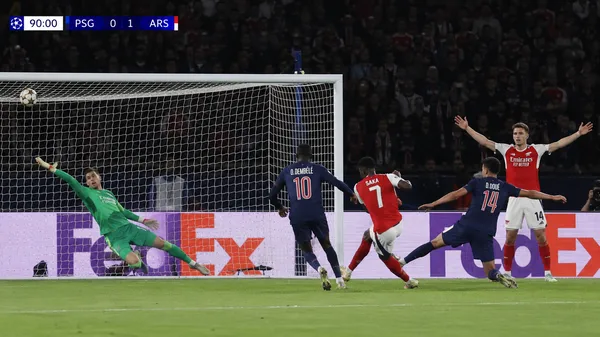
15-second vertical 9:16 handheld cinematic football video, first-person teammate perspective inside a packed stadium. Near the edge of the penalty box, an attacking player wearing a full-body cartoon mascot suit receives the pass. The mascot costume looks round and bulky, but the player moves with surprising agility, creating a funny yet heroic contrast. Two dark-green defenders rush in from both sides, while the goalkeeper in a yellow jersey lowers his stance in front of the goal.
The camera follows from slightly behind and to the side like a teammate sprinting into the box, low-angle handheld tracking, slightly shaky from running but always locked on the ball and the shooter. Close grass details are visible in the foreground, with a dense roaring crowd, waving flags, and stadium boards in the background. At second 4, the mascot-suited player slides forward and strikes a low left-footed shot, leaning backward as the bulky costume wobbles with the motion. Both defenders stretch their legs to block at the same time. At second 6, the ball skims across the grass, slips through the defensive gap, and goes into the far corner of the net. The net snaps and shakes hard.
The camera suddenly lifts with the teammate’s reaction. The whole stadium erupts, defenders freeze in disbelief, the goalkeeper turns back toward the net, and teammates rush toward the cartoon mascot shooter to celebrate. Natural daylight, realistic stadium broadcast feeling, intense goal emotion, imperfect mobile handheld footage, motion blur, real grass texture, sports documentary style, absurdly funny but heroic and explosive goal moment.
Negative Prompt:
real player likeness, real tournament logo, watermark, subtitles, incorrect text, distorted limbs, extra legs or feet, badly deformed mascot suit, empty stadium, cartoon animation style, overly polished commercial look, excessively long slow motion, unclear goal moment.
Remix
RemixPas encore de remix. Créez la première version.
Utiliser ce prompt vidéo
- 01
Commencer avec le prompt
Copiez le prompt ou ouvrez-le avec le bouton de génération.
- 02
Apporter vos modifications
Adaptez le sujet, le décor ou les détails. Ajoutez des références si nécessaire.
- 03
Vérifier avant de générer
Vérifiez le modèle et les paramètres de sortie. Les résultats peuvent varier.