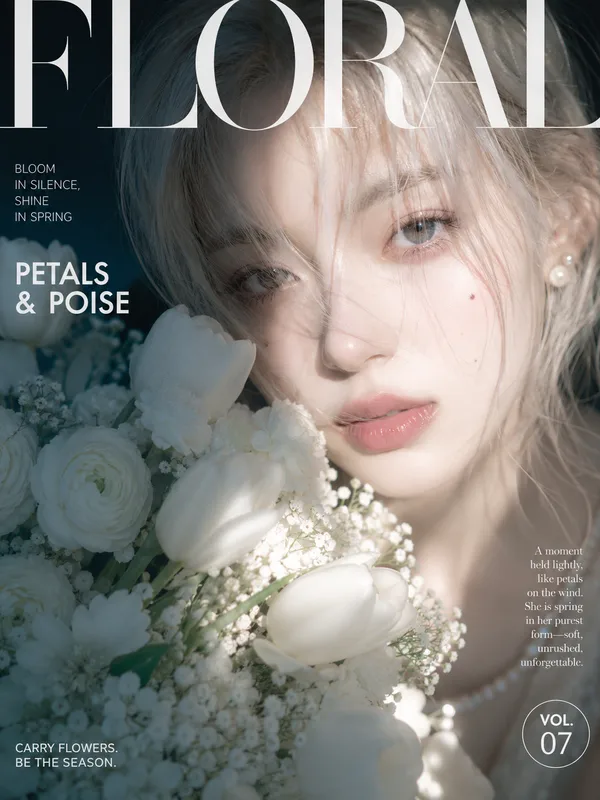
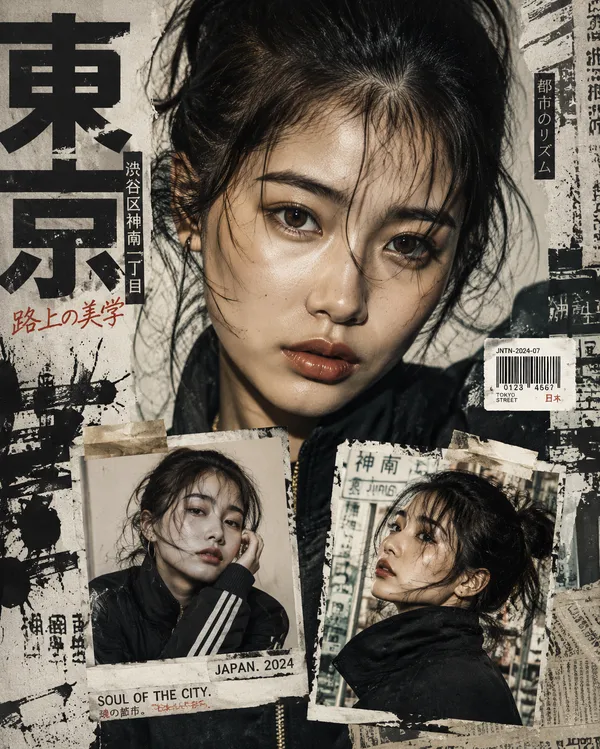
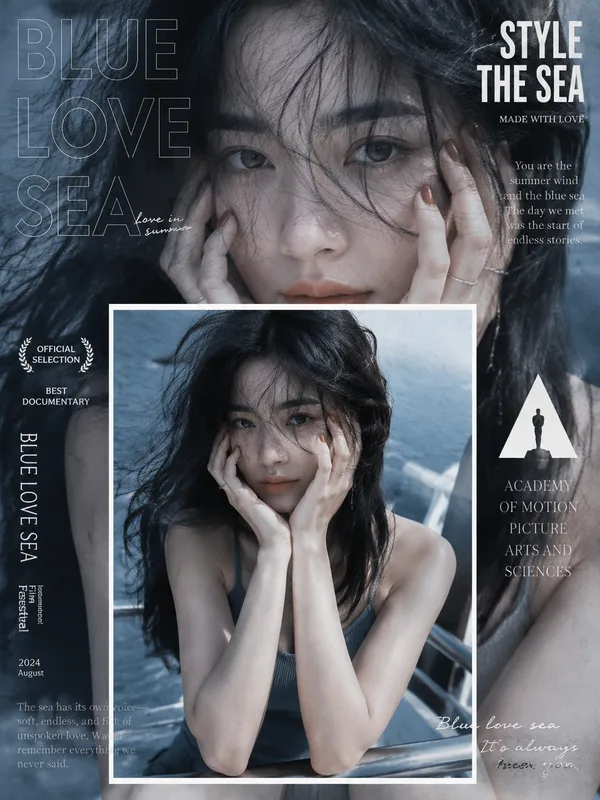
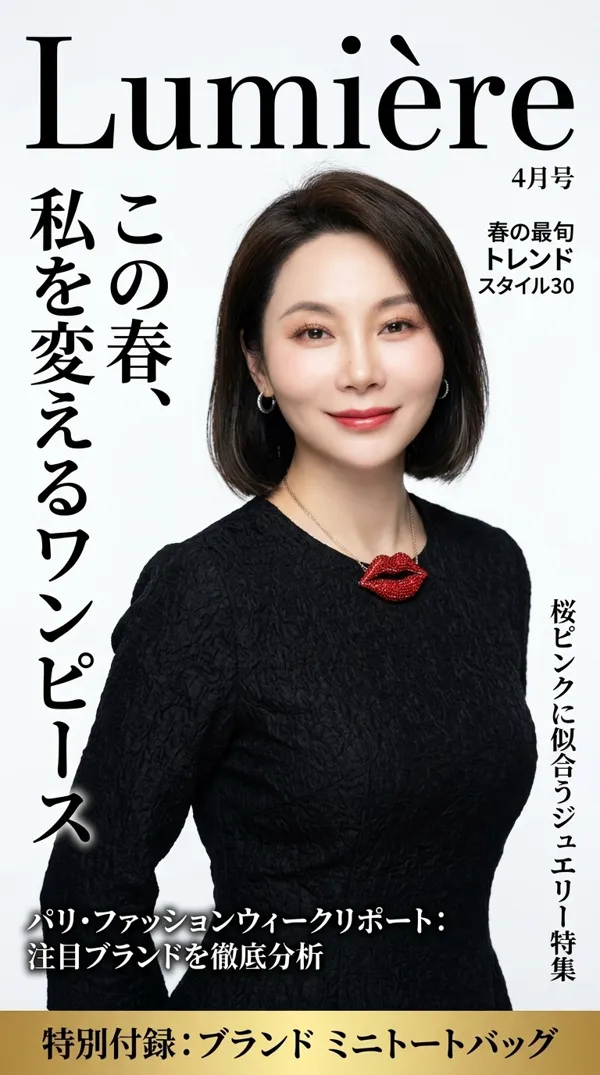
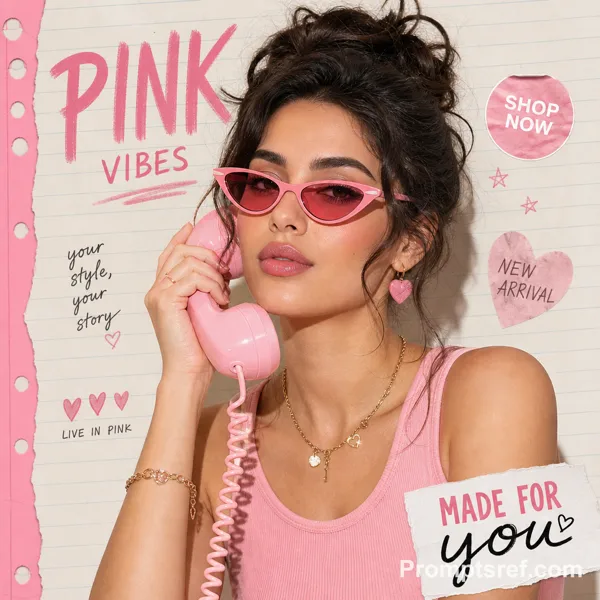
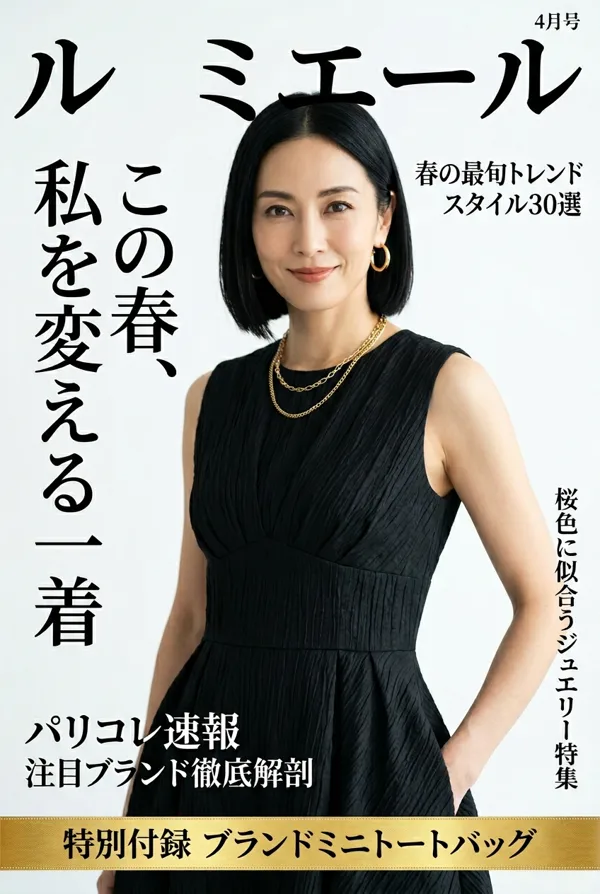
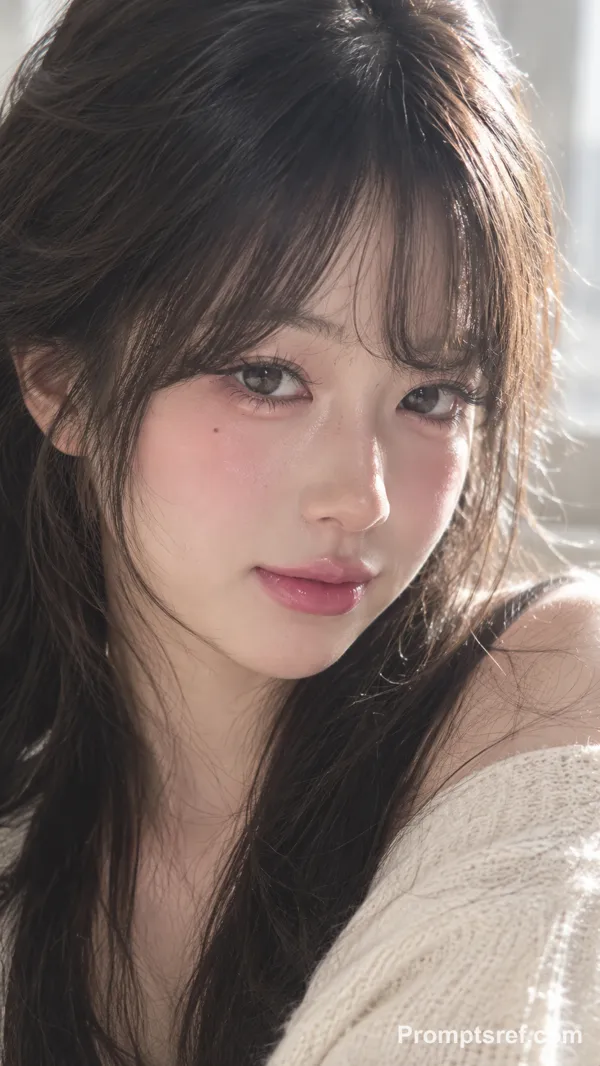
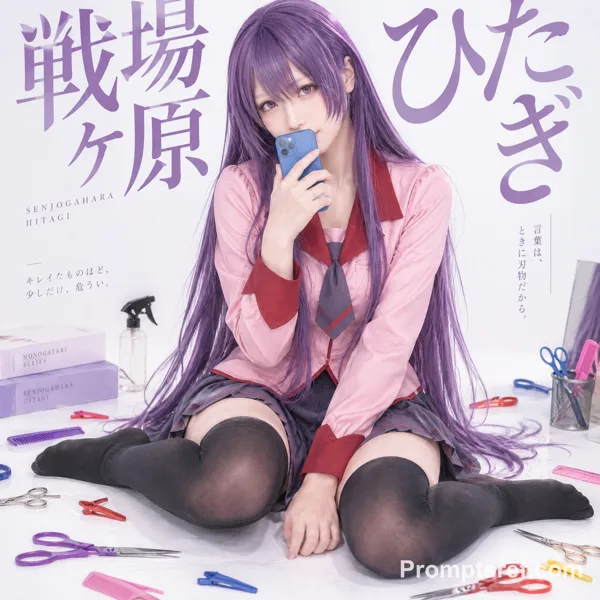
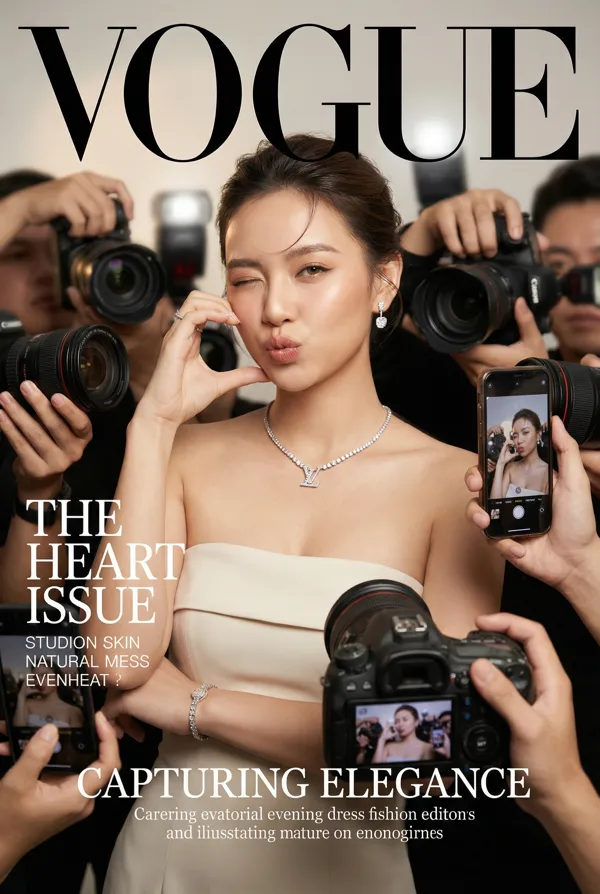
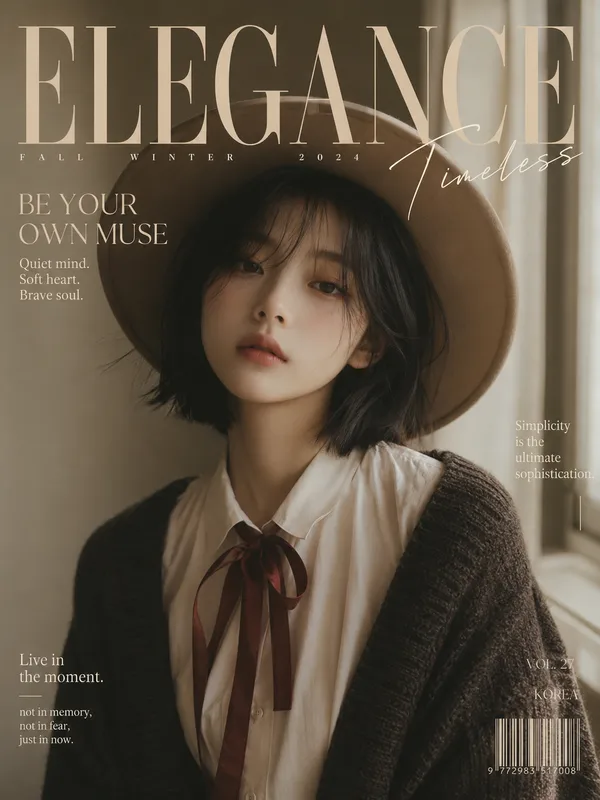
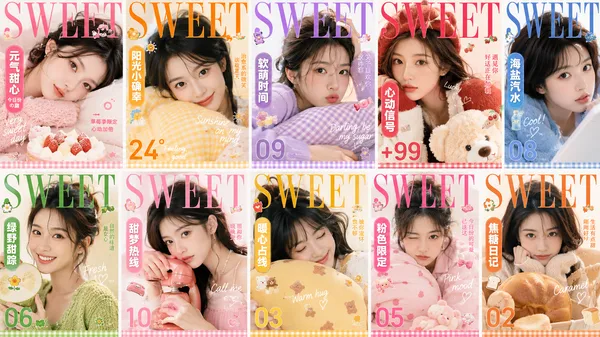
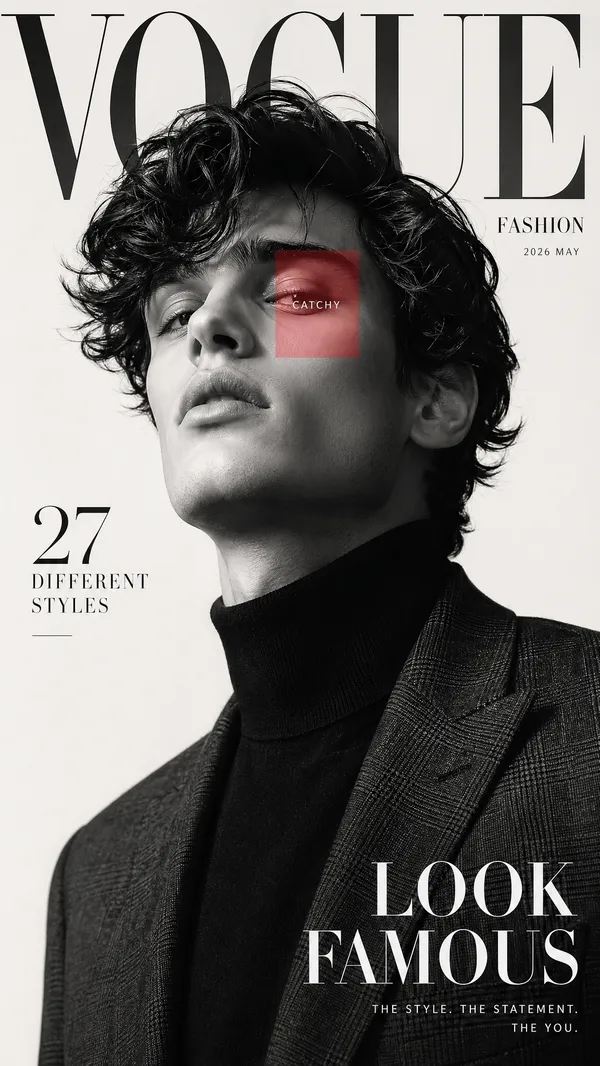
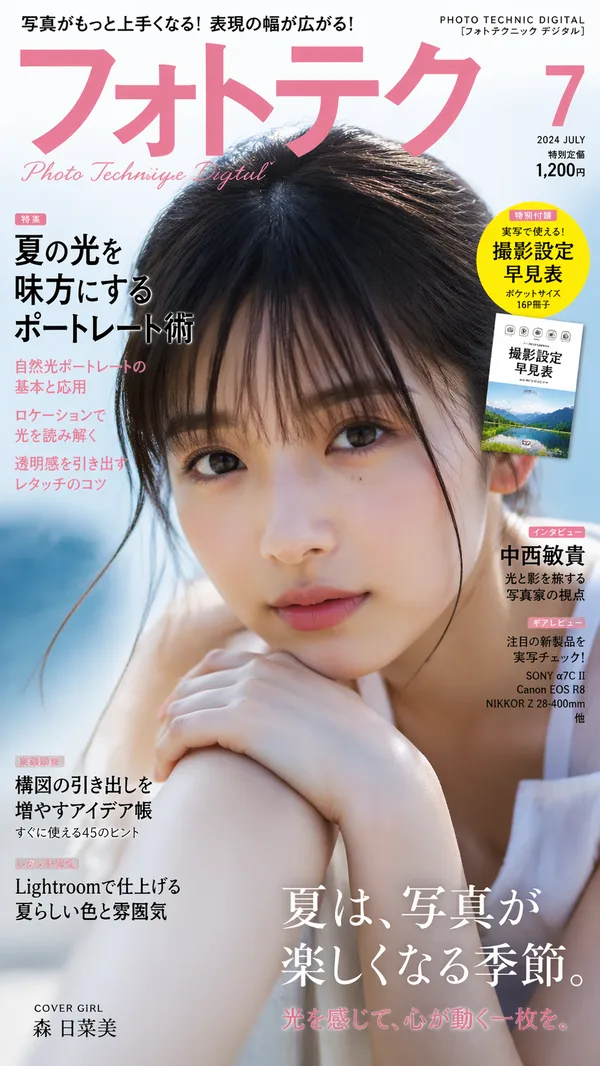
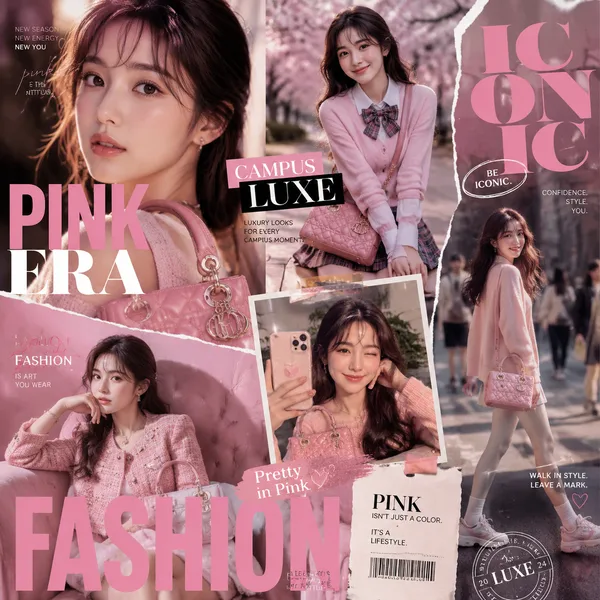
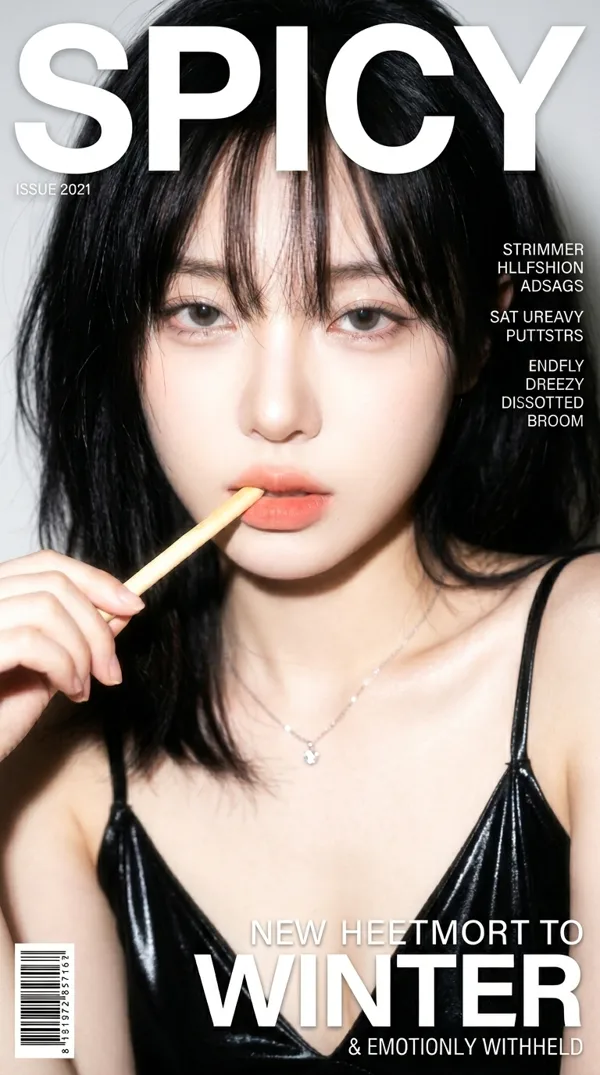
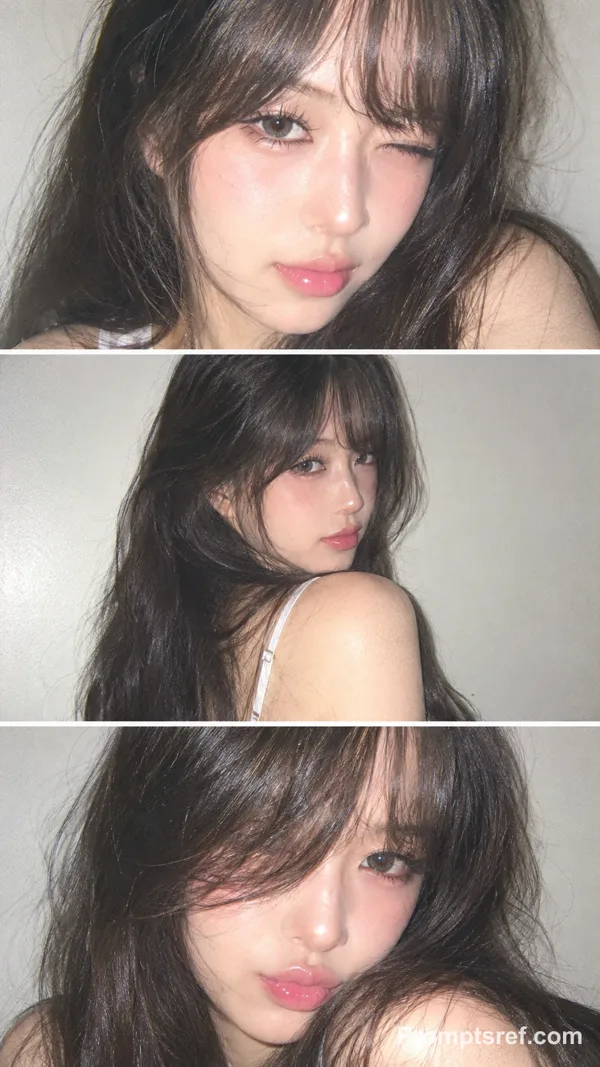
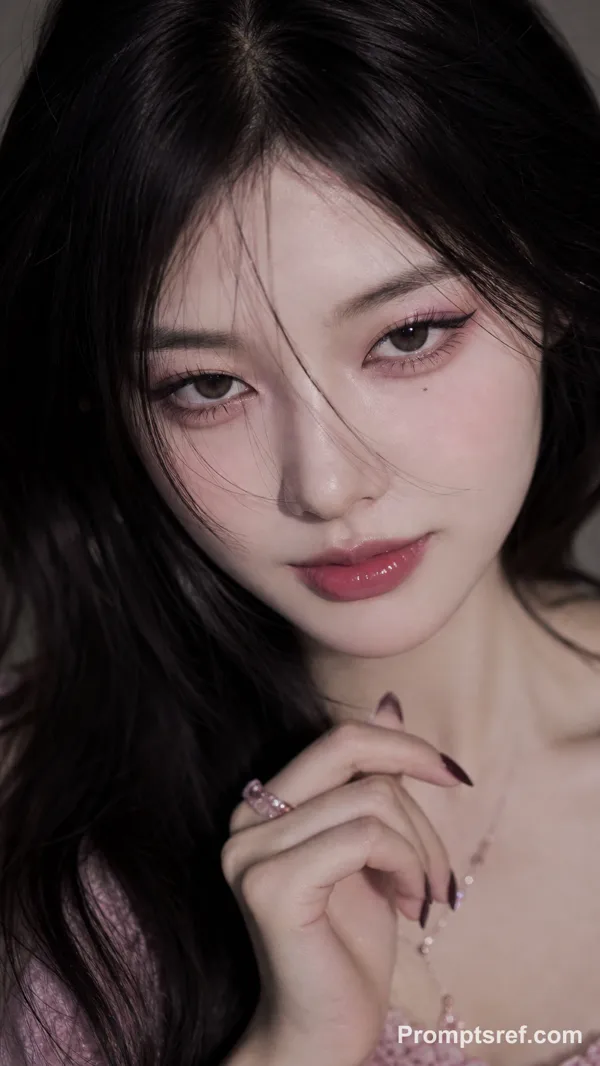
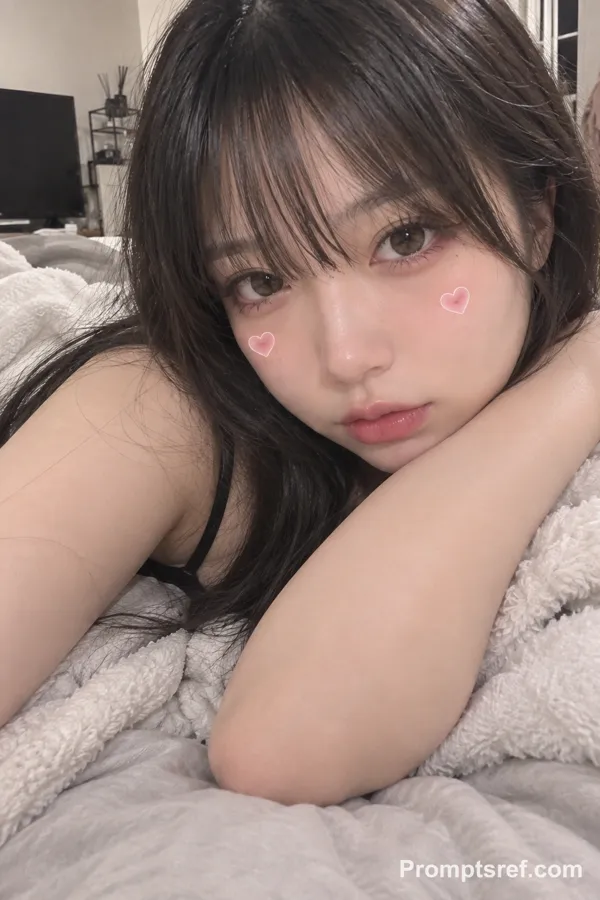
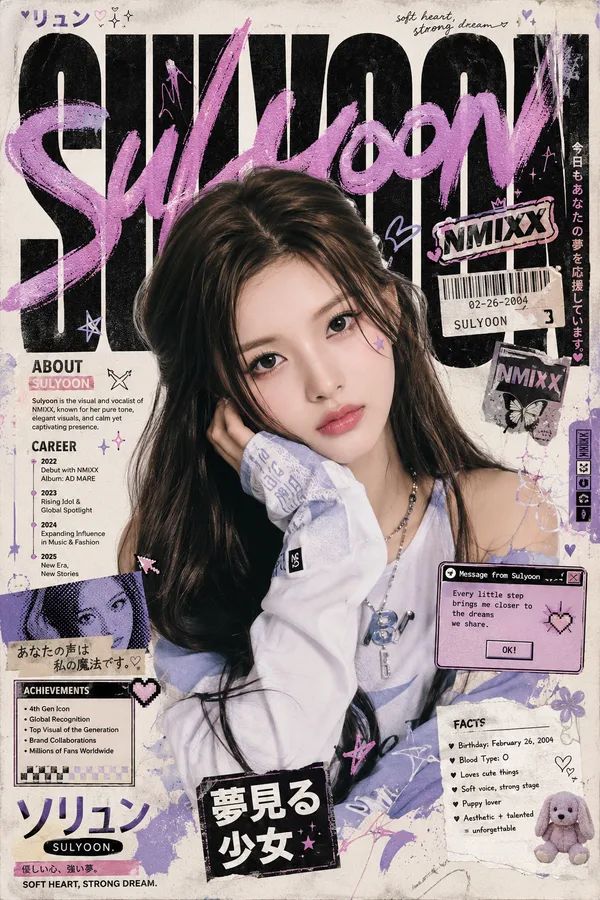
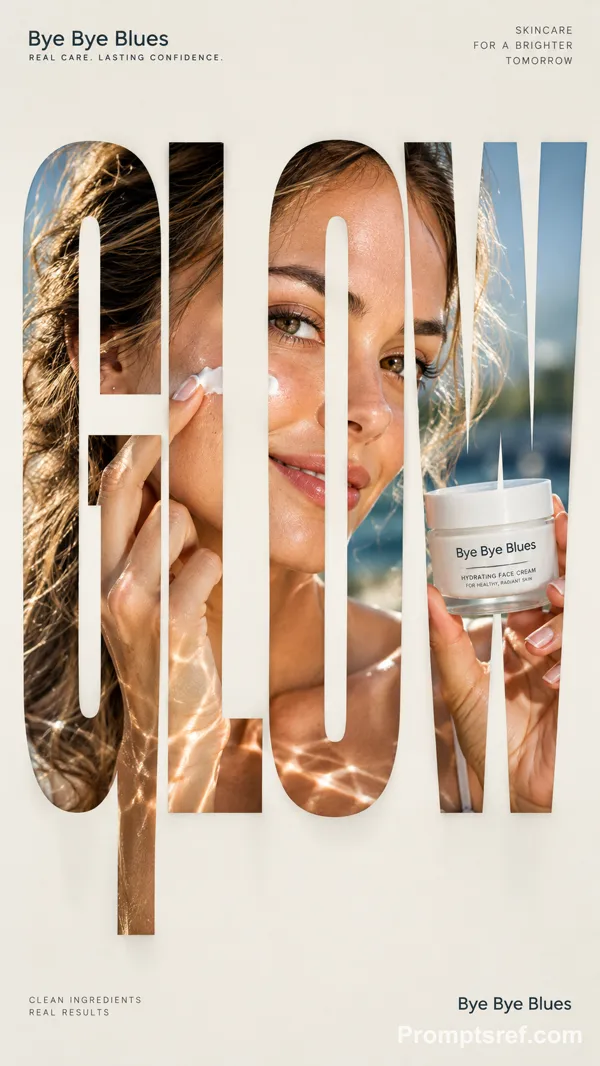
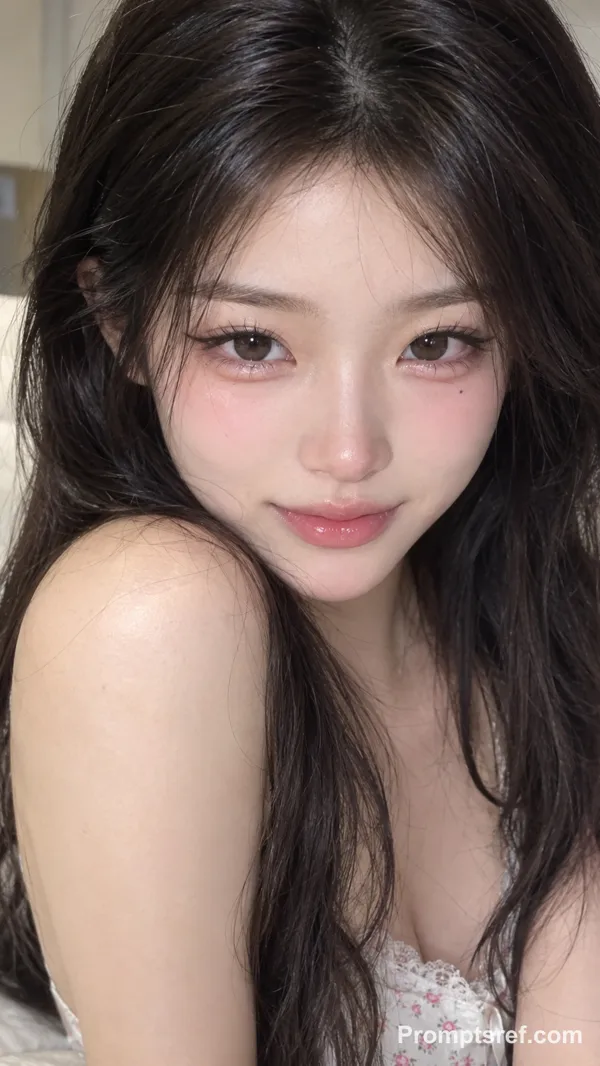
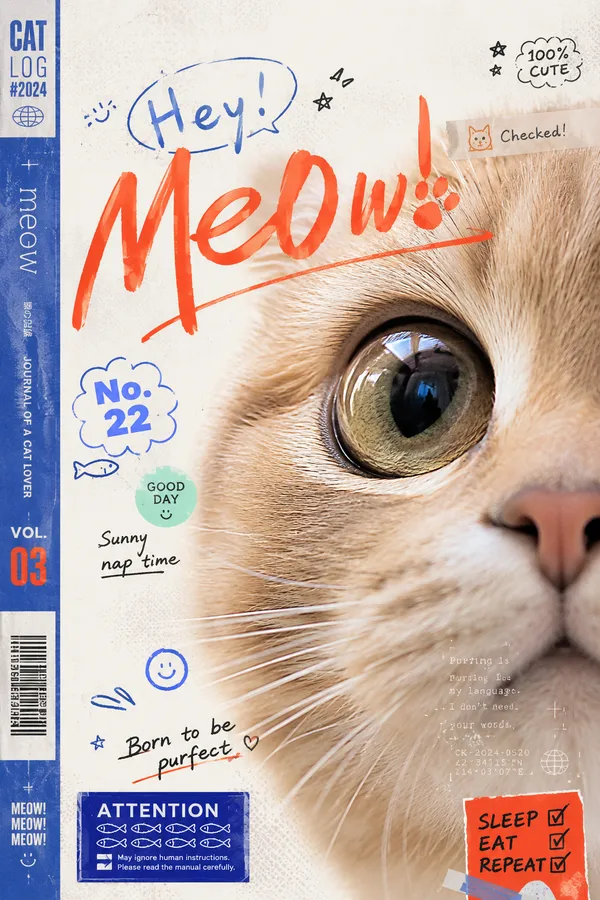
GPT Image 2.0 Prompt - Portrait de couverture de magazine beauté japonais

- Modèle
- GPT Image 2.0
- Format
- auto
- Qualité
- 1K
Prompt
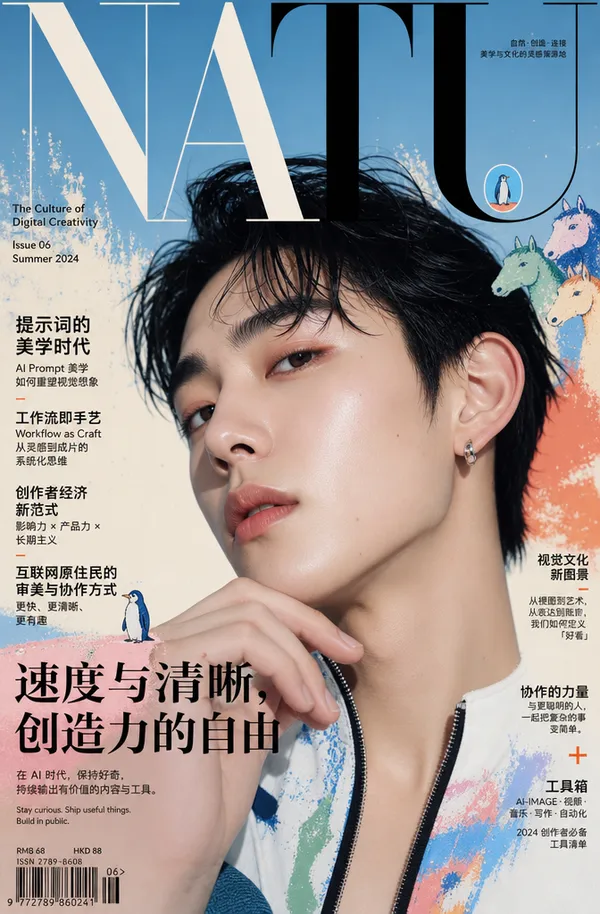
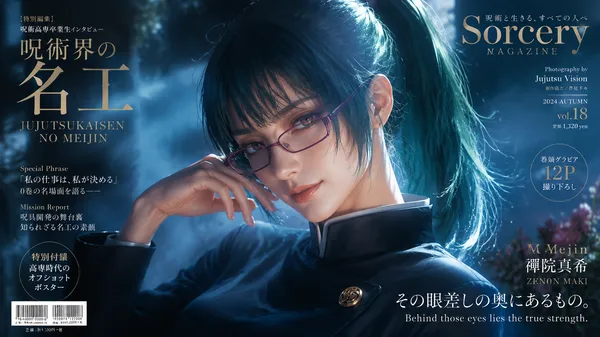
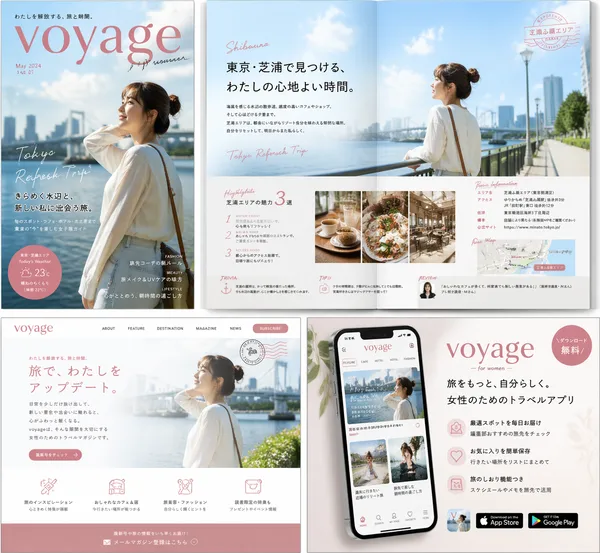
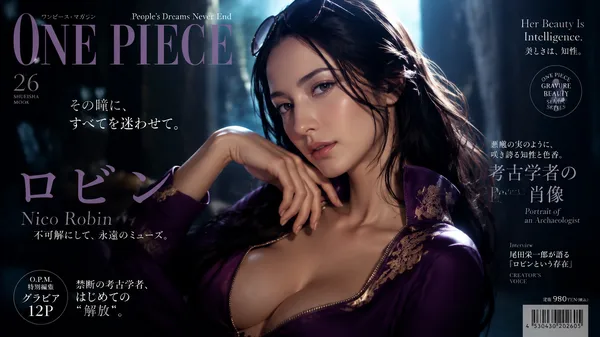
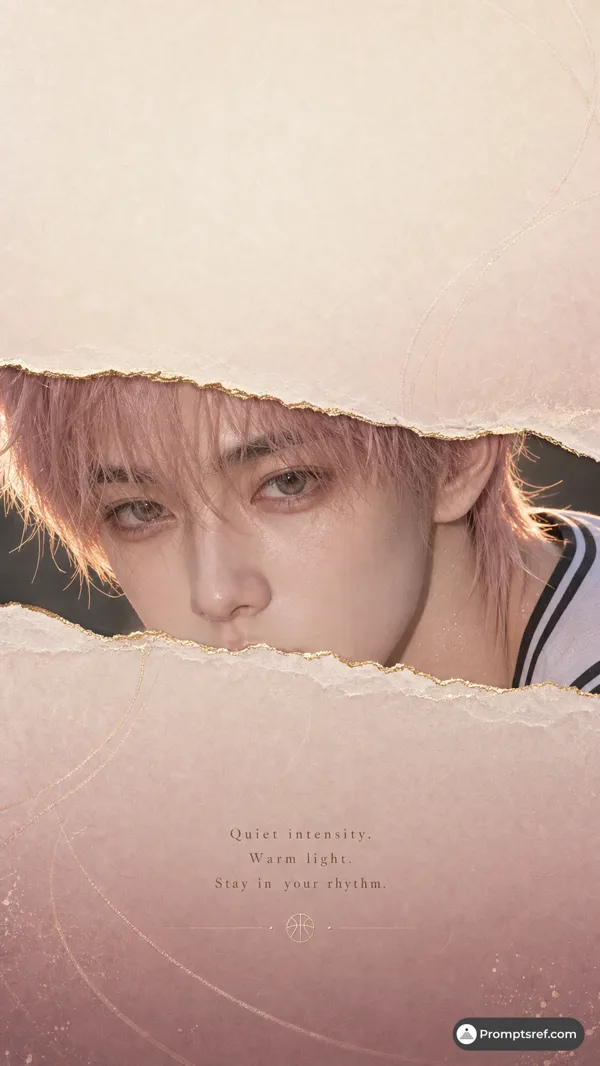
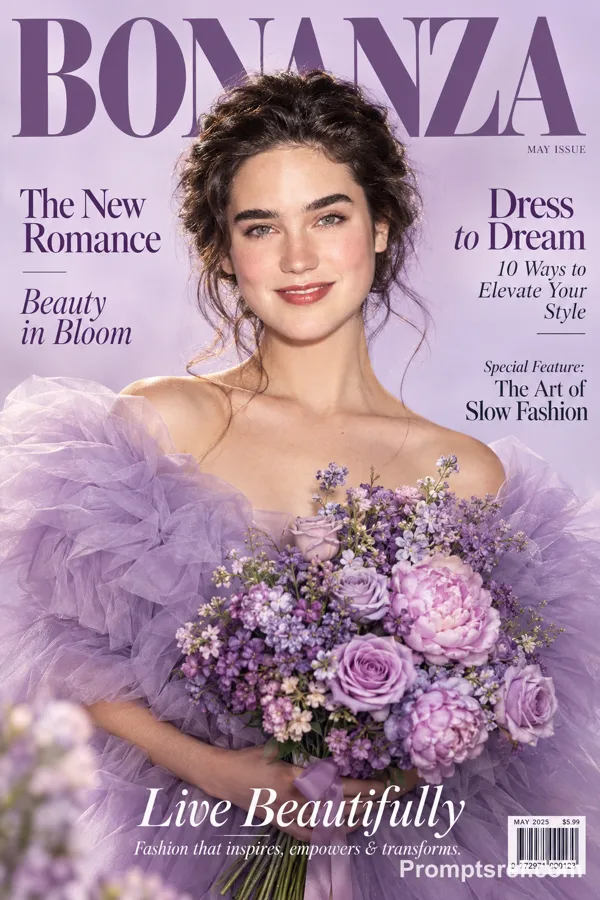
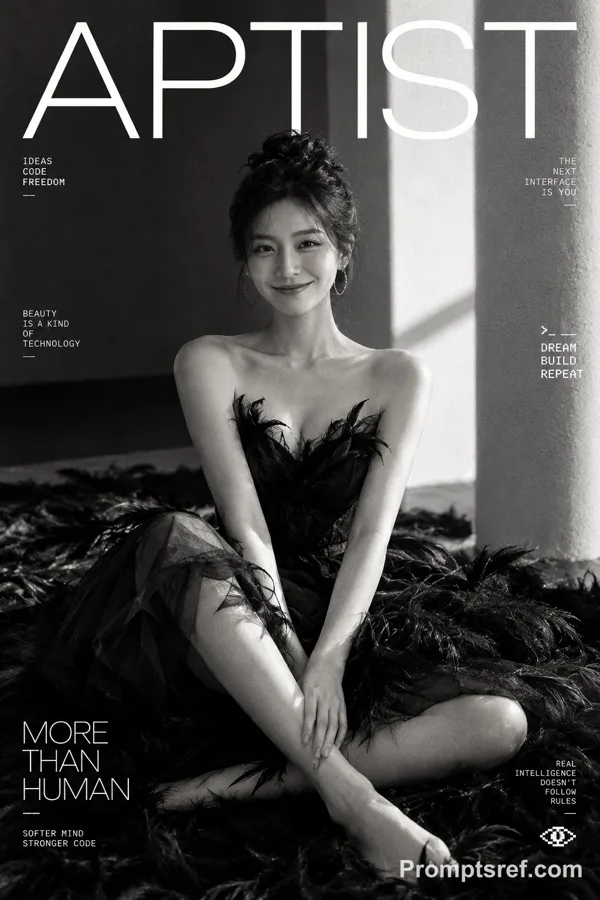
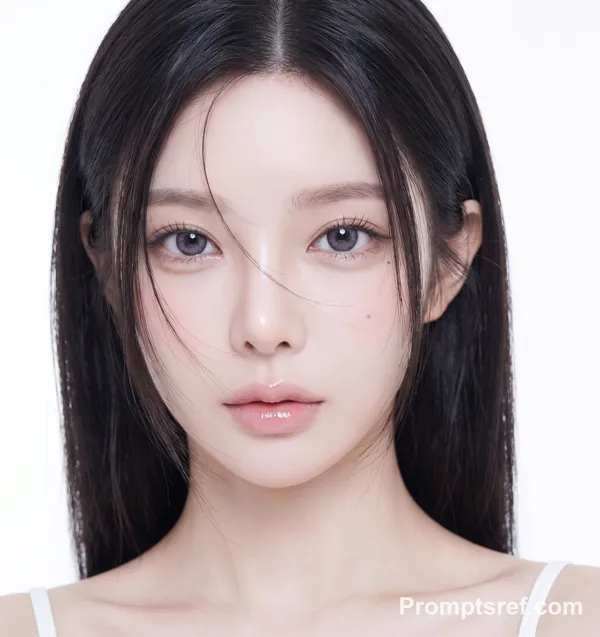
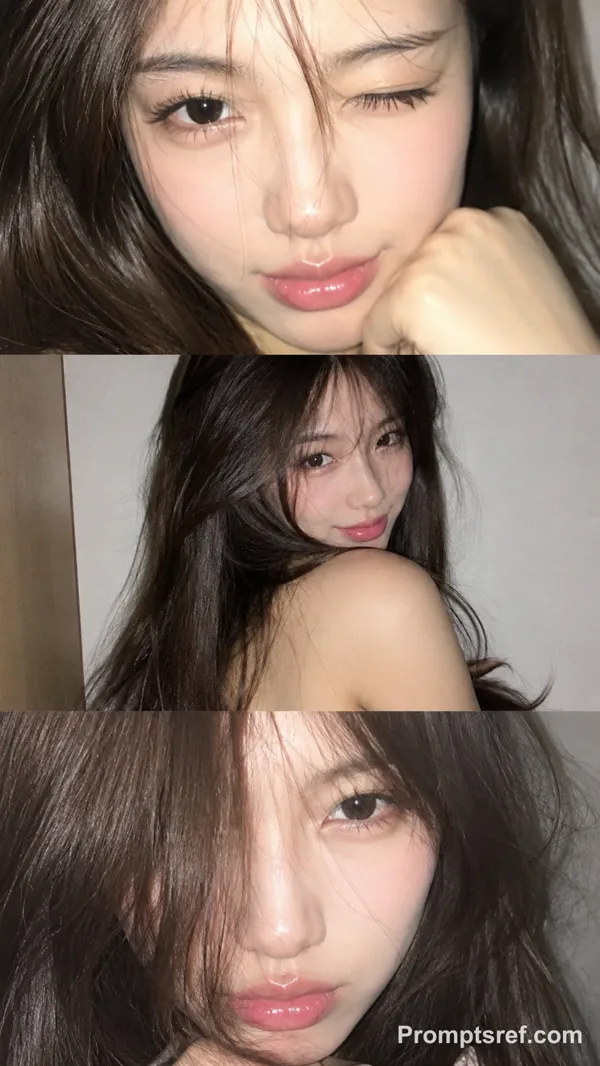
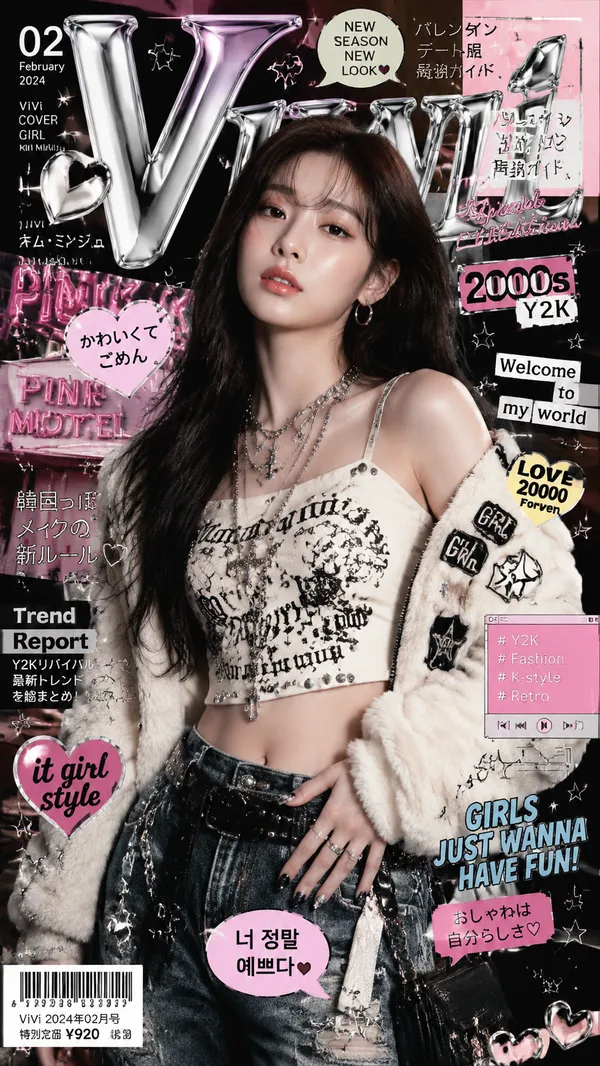
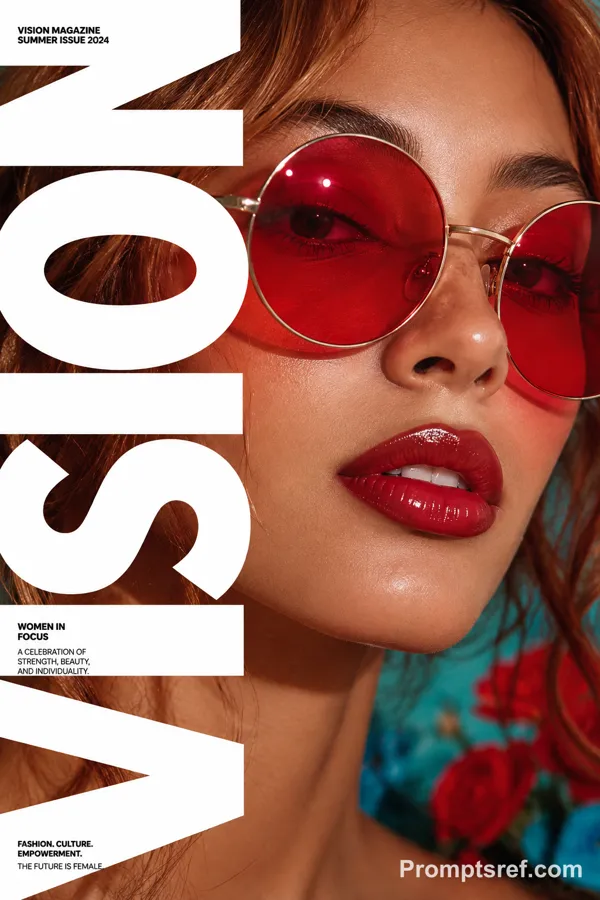
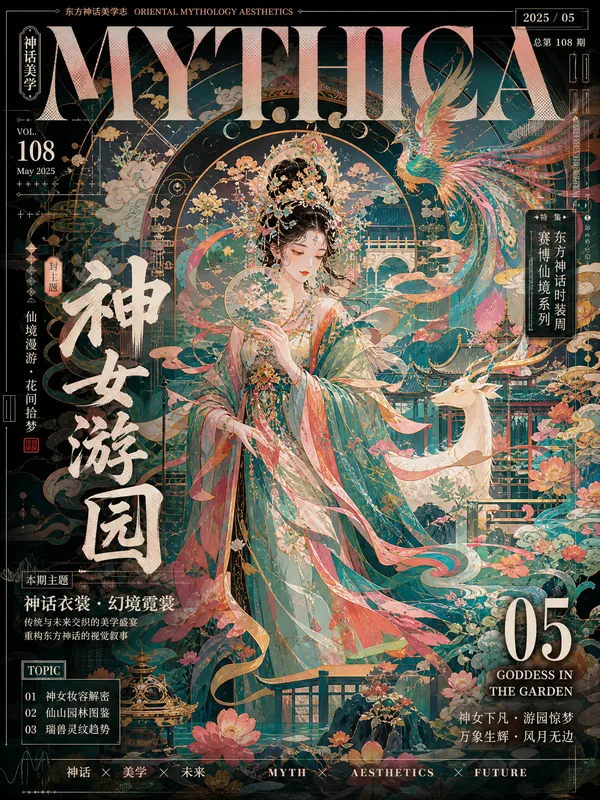
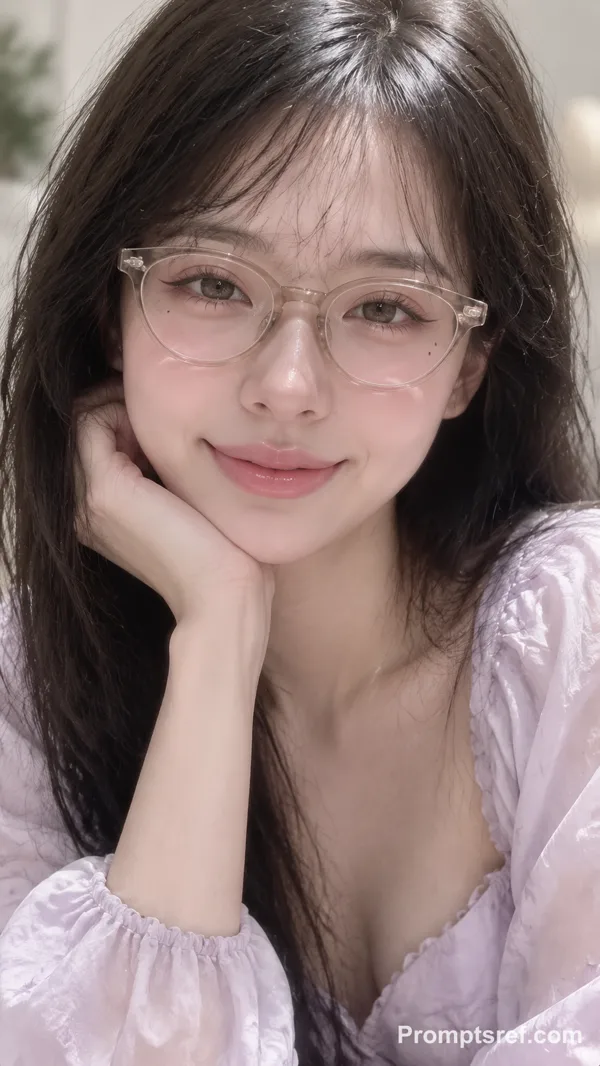
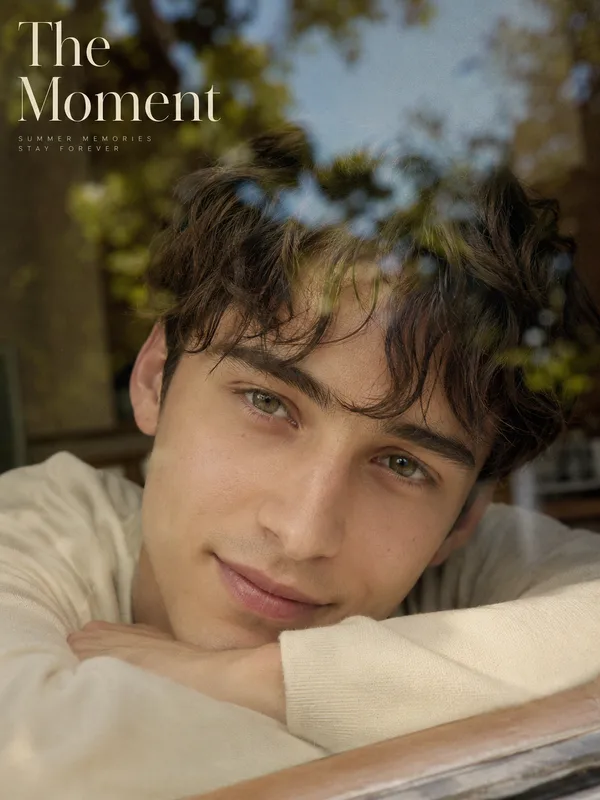
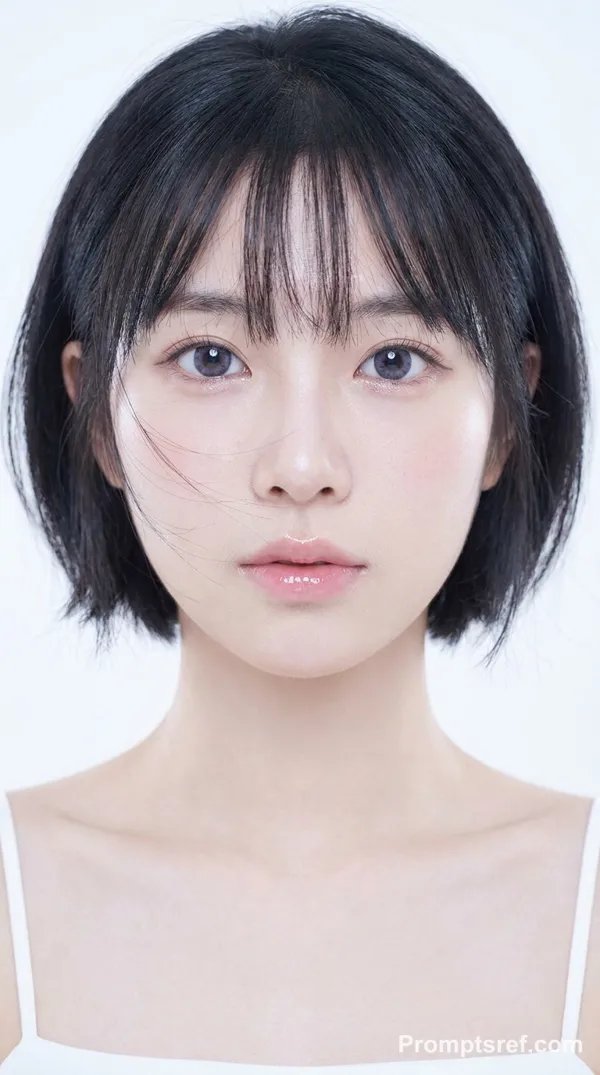
Turn the uploaded portrait into a Japanese beauty magazine cover.
Theme: [beauty topic]
Magazine title: [magazine name]
Main cover story: [headline]
Accent color: [color]
Issue: [month / year]
Keep the person recognizable and preserve the original face, hairstyle, pose, body direction, and overall portrait composition.
Build the editorial layout around the portrait instead of forcing the image into a fixed template.
Analyze the face position, hair silhouette, gaze direction, shoulders, hands, and available negative space, then adapt the typography accordingly:
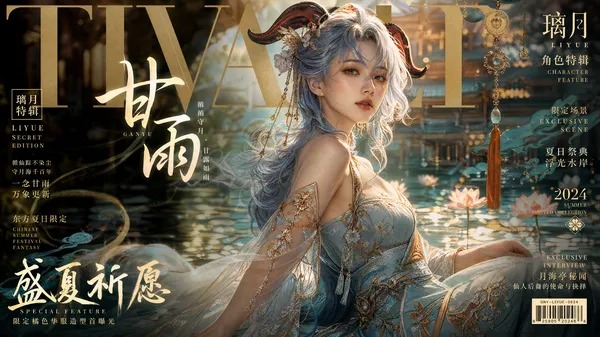
* Let the oversized serif masthead interact naturally with the head or hair, with partial overlap where appropriate.
* Place cover lines mainly in clean negative-space areas rather than covering important facial features.
* Use the subject’s gaze and body direction to guide the reading flow.
* Reduce text density when the portrait is tightly cropped; use more surrounding information when more negative space is available.
* Allow typography to overlap hair, clothing, or background when it improves depth, but keep the eyes, nose, and lips visually clear.
* Use clear XXL / L / M / XS type hierarchy instead of evenly sized text.
Create a convincing Japanese beauty-magazine aesthetic: muted low-saturation colors, slightly gray tonal balance, soft diffused beauty photography, natural skin texture, lifted blacks, compressed highlights, subtle film grain, and a lightly faded print-magazine feel.
Include 4–6 meaningful beauty-related cover lines, one small editorial badge or information module, and one strong main cover story. Avoid meaningless filler text.
The final image should feel like a real published beauty magazine cover, while the composition changes naturally to fit each individual portrait.
Remix
RemixPas encore de remix. Créez la première version.
Utiliser ce prompt d’image
- 01
Commencer avec le prompt
Copiez le prompt ou ouvrez-le avec le bouton de génération.
- 02
Apporter vos modifications
Adaptez le sujet, le décor ou les détails. Ajoutez des références si nécessaire.
- 03
Vérifier avant de générer
Vérifiez le modèle et les paramètres de sortie. Les résultats peuvent varier.