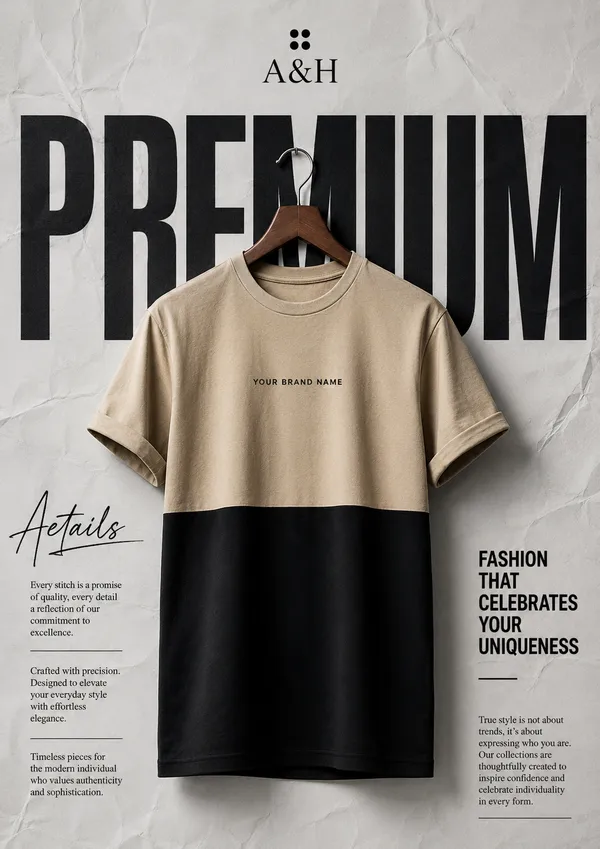
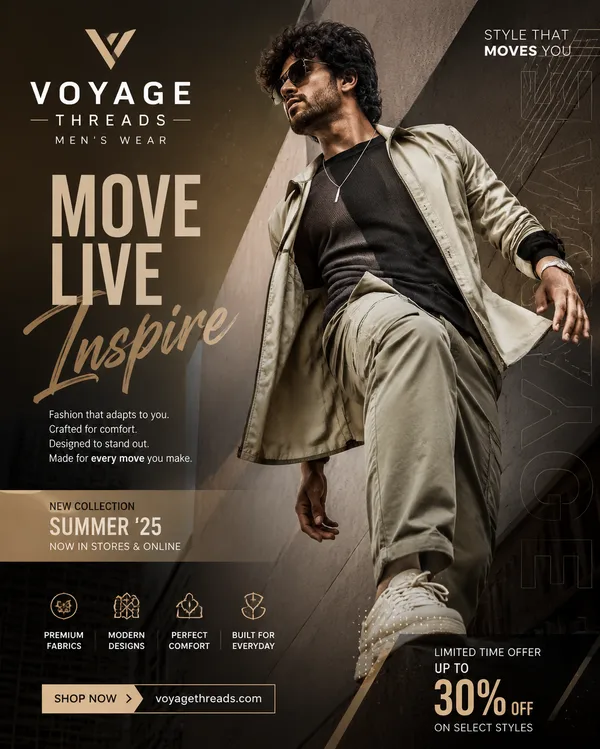
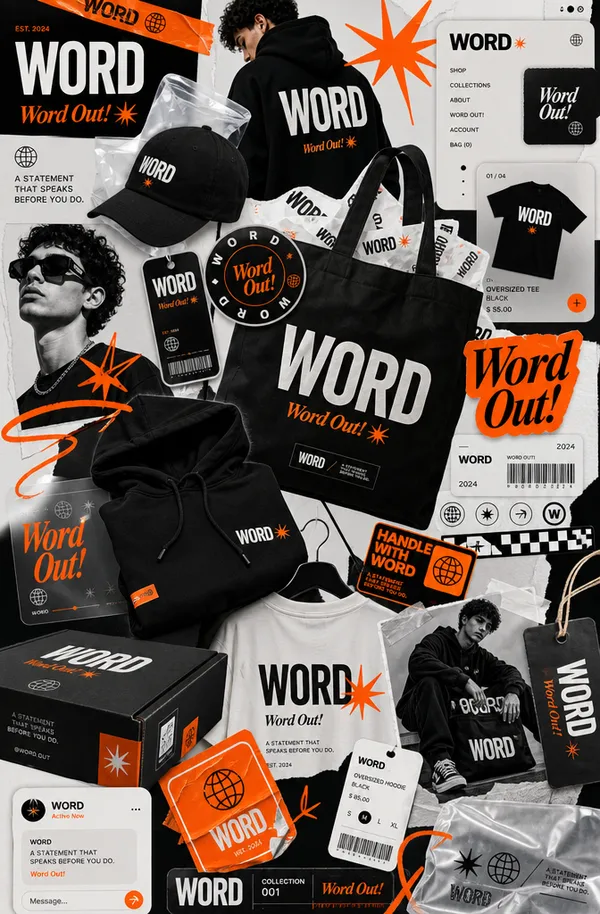
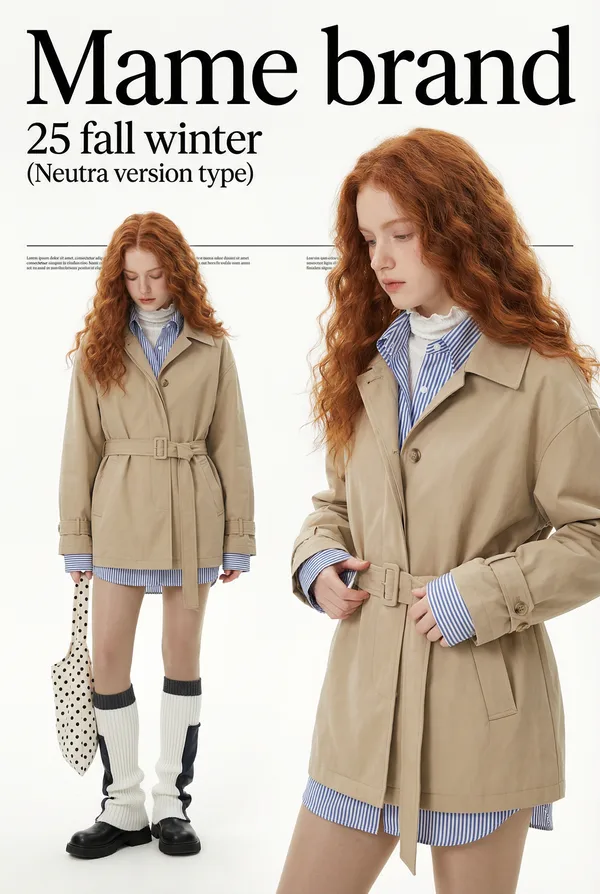
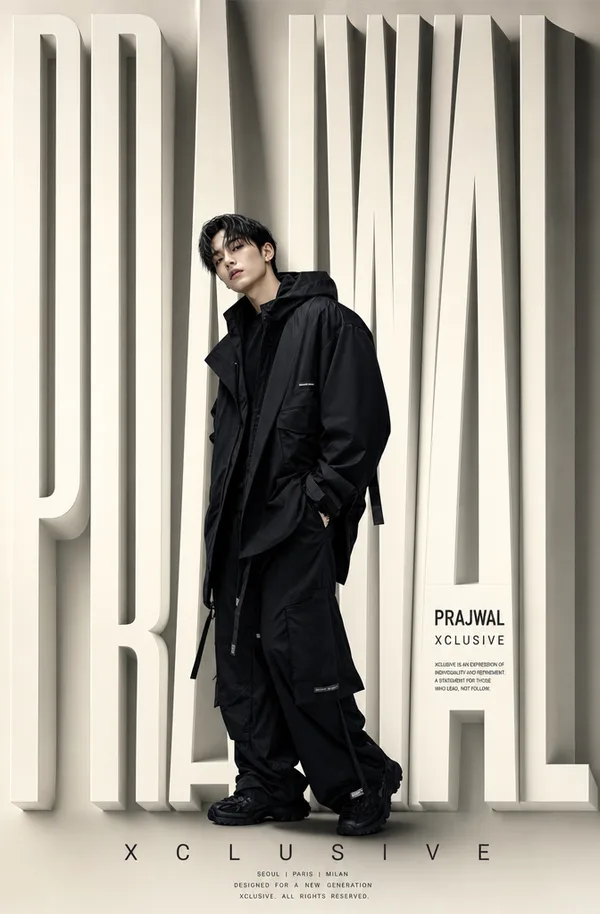
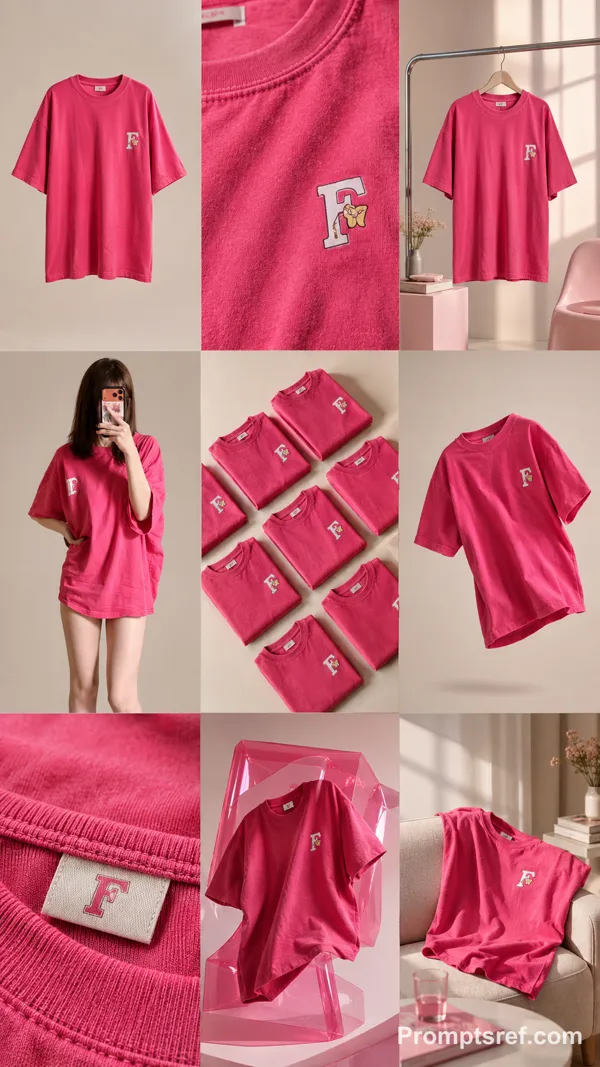
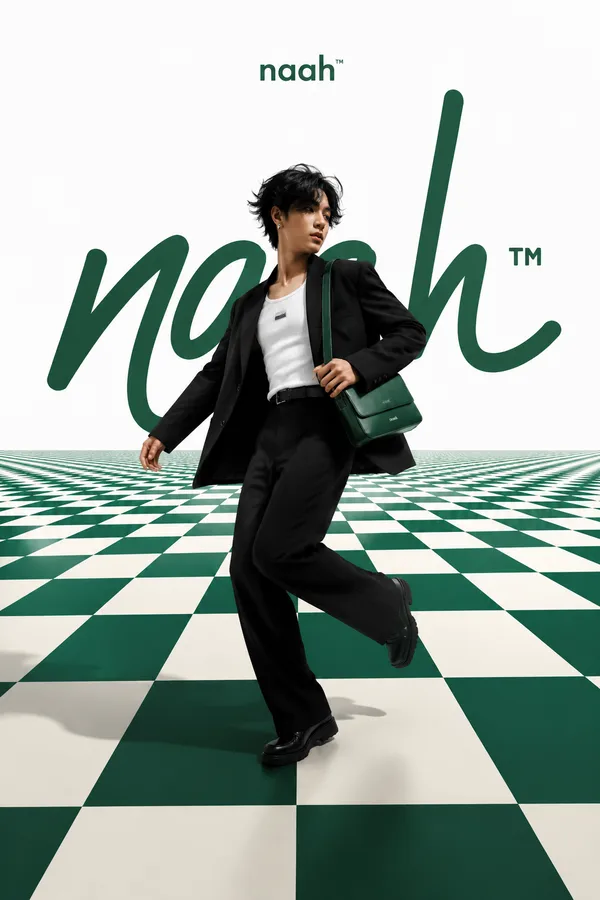
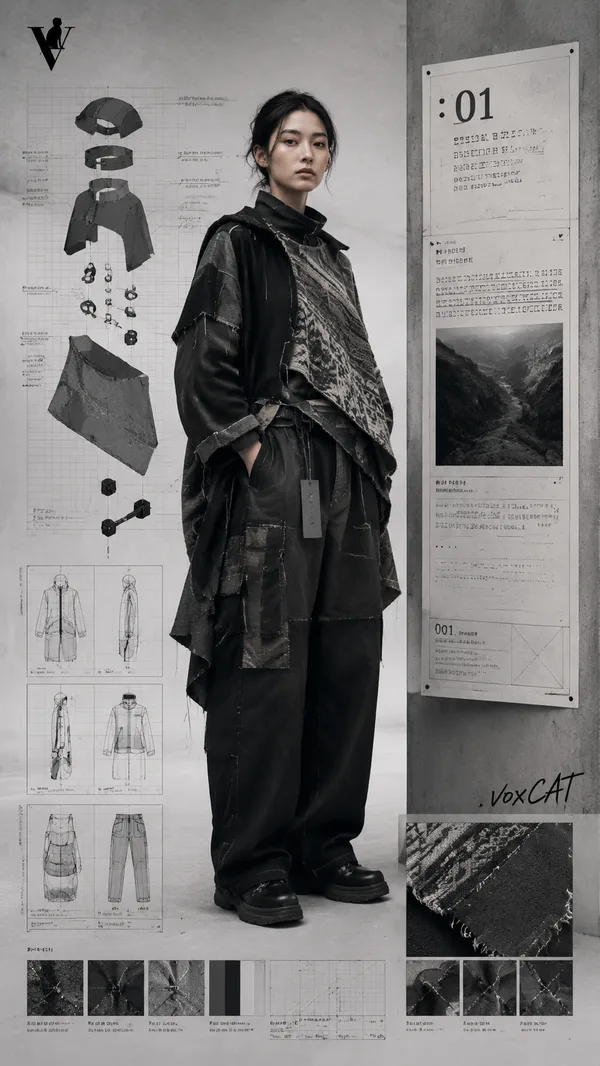
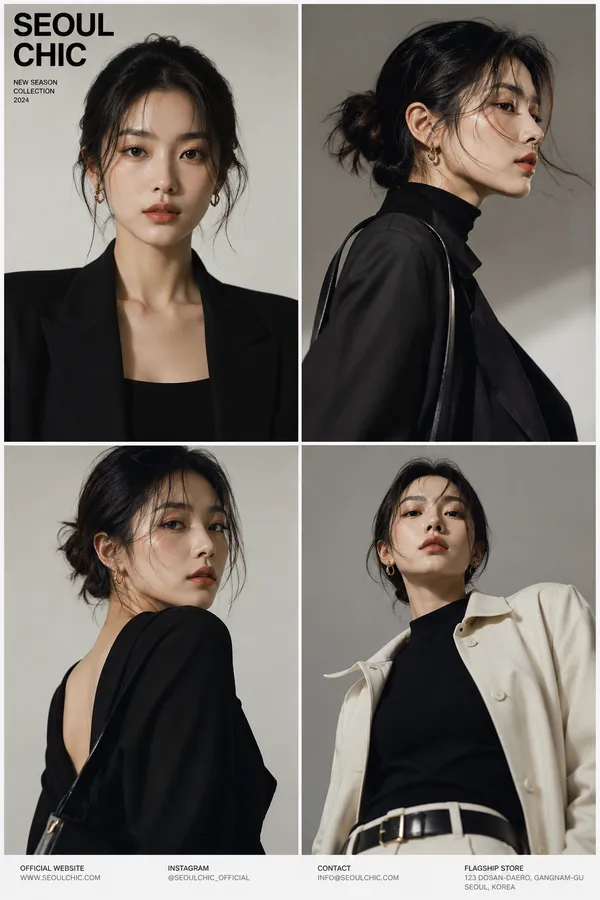
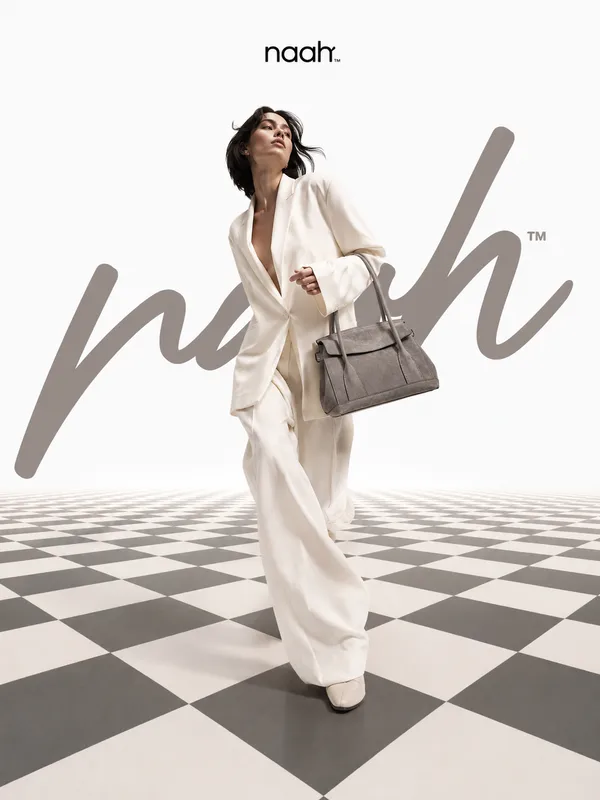
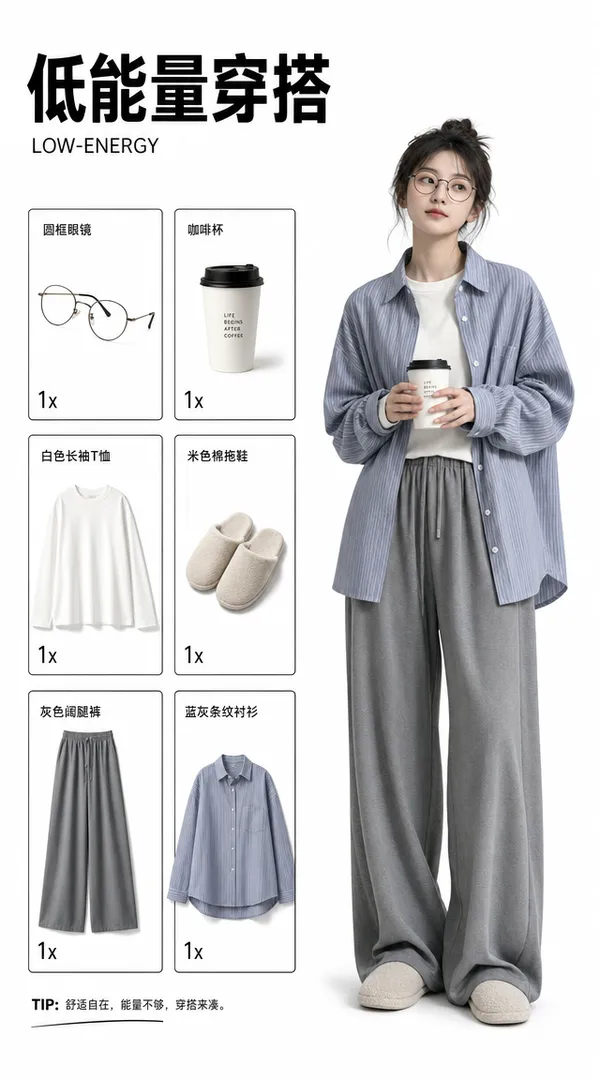
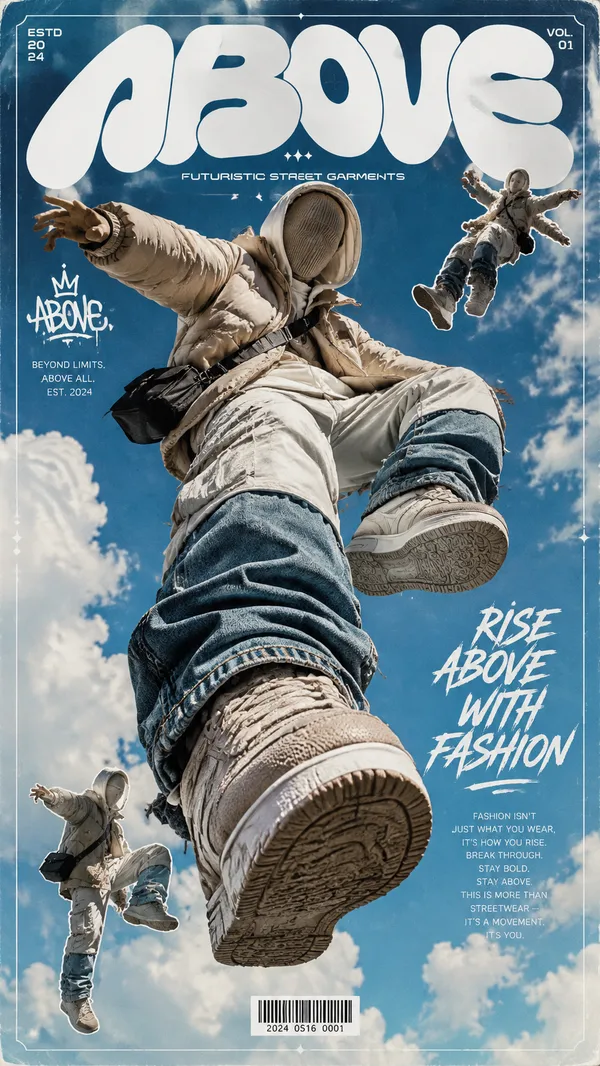
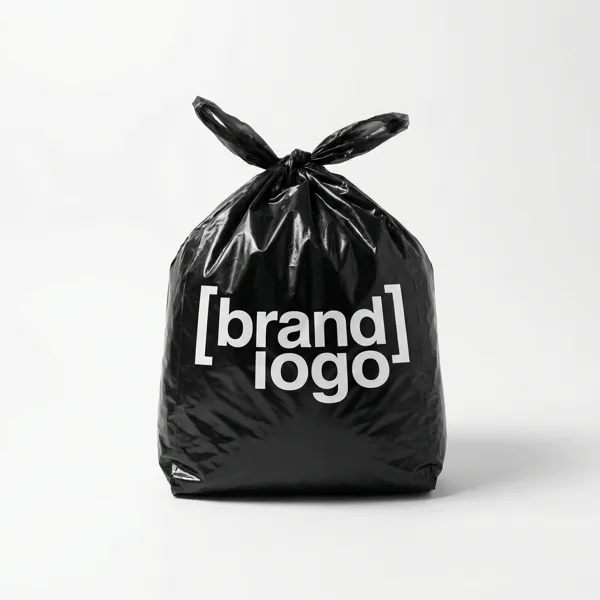
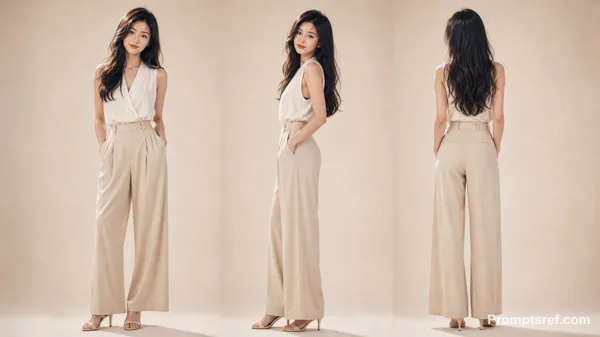
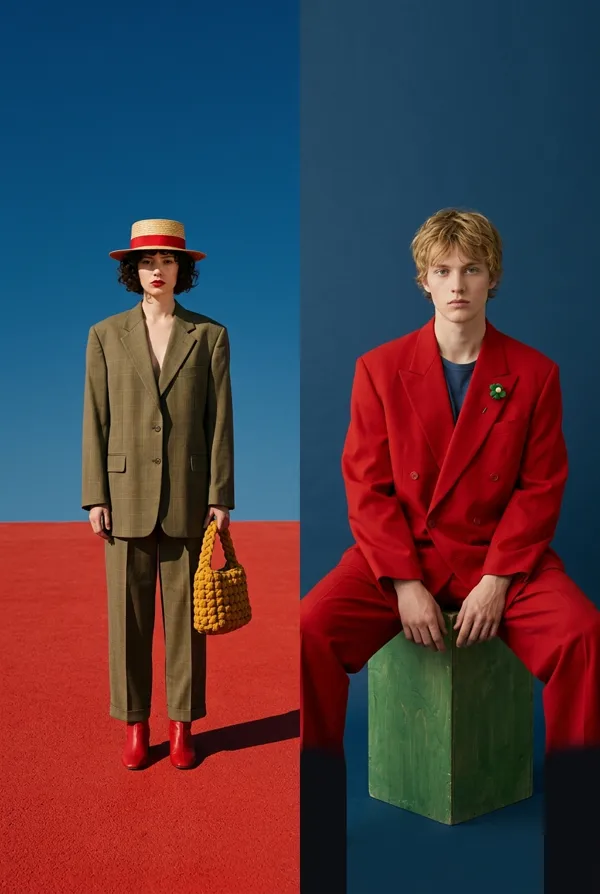
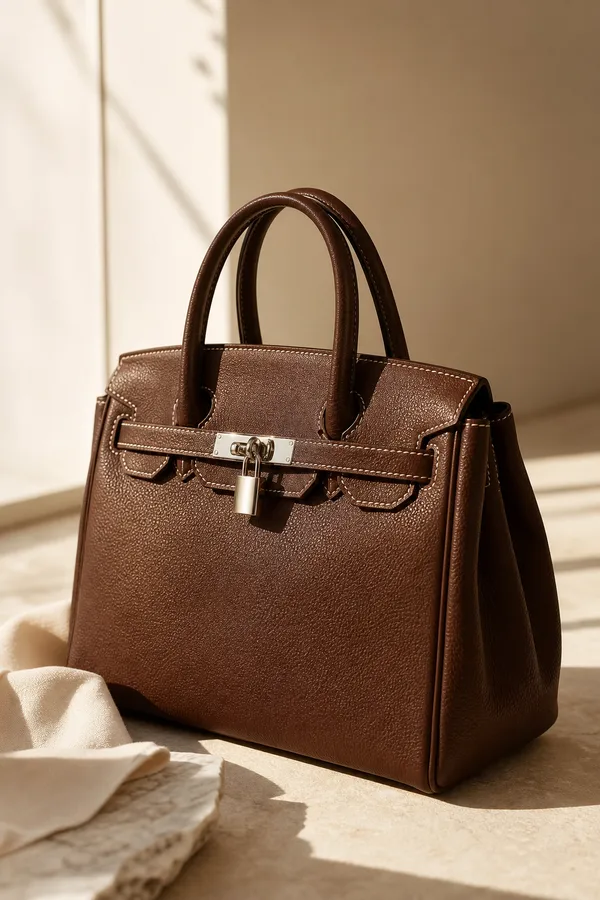
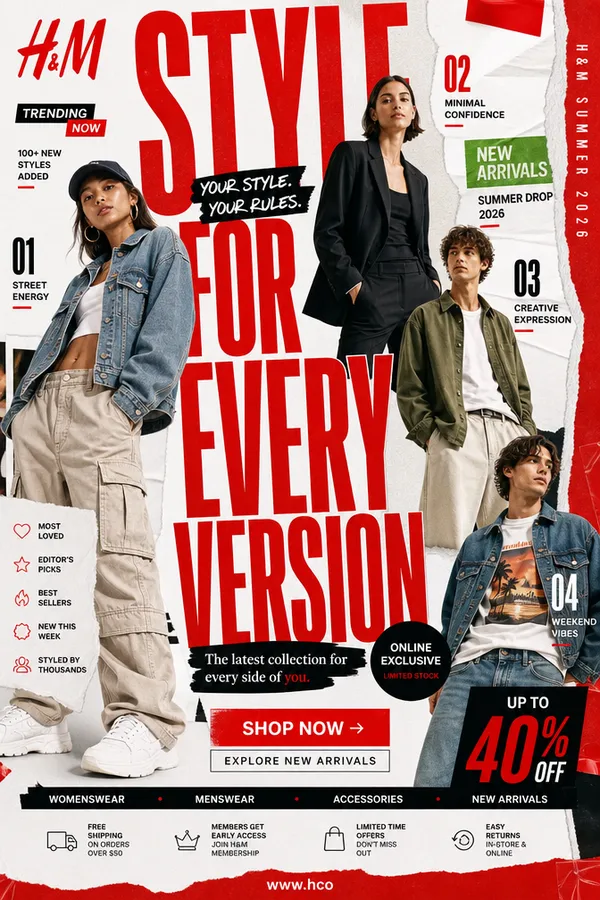
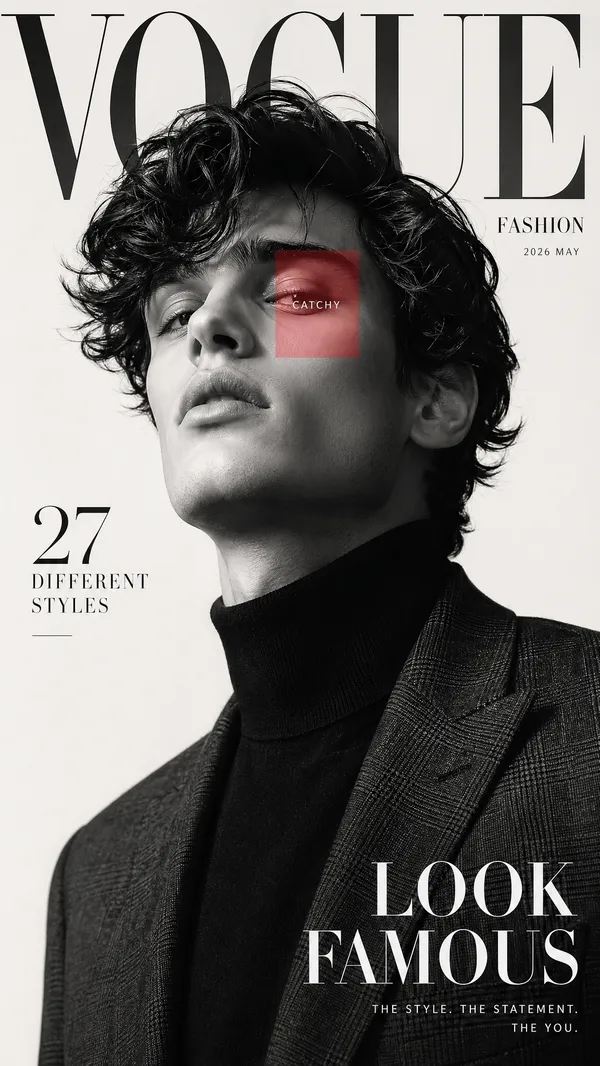
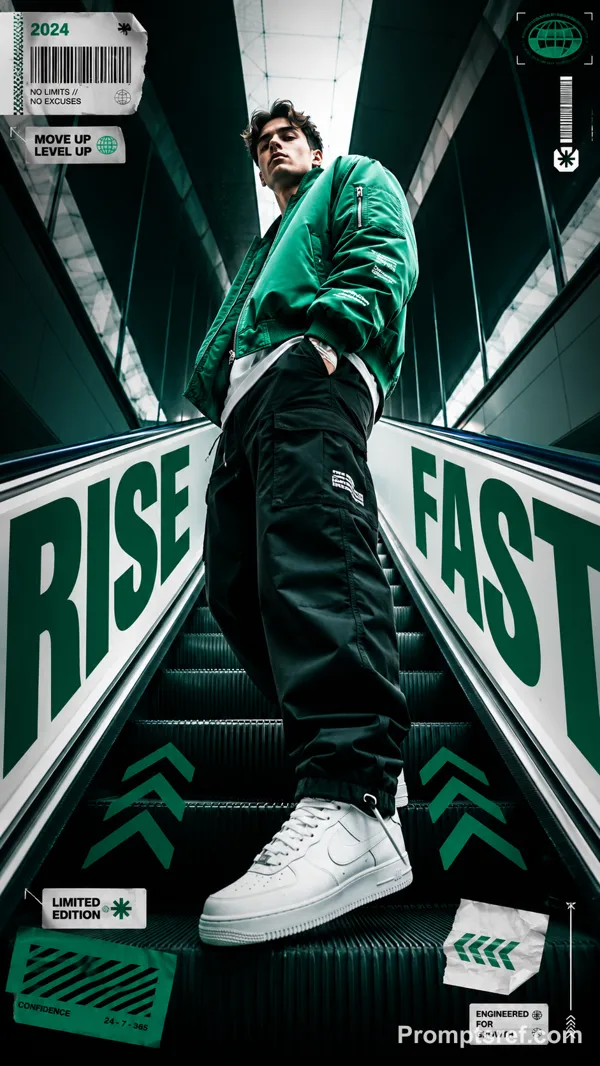
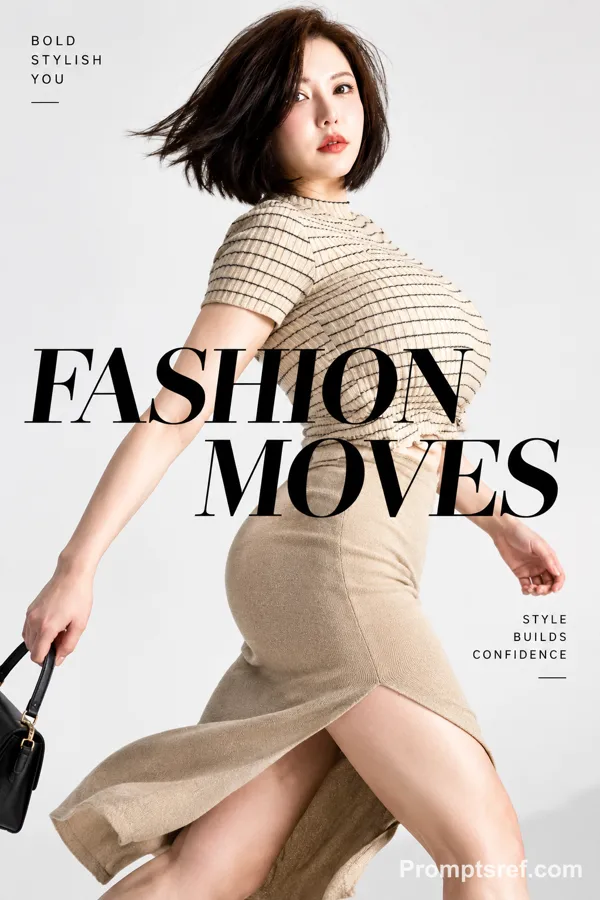
GPT Image 2.0 Prompt - Flat lay de catalogue de mode sur fond beige

- Modèle
- GPT Image 2.0
- Format
- 16:9
- Qualité
- 1K
Prompt
Create a premium fashion catalog flat lay on a clean soft beige studio background.
Only show the outfit items, arranged neatly as if for an ecommerce product display.
Items included: • Brown oversized blazer
• White graphic t-shirt
• Brown pinstripe wide-leg trousers
• Olive green cap
• Cream sneakers
• Yellow designer handbag
Arrange the clothing in a clean aesthetic flat-lay composition so it looks like the outfit is worn but without any person or mannequin. Each item must be perfectly isolated and clearly visible with realistic folds and shadows. The layout should look professional and balanced like a luxury fashion brand product catalog.
Lighting: soft studio lighting, minimal shadows, ultra sharp details, high fashion editorial style, 4K quality.
Add a large stylish bold text in the background behind the outfit: BRAND NAME
Typography should be modern, elegant and slightly faded so it looks like a branding element of the catalog.
Add a small product info section on one side: Sizes: M, L, XL, XXL
Next to it place small circular color indicators showing available colors: Red, Orange, Blue, Green
Important requirements: • No person
• No character
• No mannequin
• Only clothes and accessories
• Clean catalog layout
• Ultra detailed fabric texture
• Professional ecommerce product presentation
Remix
RemixPas encore de remix. Créez la première version.
Utiliser ce prompt d’image
- 01
Commencer avec le prompt
Copiez le prompt ou ouvrez-le avec le bouton de génération.
- 02
Apporter vos modifications
Adaptez le sujet, le décor ou les détails. Ajoutez des références si nécessaire.
- 03
Vérifier avant de générer
Vérifiez le modèle et les paramètres de sortie. Les résultats peuvent varier.