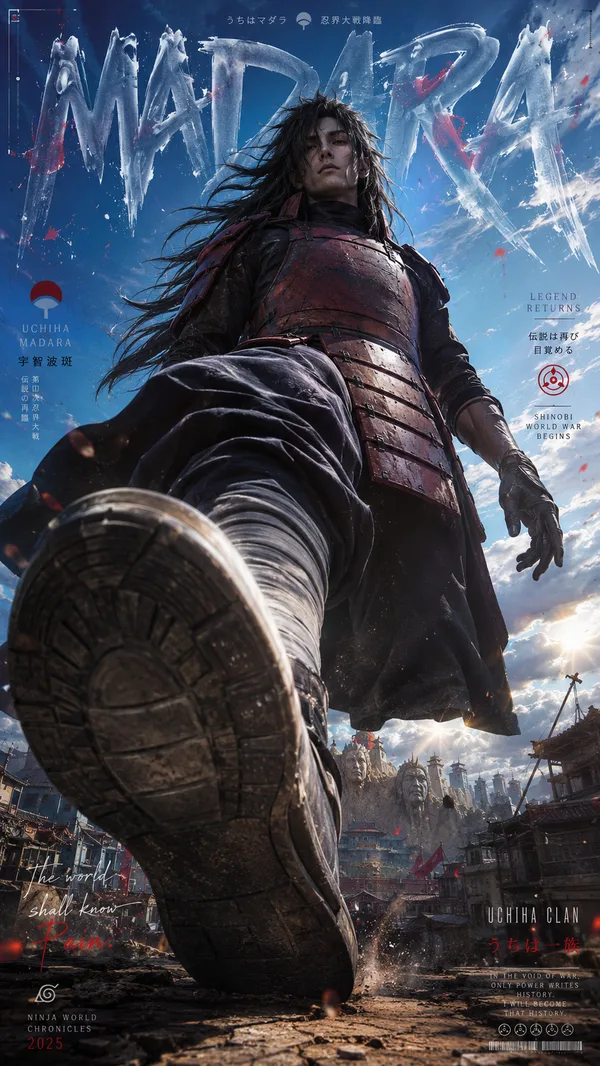
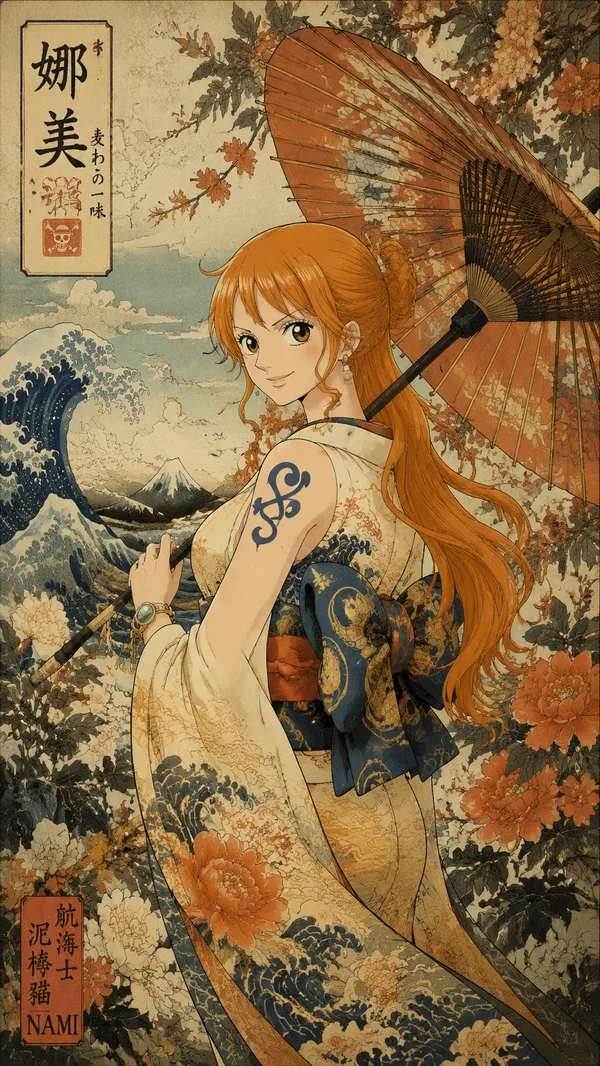
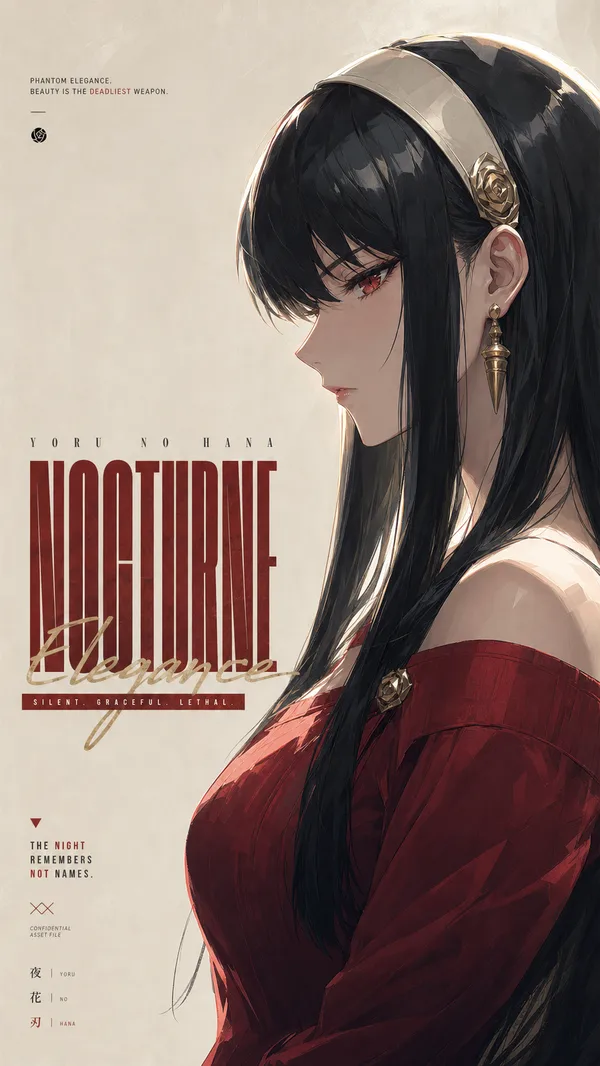
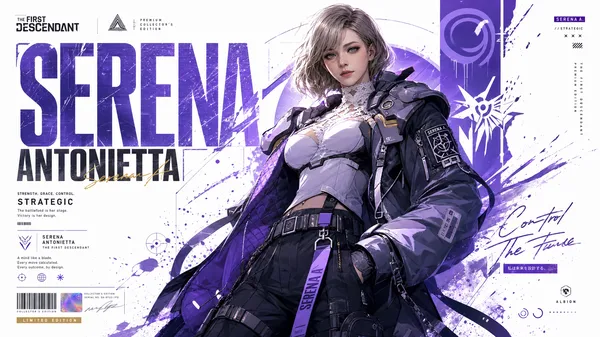
GPT Image 2.0 提示词 - 破框而来的照美冥

- 画面比例
- 9:16
- 画质
- 1K
提示词
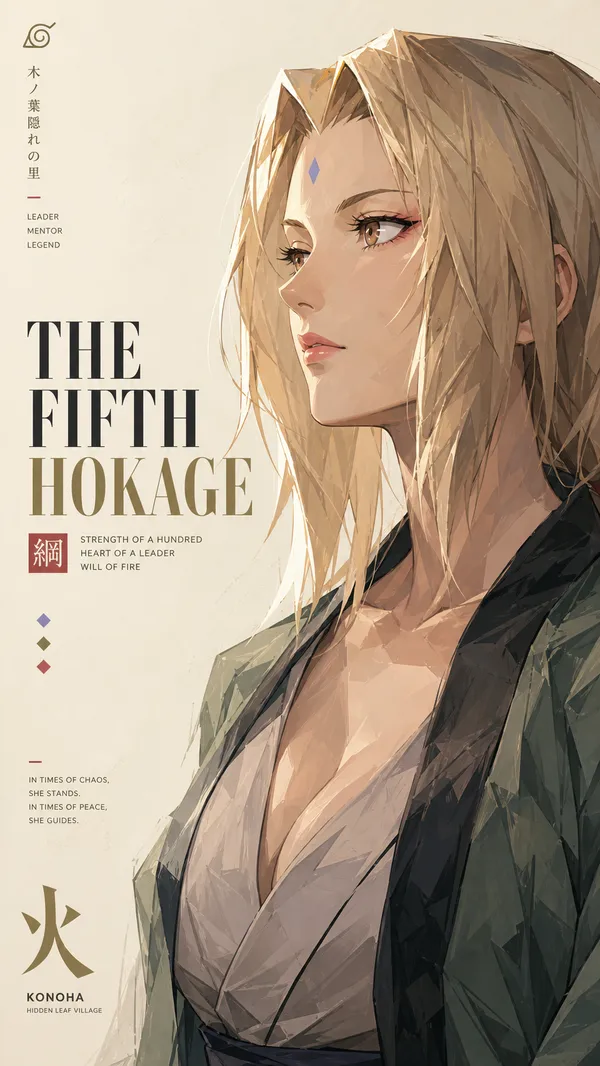
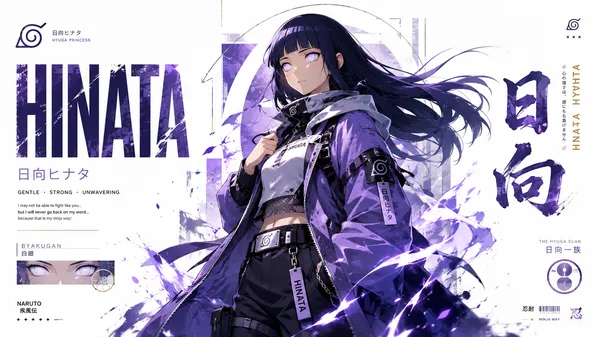
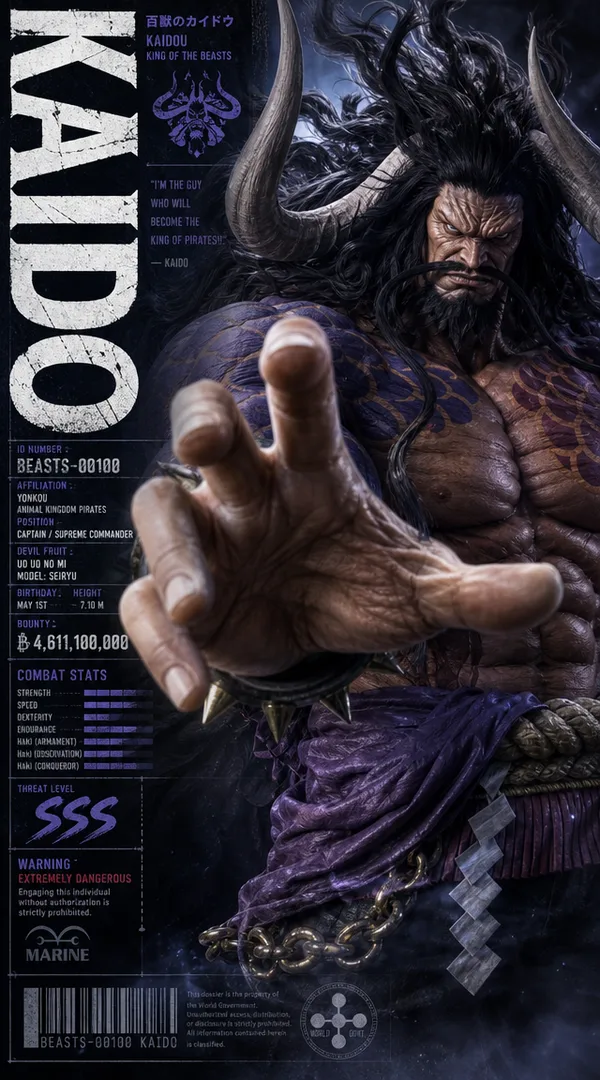
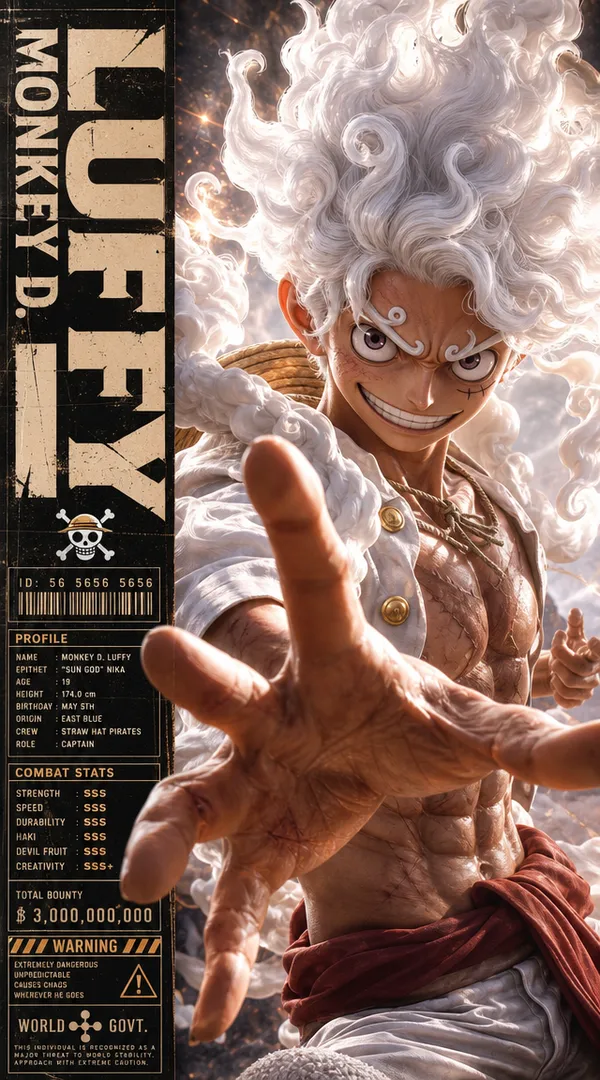
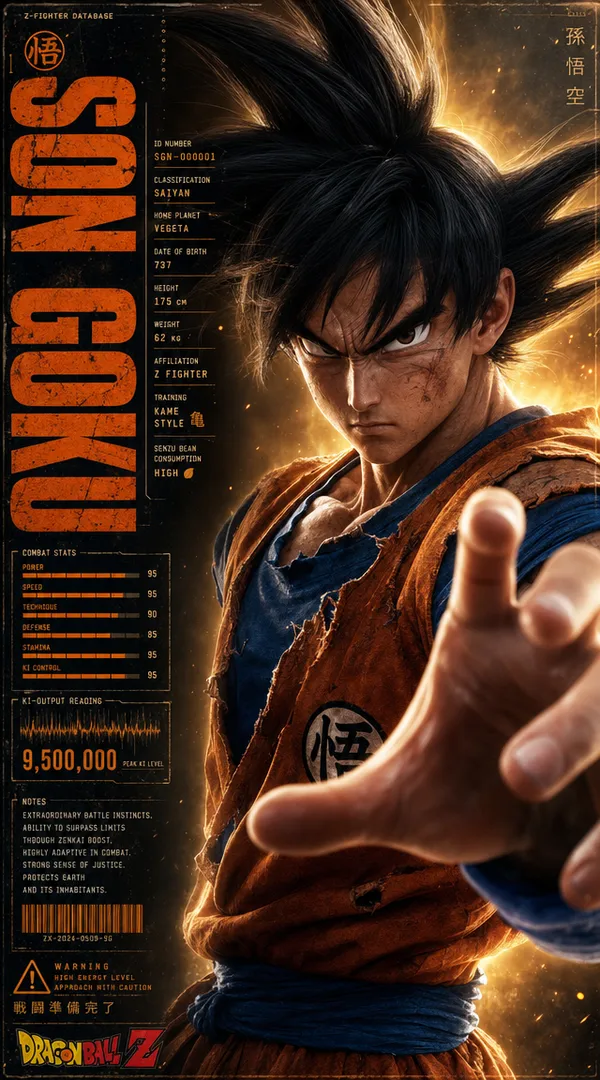
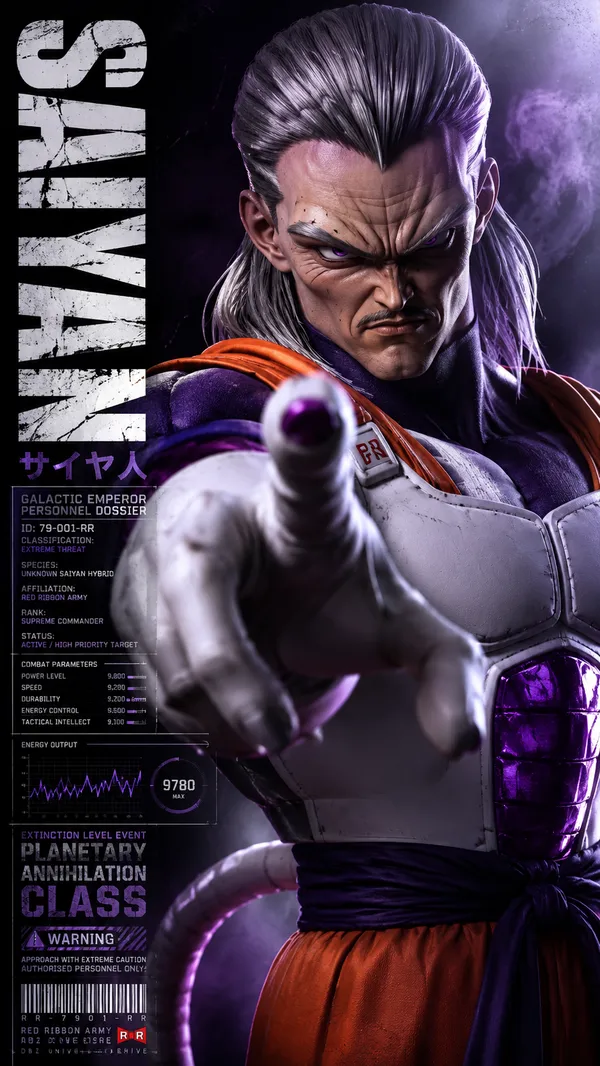
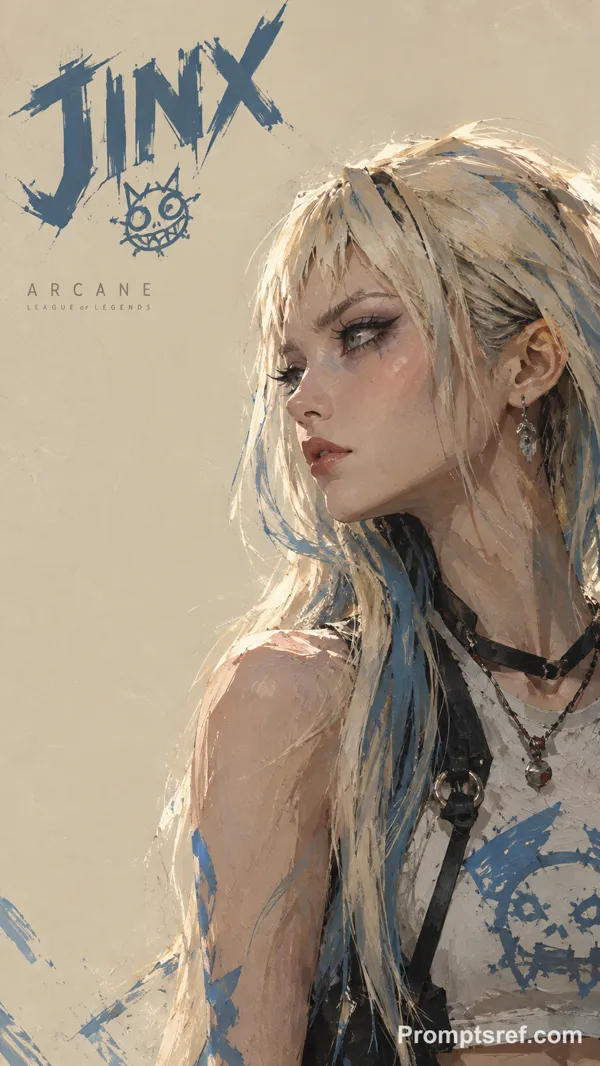
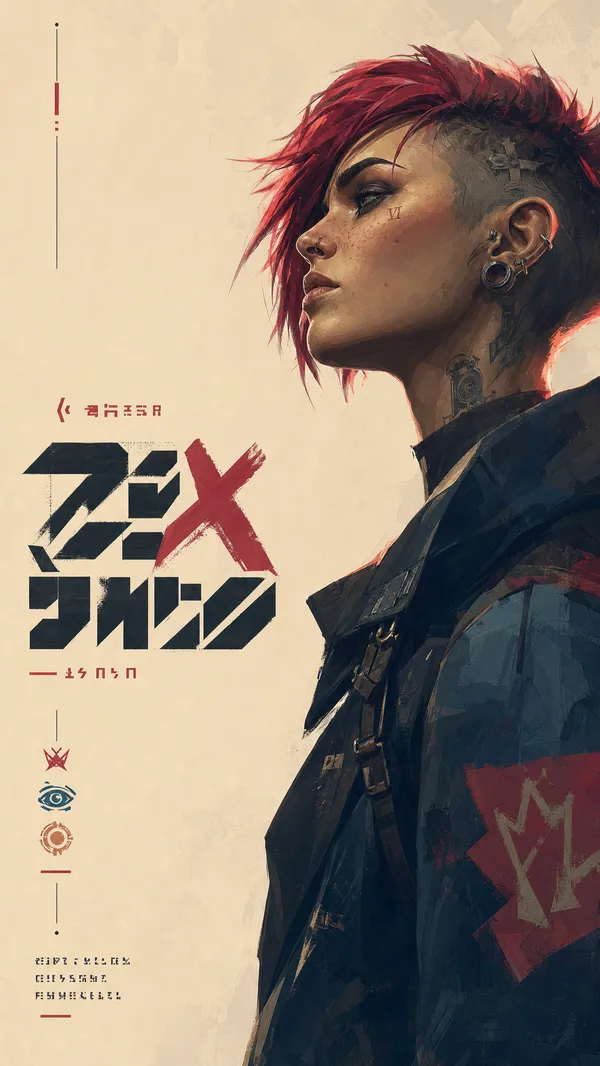
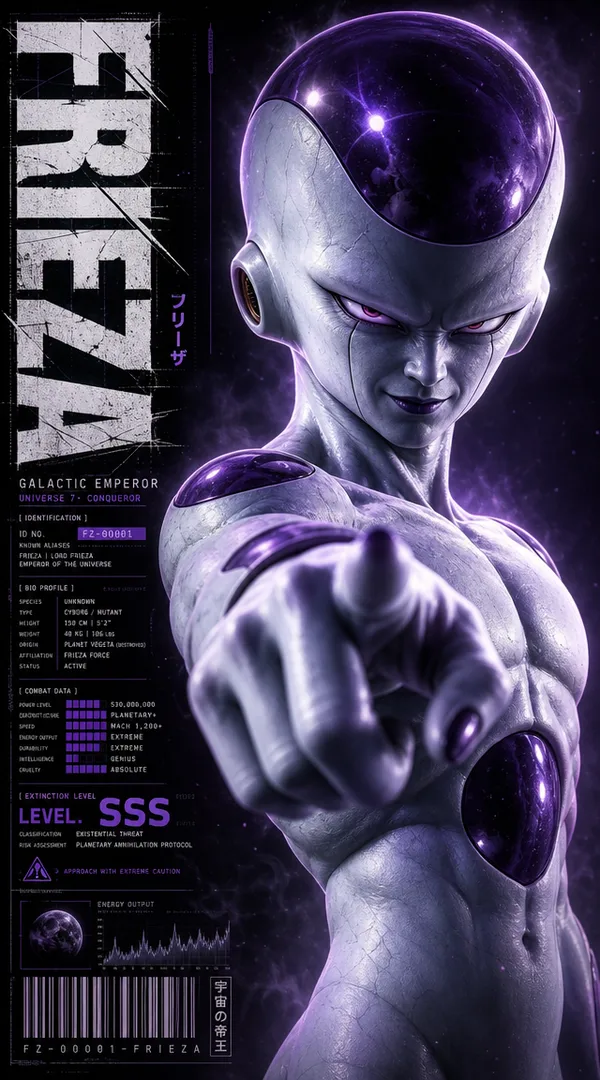
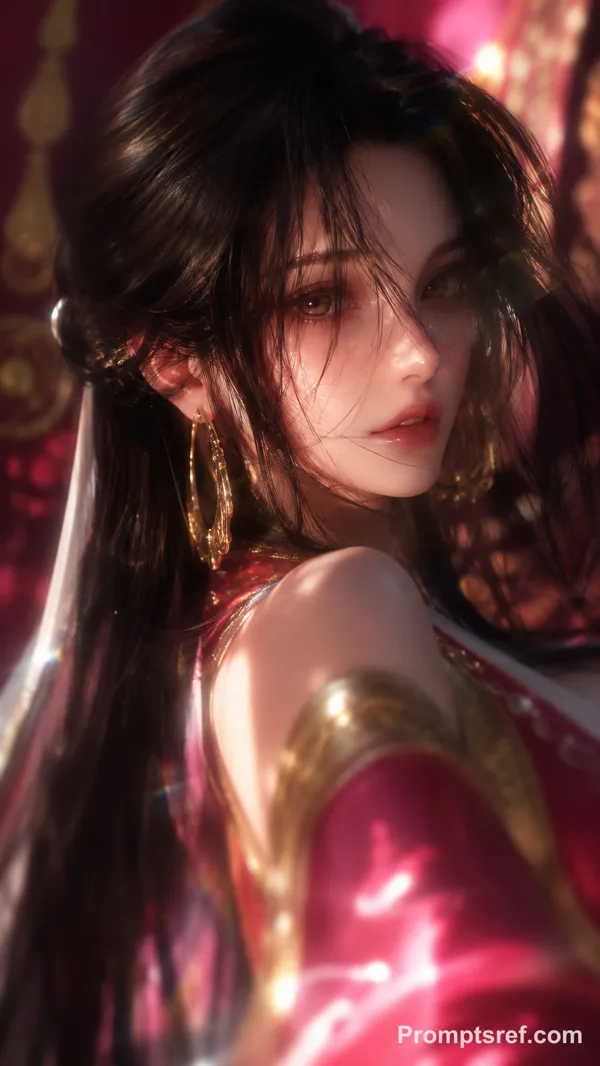
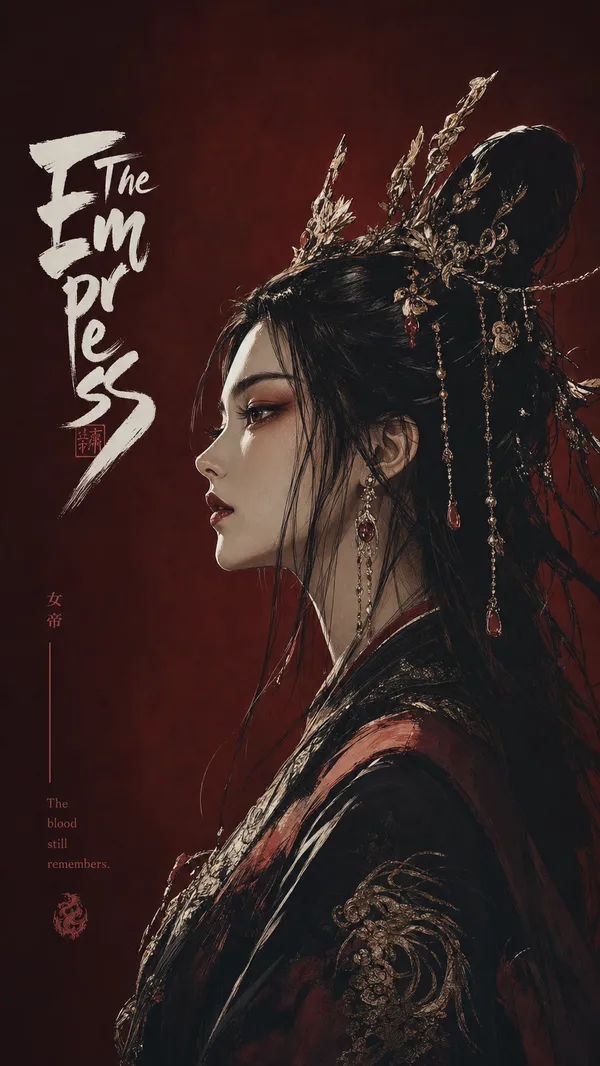
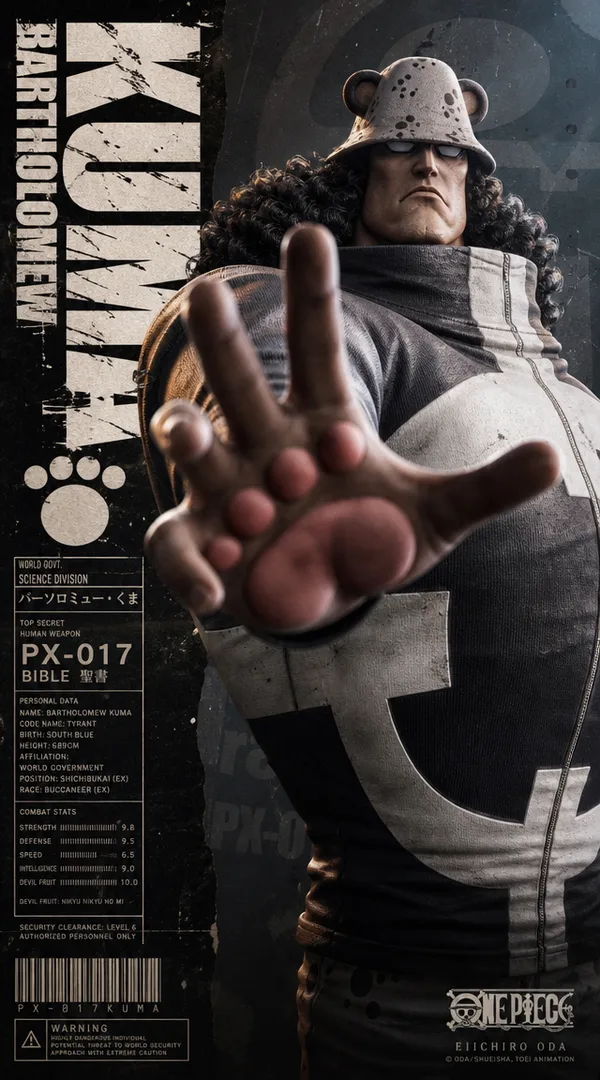
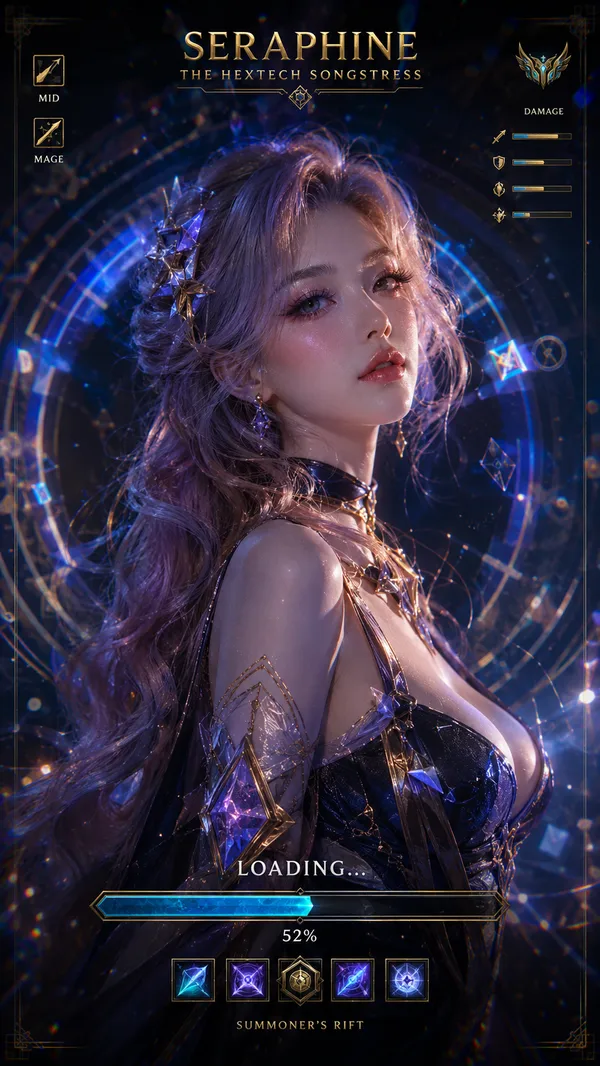
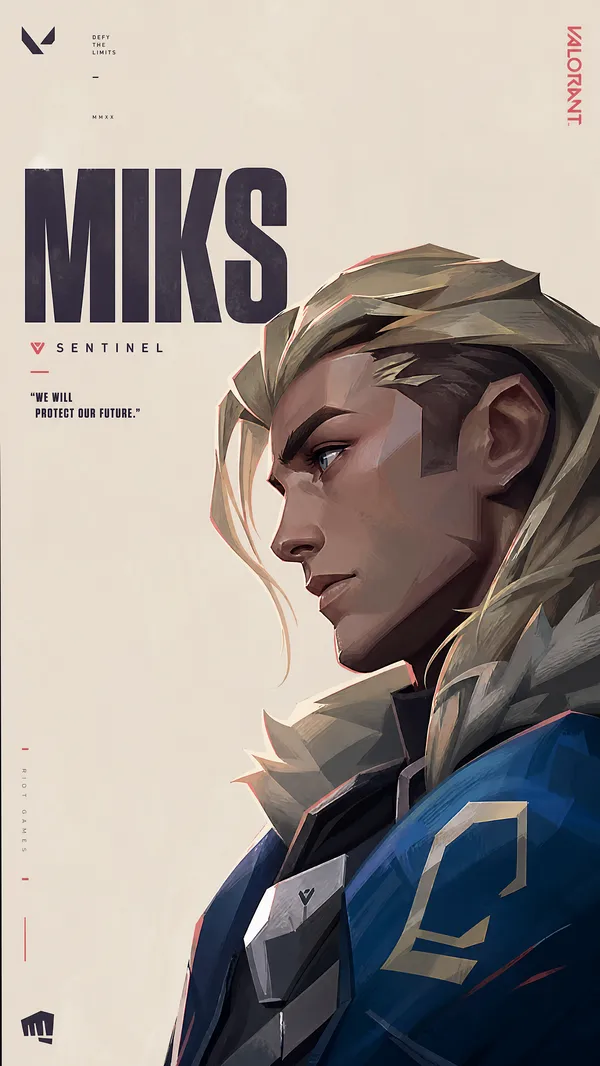
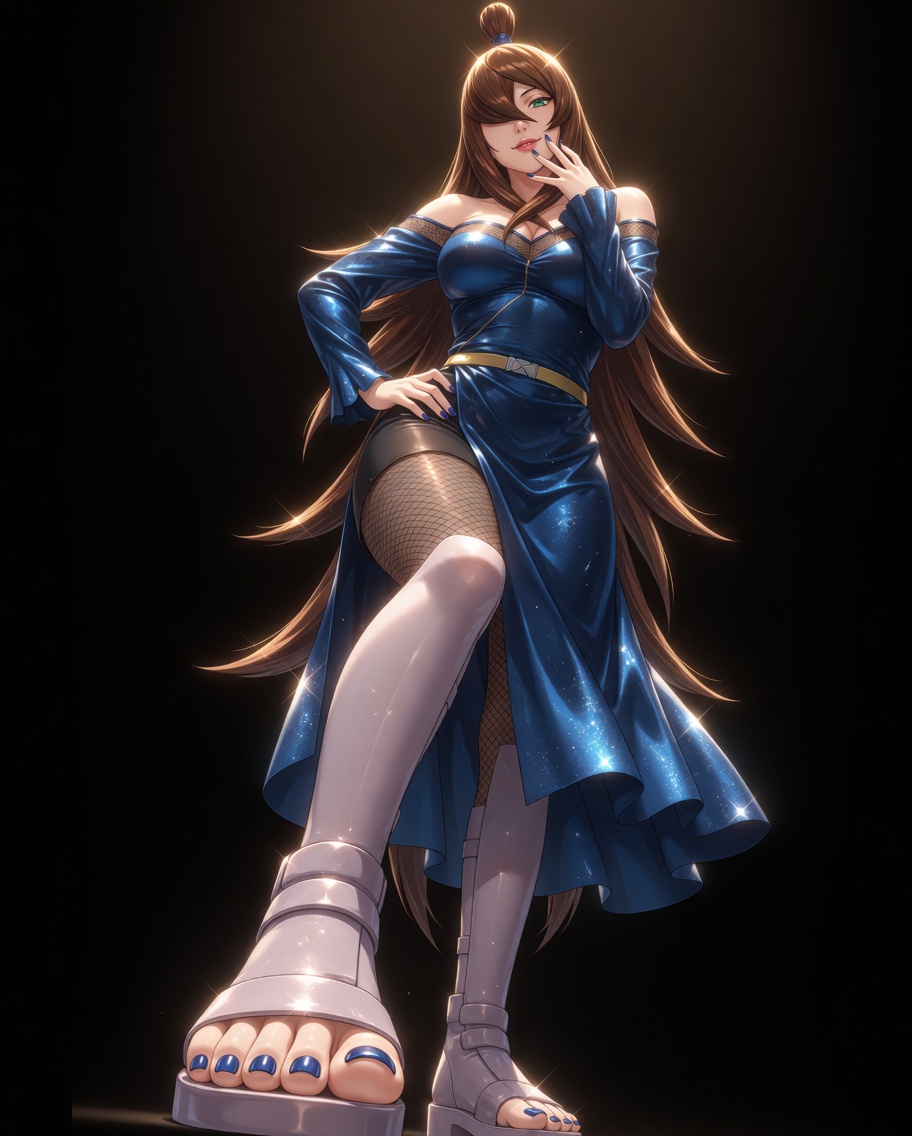
A vertical character poster featuring Terumi Mei (5th Mizukage) as the absolute main visual, occupying most of the composition. The overall style blends semi-realistic anime aesthetics with UE5 hyper-realistic rendering. Chest-up half-body portrait, eye-level camera, camera height around the chest, with strong close-up perspective.Her right hand reaches toward the camera, the foreground hand enlarged by perspective, creating strong pressure, depth, and visual impact. She has long flowing chestnut-brown hair with a small topknot bun and side-swept bangs partially covering one eye, vibrant emerald-green eyes, seductive yet intimidating expression, fair skin with realistic texture. Her upper body shows elegant yet powerful proportions, visible collarbones, detailed skin texture, realistic fabric shine.She wears her iconic shiny royal blue off-shoulder dress with black lace trim, golden belt, and fishnet elements. Her hair strands are highly detailed, fabric has premium realistic texture with beautiful folds and reflections, blue nail polish on her reaching hand.On the left side of the image, add her bold vertical English name "TERUMI MEI" in large distressed typography. The letters should have irregular scratch marks, damaged ink texture, sharp cuts, and weathered vintage poster-print texture. Beside or below the name, include a character dossier panel with ID number, "Fifth Mizukage", Hidden Mist Village affiliation, combat stats, bounty or rank information, barcode, warning labels, and pseudo-technical text.The overall color palette is dominated by deep royal blue, gold accents, chestnut brown hair, and striking emerald green eyes. Cinematic studio lighting, strong rim light highlighting her hair and shoulders, subtle volumetric haze, high contrast, clean premium poster composition, ultra-detailed, sharp focus, dramatic depth of field, UE5 render, 4K quality.
参考图片
Remix 作品
Remix还没有人 Remix,来做第一个属于你的版本。
使用这条图片提示词
- 01
从提示词开始
复制提示词,或点击生成按钮在生成器中打开。
- 02
加入你的想法
调整主体、场景或细节,按需添加参考素材。
- 03
生成前确认
检查模型与输出设置,每次生成的结果可能有所不同。