GPT Image 2.0 提示词 - 韩国偶像九宫格肖像系列

- 画面比例
- auto
- 画质
- 1K
提示词
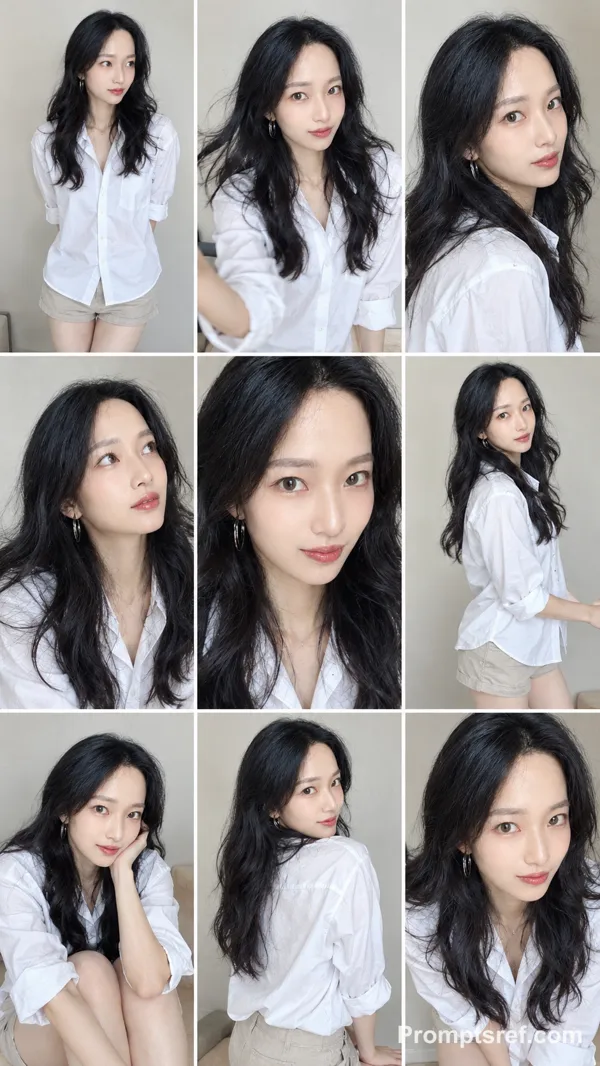
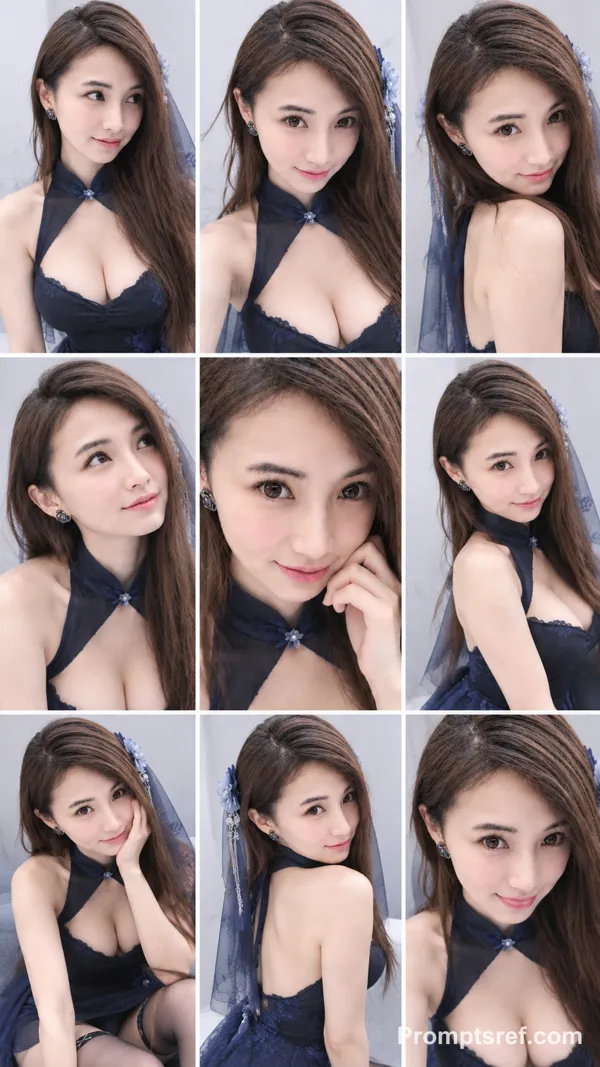
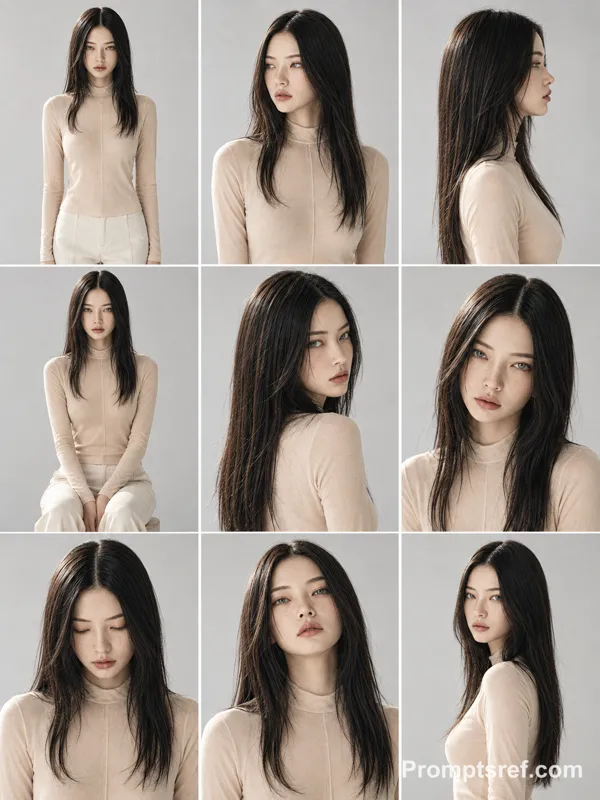
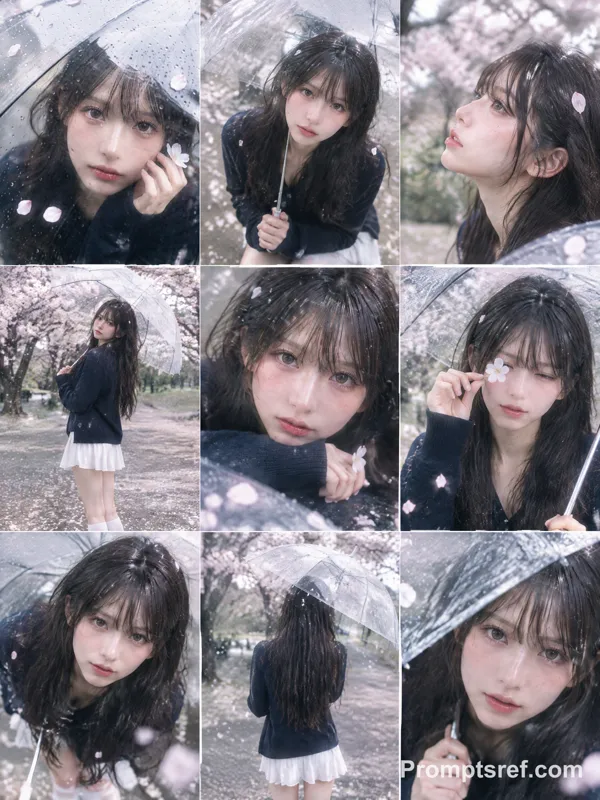
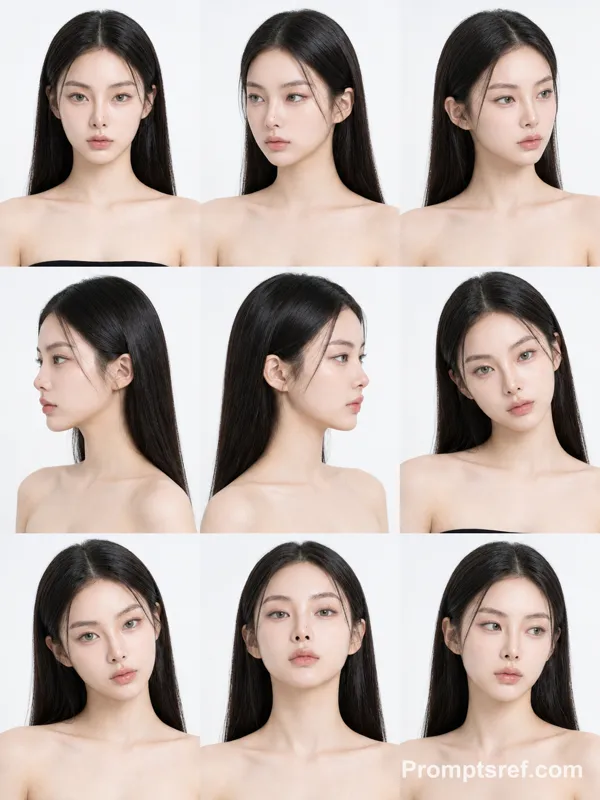
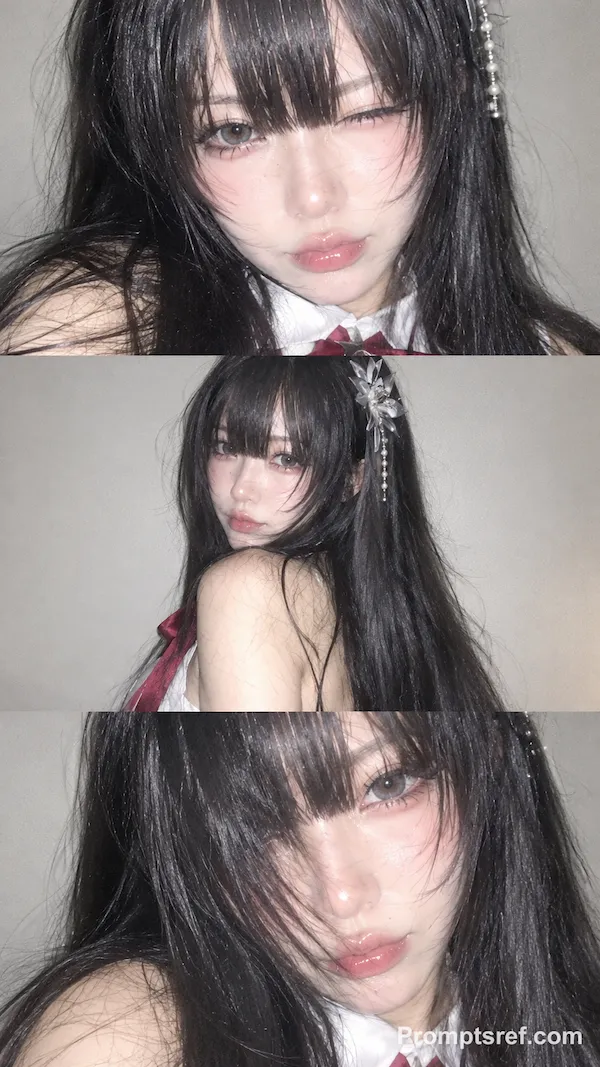
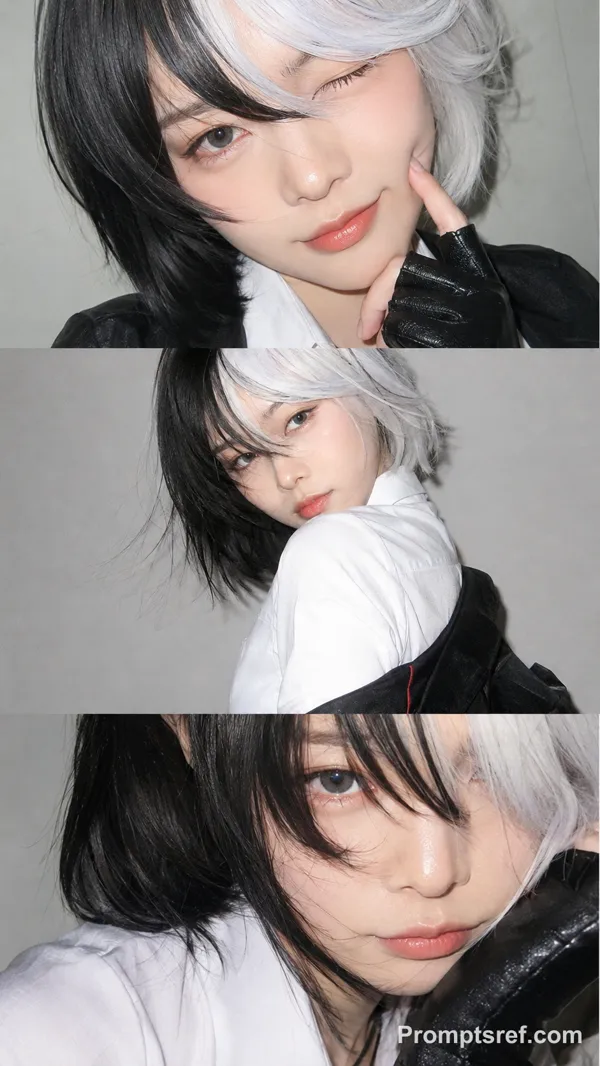
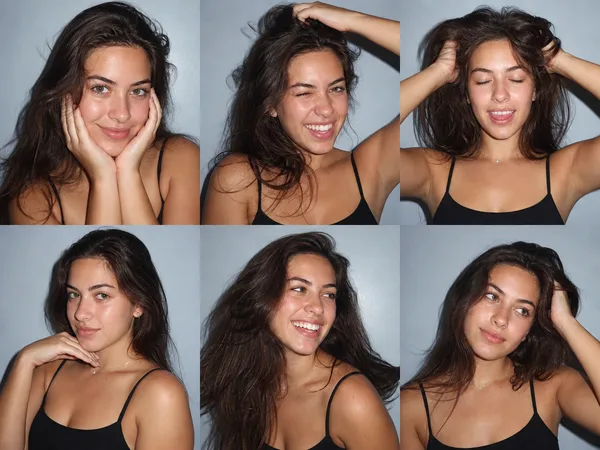
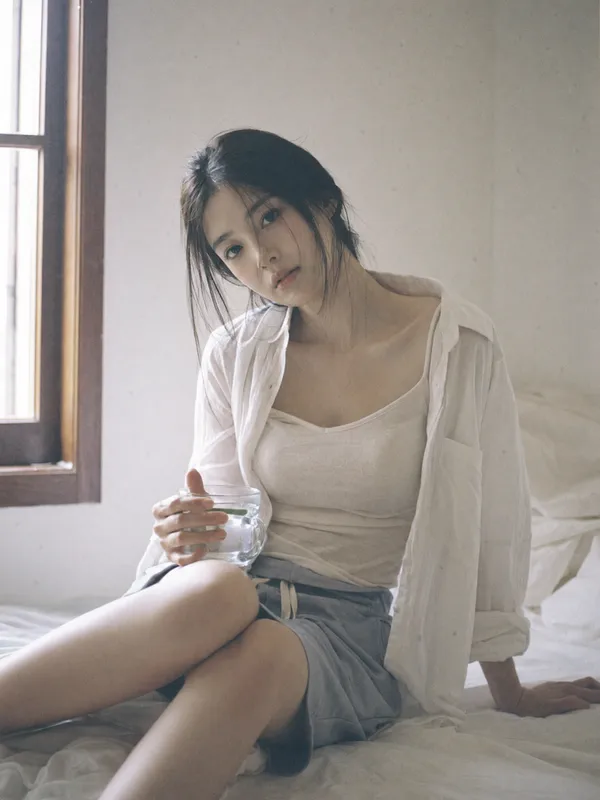
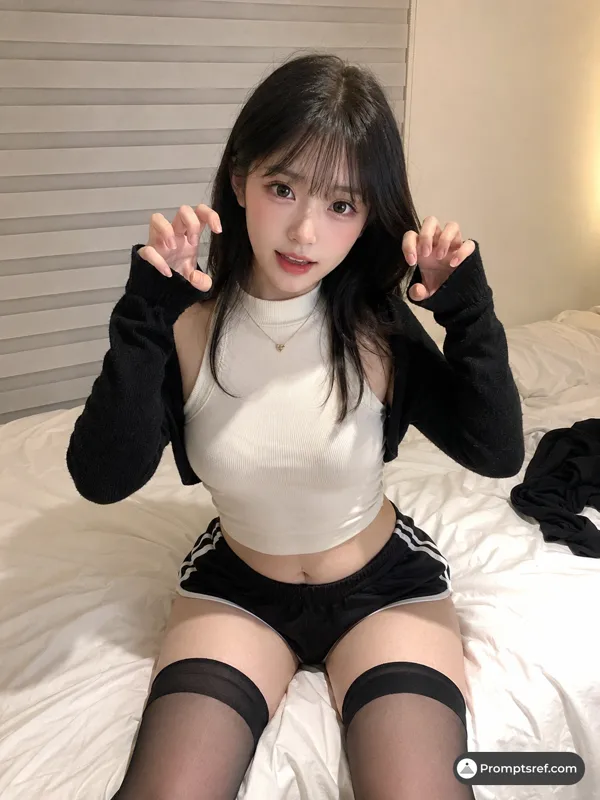
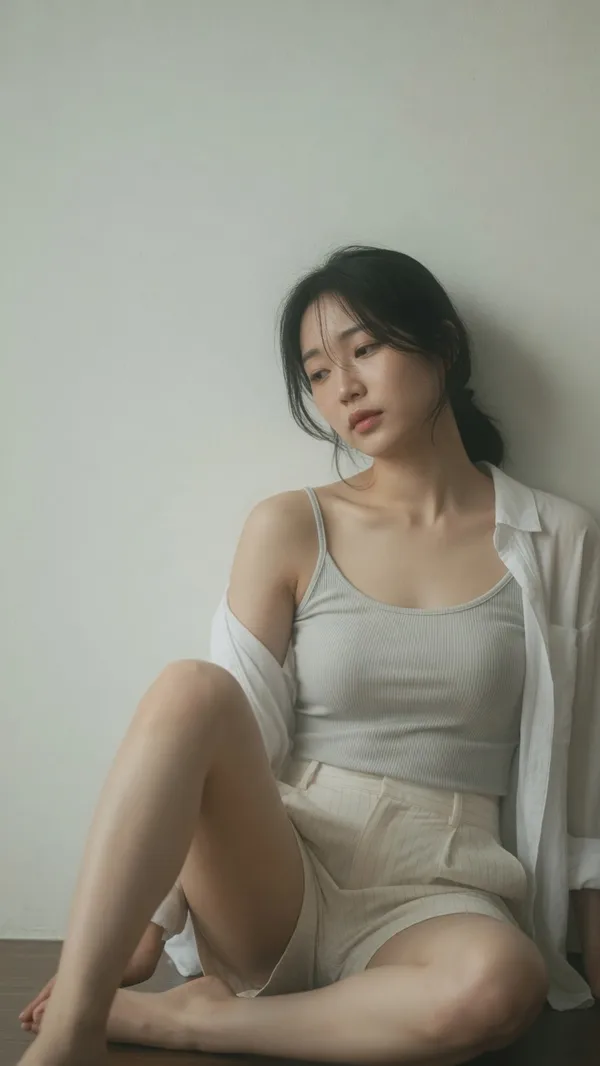
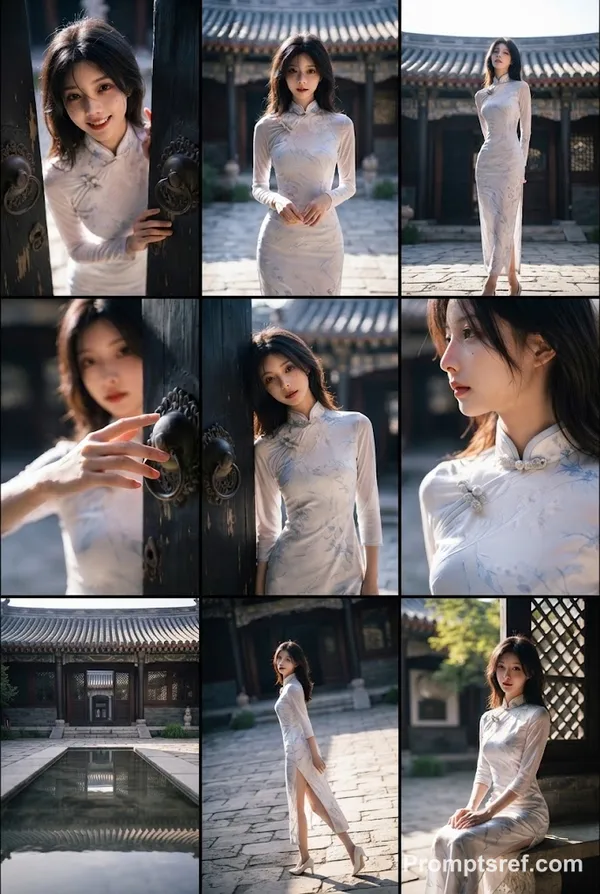
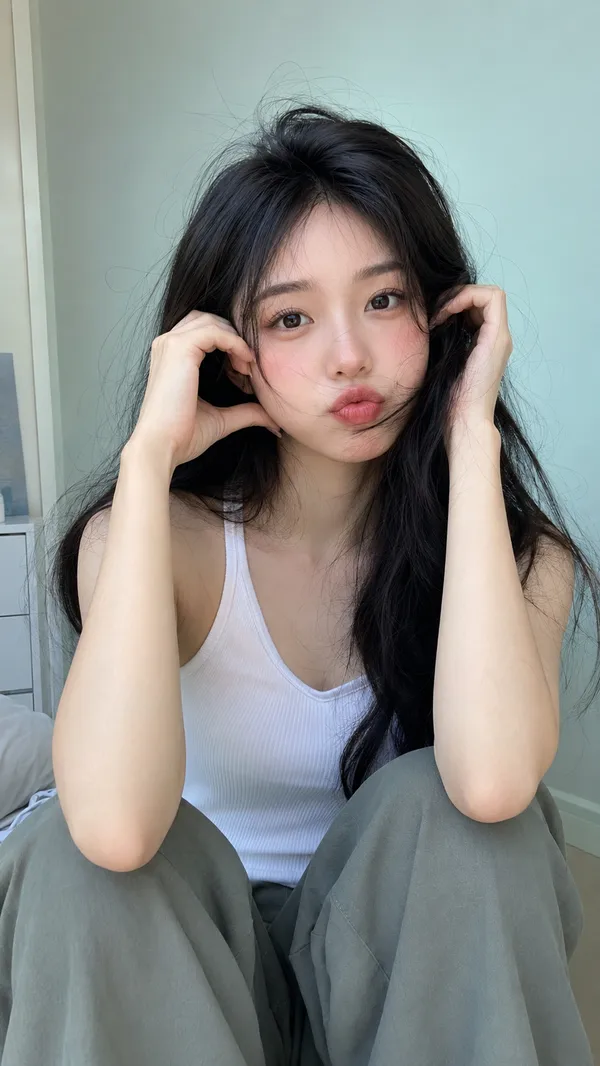
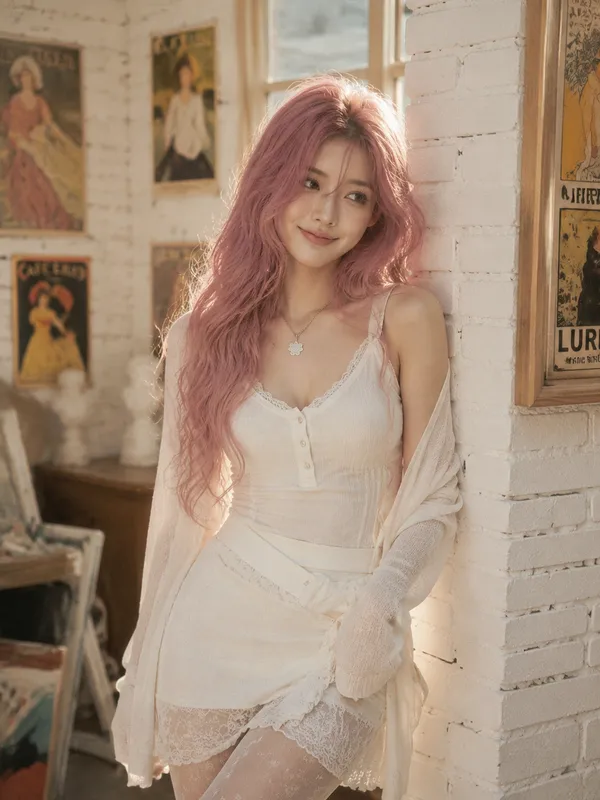
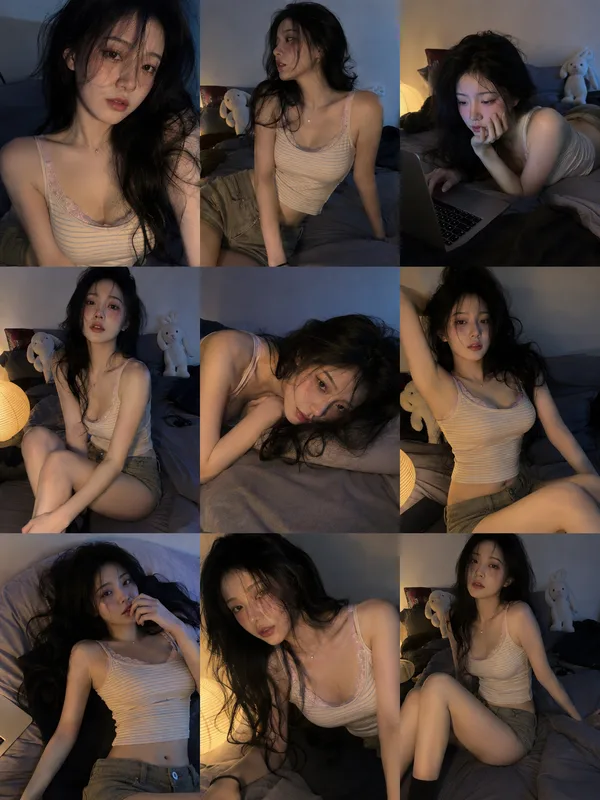
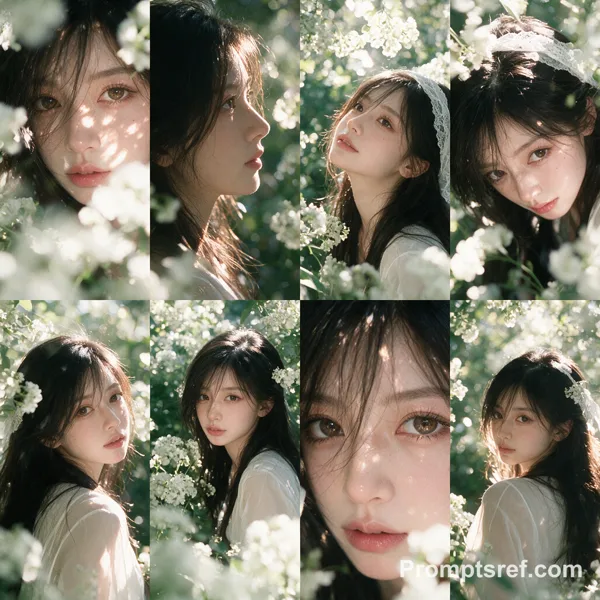
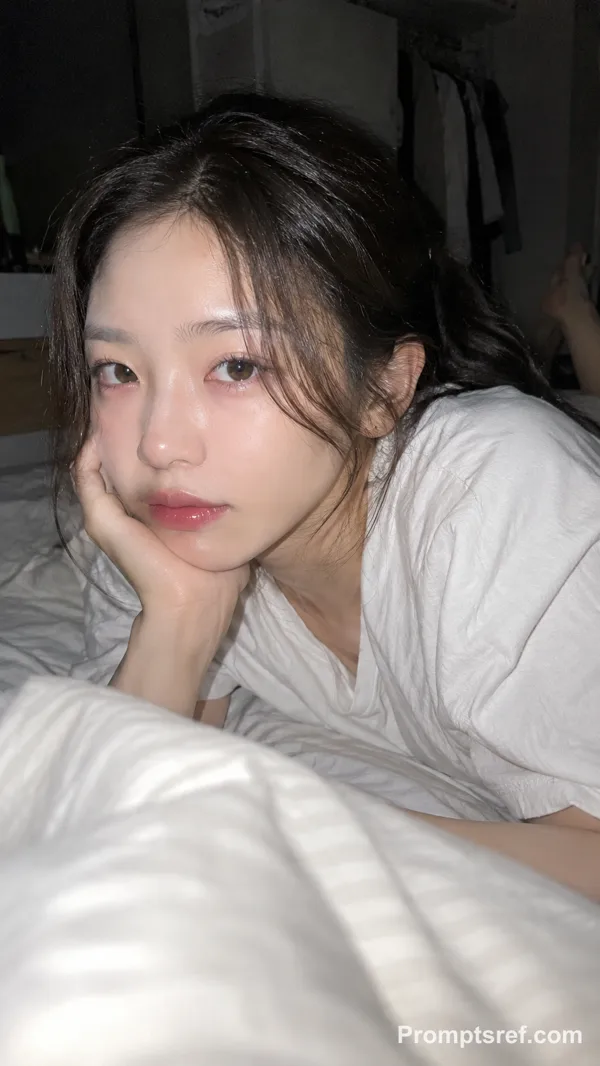
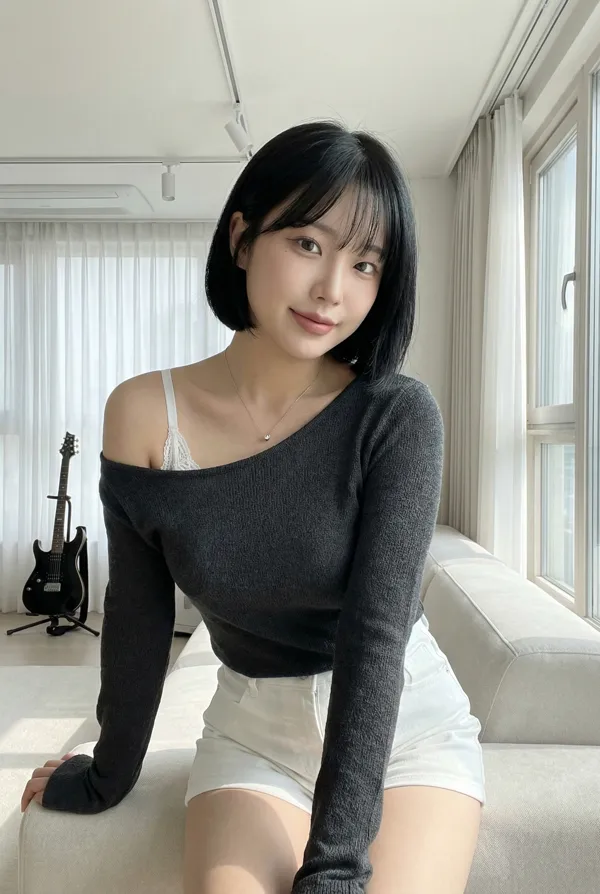
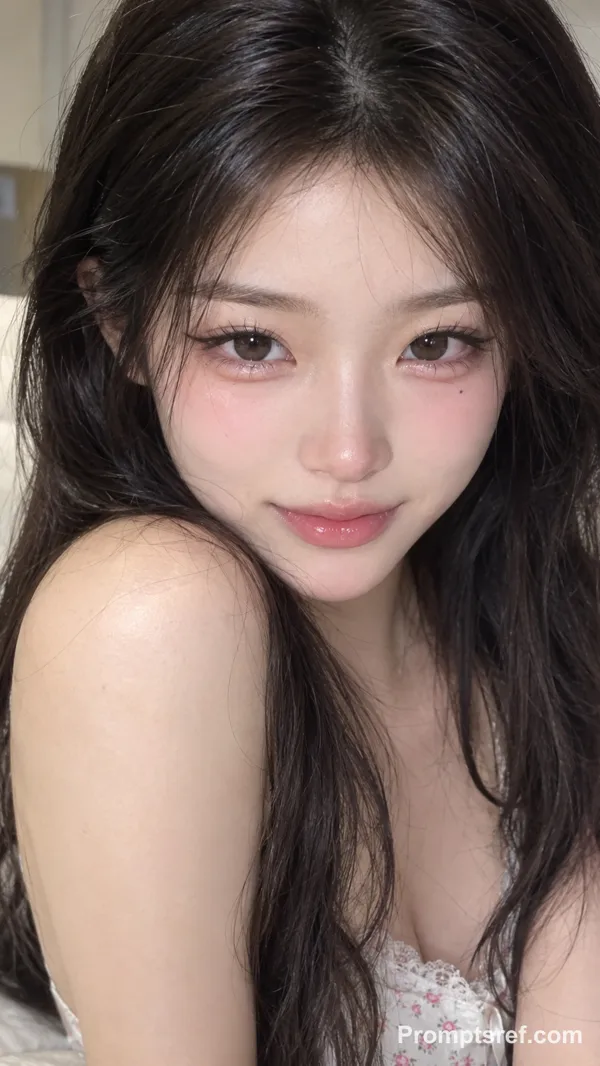
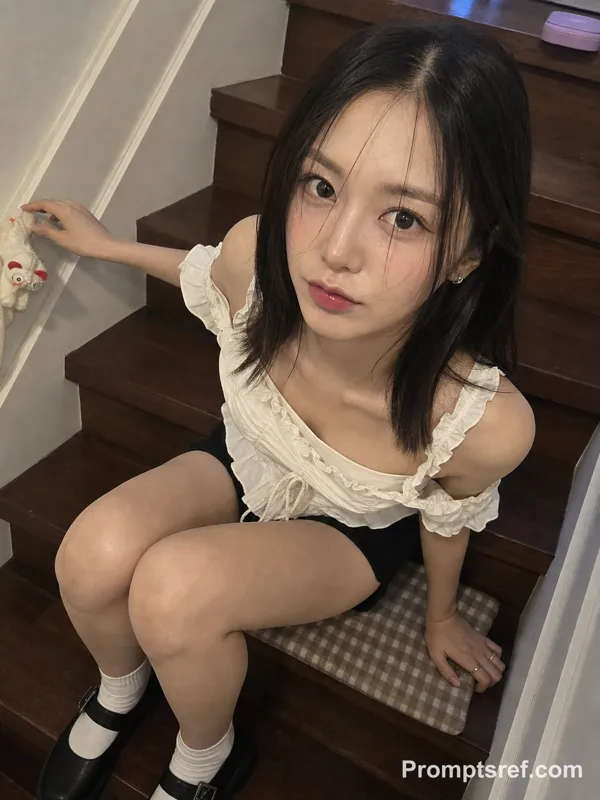
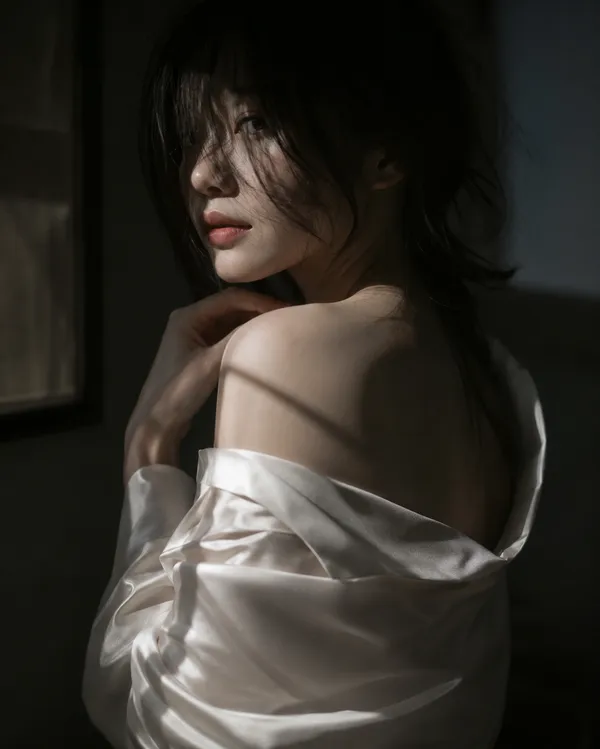
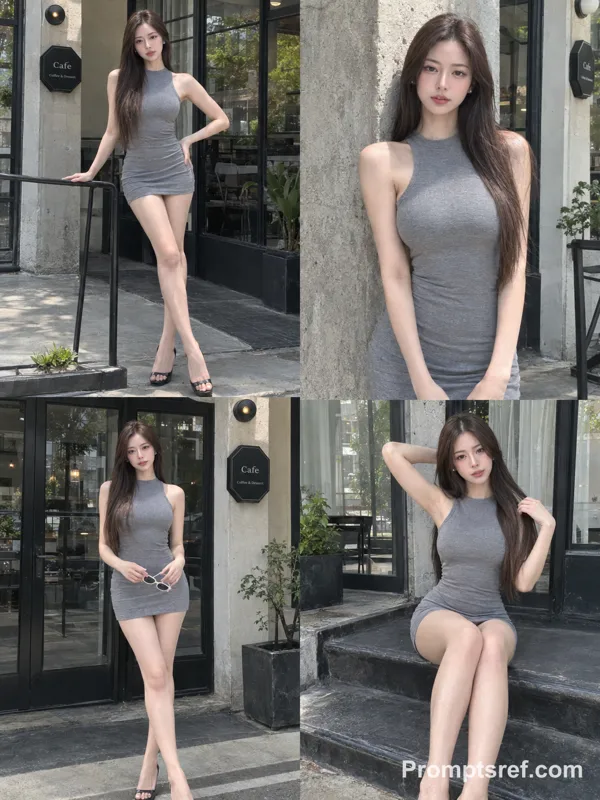
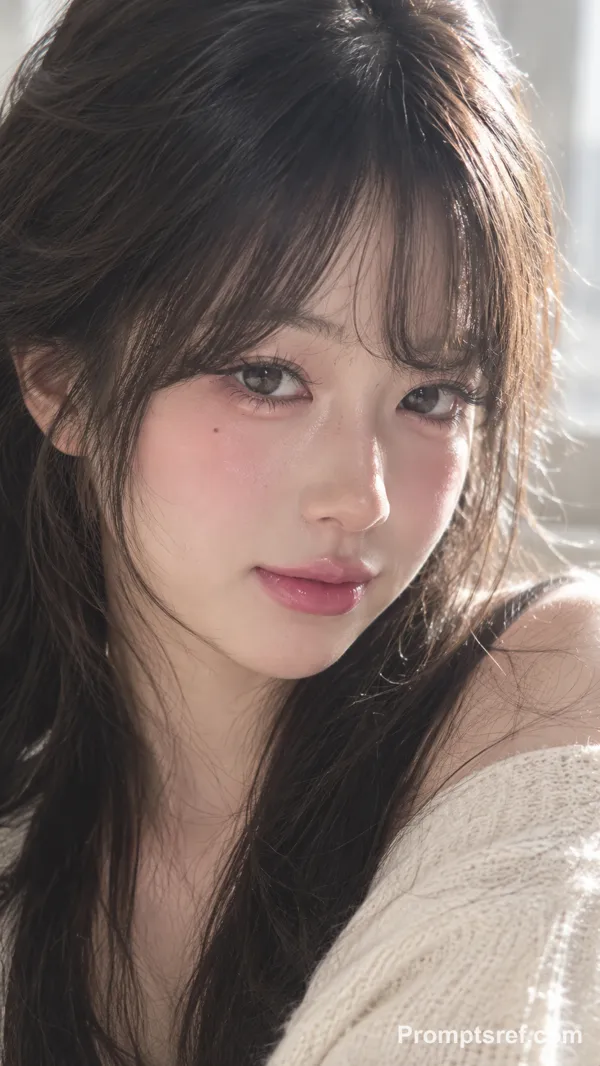
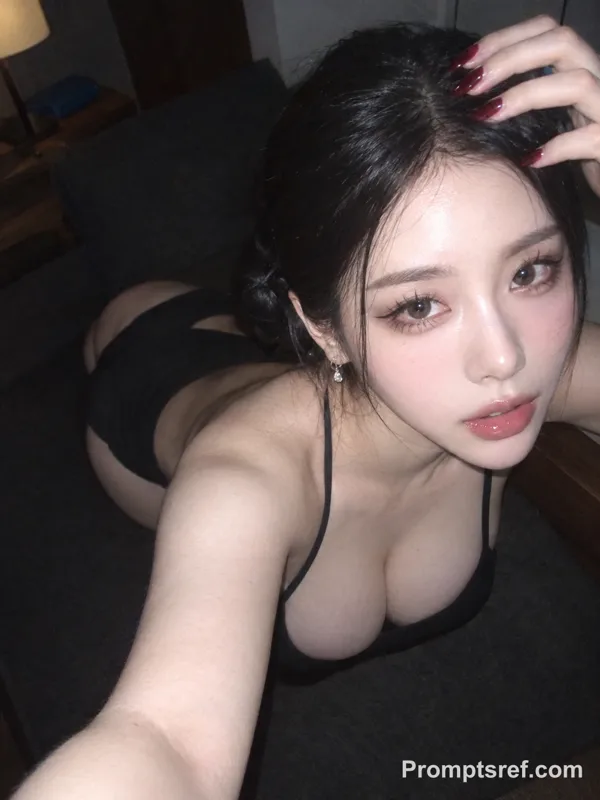
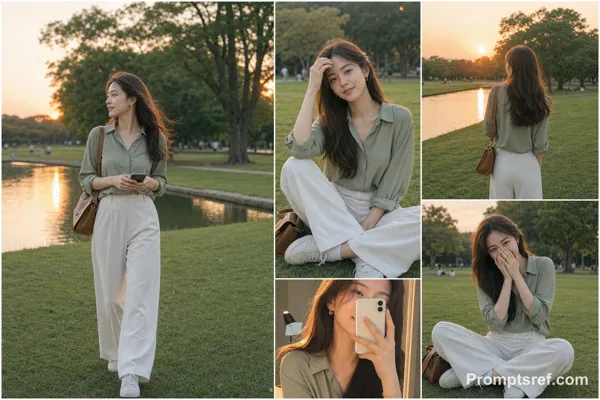
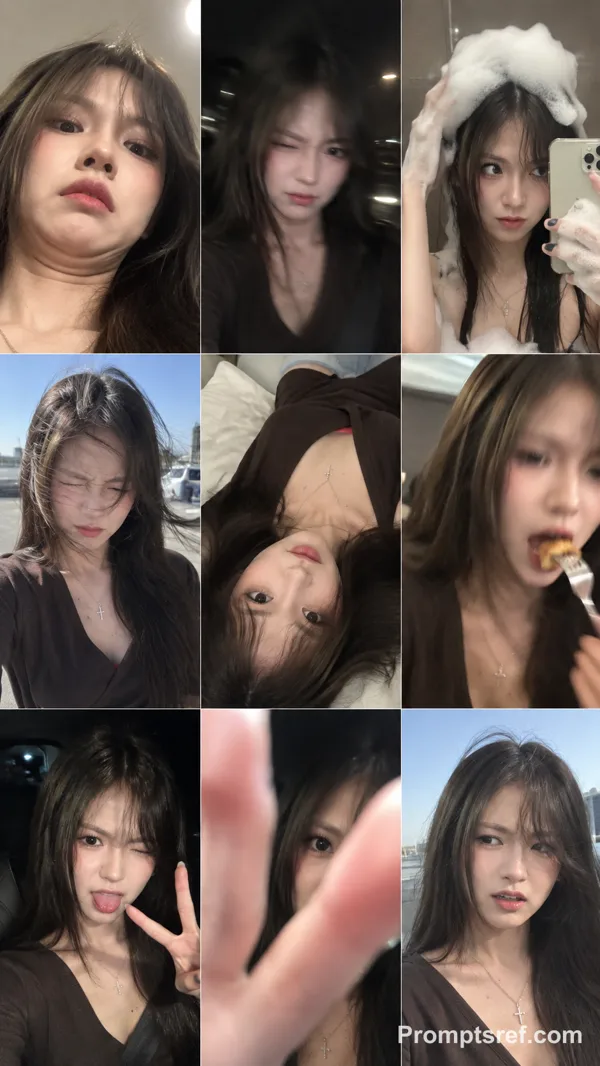
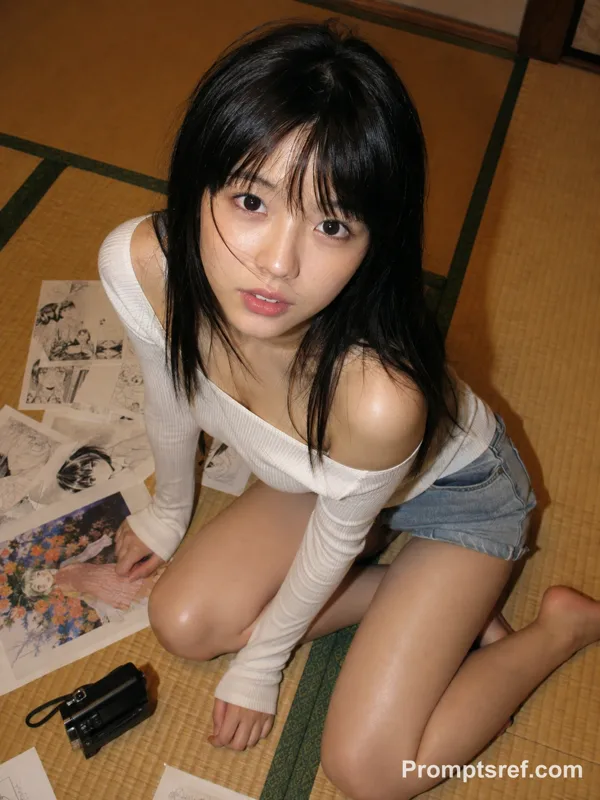
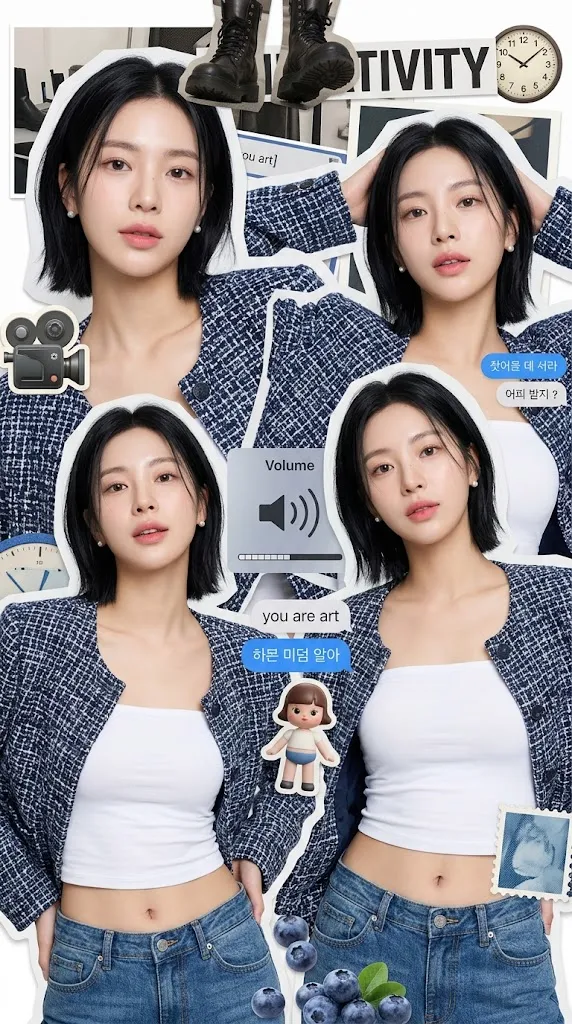
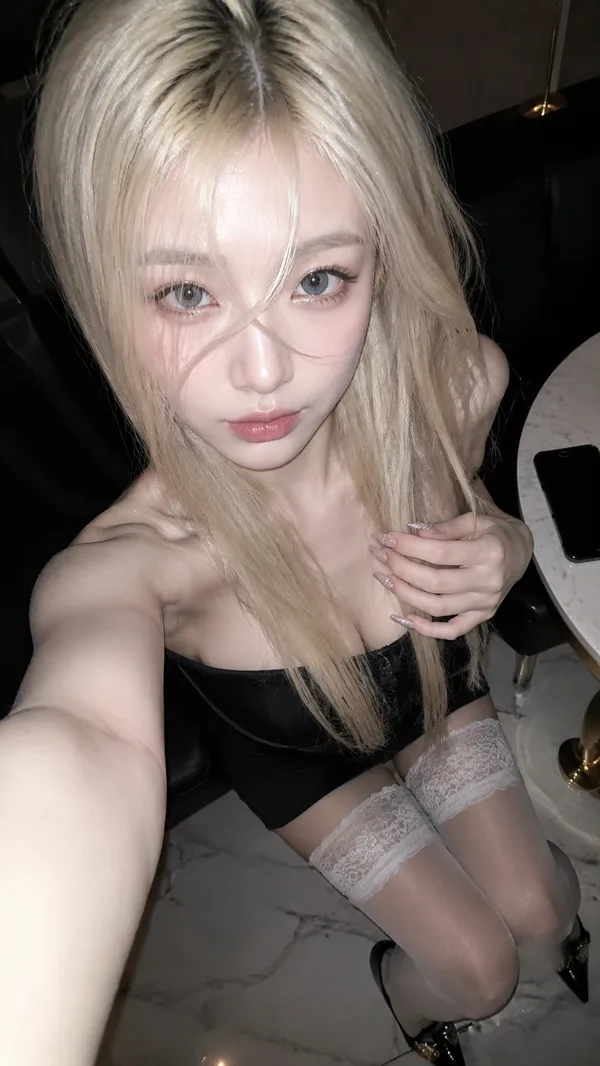
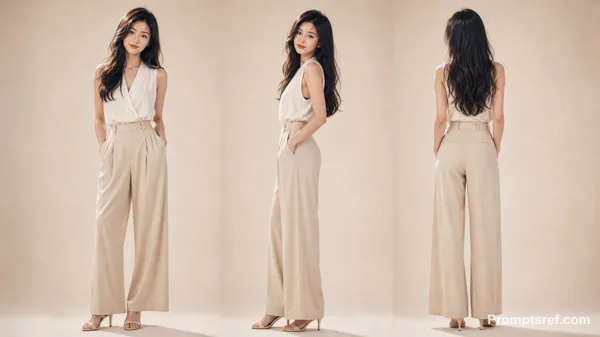
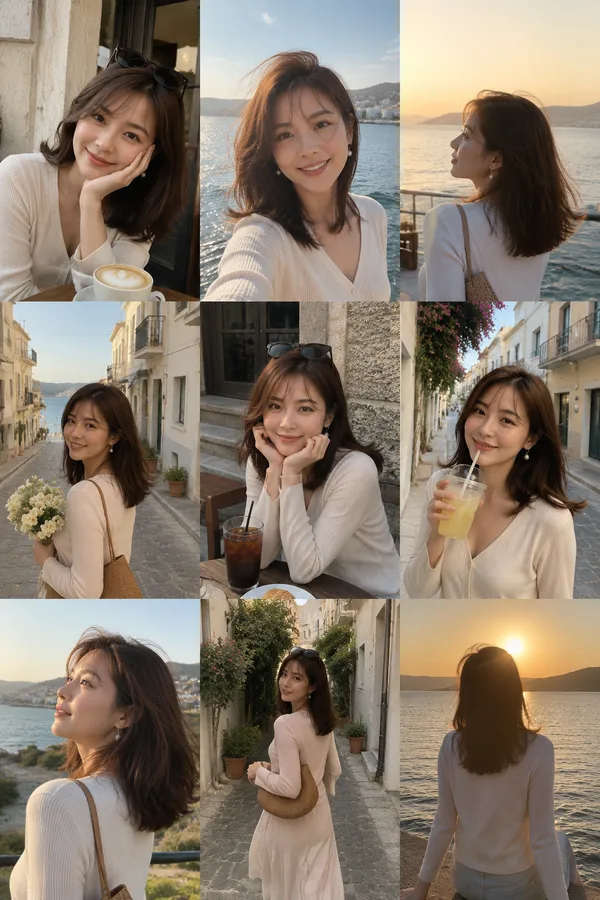
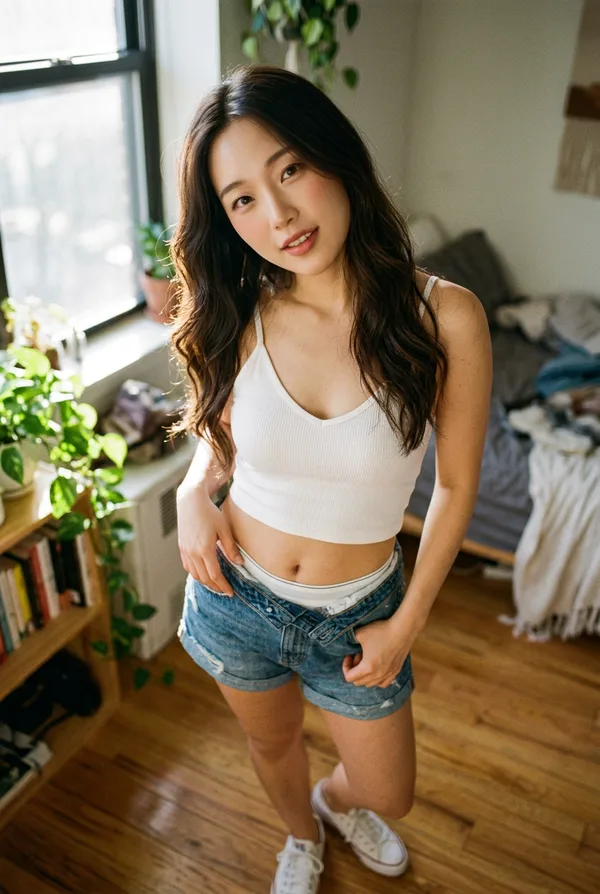
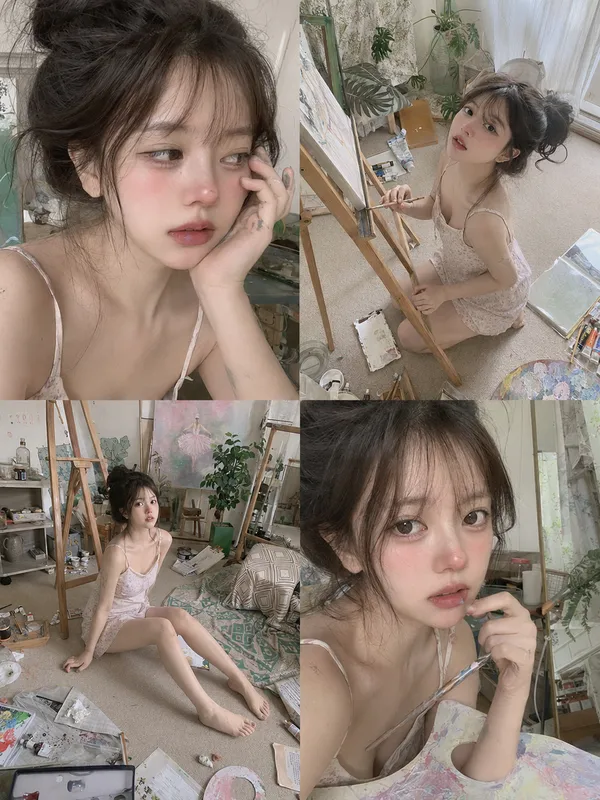
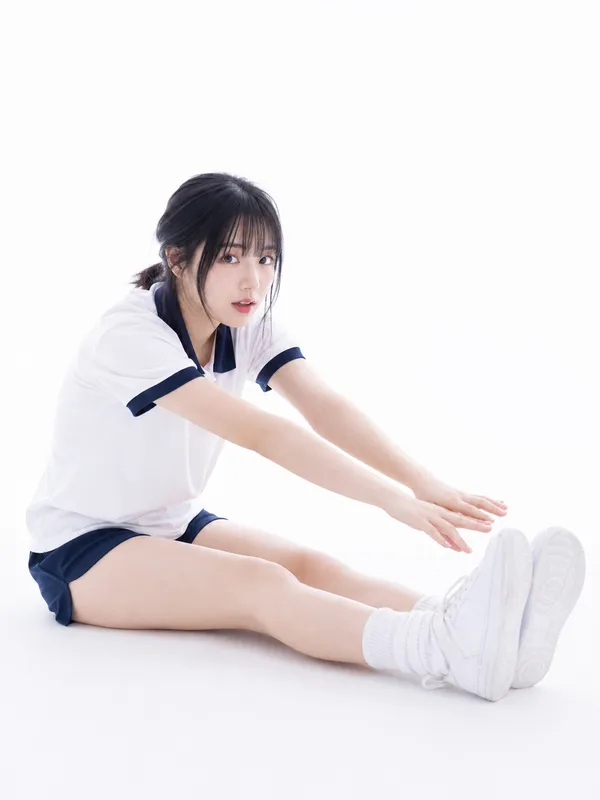
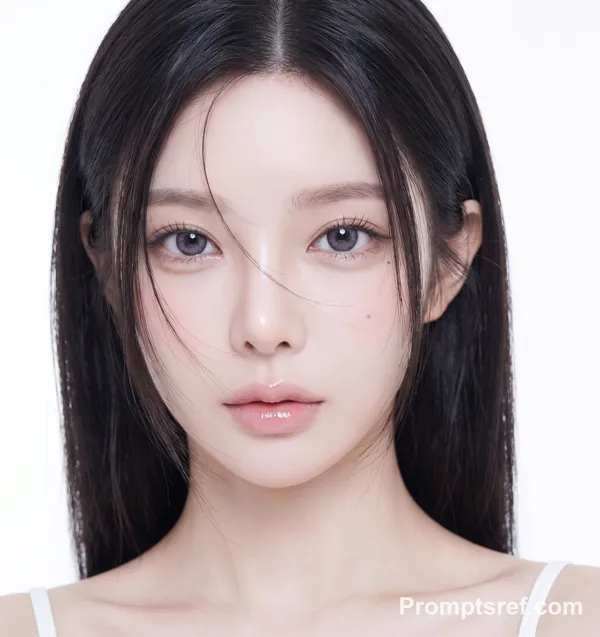
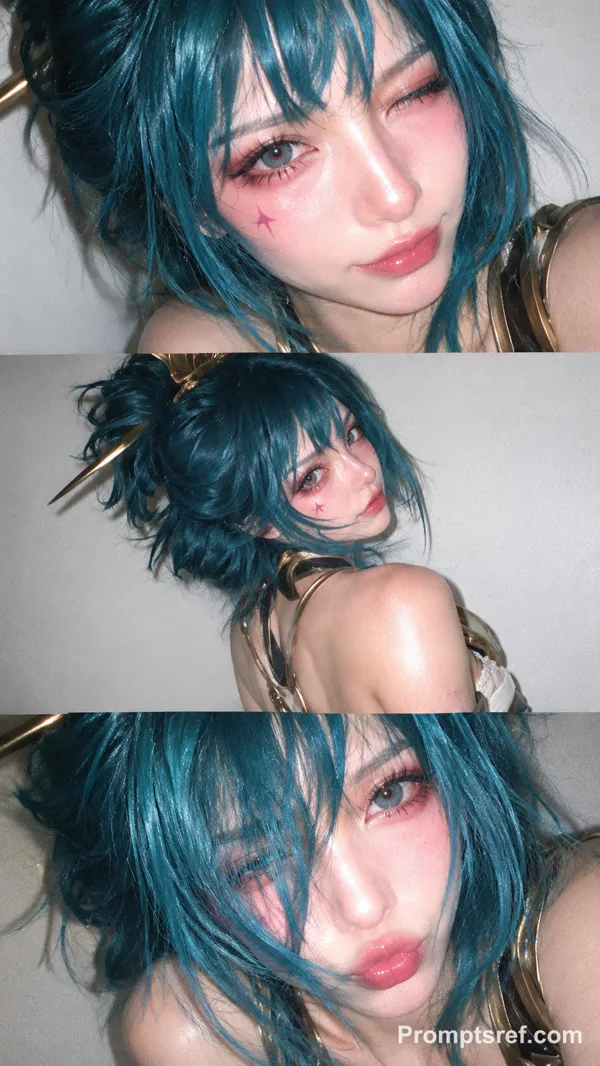
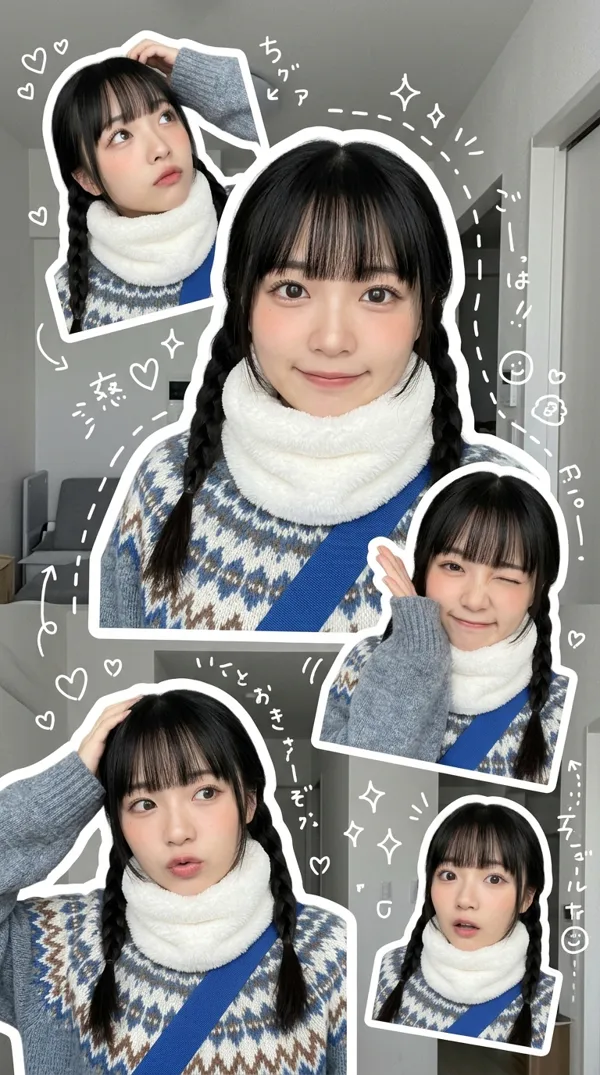
9:16 vertical — a 3x3 grid collage (nine images) forming a Korean idol portrait photoshoot series. Each frame features the same young Korean female idol, maintaining 100% consistency in facial features, proportions, hairstyle, and identity across all nine shots. Natural, ultra-realistic skin texture, no retouching, no smoothing. Clean idol-style minimal makeup, soft glow, subtle imperfections. Hair: long, voluminous dark hair, slightly tousled, consistent across all frames (natural loose flow, slight movement). Outfit: cohesive Korean idol photoshoot styling — white shirt + short bottoms (or simple neutral-toned outfit), youthful, clean, slightly casual but styled. Same outfit across all frames. Setting: minimal studio or simple indoor environment (plain wall, soft window light, clean background). Focus on subject, not environment. Lighting: soft diffused natural light, gentle highlights, low contrast, slightly airy tones, subtle film-like softness. Camera style: intimate portrait photography, slightly handheld feel, subtle imperfections (minor grain, slight blur in motion frames, imperfect framing). Frame breakdown (3x3 grid): Top row: - Top left: standing naturally, looking slightly away, relaxed expression - Top center: facing camera, casual mid-motion (hair or body slight movement) - Top right: slight side angle, soft gaze, natural candid feel Middle row: - Center left: looking slightly upward, soft thoughtful expression - Center: close-up portrait, direct eye contact, gentle idol smile - Center right: turning body slightly, mid-motion candid frame Bottom row: - Bottom left: seated or leaning casually, relaxed posture - Bottom center: back partially turned, looking over shoulder toward camera - Bottom right: standing close to frame, slightly playful or soft expression Mood: Korean idol photobook / photocard aesthetic, intimate, soft, natural, everyday charm. Quality: ultra-realistic, 8K detail, subtle analog film grain, natural imperfections, soft dreamy tone
Remix 作品
Remix还没有人 Remix,来做第一个属于你的版本。
使用这条图片提示词
- 01
从提示词开始
复制提示词,或点击生成按钮在生成器中打开。
- 02
加入你的想法
调整主体、场景或细节,按需添加参考素材。
- 03
生成前确认
检查模型与输出设置,每次生成的结果可能有所不同。