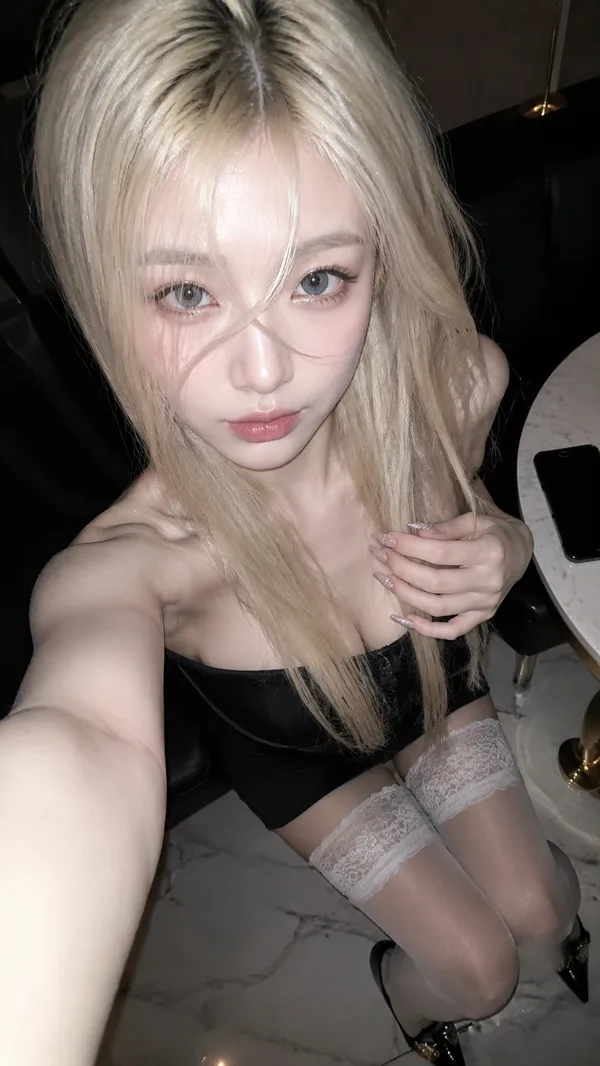
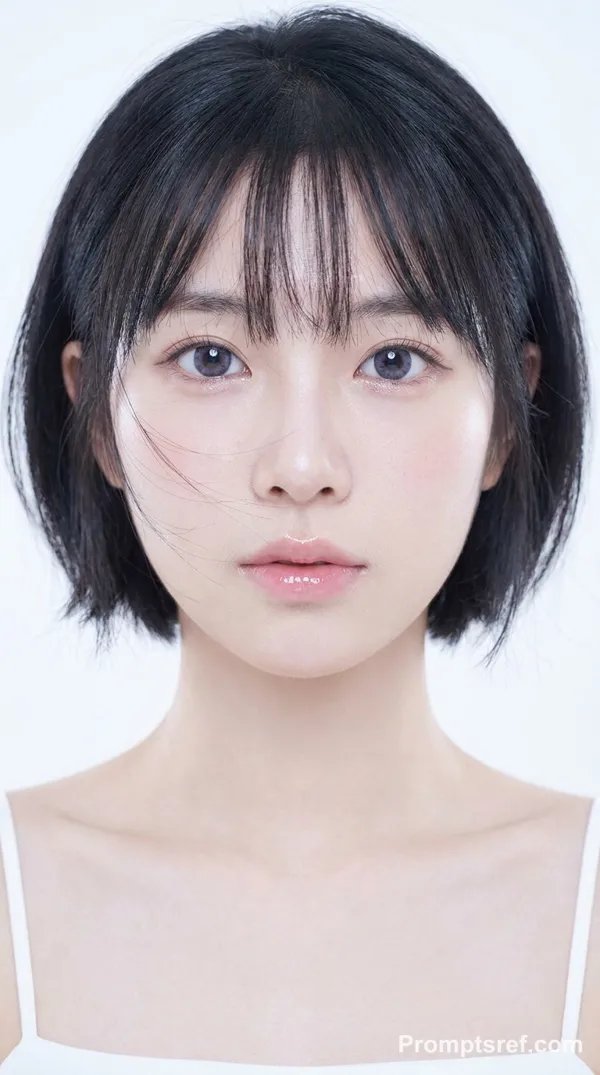
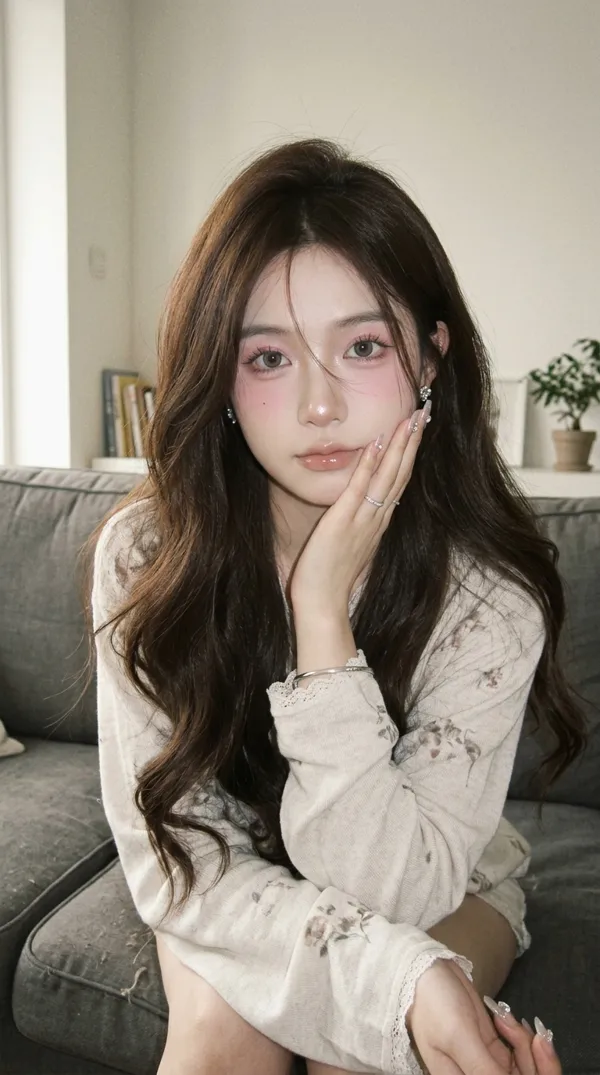
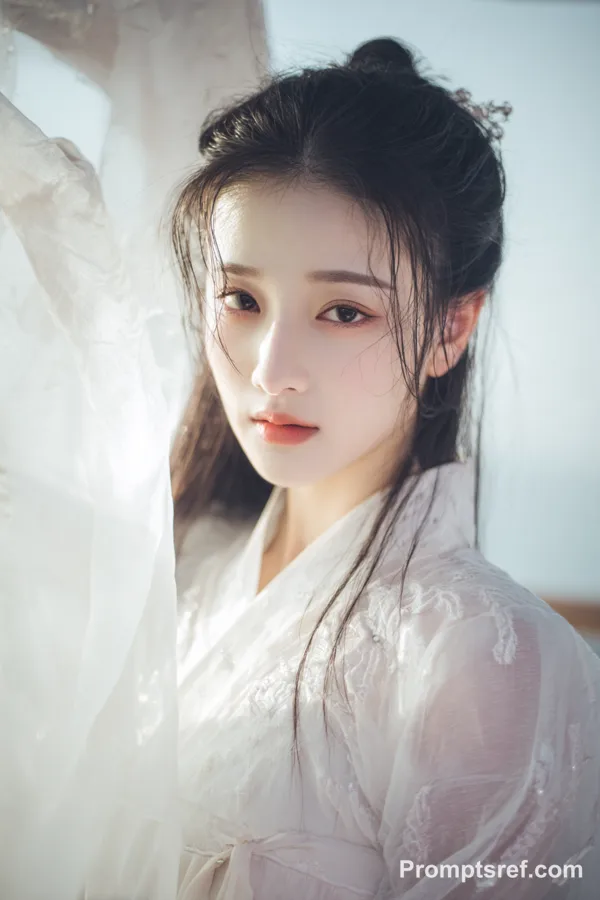
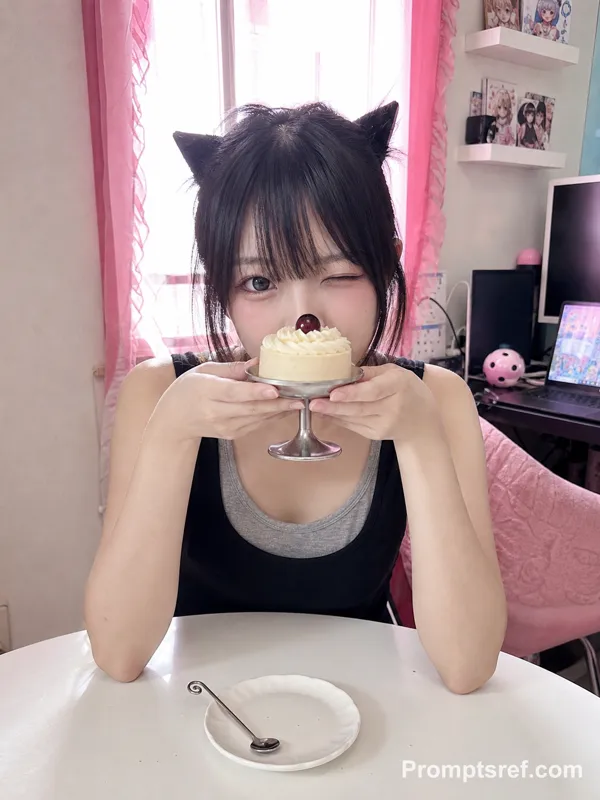
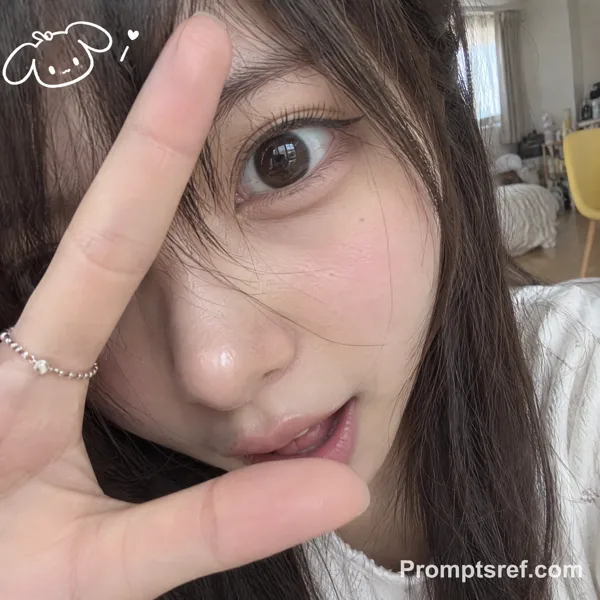
GPT Image 2.0 Промпт - Портрет восточноазиатской женщины с мягким кошачьим взглядом и розовыми сияющими

- Модель
- GPT Image 2.0
- Соотношение сторон
- auto
- Качество
- 1K
Промпт
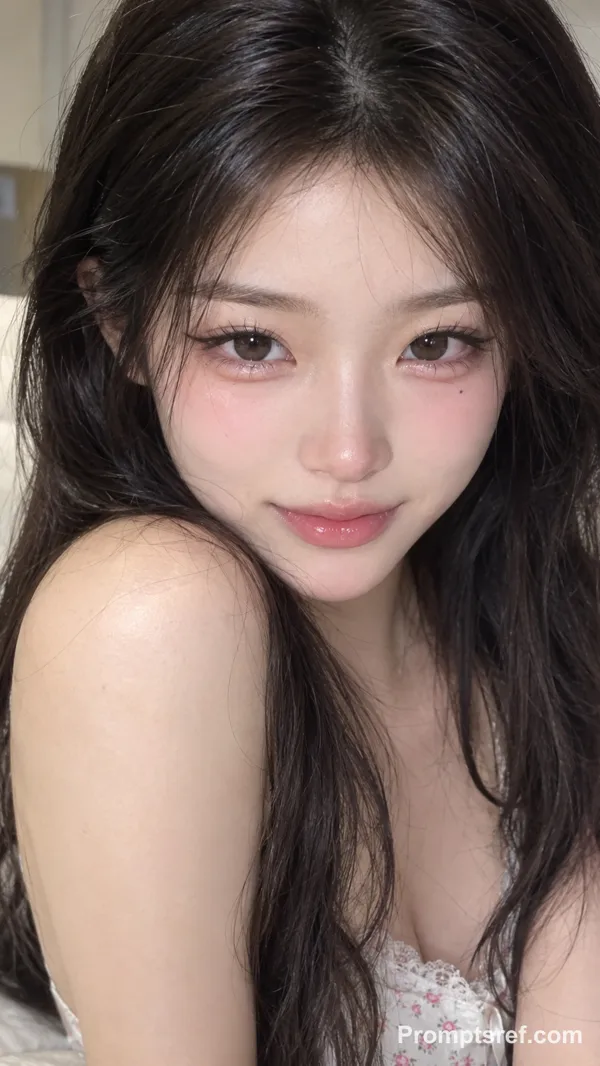
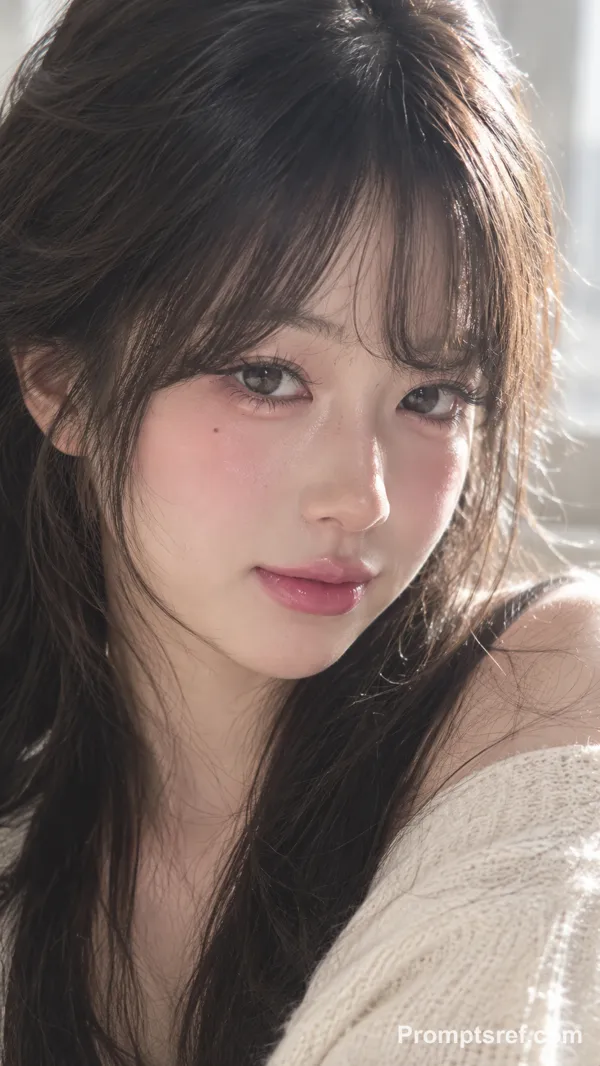
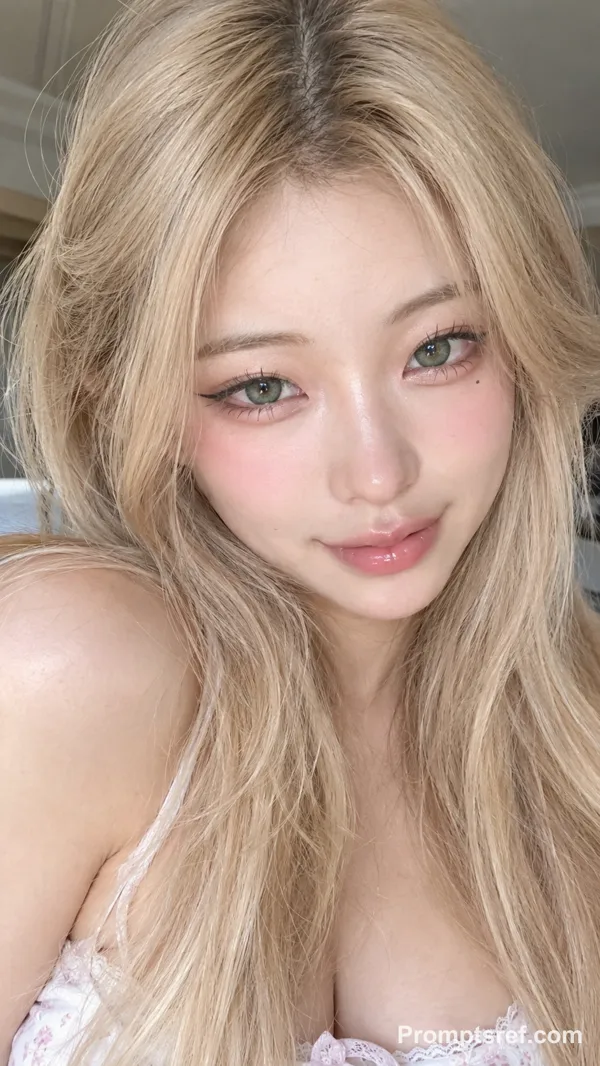
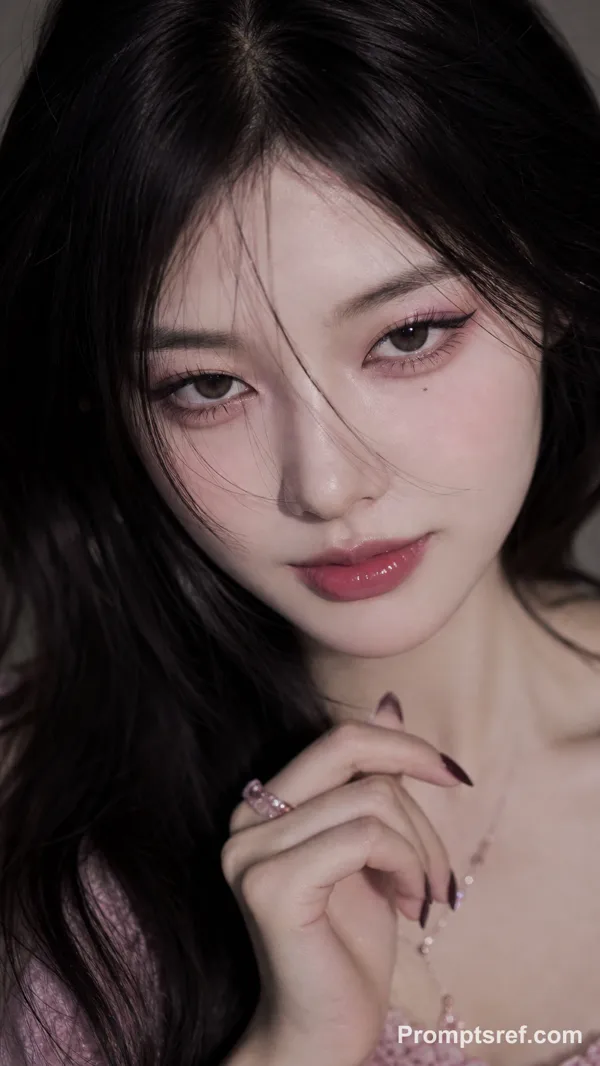
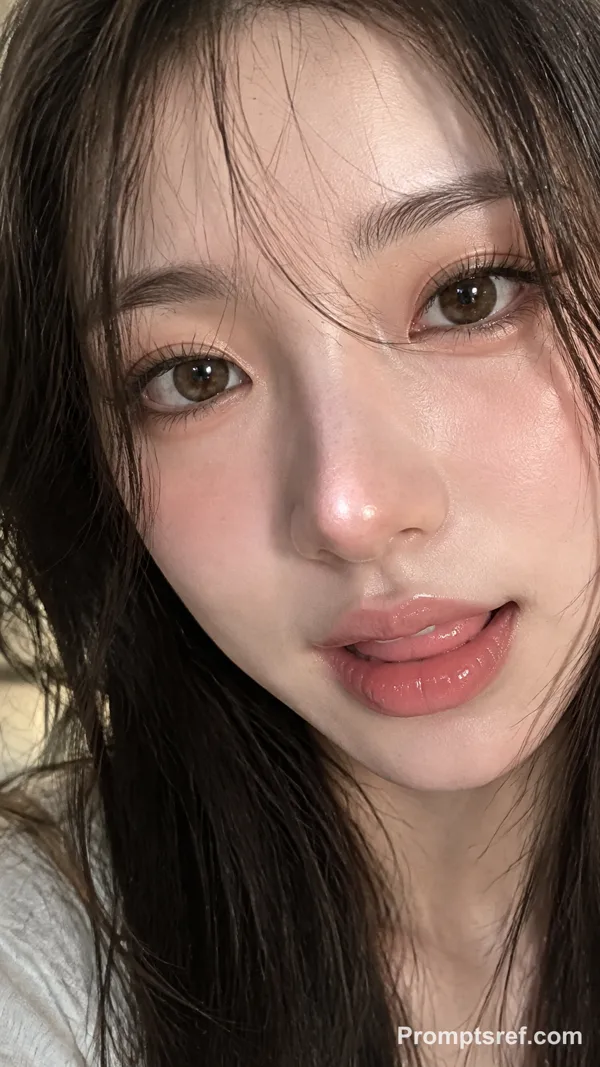
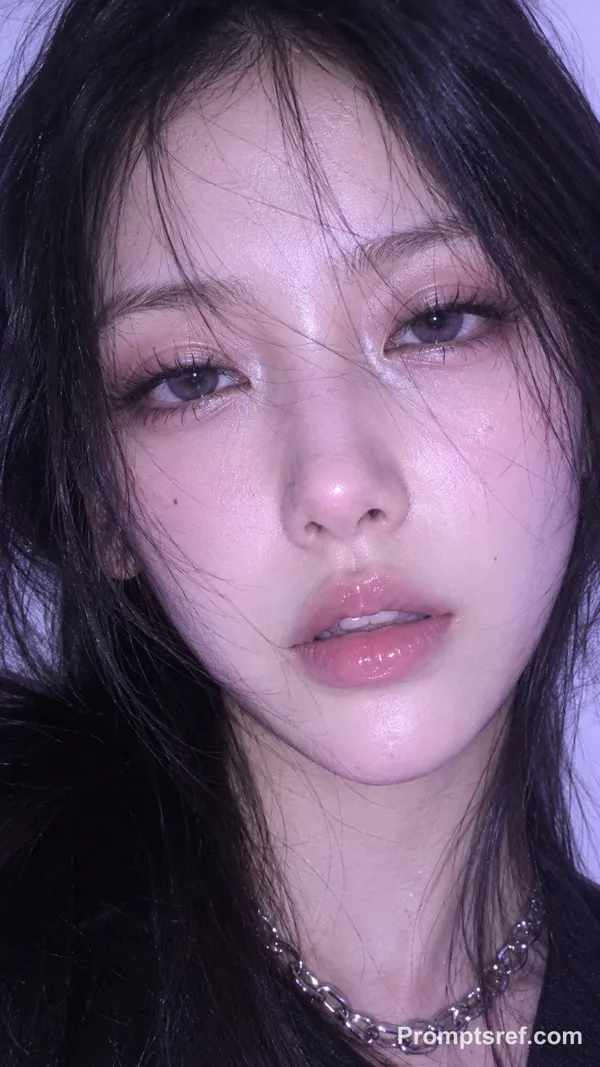
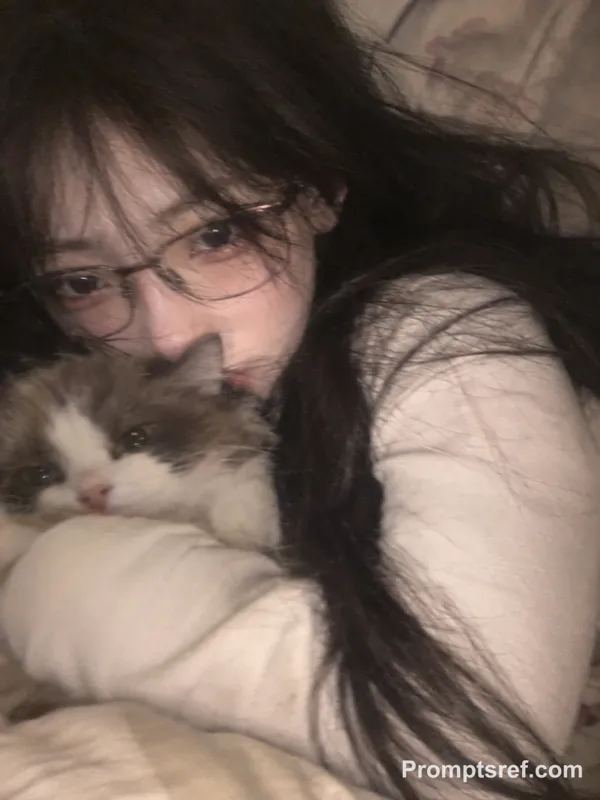
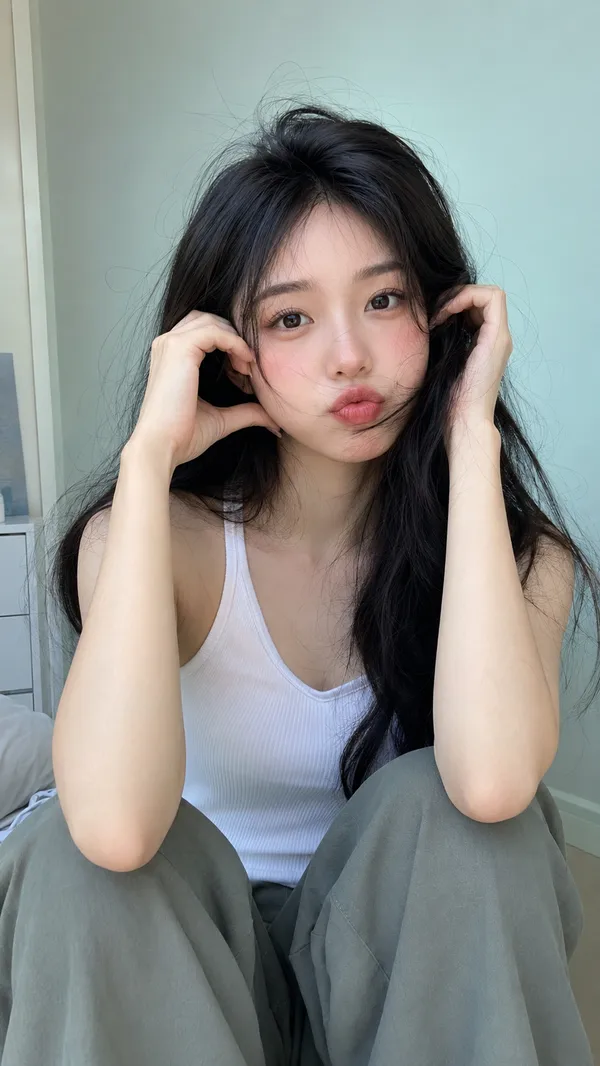
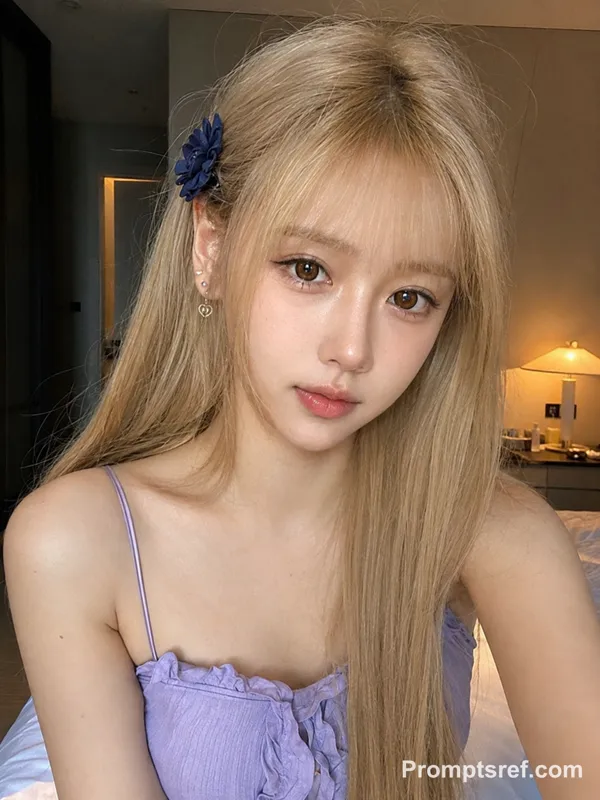
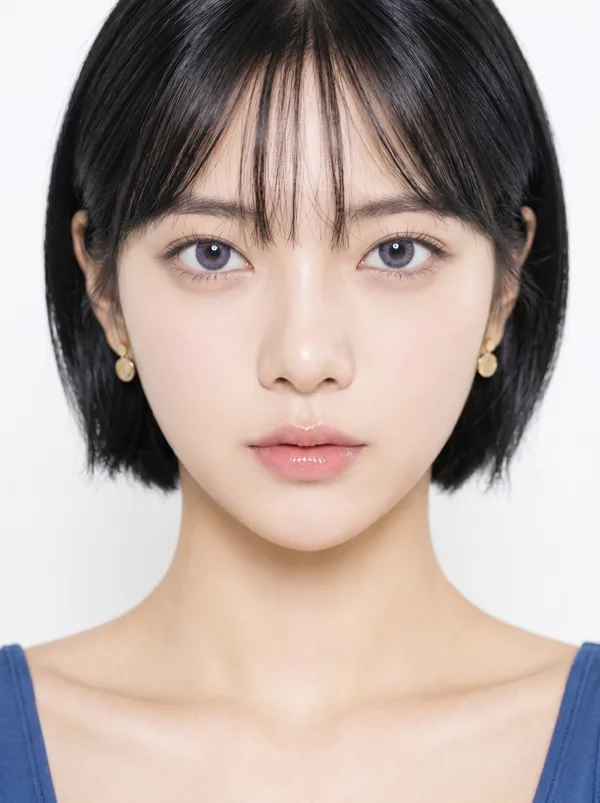
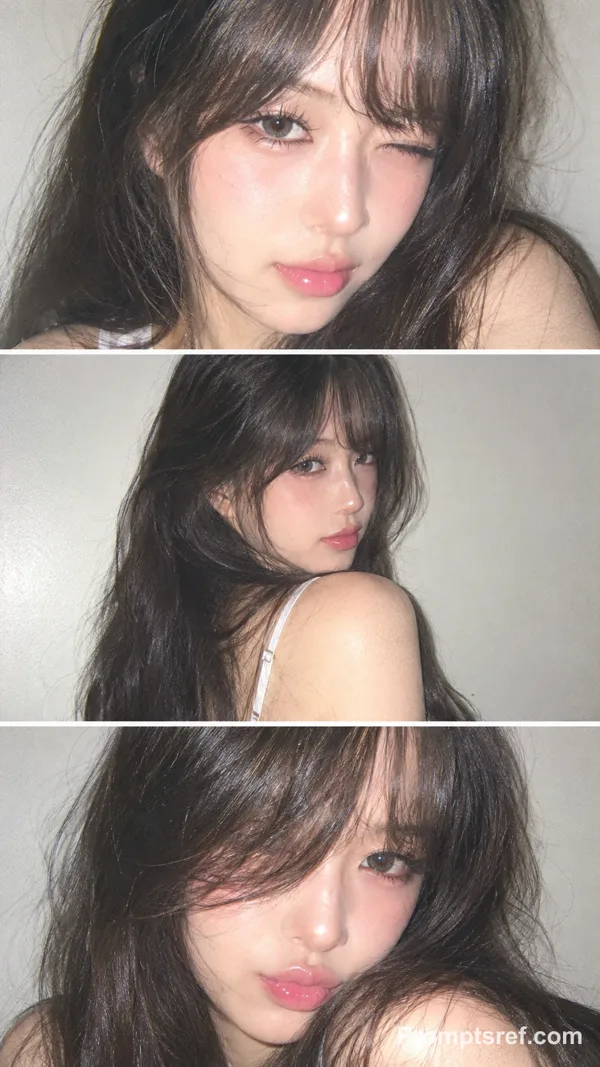
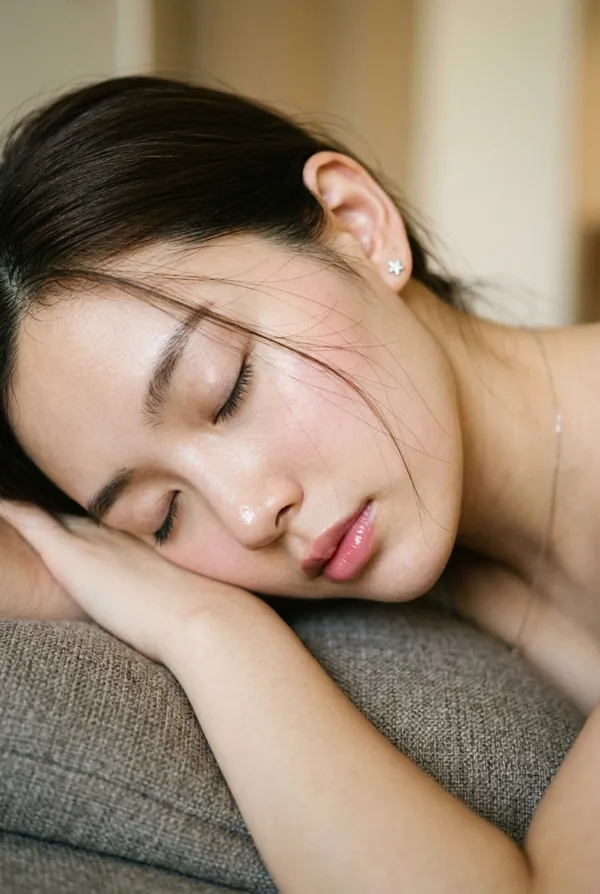
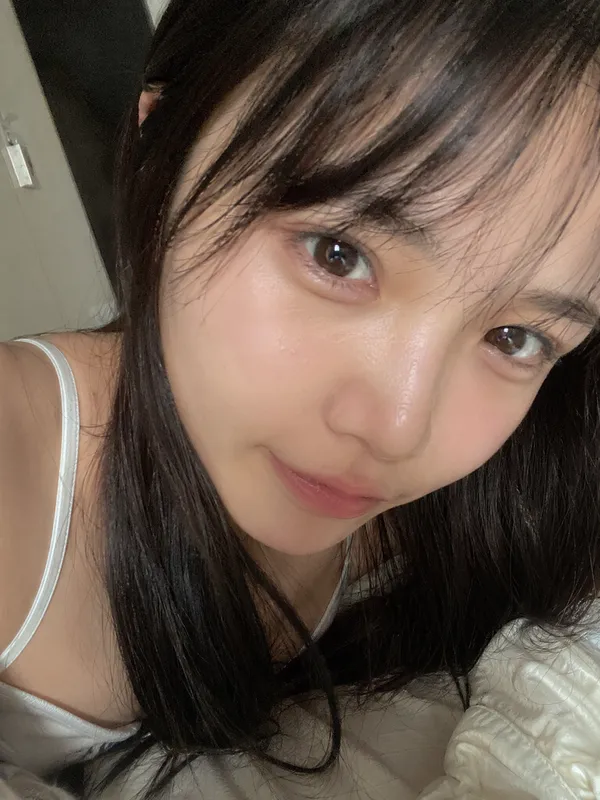
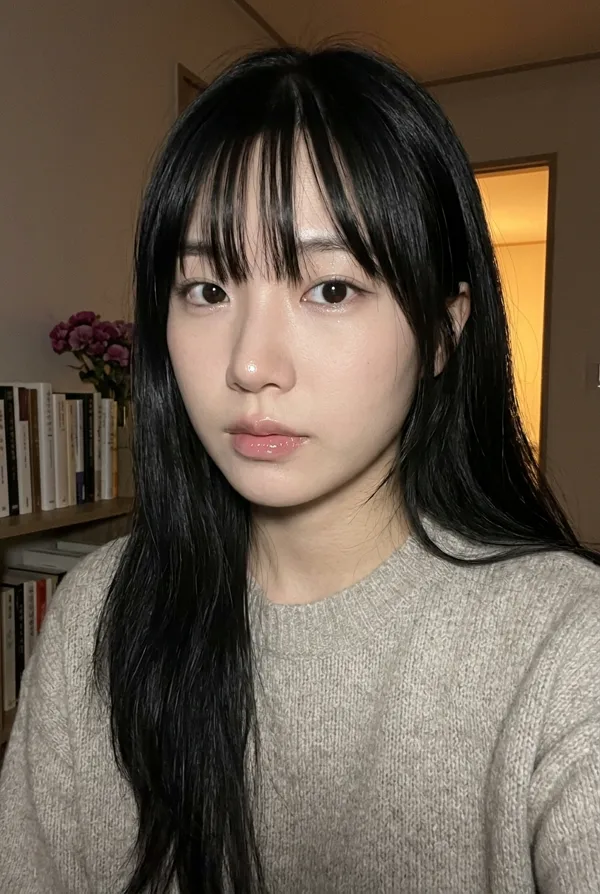
9:16 vertical, photorealistic beauty portrait, close-up composition, soft natural lighting, high-detail skin texture, subtle glow, shallow depth of field, clean softly blurred background, intimate and delicate mood.
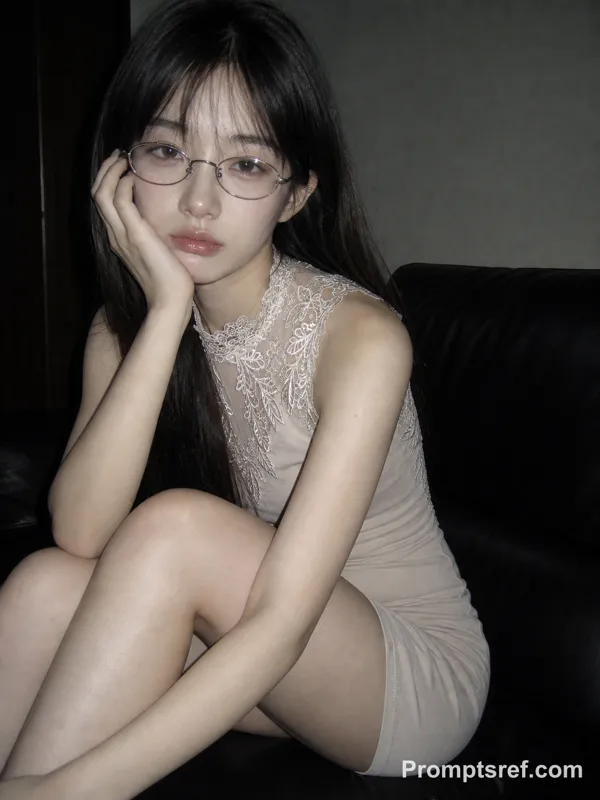
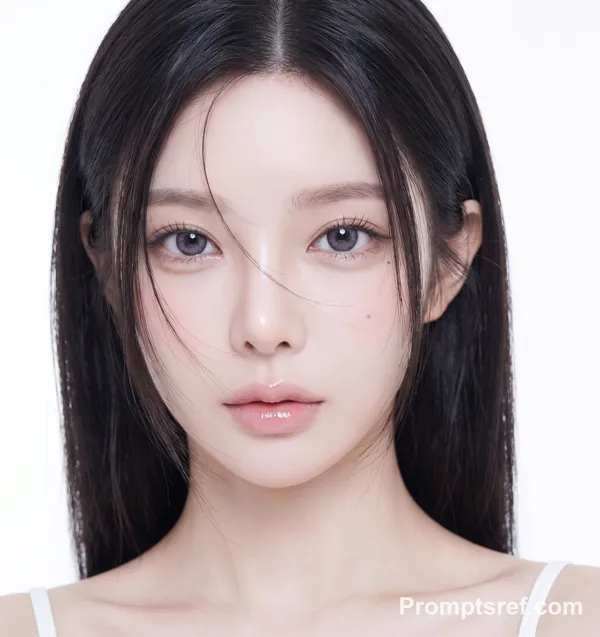
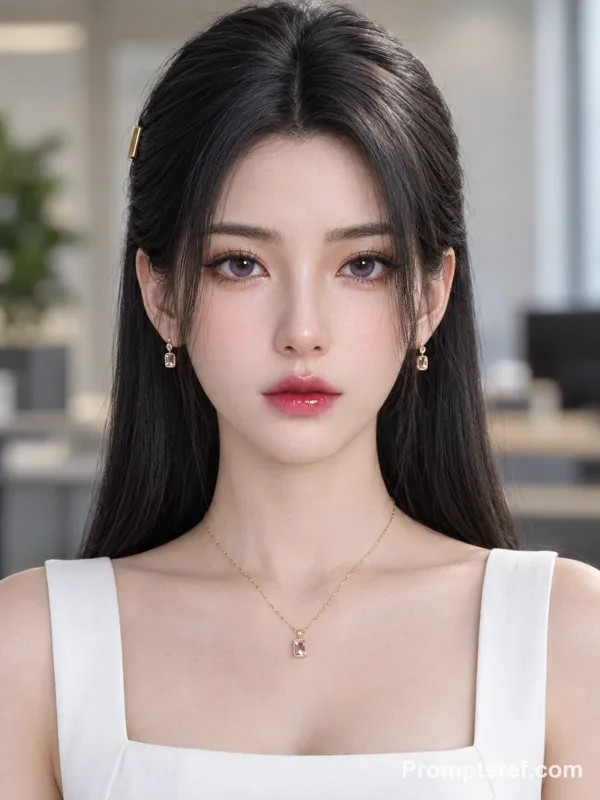
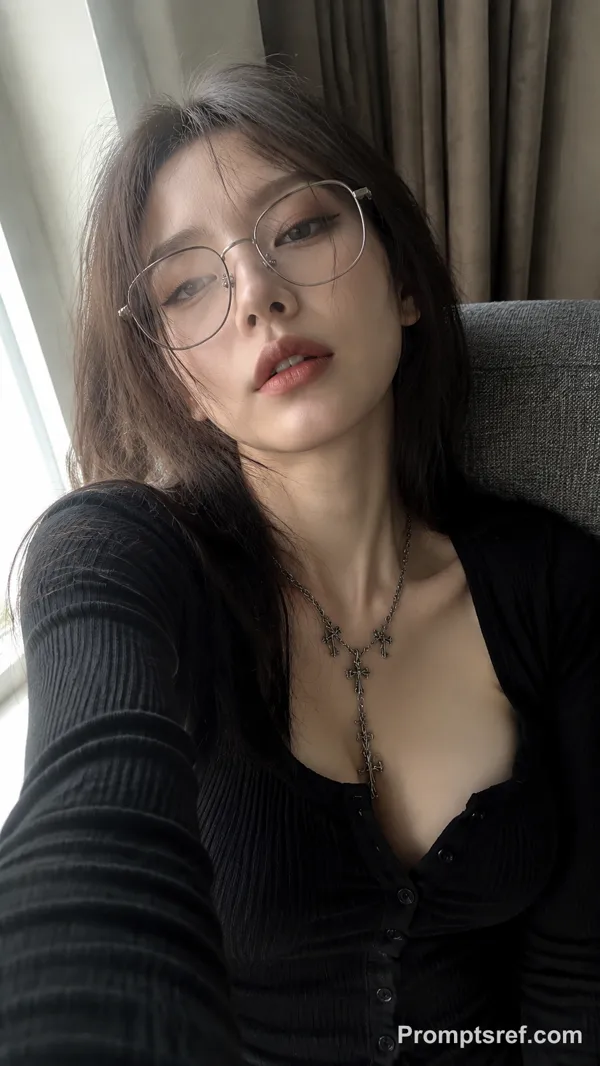
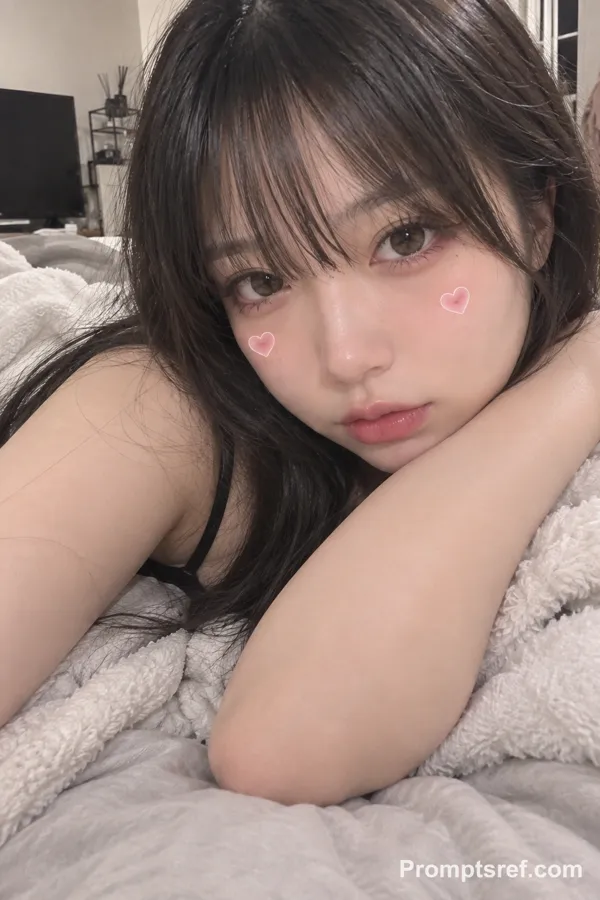
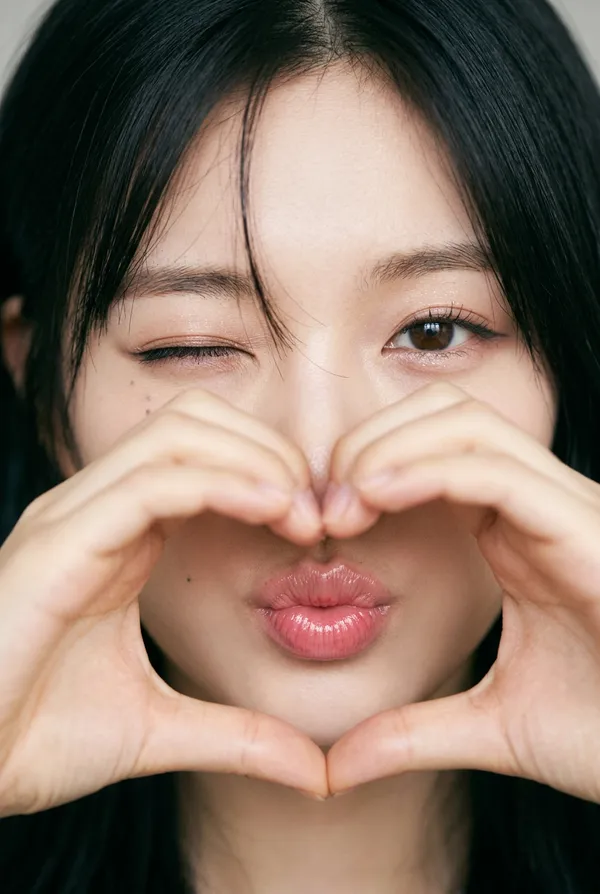
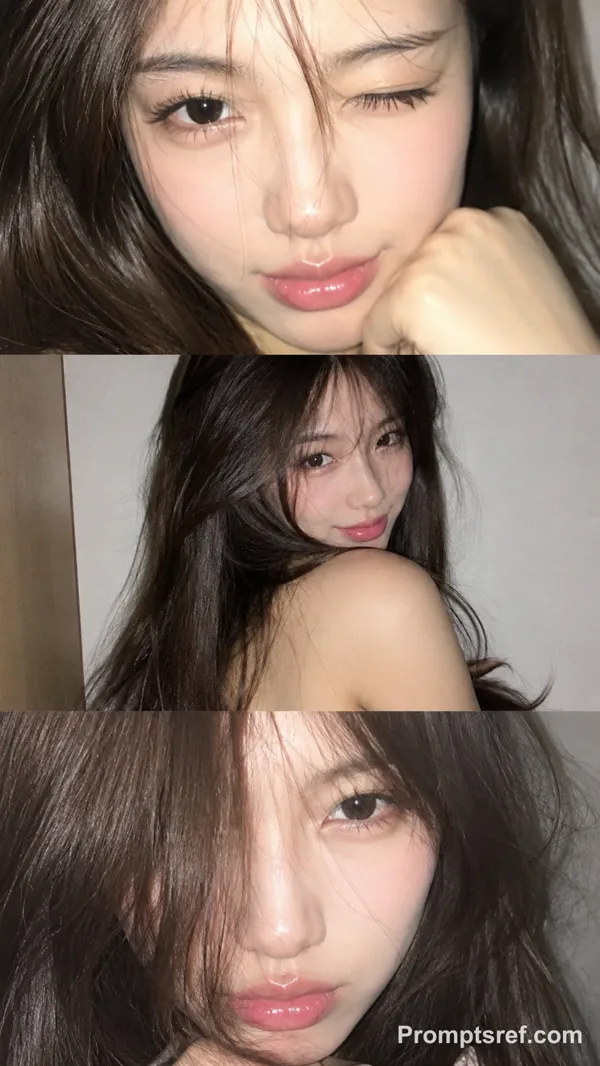
A clearly adult young East Asian woman with a distinctive cat-like face: a small soft-oval face, slightly rounded cheekbones, a tapered but not overly sharp jawline, elongated cat-shaped eyes with subtly lifted outer corners, narrow natural double eyelids, a faint hint of lower sclera, deep dark-brown irises, slightly arched delicate brows, a slim straight nose with a softly rounded tip, a defined cupid’s bow, a fuller lower lip, and naturally upturned mouth corners. Subtle facial asymmetry, a tiny beauty mark beneath one eye, distinctive rather than conventionally perfect.
Her expression feels soft, innocent, and slightly shy, while still retaining a faint teasing quality. She looks directly at the camera with relaxed half-lidded eyes, creating a contrast between an innocent mood and a naturally feline gaze.
Makeup: innocent cat-eye makeup, soft pastel pink blush placed high on the cheeks and lightly under the eyes, very subtle rosy-beige eyeshadow, a thin elongated eyeliner with a gentle lifted outer wing, soft lower lash definition, a delicate aegyo-sal effect, bright inner-corner highlight, fine separated lashes, naturally soft brows, clear luminous skin, and soft pink glossy lips with a fresh youthful finish. The makeup should feel sweet, airy, clean, and slightly doll-like, while preserving the natural cat-like eye shape.
Long dark hair with a soft natural texture, slightly tousled and gently framing the face. The overall aesthetic is soft, innocent, pretty, and feminine, with a subtle contrast between sweetness and feline sharpness.
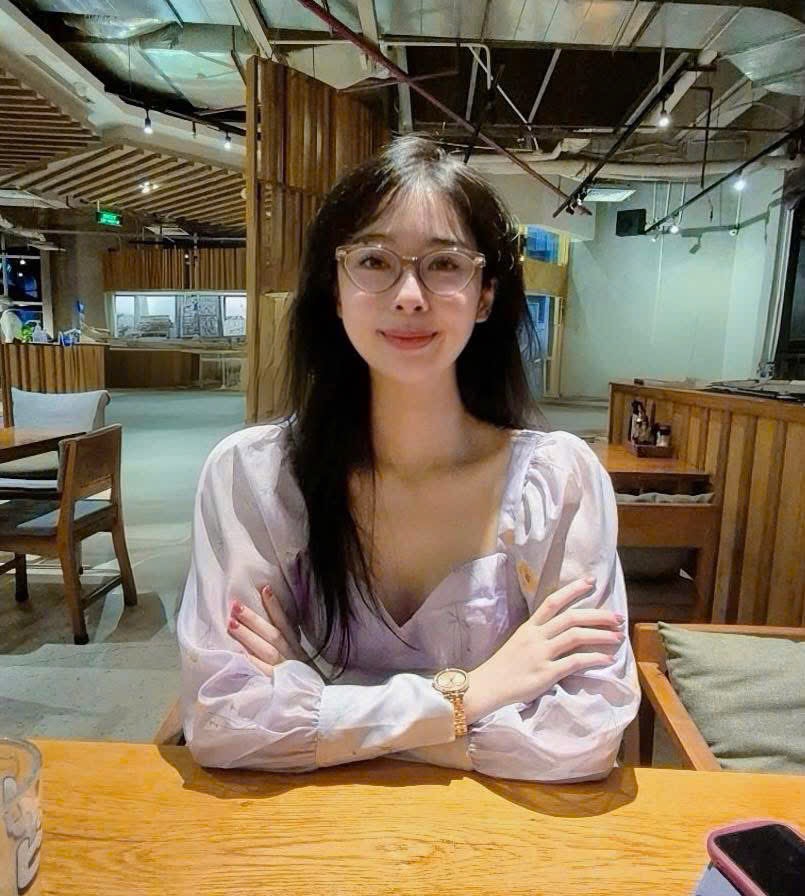
Референсное изображение
Ремиксы
РемиксРемиксов пока нет. Сделайте первую версию.
Используйте этот промпт для изображения
- 01
Начните с промпта
Скопируйте промпт или откройте его кнопкой генерации.
- 02
Внесите изменения
Измените объект, обстановку или детали. При необходимости добавьте референсы.
- 03
Проверьте перед генерацией
Проверьте модель и настройки результата. Результаты генерации могут отличаться.