GPT Image 2.0 Промпт - Аниме-стратег в циановой экзоброне

- Модель
- GPT Image 2.0
- Соотношение сторон
- 2:3
- Качество
- 1K
Промпт
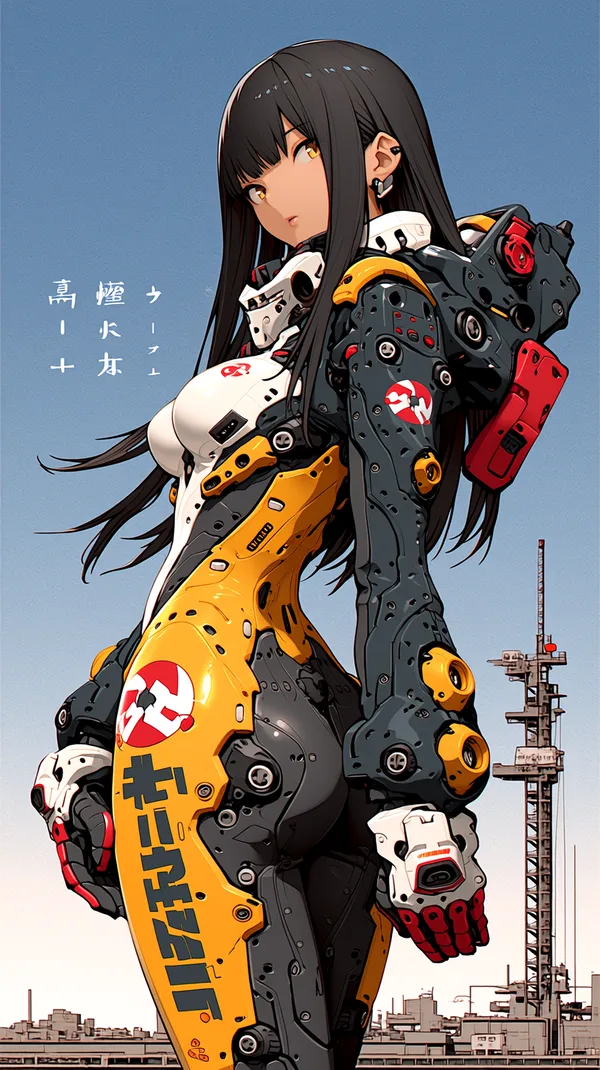
Full-body illustration of a young man, early twenties, wearing a sleek futuristic powered exoskeleton armor suit (Infinite Stratos style). He has a calm, composed expression — sharp analytical yellow eyes, neat short red hair, an air of quiet confidence rather than aggression, like a tactician rather than a brawler.
Suit design: form-fitting plating in cool tones — slate gray and deep teal with silver trim, glowing pale-cyan energy lines tracing the joints, chest core, and helmet visor (visor retracted, resting at the neck). The armor looks more refined and streamlined than bulky, with subtle geometric paneling suggesting precision engineering. Small retractable stabilizer fins near the shoulders and calves for balance rather than flashy wings.
Loadout: in one hand, a slim energy sword with a thin glowing cyan blade, held low and steady rather than raised aggressively. Mounted along his other forearm, a compact rifle-cannon that folds against the arm when not firing — sleek, modular, with a small holographic scope-reticle projected just above it.
Pose: standing grounded and alert, weight balanced, scanning the battlefield calmly rather than charging — as if he's assessing before acting. Faint holographic HUD readouts float near his head showing battle data, trajectories, and unit status — reinforcing his role as a strategist.
Background: an open sky battlefield at late afternoon, soft overcast light, distant faint silhouettes of other IS units in the sky to imply a larger battle. Lighting: even, cool-toned ambient light with soft glow from his suit's cyan energy core, subtle rim lighting from the sky. Style: clean anime/manga illustration, sharp linework, moderate cel-shading, controlled color palette (no oversaturation) to match his composed personality
Ремиксы
РемиксРемиксов пока нет. Сделайте первую версию.
Используйте этот промпт для изображения
- 01
Начните с промпта
Скопируйте промпт или откройте его кнопкой генерации.
- 02
Внесите изменения
Измените объект, обстановку или детали. При необходимости добавьте референсы.
- 03
Проверьте перед генерацией
Проверьте модель и настройки результата. Результаты генерации могут отличаться.