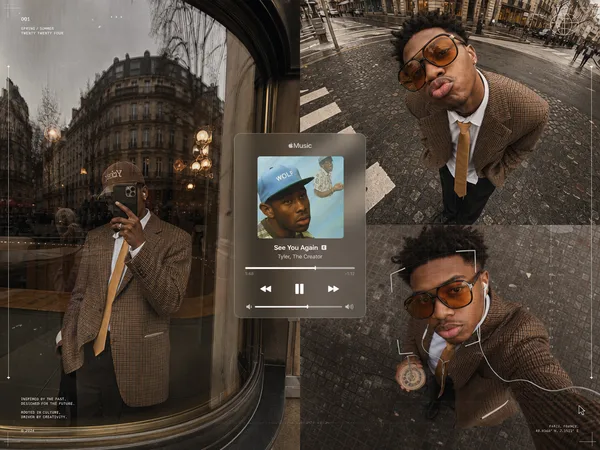
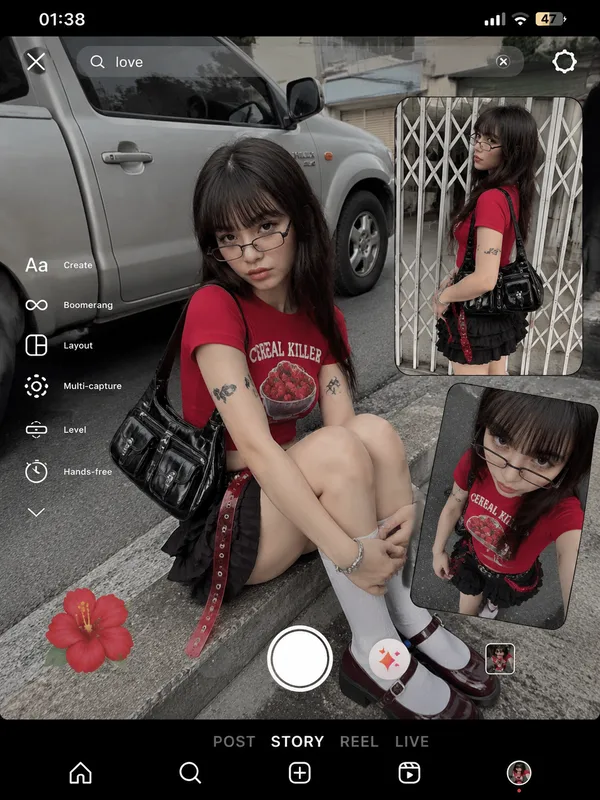
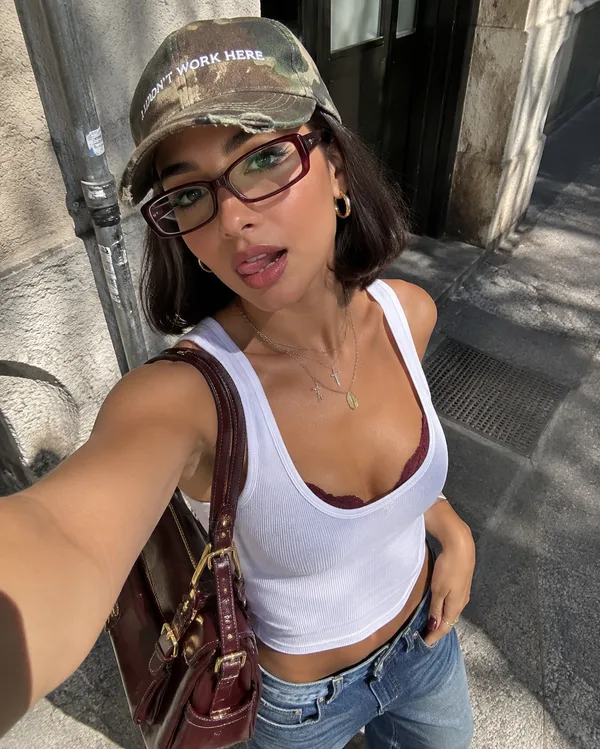
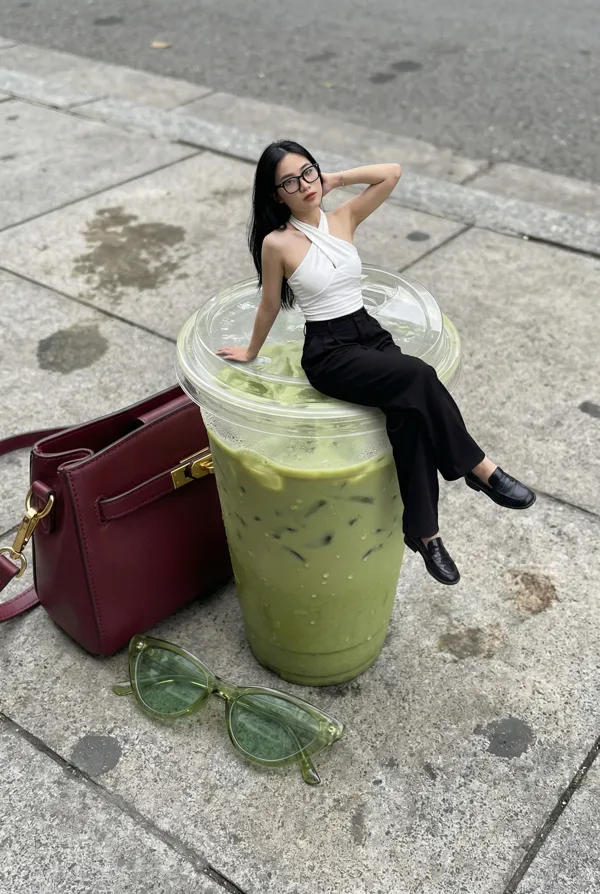
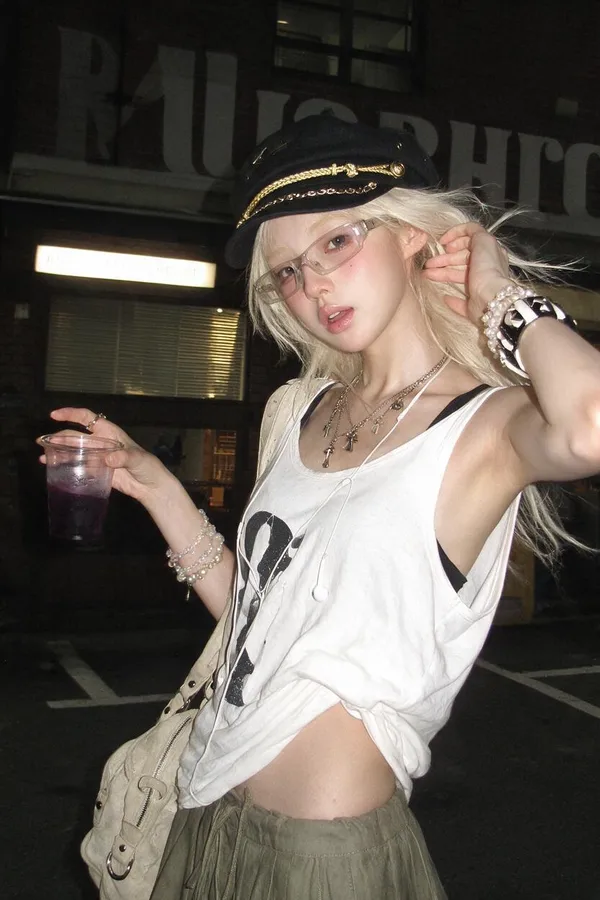
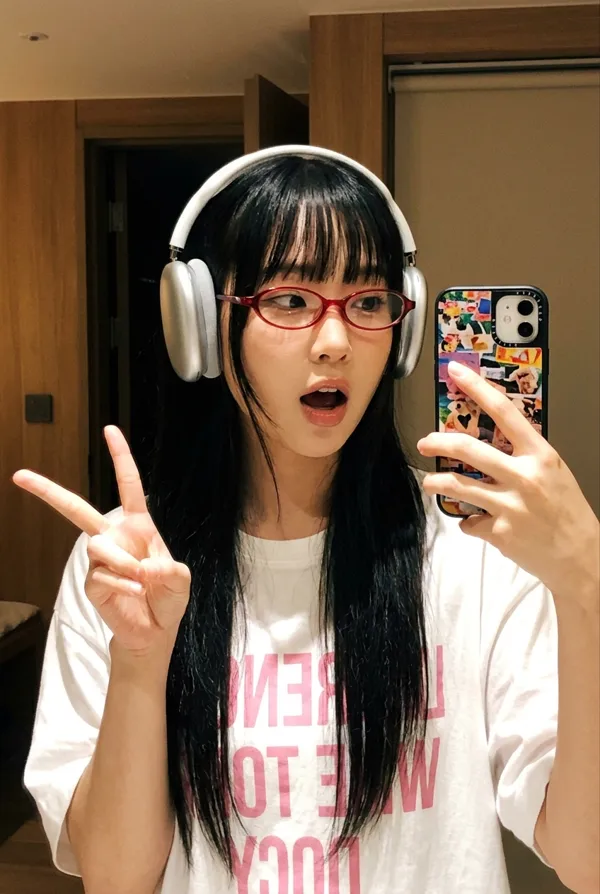
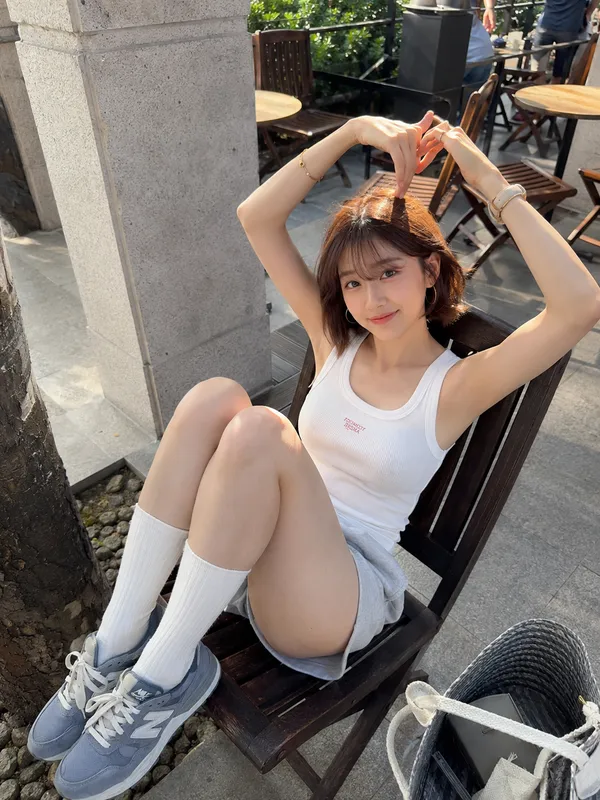
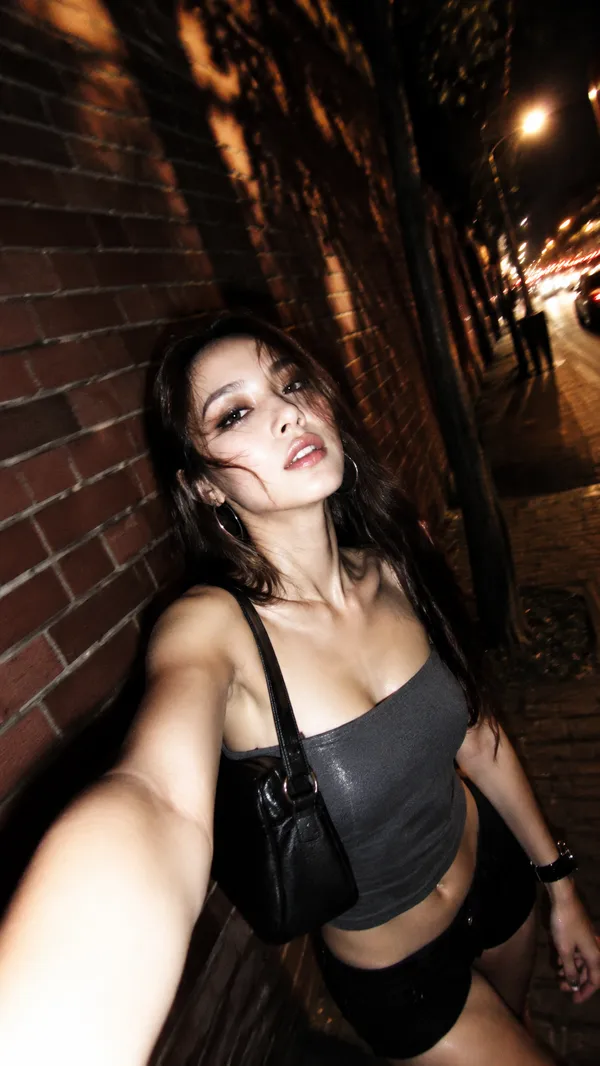
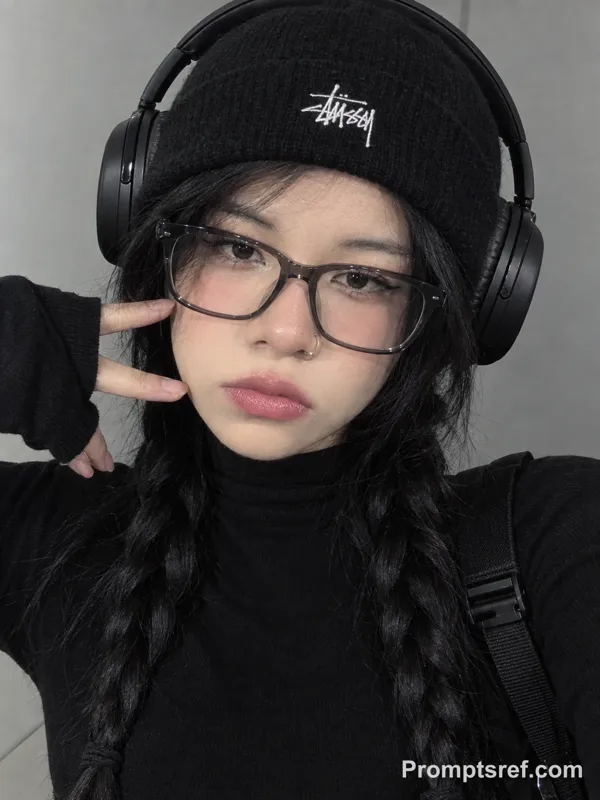
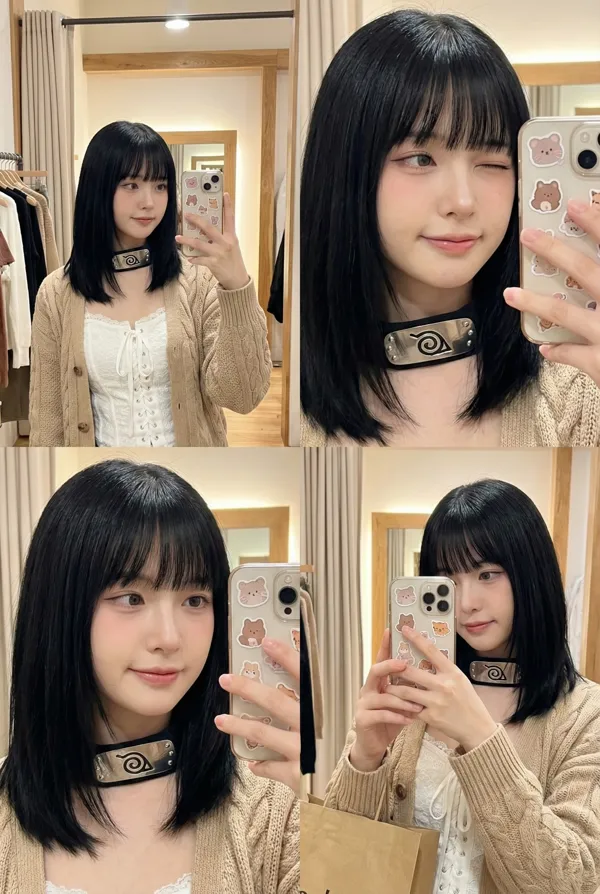
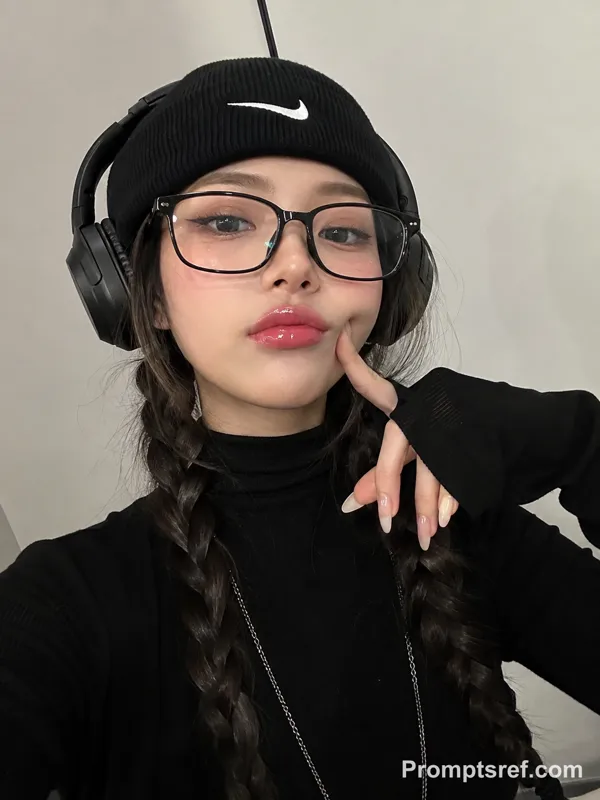
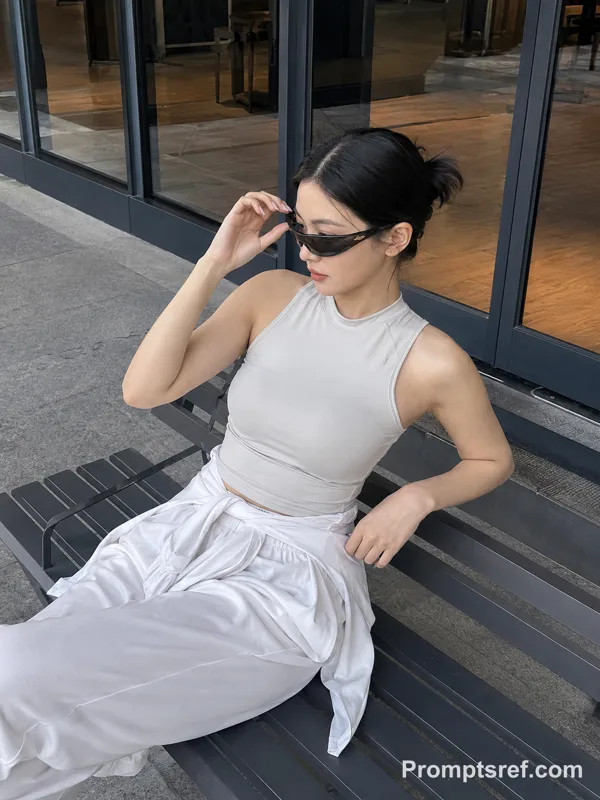
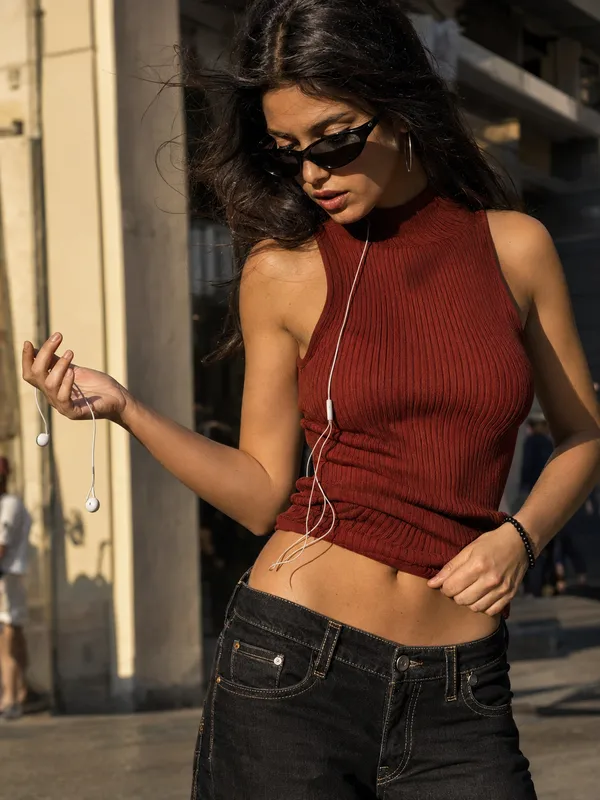
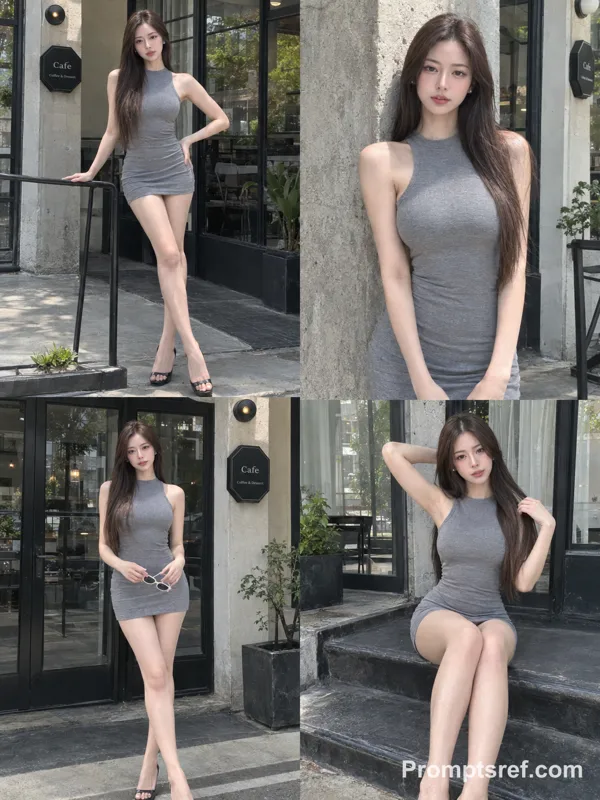
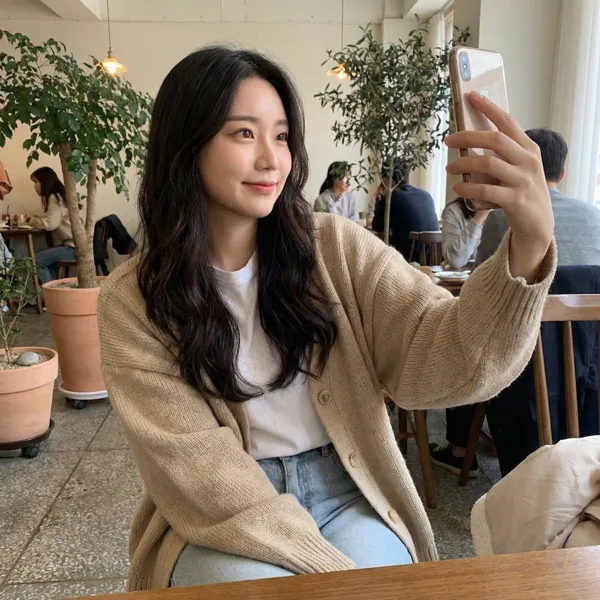
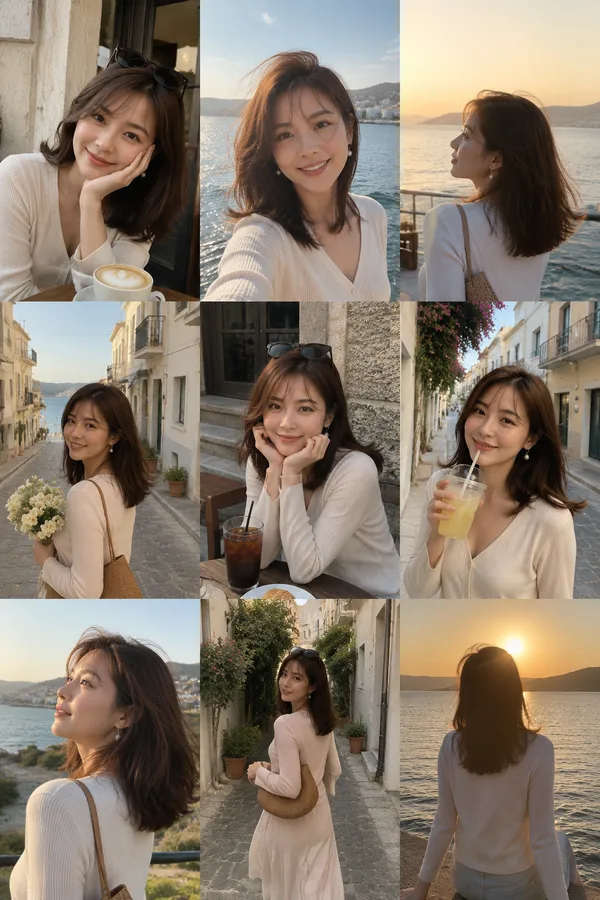
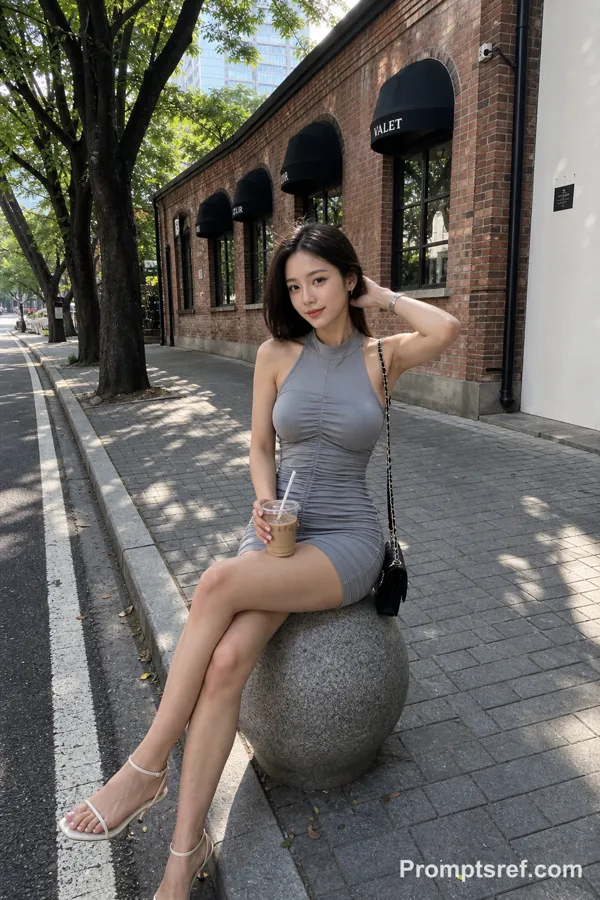
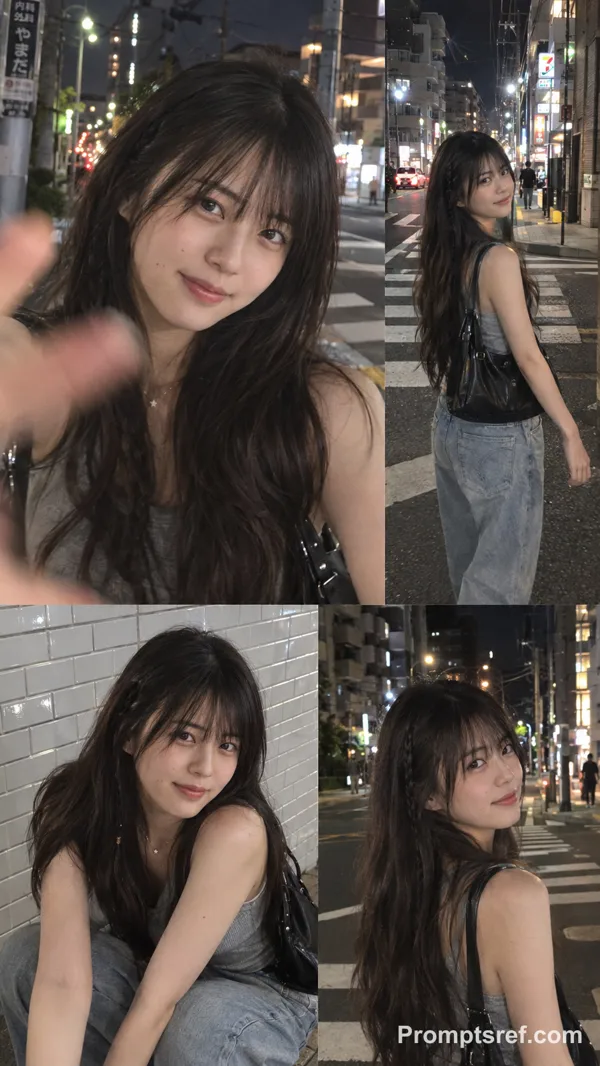
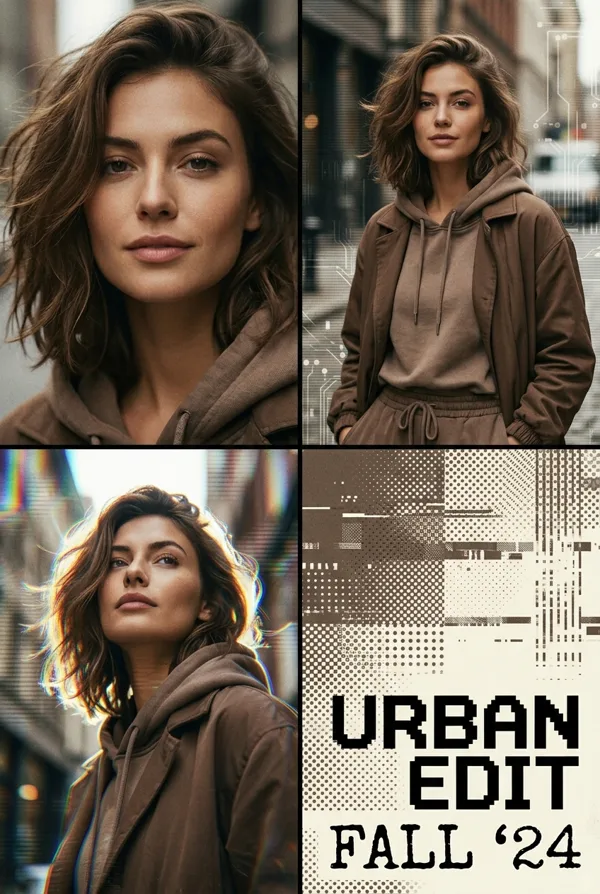
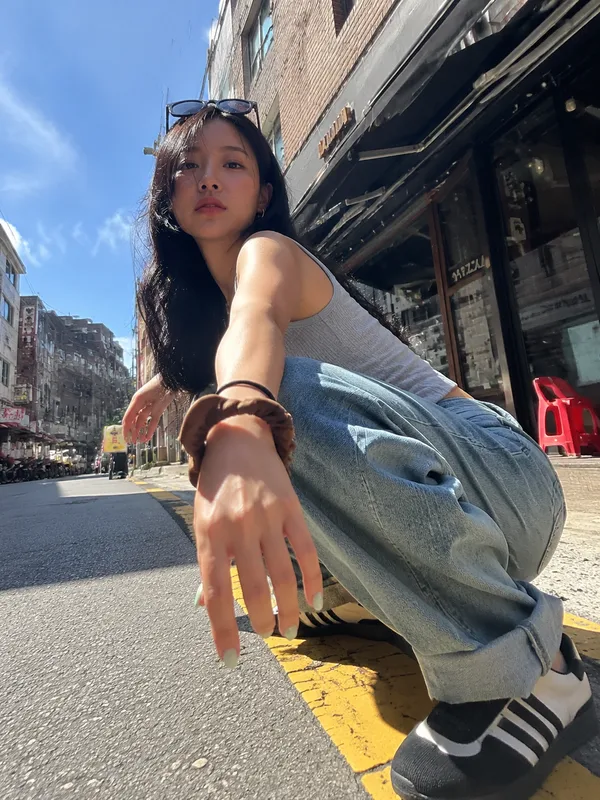
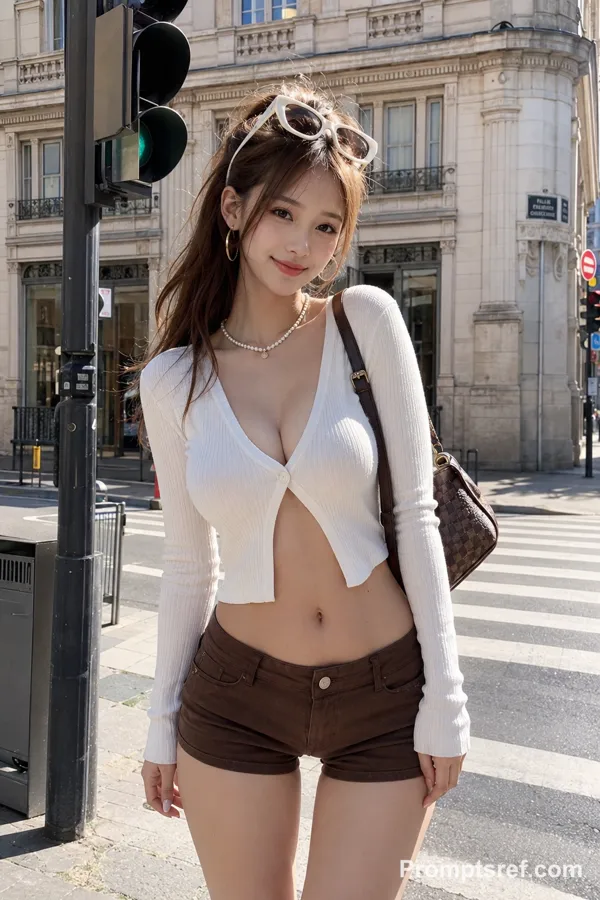
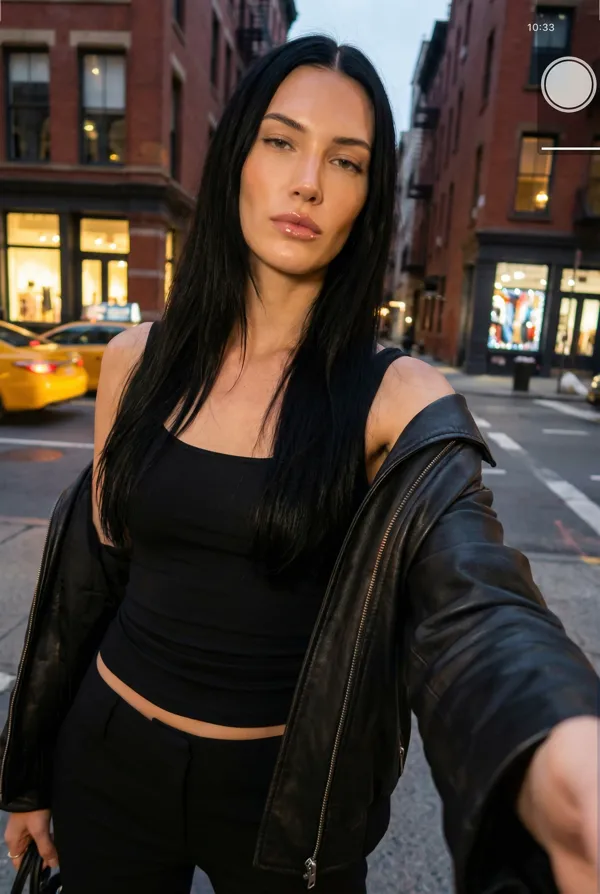
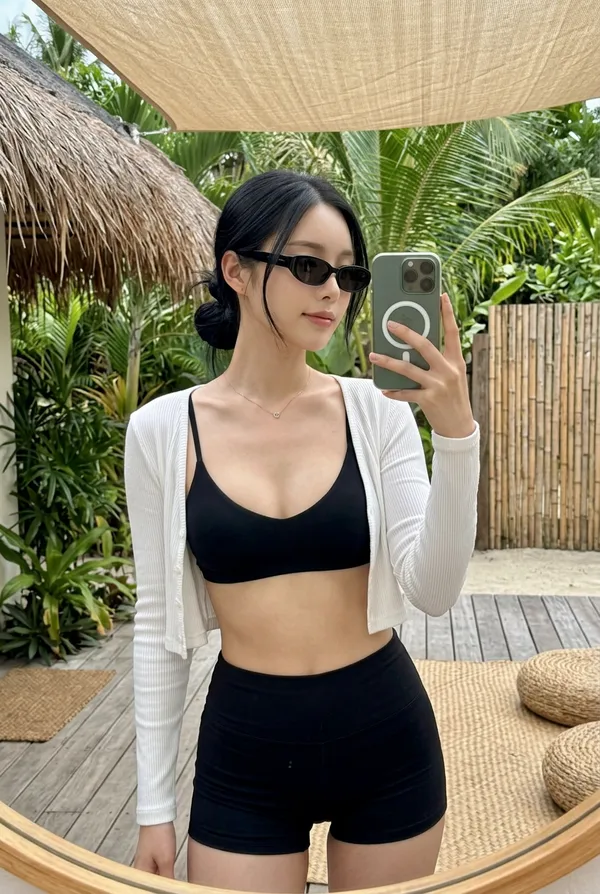
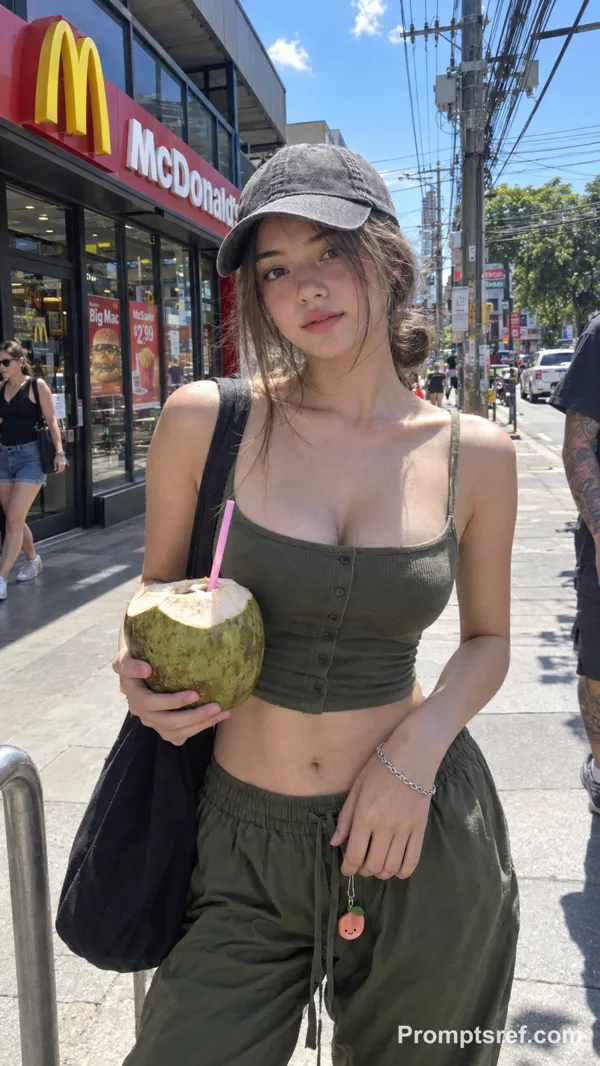
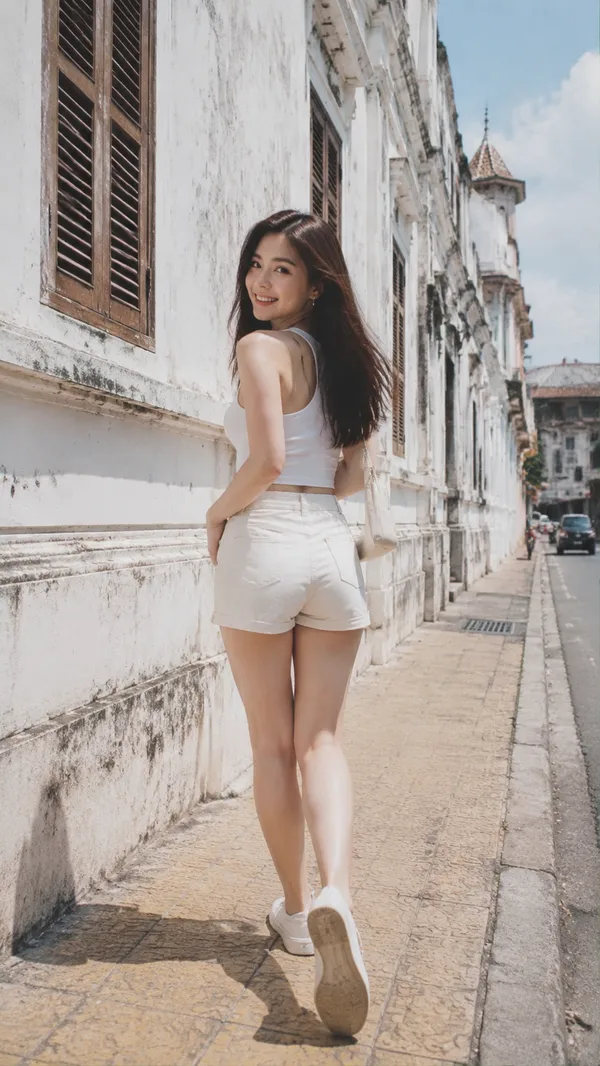
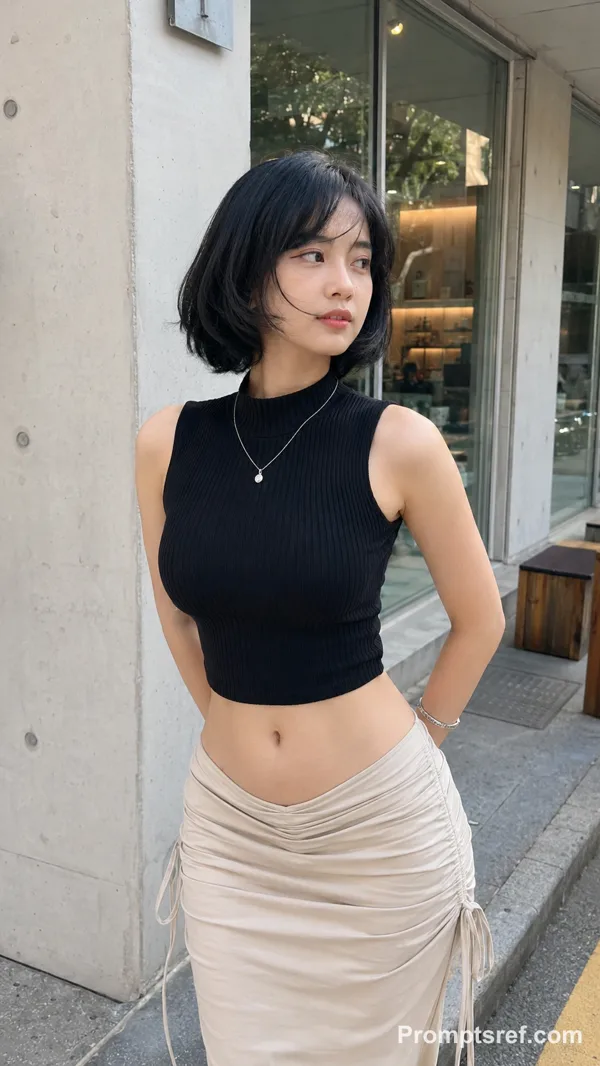
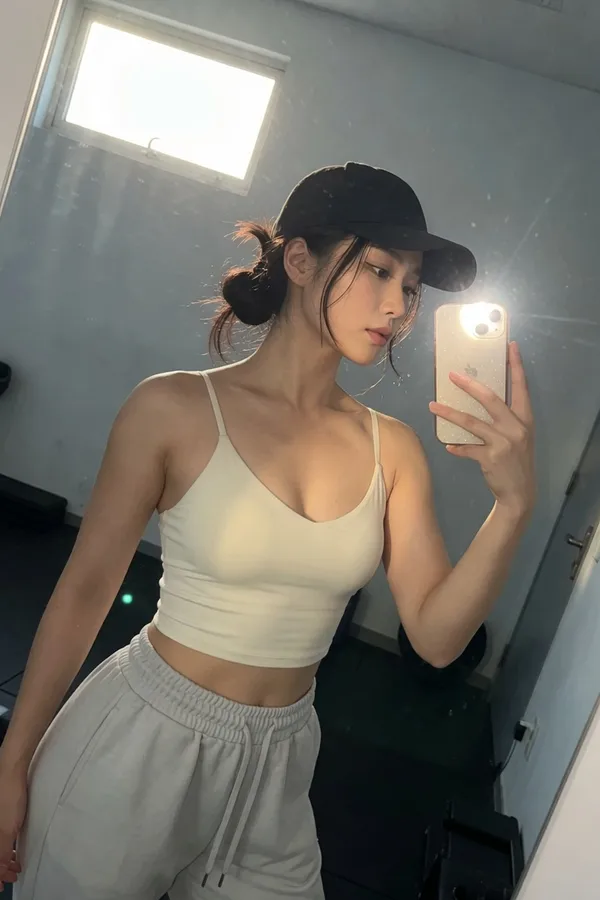
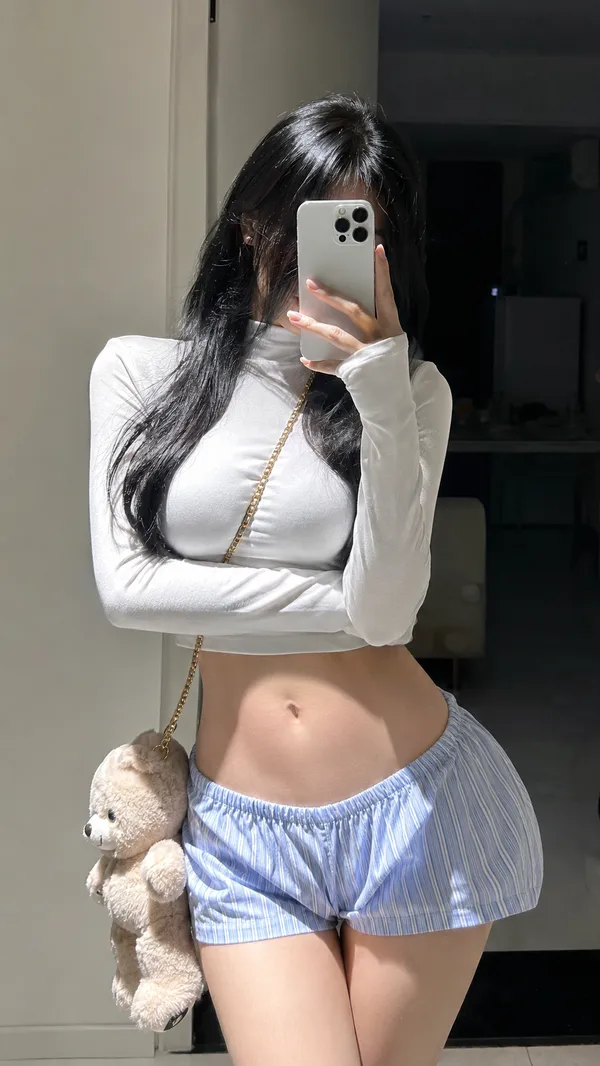
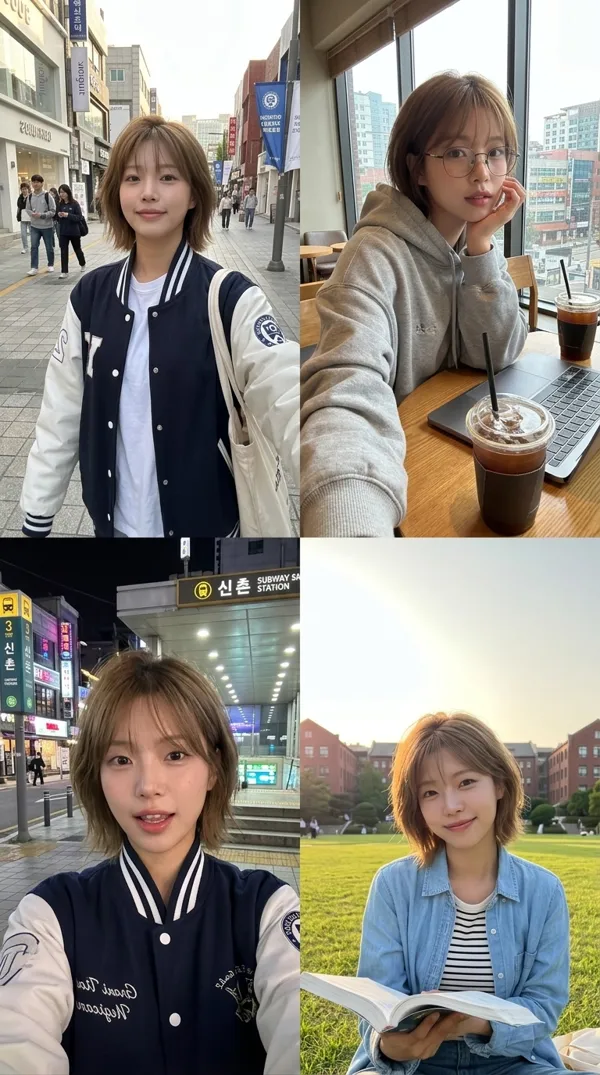
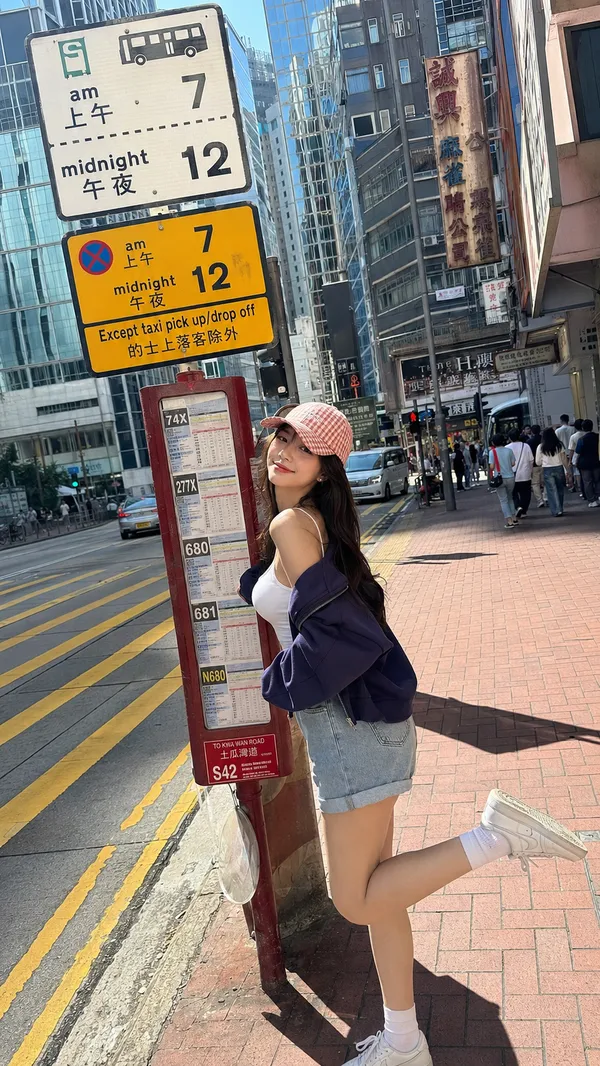
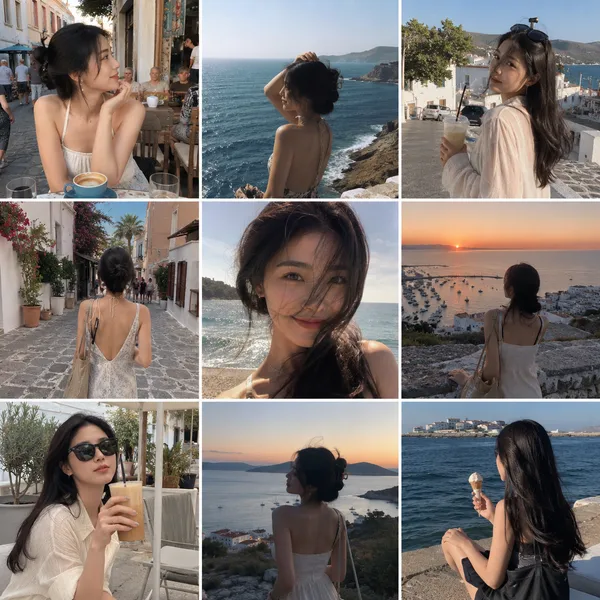
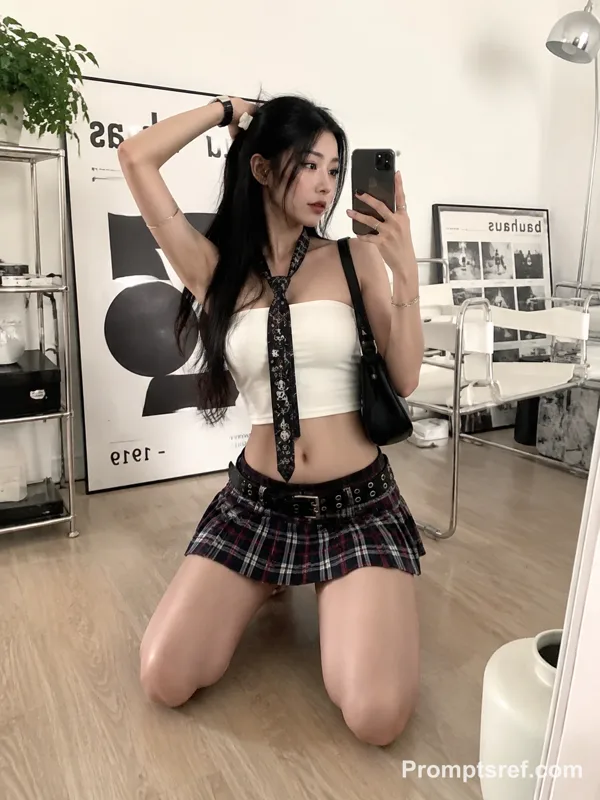
GPT Image 2.0 프롬프트 - 인디 스트리트풍 거울 셀피 콜라주

- 화면 비율
- 3:4
- 화질
- 1k
프롬프트
{
"title": "Street Style Mirror-Selfie Edit",
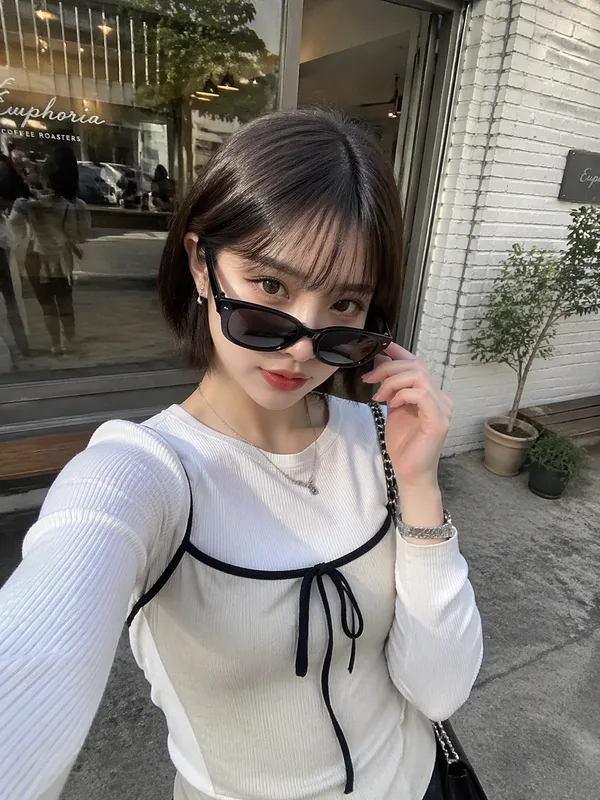
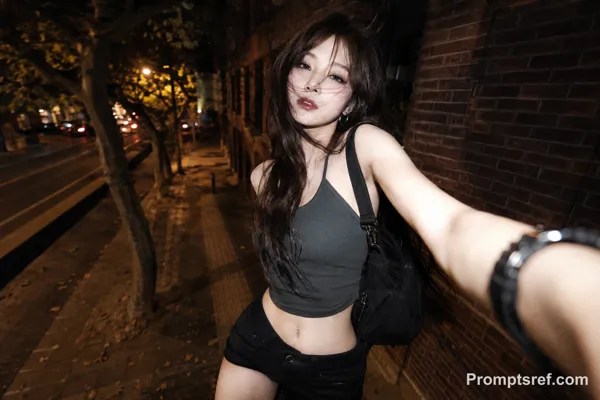
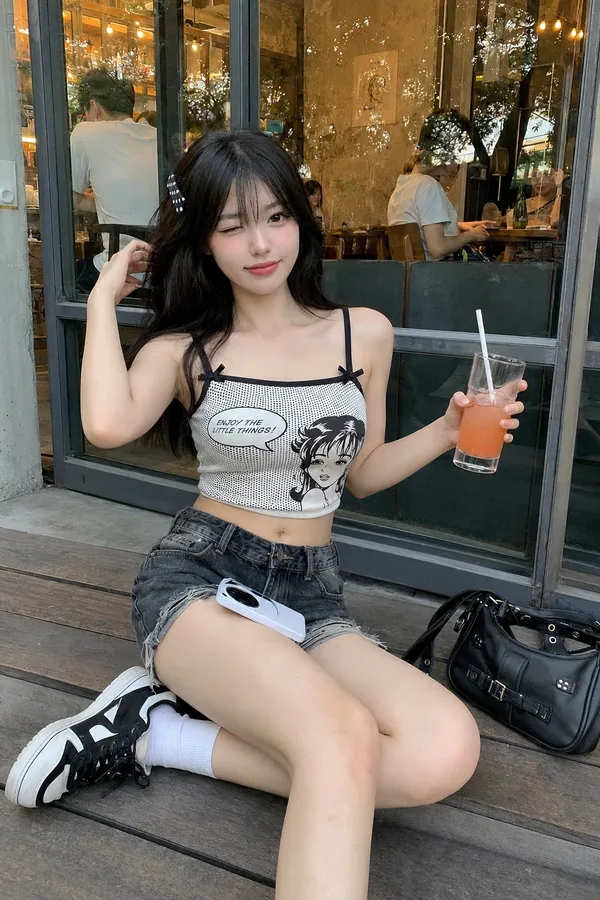
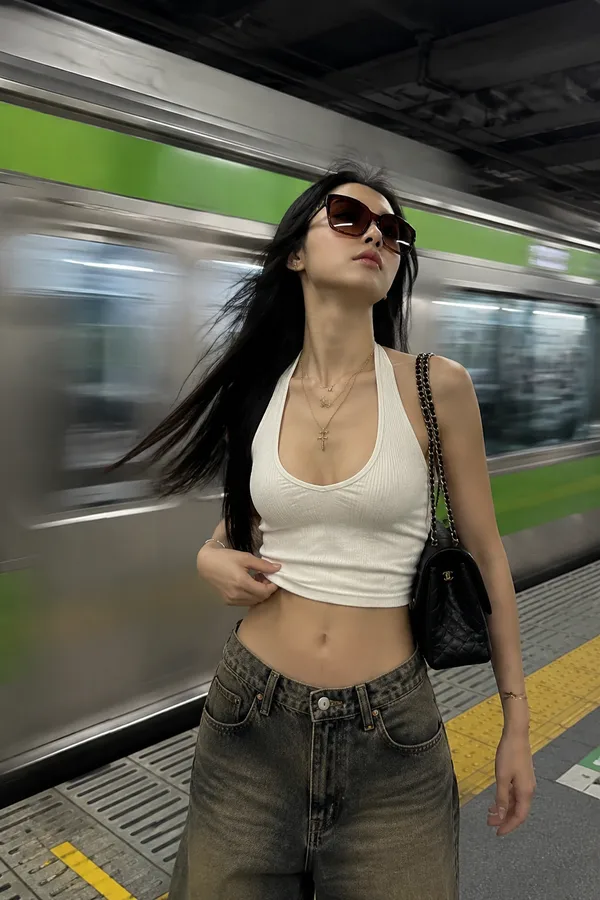
"style": "fashion editorial, candid street photography, indie aesthetic, Pinterest collage",
"subject": {
"gender": "female",
"ethnicity": "Asian",
"appearance": "incredibly beautiful young Asian woman with long black hair, soft glam makeup, confident expression",
"outfit": {
"top": "white fitted tank top",
"bottom": "black fitted shorts",
"accessories": [
"a ruby necklace"
"oversized amber-tinted sunglasses",
"brown vintage cap",
"silver hoop earrings",
"small black shoulder bag"
]
}
},
"scene": {
"location": "urban street with cobblestone pavement and reflective glass buildings",
"lighting": "natural daylight, soft cloudy ambiance",
"camera_style": [
"mirror selfie",
"high-angle selfie",
"close-up selfie",
"editorial street pose"
],
"poses": [
"standing in front of reflective glass taking mirror selfie",
"looking up at camera with doing peace sign and tongue out expression",
"holding iced coffee while taking selfie from above",
"casual relaxed street stance with attitude"
]
},
"composition": {
"layout": "4-image collage inspired by Pinterest fashion moodboards",
"details": [
"music player overlay in center",
"grainy film texture",
"slightly desaturated tones",
"street fashion aesthetic",
"editorial crop framing"
]
},
"music_overlay": {
"song": "Let It Happen",
"artist": "Tame Impala",
"track_length": "7:48",
"current_timestamp": "0:39",
"player_style": "iPhone music player widget overlay"
},
"mood": [
"cool",
"effortless",
"dreamy",
"indie",
"fashion-forward"
],
"quality": {
"resolution": "high detail",
"render_style": "photorealistic",
"aspect_ratio": "4:5"
}
}
리믹스 작품
리믹스아직 리믹스가 없어요. 첫 번째 버전을 만들어 보세요.
이 이미지 프롬프트 사용하기
- 01
프롬프트로 시작하기
프롬프트를 복사하거나 생성 버튼으로 여세요.
- 02
나만의 아이디어 더하기
주제, 배경, 세부 사항을 조정하고 필요하면 참고 자료를 추가하세요.
- 03
생성 전 확인하기
모델과 출력 설정을 확인하세요. 생성 결과는 매번 다를 수 있습니다.