Nano Banana 2 프롬프트 - 골든아워 골프장의 버건디 드레스 여성

프롬프트
A naturally beautiful East Asian woman in her early-to-mid 20s,
long dark brown hair with warm auburn/caramel highlights —
hair is blowing in the wind, sweeping to the left-back direction.
Fuller chest, slim waist, naturally toned figure.
Wearing a wine red / burgundy sleeveless fitted mini dress
with slight skirt flare and movement, above the knee.
White inner lining / trim visible at the back neckline.
No visible shoes in frame.
POSE: She is standing on a golf course,
body rotated approximately 160 degrees AWAY from camera —
almost fully facing away, back toward the viewer.
Her LEFT hip is slightly raised (natural weight shift).
Her right arm extends to her right side,
hand resting on / gripping the top of a golf bag.
Her head is turned back OVER HER LEFT SHOULDER,
looking directly at the camera with a soft confident expression,
lips closed, slight mysterious half-smile.
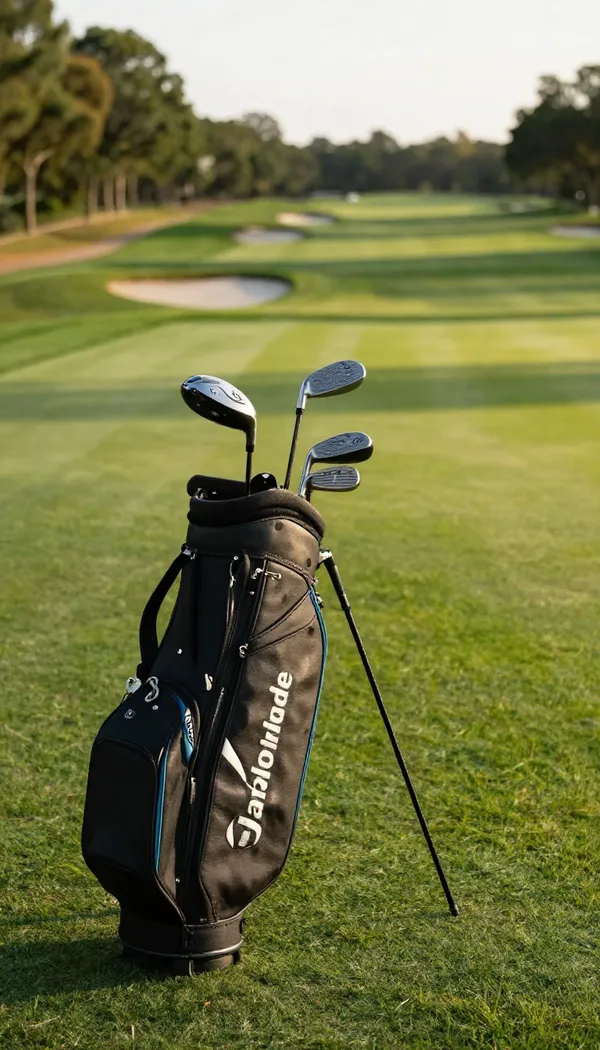
GOLF BAG: Premium white stand / tour-style golf bag,
upright and self-standing on the ground to her right.
Deep navy blue accent stripes and logo details.
Circular "PC" monogram badge on the front.
Multiple iron club heads (silver/chrome) visible protruding from the top.
SETTING: Championship golf course.
Immediate foreground: lush short-cut green grass.
Mid-ground: bunker / sandy bare terrain area visible to the left.
Far background: sparse tall eucalyptus / Australian-style trees
along the horizon, open sky above.
LIGHTING: Strong golden hour — light source from the RIGHT and SLIGHTLY BEHIND.
Warm orange-gold rim light wrapping around her right shoulder,
right arm, and right side of hair — glowing edge light effect.
Her face is illuminated by cooler ambient reflected light from the front-left.
Sky: upper portion is clear bright blue with scattered white clouds;
lower horizon has warm golden glow.
Cinematic warm-cool contrast.
Composition: Subject positioned slightly left of center frame.
Camera height at mid-body level.
Visible from approximately mid-thigh upward.
Background in soft bokeh, subject sharp.
리믹스 작품
리믹스아직 리믹스가 없어요. 첫 번째 버전을 만들어 보세요.
이 이미지 프롬프트 사용하기
- 01
프롬프트로 시작하기
프롬프트를 복사하거나 생성 버튼으로 여세요.
- 02
나만의 아이디어 더하기
주제, 배경, 세부 사항을 조정하고 필요하면 참고 자료를 추가하세요.
- 03
생성 전 확인하기
모델과 출력 설정을 확인하세요. 생성 결과는 매번 다를 수 있습니다.