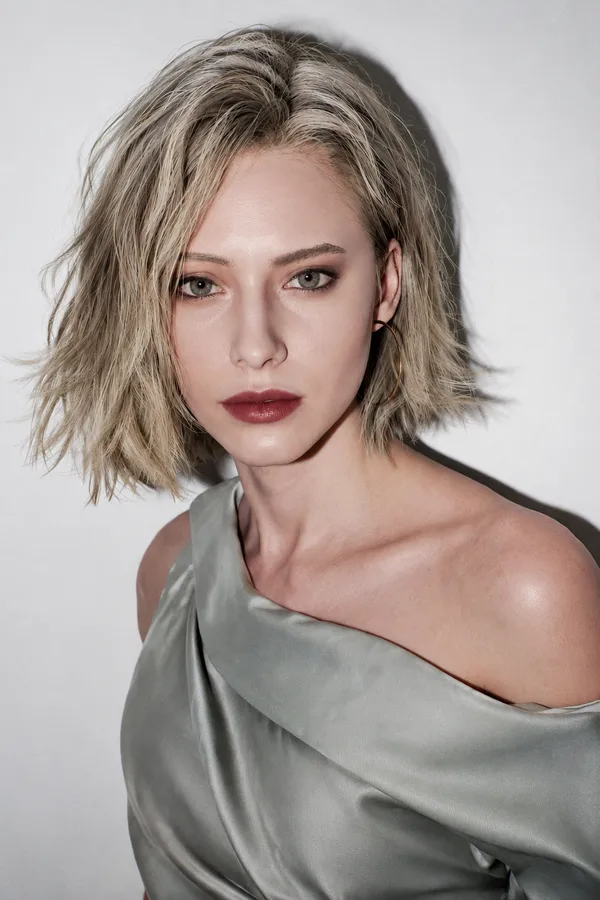
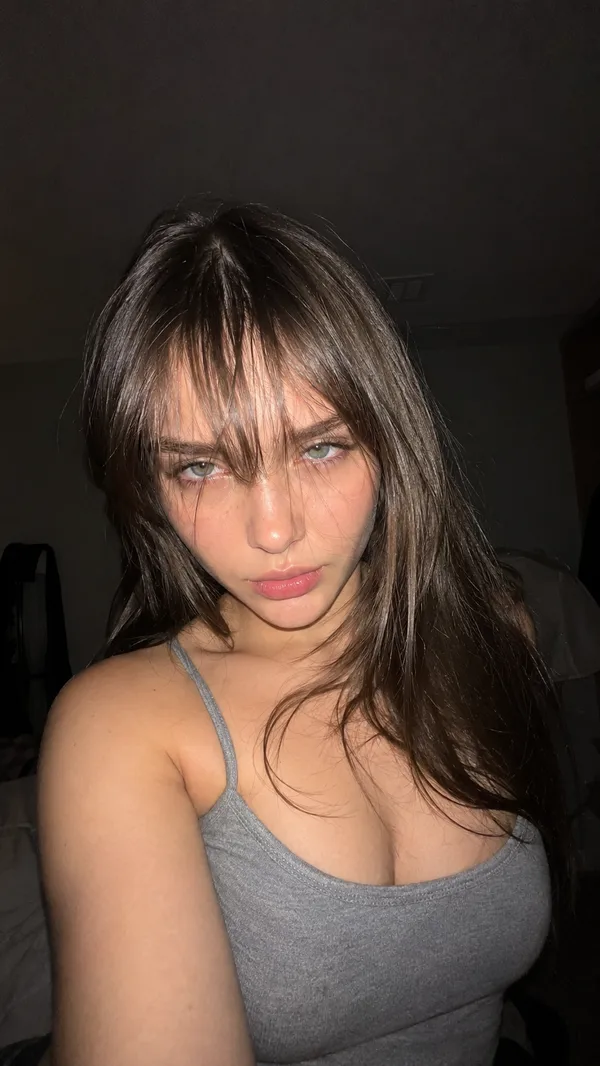
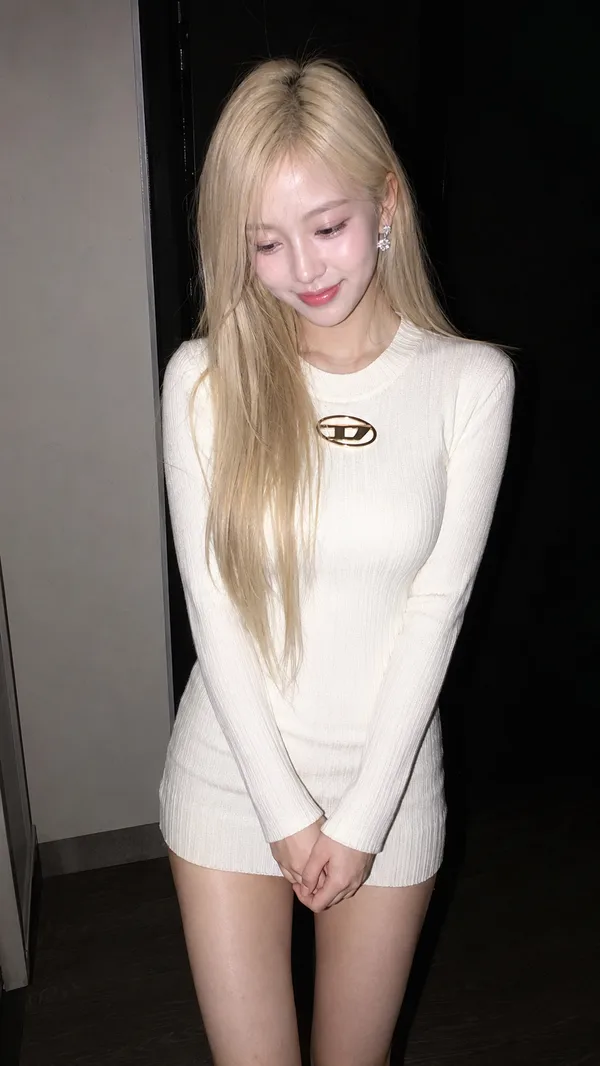
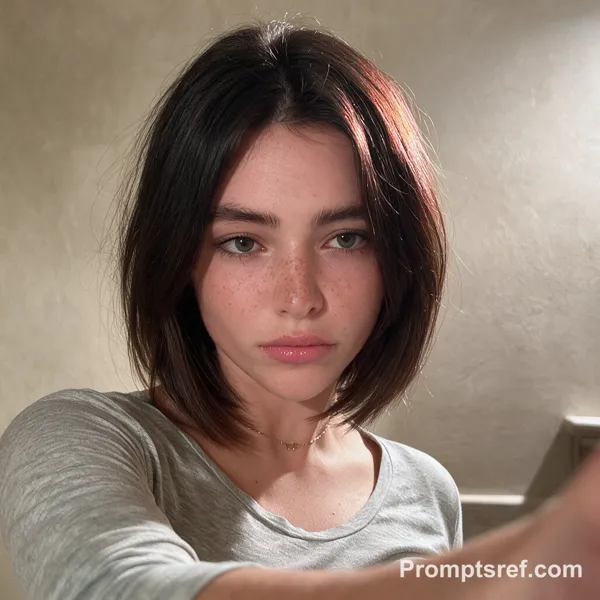
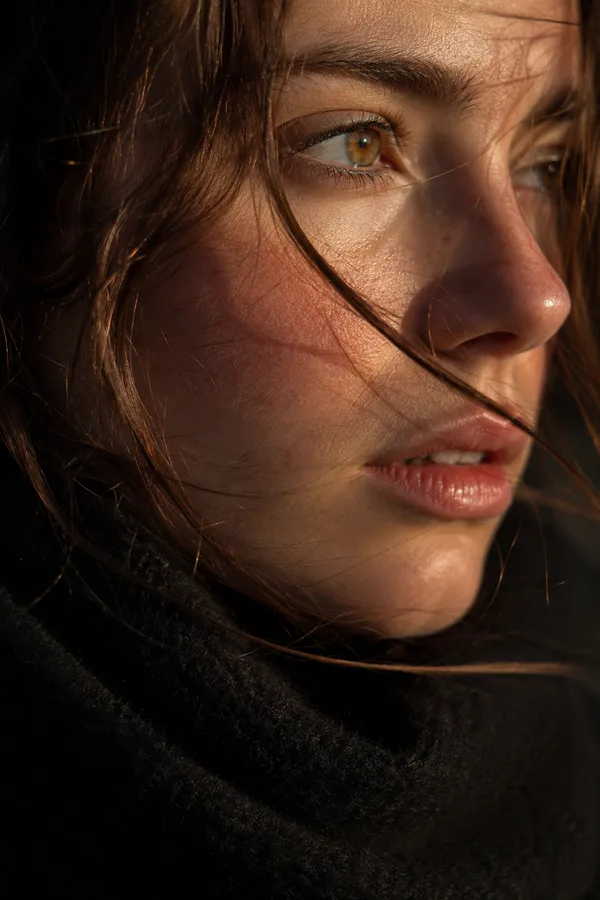
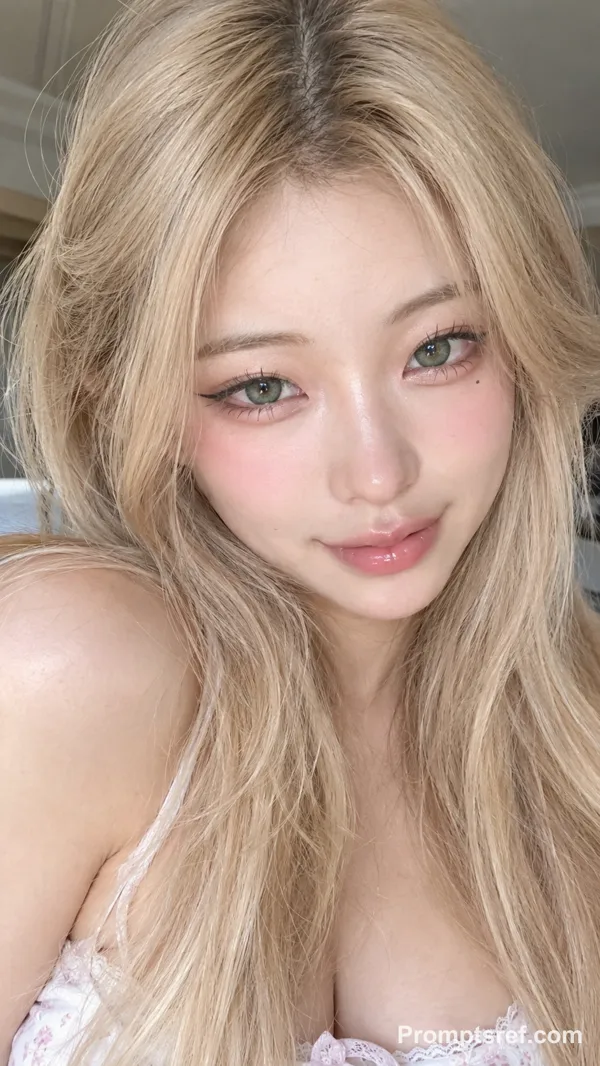
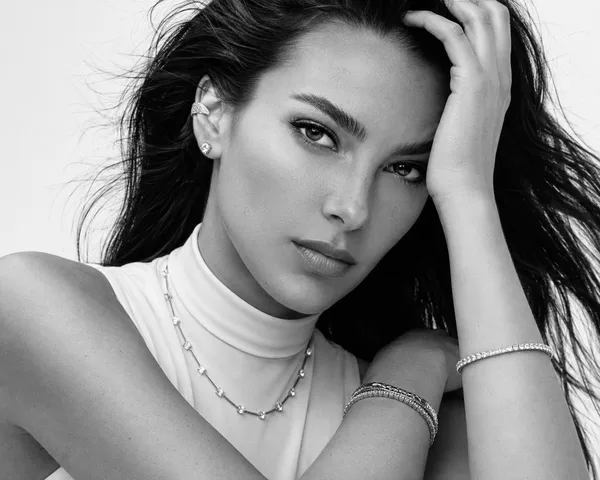
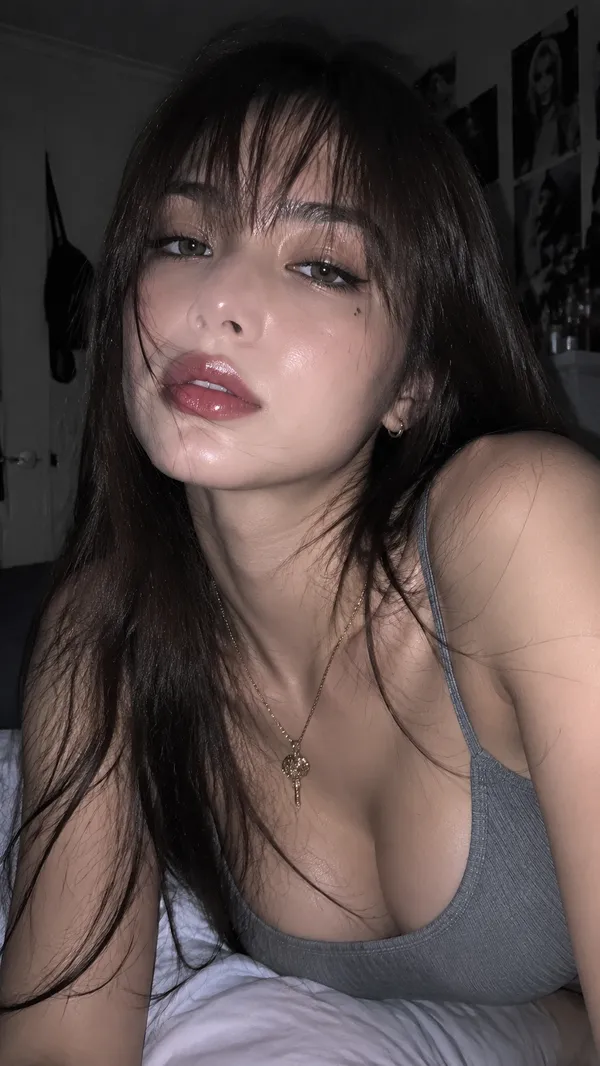
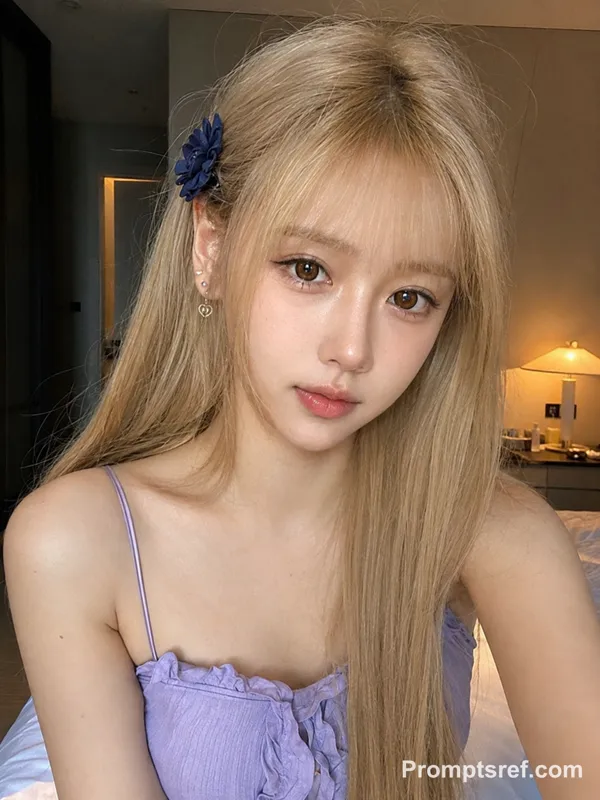
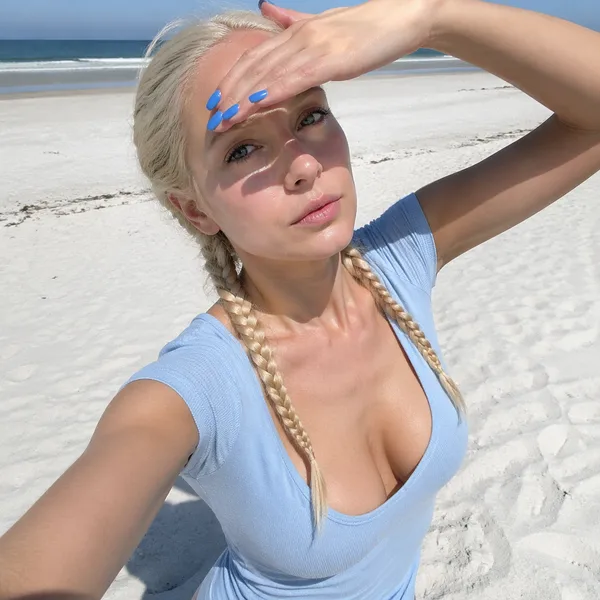
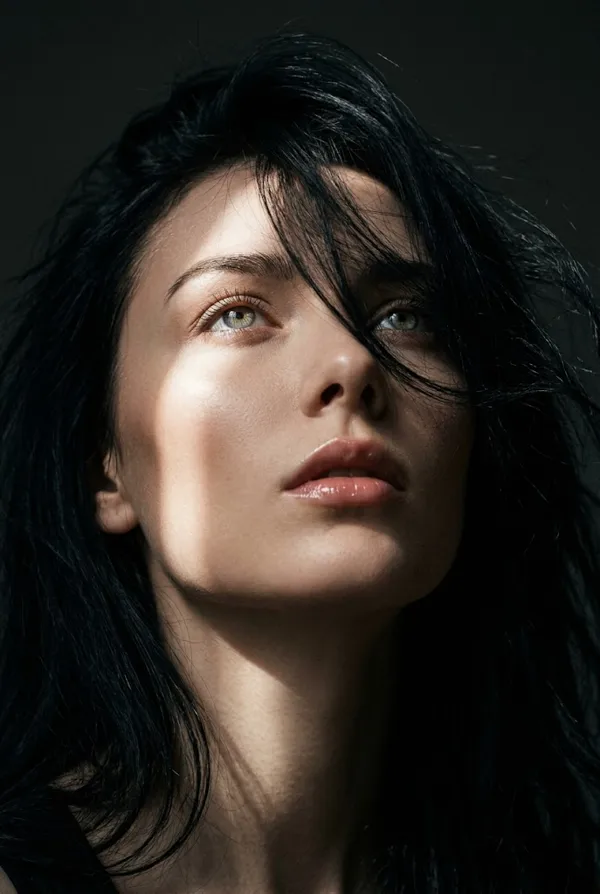
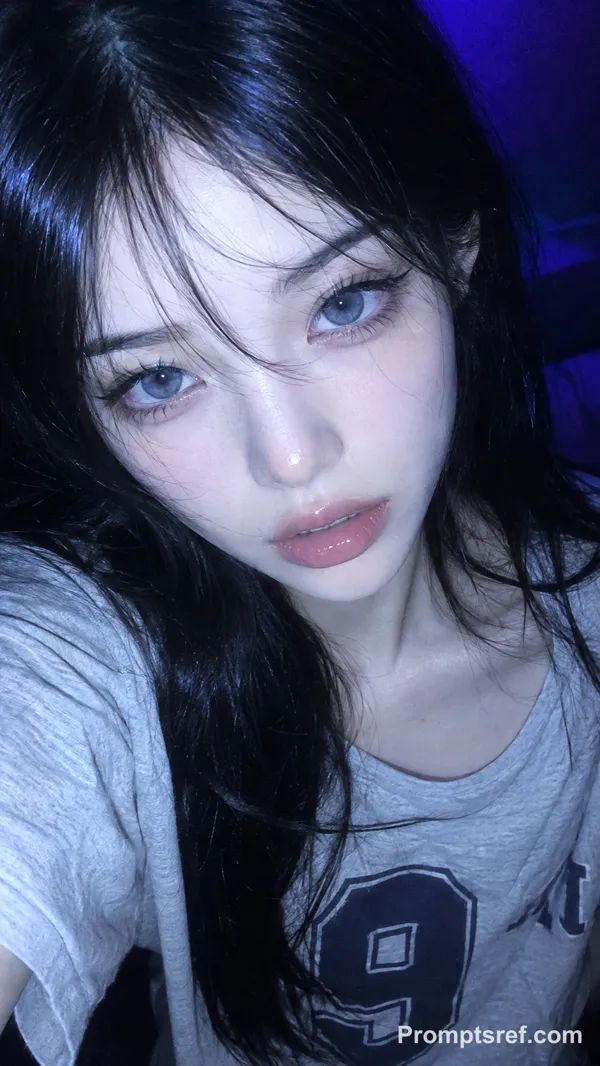
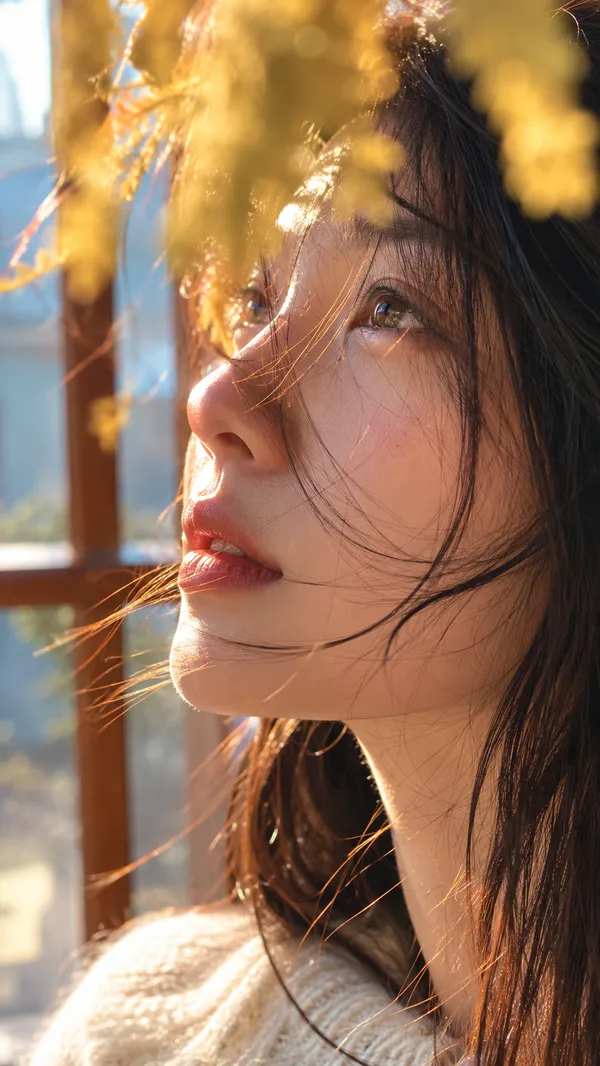
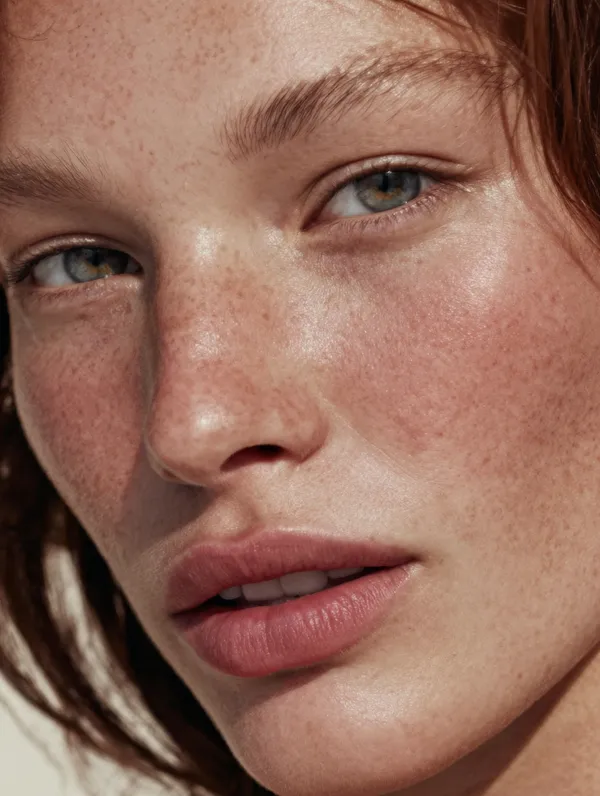
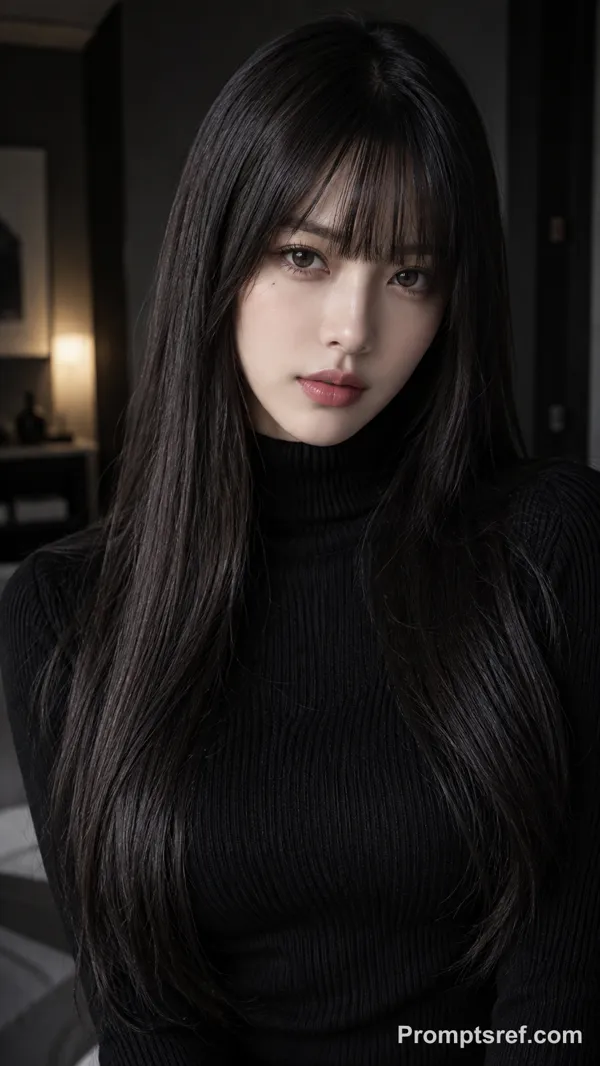
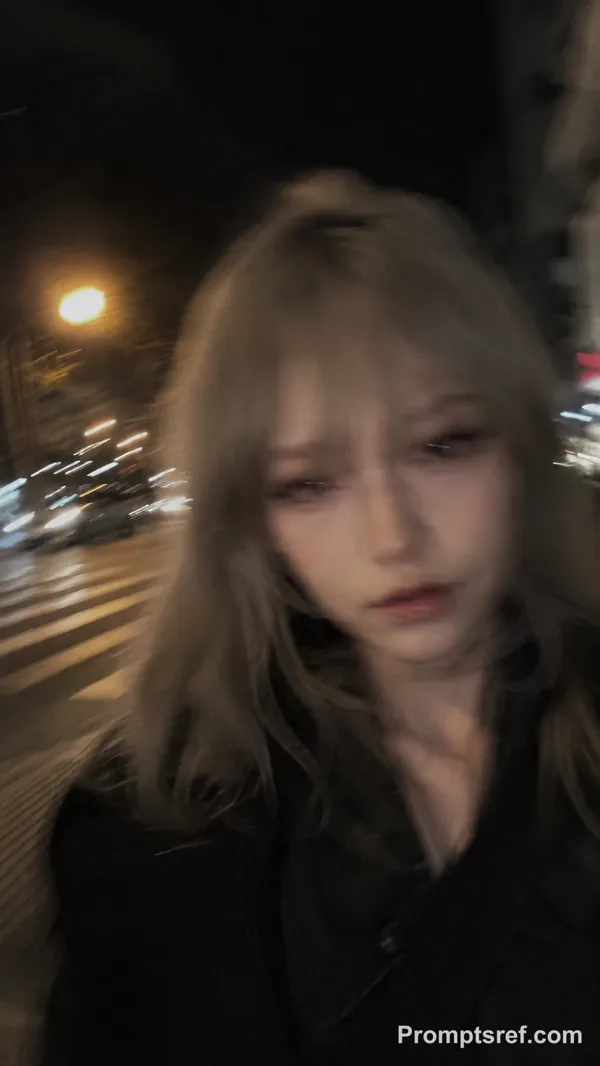
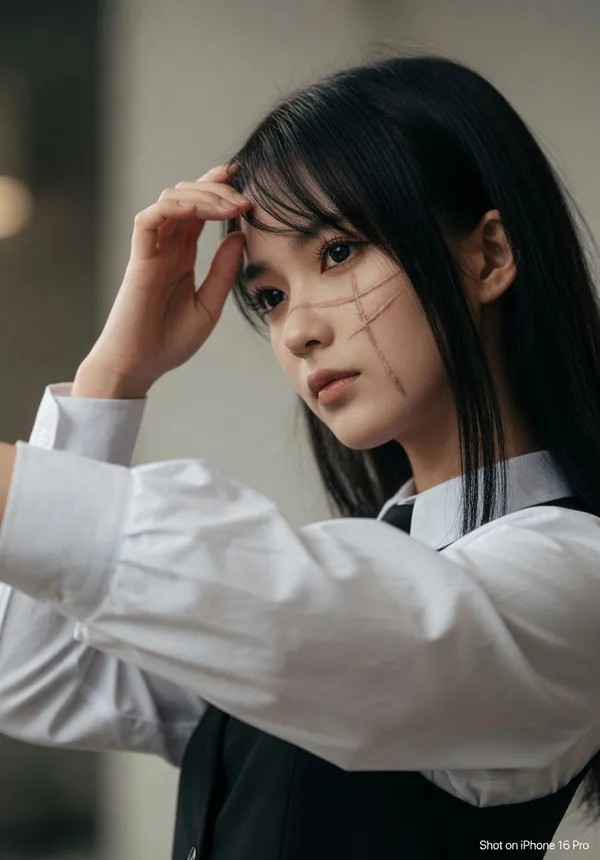
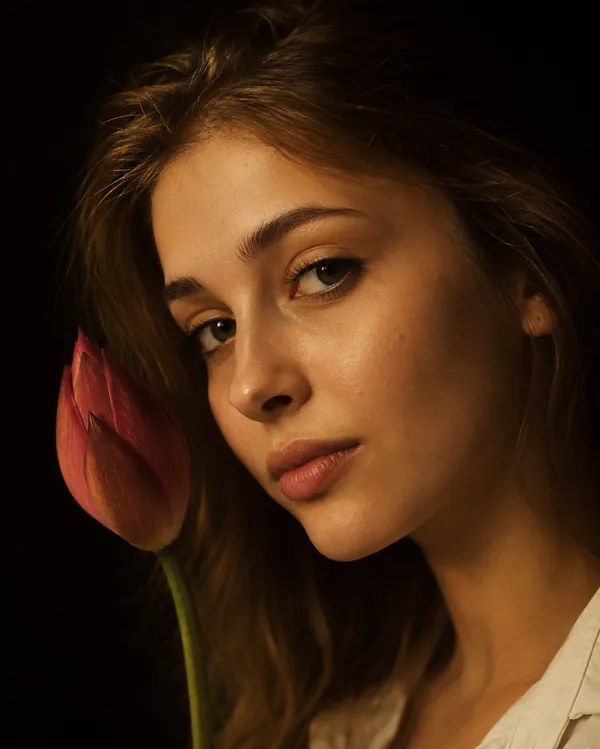
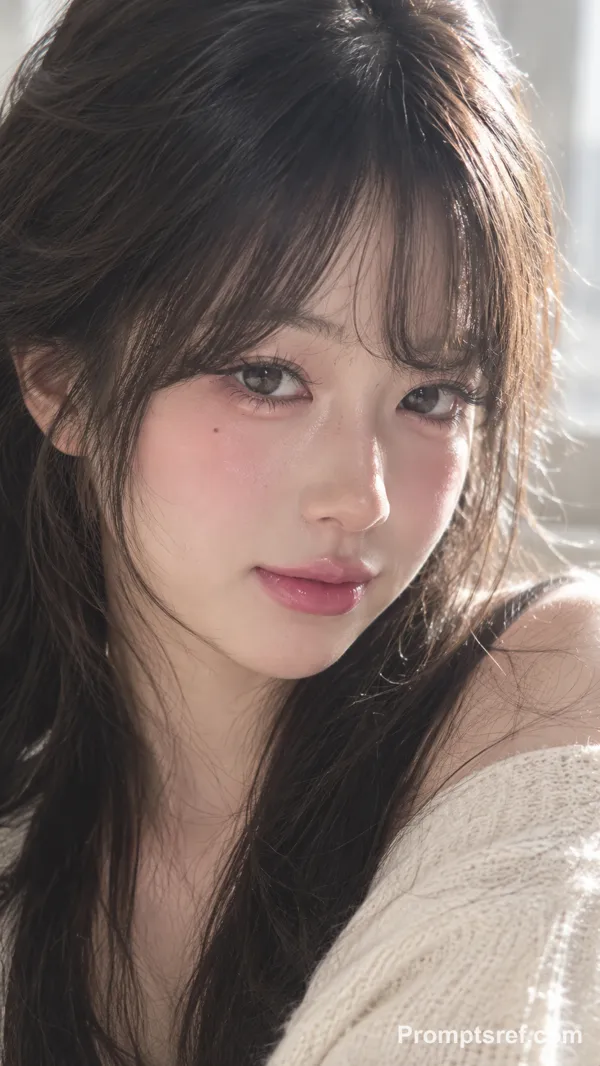
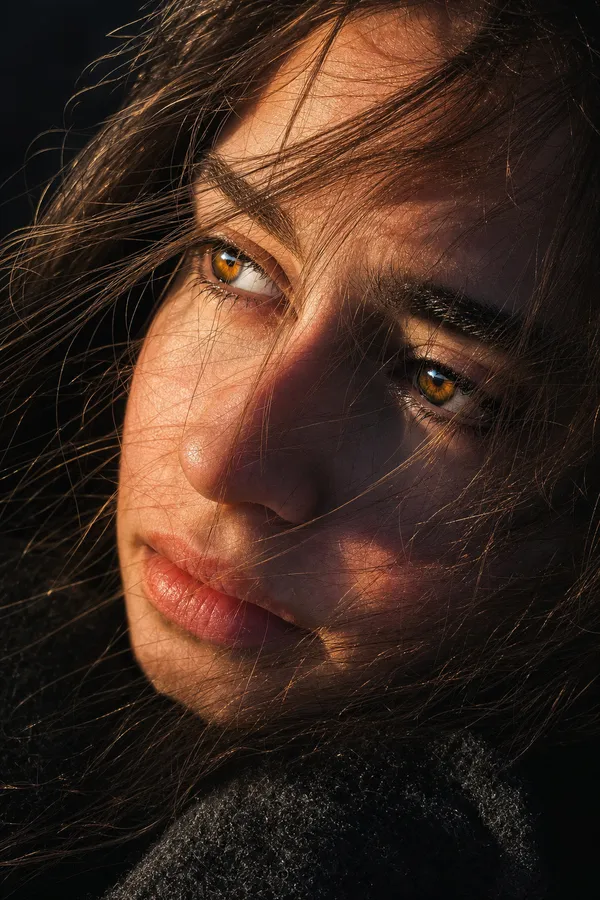
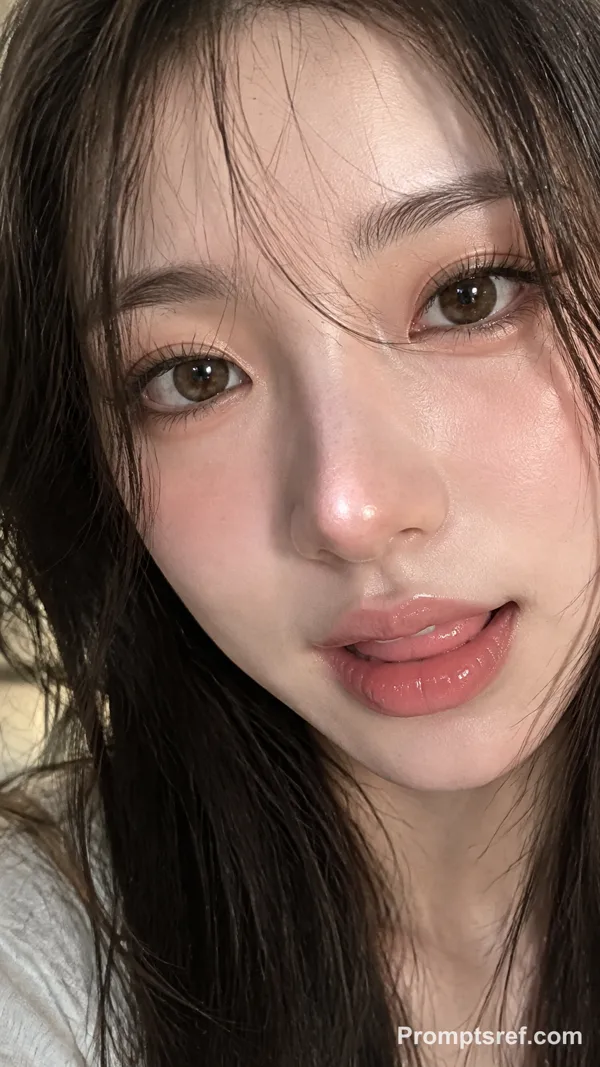
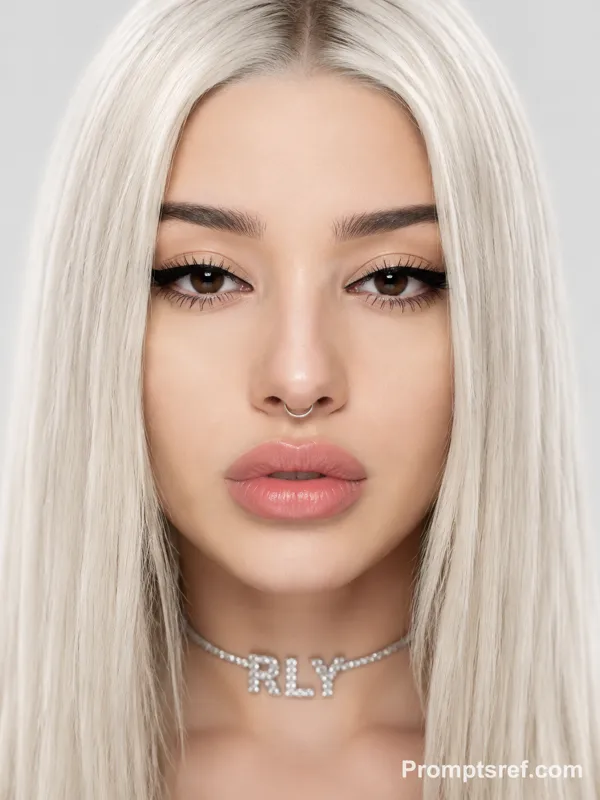
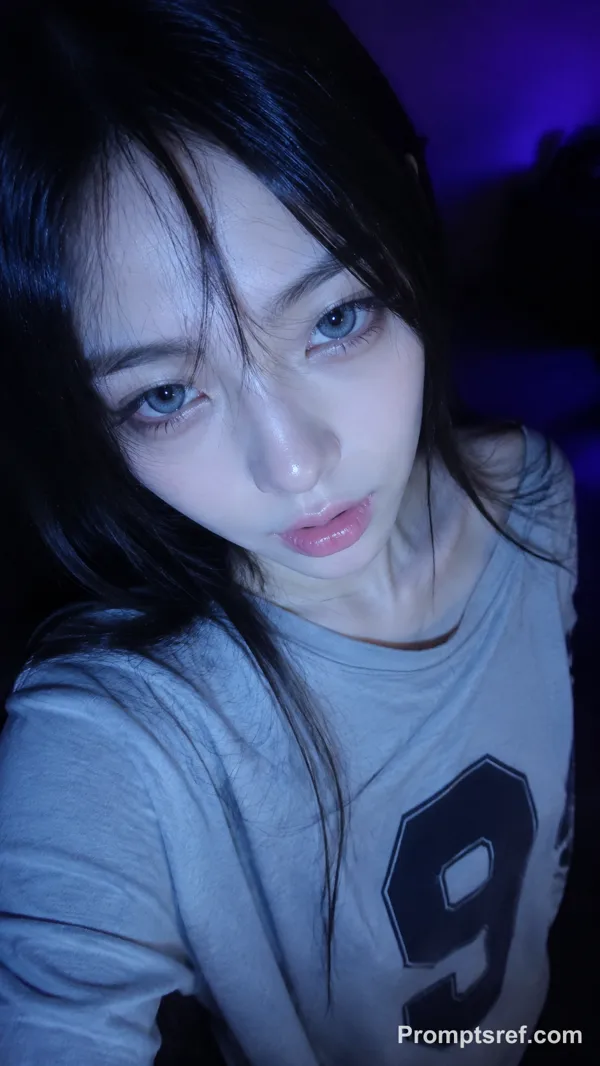
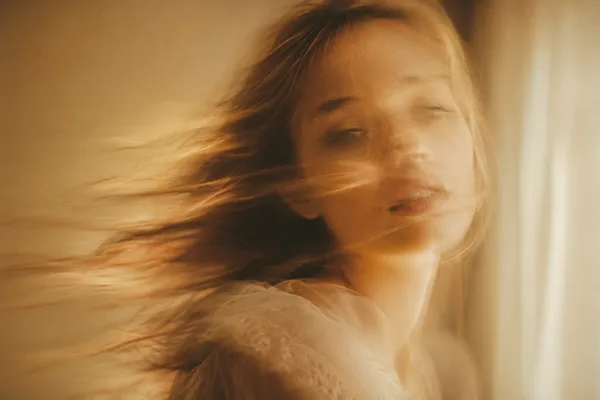
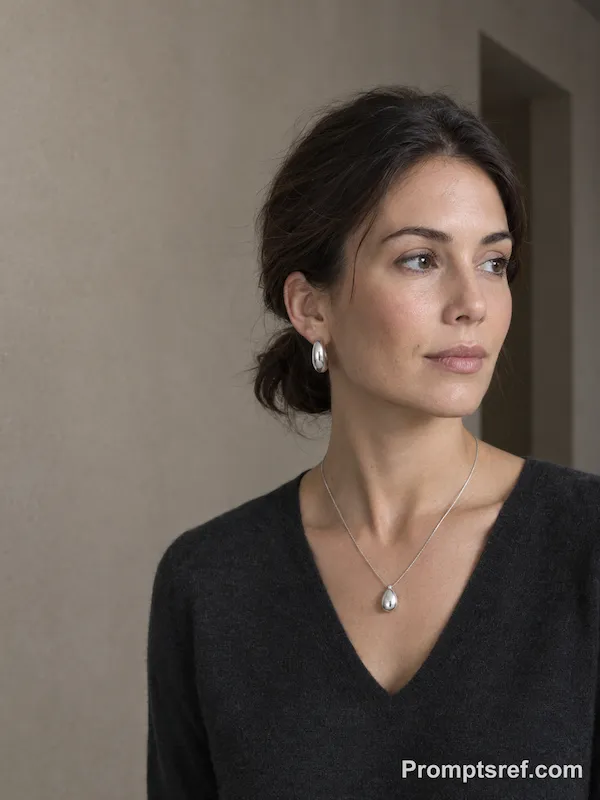
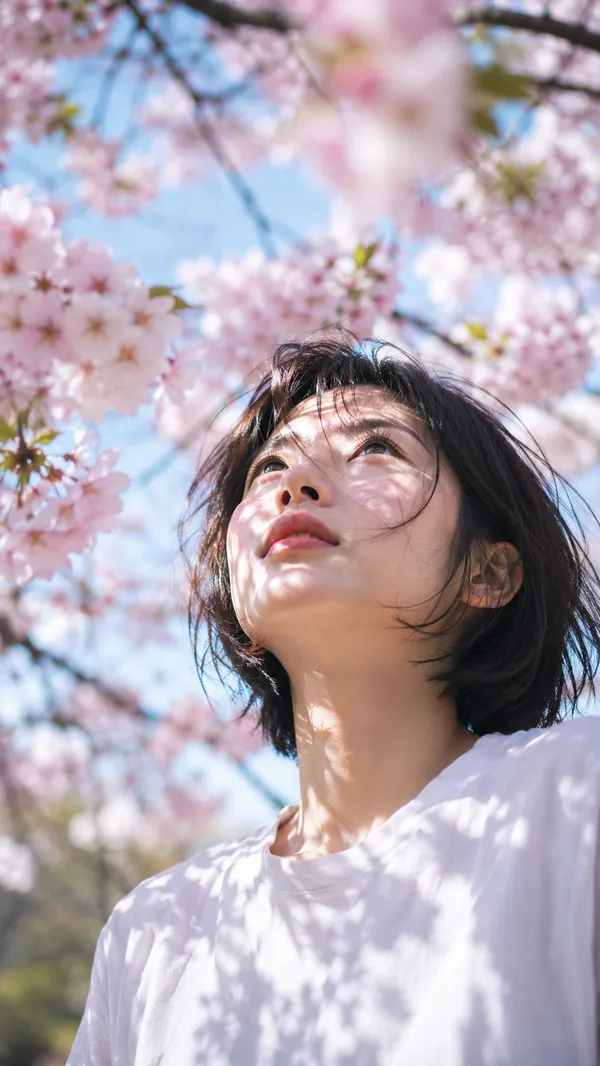
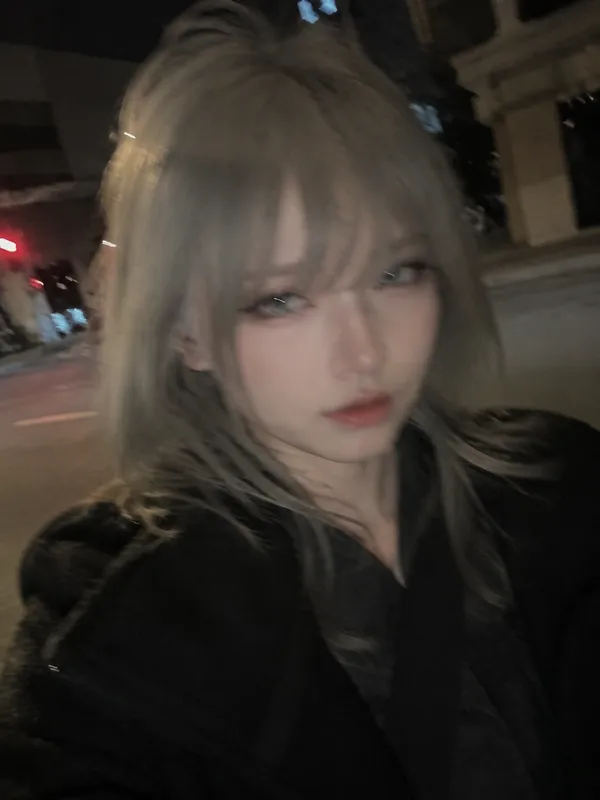
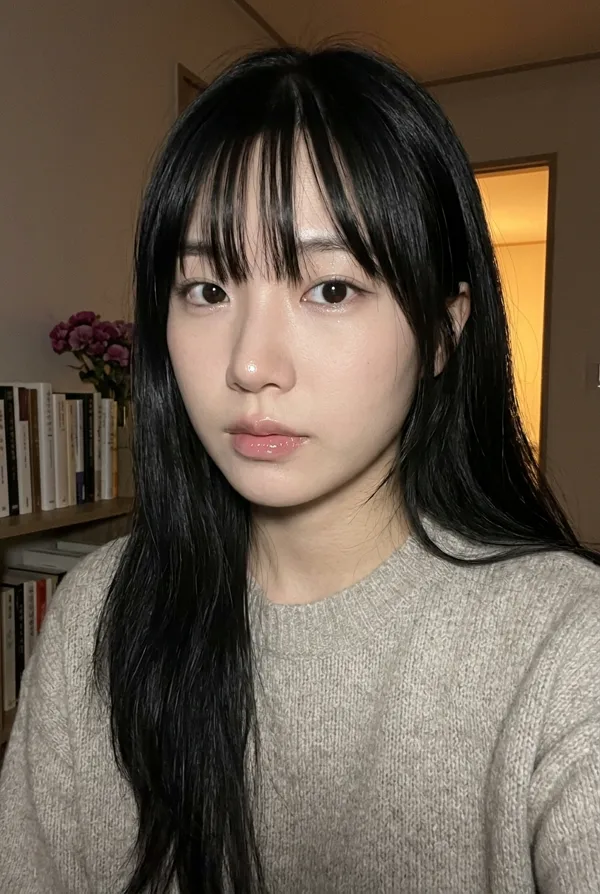
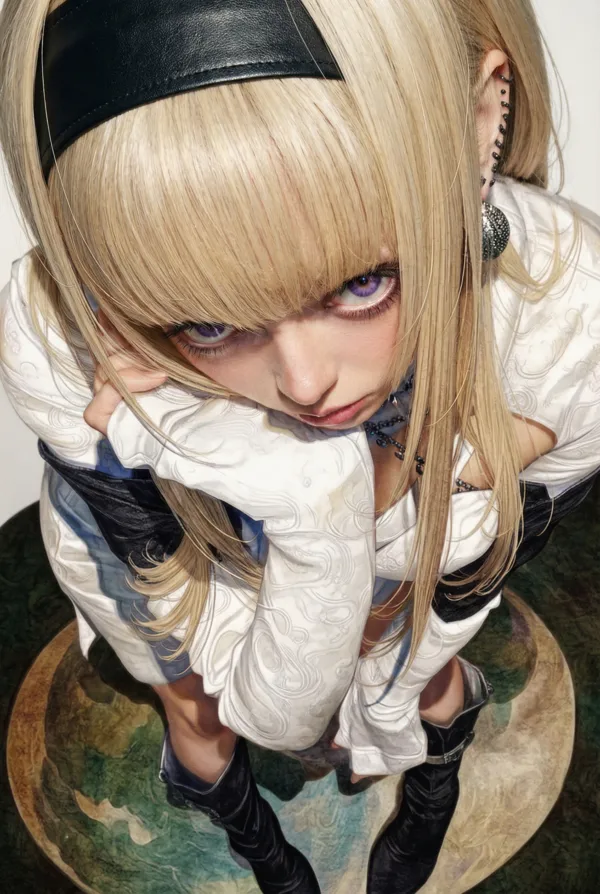
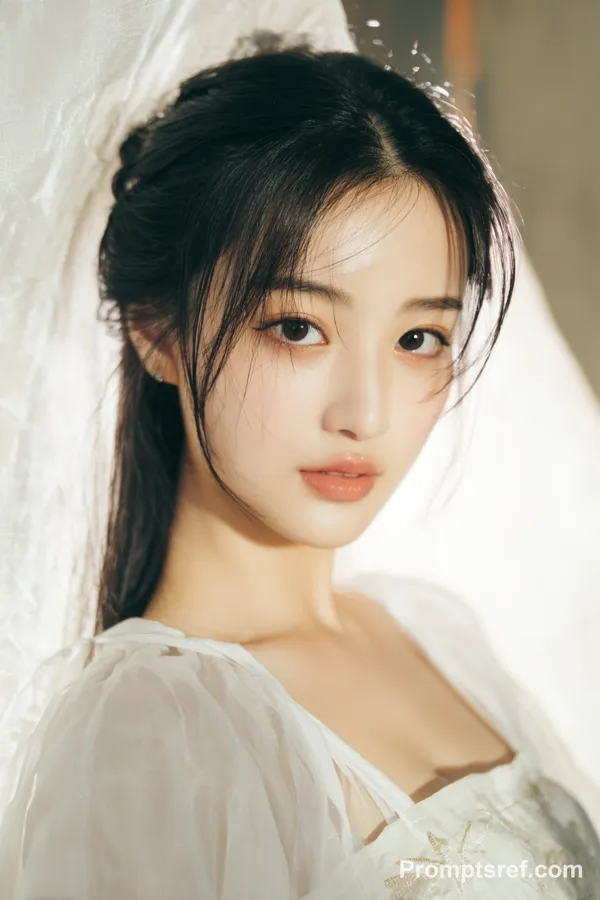
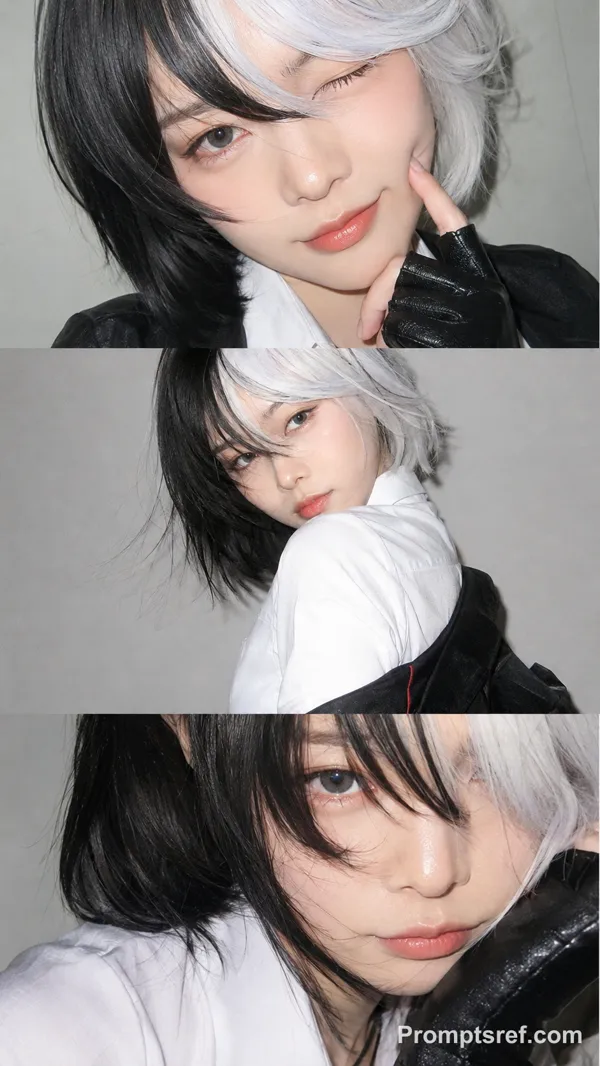
Nano Banana 2 프롬프트 - 조각 같은 측면광 속 플래티넘 블론드

프롬프트
{
"meta": {
"camera": "iPhone 17 Pro",
"lens": "35mm",
"aspect_ratio": "9:16",
"quality": "ultra photorealistic",
"style": "iphone editorial close-up, natural grain, soft cinematic shadows"
},
"subject": {
"identity": "anya taylor joy inspired",
"face": {
"structure": "elongated oval face, high cheekbones, wide-set eyes, delicate jawline",
"skin": "porcelain pale, smooth but realistic texture",
"expression": "stoic, distant, slightly mysterious"
},
"hair": {
"color": "platinum blonde",
"style": "long straight hair, slightly tucked behind ears, soft strands framing face"
},
"body": {
"type": "slender high-fashion physique",
"presence": "elegant, elongated lines"
}
},
"scene": {
"location": "minimalist interior wall",
"time": "late afternoon",
"atmosphere": "quiet, still, almost surreal"
},
"lighting": {
"type": "strong side daylight",
"effect": "sharp light slicing across face, deep shadow on one side, sculpted cheekbones"
},
"camera": {
"perspective": "close-up portrait",
"angle": "slightly low angle",
"distance": "face and upper torso",
"imperfection": "slight exposure imbalance, realistic iPhone HDR"
},
"outfit": {
"top": "minimal thin white top",
"details": "clean fabric, subtle tension, no distraction"
},
"vibe": {
"energy": "cold beauty, controlled presence",
"mood": "editorial stillness",
"aesthetic": "high fashion but captured casually"
}
}
리믹스 작품
리믹스아직 리믹스가 없어요. 첫 번째 버전을 만들어 보세요.
이 이미지 프롬프트 사용하기
- 01
프롬프트로 시작하기
프롬프트를 복사하거나 생성 버튼으로 여세요.
- 02
나만의 아이디어 더하기
주제, 배경, 세부 사항을 조정하고 필요하면 참고 자료를 추가하세요.
- 03
생성 전 확인하기
모델과 출력 설정을 확인하세요. 생성 결과는 매번 다를 수 있습니다.