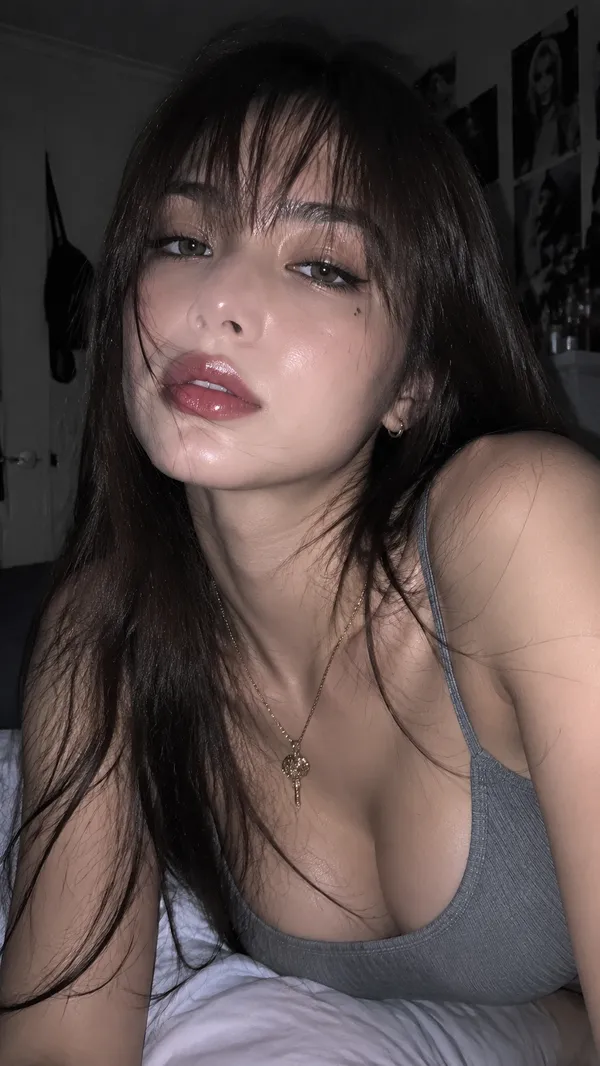
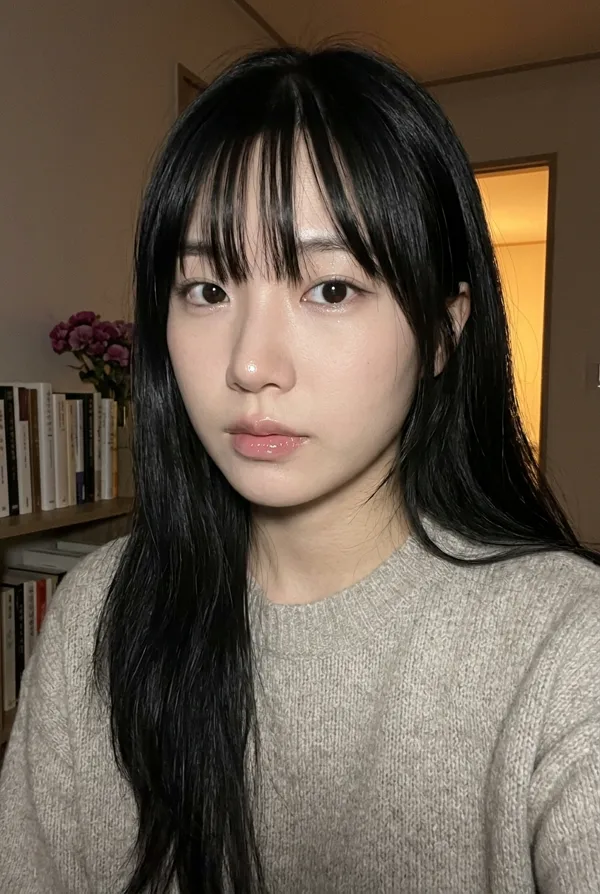
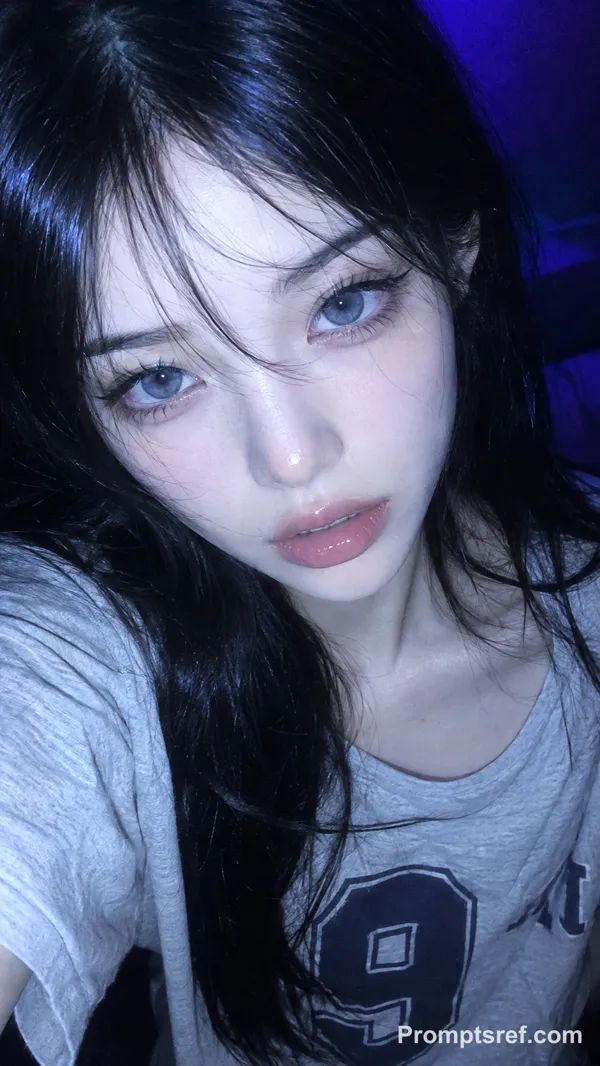
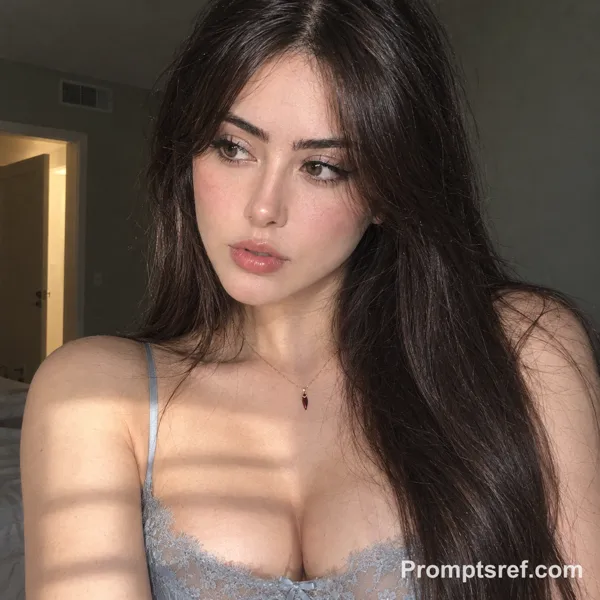
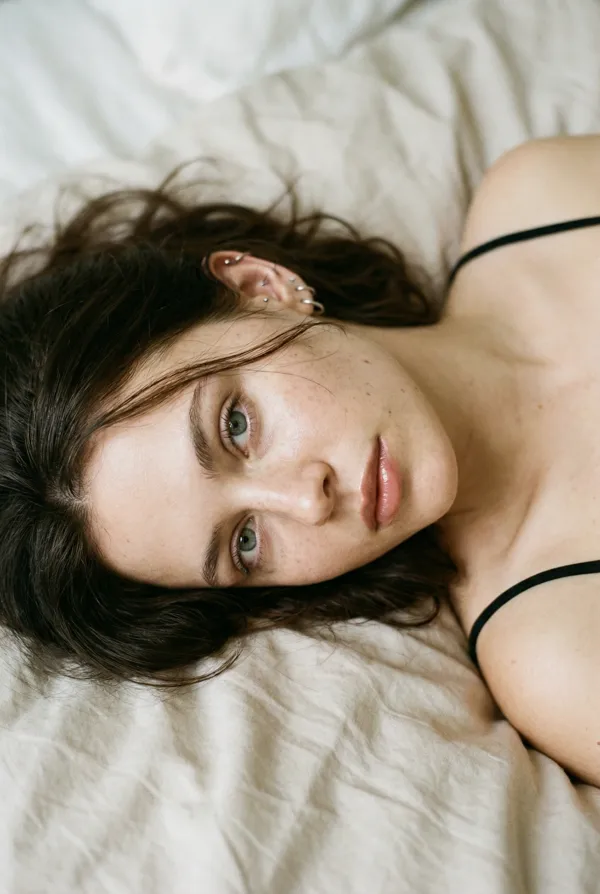
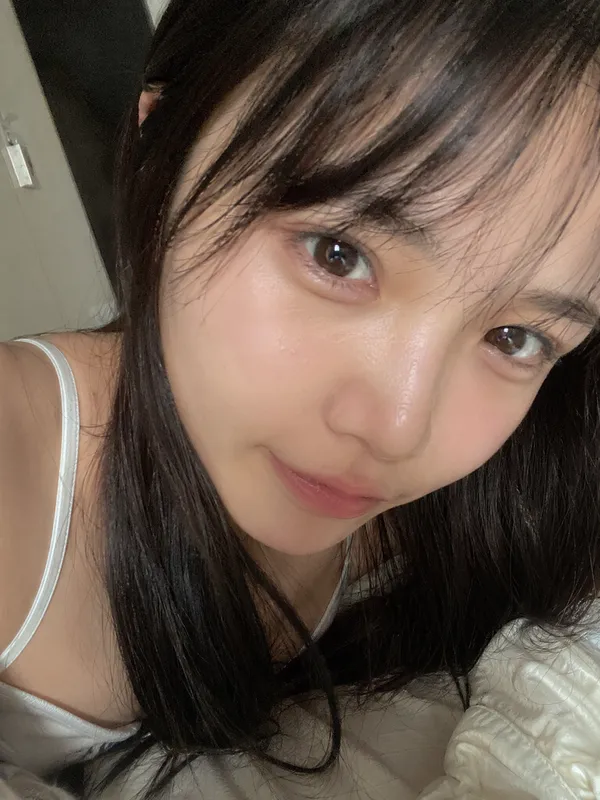
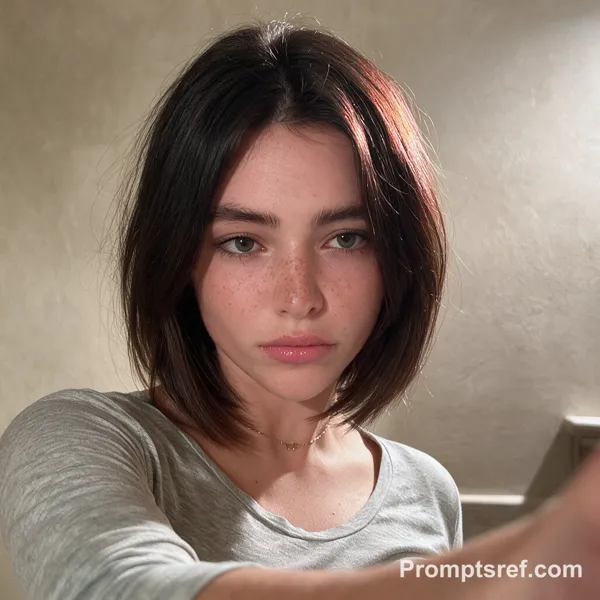
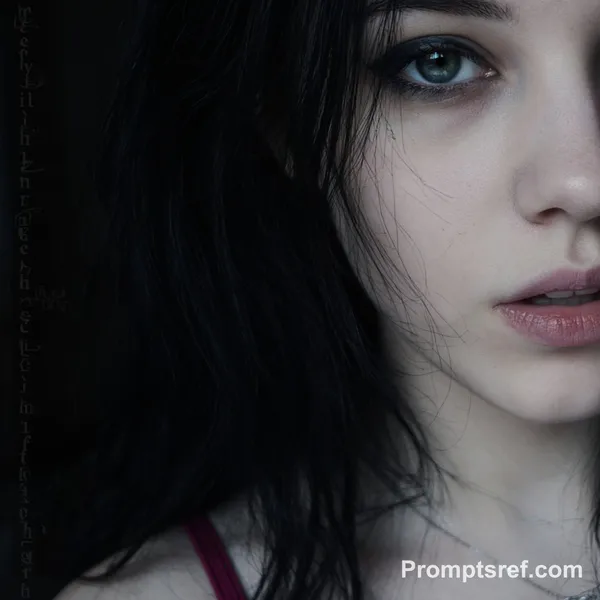
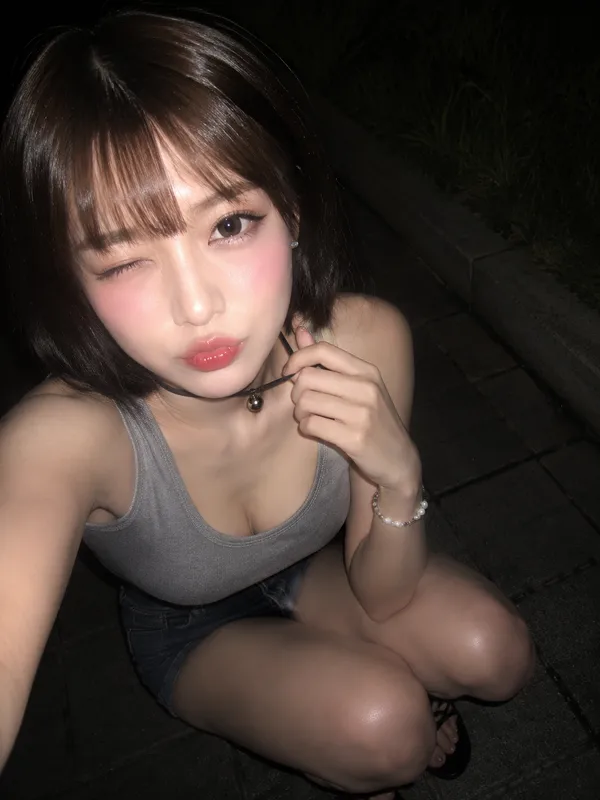
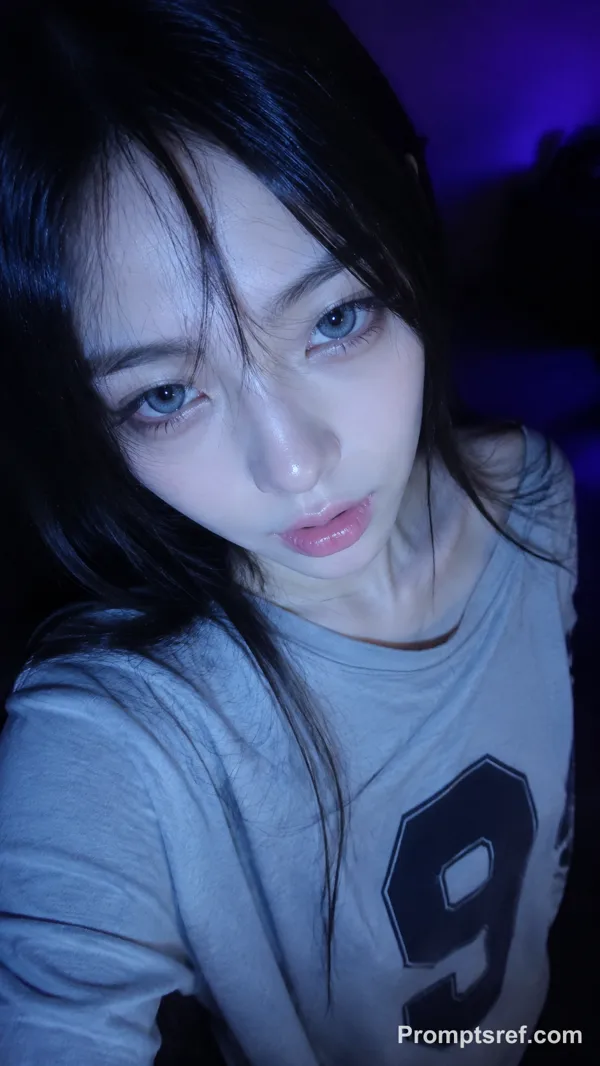
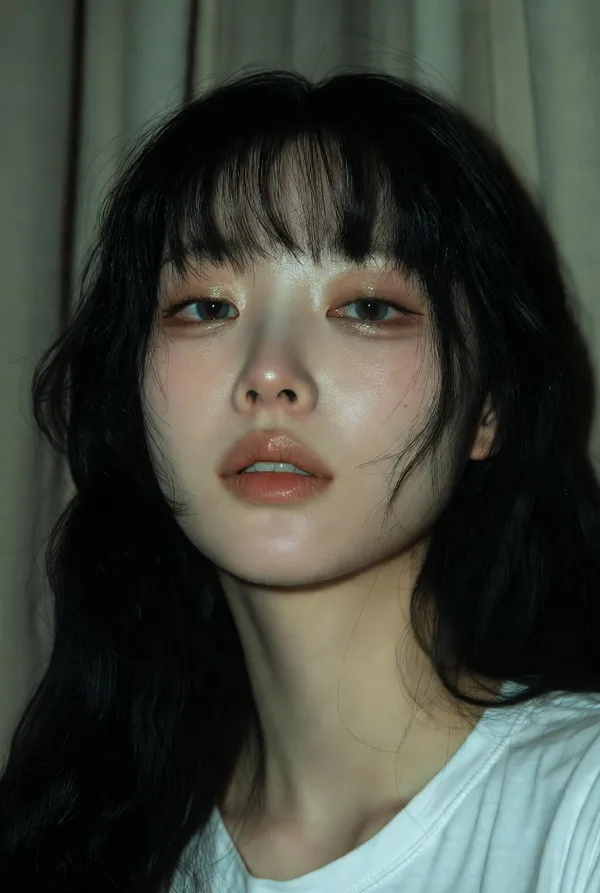
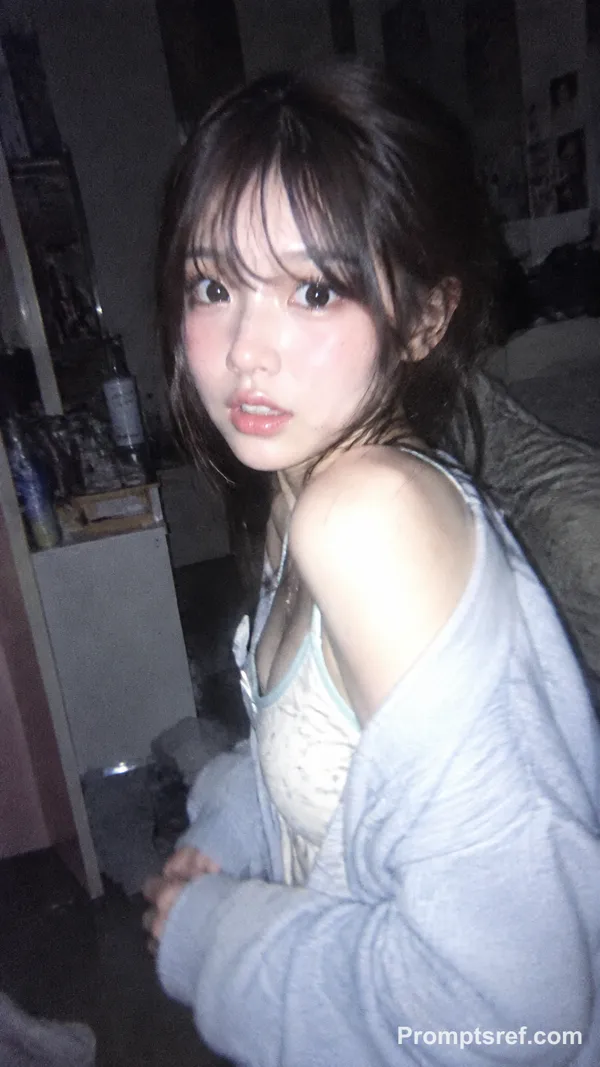
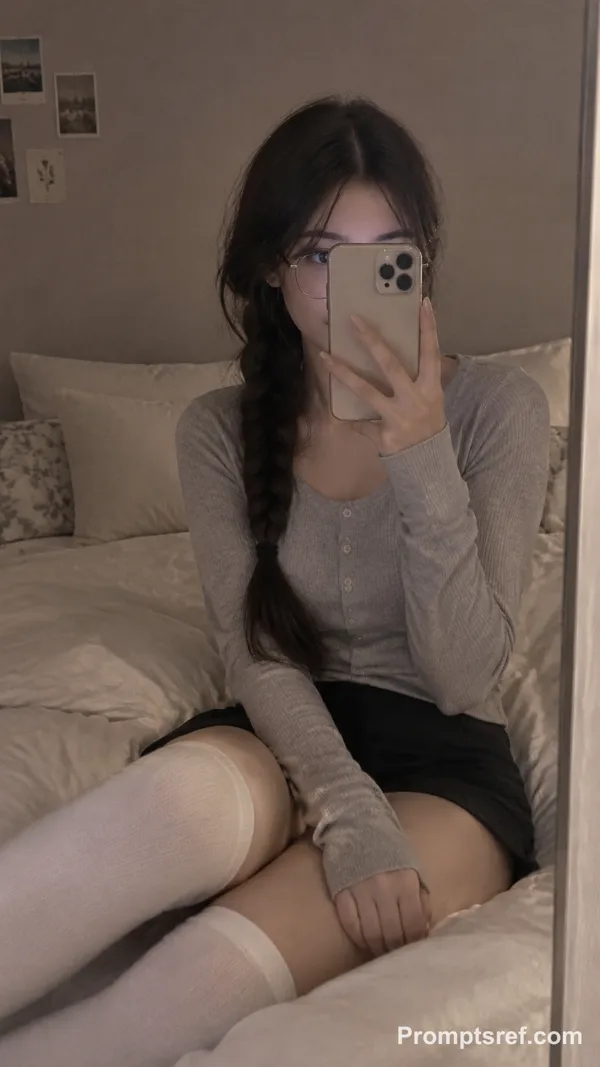
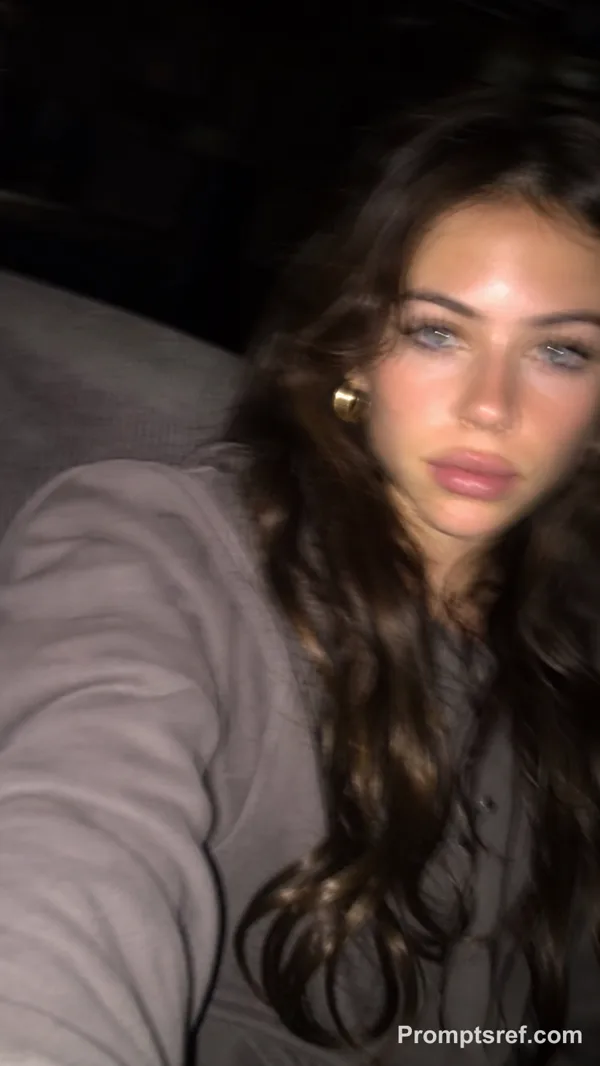
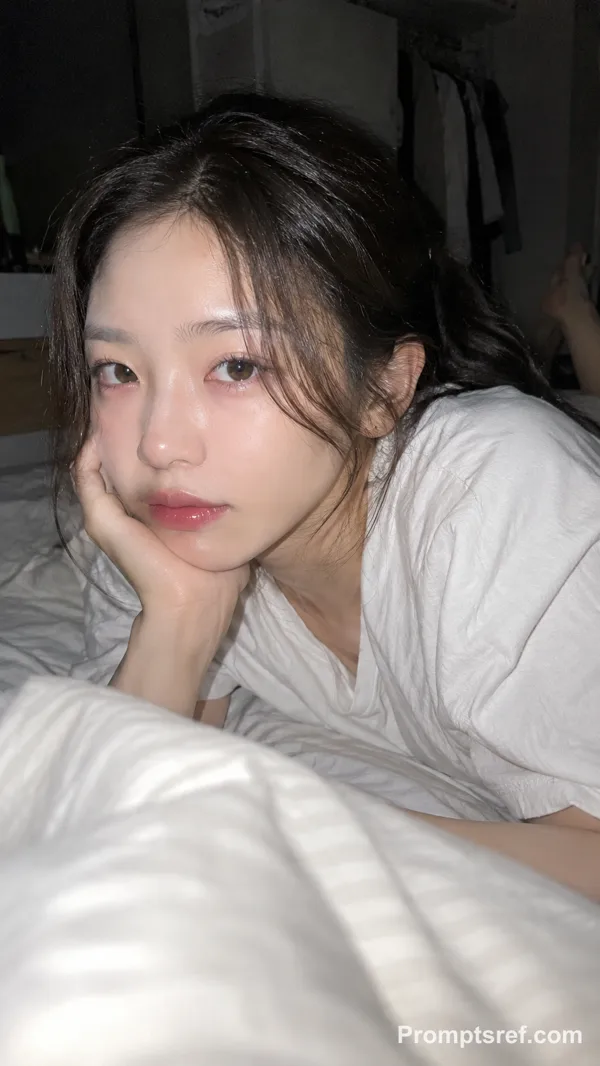
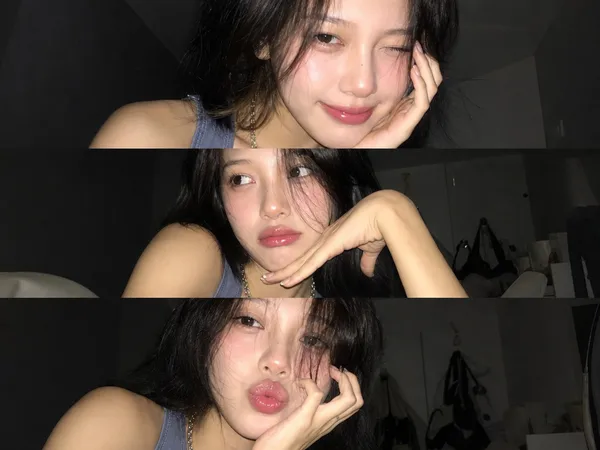
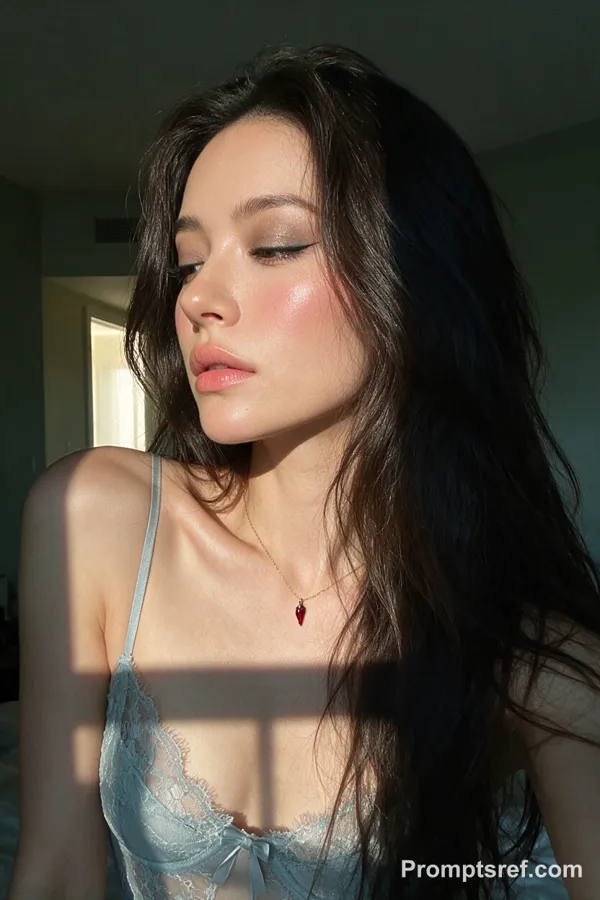
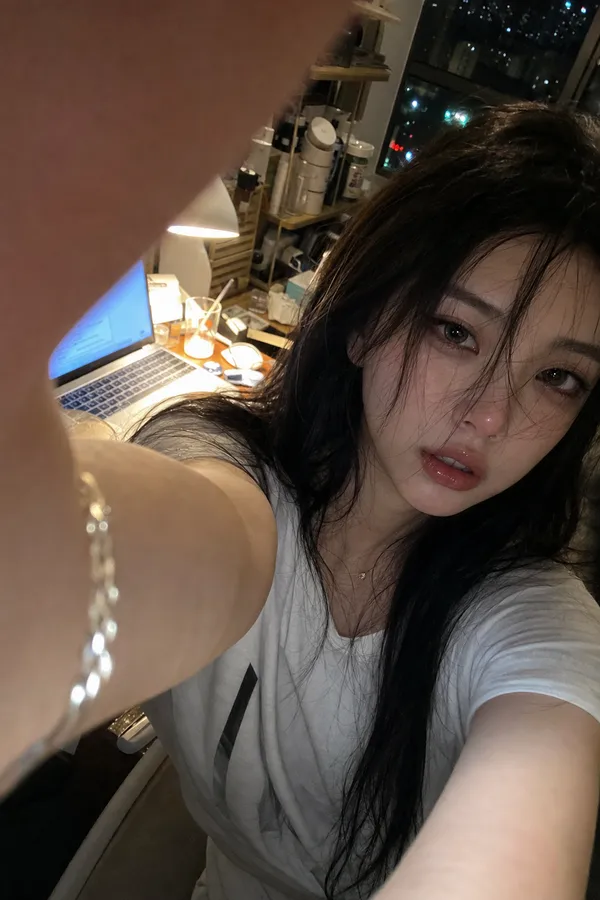
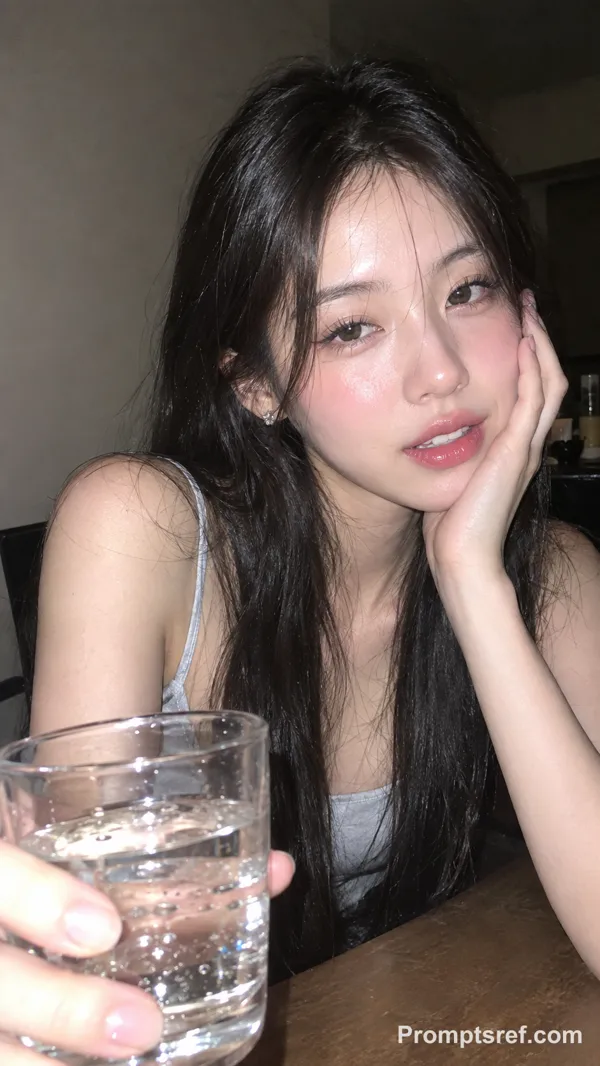
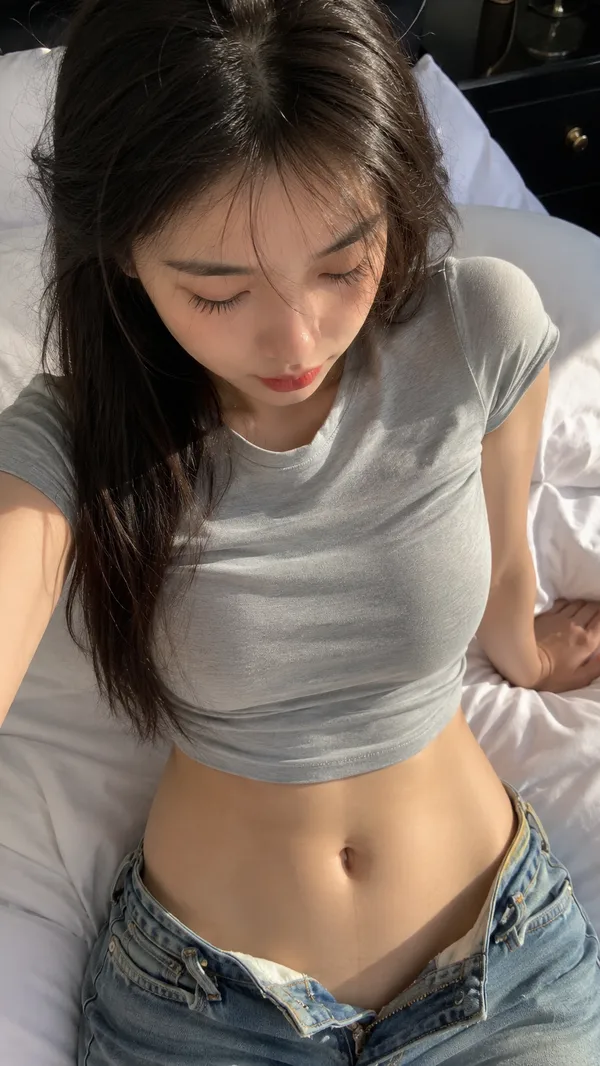
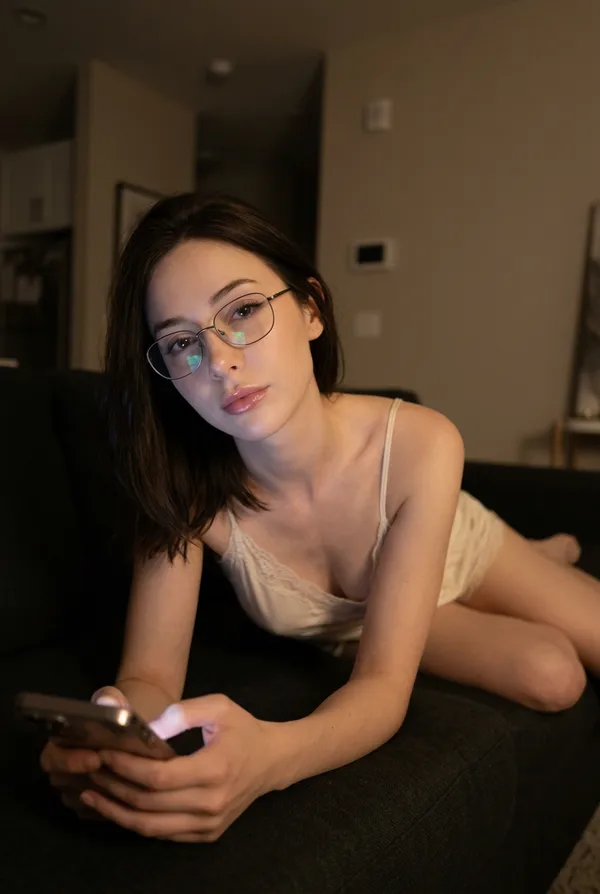
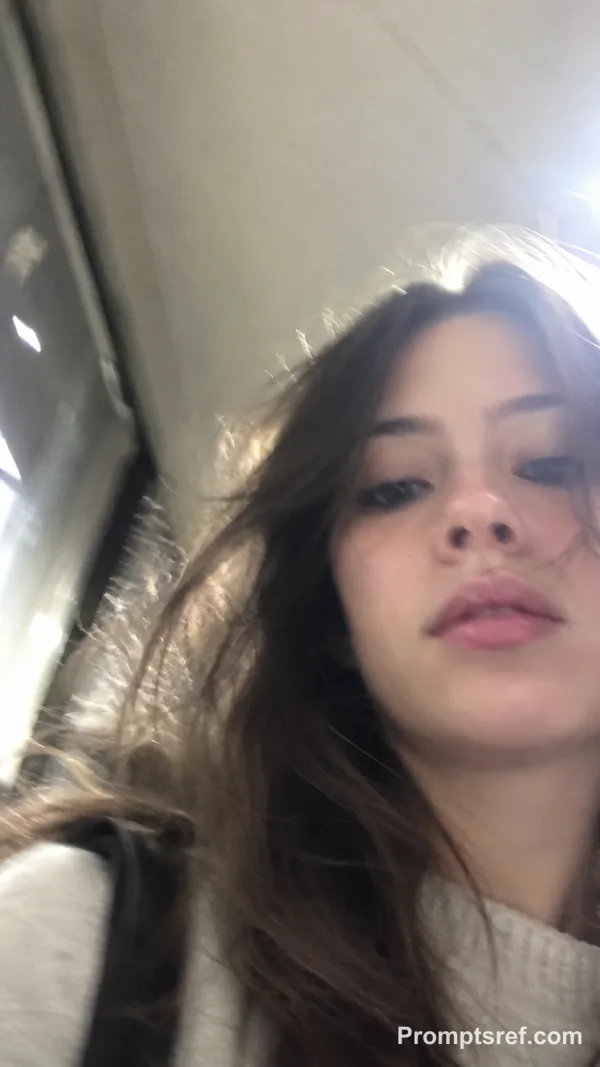
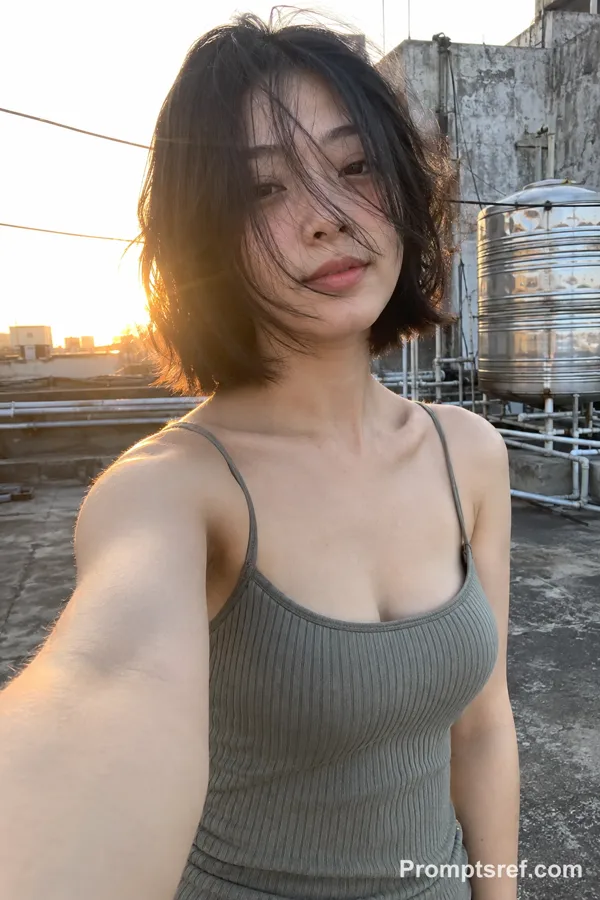
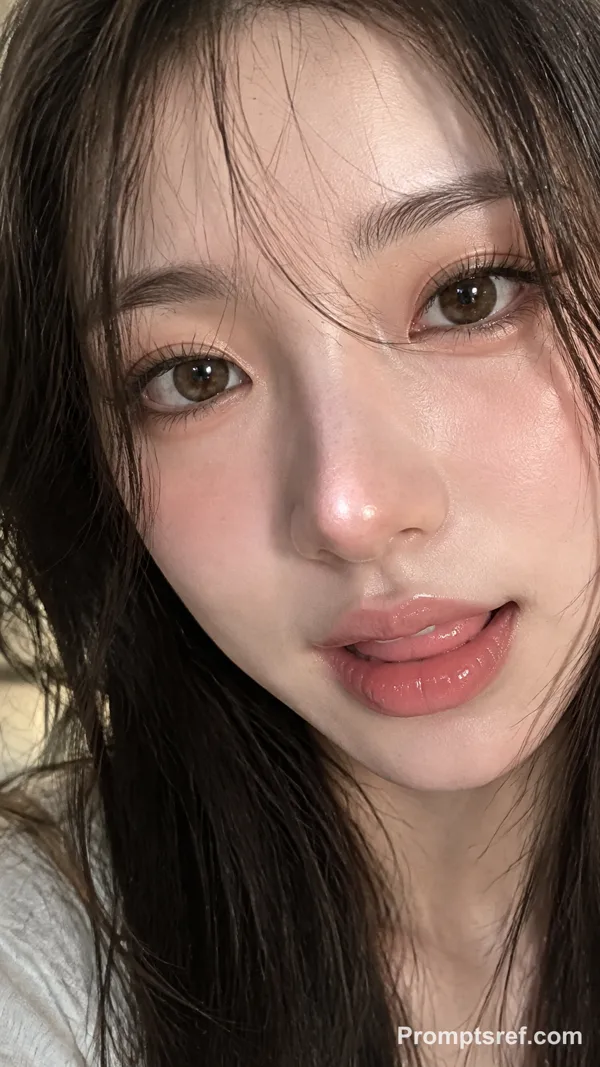
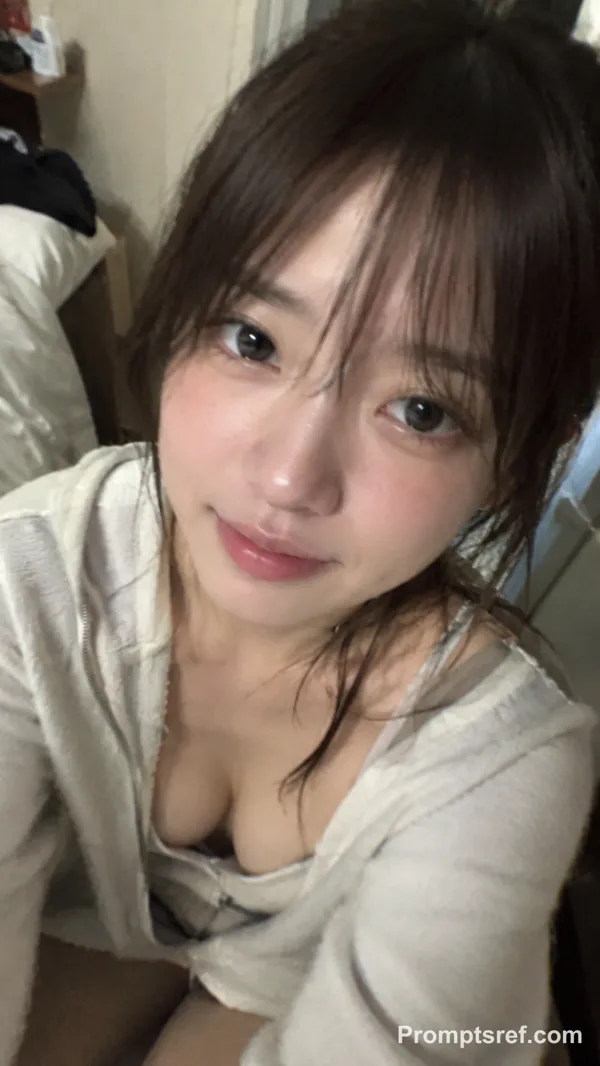
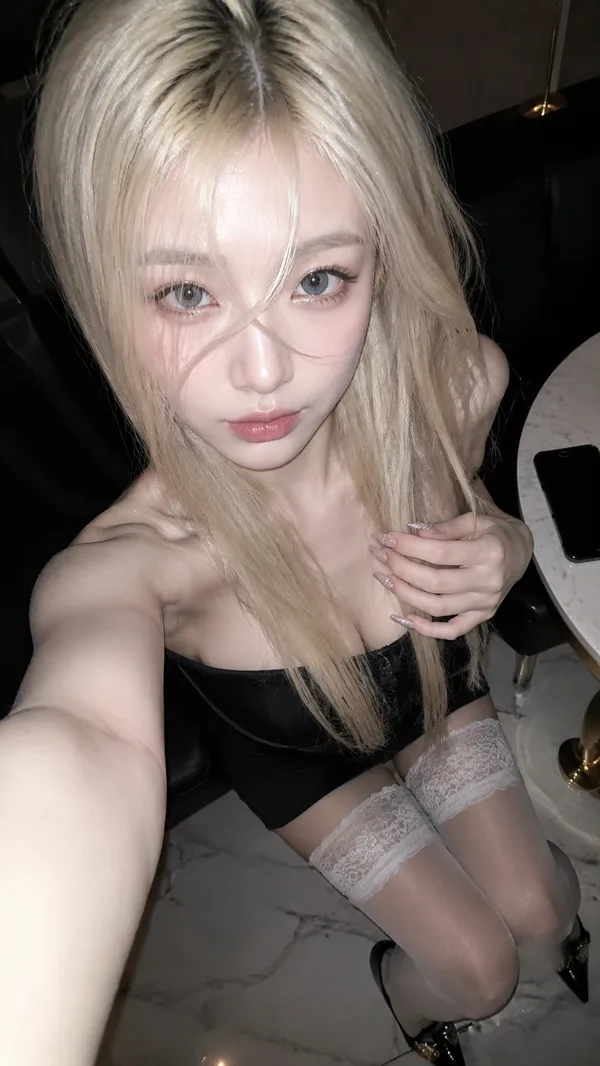
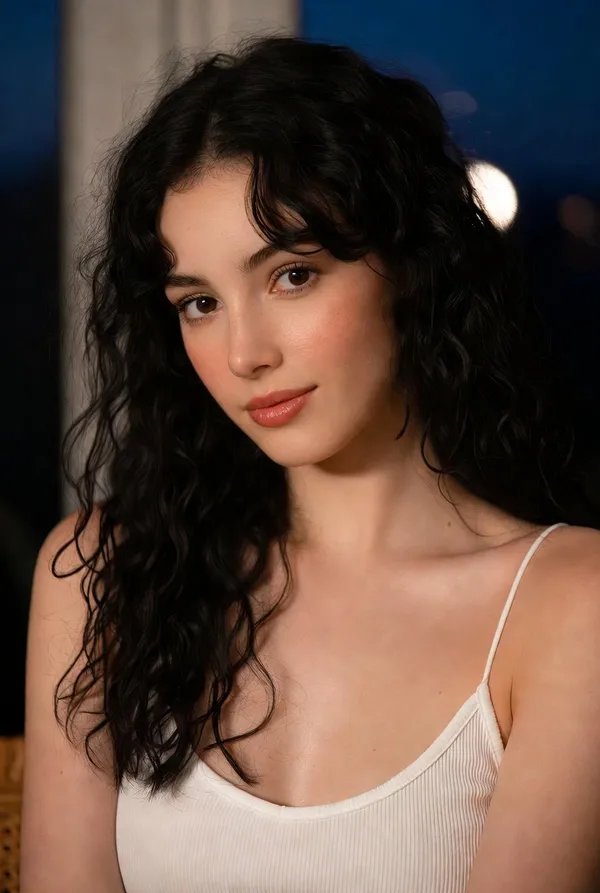
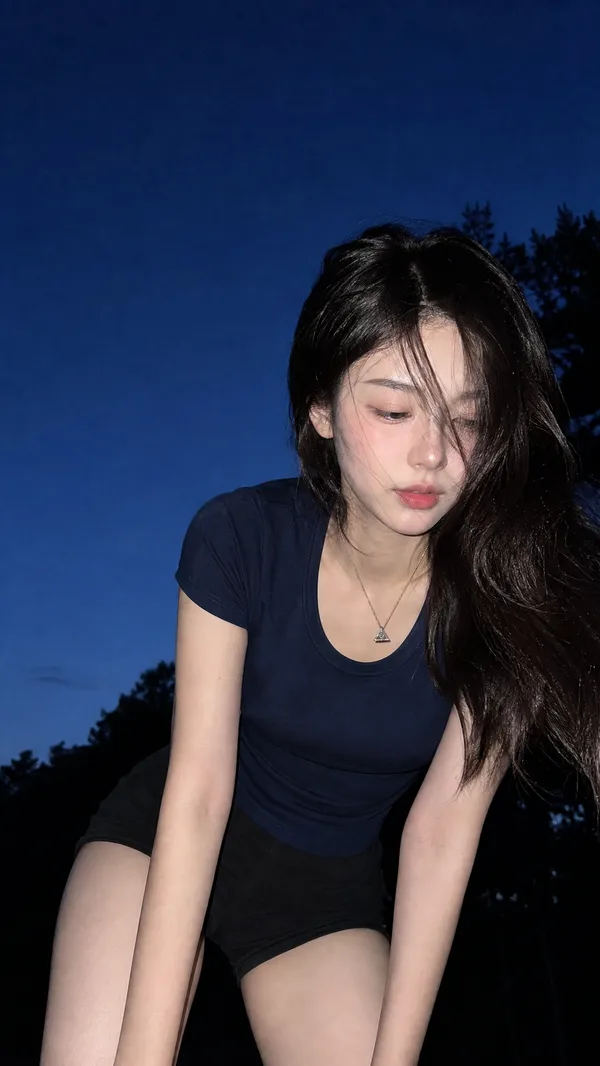
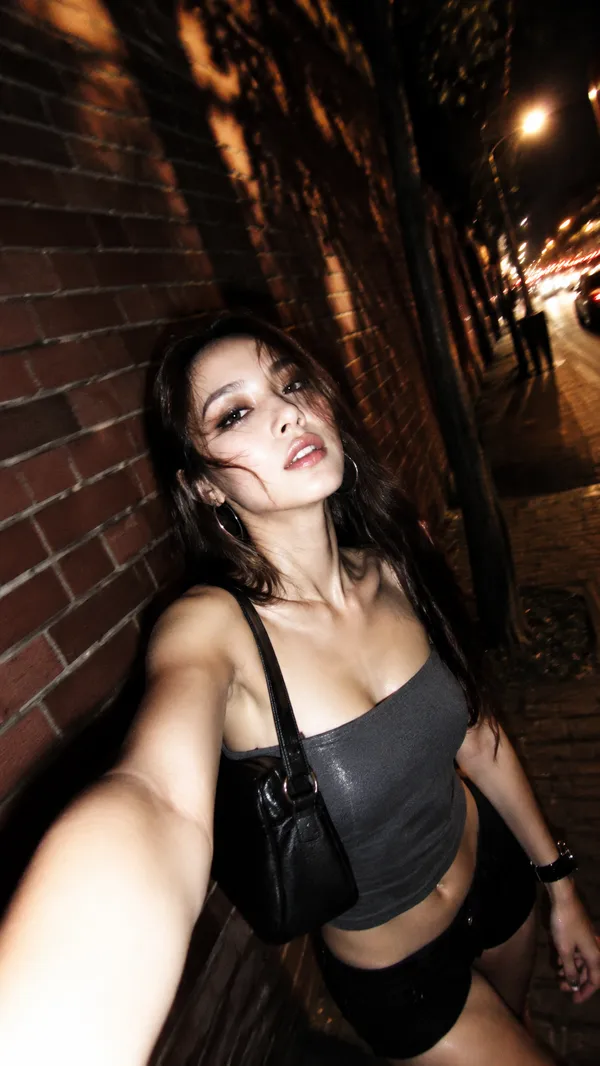
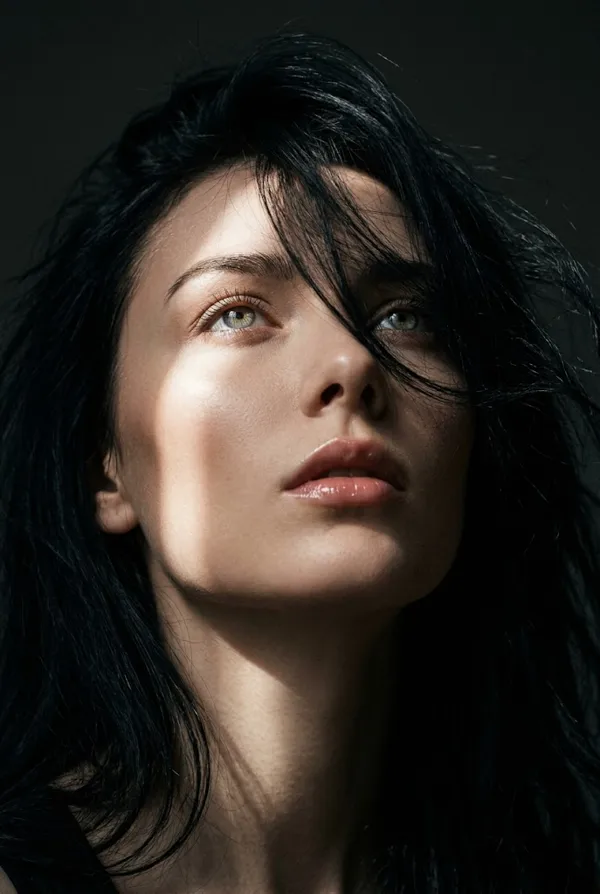
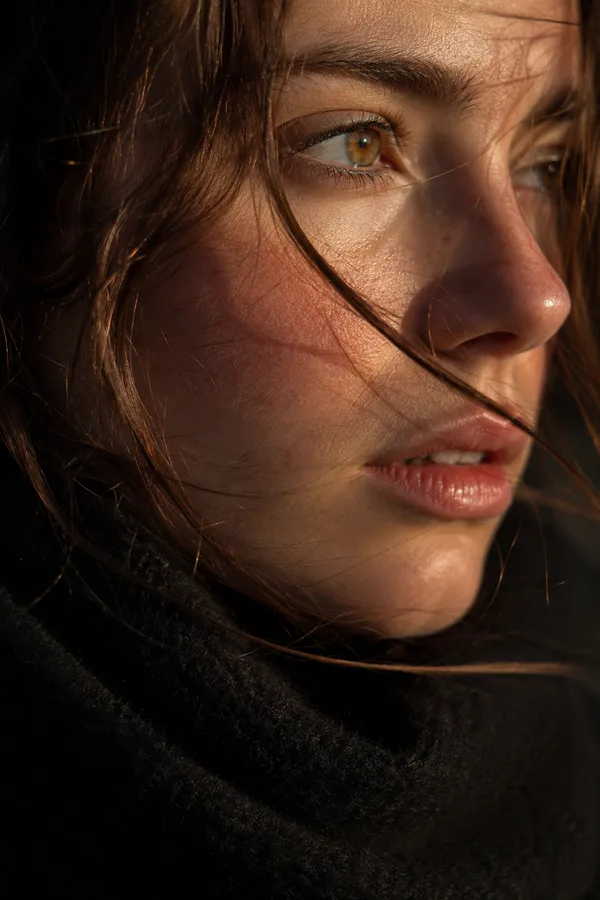
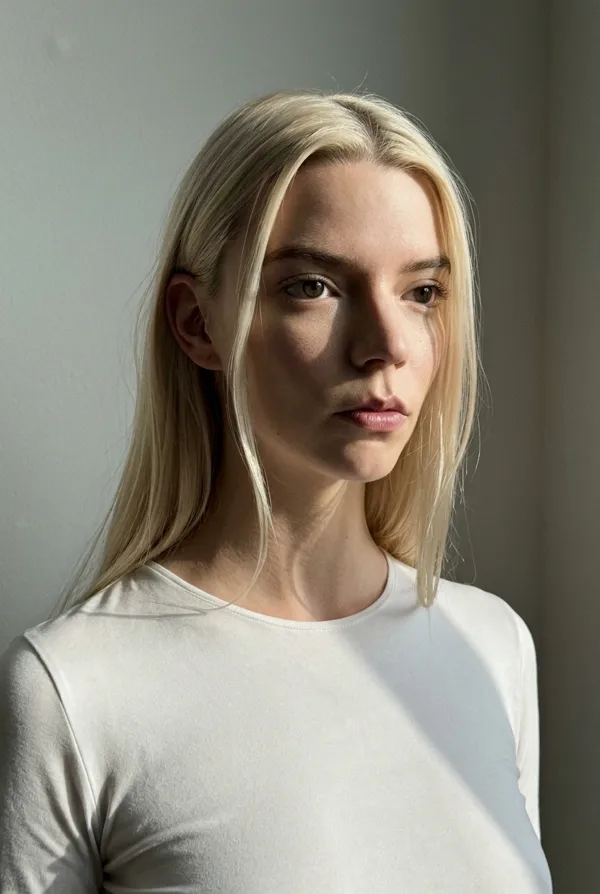
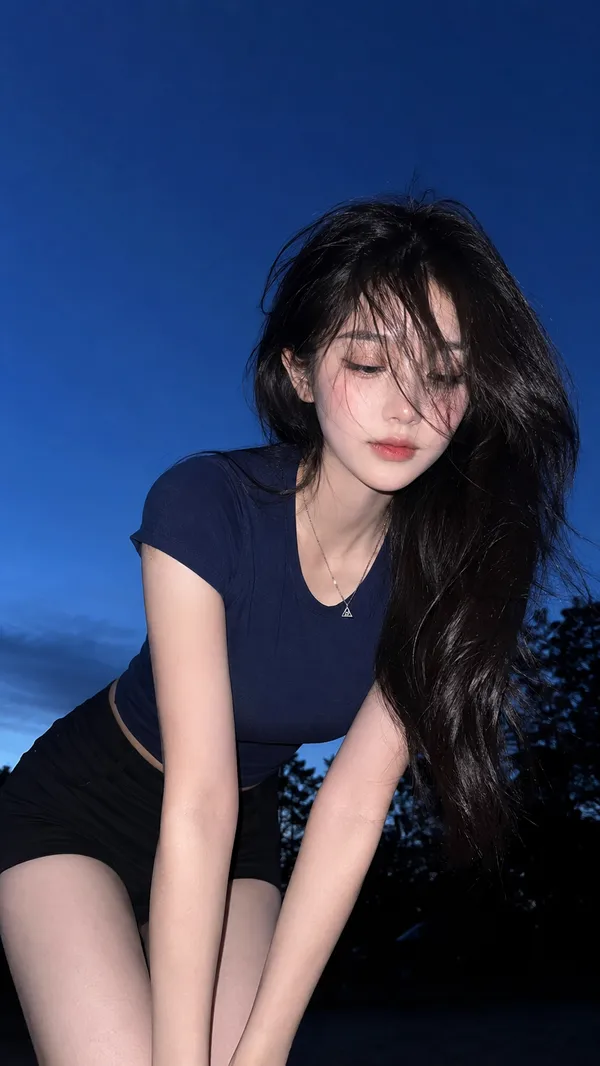
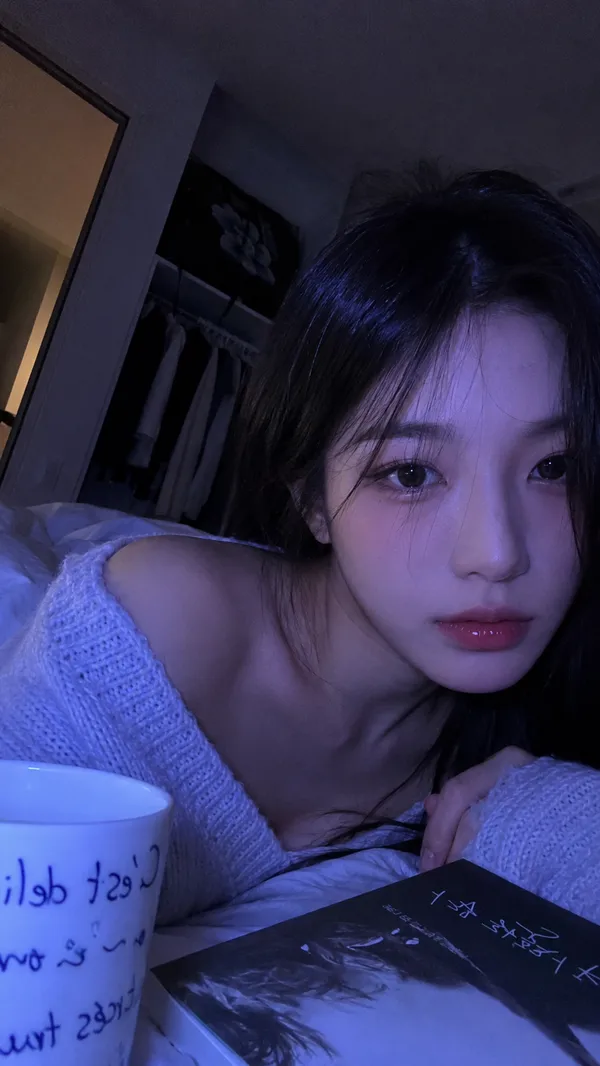
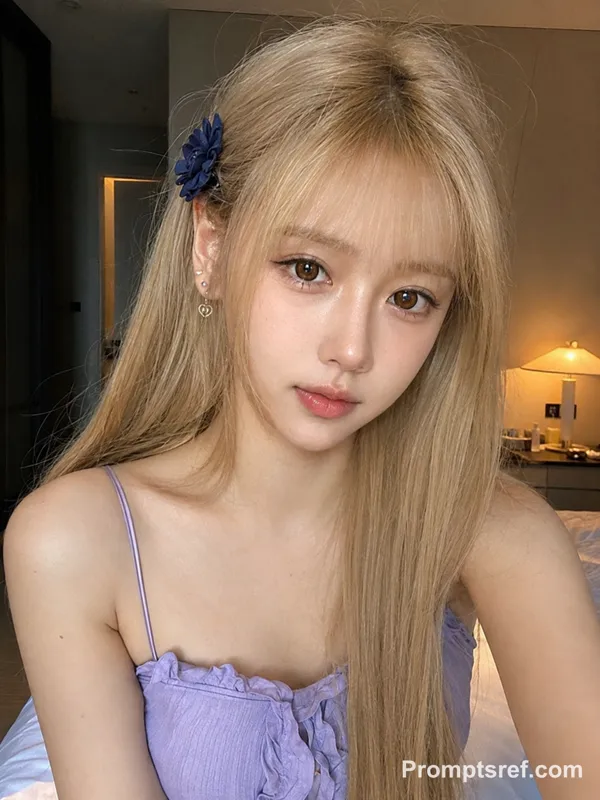
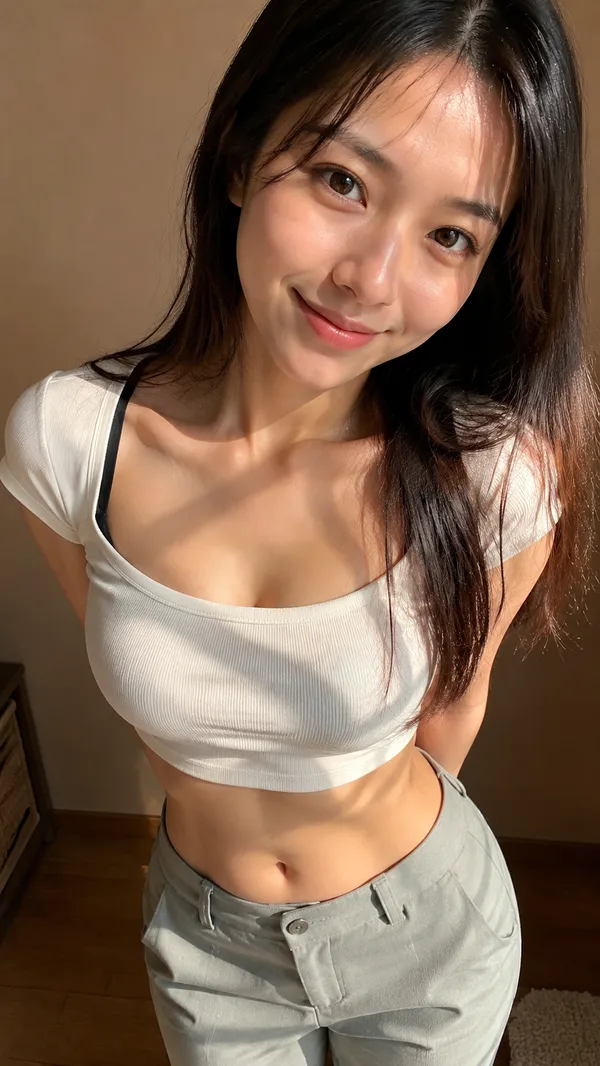
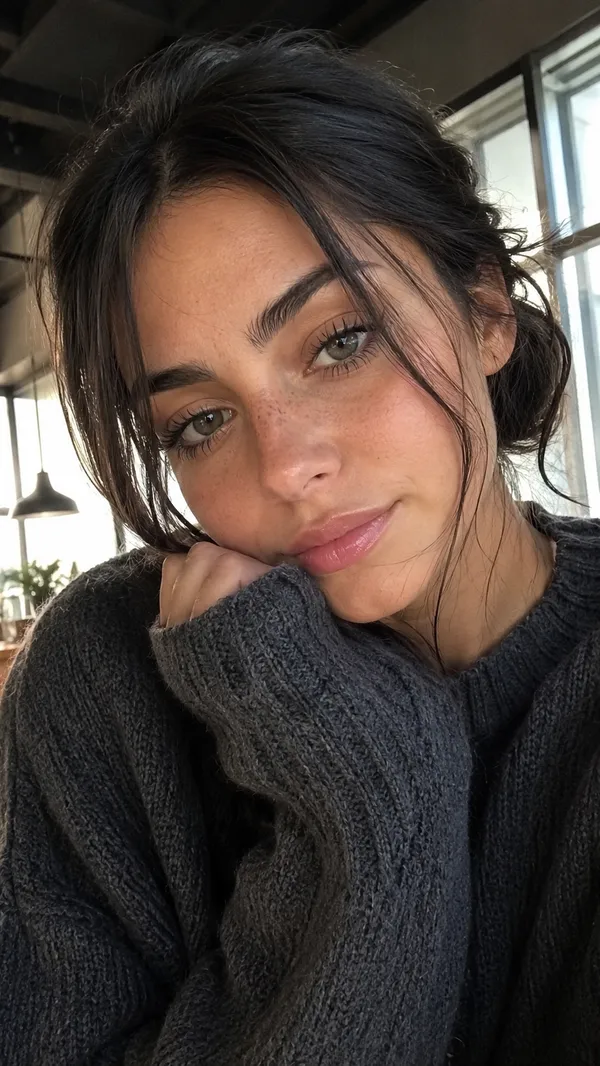
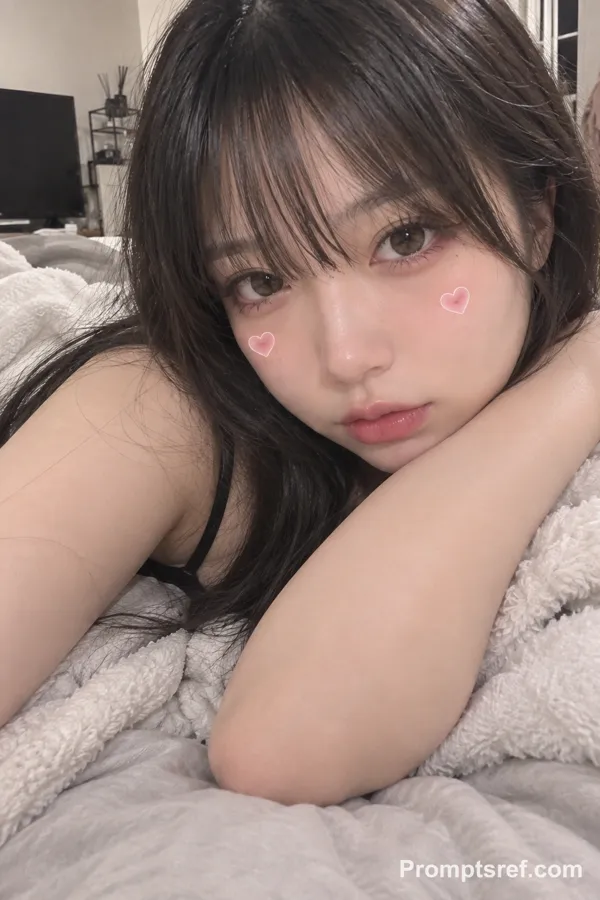
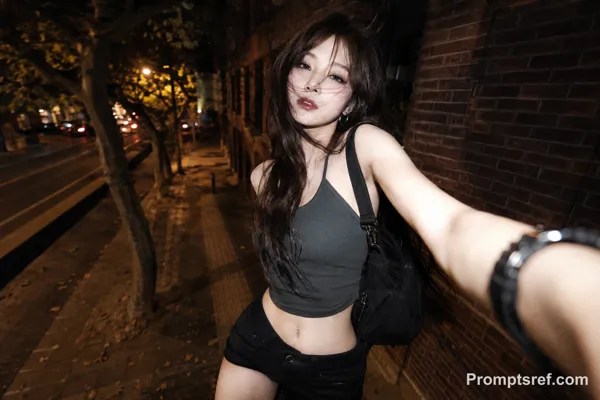
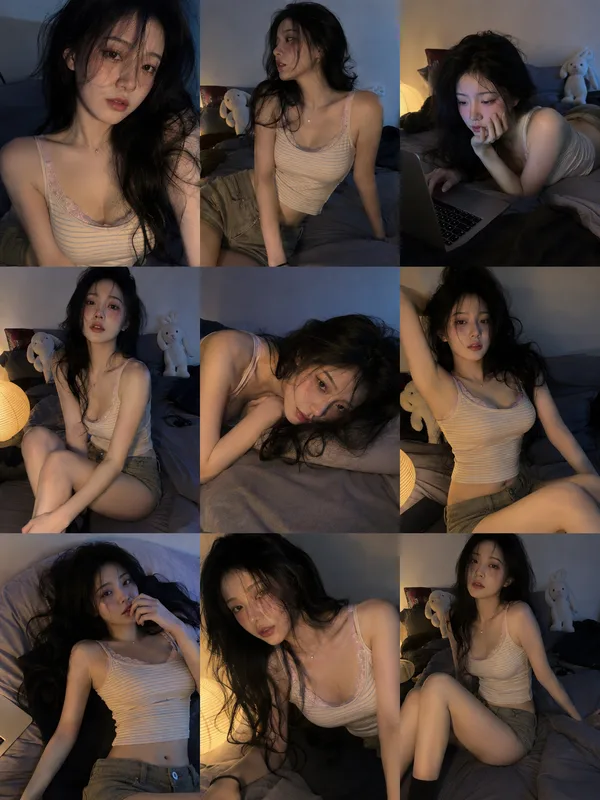
GPT Image 2.0 프롬프트 - 심야 아이폰 플래시 포트레이트

- 화면 비율
- auto
- 화질
- 1K
프롬프트
{
"meta": {
"camera": "iPhone 17 Pro",
"lens": "24mm",
"aspect_ratio": "9:16",
"style": "iphone flash shot, raw, high contrast, no editing"
},
"scene": {
"location": "dim bedroom",
"time": "night",
"atmosphere": "late night, slightly chaotic calm"
},
"lighting": {
"primary": "iphone flash",
"secondary": "very dim ambient",
"temperature": "neutral",
"effect": [
"sharp highlights on face",
"deep background shadows",
"glossy skin reflections"
]
},
"camera": {
"angle": "close and slightly low",
"distance": "face + upper torso",
"framing": "tight crop, imperfect"
},
"subject": {
"identity": "Heloise Huthart inspired, bold gaze, clean features",
"pose": {
"position": "leaning slightly toward camera",
"shoulders": "relaxed"
},
"expression": {
"eyes": "direct, intense, slightly teasing",
"lips": "soft but controlled"
},
"hair": {
"style": "slightly messy straight hair with bangs"
},
"outfit": {
"top": {
"type": "thin strap top",
"color": "grey",
"fit": "tight minimal"
}
}
},
"iphone_realism": {
"imperfections": [
"flash blowout",
"grain",
"lens distortion"
]
}
}
리믹스 작품
리믹스아직 리믹스가 없어요. 첫 번째 버전을 만들어 보세요.
이 이미지 프롬프트 사용하기
- 01
프롬프트로 시작하기
프롬프트를 복사하거나 생성 버튼으로 여세요.
- 02
나만의 아이디어 더하기
주제, 배경, 세부 사항을 조정하고 필요하면 참고 자료를 추가하세요.
- 03
생성 전 확인하기
모델과 출력 설정을 확인하세요. 생성 결과는 매번 다를 수 있습니다.