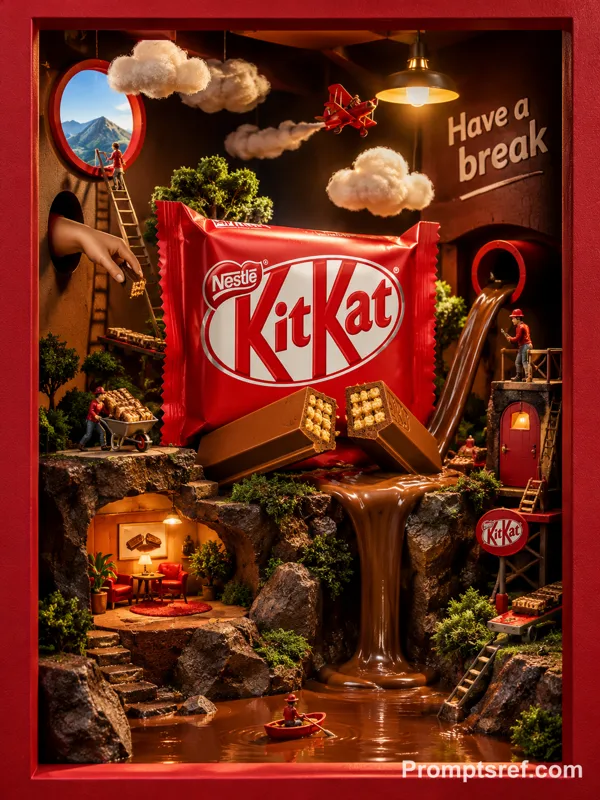
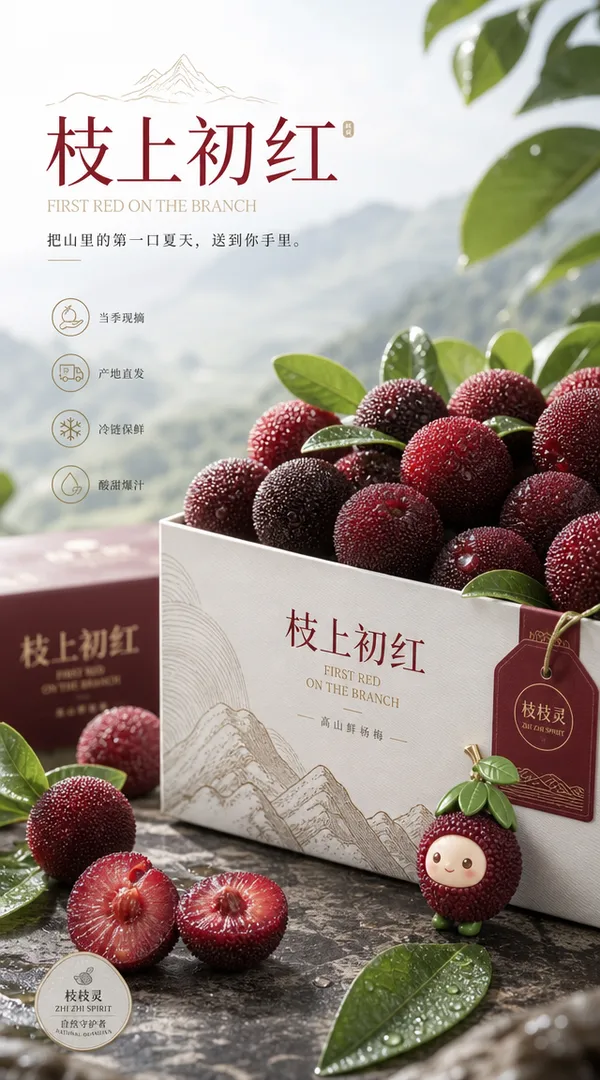
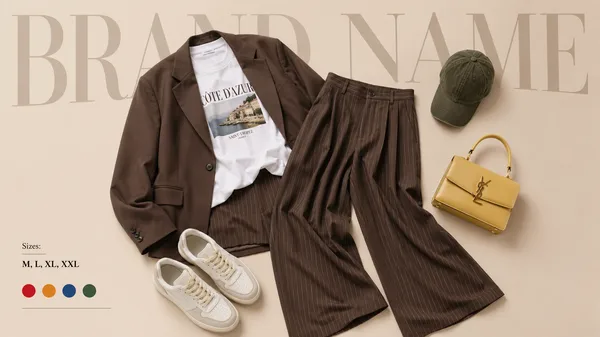
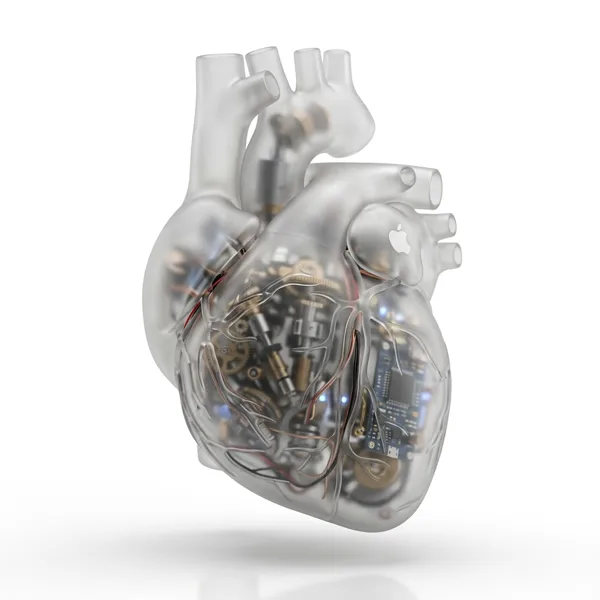
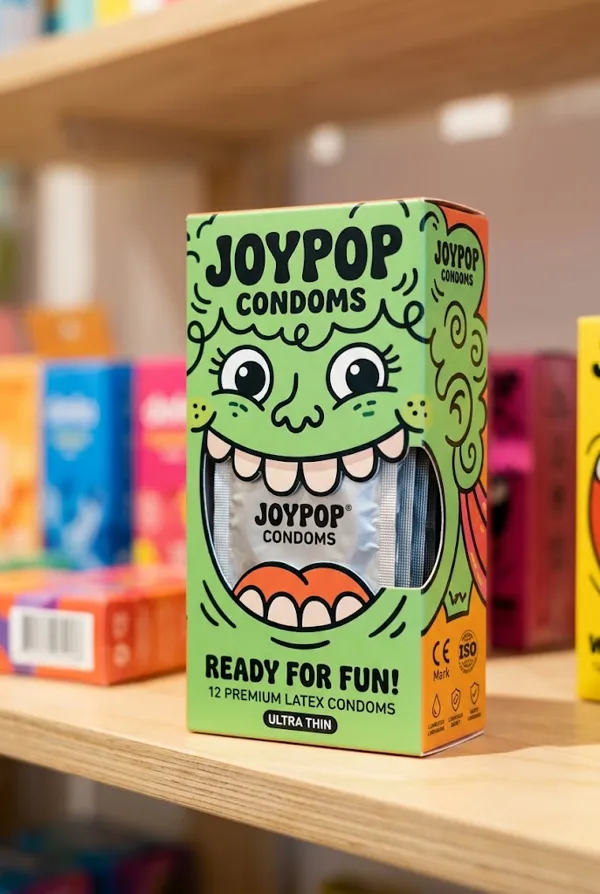
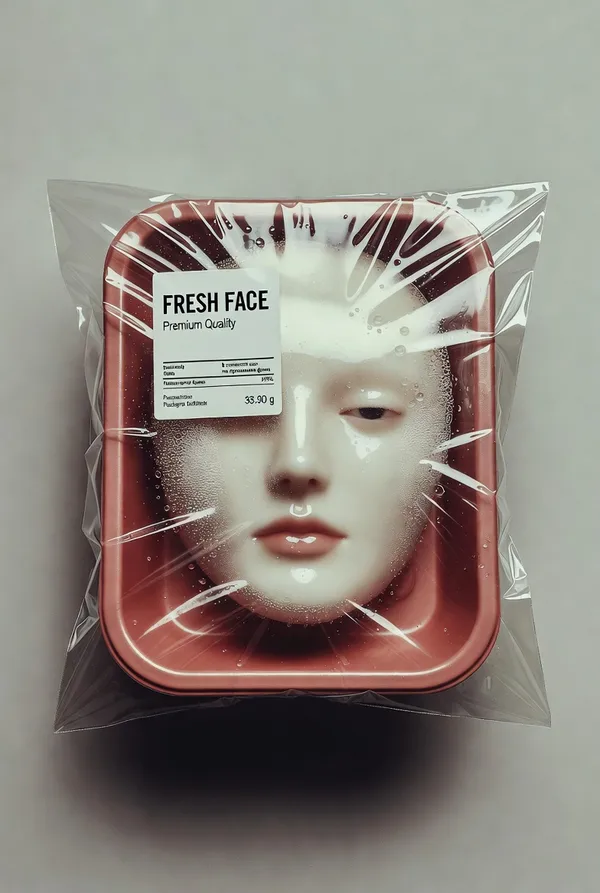
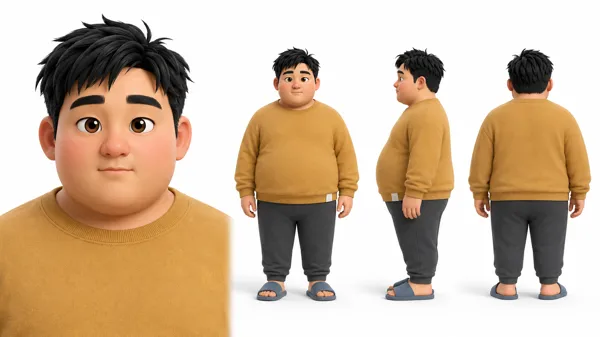
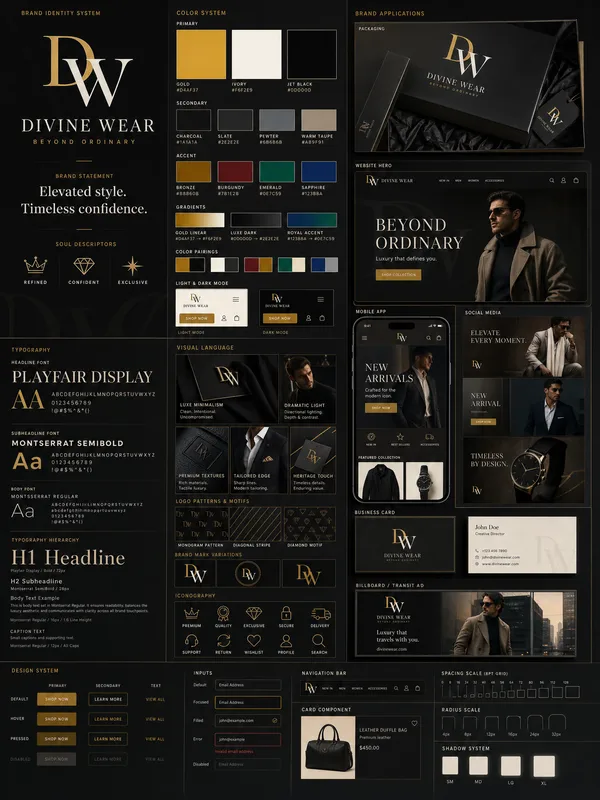
Nano Banana 2 프롬프트 - 산업 패키지 디자인 시트 템플릿

프롬프트
{
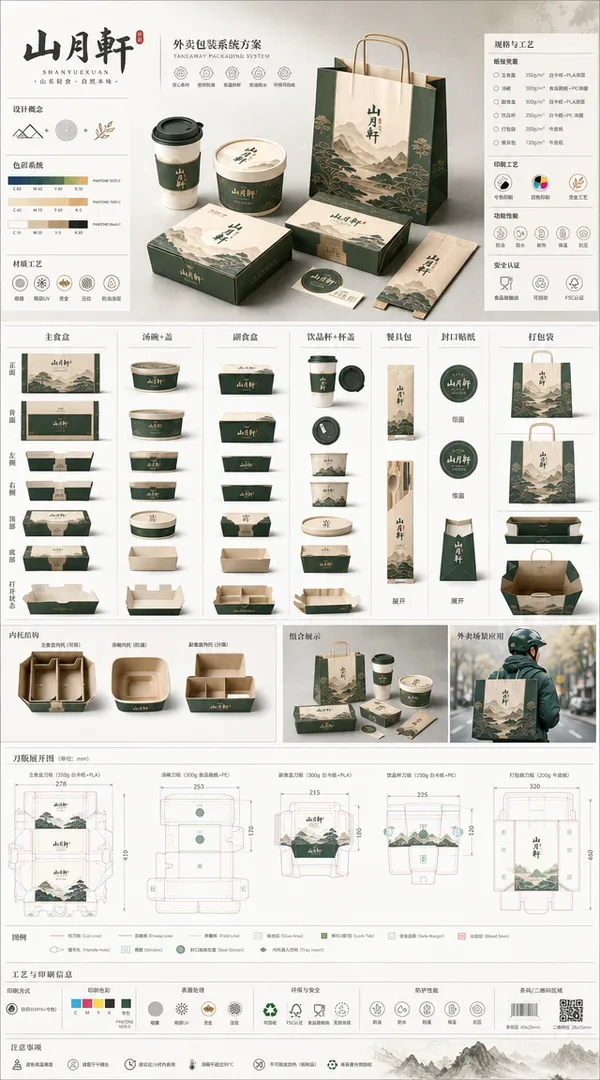
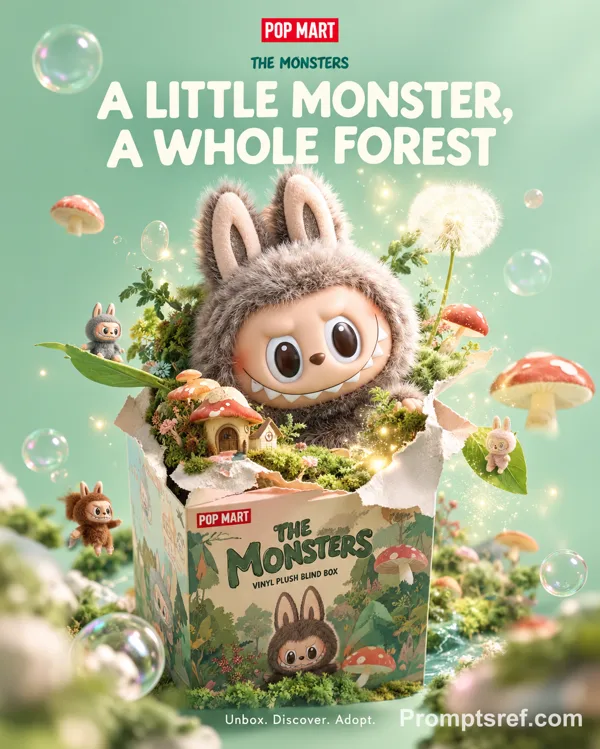
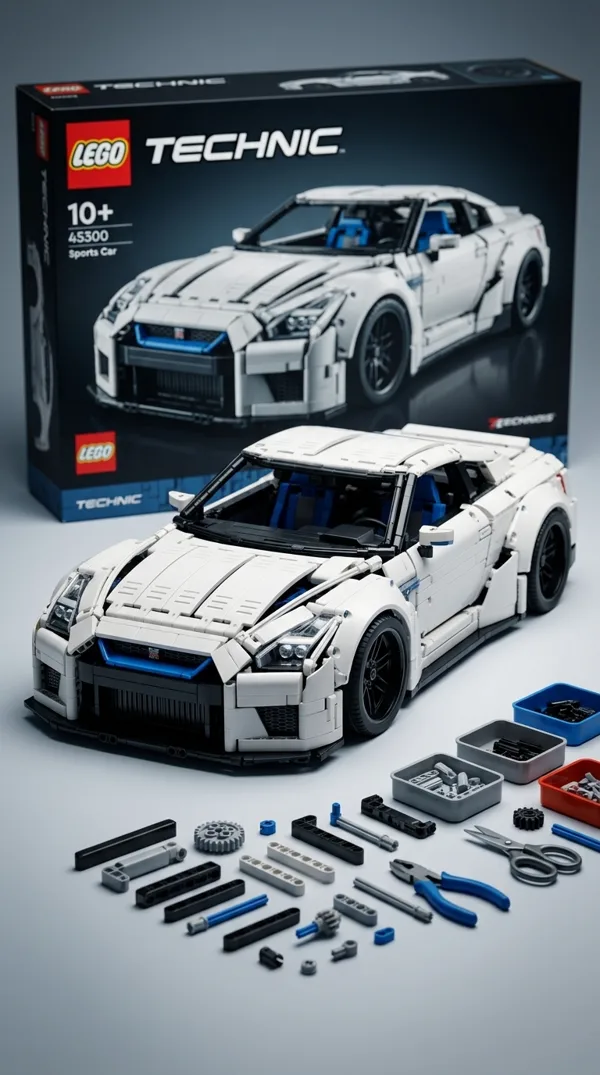
"prompt": "Using the attached image, create an illustration sheet of professional industrial design packaging for the package (PACKAGE TYPE). A centered heroic 3D rendering with realistic materials, soft studio lighting and commercial quality finishes. Surrounding technical views: front, side, top, bottom, oblique perspective and flat position. Include sketches of the frame structure, crease lines, seam details, and size arrows in millimeters. Show materials and finishes (matte, glossy print, plastic, paper, glass, etc.) in handwritten annotations. Add color swatches, realistic product illustrations, and subtle shadows. Clean sketchbook background, realistic rendering + pencil sketch style, modern design, ultra-detailed, portfolio ready.",
"parameters": {
"cfg_scale": 7.5,
"steps": 35,
"sampler": "DPM++",
"resolution": {
"width": 1024,
"height": 1280
},
"aspect_ratio": "3:4"
},
"style": {
"rendering": "realistic",
"lighting": "soft studio",
"finish": "commercial quality",
"sketch_style": "pencil sketch",
"detail_level": "ultra-detailed",
"presentation": "portfolio ready"
},
"annotations": {
"materials": ["matte", "glossy print", "plastic", "paper", "glass"],
"measurements": "size arrows in millimeters",
"technical_views": ["front", "side", "top", "bottom", "oblique perspective", "flat position"],
"extras": ["color swatches", "realistic product illustrations", "subtle shadows"]
}
}
리믹스 작품
리믹스아직 리믹스가 없어요. 첫 번째 버전을 만들어 보세요.
이 이미지 프롬프트 사용하기
- 01
프롬프트로 시작하기
프롬프트를 복사하거나 생성 버튼으로 여세요.
- 02
나만의 아이디어 더하기
주제, 배경, 세부 사항을 조정하고 필요하면 참고 자료를 추가하세요.
- 03
생성 전 확인하기
모델과 출력 설정을 확인하세요. 생성 결과는 매번 다를 수 있습니다.