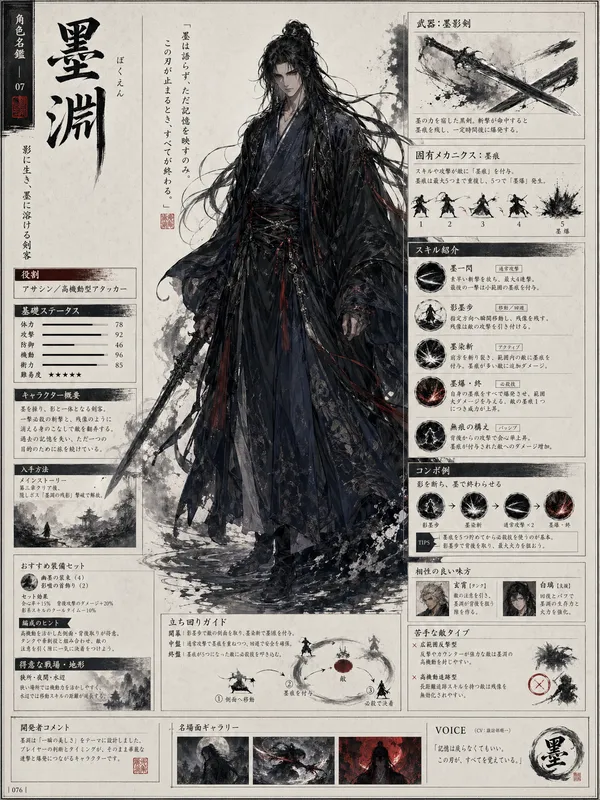
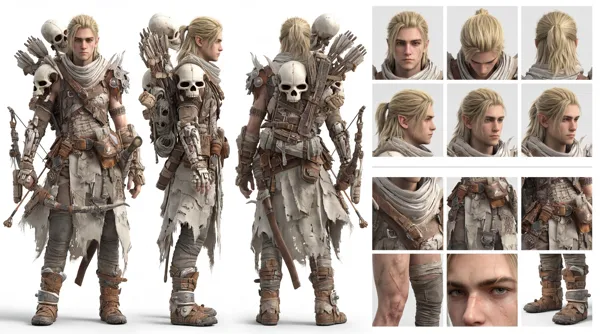
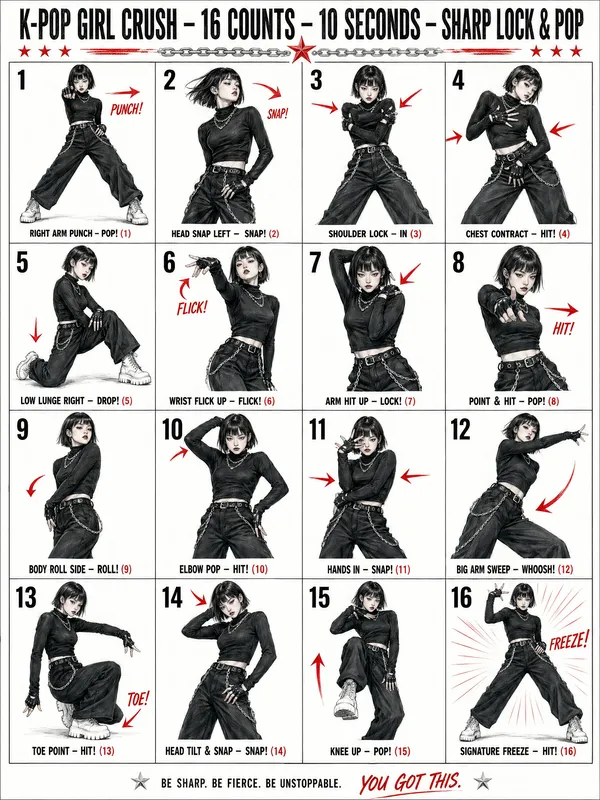
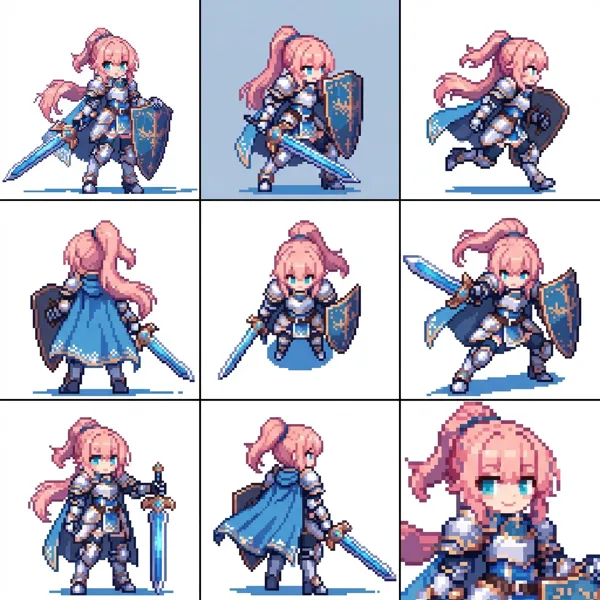
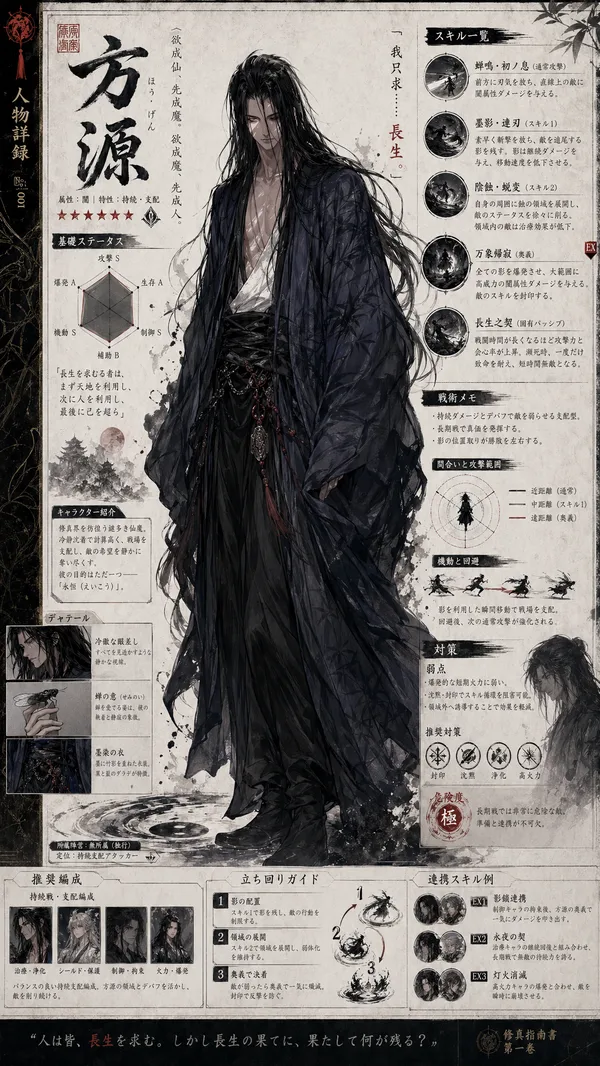
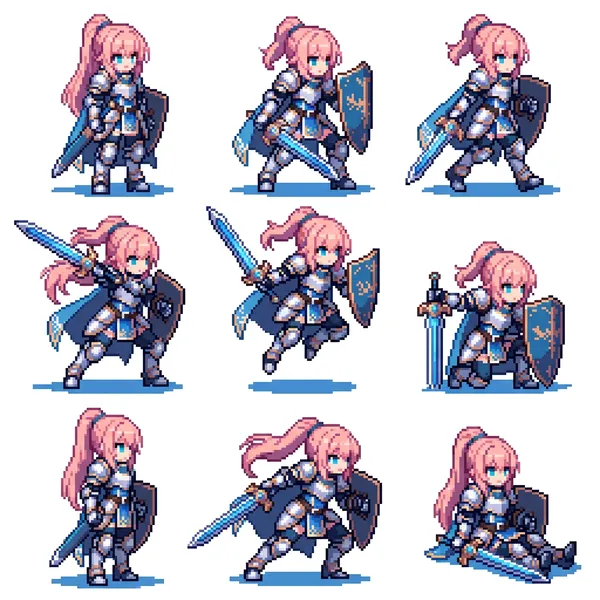
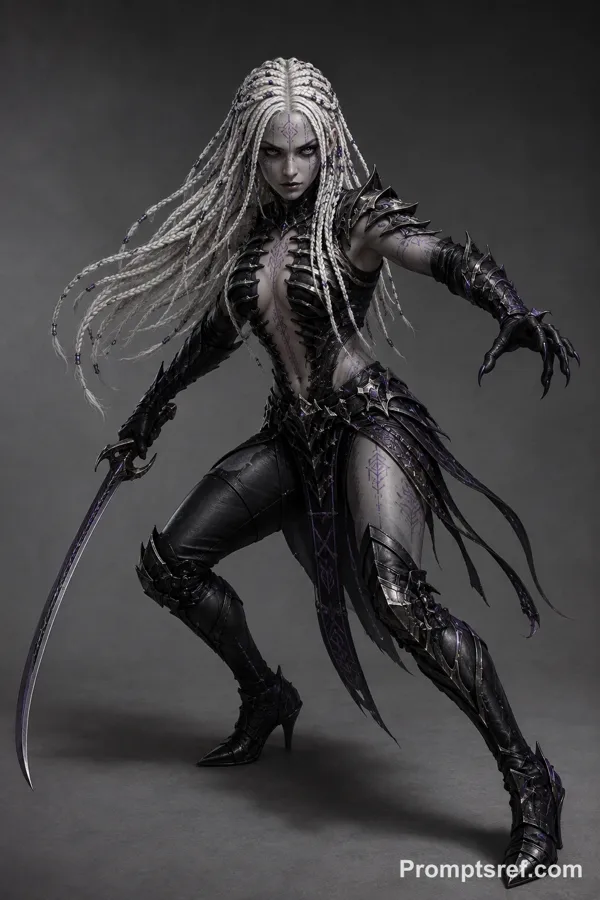
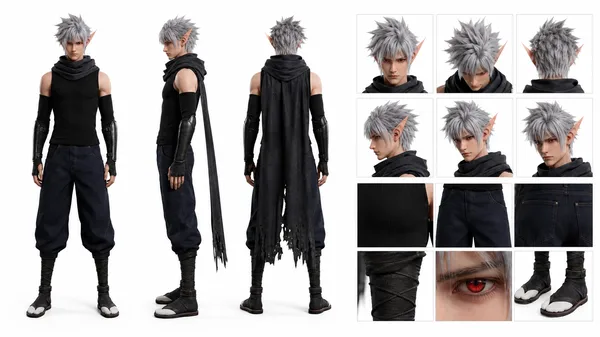
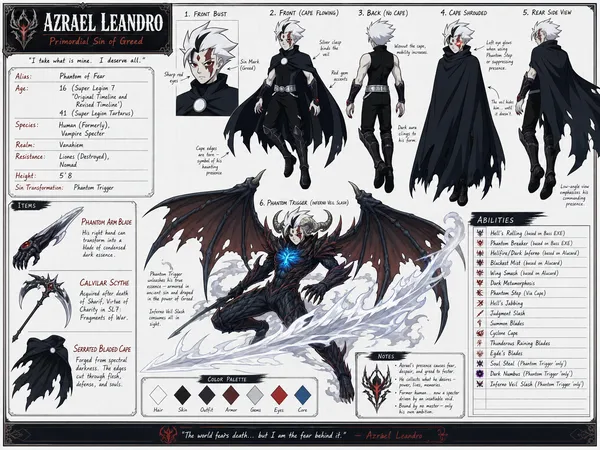
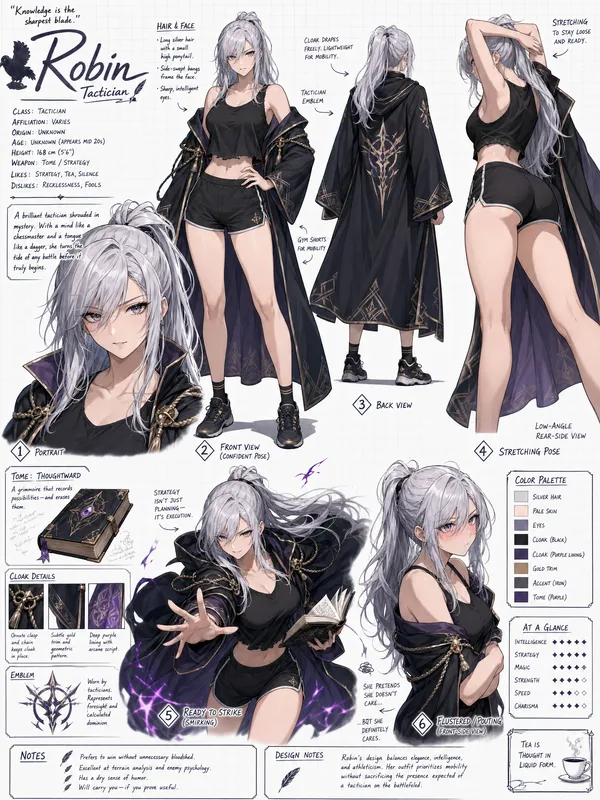
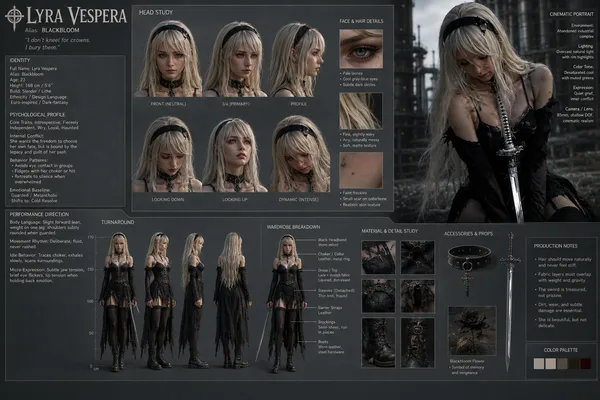
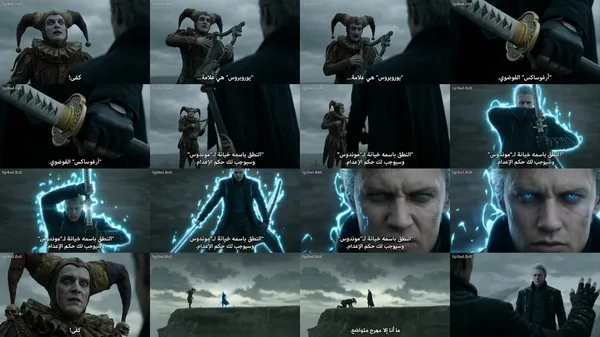
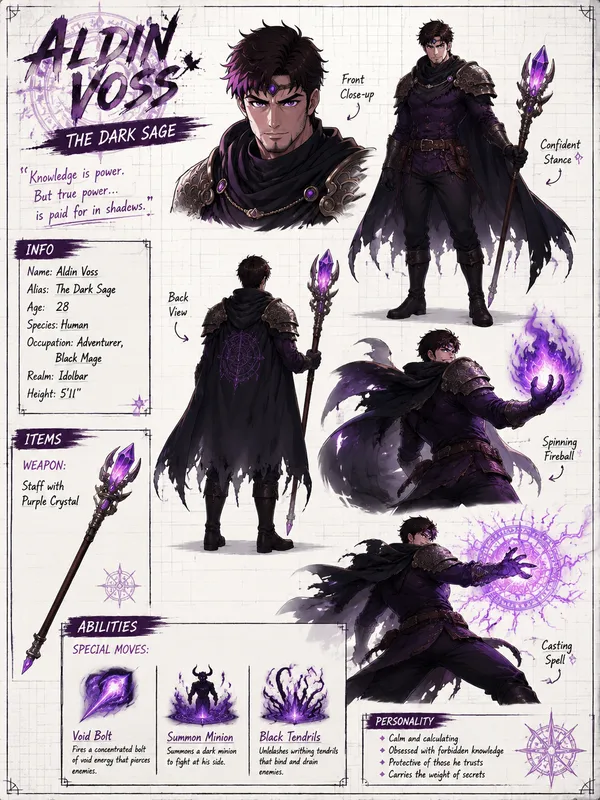
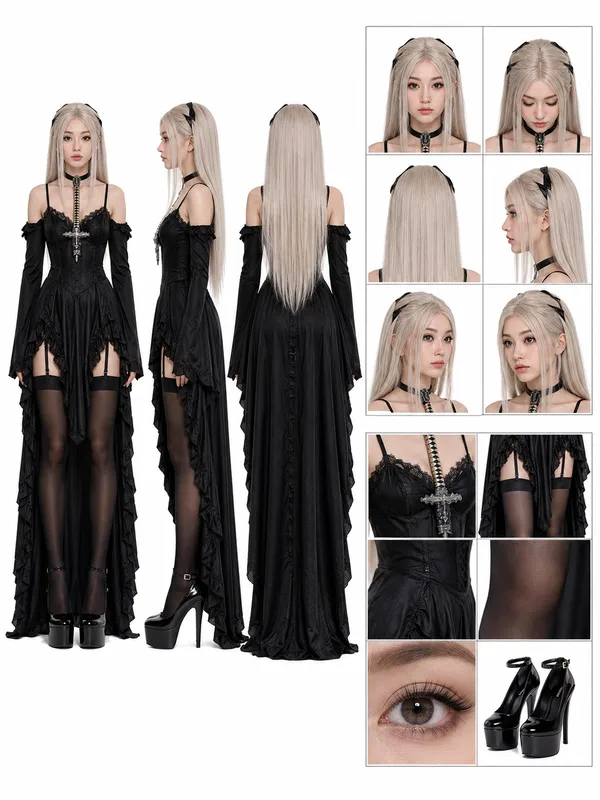
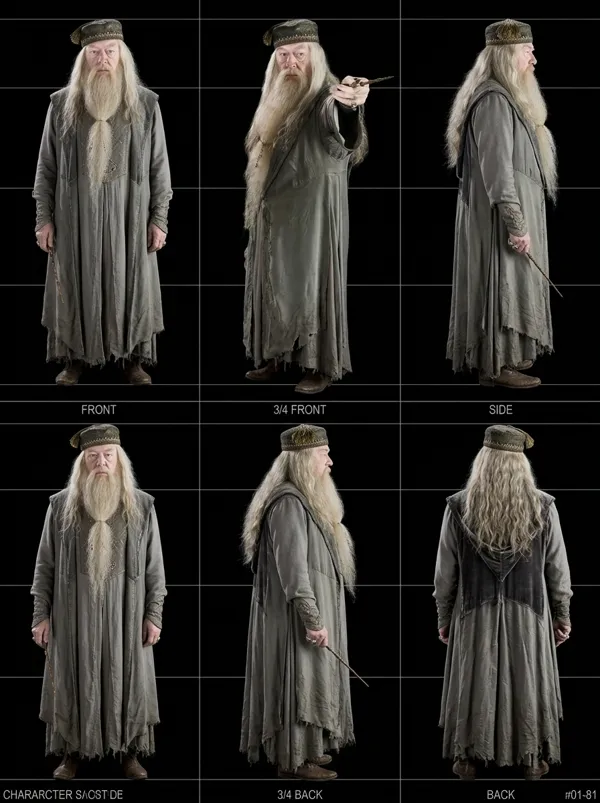
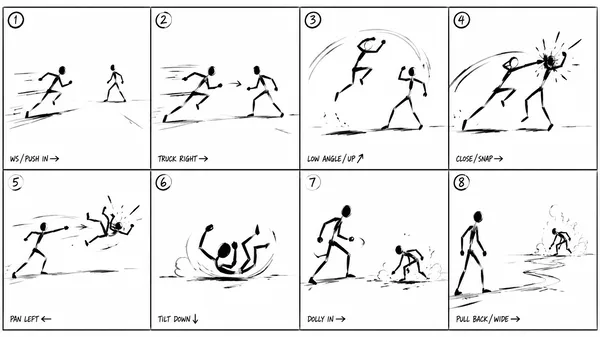
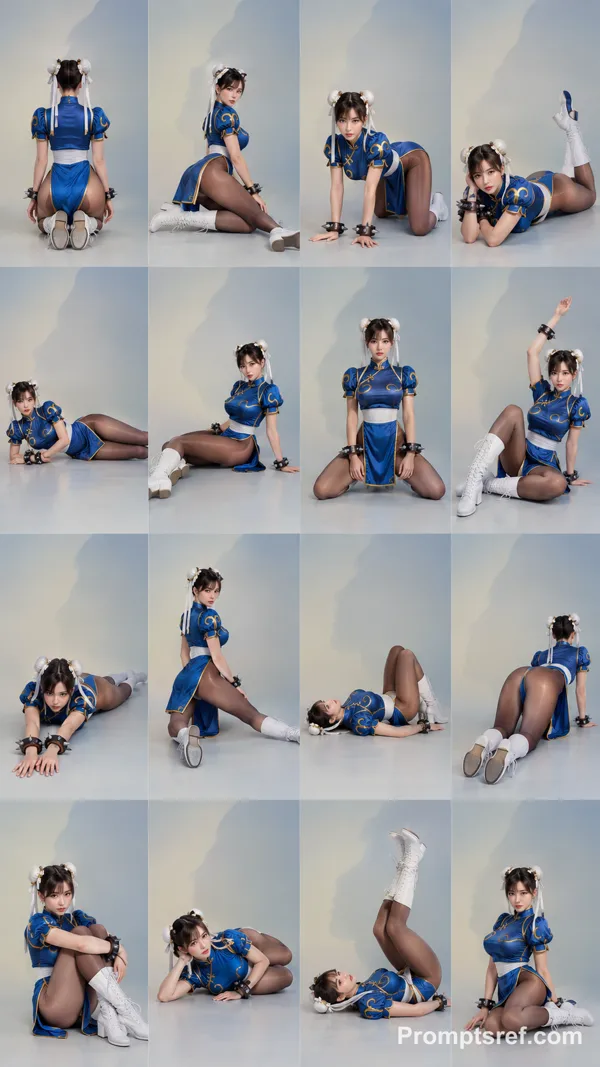
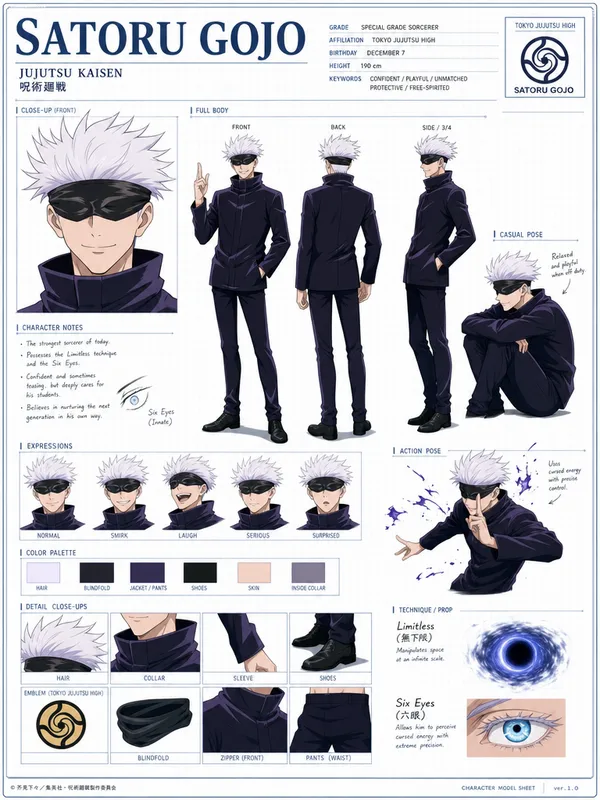
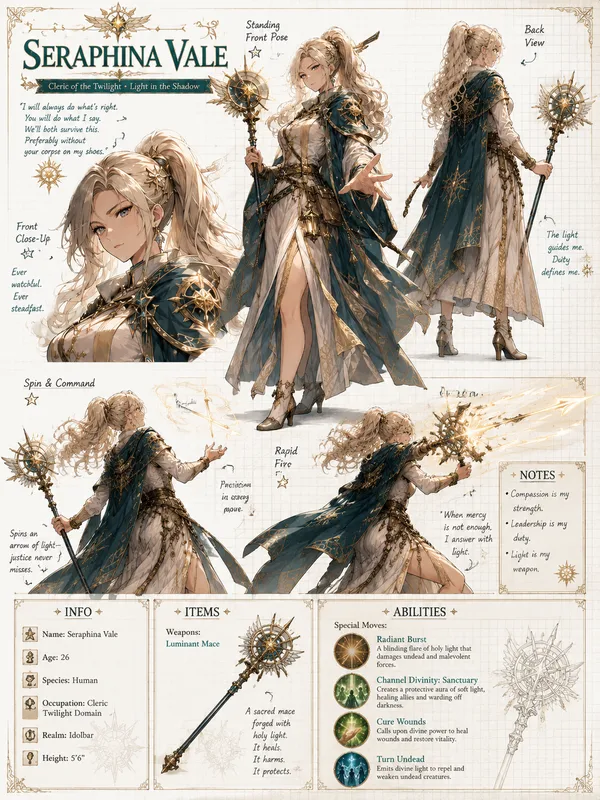
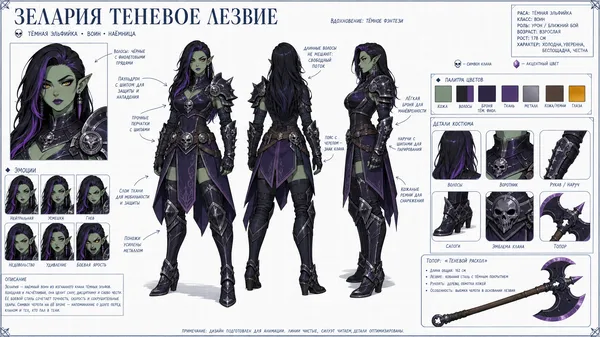
GPT Image 2.0 프롬프트 - 그레이스케일 16패널 캐릭터 동작 참고표

- 화면 비율
- 3:4
- 화질
- 2k
프롬프트
[STYLE]
Monochrome grayscale illustration, 3D-rendered character, clean instructional reference sheet, white background, comic-style cell grid layout, technical diagram aesthetic.
[LAYOUT]
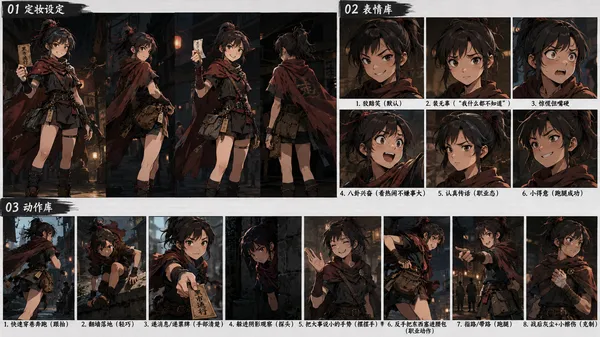
4×4 grid layout with a total of 16 panels. Each panel is separated by thin black border lines. Cells are numbered from 1 to 16, with consistent panel sizes.
[CHARACTER]
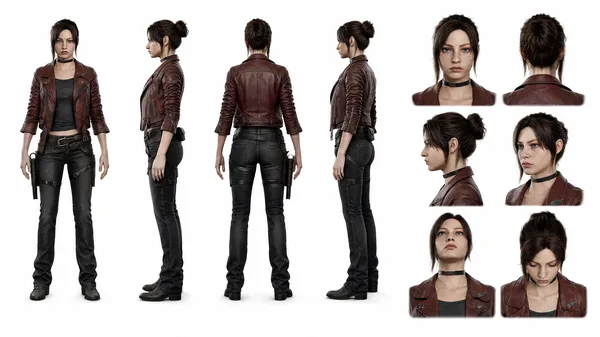
image1 (the same character appears consistently in all panels)
[PANEL STRUCTURE – per cell]
Top-left: bold number badge + English title text
Center: full-body character pose illustration
Bottom-left: English description text (3–4 lines)
Overlay: directional arrows indicating movement
[ARROWS / MOTION INDICATORS]
Curved arrows, straight arrows, and circular rotation indicators placed around the character to show motion flow and direction.
[RENDERING STYLE]
Highly detailed 3D sculpted style, soft studio lighting, subtle shadows, no color, grayscale shading, clean linework, game concept art quality.
[NEGATIVE]
No background scenery, no color tones, no additional characters, no complex background.
리믹스 작품
리믹스아직 리믹스가 없어요. 첫 번째 버전을 만들어 보세요.
이 이미지 프롬프트 사용하기
- 01
프롬프트로 시작하기
프롬프트를 복사하거나 생성 버튼으로 여세요.
- 02
나만의 아이디어 더하기
주제, 배경, 세부 사항을 조정하고 필요하면 참고 자료를 추가하세요.
- 03
생성 전 확인하기
모델과 출력 설정을 확인하세요. 생성 결과는 매번 다를 수 있습니다.