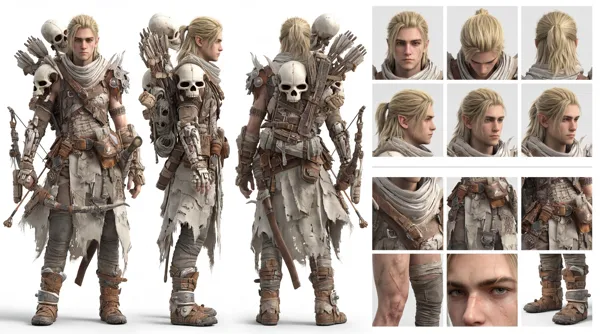
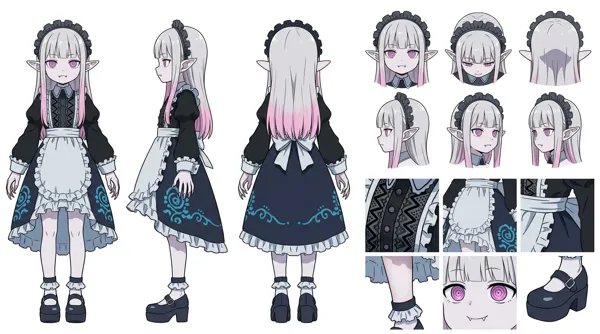
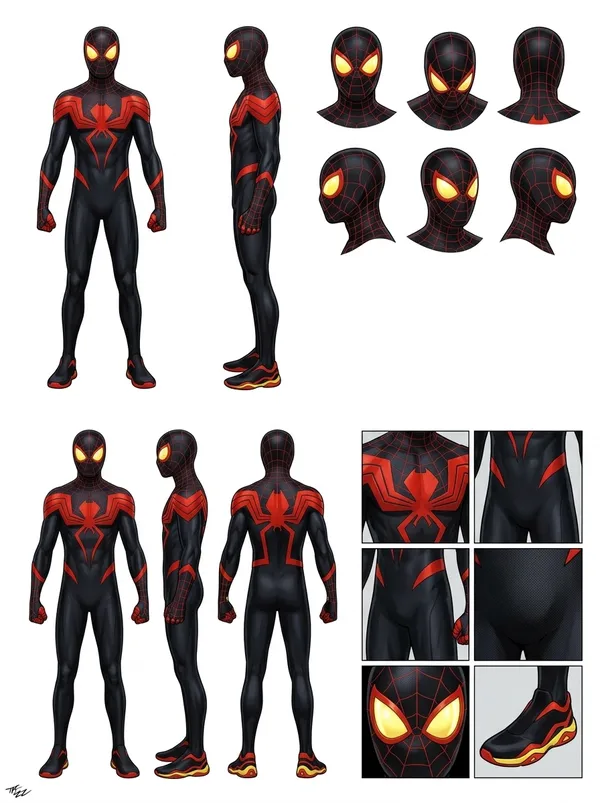
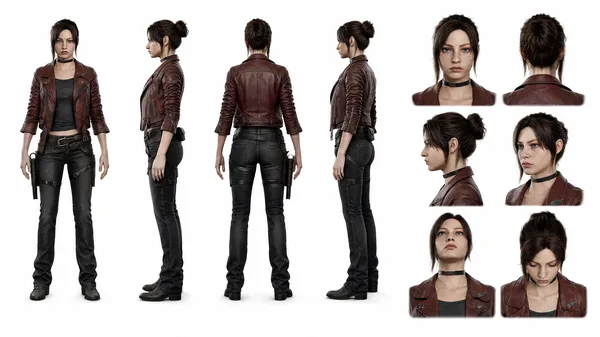
GPT Image 2.0 프롬프트 - 전문 캐릭터 턴어라운드 시트

- 화면 비율
- 16:9
- 화질
- 1K
프롬프트
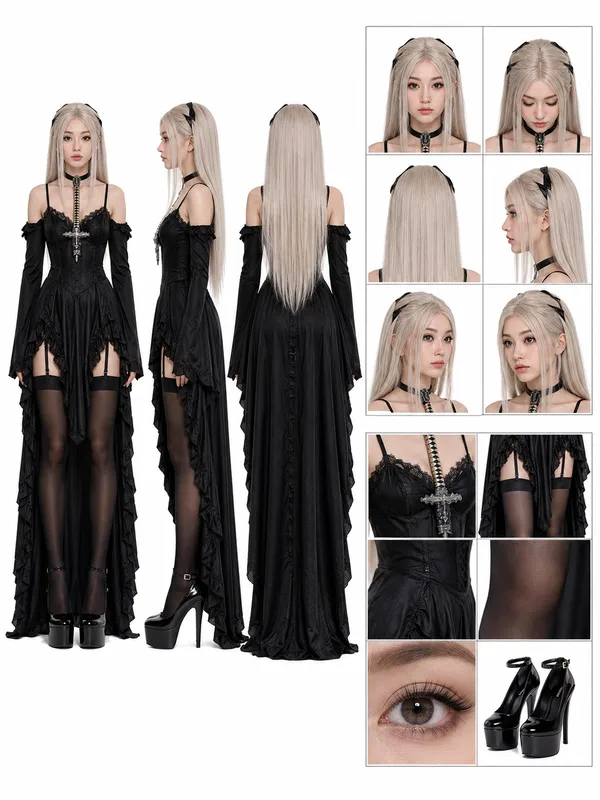
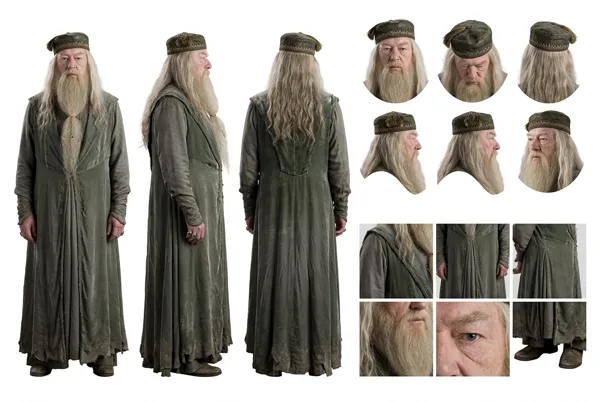
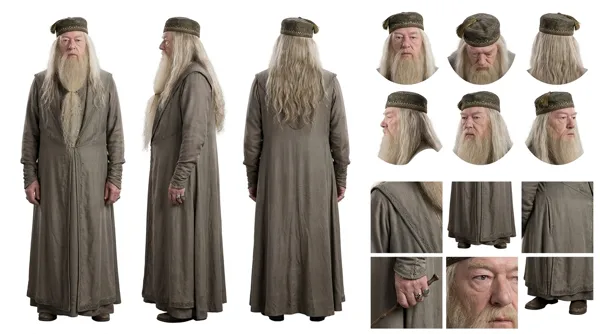
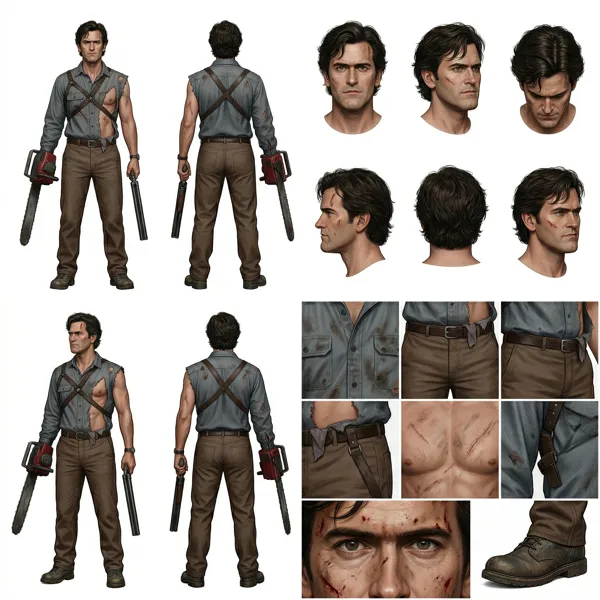
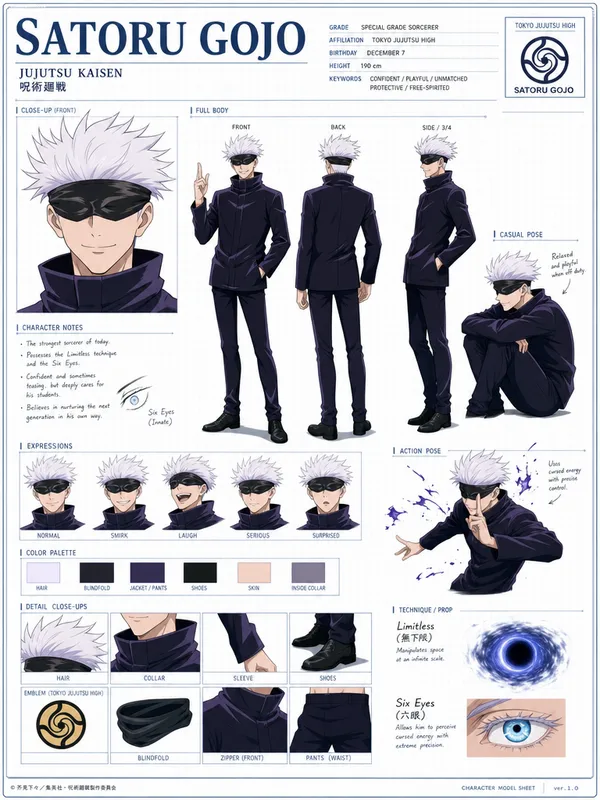
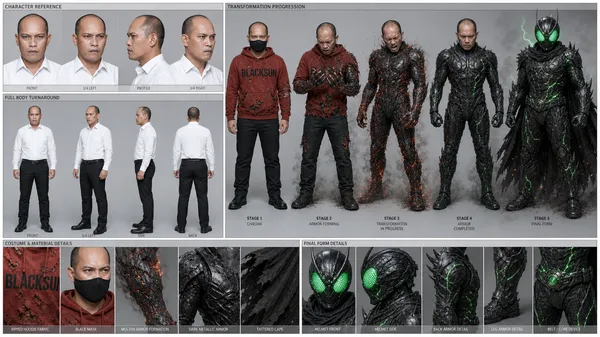
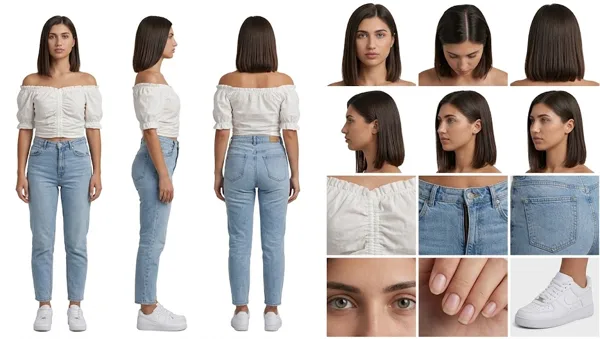
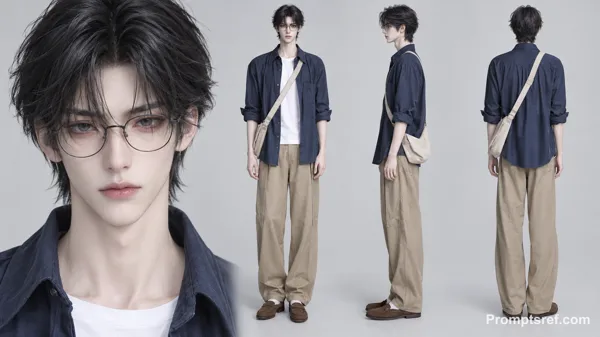
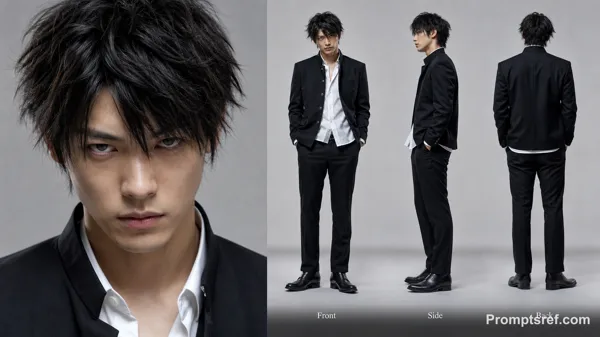
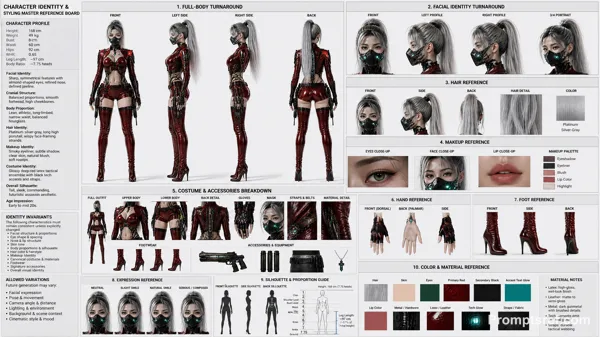
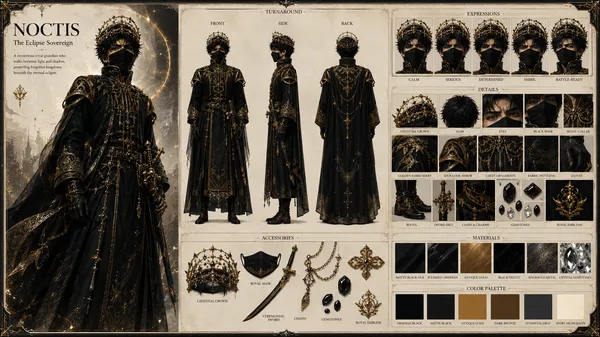
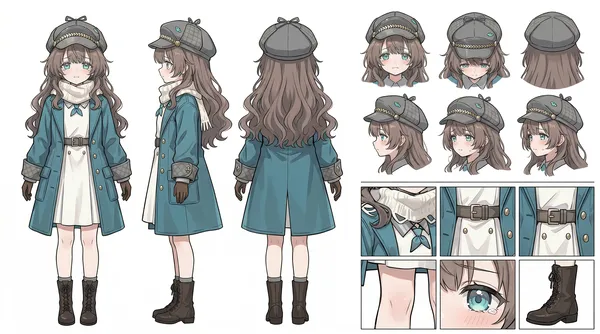
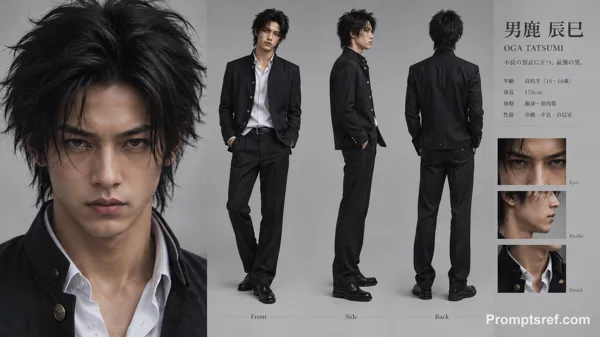
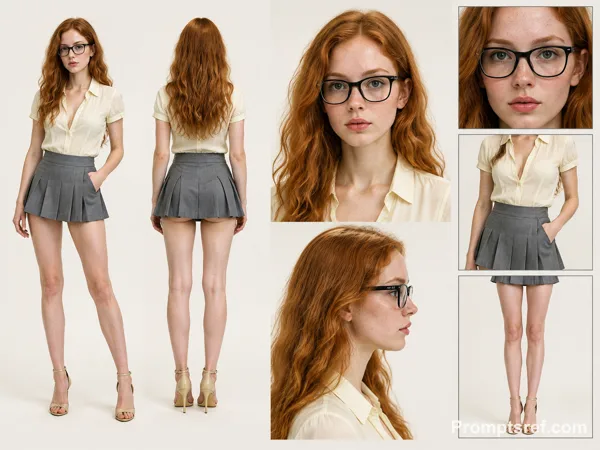
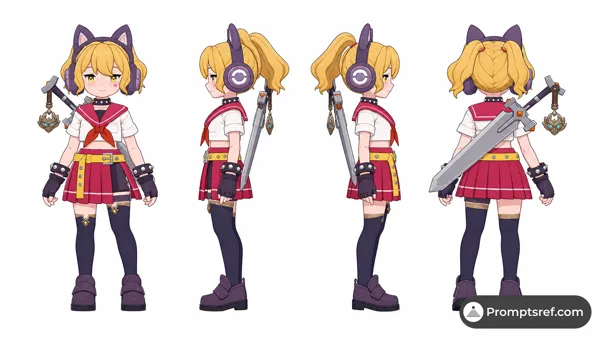
A high-definition, clean, minimalist character design board / character turnaround reference sheet, set against a pure white background. The overall presentation should resemble a professional game art character modeling sheet, fashion design reference page, character design sheet, or character turnaround board. The layout should be neat and well-organized, with clearly divided information sections, a realistic and premium visual quality, consistent lighting, and strict character consistency throughout. On the left side of the composition, show the character’s full-body three-view turnaround, occupying the main visual area, including: 1. Front full-body standing pose 2. Left-side full-body standing pose 3. Back full-body standing pose All three figures must be the exact same character, with identical facial features, hairstyle, clothing, body shape, and height proportions. The standing pose should feel natural, with both arms hanging naturally at the sides. This should be suitable as a character modeling reference. The camera angle should be eye level, with neutral studio lighting, no obstruction, no exaggerated perspective, and no complex background. The right side of the composition should be divided into two sections: In the upper-right section, place six headshot / head-angle reference images of the same character, arranged neatly to show different head perspectives, including: - Front-facing portrait - Slight downward angle showing the top of the head - Back of the head / rear head view - Left-side facial profile - A near-side-angle comparison view (this line was slightly unclear in the source and may not be exact) - 3/4 profile portrait The head references should have clear facial features, visible hair parting, and consistent facial structure, making them suitable as head design references. In the lower-right section, place six close-up detail images of the character, arranged into a clean grid, showing key design details, including: - Close-up of the upper garment fabric texture - Front close-up of the lower-body clothing - Close-up of the hip / tailoring detail - Close-up of the leg or skin texture detail - Close-up of the eyes or facial feature details - Full close-up of the shoes as a standalone item All detail images must match the main character’s outfit and appearance exactly. Materials should look realistic, and the details should be clean and precise, suitable as clothing and accessory modeling references. Overall style requirements: Minimalist, professional, realistic, unified, clean, and premium, similar to a character design board, fashion design reference sheet, 3D character modeling reference page, or character turnaround presentation board. The character edges should be sharp, garment shapes should be clearly defined, hair strands should appear natural, skin should look refined, and material rendering should be accurate. The overall layout should have generous white space, as if it were made by a professional concept art team. Character setup: [Character appearance description] Output requirements: Landscape composition, white background, full character visible, no cropping, no extra props, no explanatory text, no logo, no watermark, no UI interface elements, no like/save buttons, and no social-media-screenshot appearance.
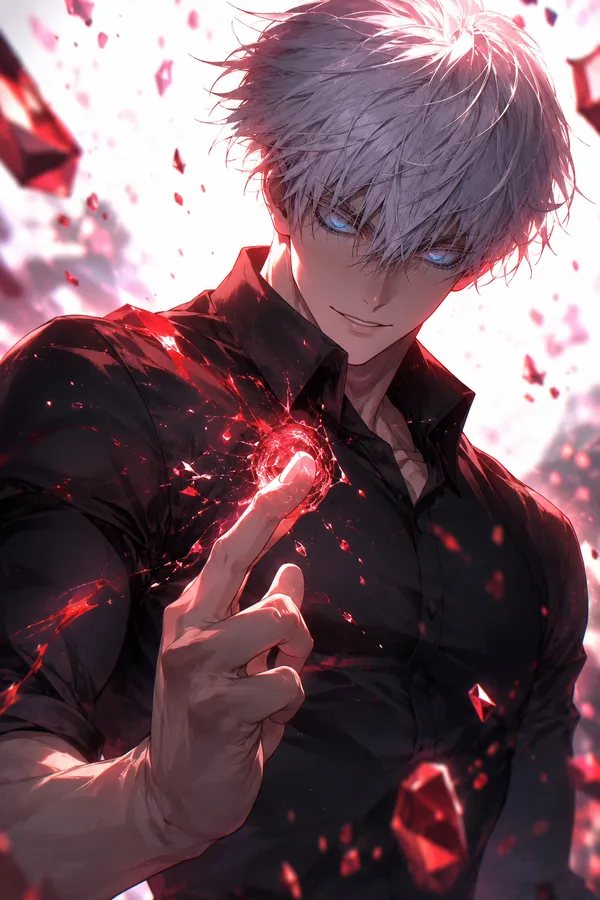
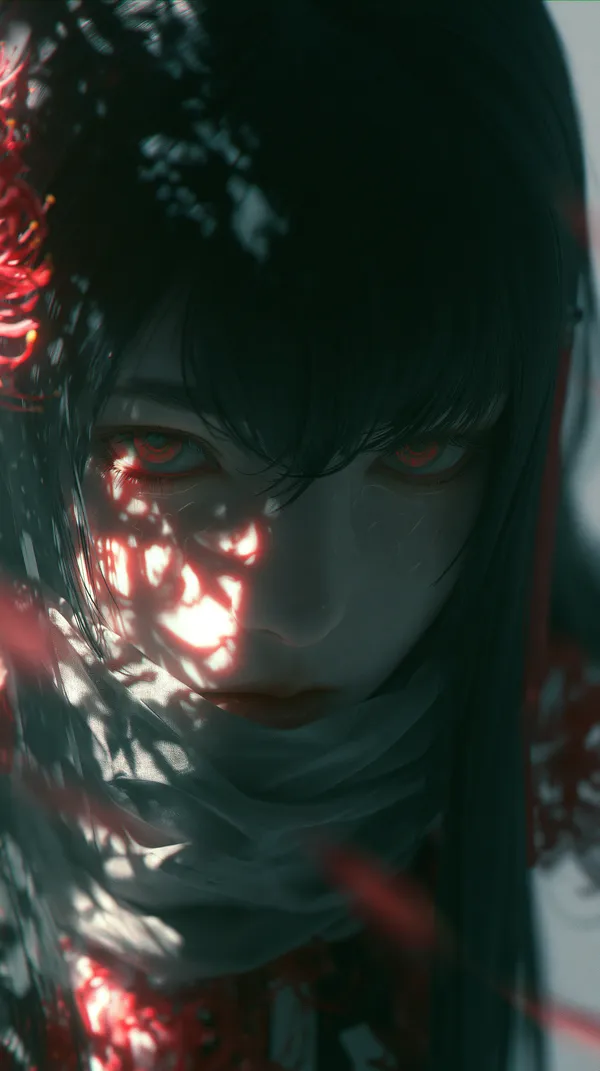
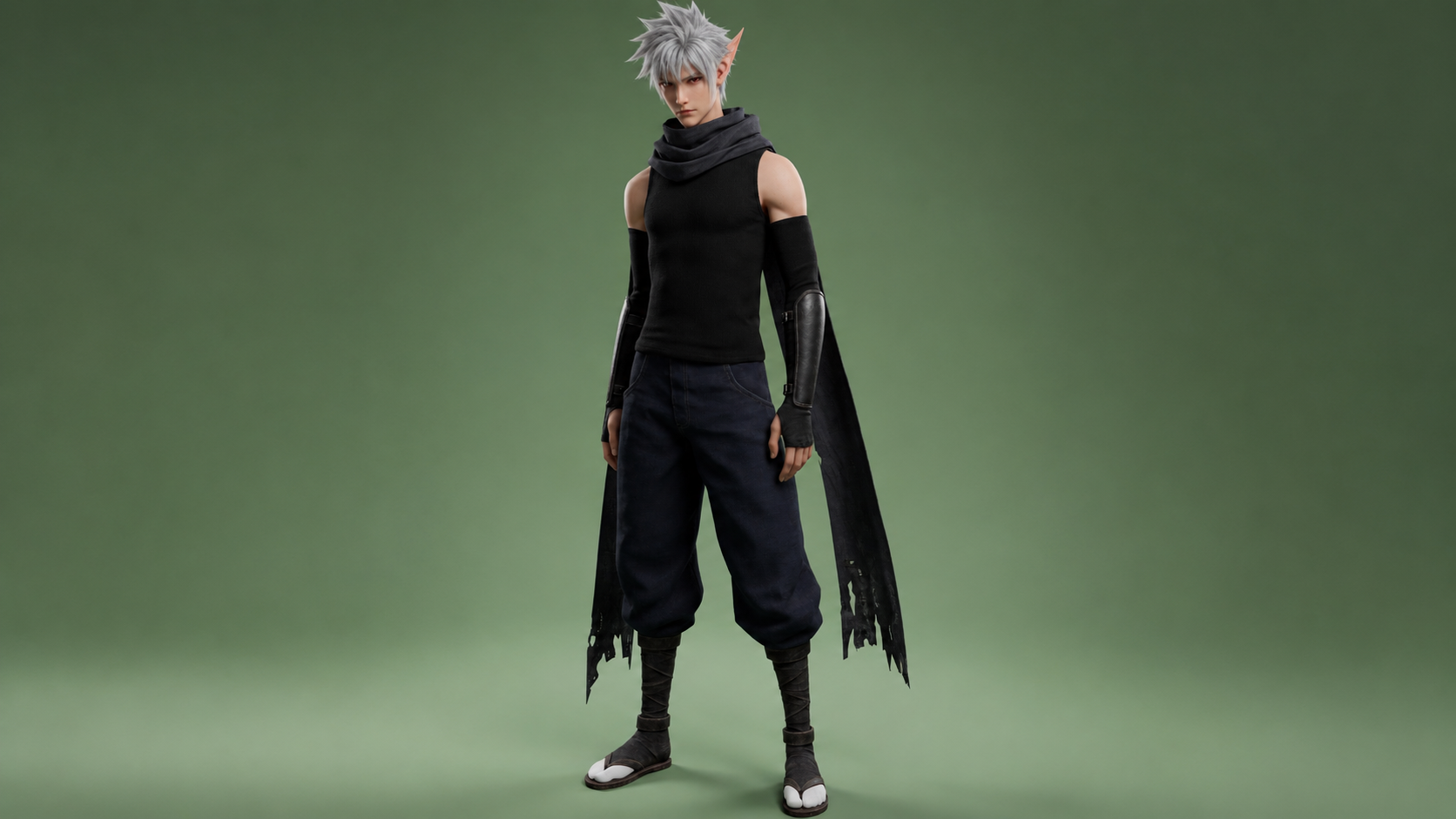
In addition, make his irises red
참조 이미지
리믹스 작품
리믹스아직 리믹스가 없어요. 첫 번째 버전을 만들어 보세요.
이 이미지 프롬프트 사용하기
- 01
프롬프트로 시작하기
프롬프트를 복사하거나 생성 버튼으로 여세요.
- 02
나만의 아이디어 더하기
주제, 배경, 세부 사항을 조정하고 필요하면 참고 자료를 추가하세요.
- 03
생성 전 확인하기
모델과 출력 설정을 확인하세요. 생성 결과는 매번 다를 수 있습니다.