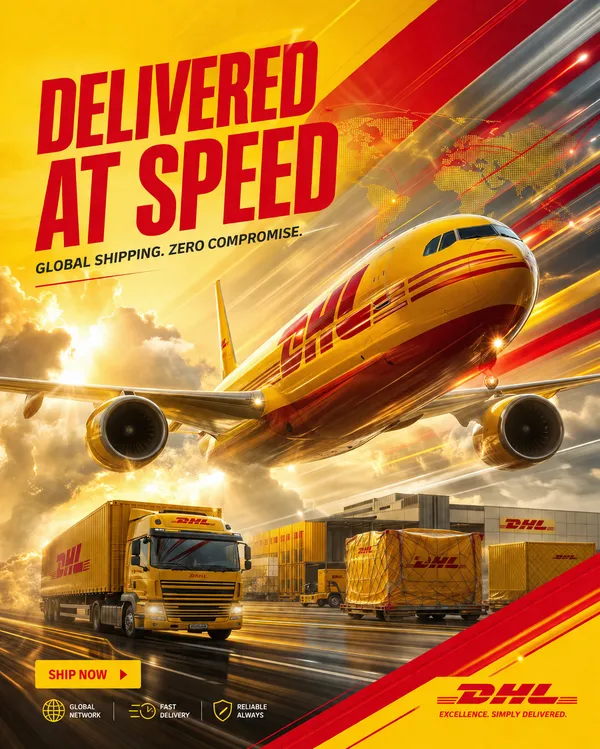
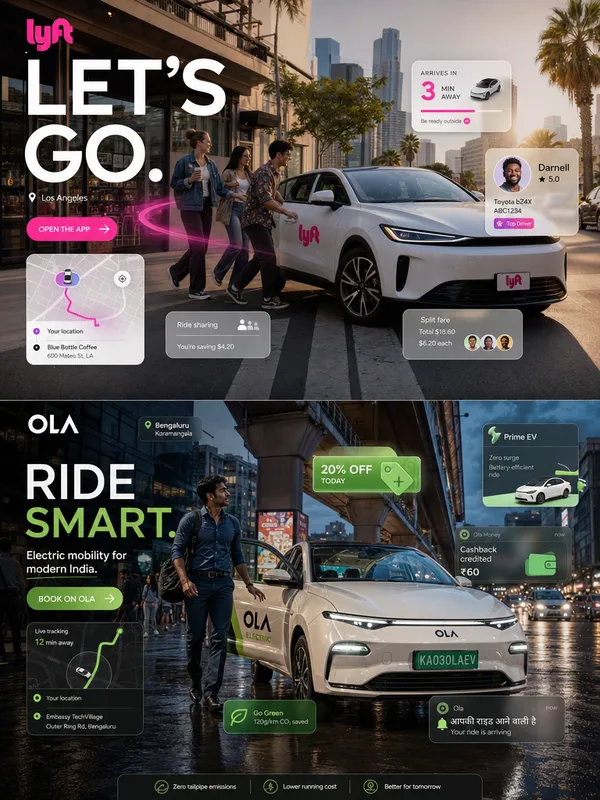
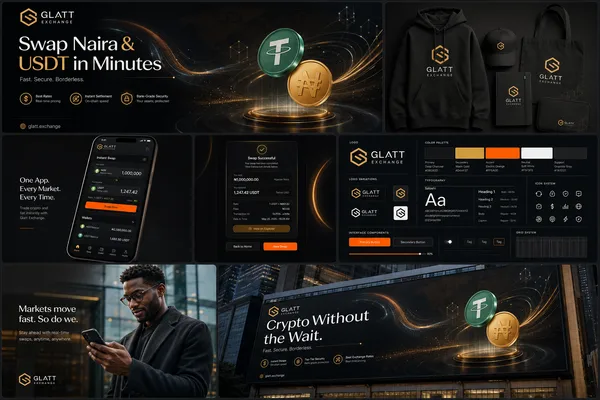
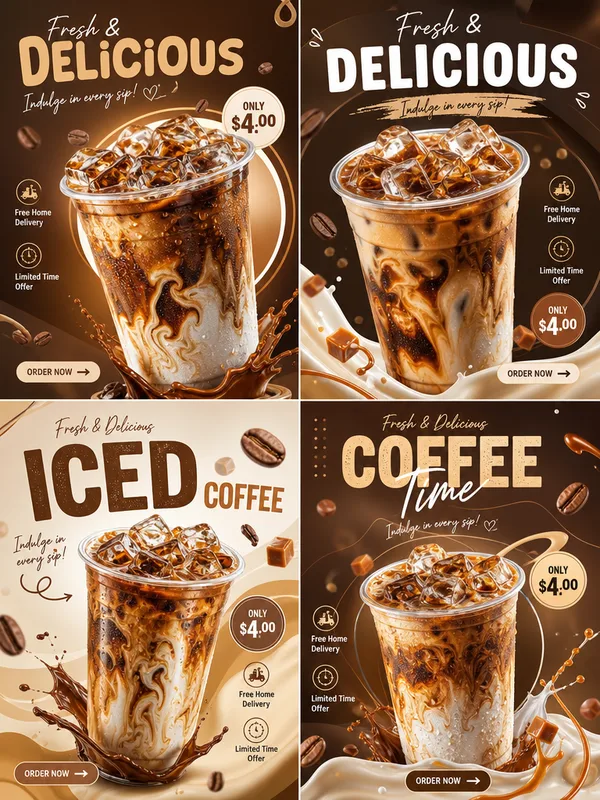
GPT Image 2.0 프롬프트 - 블링킷: 매장을 몇 분 안에 배송

- 화면 비율
- 3:4
- 화질
- 1k
프롬프트
ACT AS:
A world-class Blinkit campaign designer, elite quick-commerce advertising strategist, and agency-level infographic art director specializing in premium delivery branding, ultra-fast commerce visuals, and modern FMCG storytelling systems.
PROJECT TITLE:
“YOUR STORE. DELIVERED IN MINUTES.”
BRAND:
Blinkit
FORMAT:
4:5 vertical premium quick-commerce infographic poster
Designed for Blinkit app campaigns, Instagram ads, outdoor digital screens, social commerce, and high-conversion mobile advertising
8K ultra-detailed commercial advertising design
CORE CONCEPT:
A hyper-modern Blinkit infographic visualizing speed, convenience, and instant lifestyle commerce through cinematic delivery storytelling, premium UI-inspired layouts, and dynamic grocery visuals.
STYLE DIRECTION:
Fast-paced luxury
Gen-Z commercial aesthetic
Modern app-inspired composition
Dynamic but minimal
Premium infographic storytelling
Urban commerce energy
Highly conversion-focused
Cinematic quick-delivery realism
MAIN COMPOSITION:
- Large Blinkit delivery bag or rider as hero subject
- Groceries floating outward dynamically
- Milk cartons, chips, fruits, cold drinks, noodles, vegetables, snacks, and essentials suspended mid-air
- Motion blur trails emphasizing delivery speed
- Futuristic city depth in background
- Layered premium composition
- Structured infographic hierarchy
INFOGRAPHIC STRUCTURE:
1. HERO DELIVERY SECTION
- Blinkit rider or delivery bag centered dramatically
- Cinematic yellow lighting glow
- Floating grocery explosion
- Motion-driven visual storytelling
- Urban fast-commerce atmosphere
2. SPEED CALLOUT SYSTEM
Floating infographic cards displaying:
- “10 MIN DELIVERY”
- “LIVE TRACKING”
- “24/7 AVAILABLE”
- “INSTANT CHECKOUT”
- “FASTEST DELIVERY EXPERIENCE”
3. CATEGORY VISUAL GRID
Modular grocery blocks featuring:
- Fresh produce
- Snacks
- Drinks
- Household essentials
- Personal care
- Instant meals
- Daily groceries
4. APP UI STORYTELLING
- Delivery countdown timer
- Tracking map overlays
- Checkout UI panels
- Order status graphics
- Notification popups
- Cart interaction visuals
5. DELIVERY FLOW INFOGRAPHIC
- Warehouse → Rider → Customer visualization
- Motion arrows
- GPS route overlays
- Speed indicators
- Commerce system graphics
- Dynamic directional lines
TYPOGRAPHY:
- Bold condensed sans-serif
- Large numerical hierarchy
- Modern app-style labels
- High readability
- Premium editorial spacing
- Strong mobile-first typography
COLOR SYSTEM:
Primary:
- Blinkit yellow
- Matte black
- Clean white
Secondary:
- Lime green accents
- Neon yellow glow
- Soft gray UI tones
BACKGROUND:
- Futuristic urban gradient
- Dynamic speed streaks
- Motion-blurred city atmosphere
- Soft ambient lighting
- Layered infographic depth
- Minimal geometric overlays
LIGHTING:
- Cinematic yellow neon glow
- Commercial ad-style reflections
- Premium grocery highlights
- Dynamic motion lighting
- High-contrast studio realism
- Controlled luxury shadows
GRAPHIC ELEMENTS:
- Floating infographic labels
- Thin connector lines
- UI-inspired cards
- GPS tracking overlays
- Motion arrows
- Countdown indicators
- Data visualization graphics
- Delivery route systems
CAMERA:
- Wide cinematic angle
- Slight low perspective
- Dynamic motion framing
- Ultra-sharp hero details
- Commercial delivery advertising composition
TEXT ELEMENTS:
- “DELIVERED BEFORE YOU BLINK”
- “10 MINUTES. ZERO WAIT.”
- “EVERYDAY ESSENTIALS INSTANTLY”
- “SHOP. TAP. RECEIVE.”
- “FASTEST GROCERY EXPERIENCE”
- “THE FUTURE OF DELIVERY”
FINAL LOOK:
A hyper-realistic premium Blinkit infographic poster blending futuristic quick-commerce aesthetics, cinematic grocery advertising, luxury app UI storytelling, and high-conversion e-commerce design — looking like a fusion of Apple advertising, Blinkit app campaigns, and elite global agency craftsmanship.
리믹스 작품
리믹스아직 리믹스가 없어요. 첫 번째 버전을 만들어 보세요.
이 이미지 프롬프트 사용하기
- 01
프롬프트로 시작하기
프롬프트를 복사하거나 생성 버튼으로 여세요.
- 02
나만의 아이디어 더하기
주제, 배경, 세부 사항을 조정하고 필요하면 참고 자료를 추가하세요.
- 03
생성 전 확인하기
모델과 출력 설정을 확인하세요. 생성 결과는 매번 다를 수 있습니다.