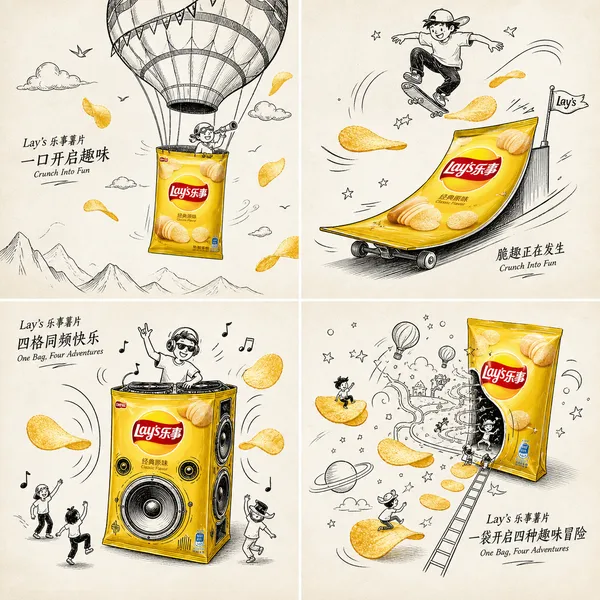
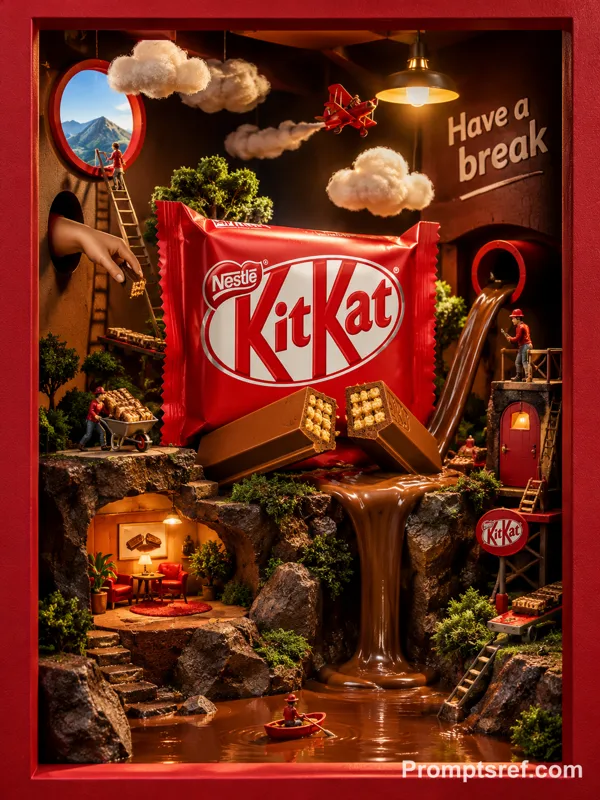
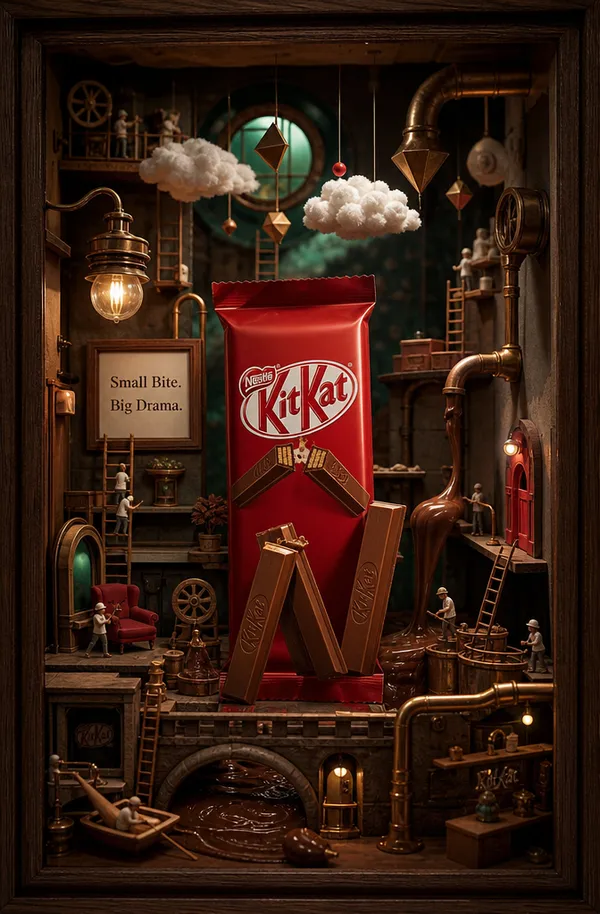
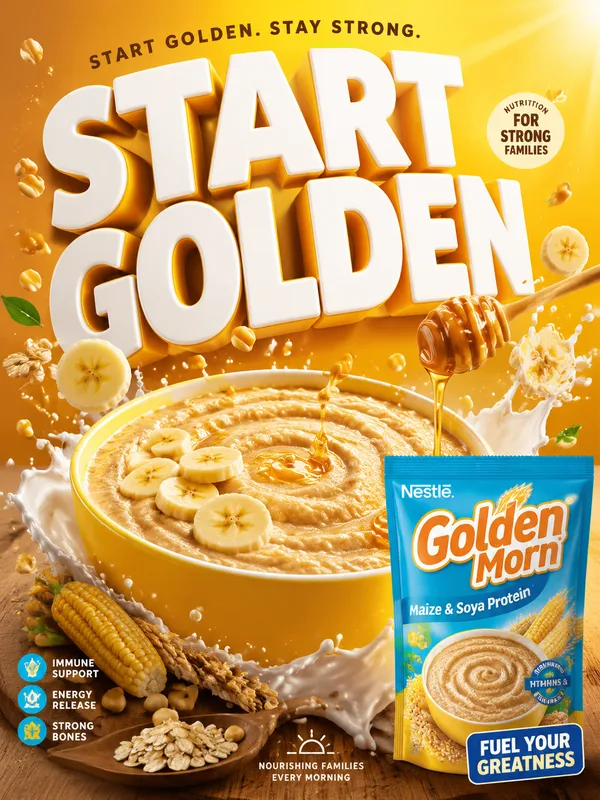
GPT Image 2.0 프롬프트 - Sugandha 향미 회향 제품 포스터

- 화면 비율
- auto
- 화질
- 1K
프롬프트
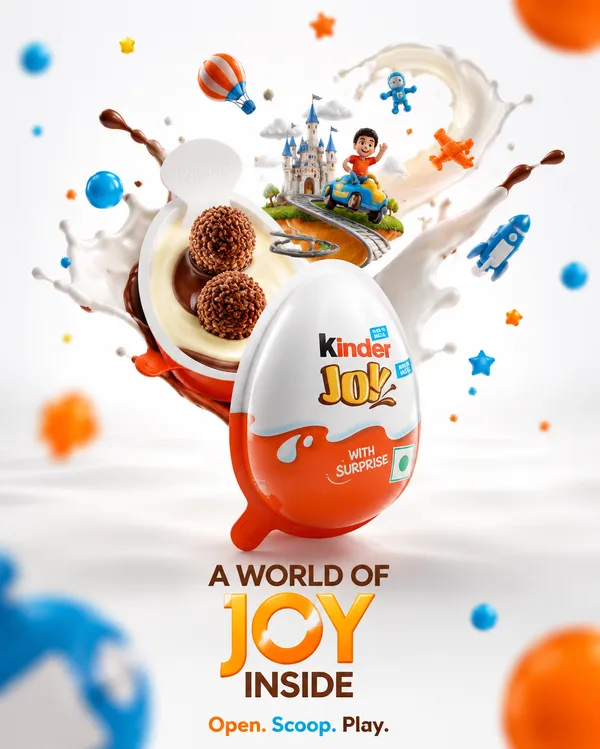
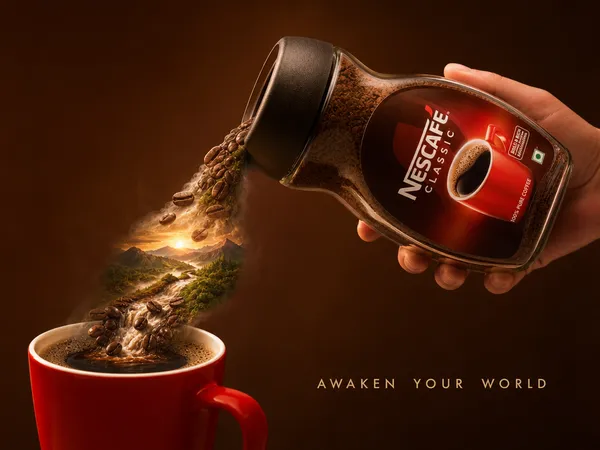
Create a premium mixed-media advertising poster in vertical format using the uploaded product image as the reference.
BRAND INFORMATION
Brand Name: SUGANDHA FLAVOURED SOUNF
Hero Product: Sugandha Flavoured sounf (image is provided)
IMPORTANT PRODUCT PRESERVATION
Preserve the uploaded product exactly as shown:
- Keep logo unchanged
- Keep packaging unchanged
- Keep typography unchanged
- Keep colors unchanged
- Keep label design unchanged
- Keep brand identity unchanged
The product must remain fully photorealistic.
STYLE
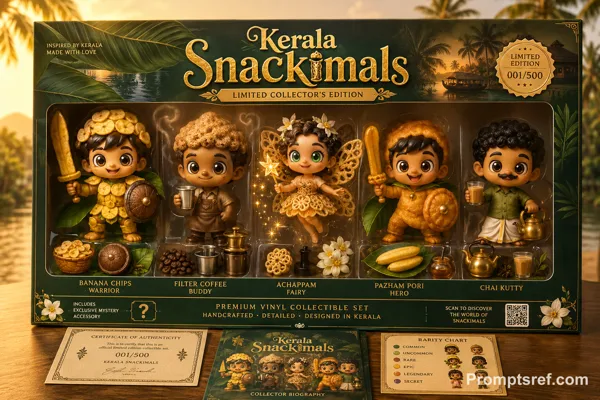
Premium advertising campaign.
Bright off-white studio background.
Minimalist composition.
Luxury commercial photography combined with playful black-marker doodle illustrations.
High-end creative agency quality.
MIXED-MEDIA CONCEPT
The real Sugandha Flavoured sounf (image is provided) becomes the centerpiece of the scene.
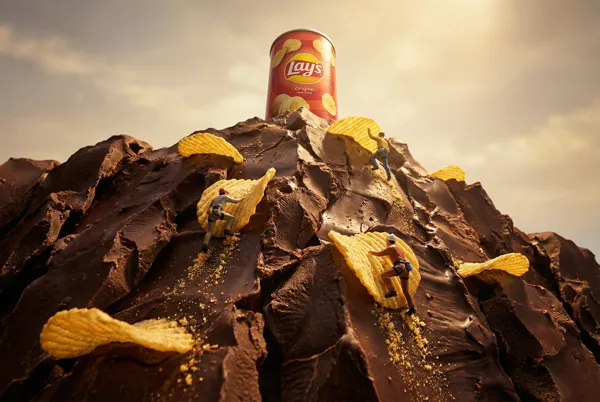
Hand-drawn doodle characters interact with the product in a playful and imaginative way.
SCENE
Transform the product into: a giant box from which the product is comin out and there are stairs for the product.
Examples: Mountain / Rocket / Castle / Island / Amusement Park
Tiny doodle characters are: Climbing / Exploring / Building / Celebrating / Carrying supplies
Examples: Climbing / Exploring / Building / Celebrating / Carrying supplies
DOODLE ELEMENTS
Add: Arrows, motion lines, clouds, notes, flags, signs, handwritten annotations, funny details
HEADLINE
Large handwritten marker typography at the top.
"FRESHNESS LOADING..."
"ALL YOUR FAVOURITES"
PROMO STICKER
Create a large colorful promotional badge.
Badge Text: "BUY 5 GET 1, LIMITED TIME"
Examples: BUY 1 GET 1 / 50% OFF / NEW RELEASE
BRANDING
SUGANDHA FLAVOURED SOUNF logo stays clearly visible on the product.
FINAL RESULT
A world-class advertising campaign — creative, premium, memorable, highly shareable, and ready for modern social media.
리믹스 작품
리믹스아직 리믹스가 없어요. 첫 번째 버전을 만들어 보세요.
이 이미지 프롬프트 사용하기
- 01
프롬프트로 시작하기
프롬프트를 복사하거나 생성 버튼으로 여세요.
- 02
나만의 아이디어 더하기
주제, 배경, 세부 사항을 조정하고 필요하면 참고 자료를 추가하세요.
- 03
생성 전 확인하기
모델과 출력 설정을 확인하세요. 생성 결과는 매번 다를 수 있습니다.