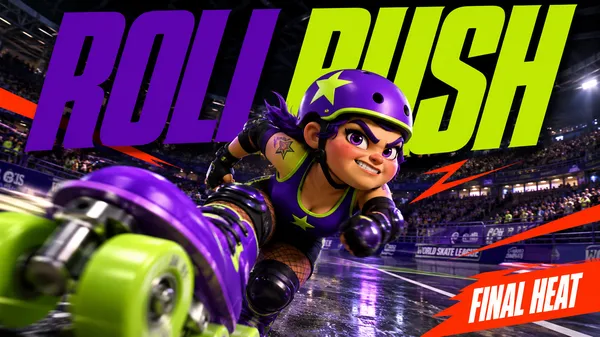
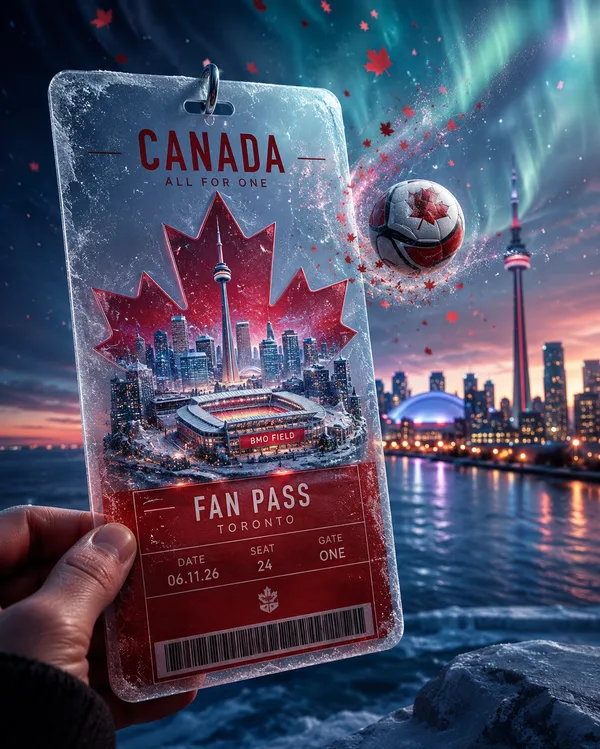
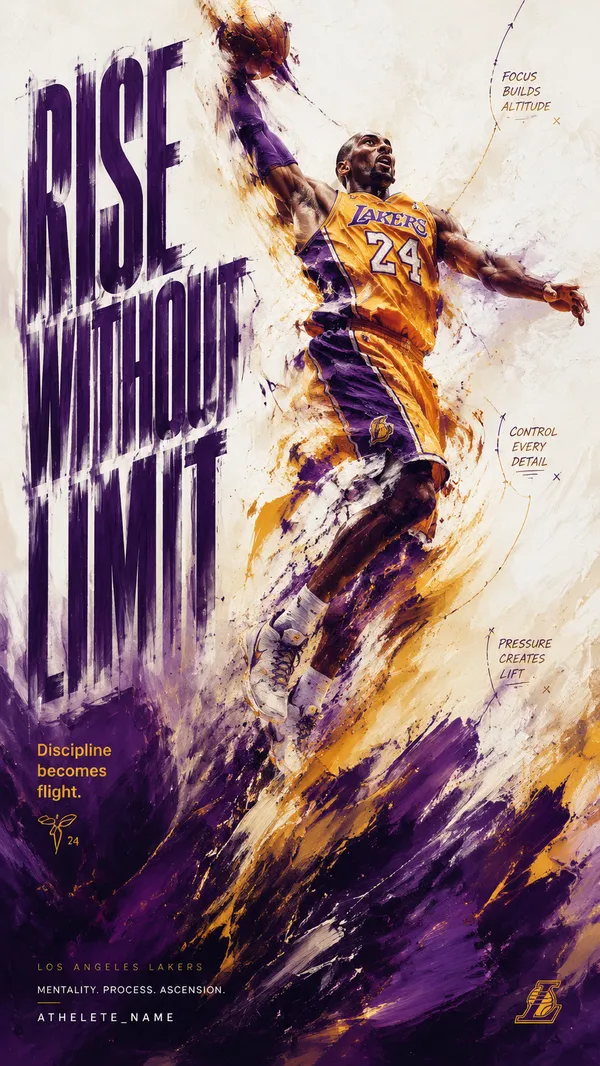
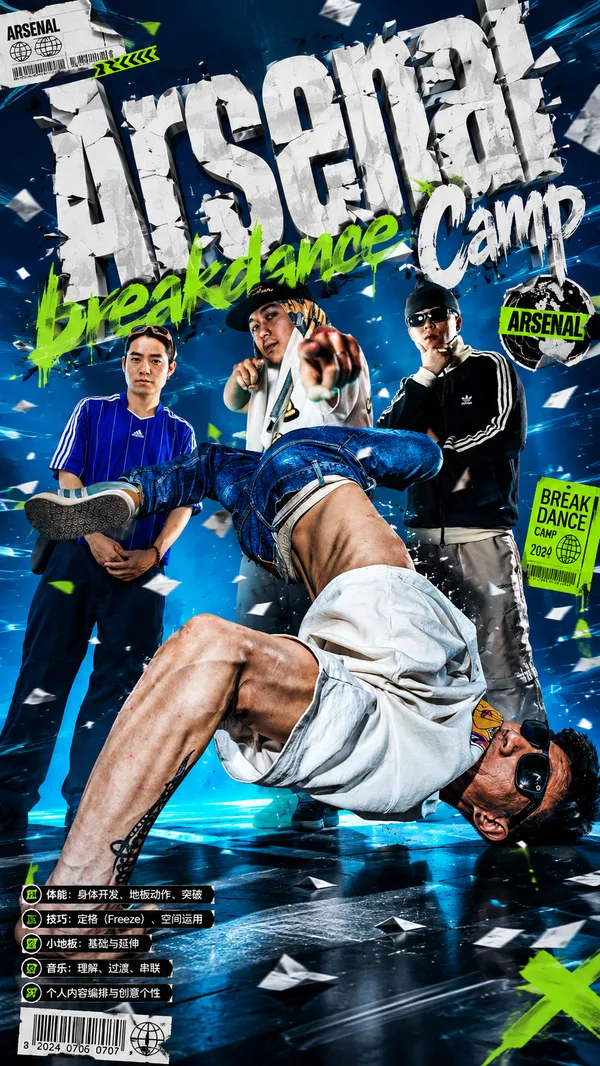
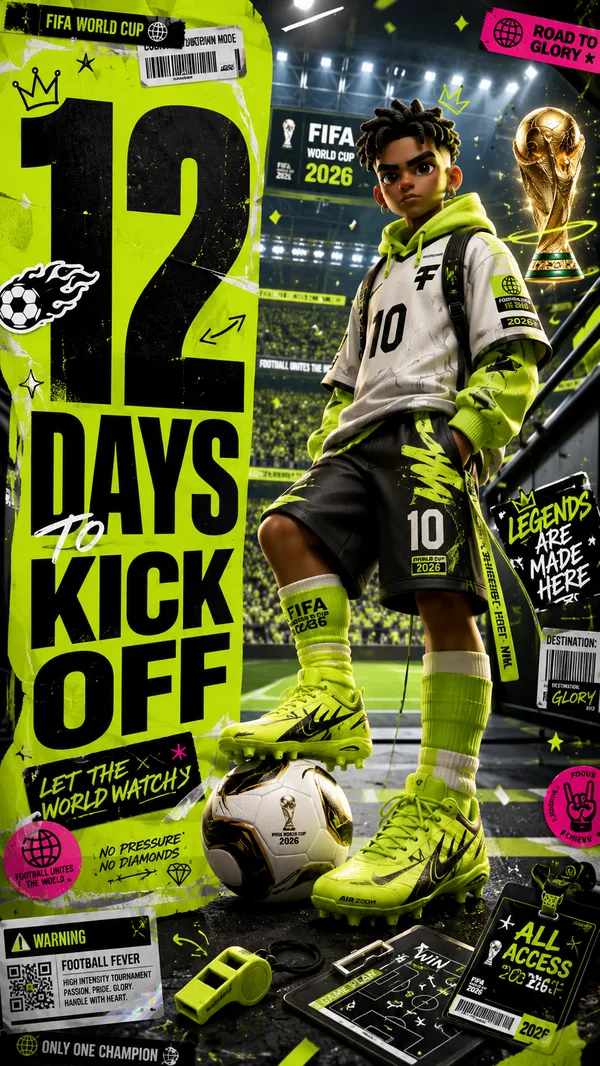
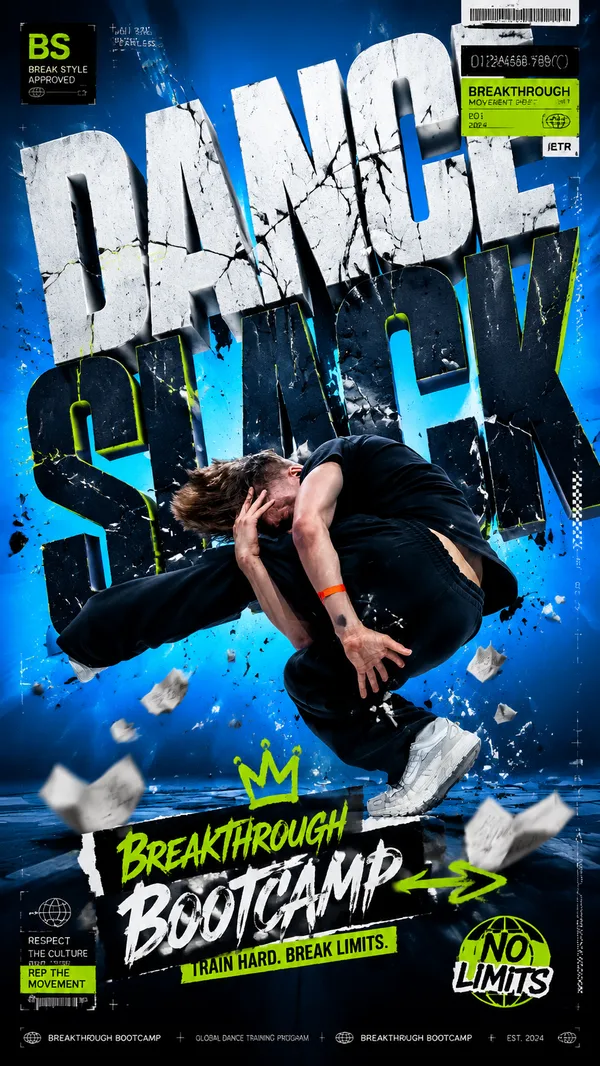
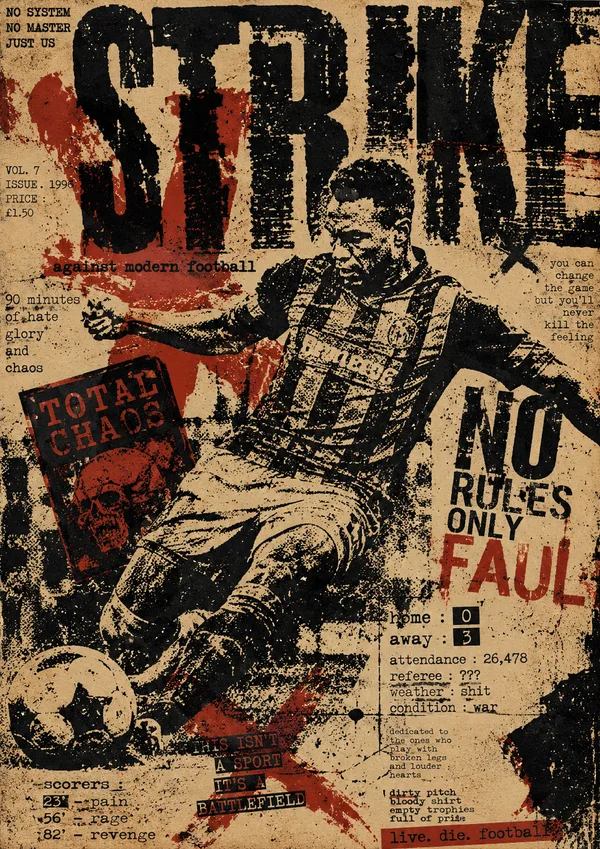
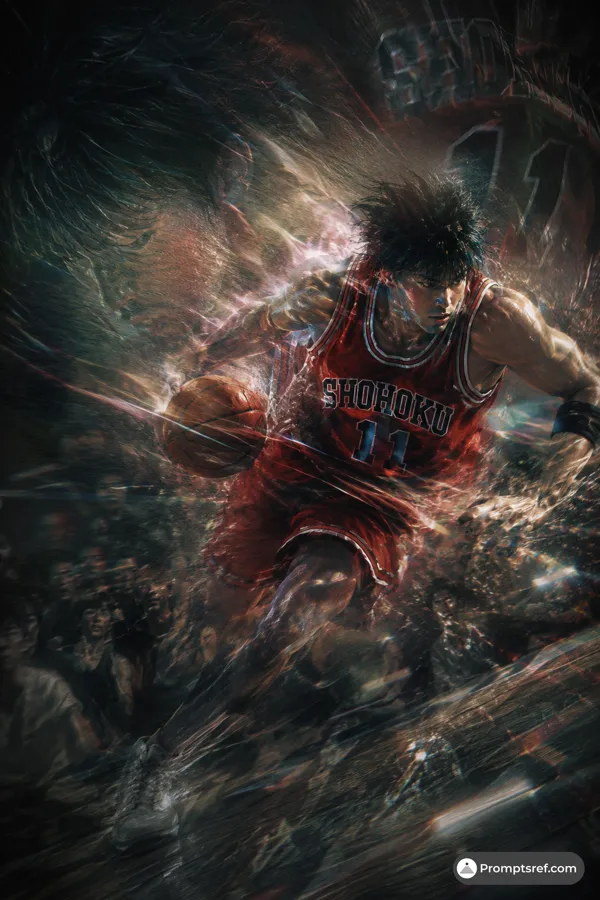
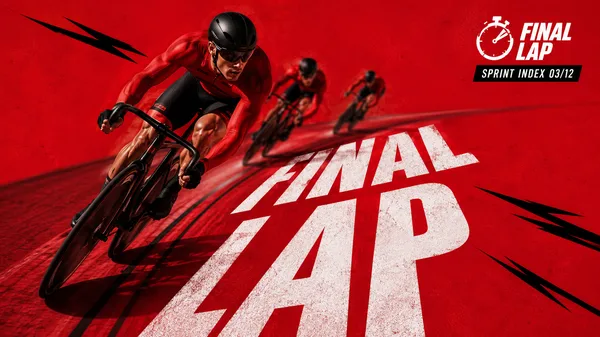
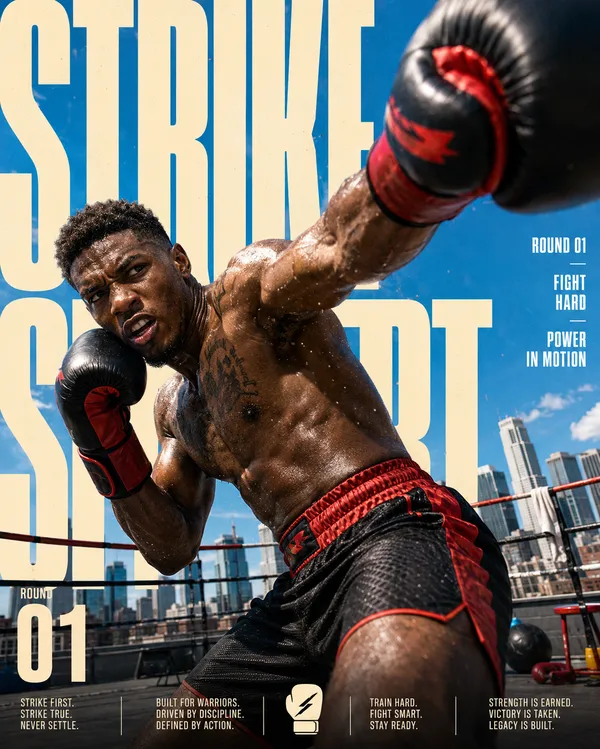
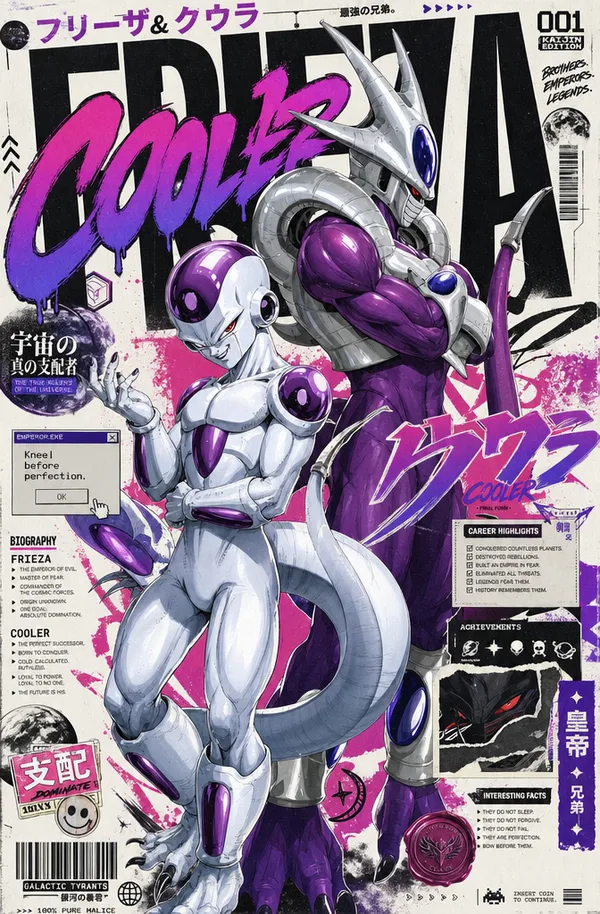
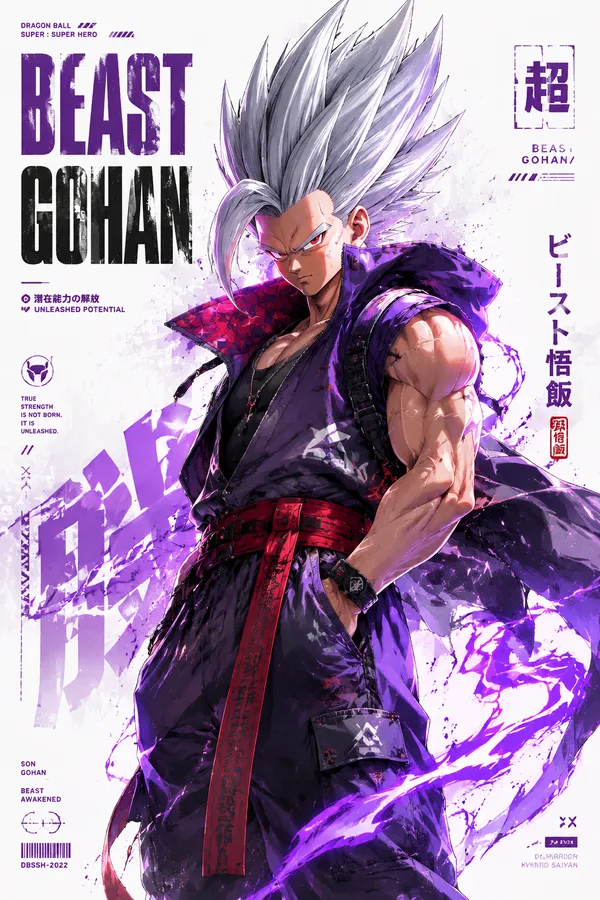
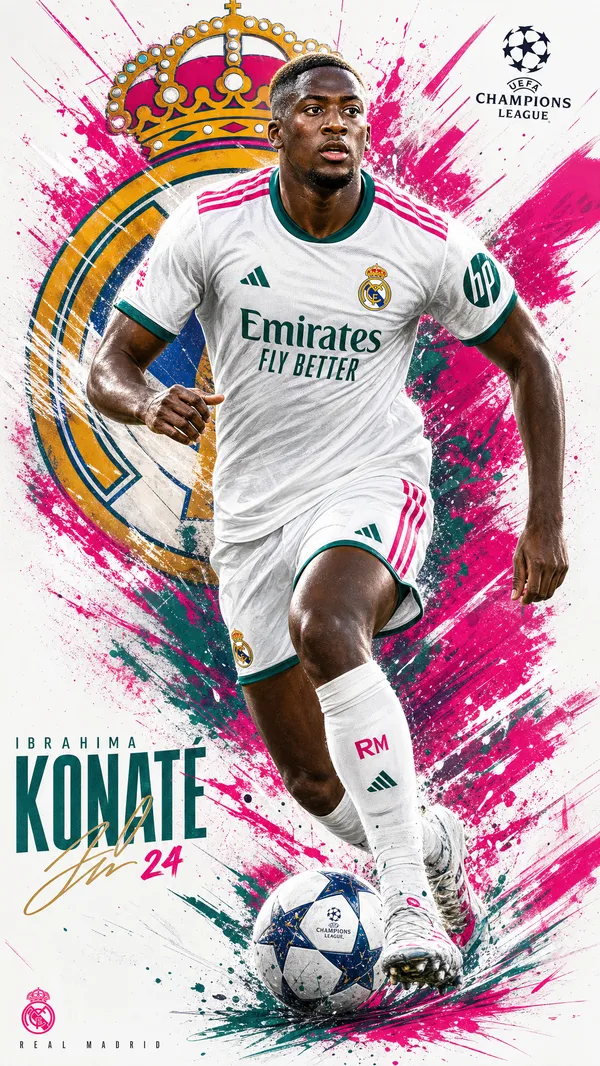
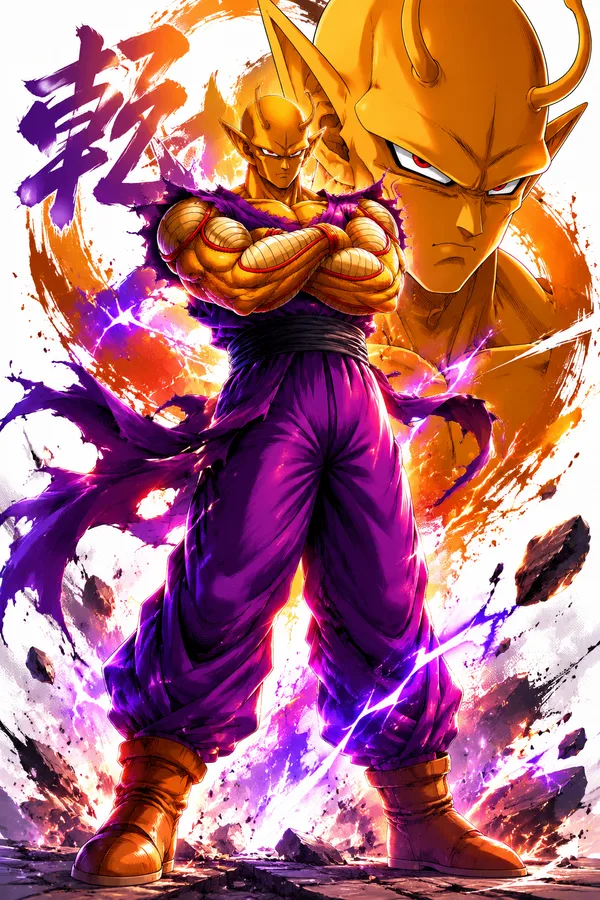
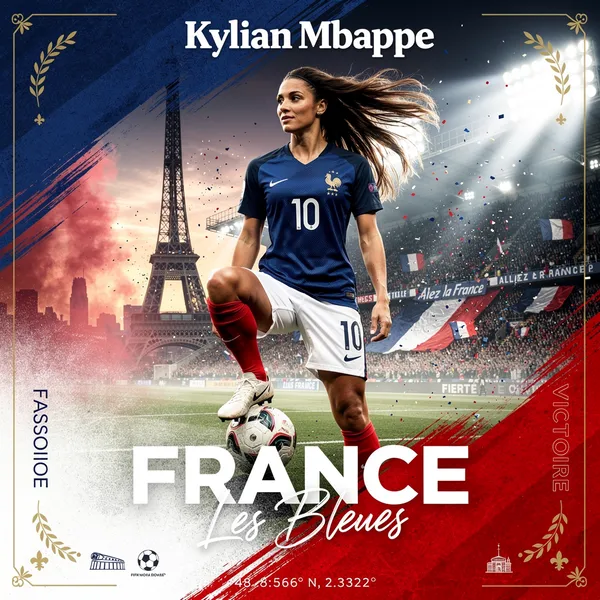
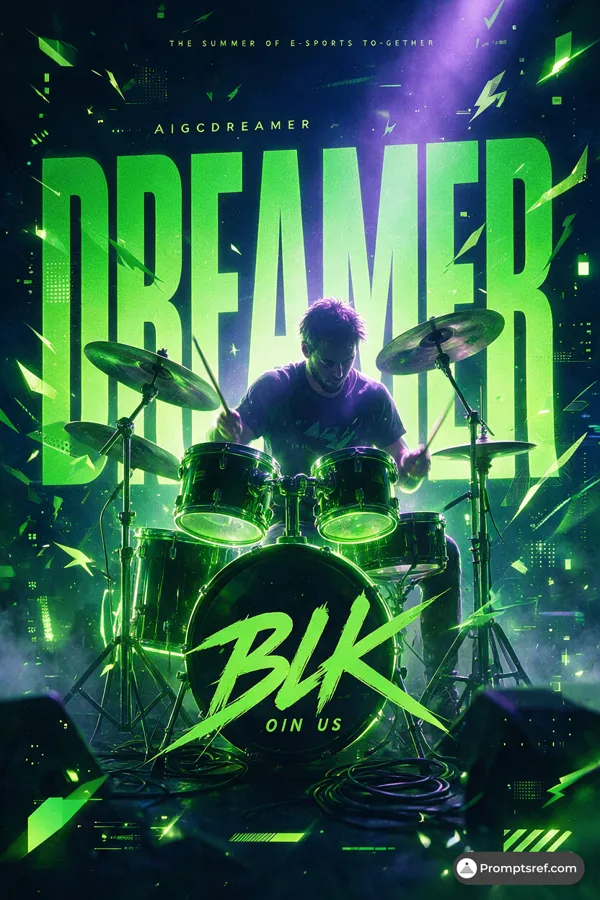
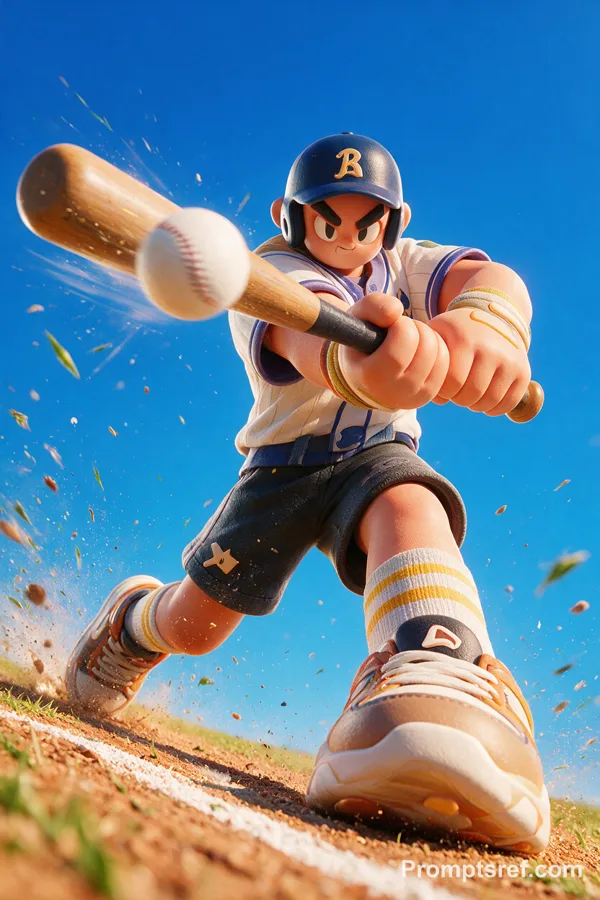
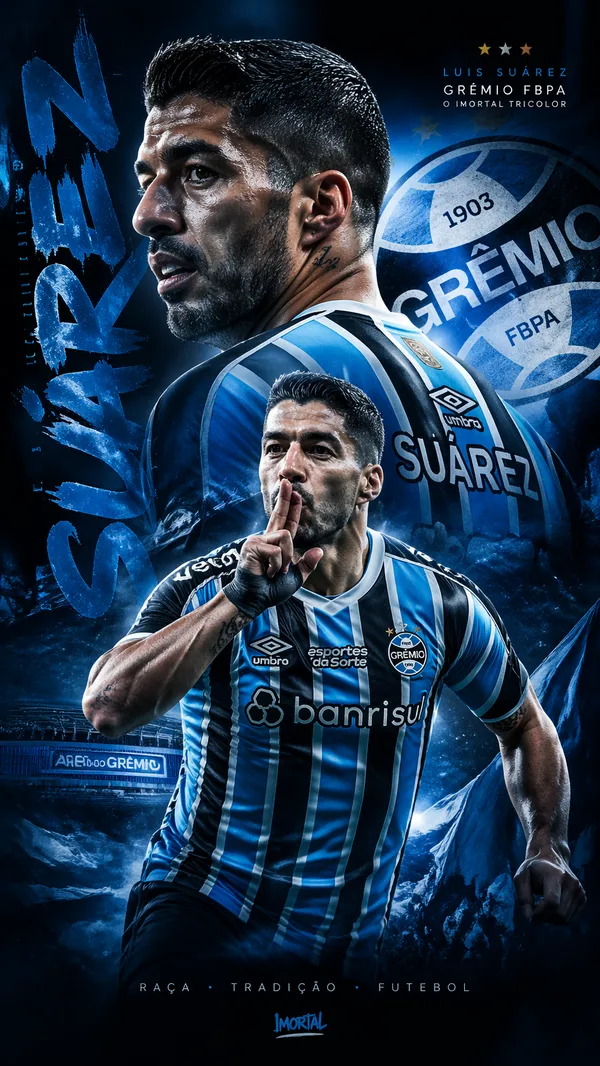
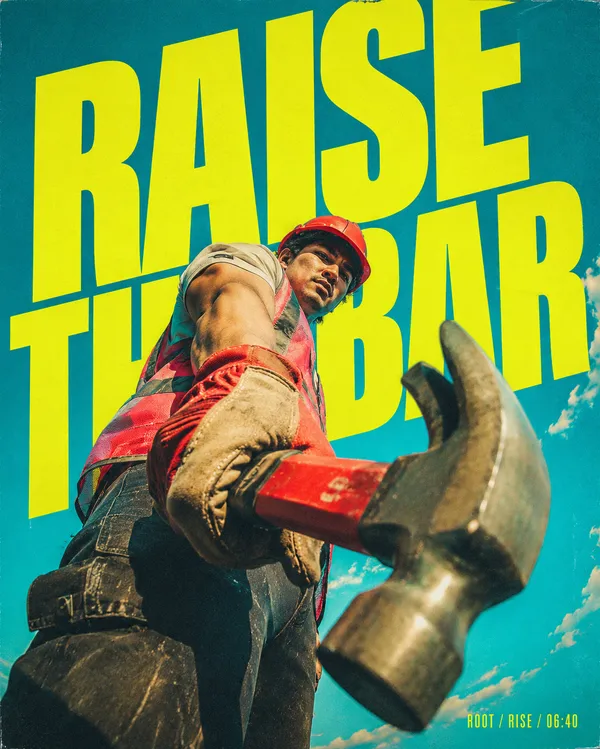
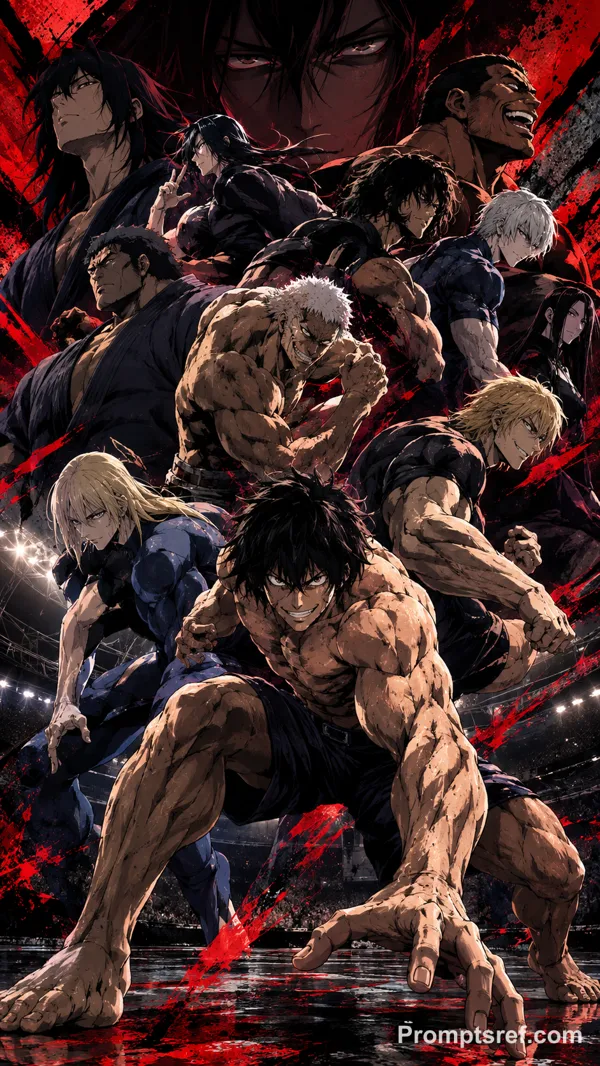
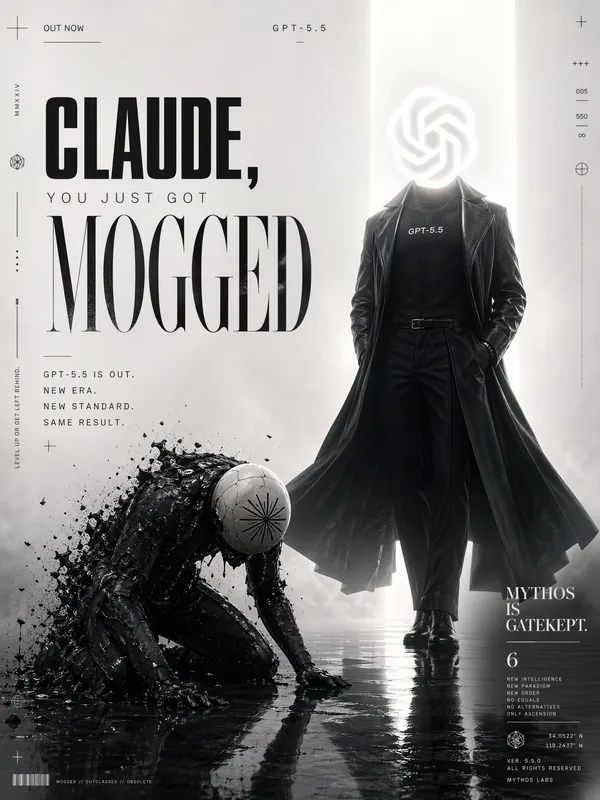
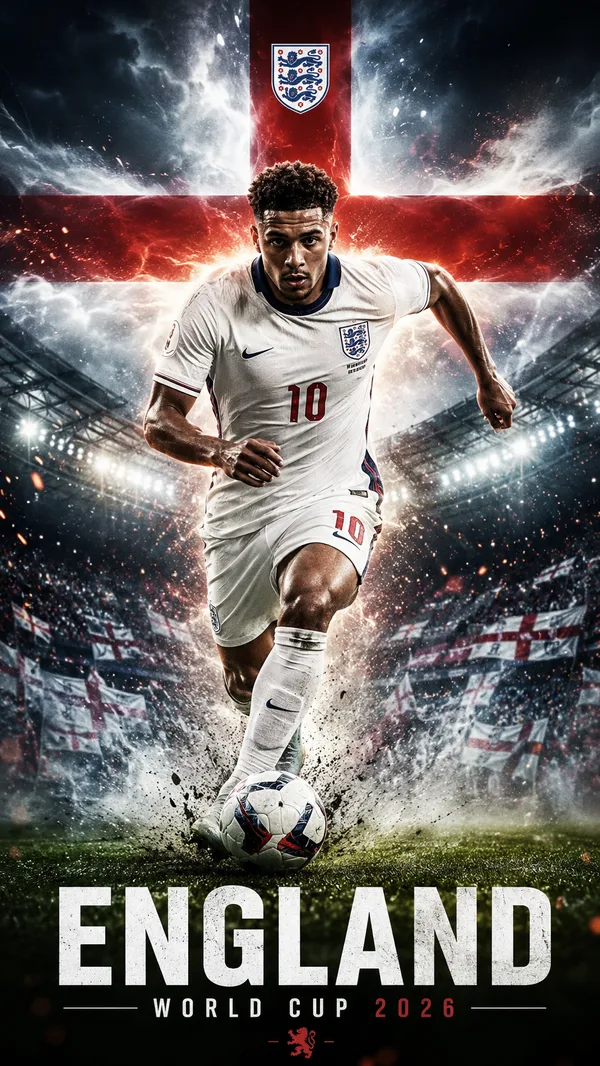
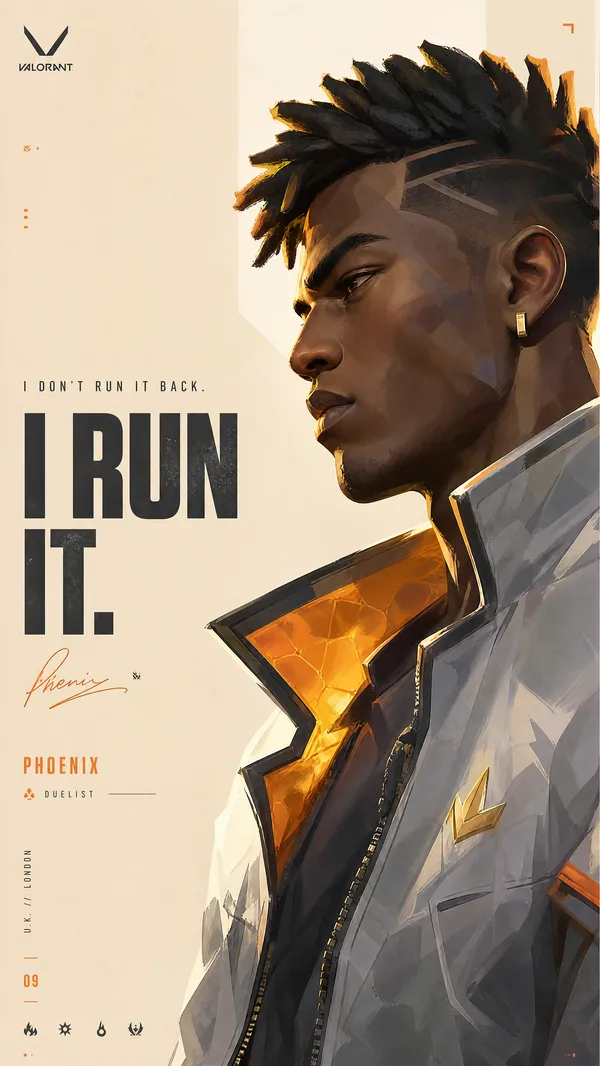
GPT Image 2.0 프롬프트 - 3D 카툰 선수 스타디움 포스터

- 화면 비율
- auto
- 화질
- 1K
프롬프트
{
"style": "mixed-dimension-composite-sports-poster",
"aspect_ratio": "4:5",
"style_rules": {
"character": "one exaggerated 3D cartoon athlete, Pixar/game-IP grade: oversized head, puffy muscles, flushed red cheeks, fierce expression, superhero proportions",
"environment": "photorealistic stadium: textured crowd, arena floodlights, wet reflective floor, venue signage — realism level completely different from the character, composited as one seamless scene",
"headline": "two-word imperative, huge condensed block letters, word 1 purple #7B2FBE, word 2 fluorescent lime #C6FF00 — EXACTLY the character's jersey colors",
"jersey_rule": "uniform uses only the two headline colors; the character grew out of the brand, not labeled by it",
"lightning_block": "one red-orange diagonal lightning shape slashing behind the character",
"foreground_prop": "one sport prop in extreme close-up forced perspective, bigger than the character's head, thrusting at camera",
"label": "bottom-right diagonal orange strip, white text: event name + issue code",
"lighting": "arena floodlight key + rim light, cartoon character receives realistic lighting and casts real shadows on the wet floor"
},
"negative": "fully realistic athlete, fully cartoon background, flat illustration, pastel palette, white background, motion blur, extra characters, brand logos",
"swap": {
"SPORT": "ice hockey",
"HEADLINE": "BREAK ICE",
"CHARACTER": "burly cartoon hockey player mid-slapshot, helmet tilted, gritted teeth",
"PROP": "battered stick blade and flying puck in extreme close-up, ice spray frozen mid-air",
"EVENT": "FROST LEAGUE FINAL"
}
}
리믹스 작품
리믹스아직 리믹스가 없어요. 첫 번째 버전을 만들어 보세요.
이 이미지 프롬프트 사용하기
- 01
프롬프트로 시작하기
프롬프트를 복사하거나 생성 버튼으로 여세요.
- 02
나만의 아이디어 더하기
주제, 배경, 세부 사항을 조정하고 필요하면 참고 자료를 추가하세요.
- 03
생성 전 확인하기
모델과 출력 설정을 확인하세요. 생성 결과는 매번 다를 수 있습니다.