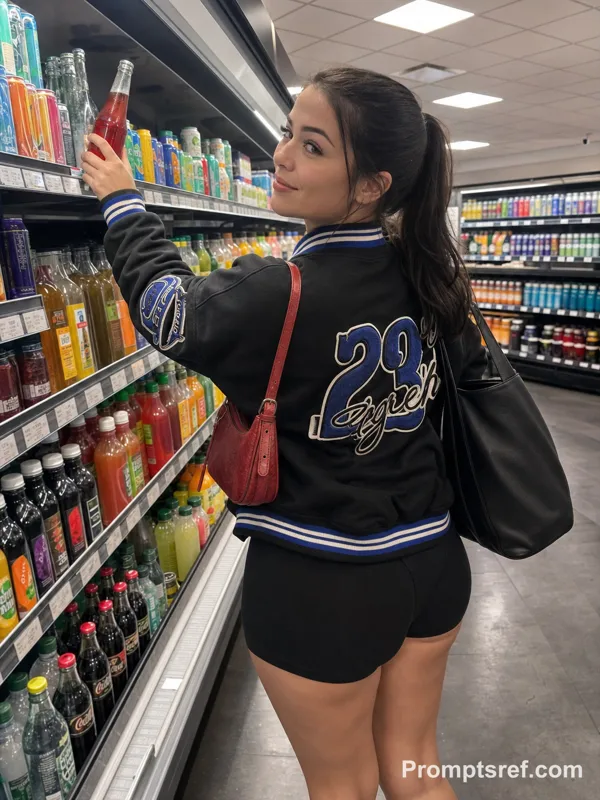
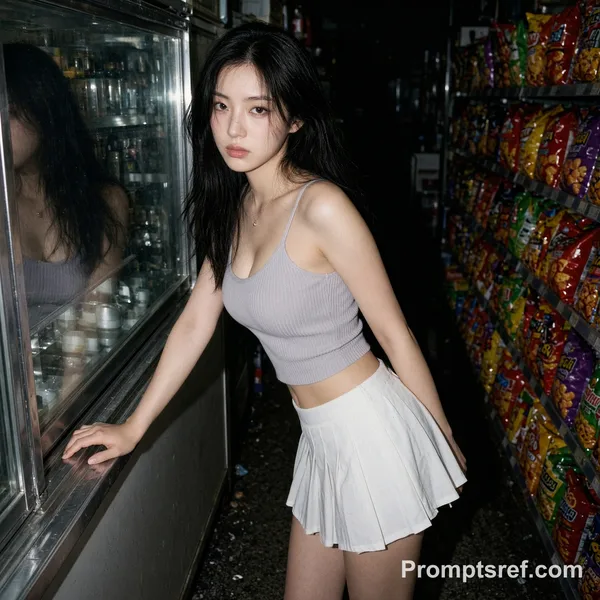
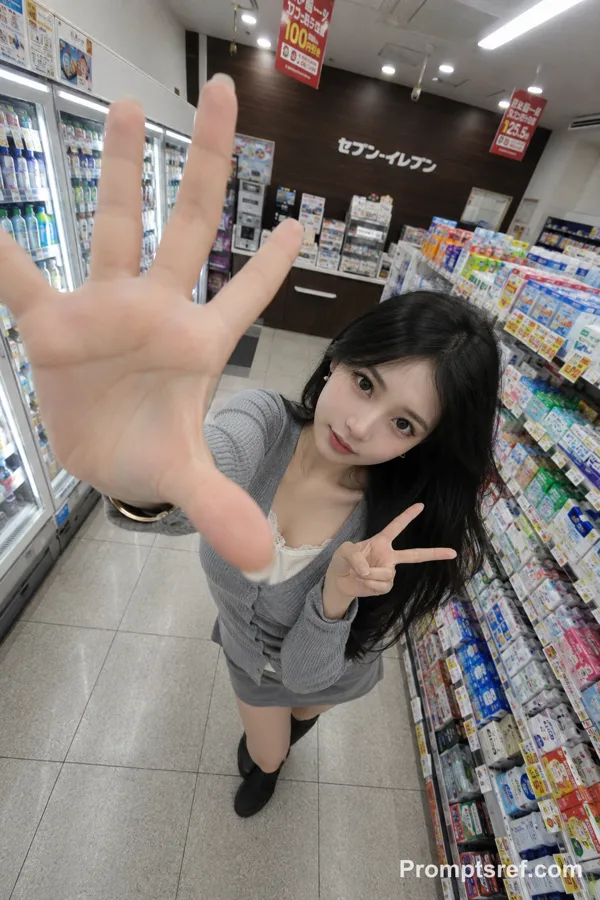
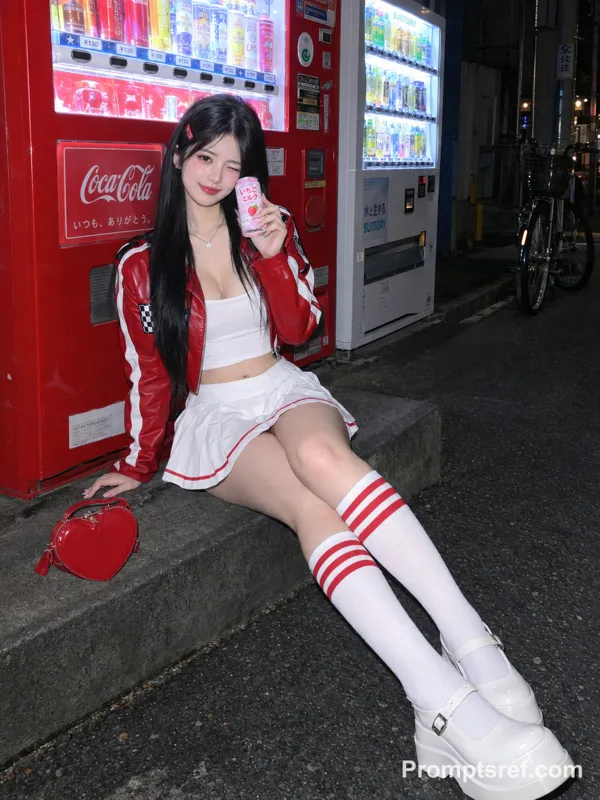
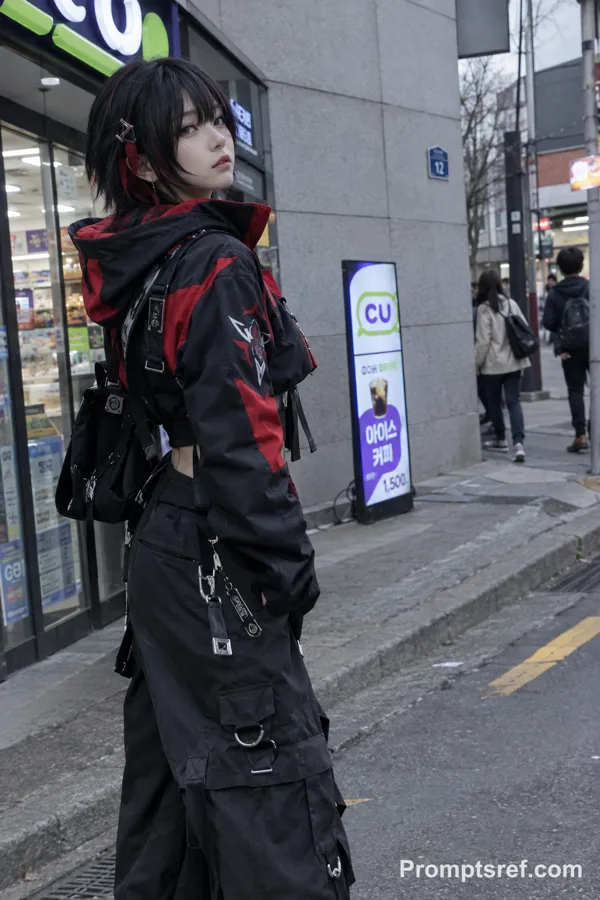
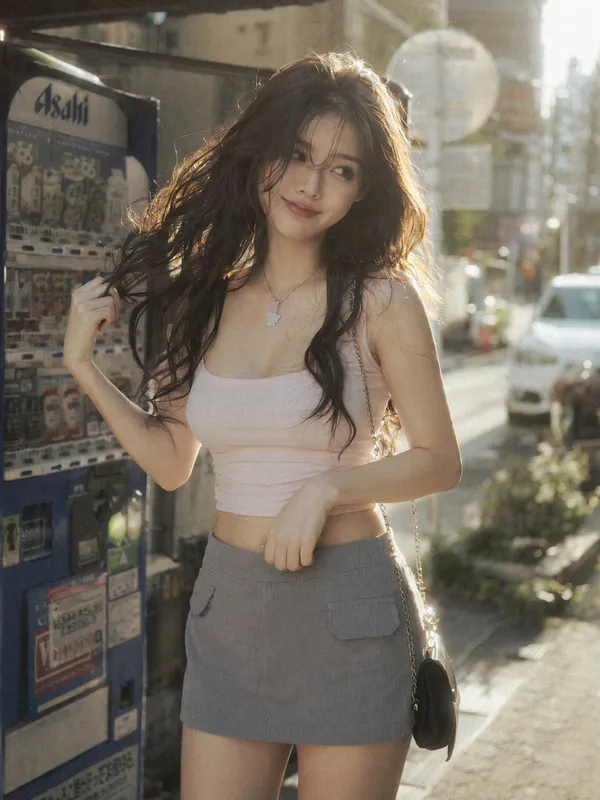
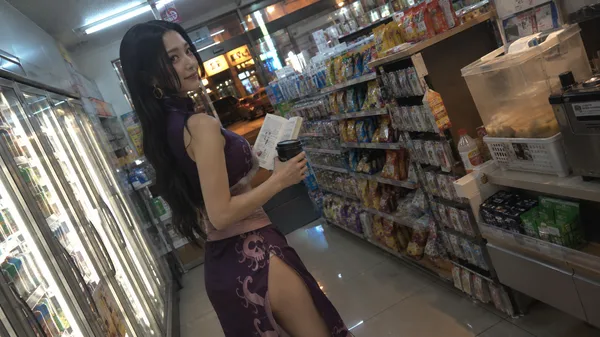
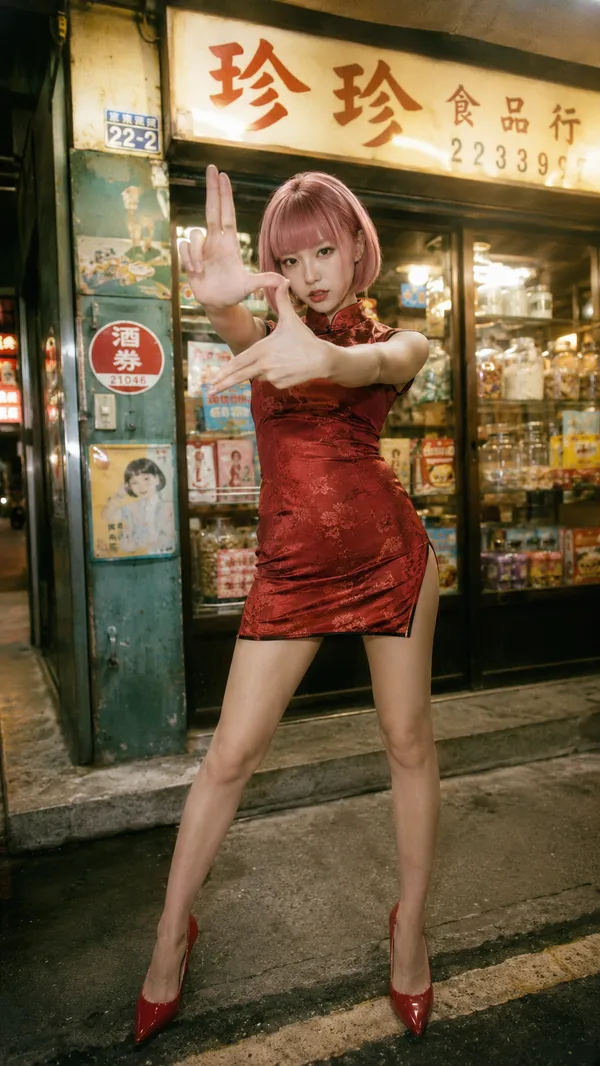
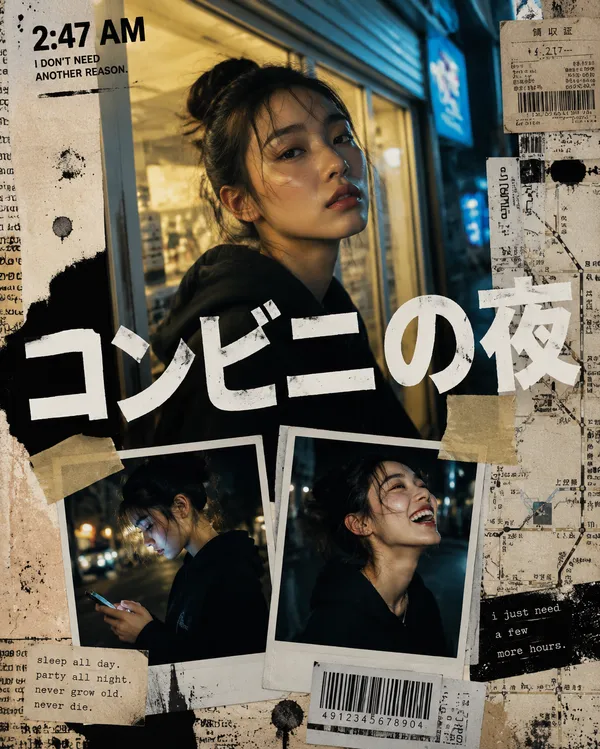
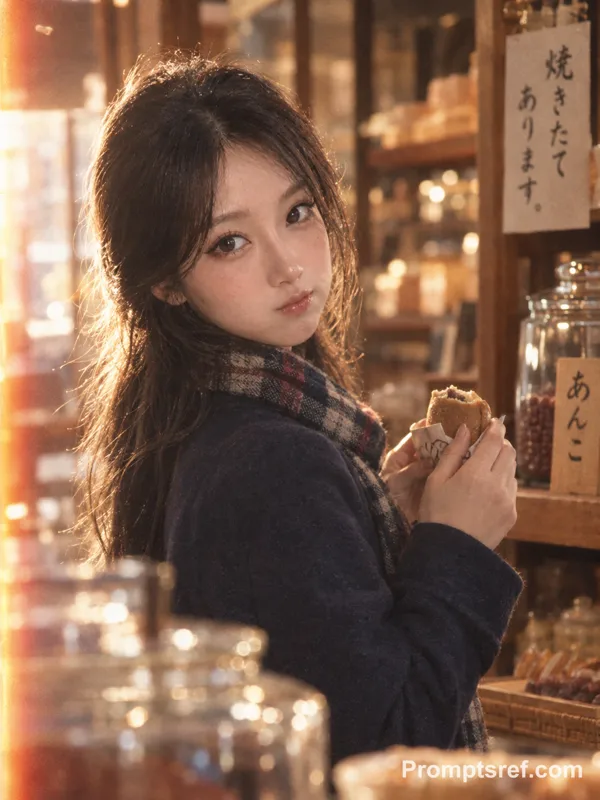
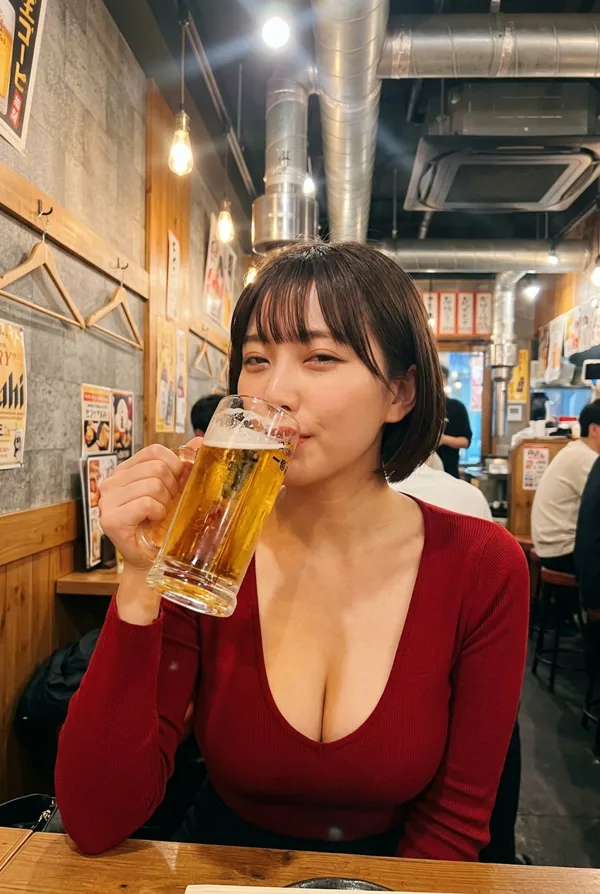
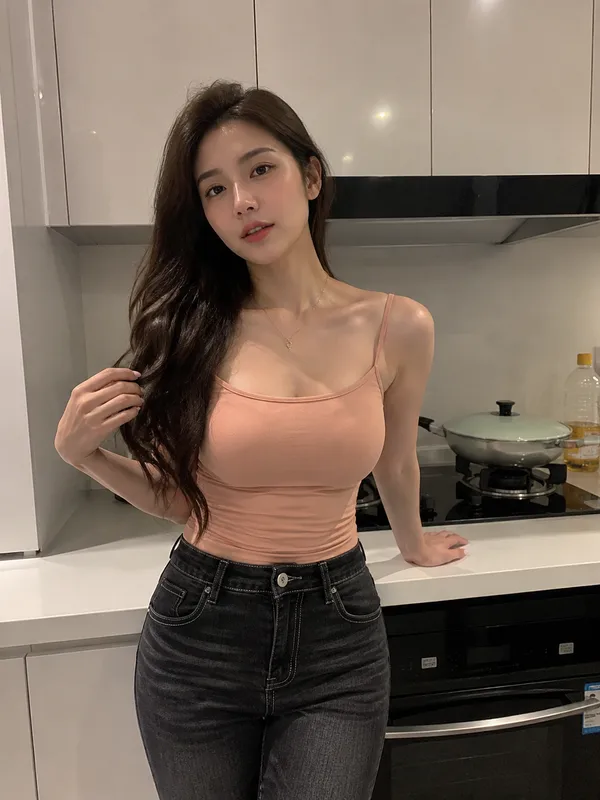
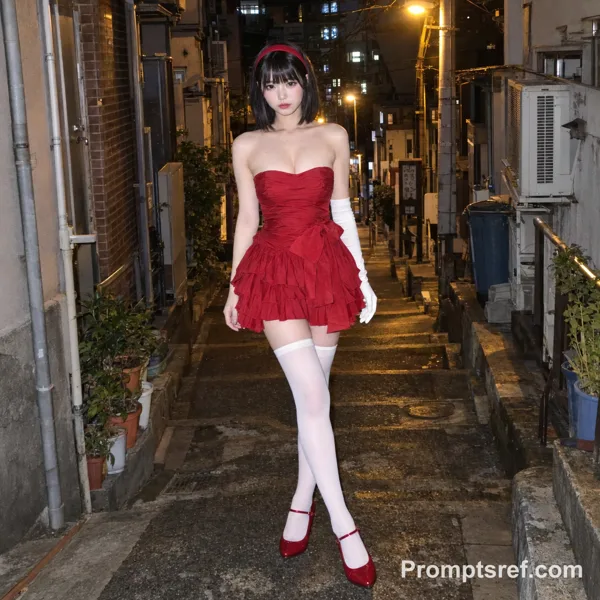
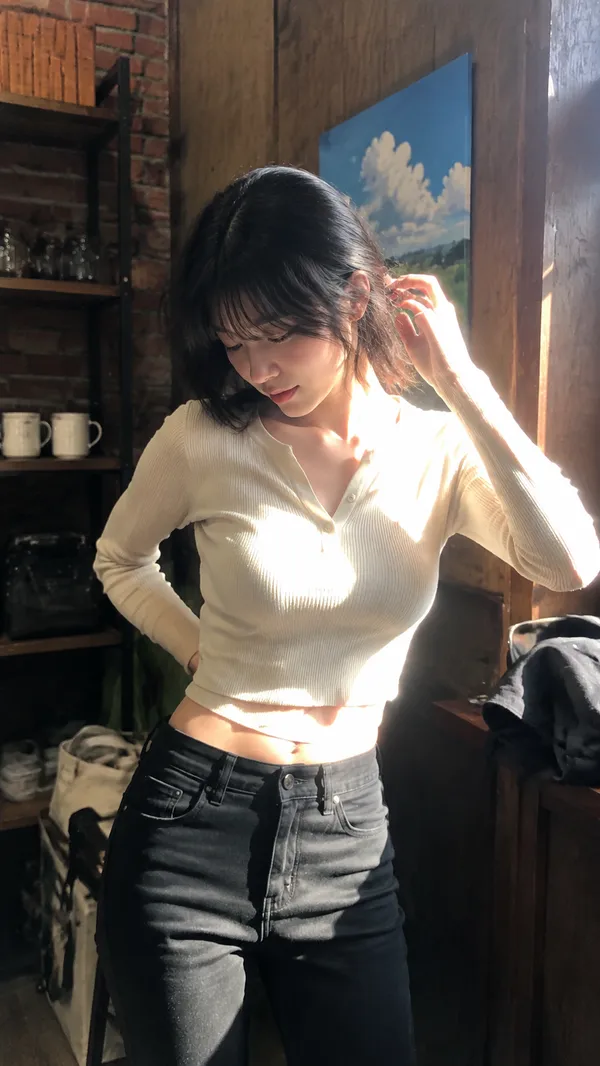
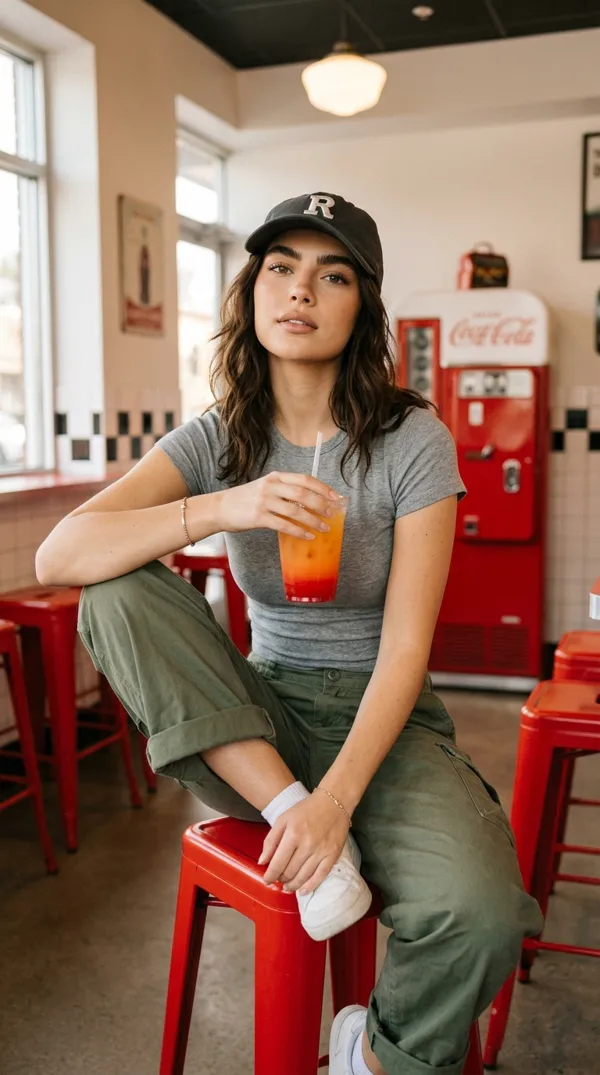
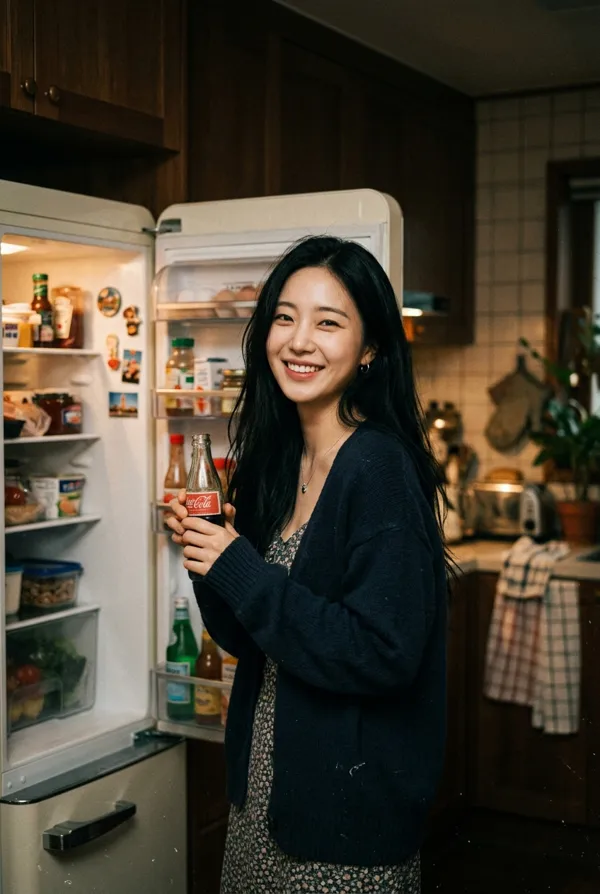
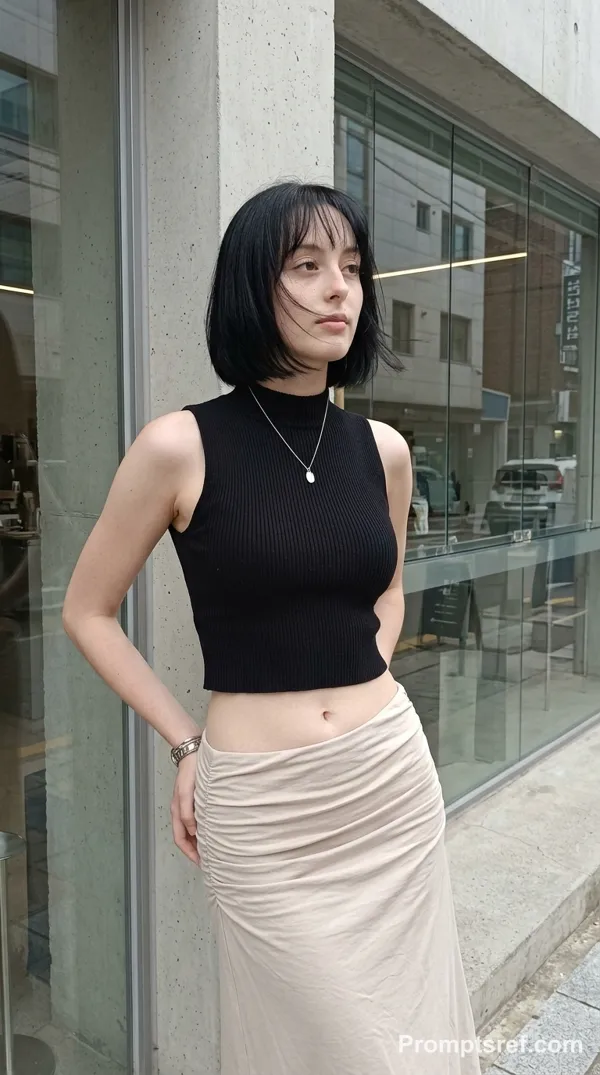
GPT Image 2.0 Prompt - Mujer en una tienda de neón fotografiada en película de 35 mm

- Modelo
- GPT Image 2.0
Prompt
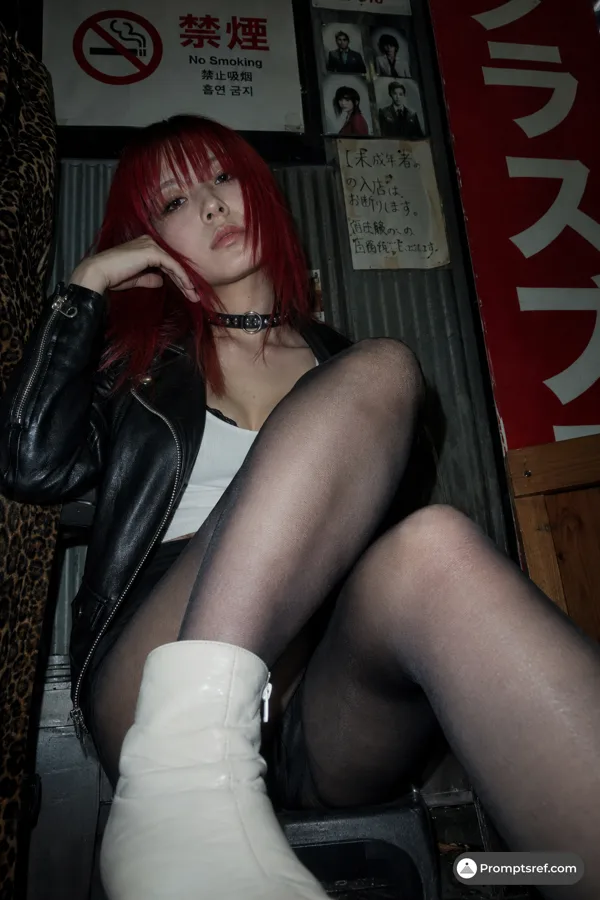
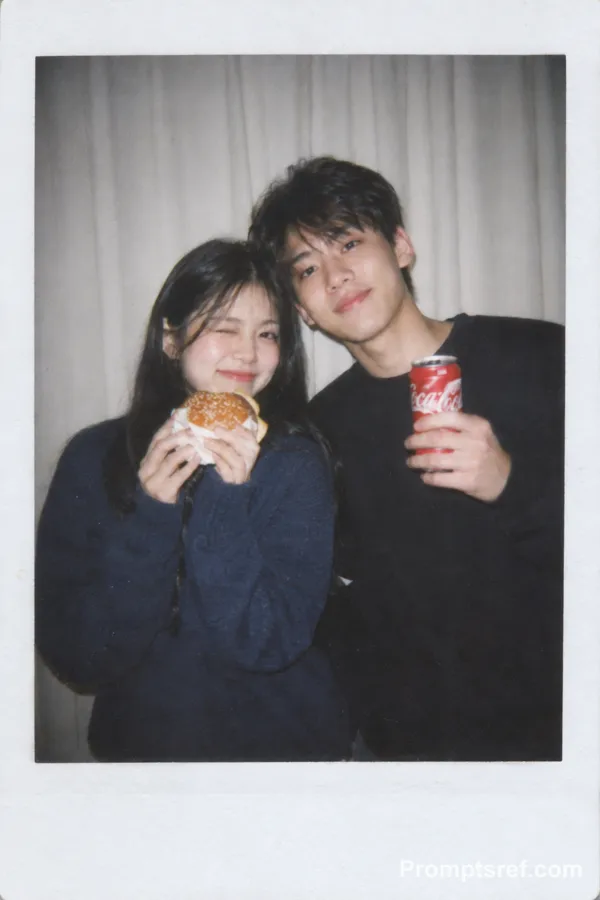
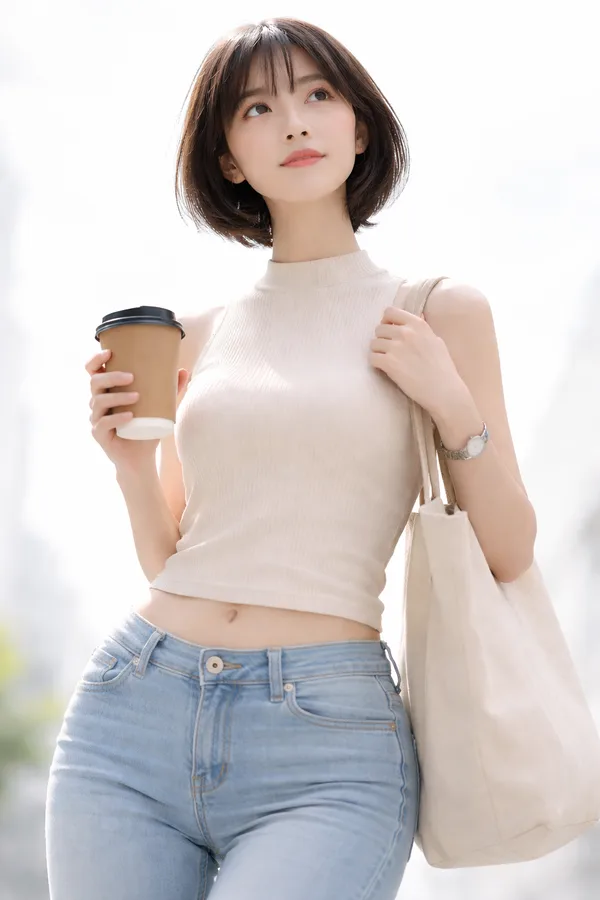
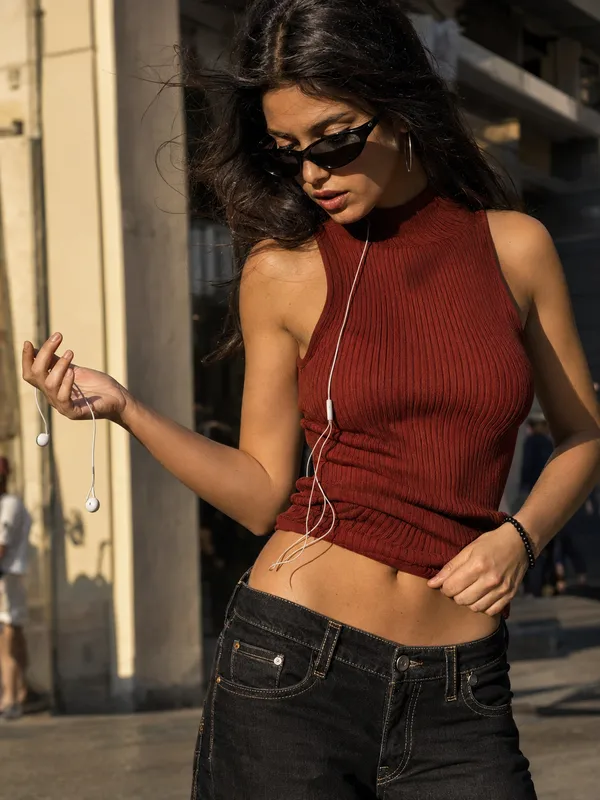
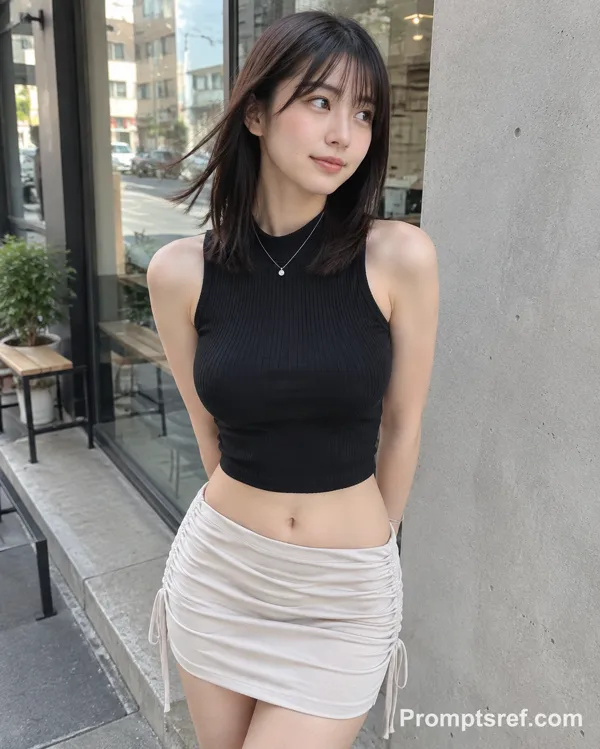
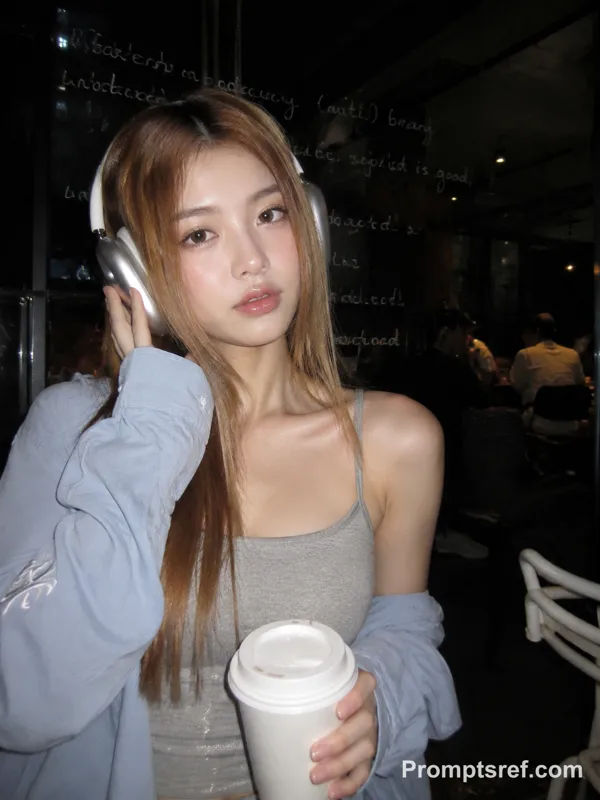
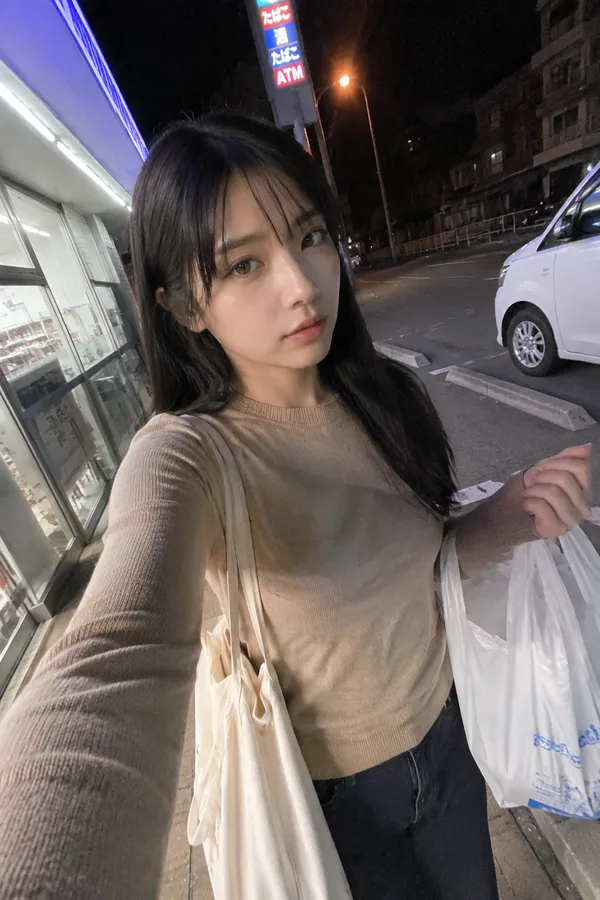
Style: Ultra-realistic 35mm film photography, cinematic street editorial style, intimate medium shot.
Lighting: Harsh convenience store fluorescent lights mixed with colorful neon signs (pink and blue) from outside, creating high contrast and a slight color cast.
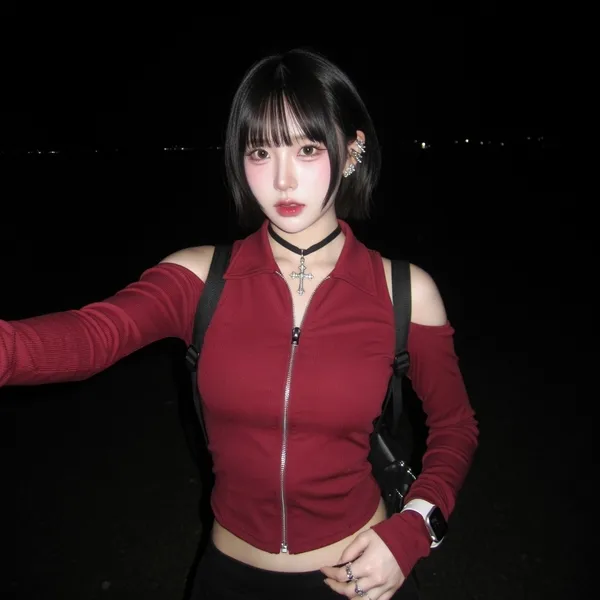
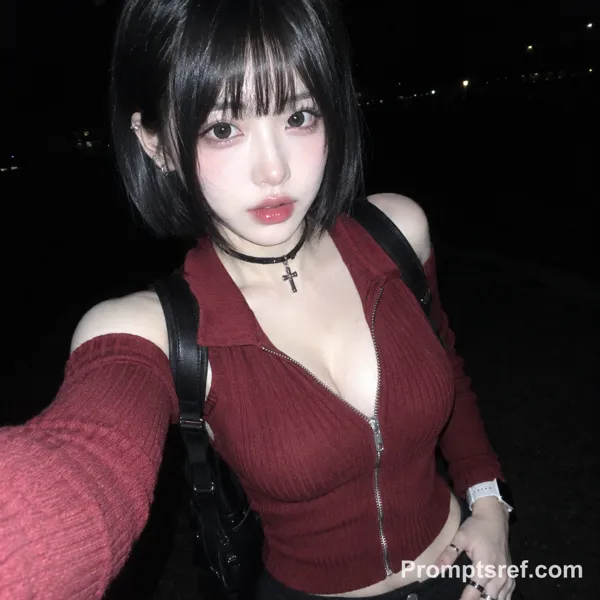
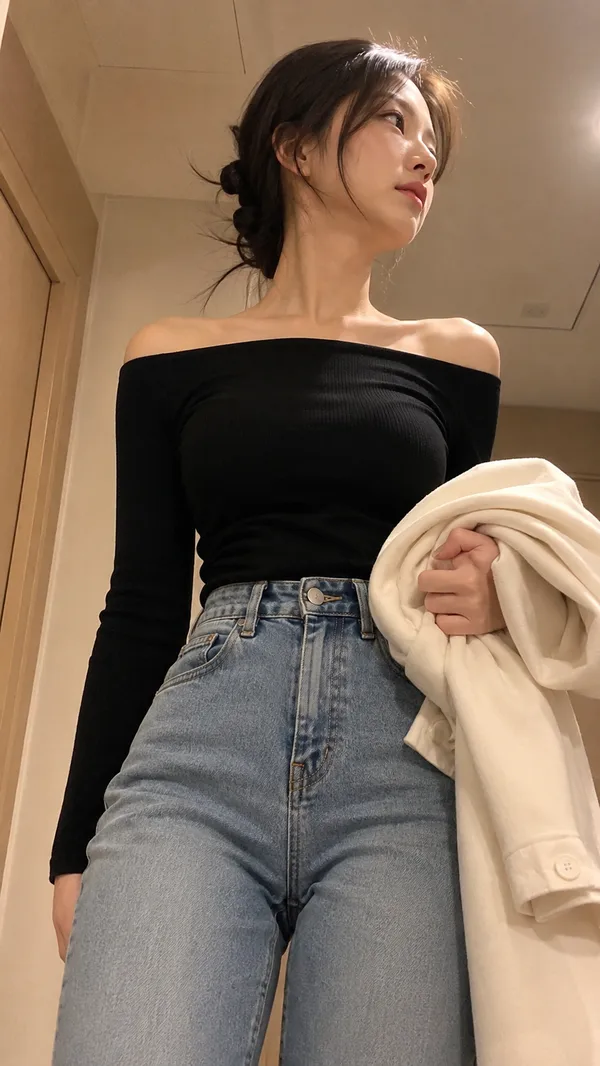
Subject: An early 20s delicate refined Chinese female (referencing the specific face, double eyelids, high nose bridge, small V-shaped jawline, and short curly black hair from image_0.png). Flawless porcelain skin with cool ivory undertone and visible texture, pores, and specular highlights. Red lip makeup. Subtle blush and natural freckles across the nose and cheeks.
Hair: Short, curly black hair (as seen in image_0.png), with many loose strands falling around the face and neck.
Attire: Wearing the same oversized red (maroon/wine) denim jacket from image_0.png, but this time it is fully worn and buttoned-up, paired with a simple dark denim skirt and simple white slides.
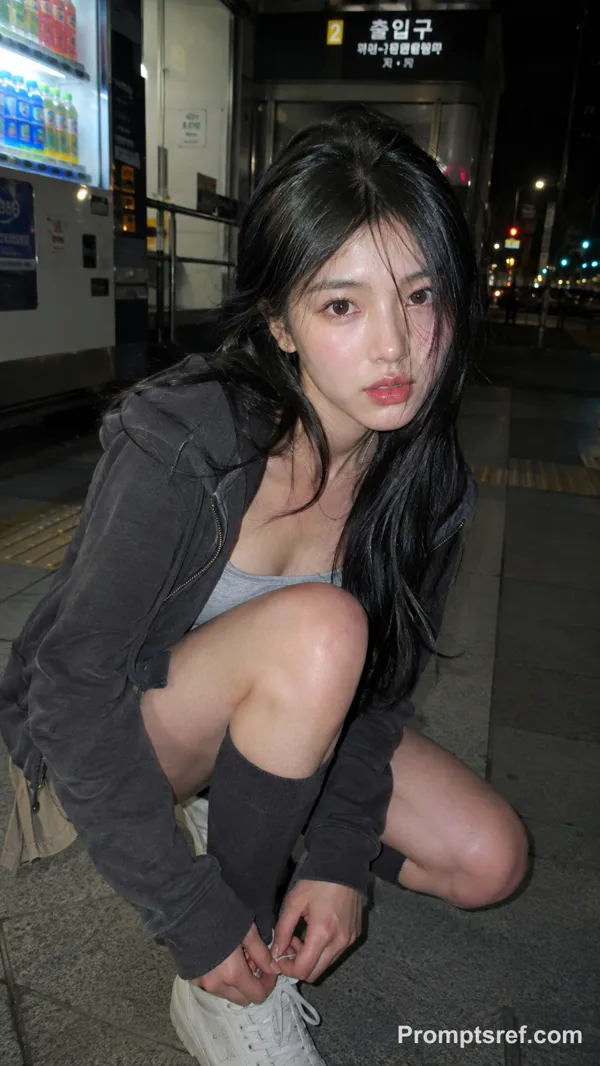
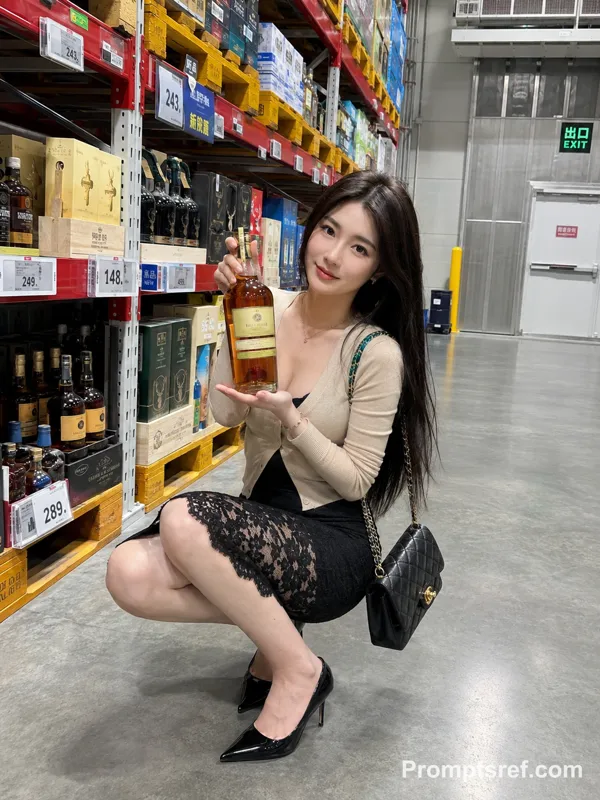
Pose: An intimate medium shot. The female is standing inside the 24-hour convenience store by the glass door. Her body is slightly angled to the side (not fully backwards), and her head is turned over her shoulder, smiling and looking directly at the camera with the same soft gaze from image_0.png. One hand holds a can of an iced drink, and the other hand holds a store receipt, as if she has just paid.
Background: The blurred convenience store interior, with stocked shelves, product signs, and realistic reflections on the glass door of the external neon signs and street activity. Authentic 35mm film color grading.
Details: The small red mole on her shoulder is still present. A simple key card or key fob hangs from her jeans pocket. Natural fabric wrinkles.
Quality: Authentic 35mm film grain, no plastic skin, no digital over-sharpening, no airbrushing, no watermark, no text.
Remixes
RemixAún no hay remixes. Crea la primera versión.
Usa este prompt de imagen
- 01
Empieza con el prompt
Copia el prompt o ábrelo con el botón de generar.
- 02
Haz tus cambios
Ajusta el sujeto, el entorno o los detalles. Añade referencias si las necesitas.
- 03
Revisa antes de generar
Comprueba el modelo y los ajustes de salida. Los resultados pueden variar.