GPT Image 2.0 Prompt - Retrato espontáneo sin retoques junto a una ventana

- Modelo
- GPT Image 2.0
- Relación de aspecto
- 9:16
- Calidad
- 1K
Prompt
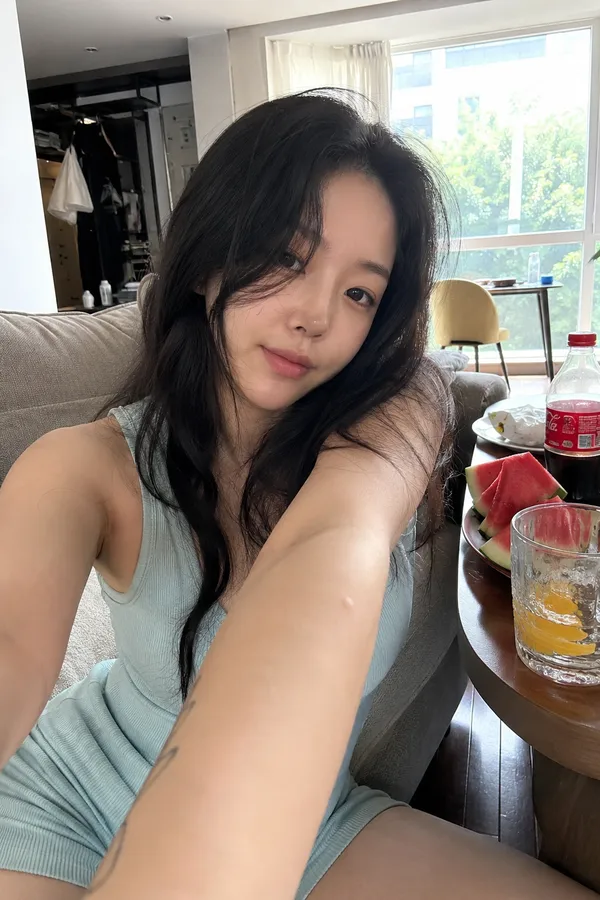
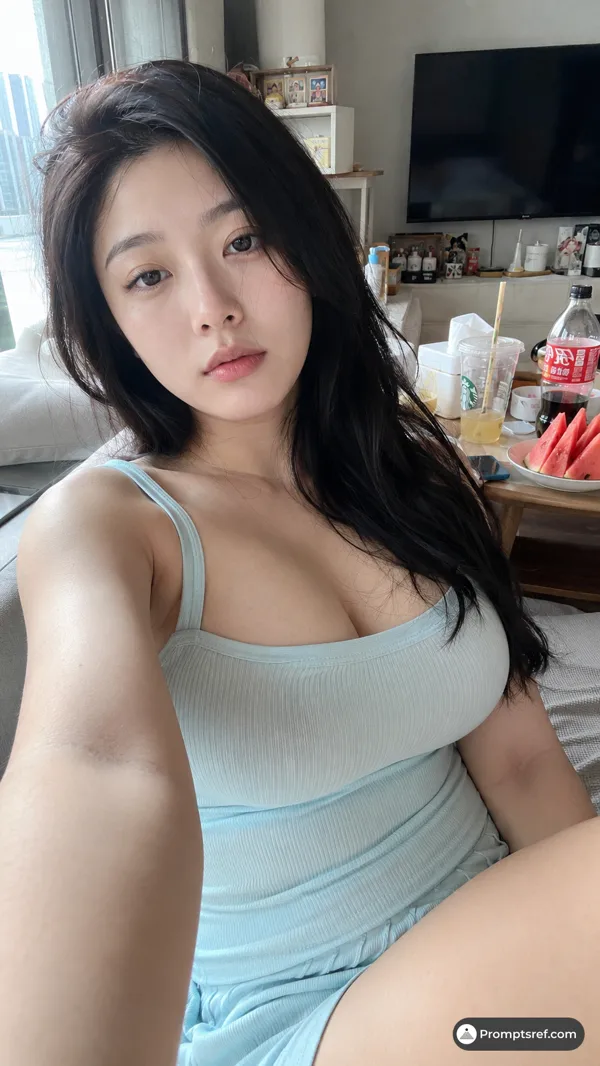
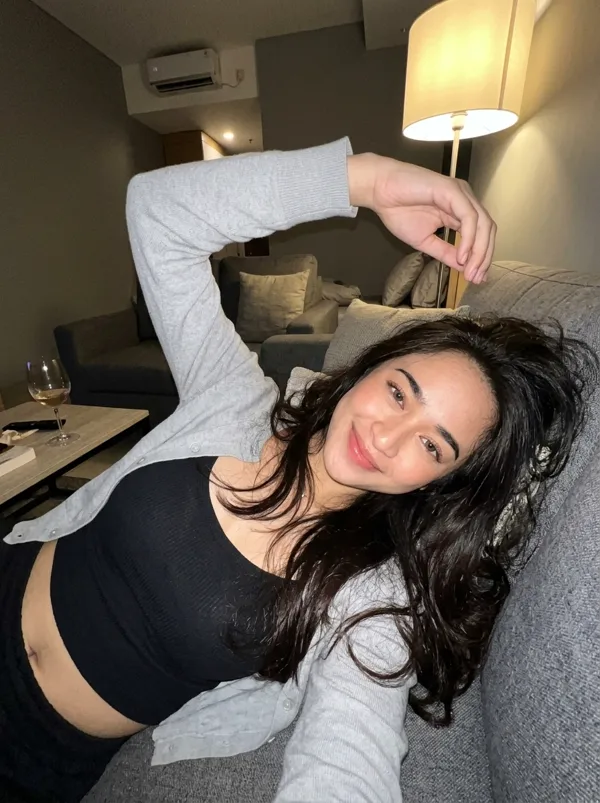
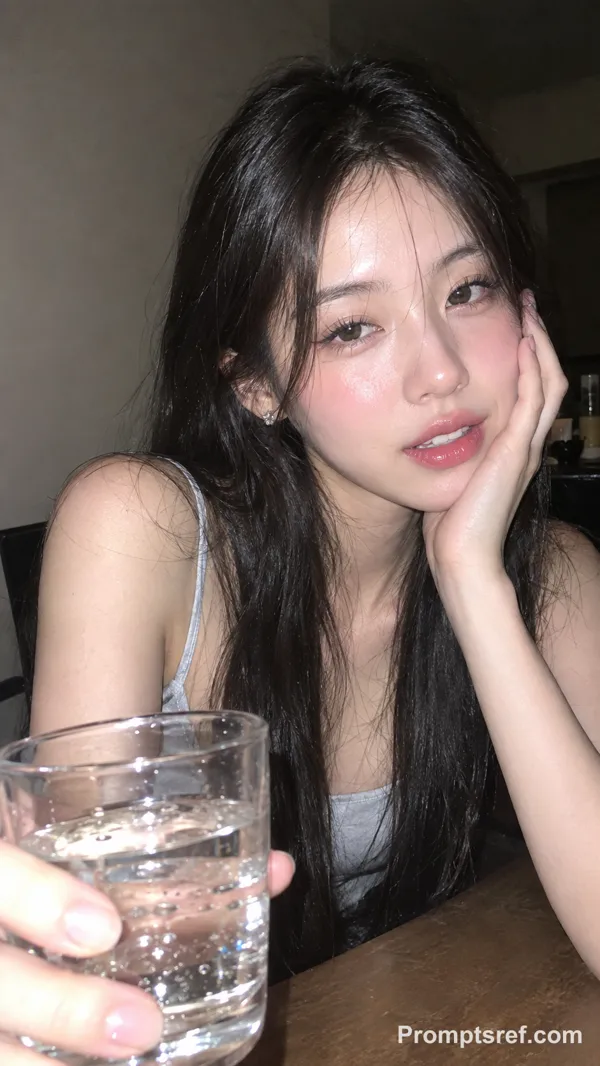
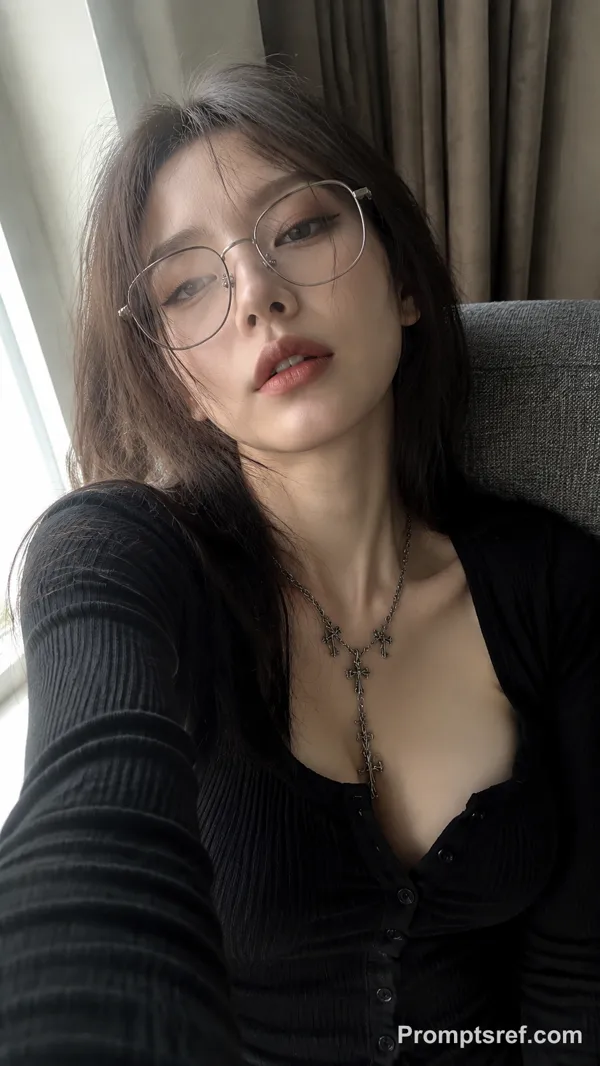
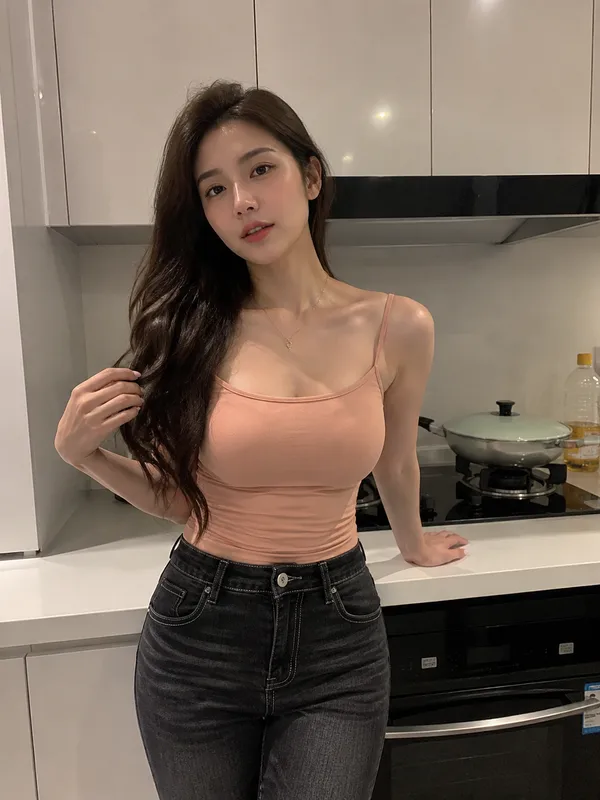
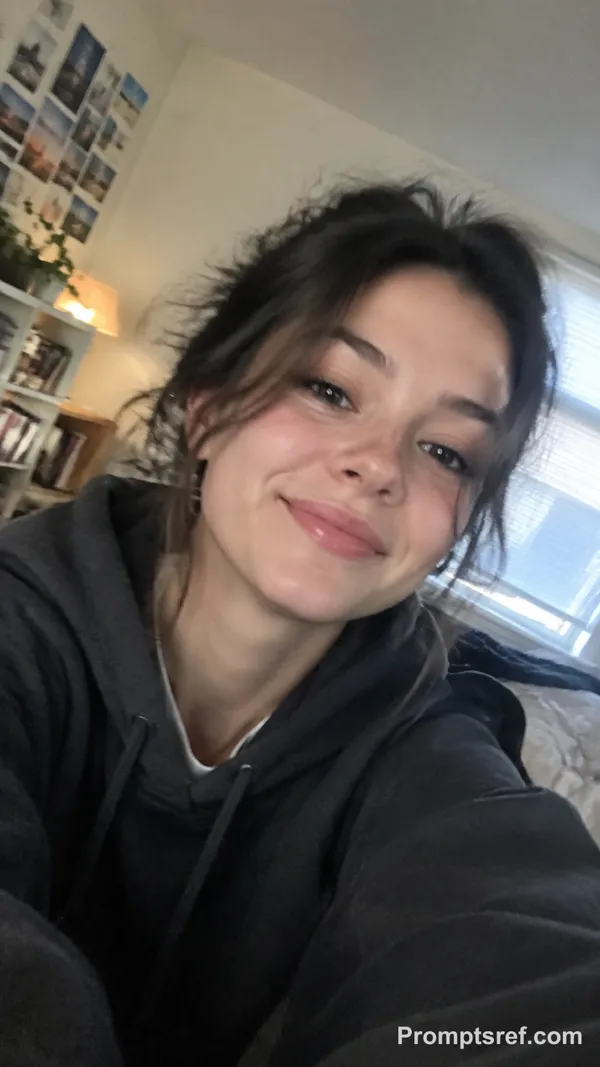
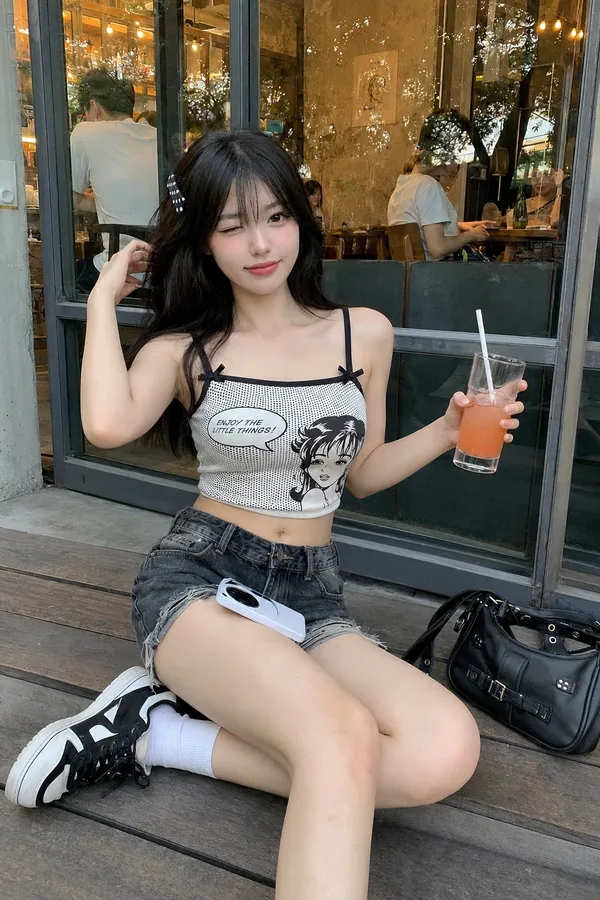
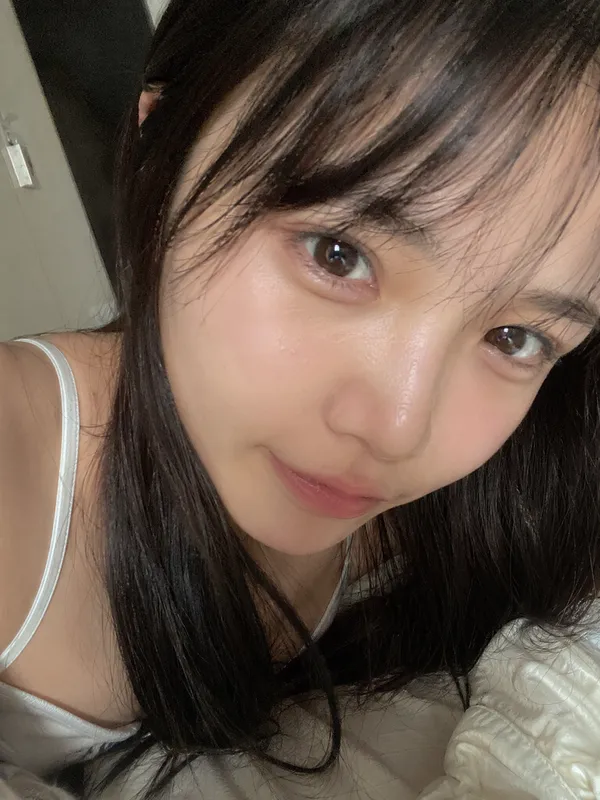
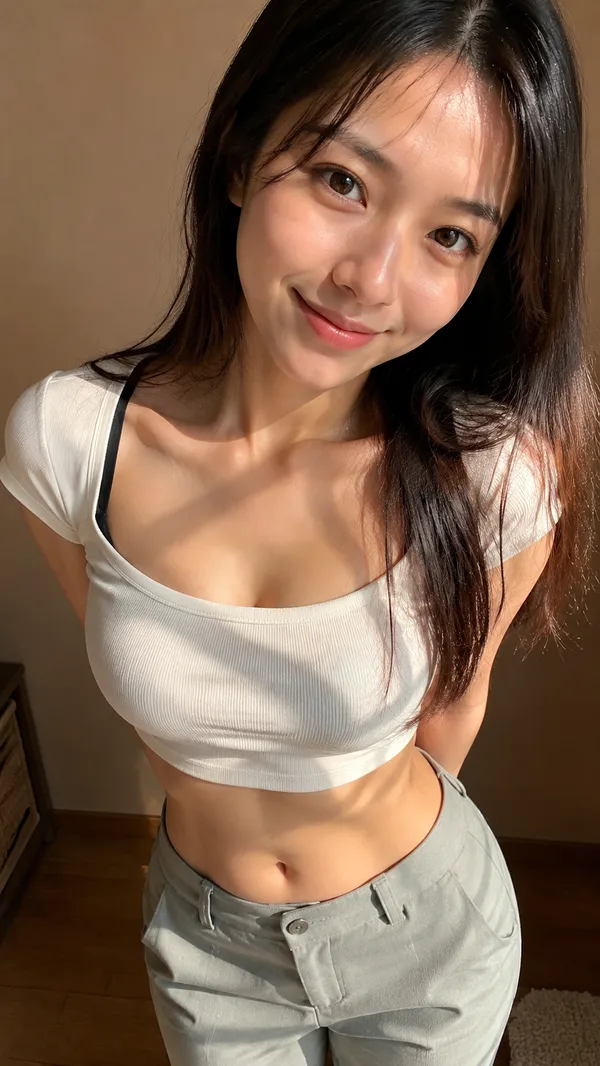
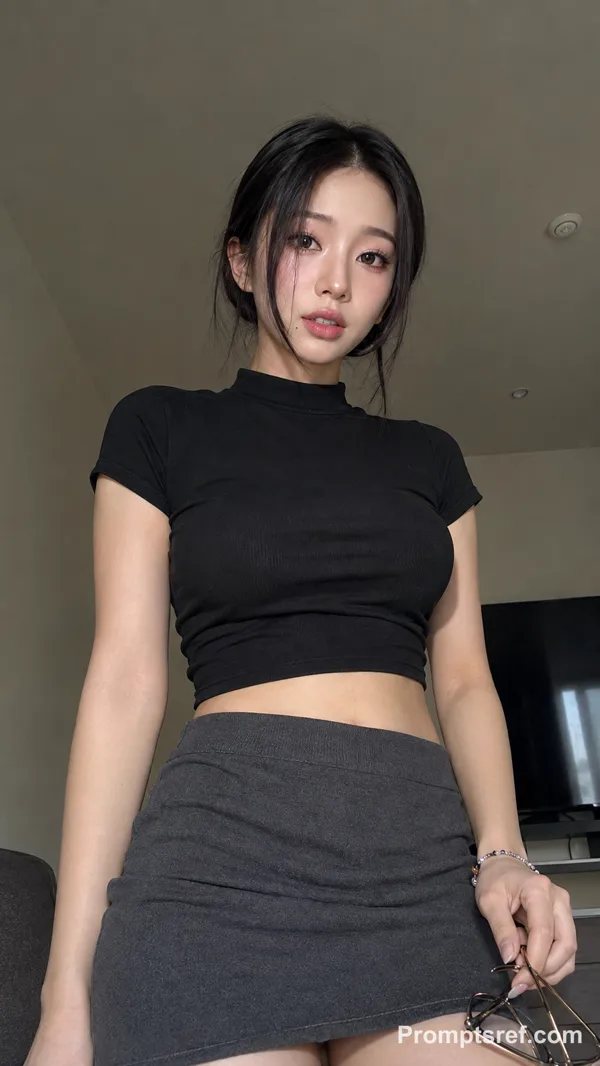
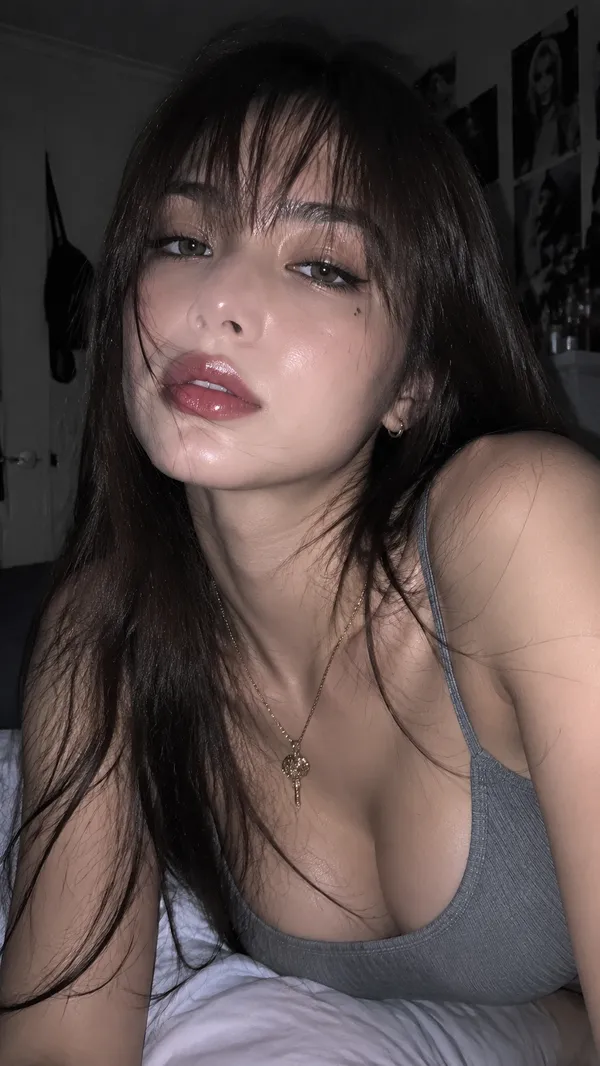
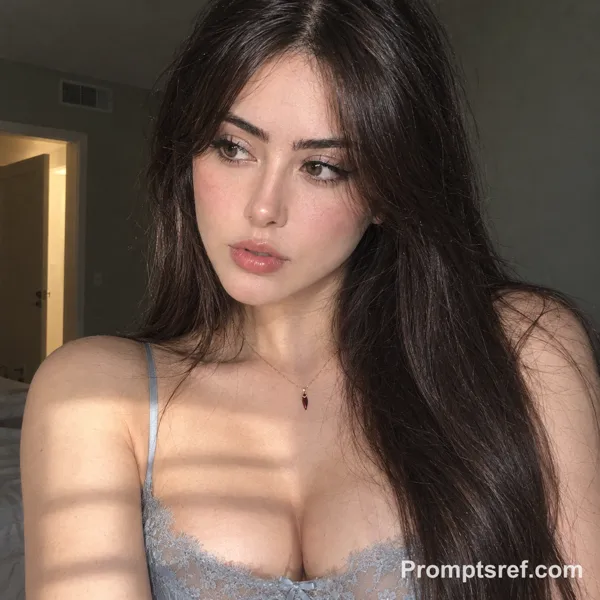
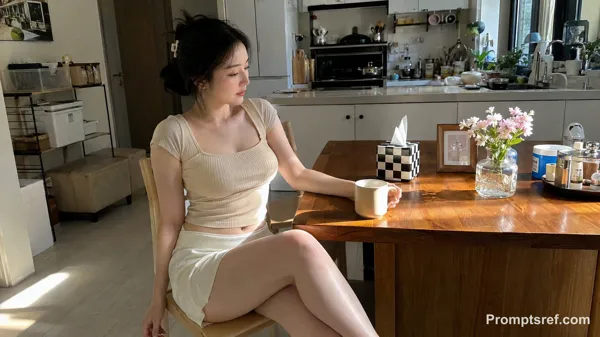
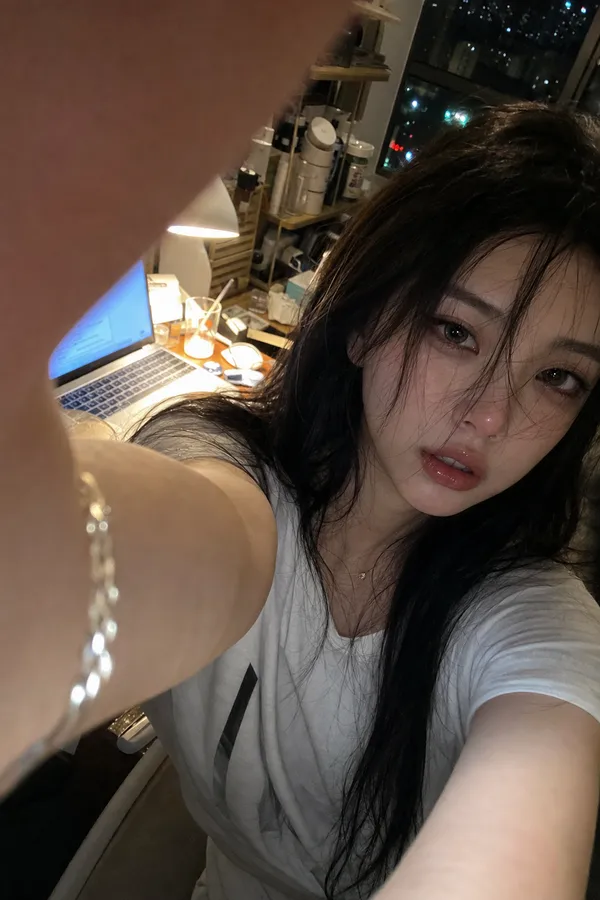
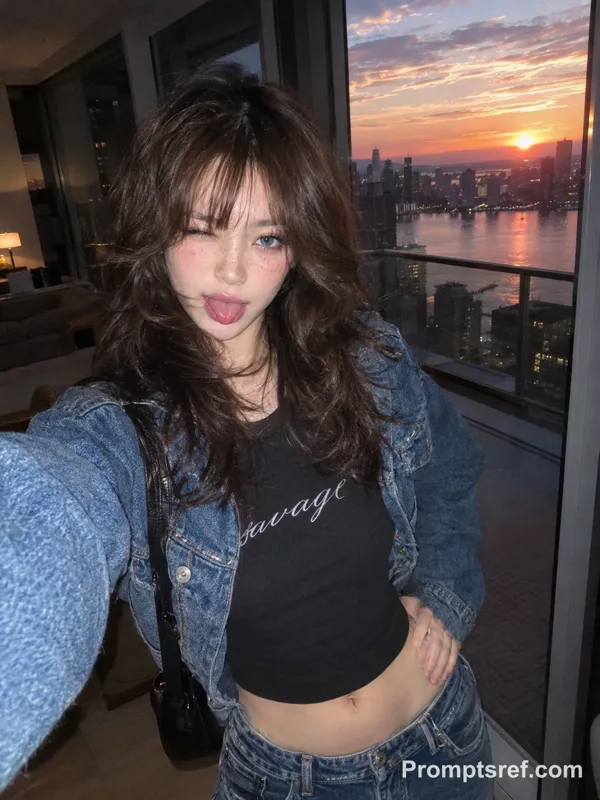
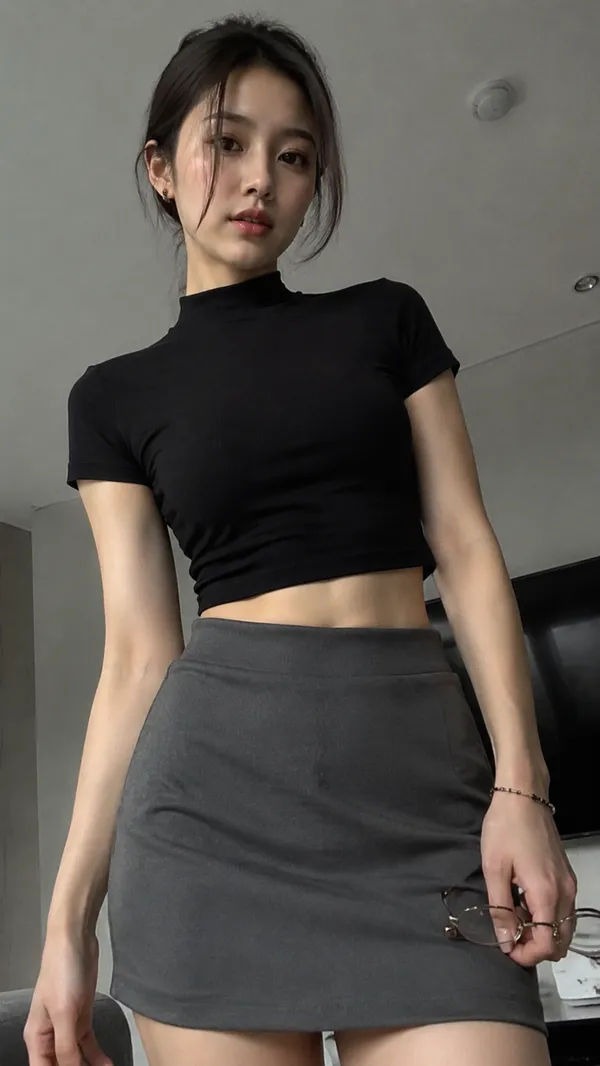
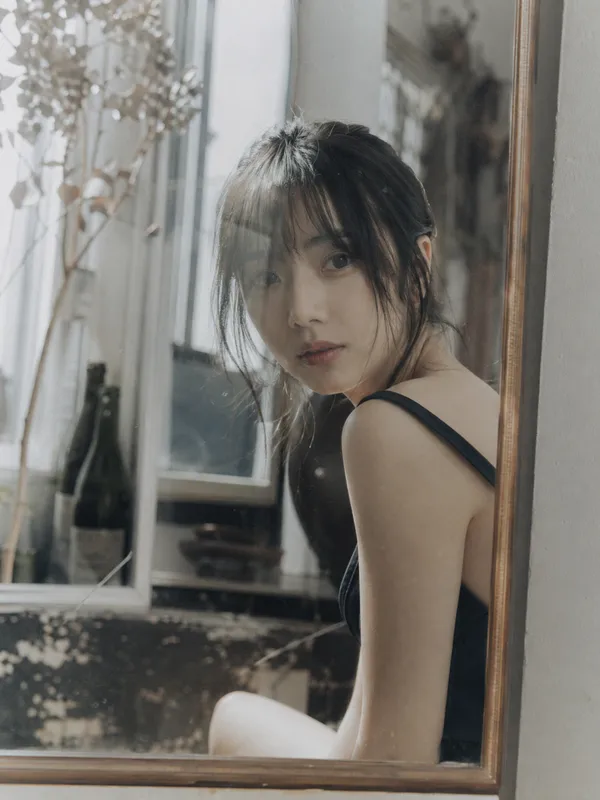
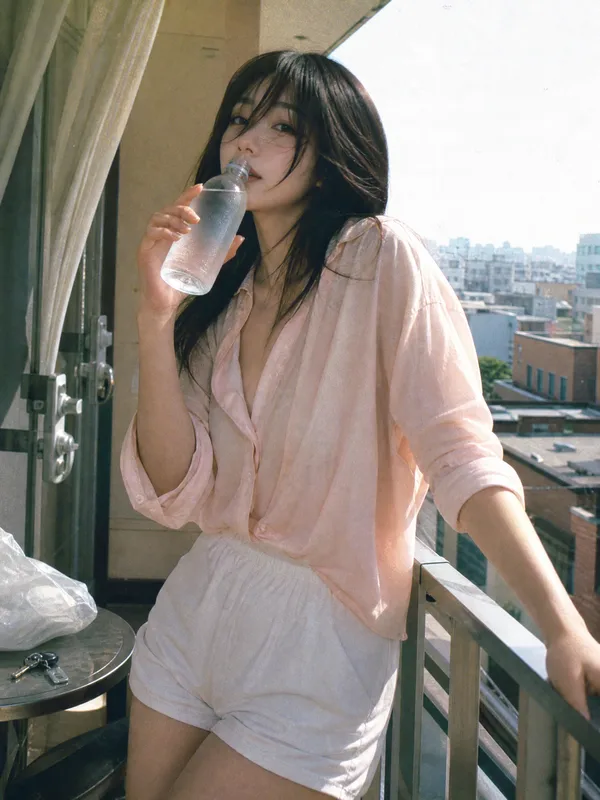
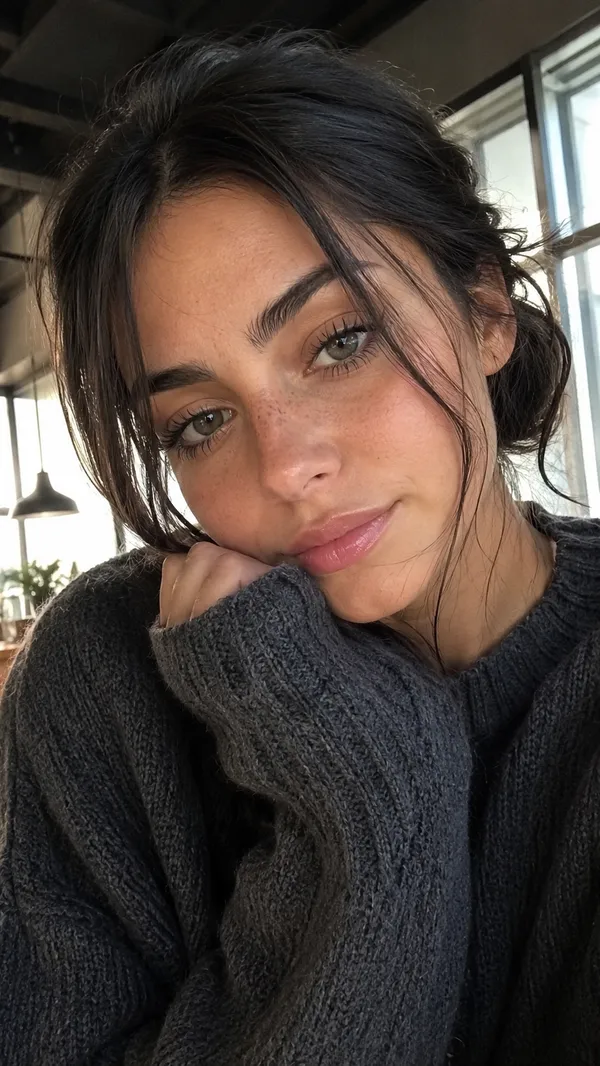
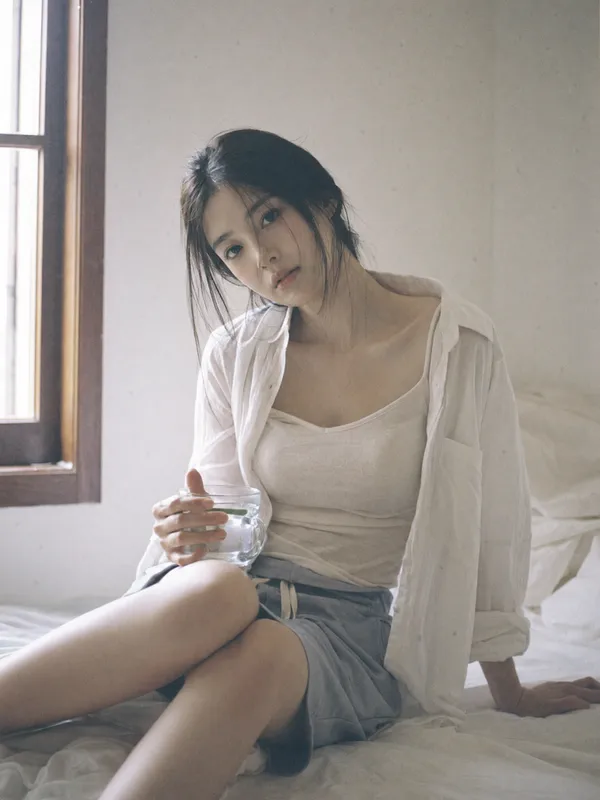
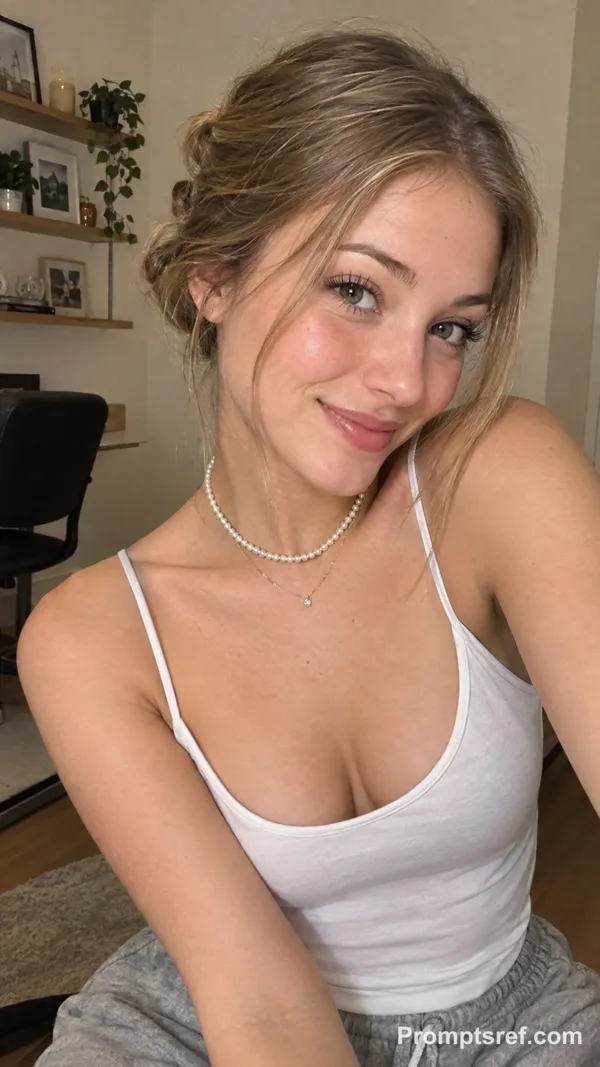
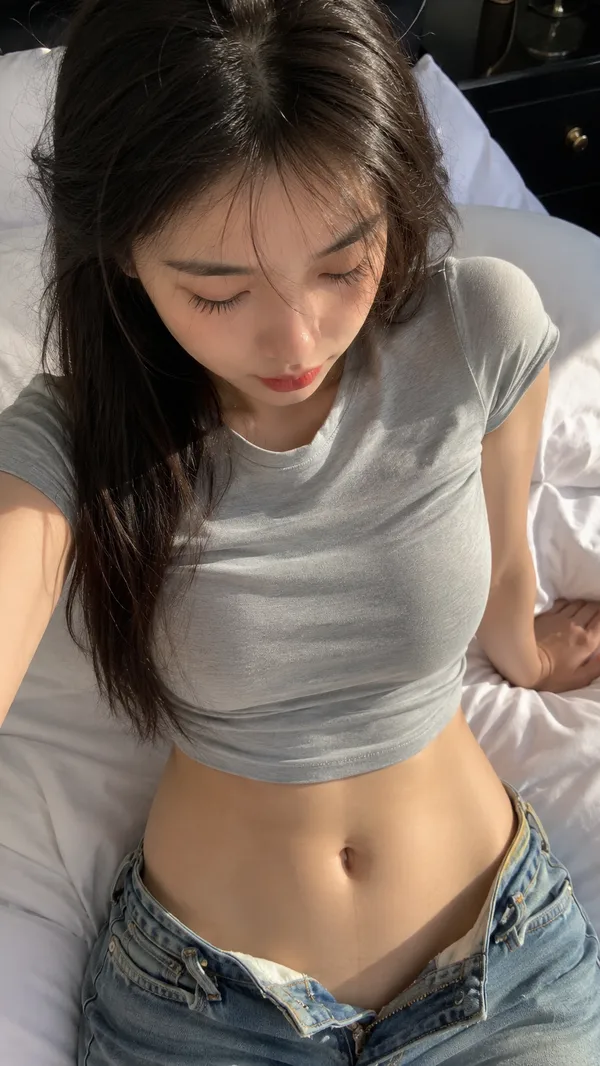
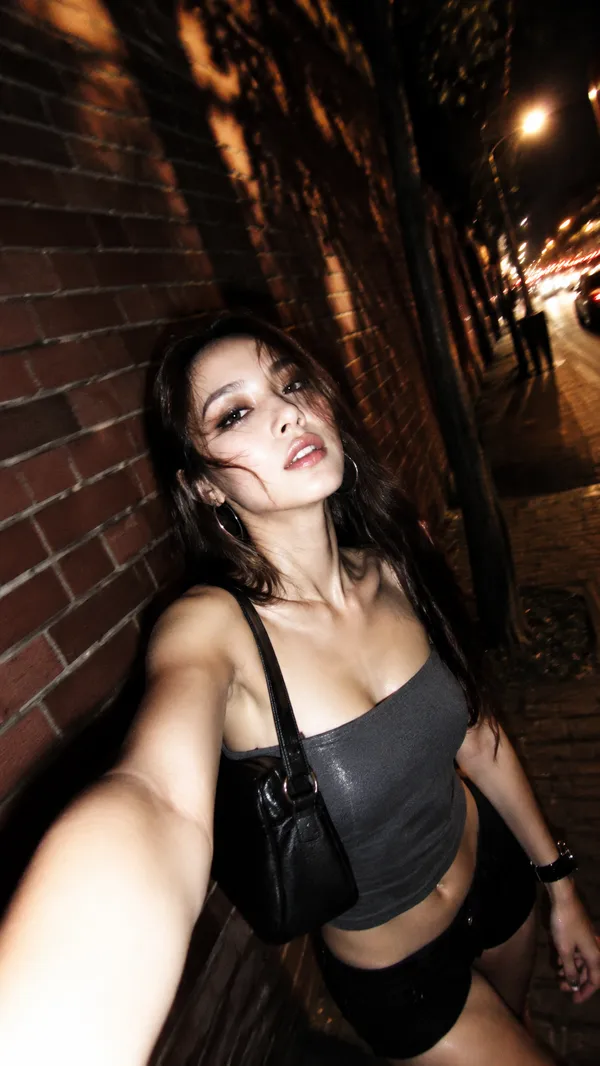
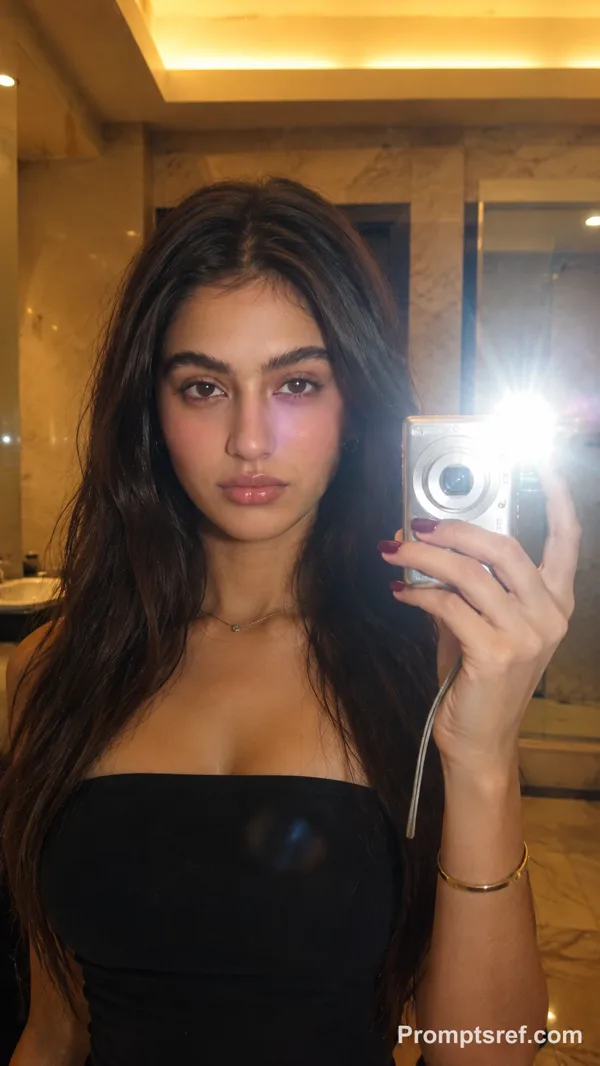
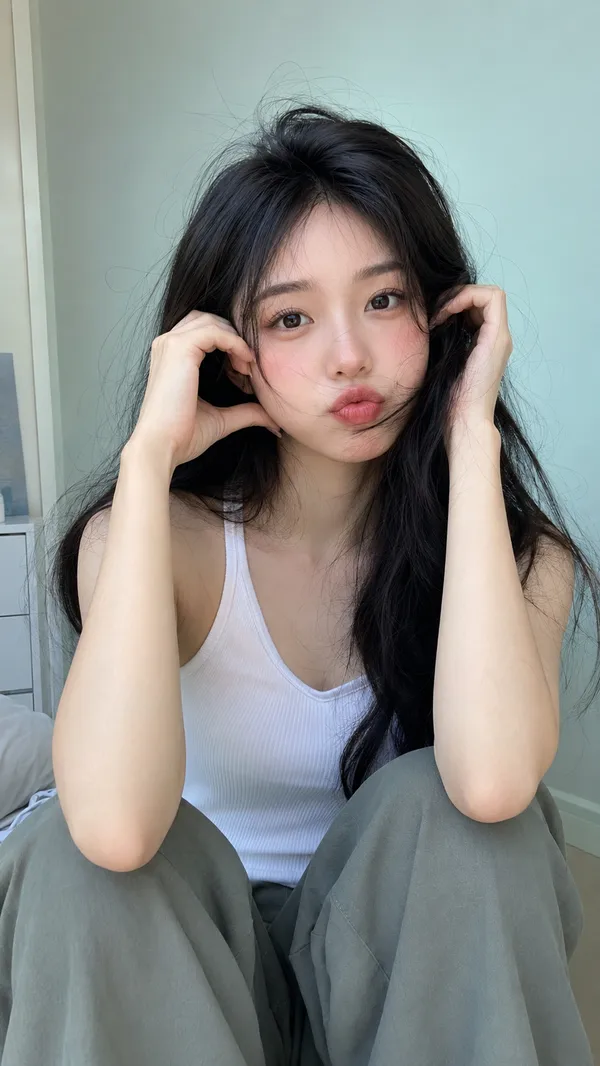
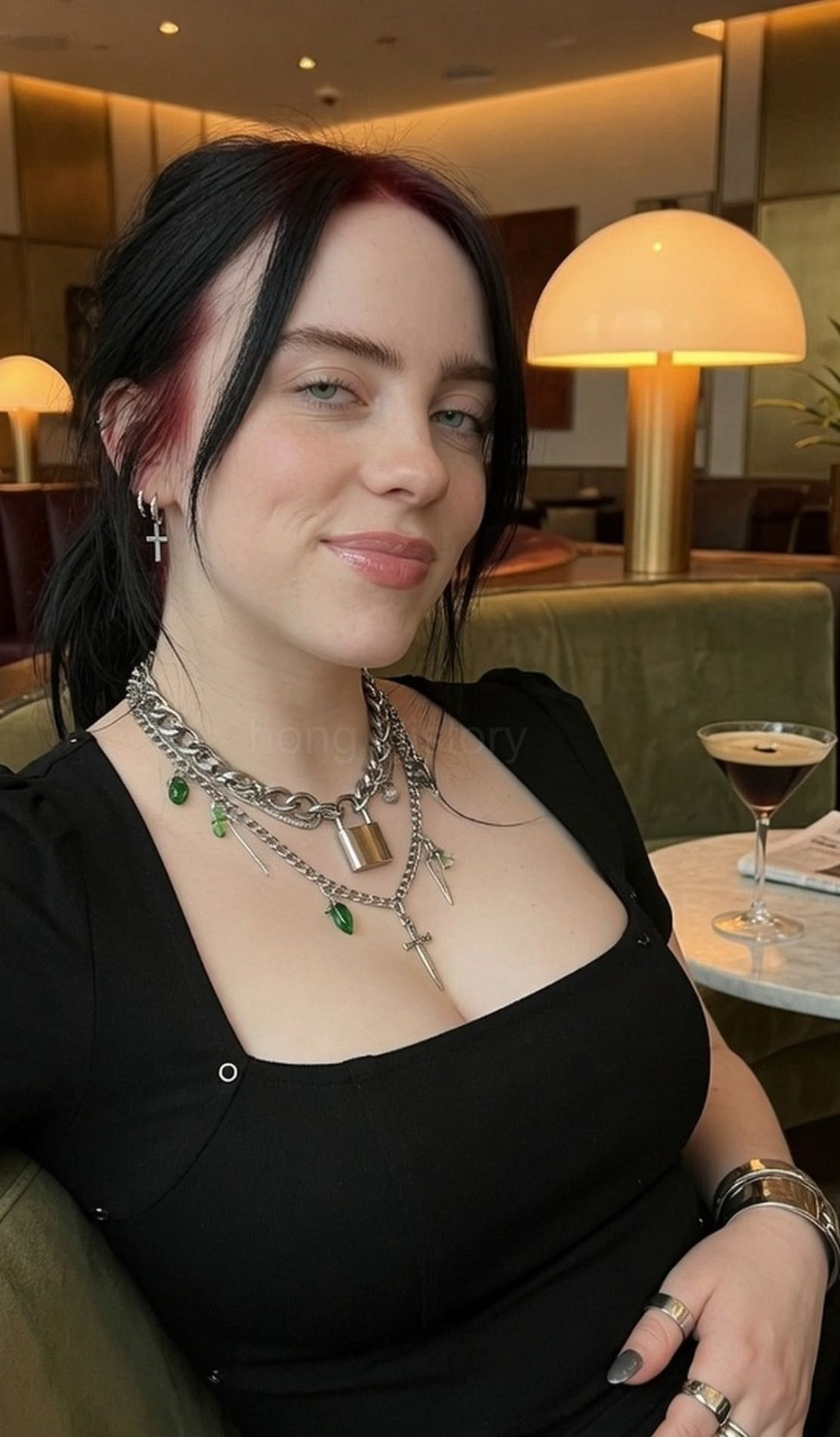
candid photograph, grainy film stock, unretouched photo. Preserve the authentic, unedited look of an original smartphone photo, as if captured casually by her partner during an ordinary moment at home.
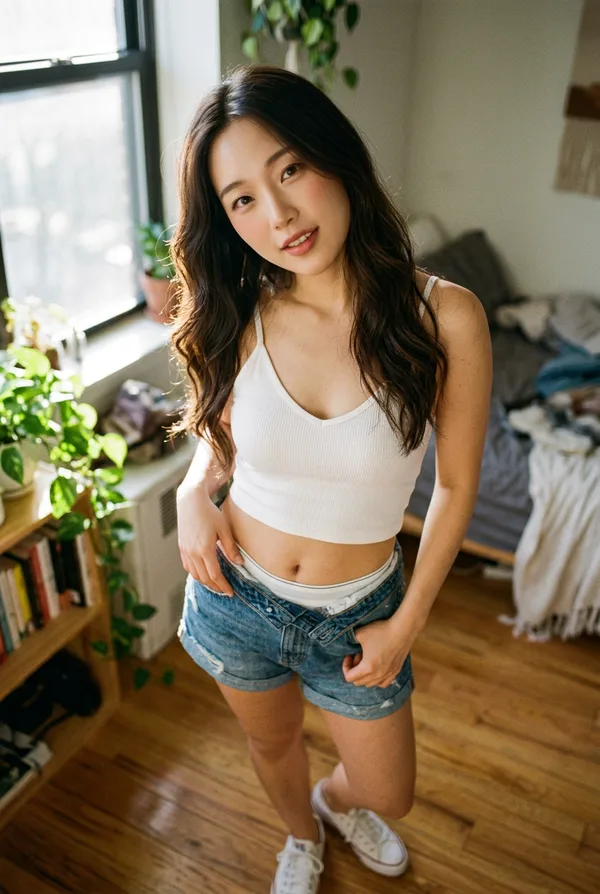
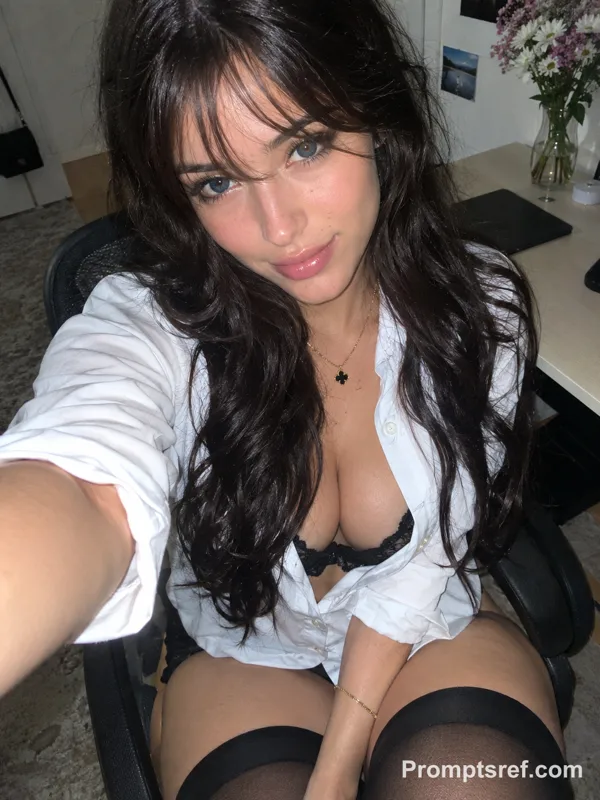
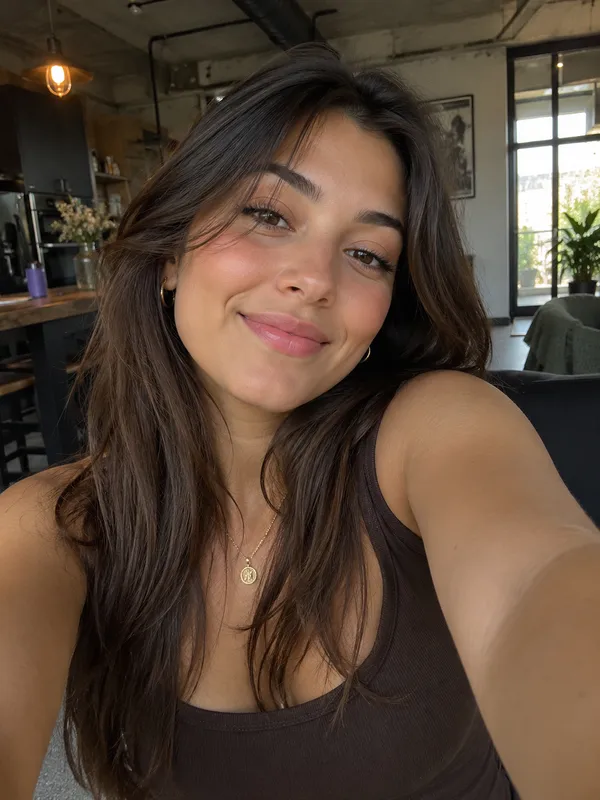
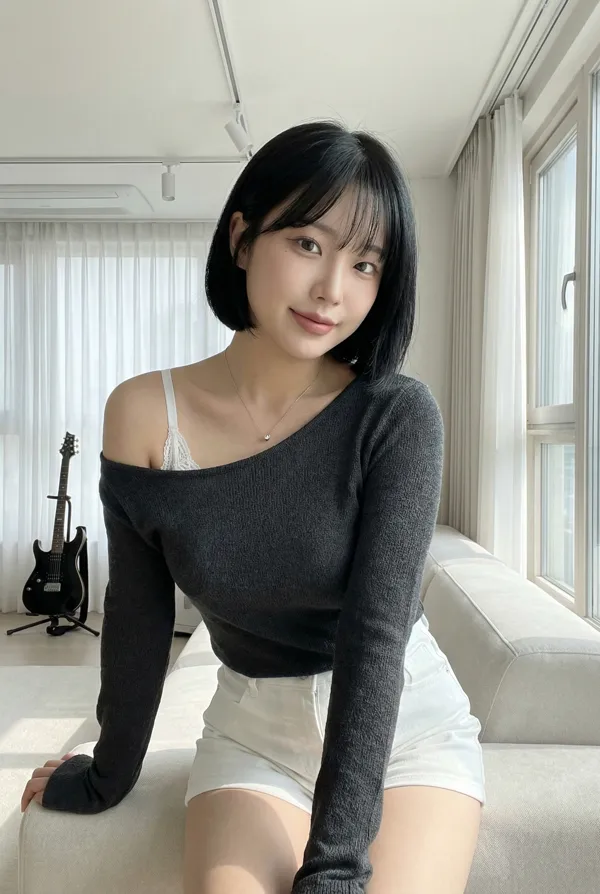
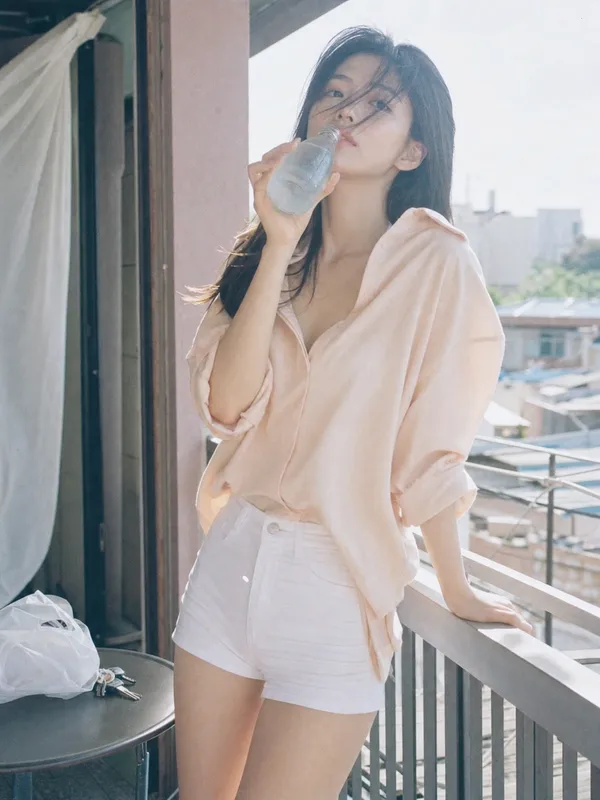
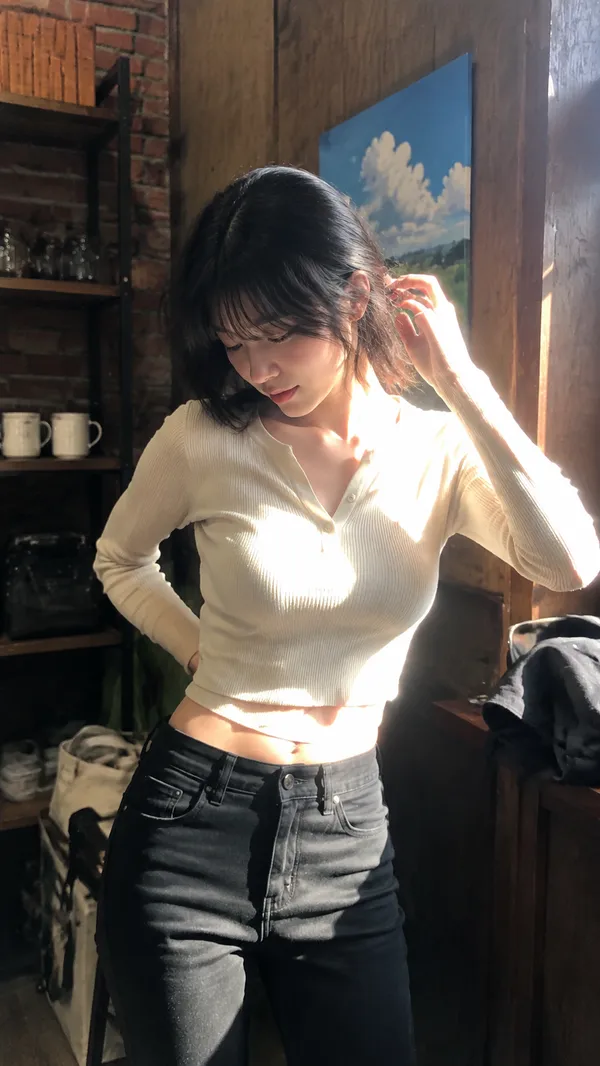
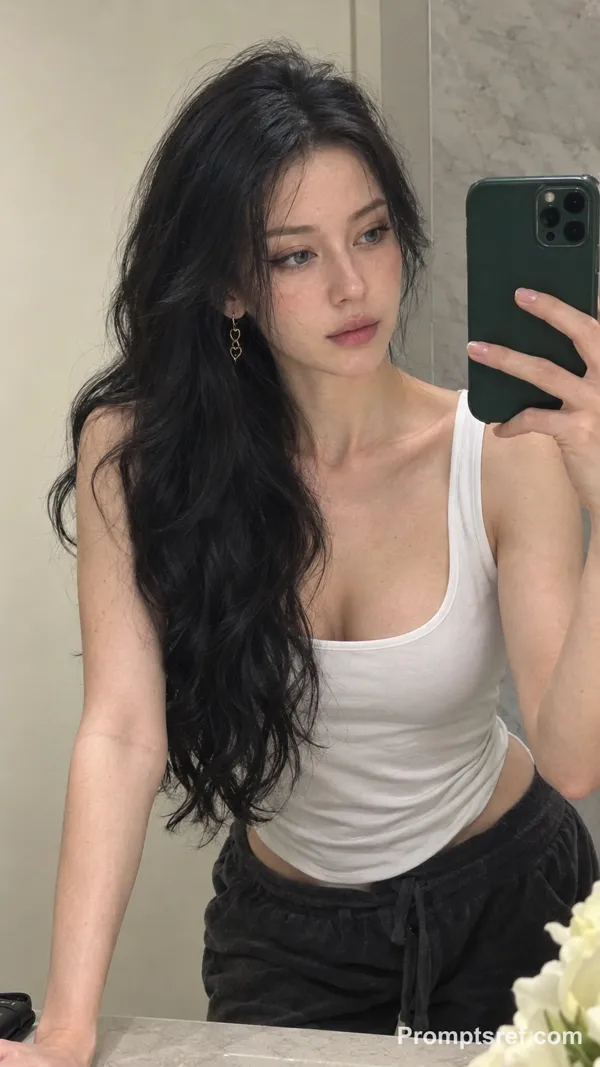
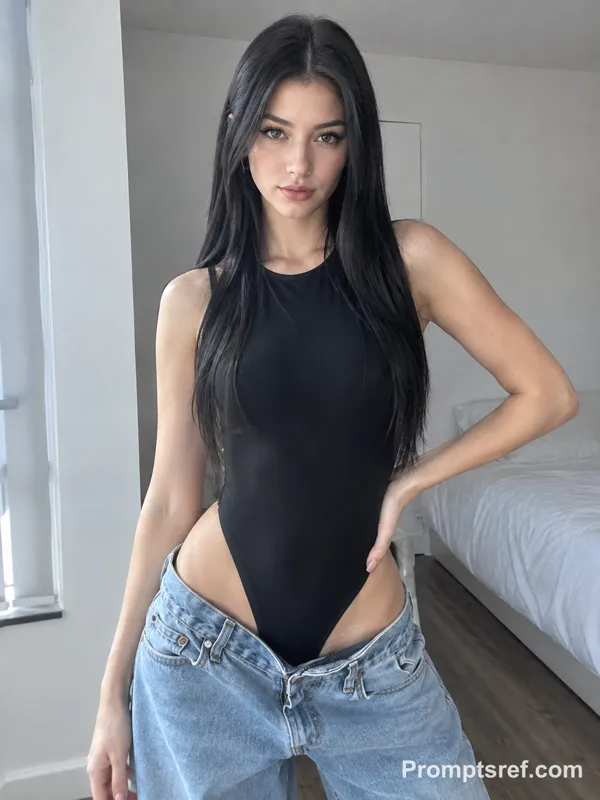
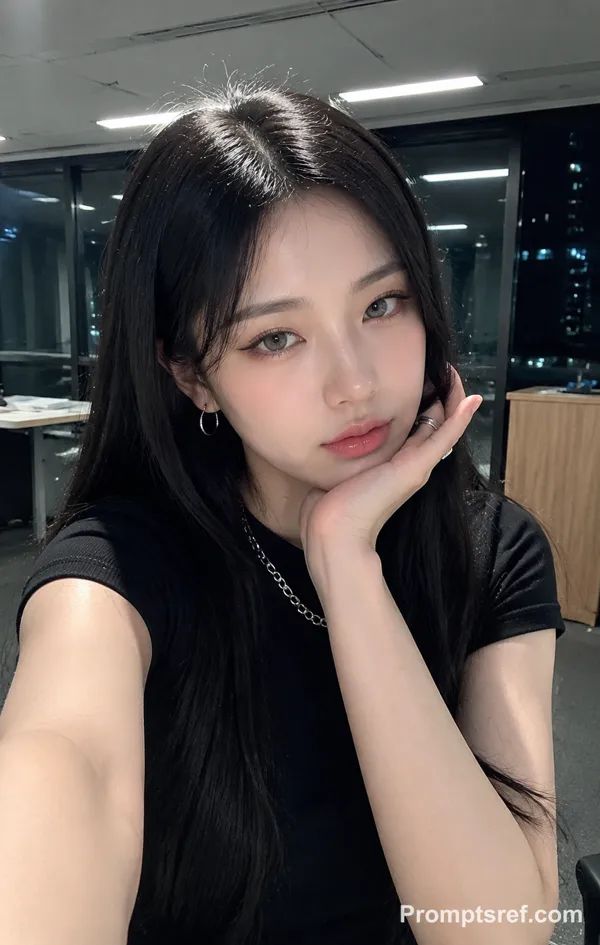
A 25-year-old adult Nord american woman with long black hair worn loose and slightly tousled. She has a mature, elegant presence, a naturally full and well-proportioned figure, and anatomically realistic body contours. Visible skin pores on his face, Her gaze is soft and relaxed, with a hint of confidence and languor. She is not deliberately smiling.
She is standing near a large window in a summer living room, soft natural light falling across her face. She holds her phone up at a slight angle for a selfie, one hand tucked casually into her pocket, weight shifted onto one leg for a relaxed, candid stance.The phone is held at close range, creating subtle 24mm front-camera wide-angle distortion, with her face slightly closer to the lens. The composition is spontaneous, asymmetrical, and unposed.
She wears lightweight dark loungewear made from soft fabric, with natural folds, creases, and realistic signs of wear.
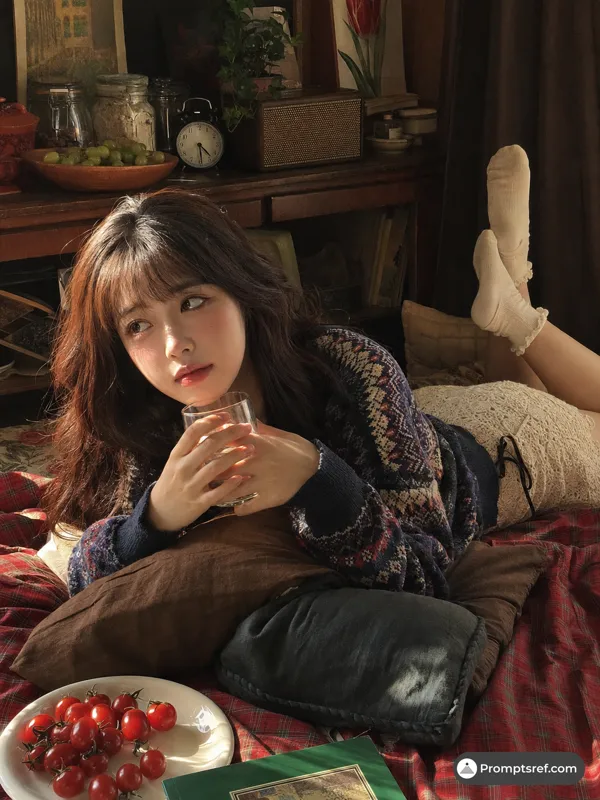
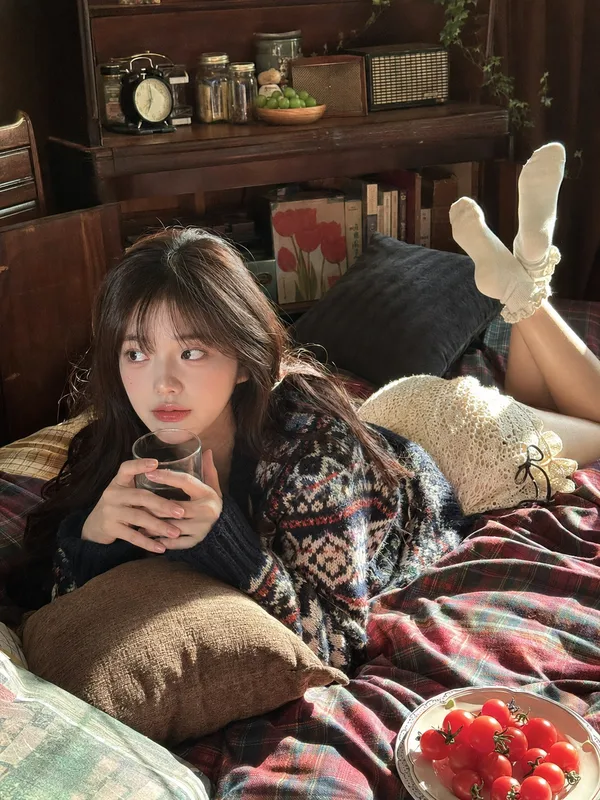
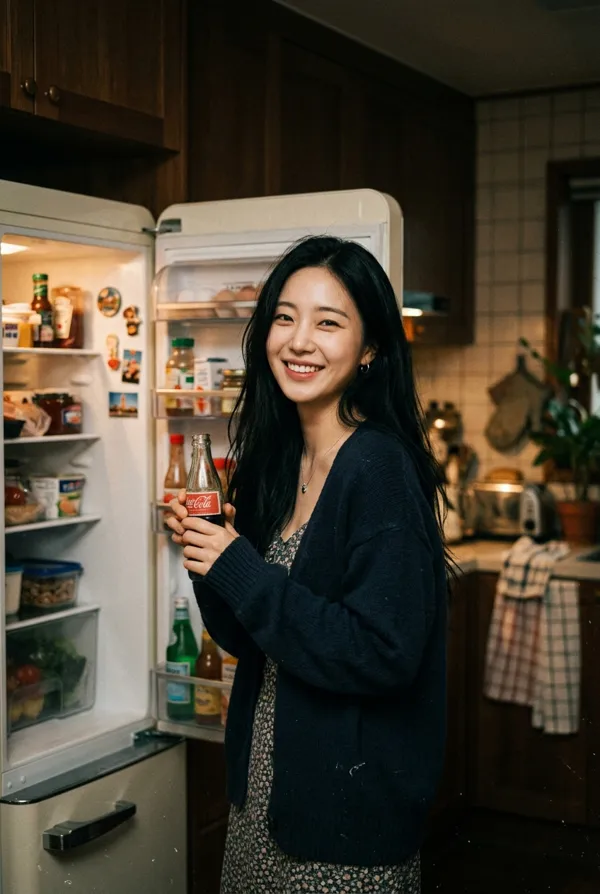
On a nearby table sits a half-finished lemon tea and a Coca-Cola, with condensation droplets visible on the cup or glass. Slices of chilled watermelon are casually placed beside them. Bright midsummer sunlight enters through the window, while ordinary household clutter adds to the atmosphere of a genuine afternoon at home.
An original, unedited with automatic exposure, natural white balance, subtle HDR, gently blown highlights, and preserved shadow detail. Realistic skin texture, visible skin pores on his face, slight noise, and an ordinary domestic setting. Subtle blemishesIt should feel like a candid snapshot found in a friend’s camera roll --style raw
Imagen de referencia
Remixes
RemixAún no hay remixes. Crea la primera versión.
Usa este prompt de imagen
- 01
Empieza con el prompt
Copia el prompt o ábrelo con el botón de generar.
- 02
Haz tus cambios
Ajusta el sujeto, el entorno o los detalles. Añade referencias si las necesitas.
- 03
Revisa antes de generar
Comprueba el modelo y los ajustes de salida. Los resultados pueden variar.