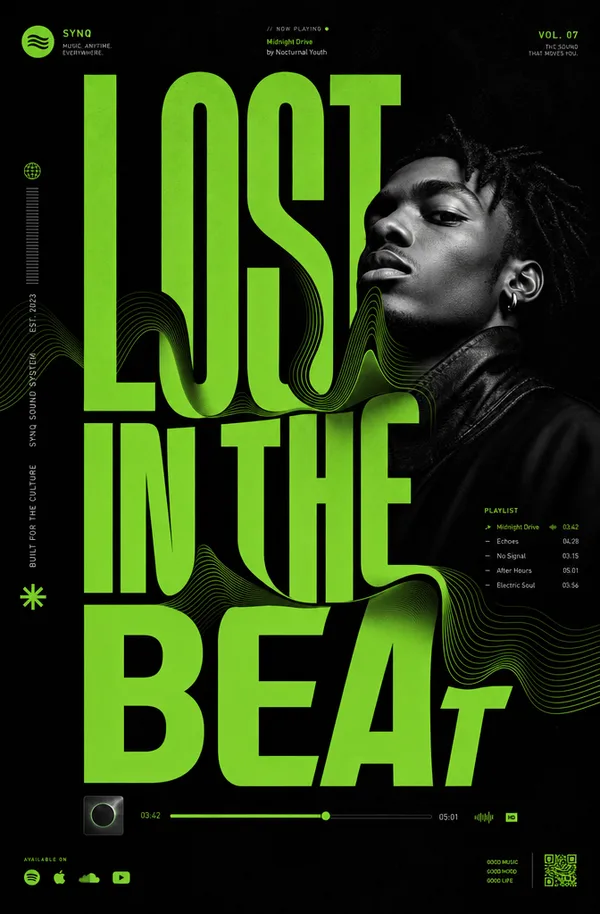
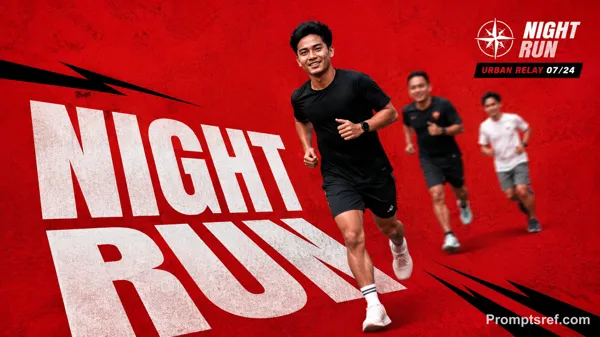
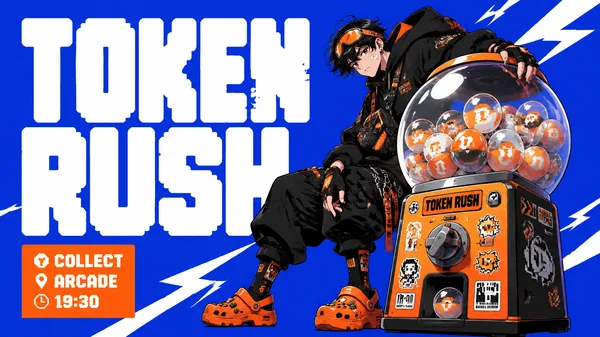
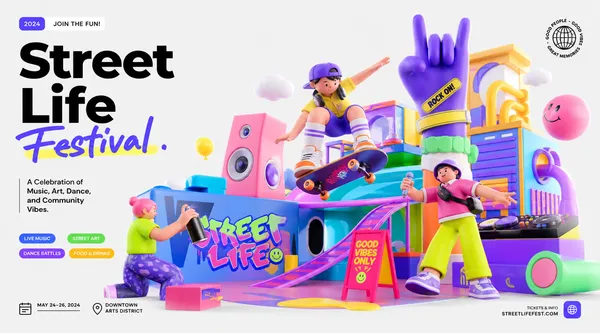
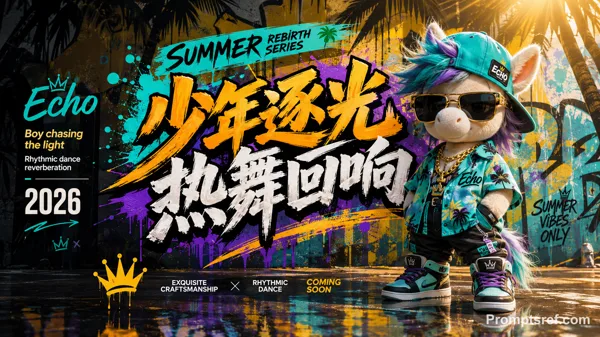
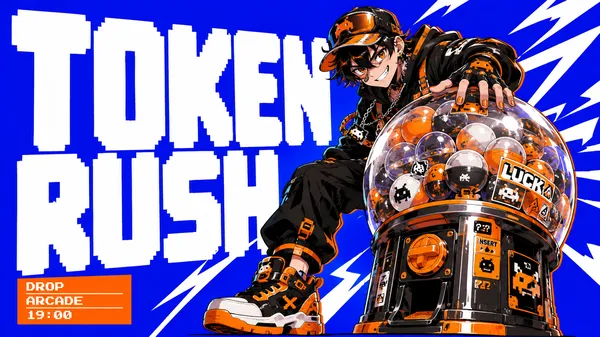
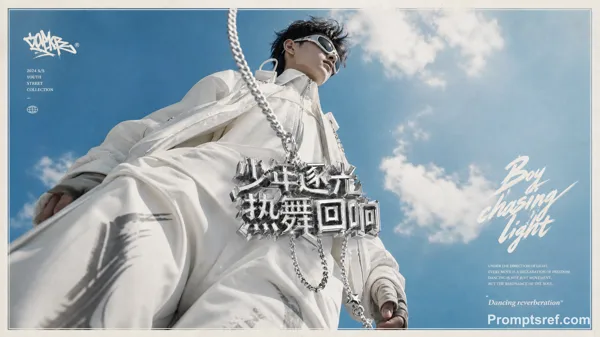
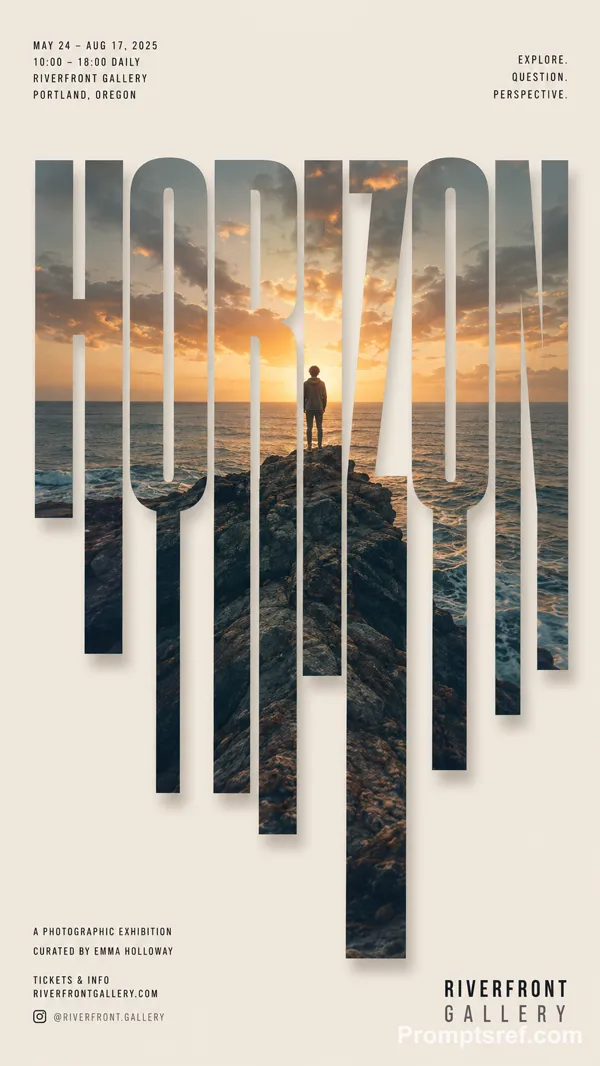
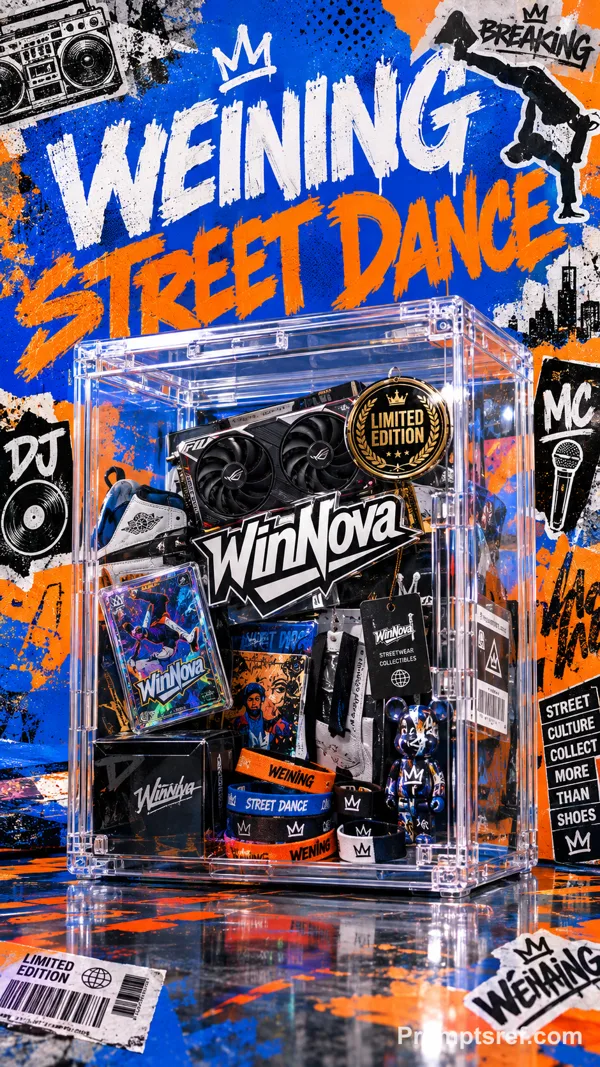
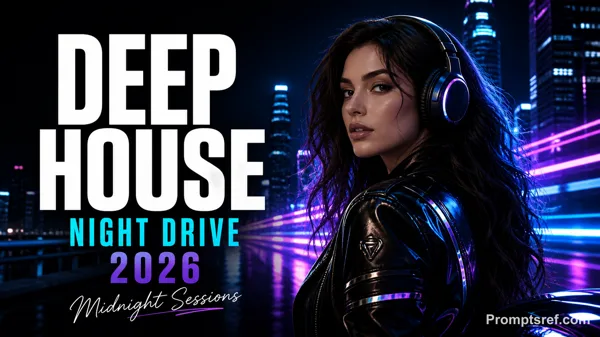
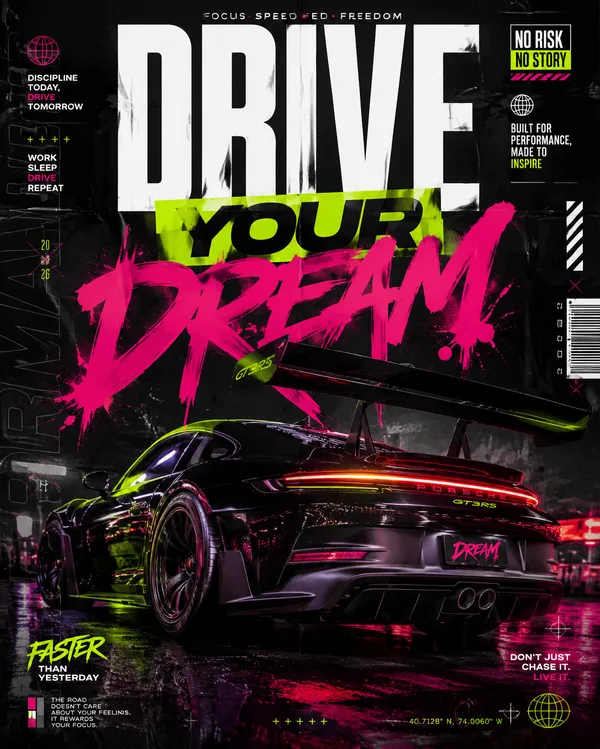
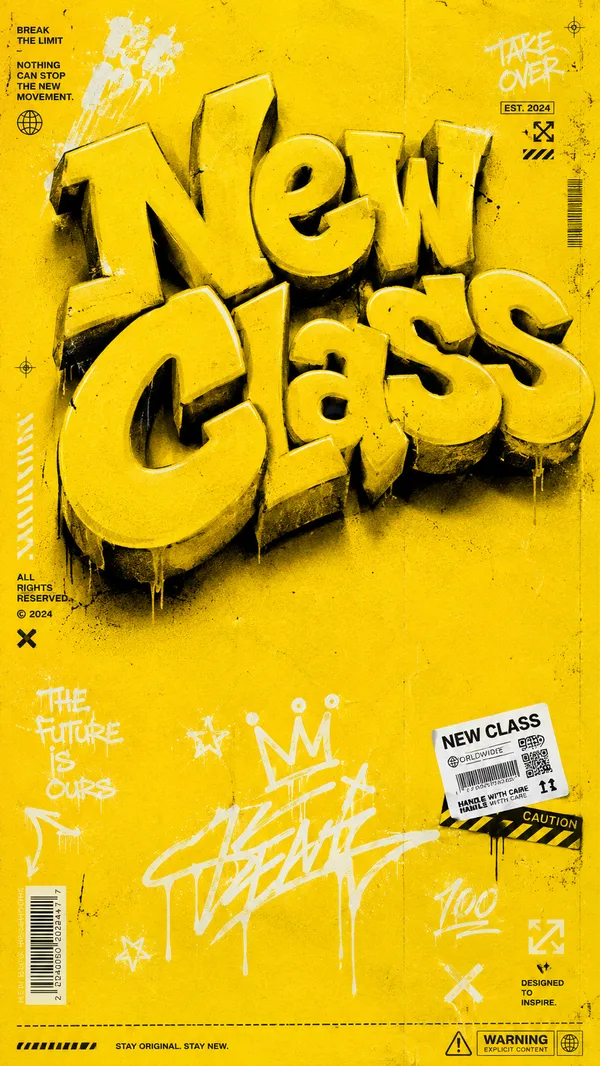
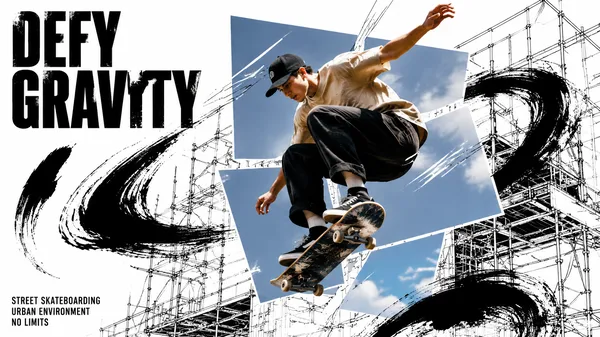
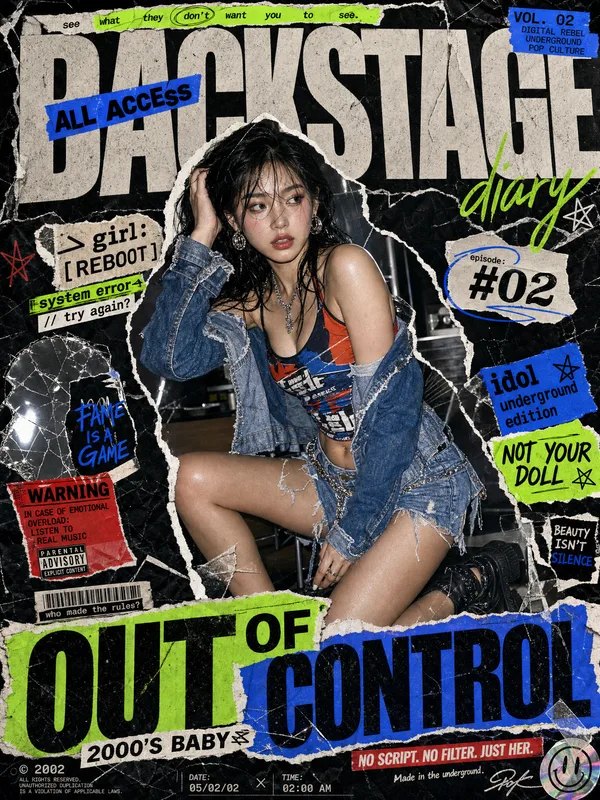
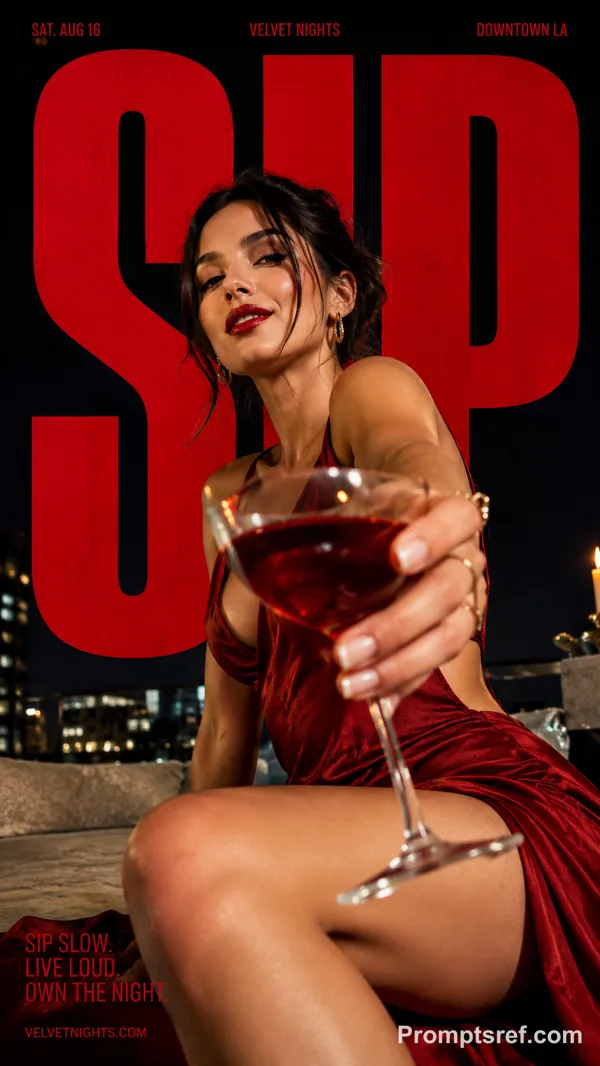
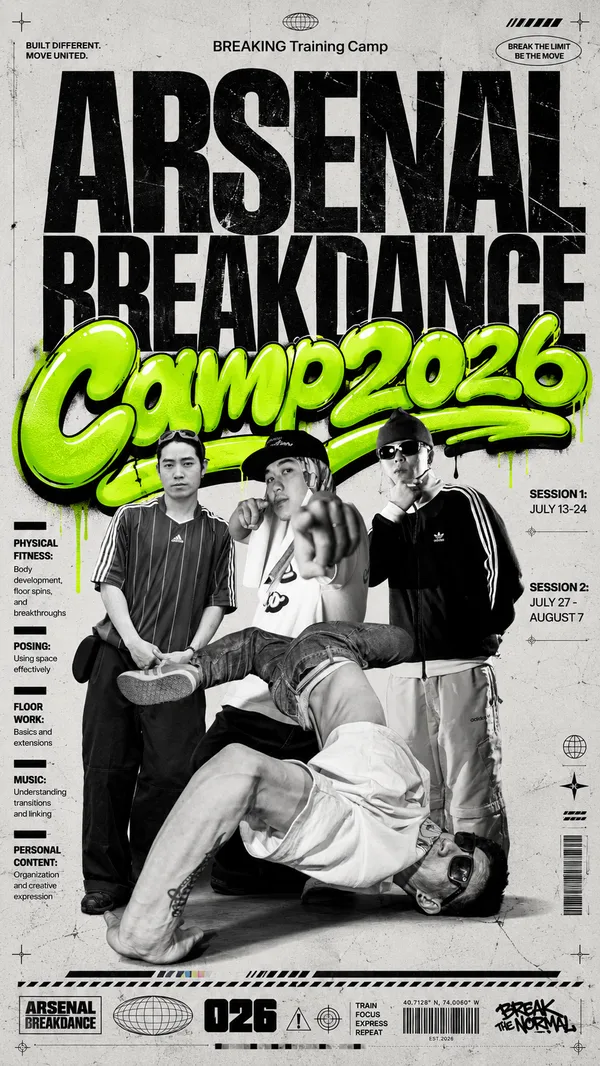
GPT Image 2.0 Prompt - Plantilla de póster fotográfico con tipografía neón y garabatos

- Modelo
- GPT Image 2.0
- Relación de aspecto
- auto
- Calidad
- 1K
Prompt
{
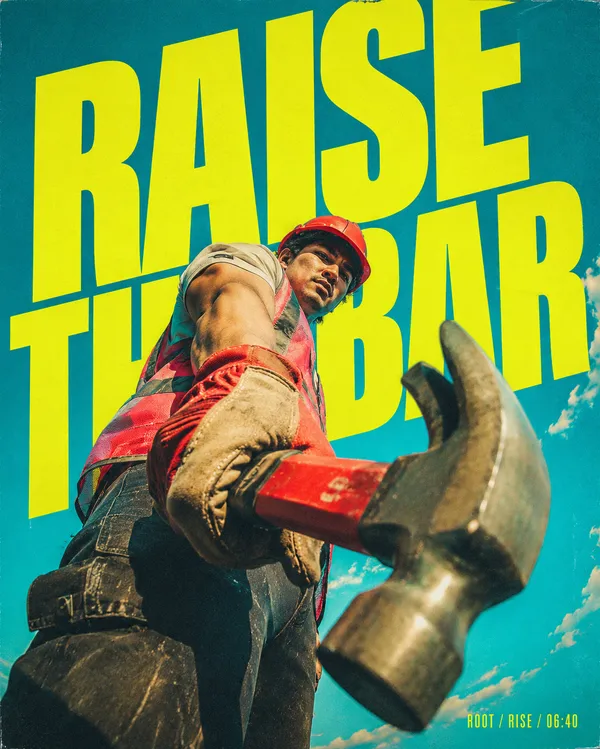
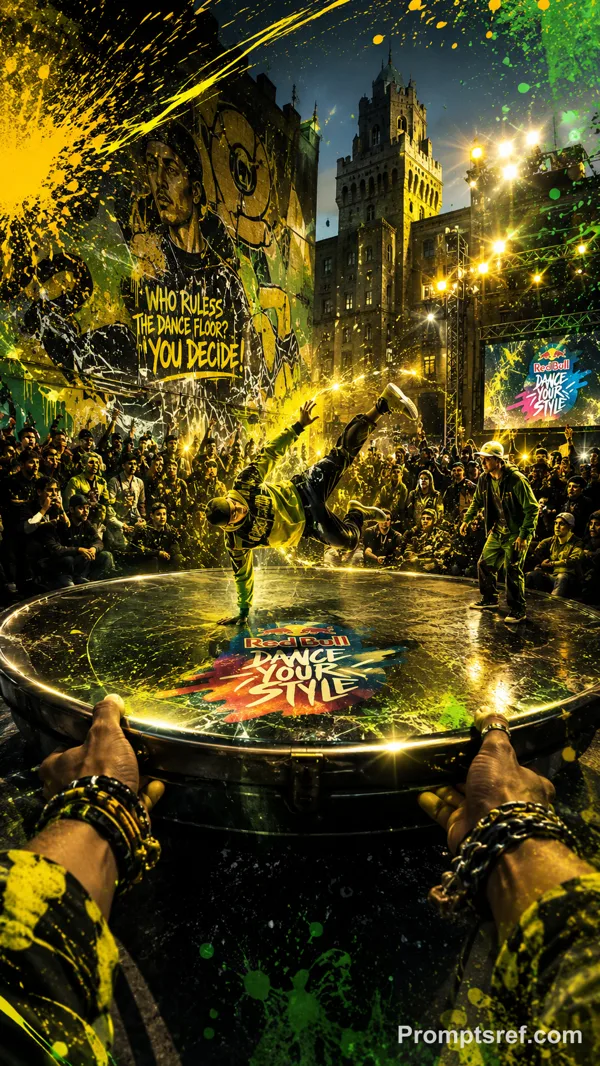
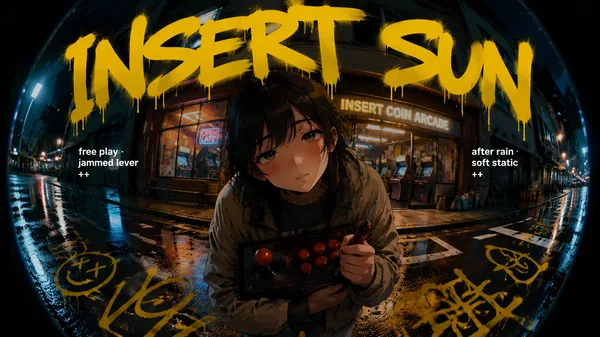
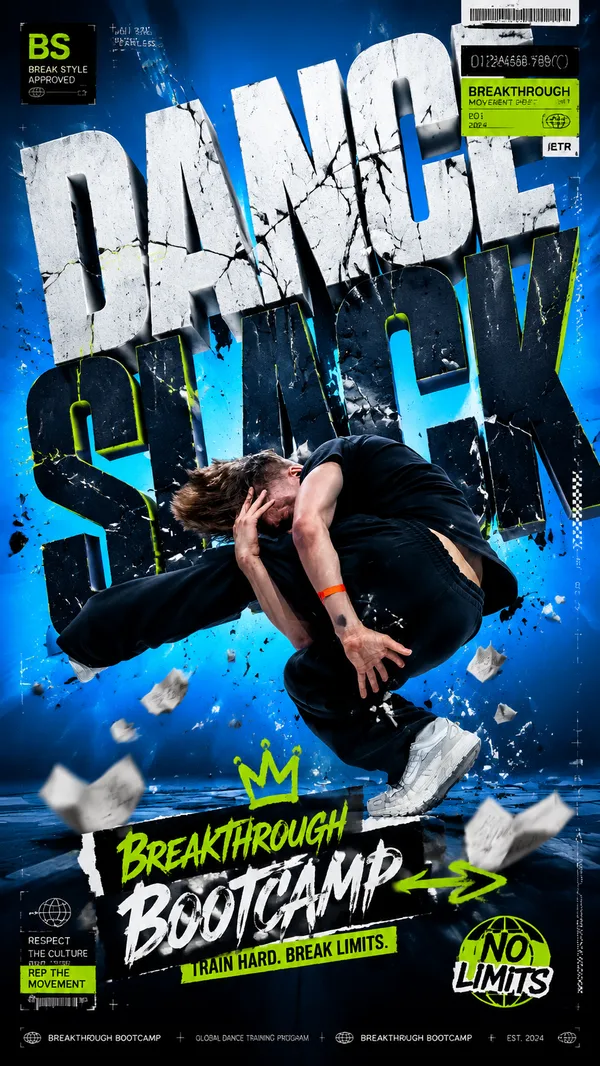
"style_name": "Neon Type Photo Scribble Poster",
"style_slug": "neon-type-photo-scribble-poster",
"style_version": "1.0.0",
"style_summary": "A high-impact event poster system built from a toxic neon color field, huge black condensed typography, a centered documentary photo crop, and a raw white spray-marker gesture that cuts across the middle of the composition.",
"environment_variables": {
"SUBJECT": "main subject",
"SUBJECT_ACTION": "main action",
"PRODUCT_OR_PROP": "object, product, or prop",
"LOCATION": "environment or setting",
"BACKGROUND_ELEMENTS": "secondary scene details",
"MAIN_TEXT": "main headline or graphic text",
"SECONDARY_TEXT": "small supporting text",
"ACCENT_SYMBOL": "separator or decorative symbol",
"WARDROBE_STYLE": "styling direction",
"STYLE_FIDELITY_ANCHORS": "observable style traits that must remain visible",
"SOURCE_CONTENT_TO_AVOID": "literal source content that generated samples must not recreate",
"ASPECT_RATIO": "9:16 or 16:9"
}
Remixes
RemixAún no hay remixes. Crea la primera versión.
Usa este prompt de imagen
- 01
Empieza con el prompt
Copia el prompt o ábrelo con el botón de generar.
- 02
Haz tus cambios
Ajusta el sujeto, el entorno o los detalles. Añade referencias si las necesitas.
- 03
Revisa antes de generar
Comprueba el modelo y los ajustes de salida. Los resultados pueden variar.