GPT Image 2.0 Prompt - Festival de música neón en Miami Beach

- Modelo
- GPT Image 2.0
- Relación de aspecto
- 2:3
- Calidad
- 1K
Prompt
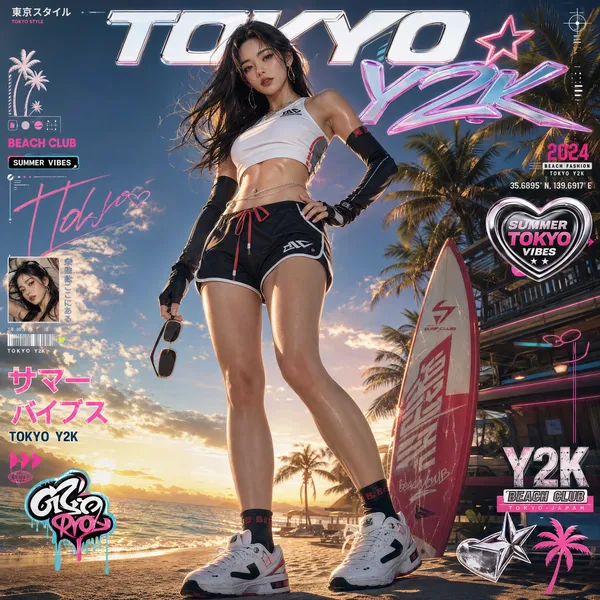
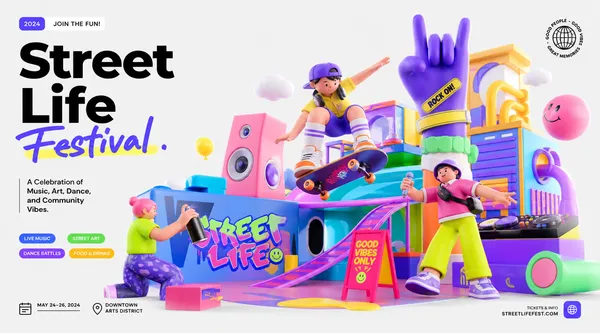
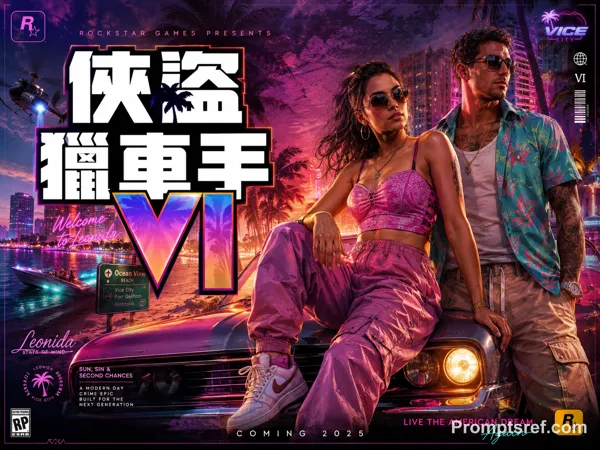
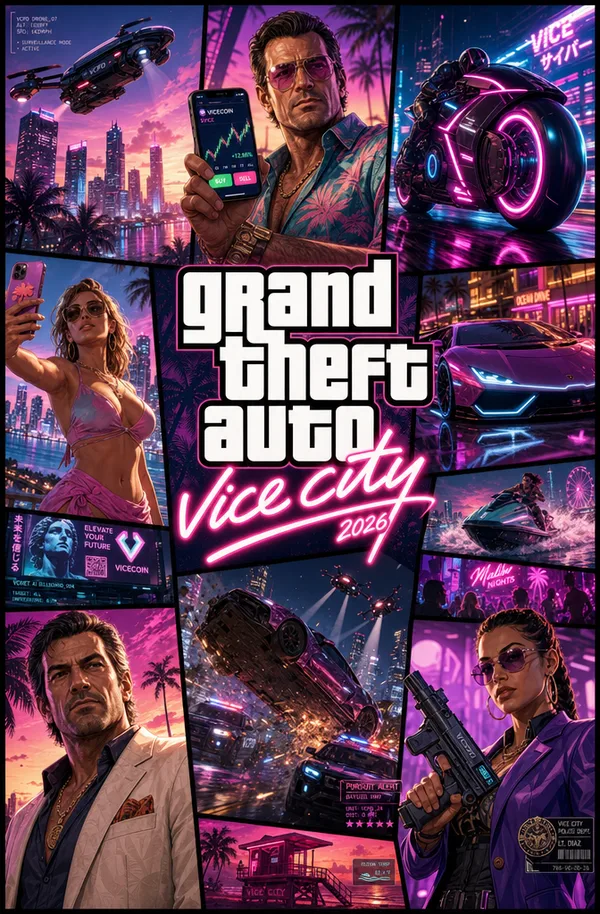
Create a high-energy, explosive music festival promotional poster with the big Chinese text "来参加我们的音乐节吧!" prominently displayed at the top in large, bold, graffiti-style font with neon glow effect. Below it in smaller English text: "JOIN OUR MUSIC FESTIVAL!"
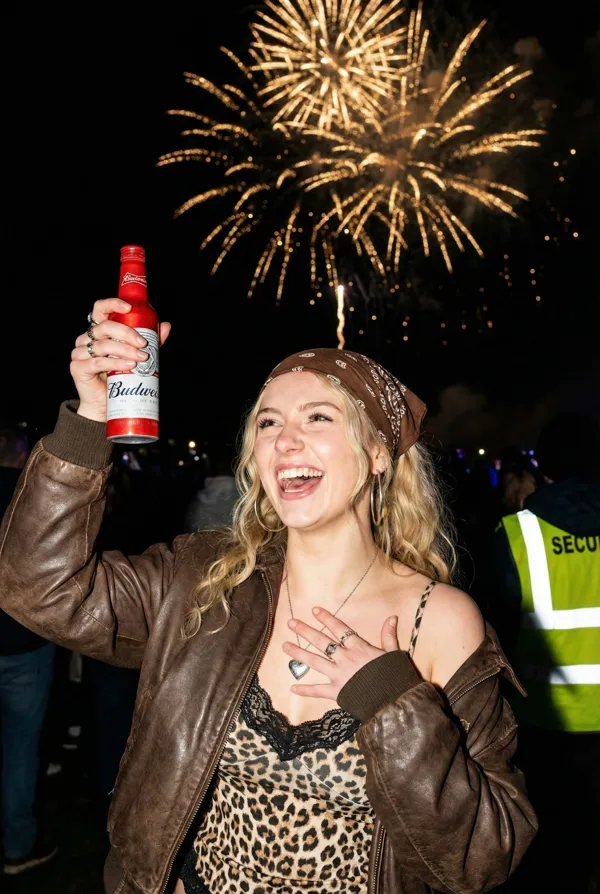
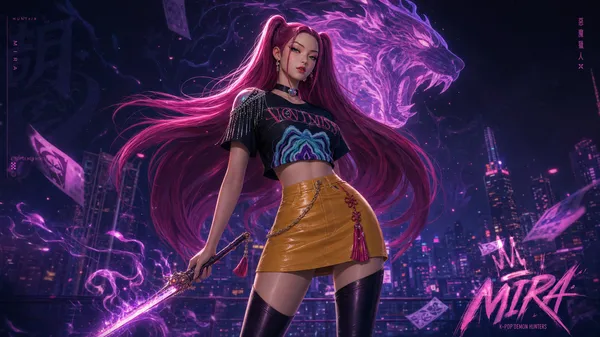
The scene is set on Miami Beach at night during a massive summer music festival. Epic cinematic vertical composition. Central focal point is a stunning female character (Mai Shiranui style) wearing a stylish red and white cropped kunoichi-inspired festival outfit with high slits and open front design, showing midriff and legs tastefully. She has long flowing brown hair with red ribbon, beautiful seductive face with confident smile, looking at the viewer. Her skin has premium hybrid texture between high-end 3D render and real human photography — visible pores, subtle peach fuzz, light glistening micro-sweat on collarbones, midriff and thighs, velvety satin sheen with realistic subsurface scattering under neon lights. She holds a beer bottle in one hand and her red fan in the other, standing in a powerful yet playful pose.
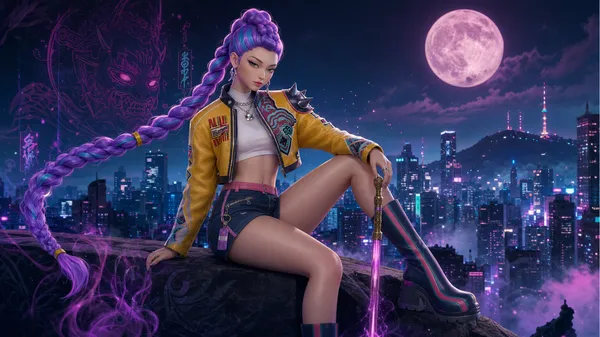
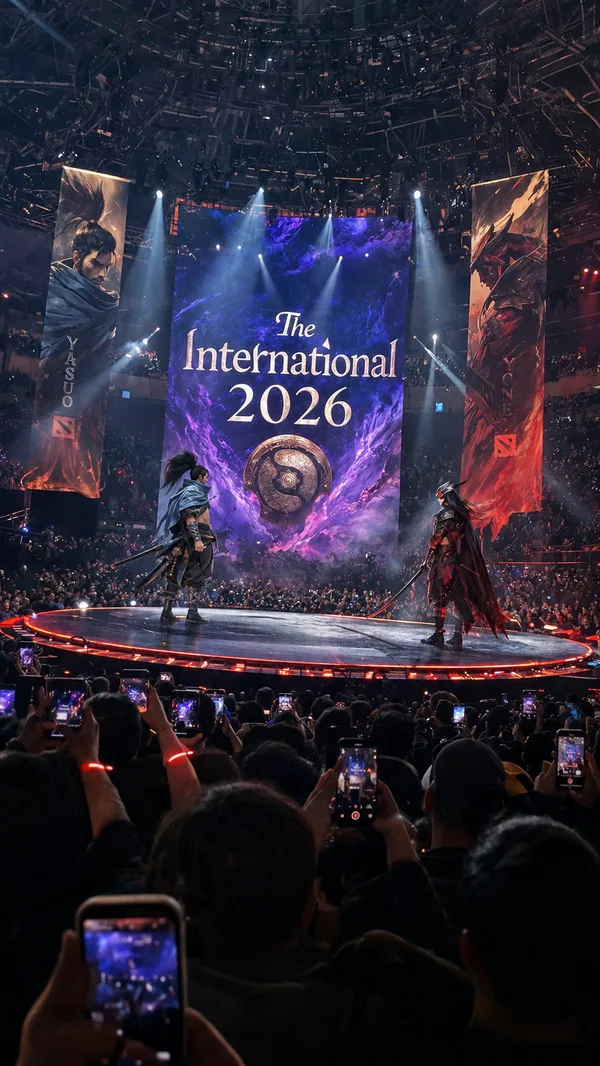
Surrounding her are dynamic iconic fighting game and anime characters in festival party mood. Massive outdoor concert stage with giant LED screens, lasers, pyrotechnics and cheering crowd in the background. Dramatic night lighting with vibrant pink, cyan and purple neon, strong rim lighting, volumetric god rays and cinematic lens flares.
Ultra-detailed hybrid 3D rendering in Unreal Engine 5 quality, photorealistic skin details with micro-sweat on the central female character, extremely high detail, sharp focus, cinematic color grading, glossy magazine quality. High-energy, wild, sexy and celebratory party atmosphere. Include event details text on the sides, bottom logo area, and VIP box. Vertical poster layout, powerful and inviting festival vibe.
Remixes
RemixAún no hay remixes. Crea la primera versión.
Usa este prompt de imagen
- 01
Empieza con el prompt
Copia el prompt o ábrelo con el botón de generar.
- 02
Haz tus cambios
Ajusta el sujeto, el entorno o los detalles. Añade referencias si las necesitas.
- 03
Revisa antes de generar
Comprueba el modelo y los ajustes de salida. Los resultados pueden variar.