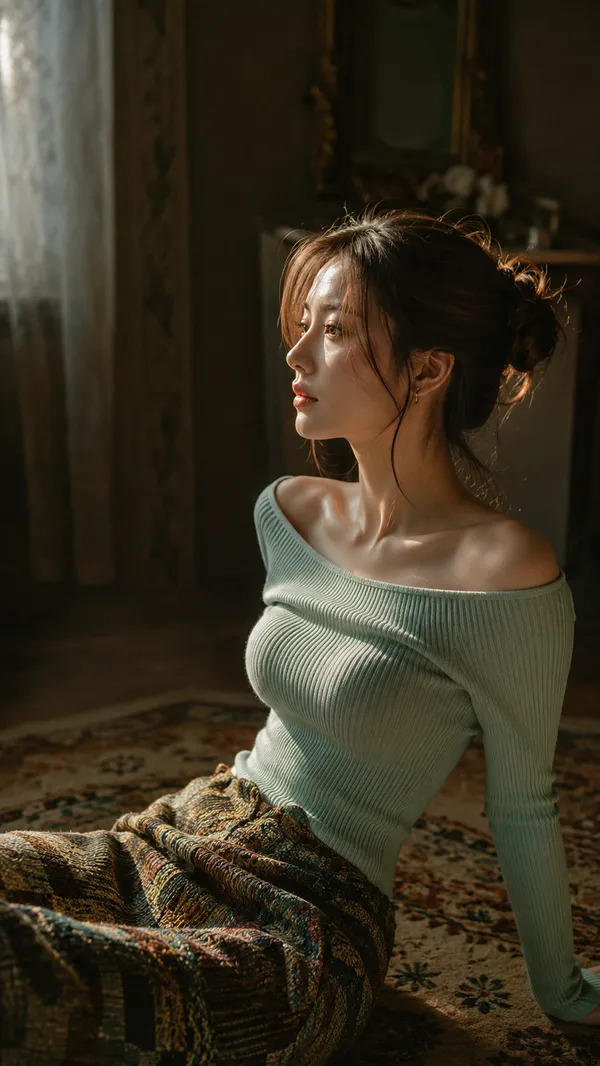
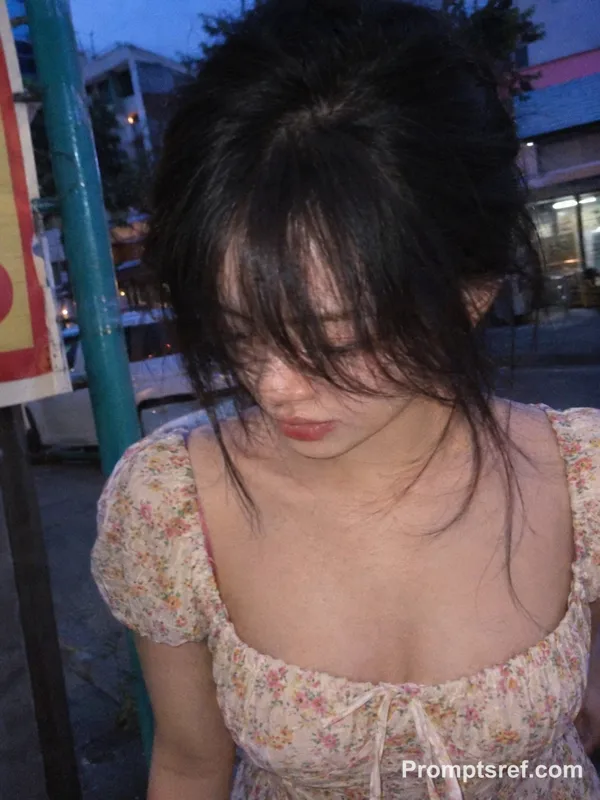
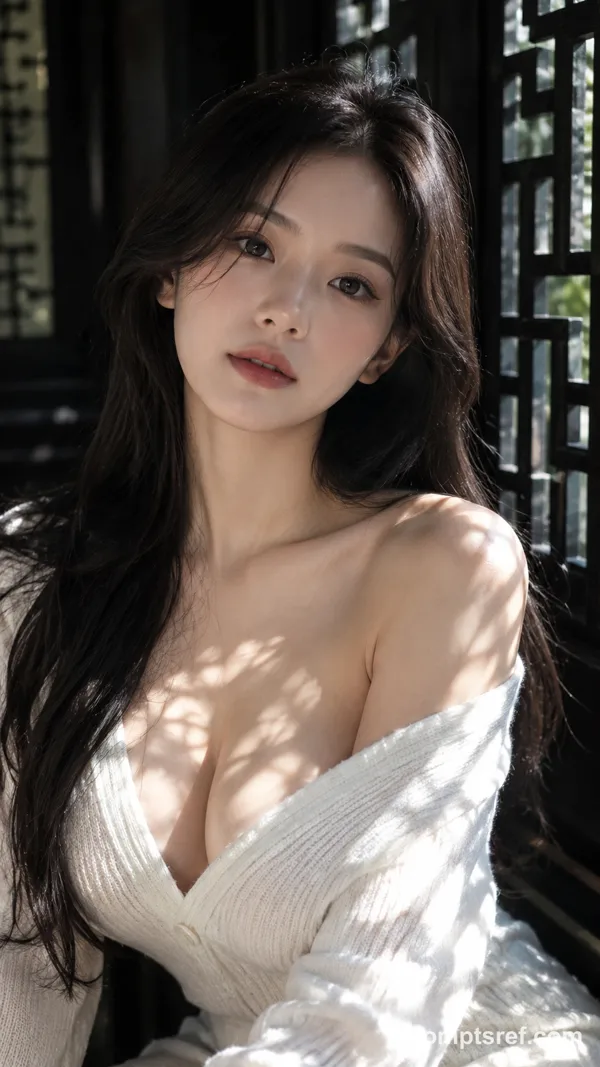
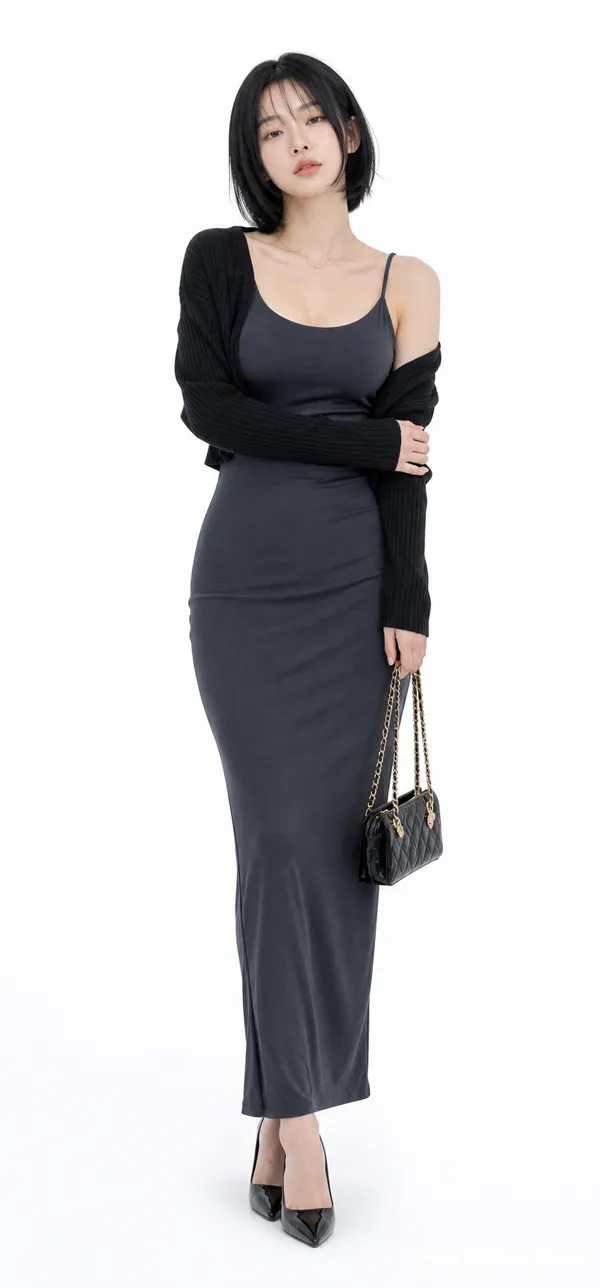
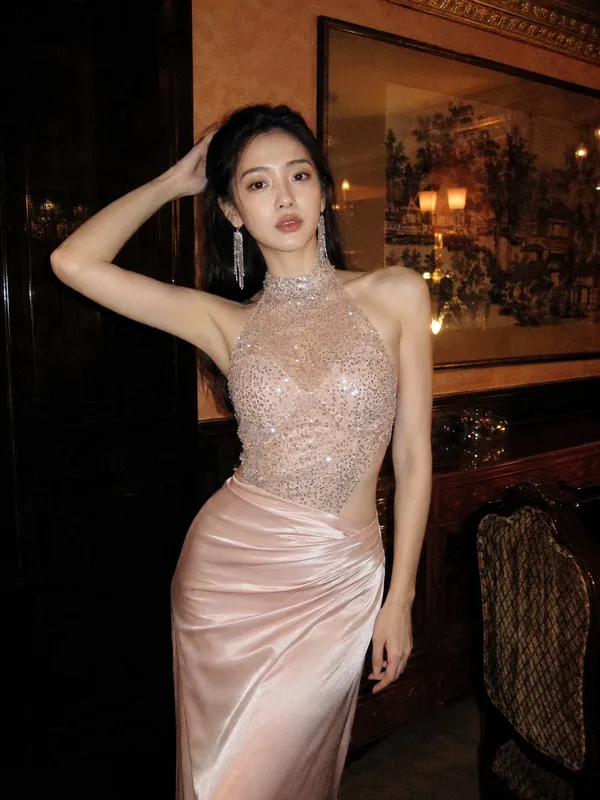
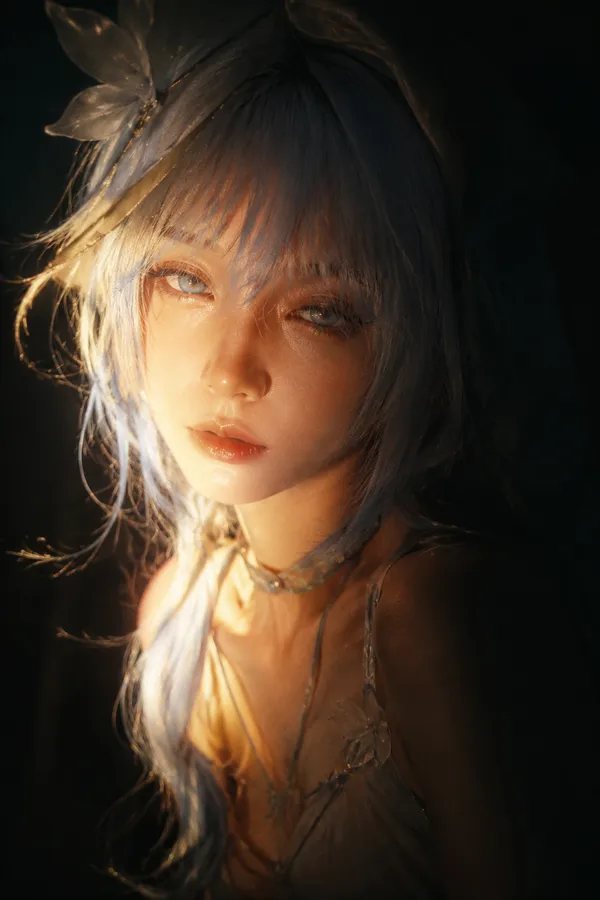
Nano Banana 2 Prompt - Retrato etéreo sobre el hombro a la hora dorada
- Modelo
- Nano Banana 2
Prompt
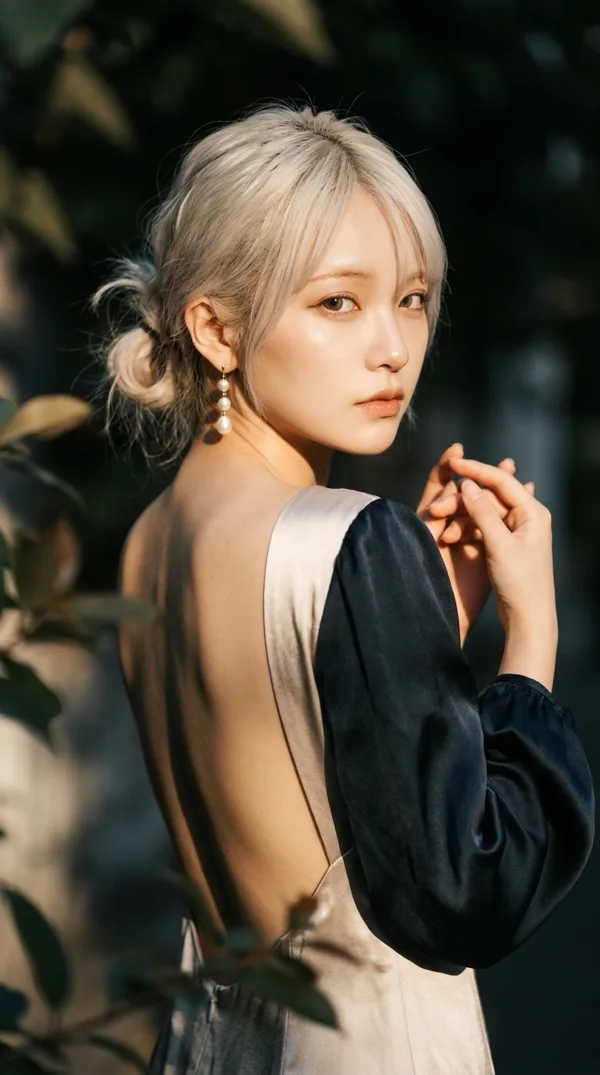
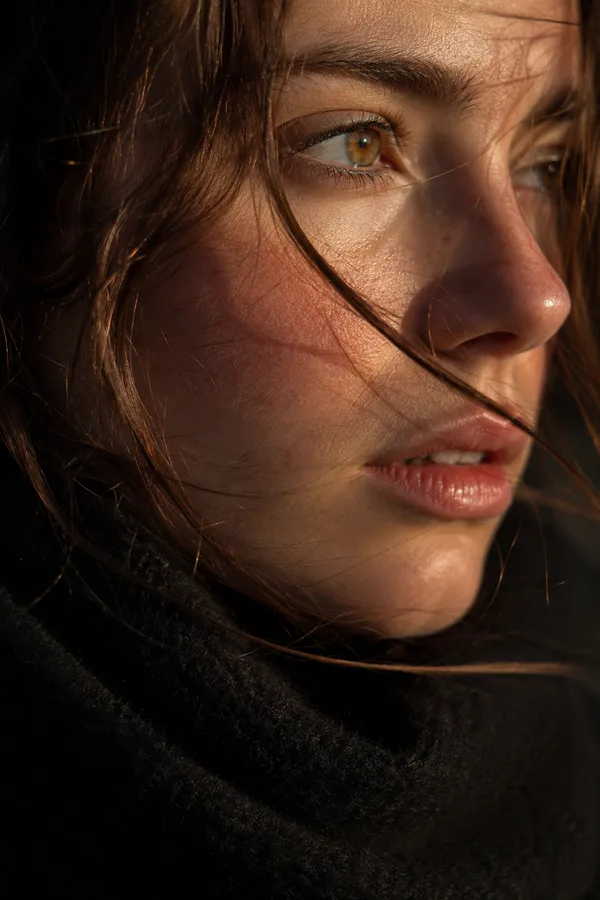
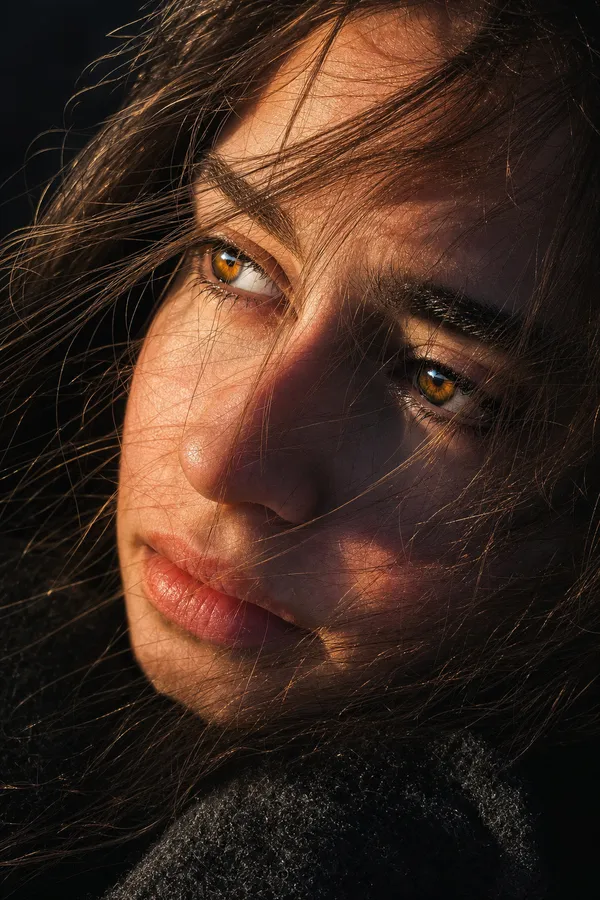
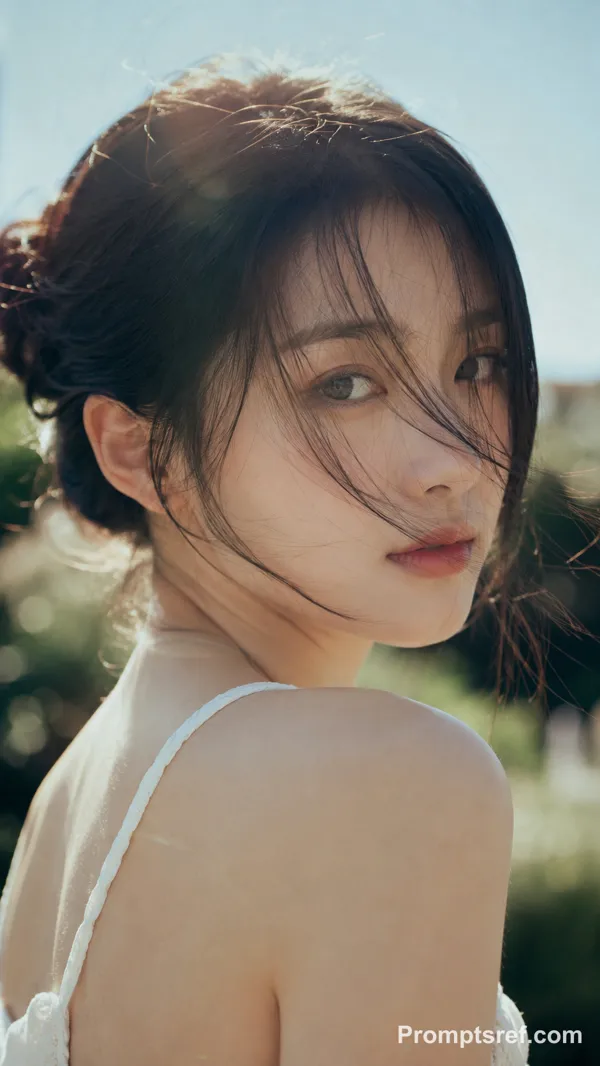
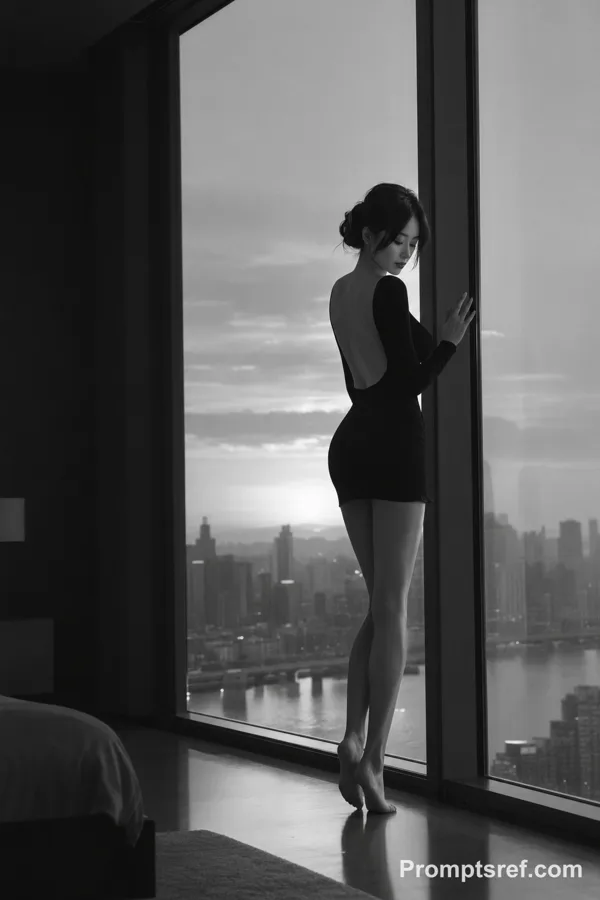
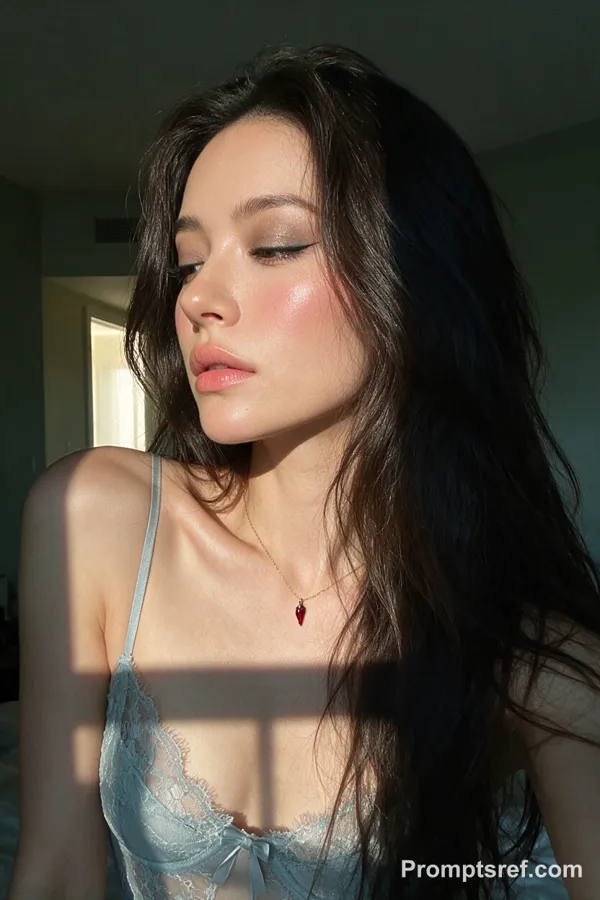
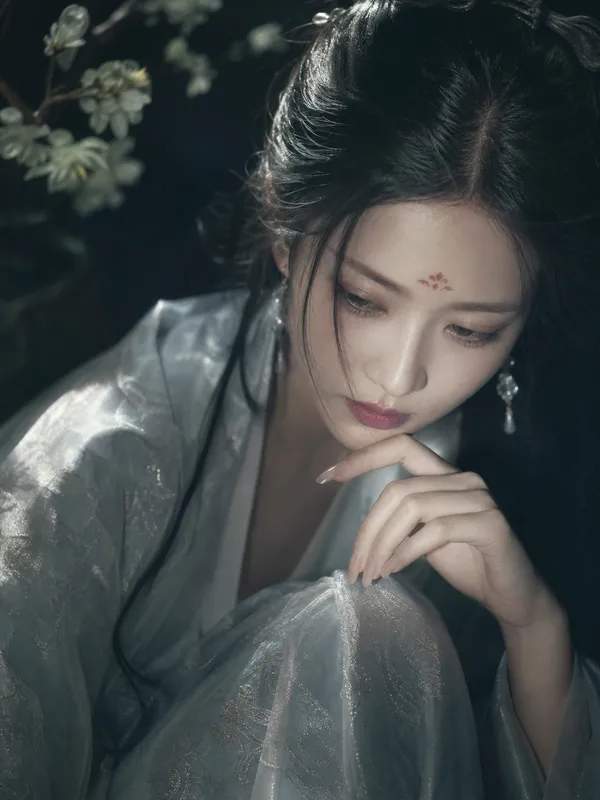
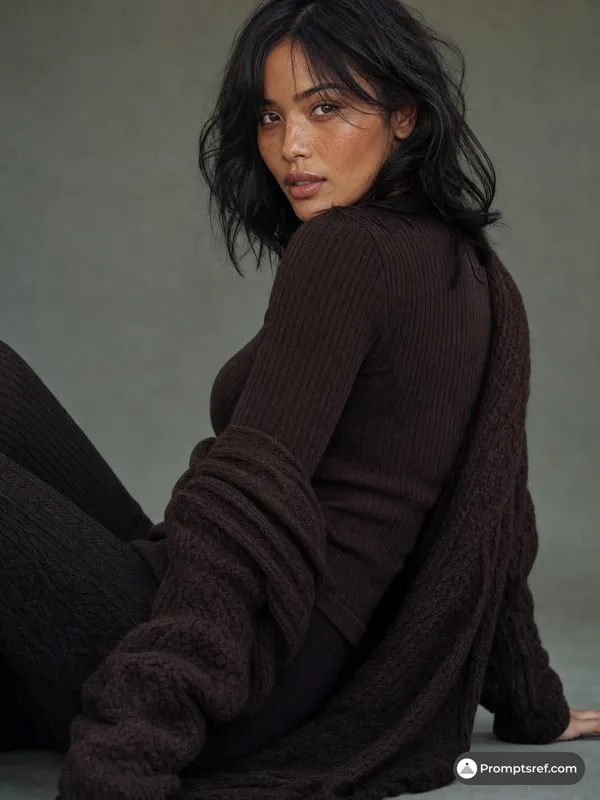
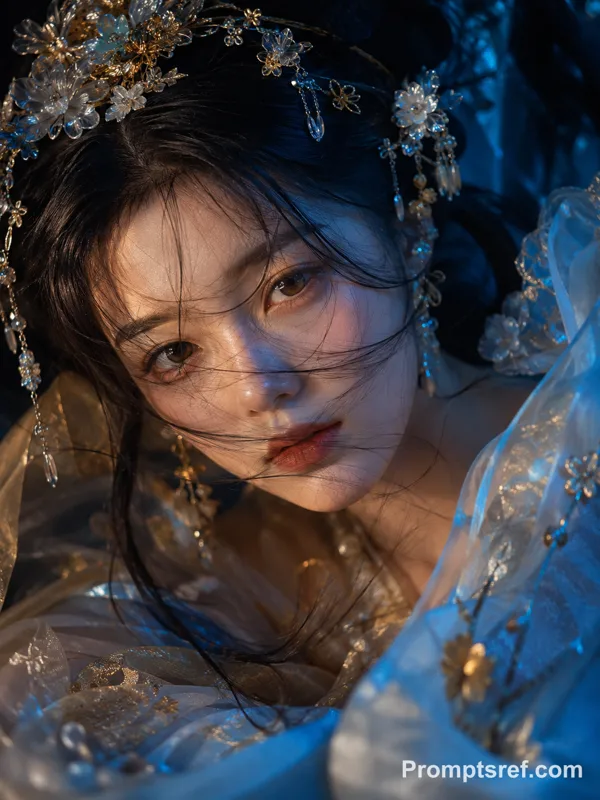
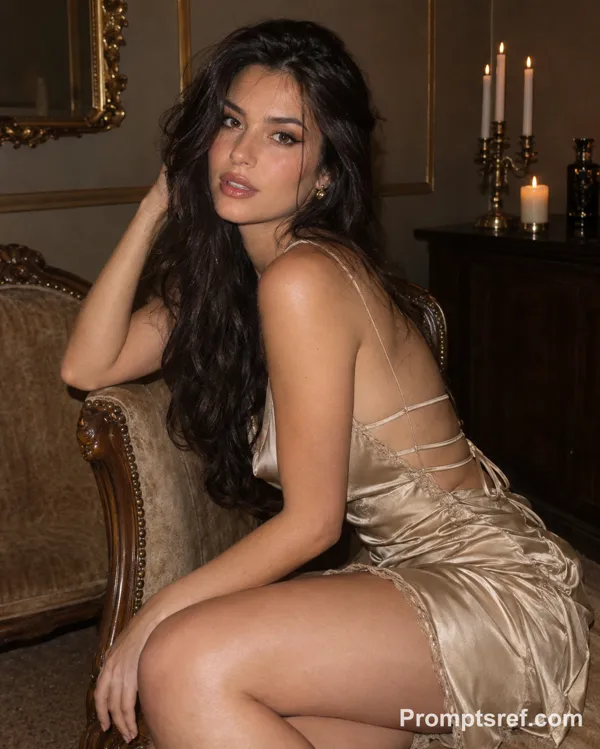
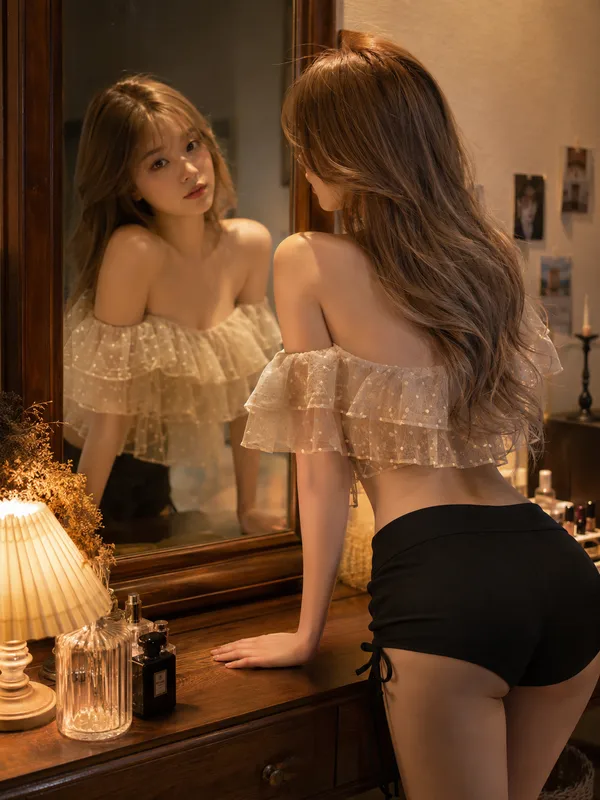
Create a moody, ethereal cinematic portrait of a woman with a dramatic over-the-shoulder pose.
1. Pose and Expression
• Perspective: subject positioned with her back facing the camera, torso elegantly twisted, looking back over her shoulder, creating a graceful curve along the spine and highlighting shoulder blades
• Gaze: direct eye contact with the camera, piercing yet soft expression, chin slightly tucked toward shoulder to evoke intimacy and mystery
• Hand Placement: hands gently raised near chest/shoulder, fingers softly interlaced or delicately touching
• Hair: loose messy bun with soft wispy strands falling naturally across the face, slightly windswept look
2. Lighting and Color Palette
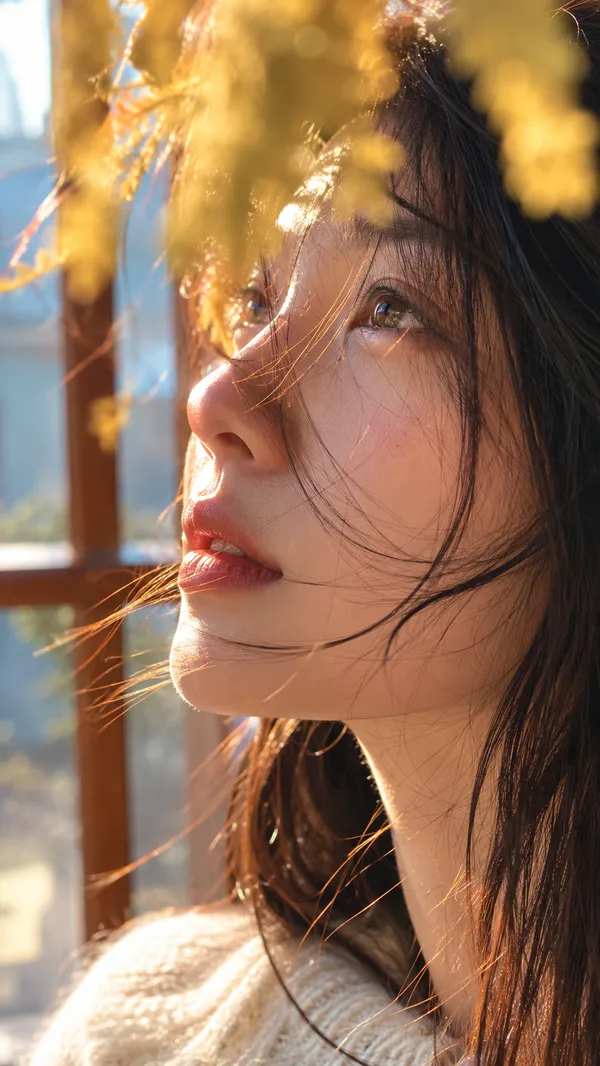
• Lighting: strong side lighting, warm golden-hour sunlight, high contrast chiaroscuro effect, one side illuminated while the other fades into deep shadow
• Skin Tone: luminous, glowing, pearlescent skin texture
• Color Scheme: earthy muted tones, deep greens, dark browns, soft neutral background, warm skin tones as focal point
3. Wardrobe and Accessories
• Outfit: backless silky dress or top, smooth light fabric, paired with dark voluminous sleeves for strong texture contrast
• Accessories: elegant drop pearl earrings reflecting light subtly
4. Composition and Atmosphere
• Framing: medium close-up shot, framed naturally with blurred foreground leaves for a voyeuristic, through-the-foliage effect
• Depth of Field: shallow depth of field, sharp focus on face, soft bokeh in background and foreground
• Mood: cinematic, melancholic, romantic, high-fashion editorial style, soft dreamy atmosphere
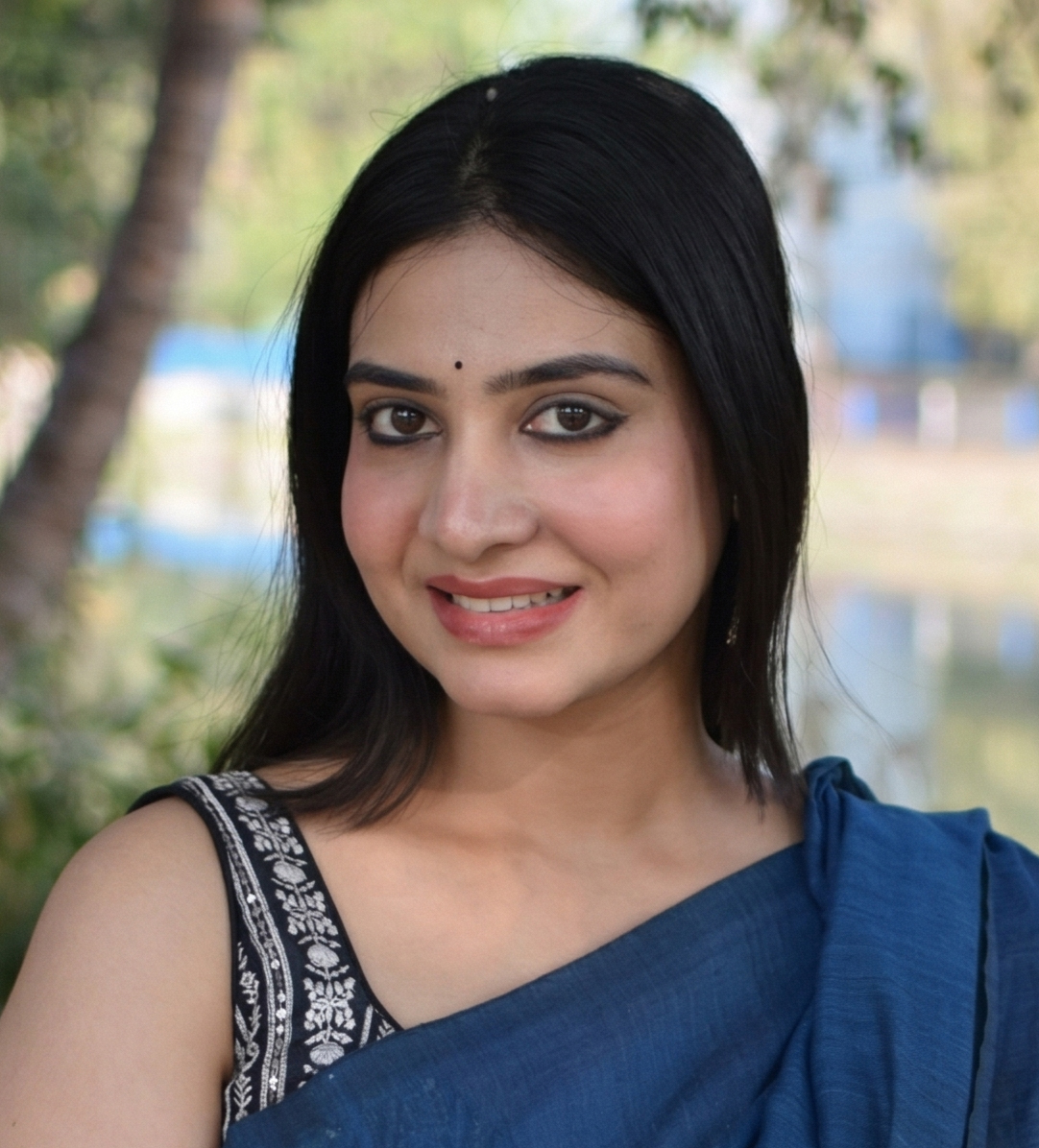
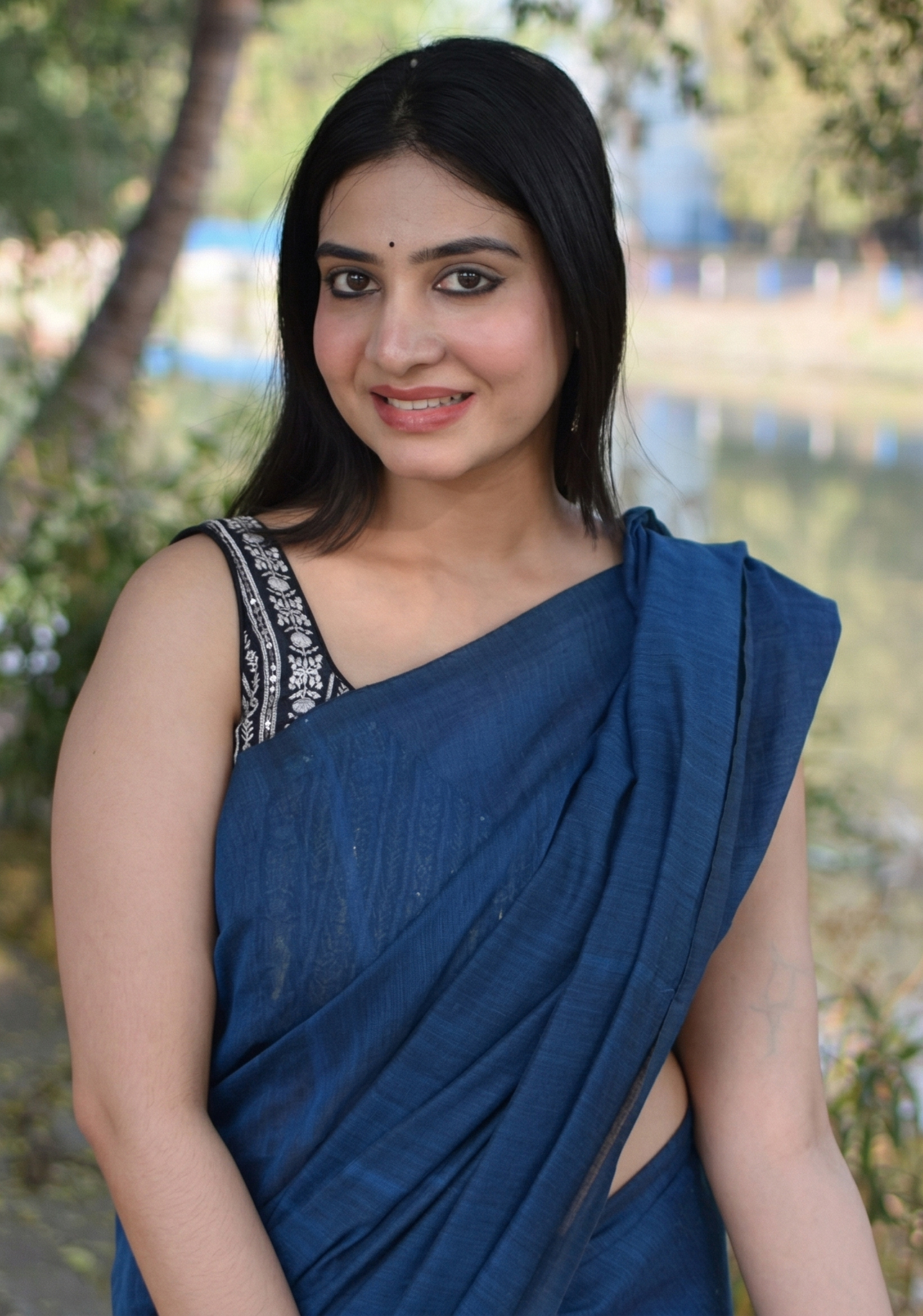
Face reference: soft oval face, smooth glowing skin, symmetrical features, natural makeup, gentle but expressive eyes, slightly parted lips
Imagen de referencia
Remixes
RemixAún no hay remixes. Crea la primera versión.
Usa este prompt de imagen
- 01
Empieza con el prompt
Copia el prompt o ábrelo con el botón de generar.
- 02
Haz tus cambios
Ajusta el sujeto, el entorno o los detalles. Añade referencias si las necesitas.
- 03
Revisa antes de generar
Comprueba el modelo y los ajustes de salida. Los resultados pueden variar.