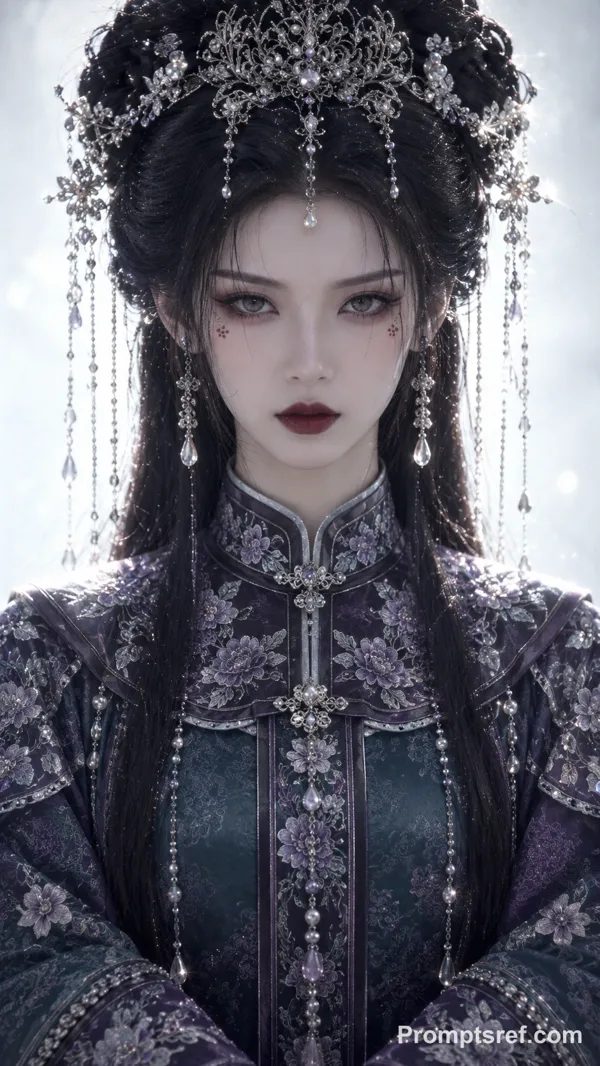
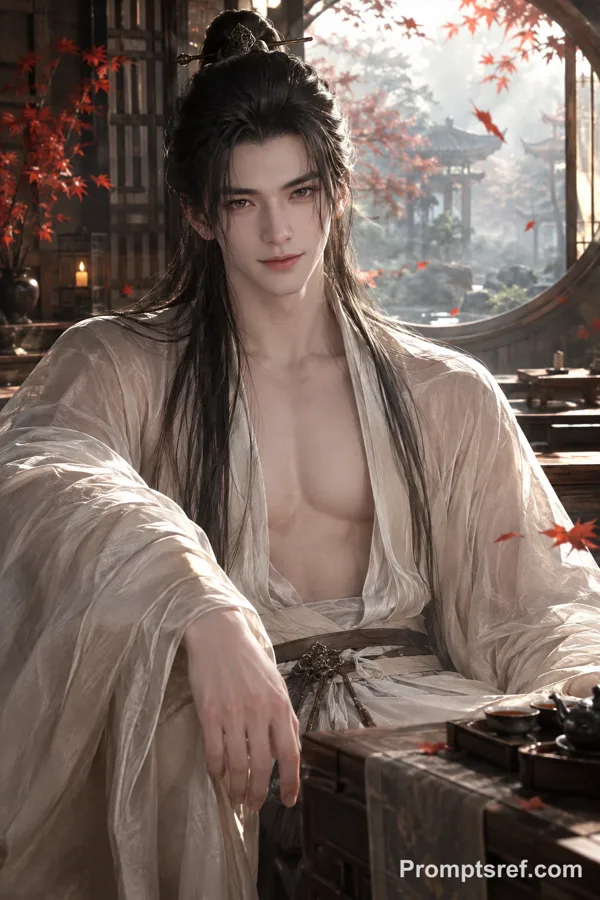
Nano Banana 2 Prompt - Noble china y Guanyin en un estudio antiguo

- Modelo
- Nano Banana 2
Prompt
{
"type": "cinematic_portrait",
"style": "hyper-realistic, rich, historical, cinematic lighting",
"subject": {
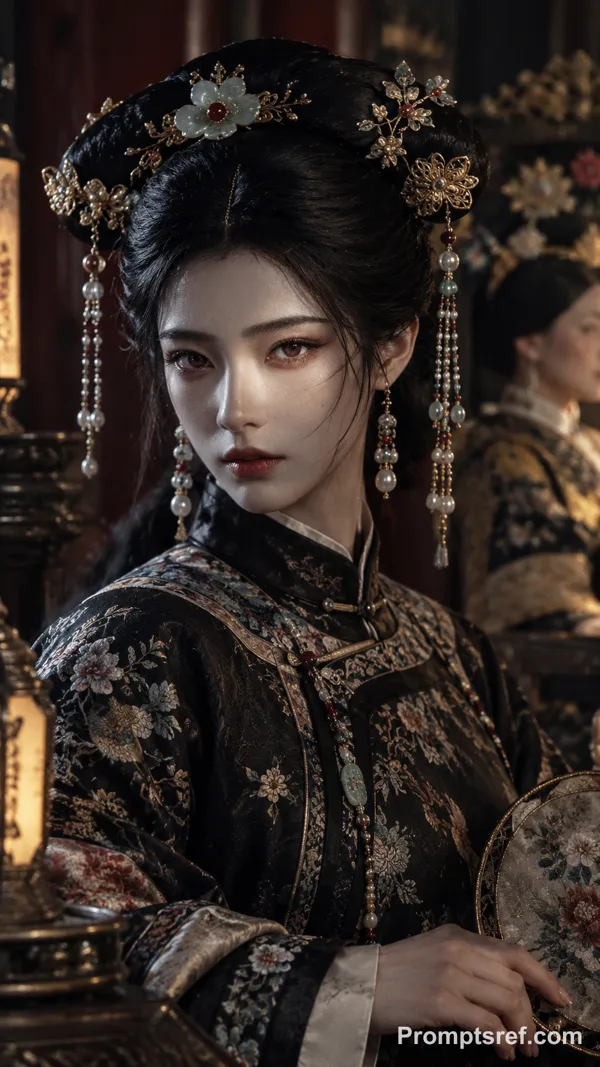
"description": "a seated Chinese woman in elaborate historical regalia",
"pose": "gracefully seated, upright posture, calm and contemplative expression",
"gaze": "focused gently toward the foreground statue",
"hands": "one hand resting on a floral fan placed in her lap"
},
"attire": {
"outer_robe": {
"color": "deep royal purple",
"details": "intricate gold embroidery with traditional Chinese motifs"
},
"inner_dress": {
"color": "bronze",
"texture": "silk with subtle sheen"
},
"headdress": {
"type": "ornate phoenix crown",
"material": "gold",
"decorations": [
"embedded jewels",
"red flowers",
"dangling gold ornaments"
]
}
},
"environment": {
"setting": "traditional Chinese scholar’s study or antique room",
"foreground": {
"desk": "dark polished wood",
"objects": [
"golden multi-armed Avalokiteshvara (Guanyin) statue",
"bronze Buddhist figurines",
"stone sculptures"
]
},
"background": {
"walls": "intricately carved dark wood paneling",
"windows": "open lattice screens with warm diffused light",
"decor": [
"hanging calligraphy scrolls",
"antique cabinets",
"small golden artifacts",
"ceramic vases"
]
}
},
"lighting": {
"type": "warm, soft, ambient",
"source": "natural light filtering through lattice windows",
"effect": "gentle highlights on gold surfaces and soft shadows enhancing depth"
},
"mood": "serene, cultured, spiritual, contemplative",
"color_palette": [
"purple",
"gold",
"bronze",
"dark wood tones",
"warm amber light"
],
"details": {
"texture_focus": [
"fabric embroidery",
"metallic reflections",
"wood grain",
"stone surfaces"
],
"atmosphere": "calm, refined, and spiritually rich"
},
"composition": {
"framing": "medium-wide shot",
"focus": "balanced between subject and foreground statue",
"depth": "layered composition with clear foreground, subject, and background separation"
}
}
Remixes
RemixAún no hay remixes. Crea la primera versión.
Usa este prompt de imagen
- 01
Empieza con el prompt
Copia el prompt o ábrelo con el botón de generar.
- 02
Haz tus cambios
Ajusta el sujeto, el entorno o los detalles. Añade referencias si las necesitas.
- 03
Revisa antes de generar
Comprueba el modelo y los ajustes de salida. Los resultados pueden variar.