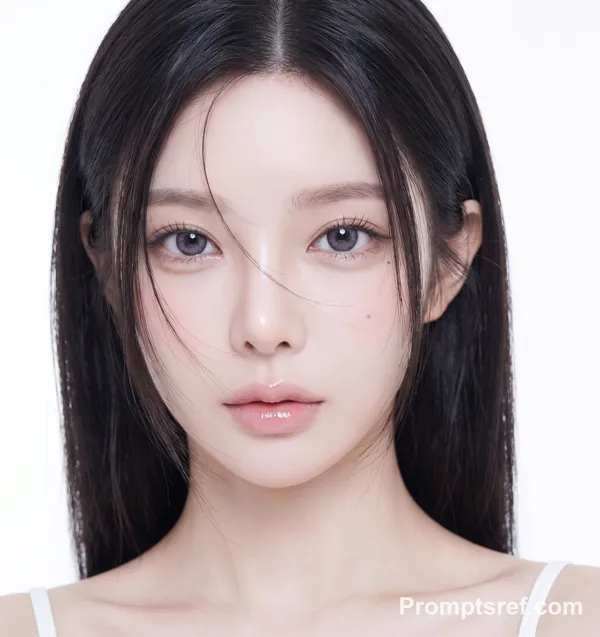
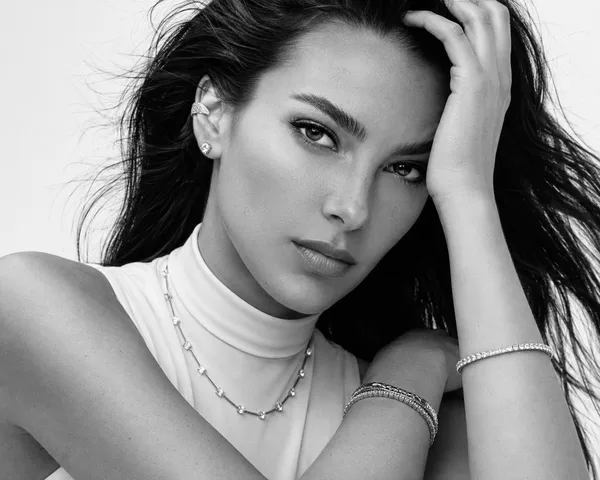
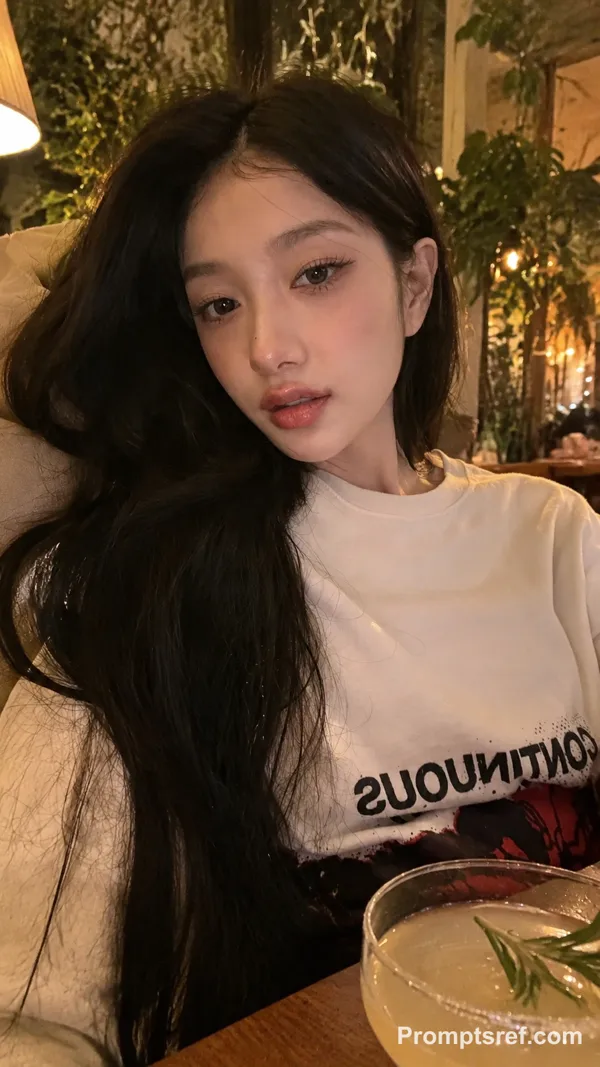
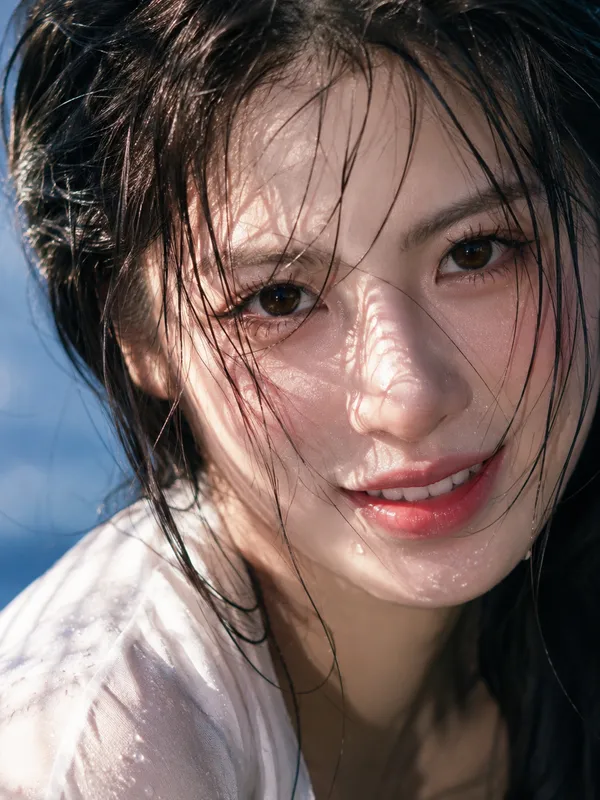
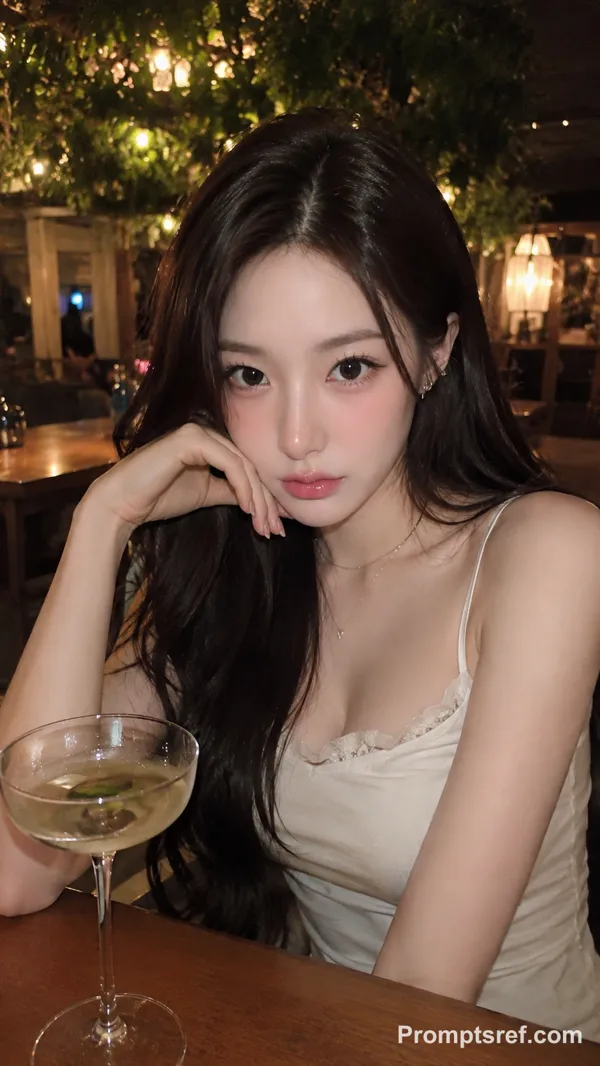
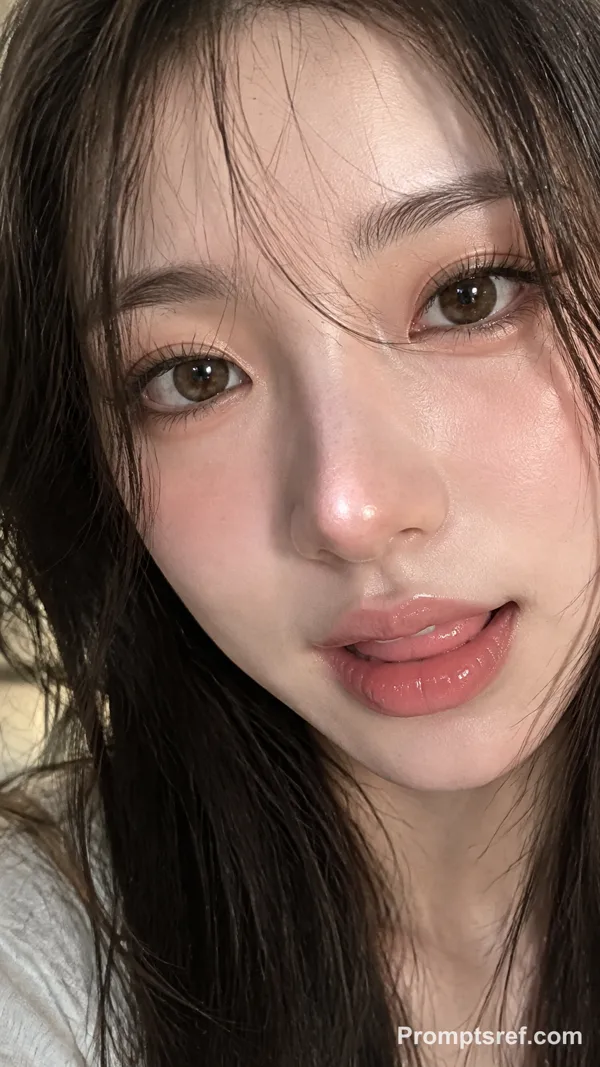
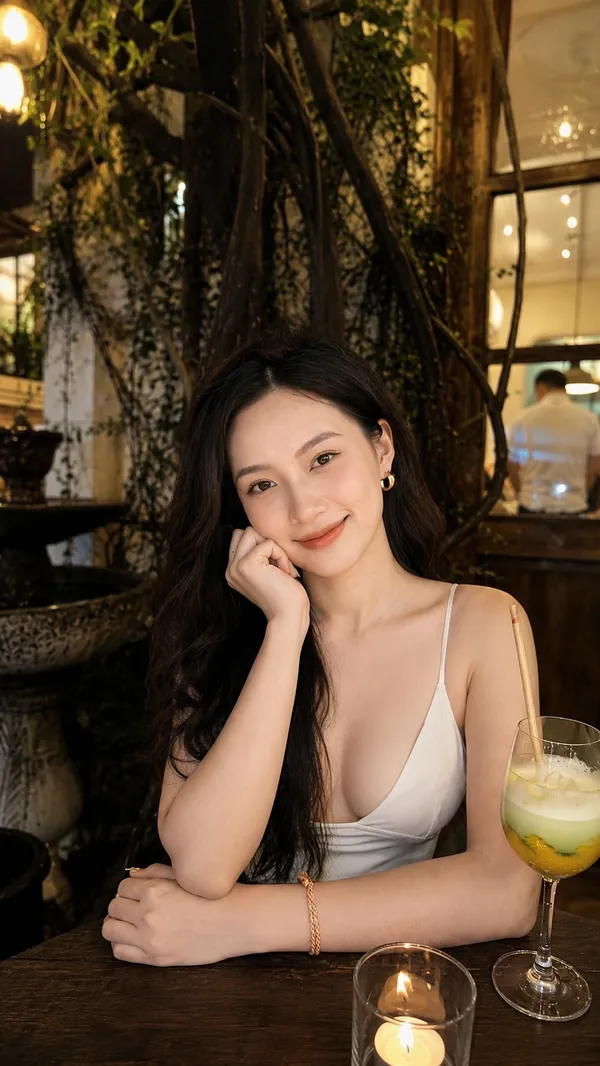
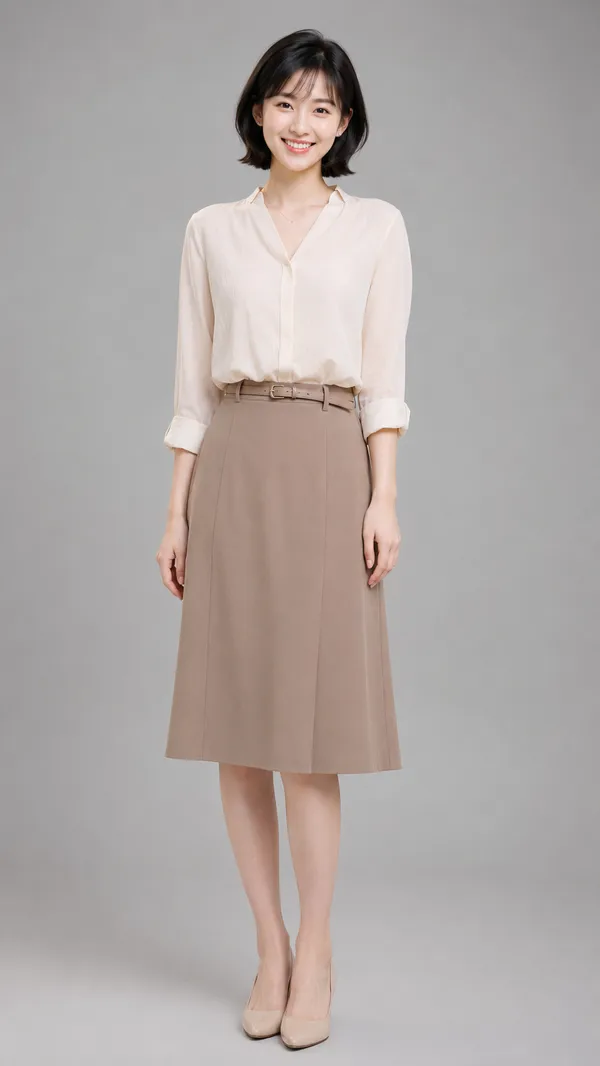
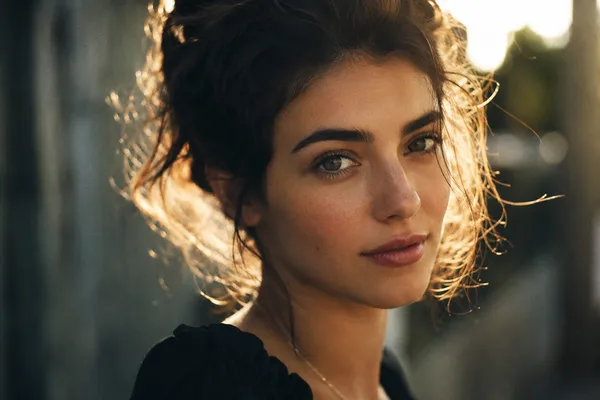
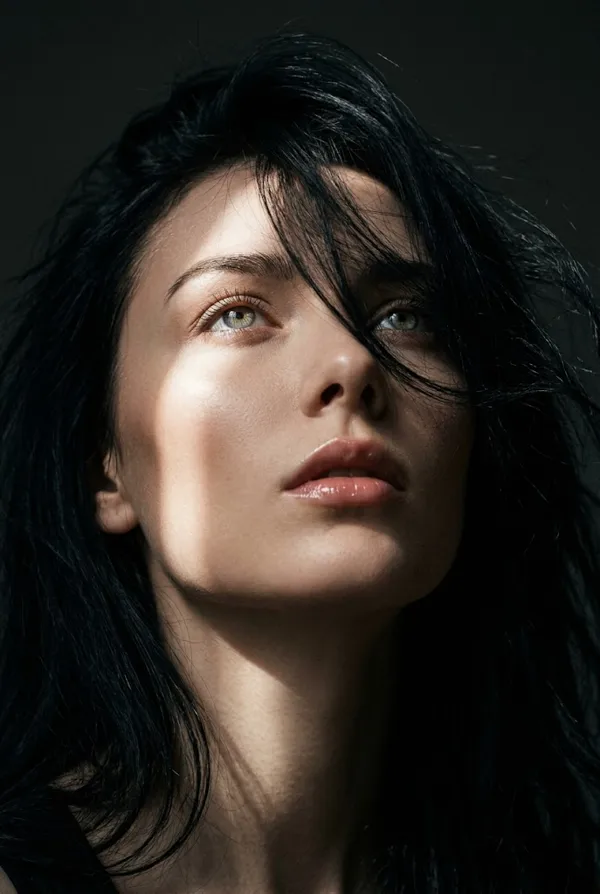
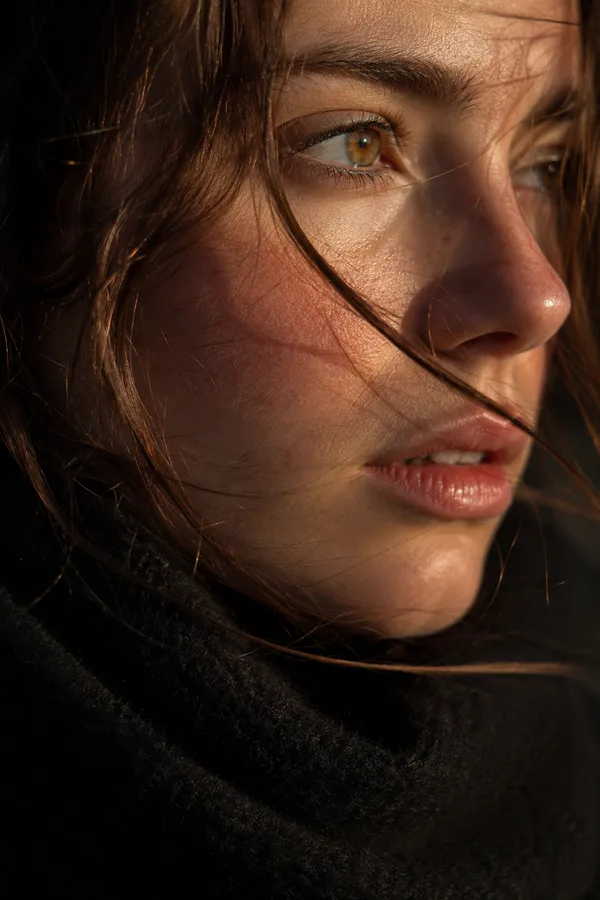
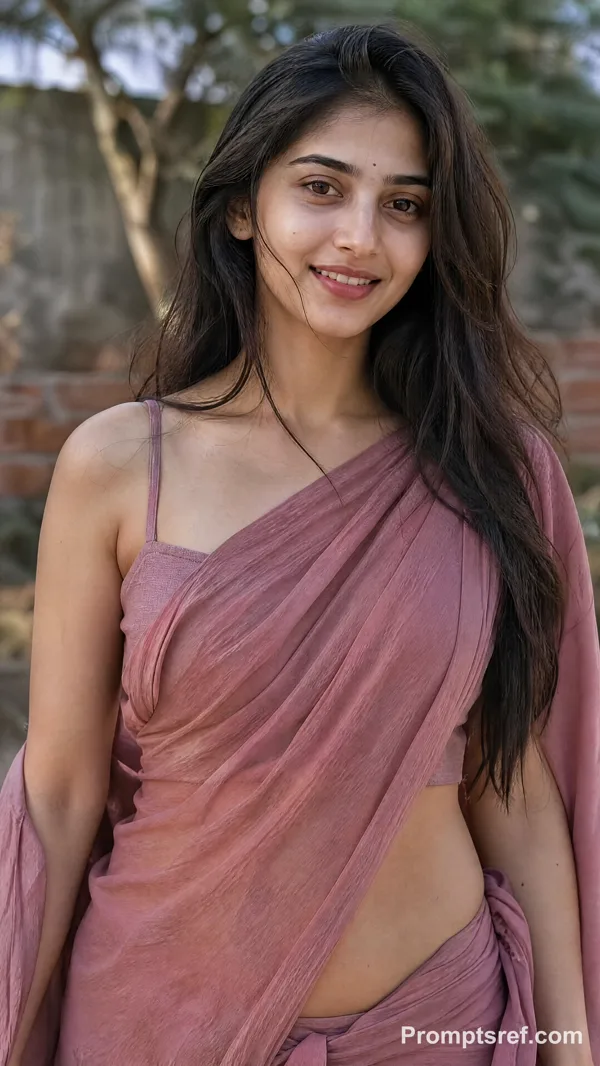
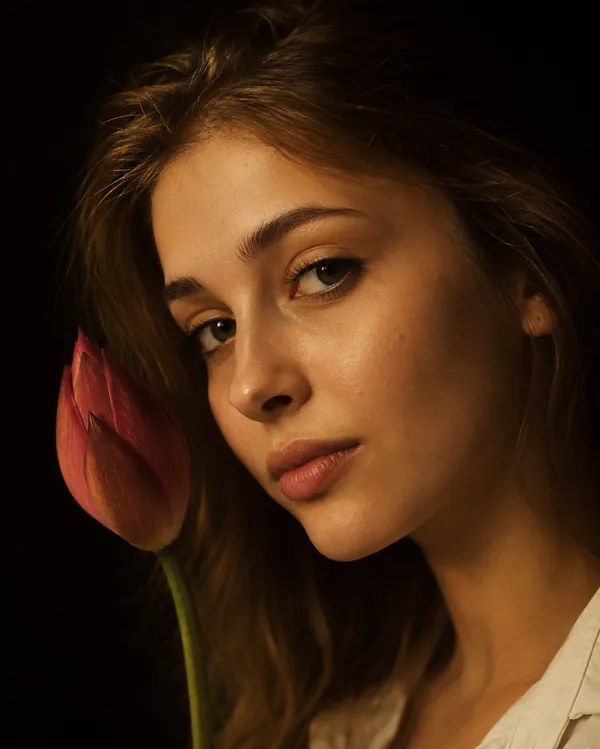
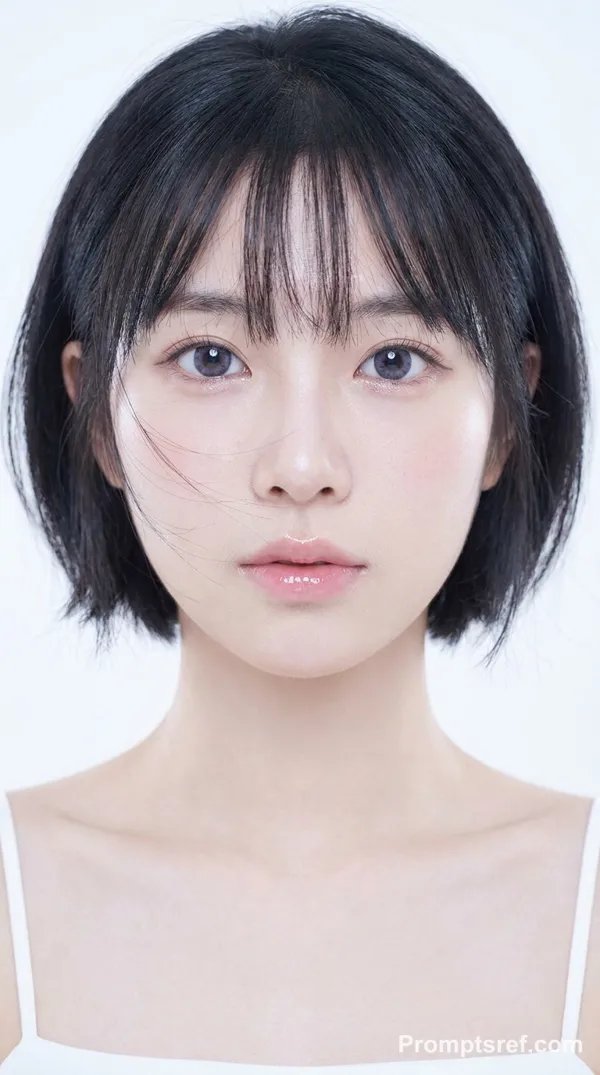
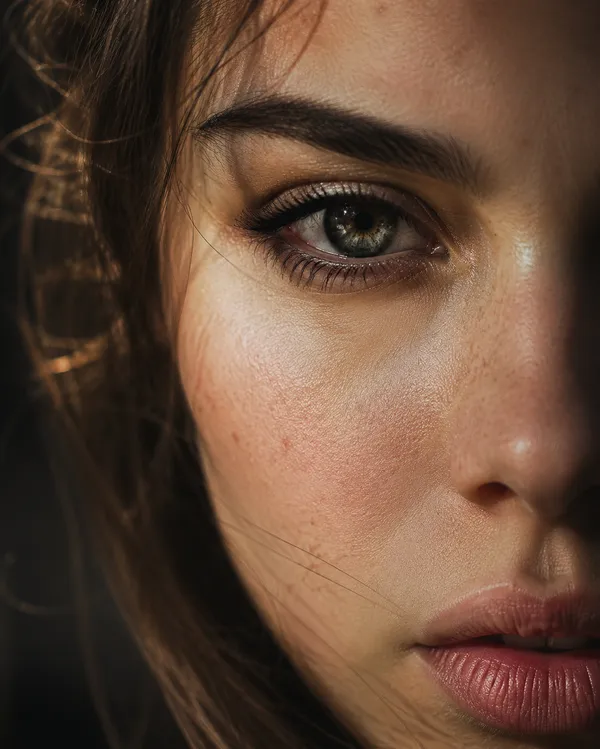
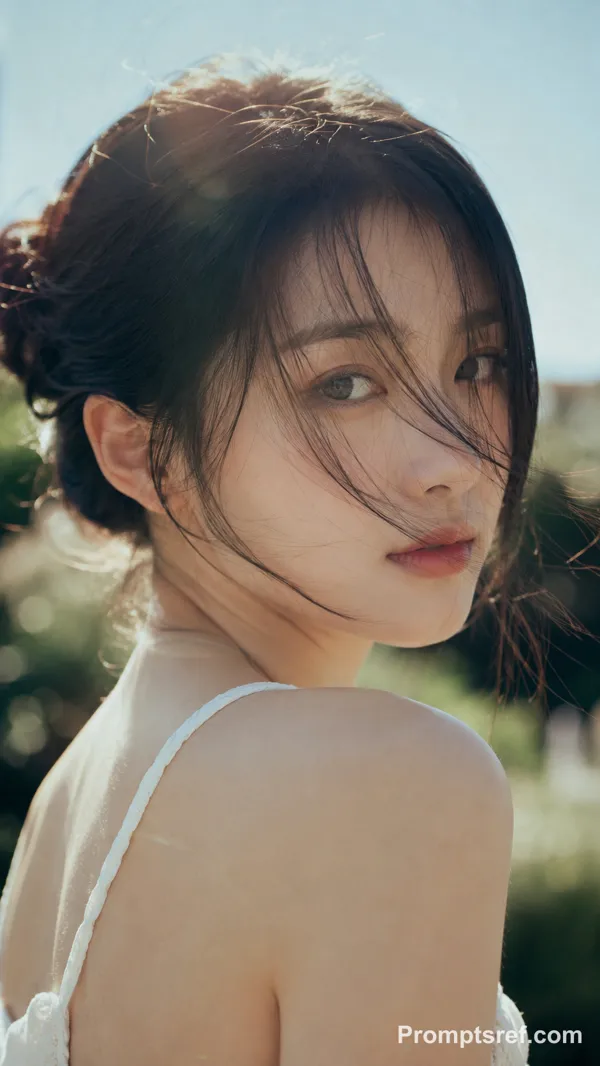
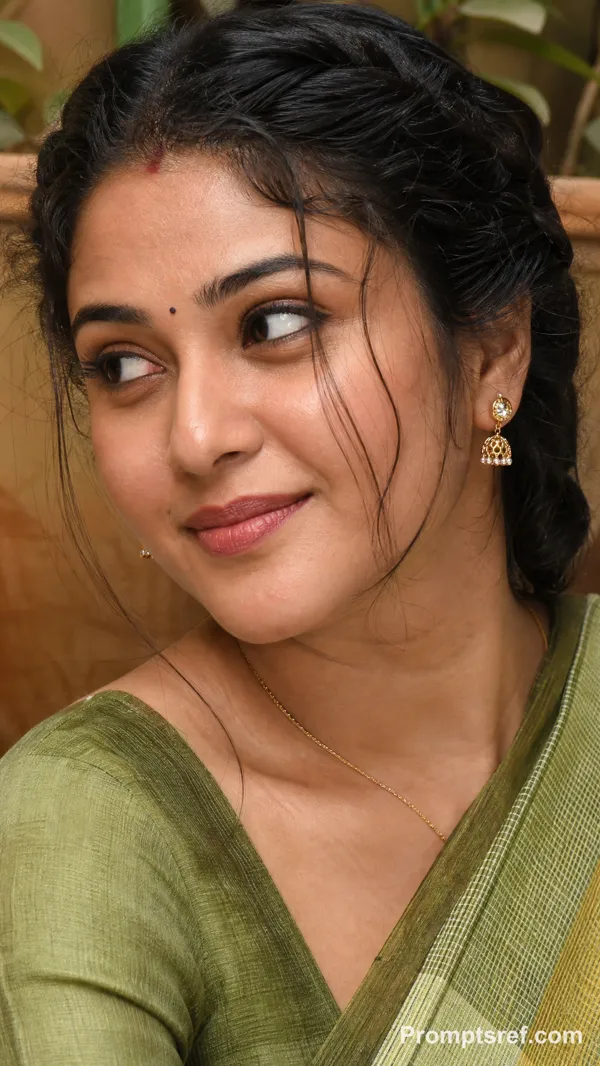
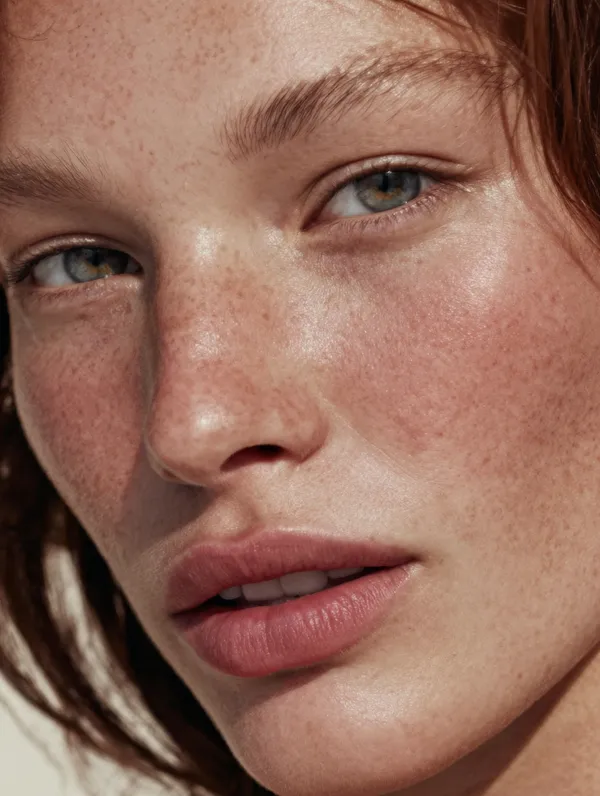
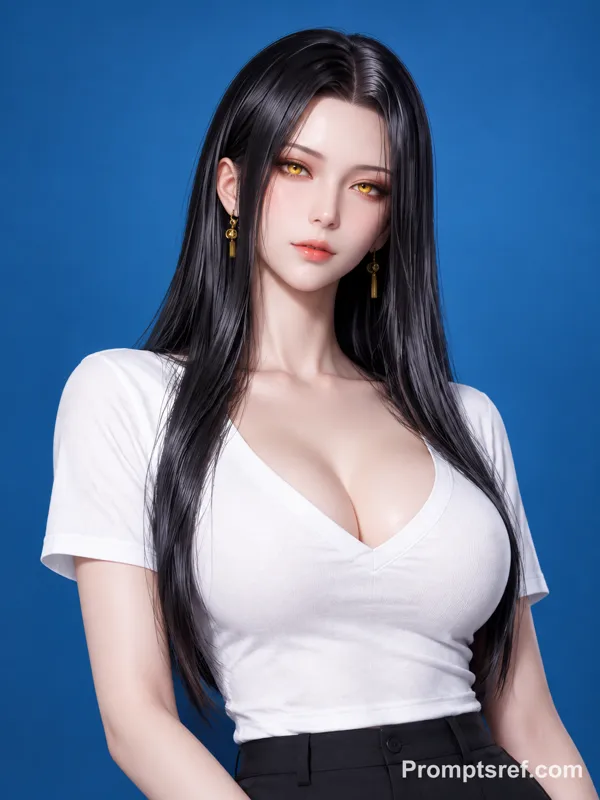
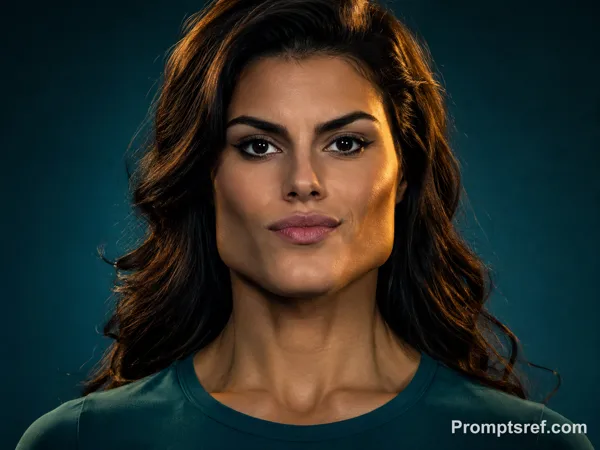
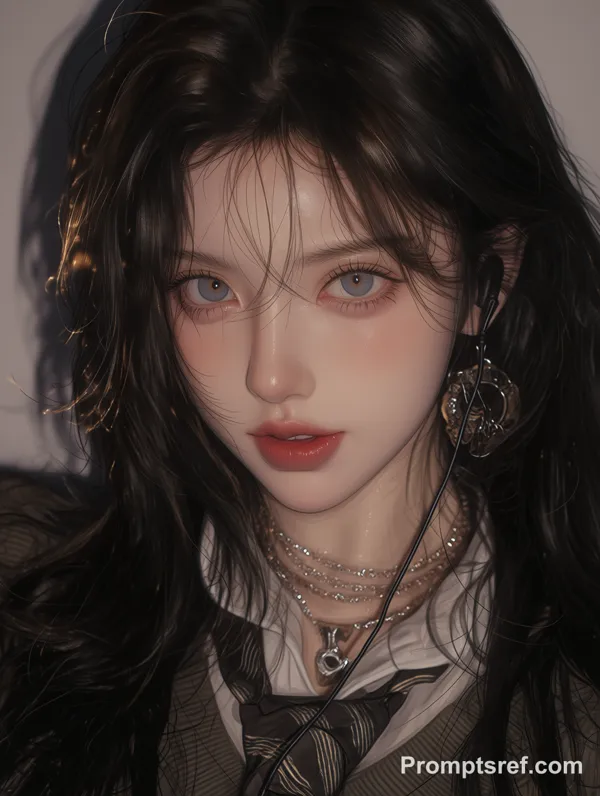
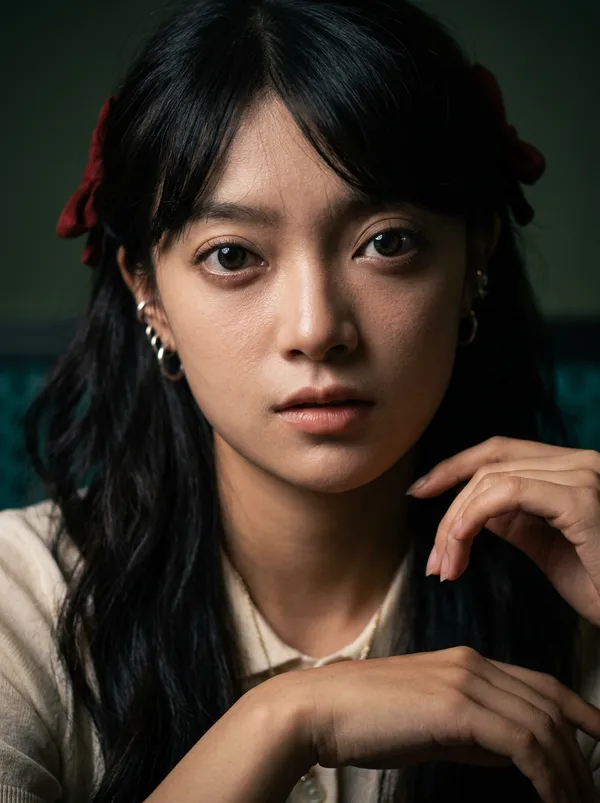
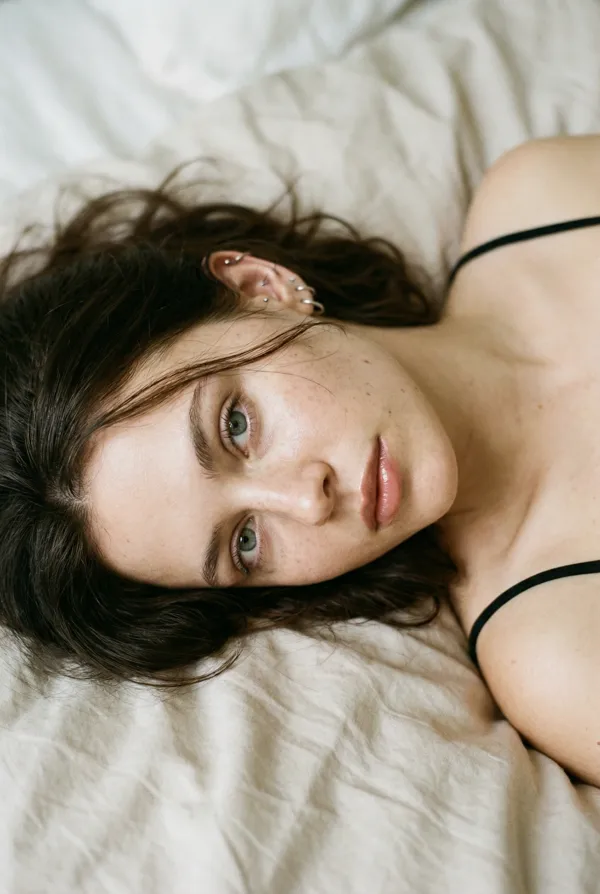
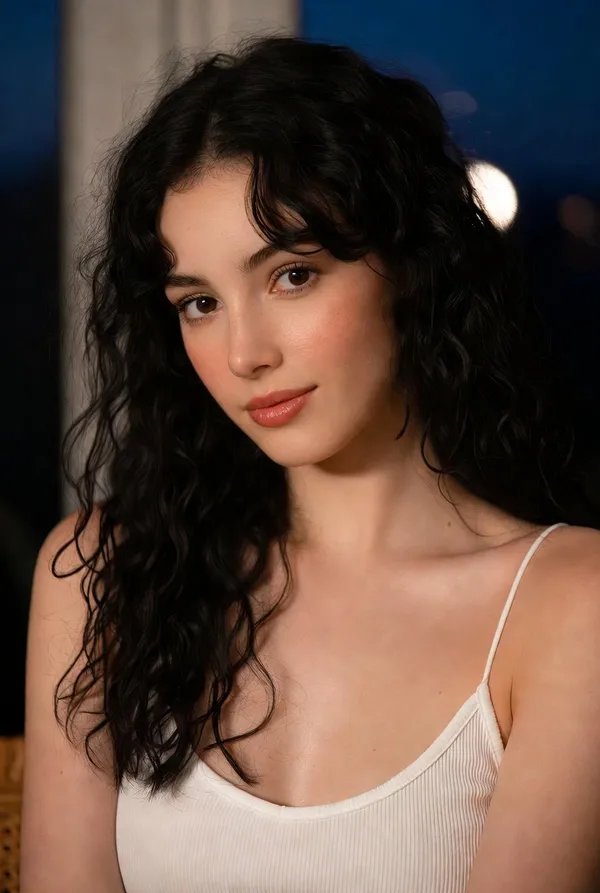
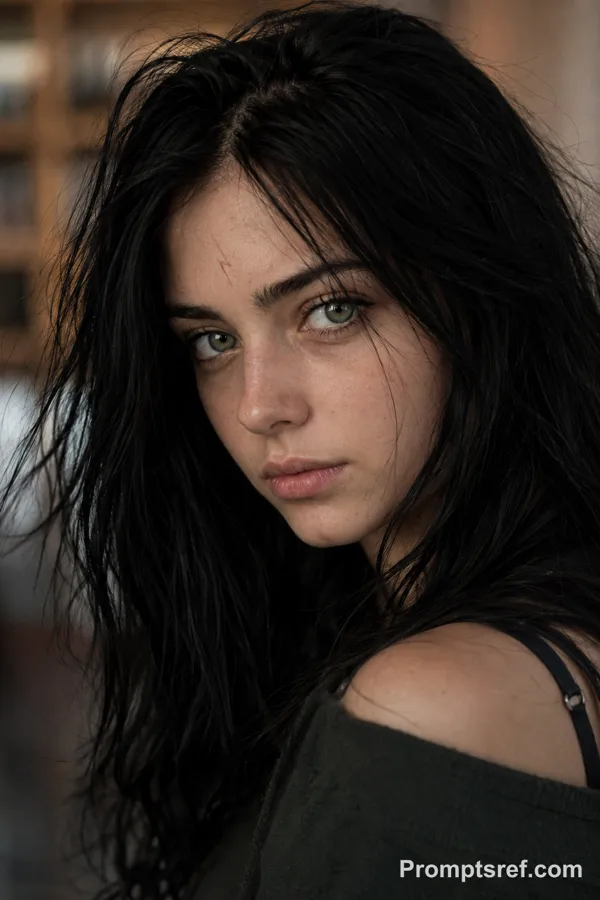
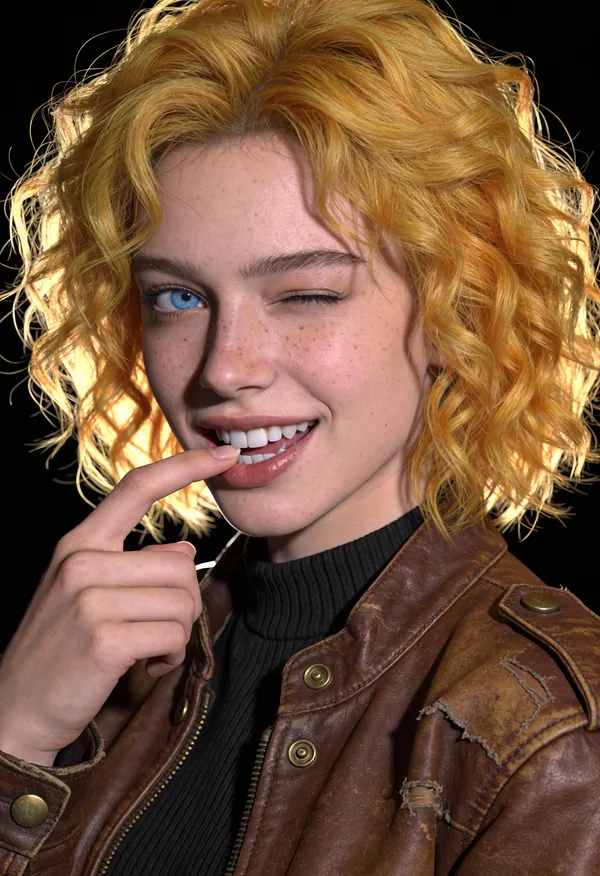
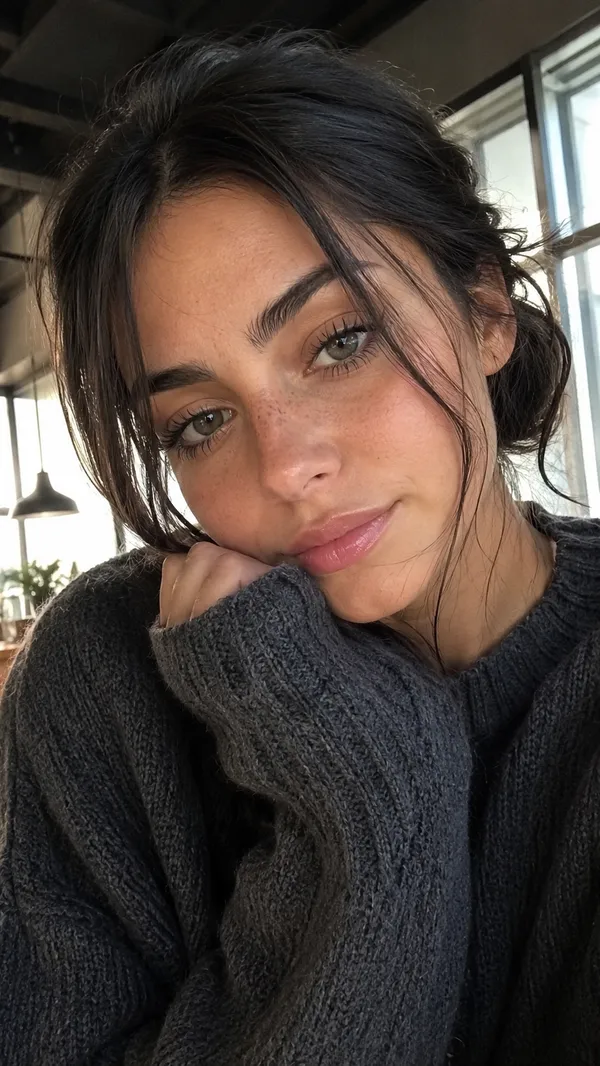
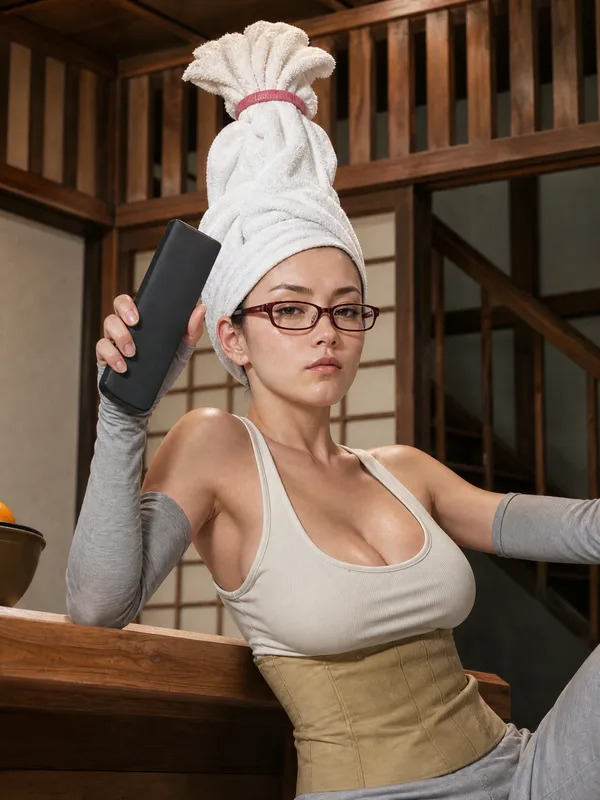
Nano Banana Pro Prompt - Plantilla de restauración y ampliación fotográfica en 4K

- Modelo
- Nano Banana Pro
Prompt
{ "task": "image_restoration_upscale", "positive_prompt":
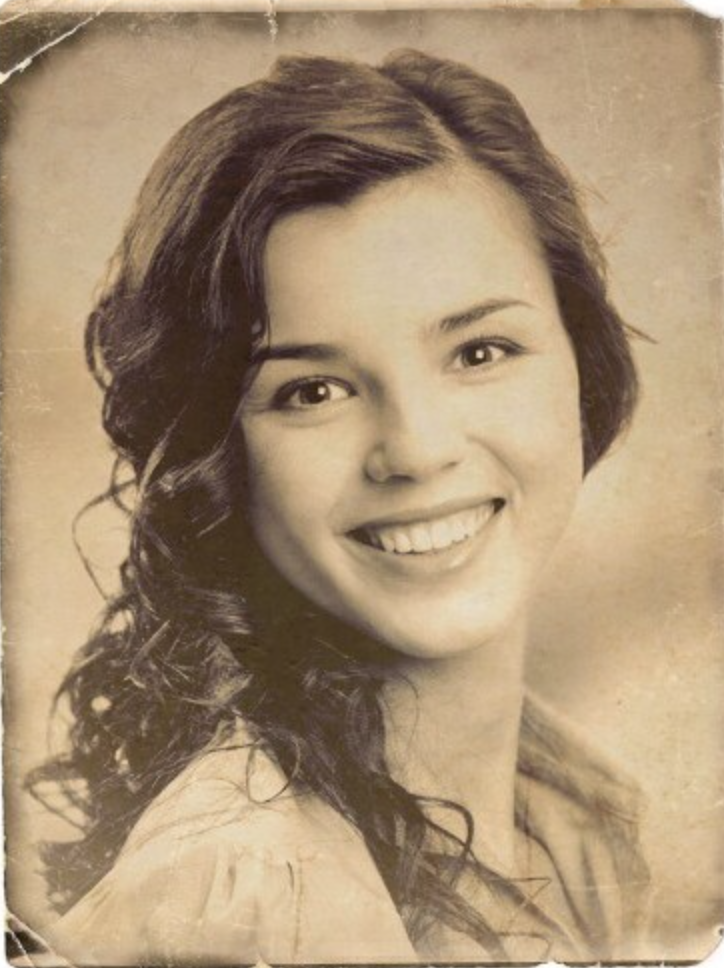
"Restore and enhance the provided image. Preserve original identity, facial structure, proportions and composition. High-fidelity photo restoration, ultra-realistic, natural skin texture, accurate details, professional photographic look. 4K output, sharp but natural focus, modern cinematic lighting, subtle volumetric lighting, professional color grading, depth of field, HDR. Shot on Arri Alexa, raw photo aesthetic, masterpiece.",
"negative_prompt": "Creative reinterpretation, style change, identity alteration, face reshaping, exaggerated features, cartoonish, painting, illustration, over-sharpening, plastic skin, blur, noise, film grain, jpeg artifacts, distortion, bad anatomy, overexposed, underexposed, washed out colors.", "parameters":
{ "steps": 30, "cfg_scale": 6.5, "denoising_strength": 0.45,
"upscaler": "4x_NMKD_Siax_200k", "target_resolution": "4K" } }
Imagen de referencia
Remixes
RemixAún no hay remixes. Crea la primera versión.
Usa este prompt de imagen
- 01
Empieza con el prompt
Copia el prompt o ábrelo con el botón de generar.
- 02
Haz tus cambios
Ajusta el sujeto, el entorno o los detalles. Añade referencias si las necesitas.
- 03
Revisa antes de generar
Comprueba el modelo y los ajustes de salida. Los resultados pueden variar.