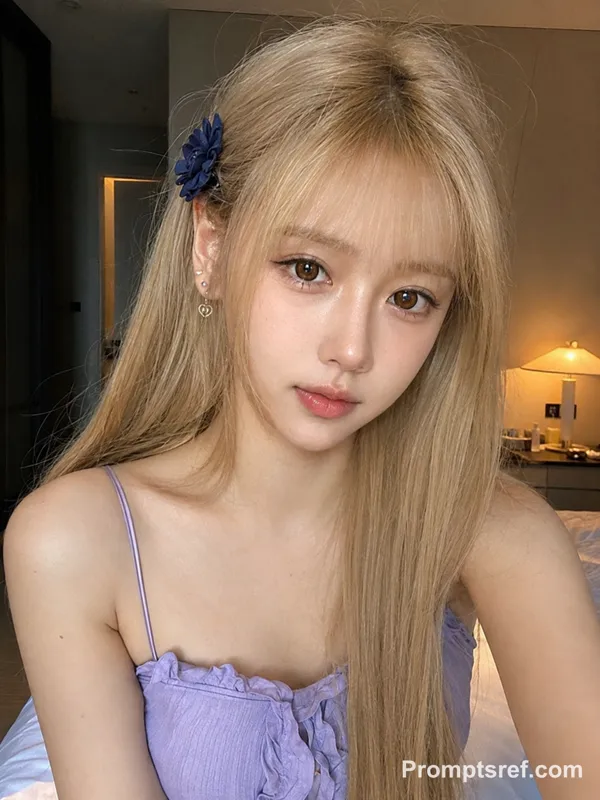
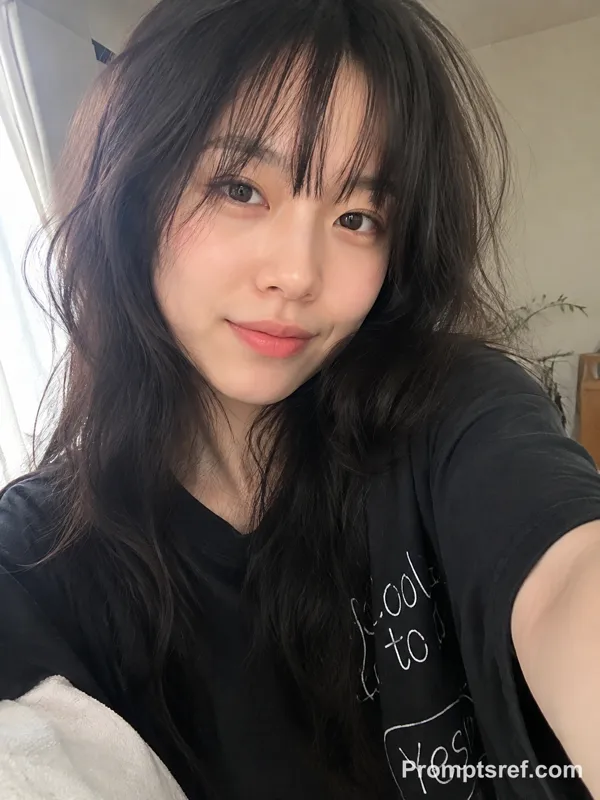
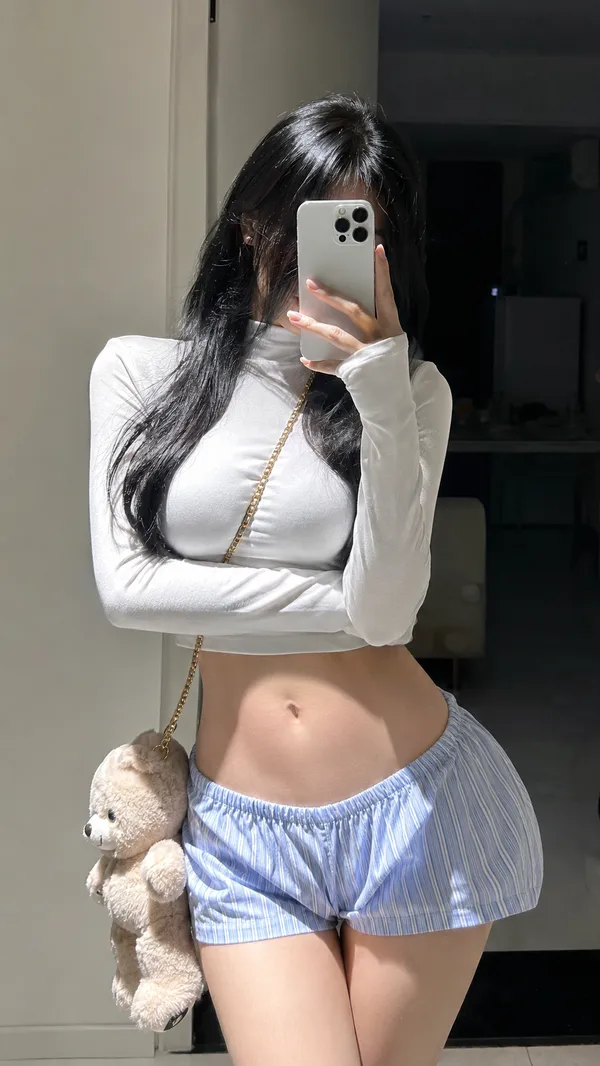
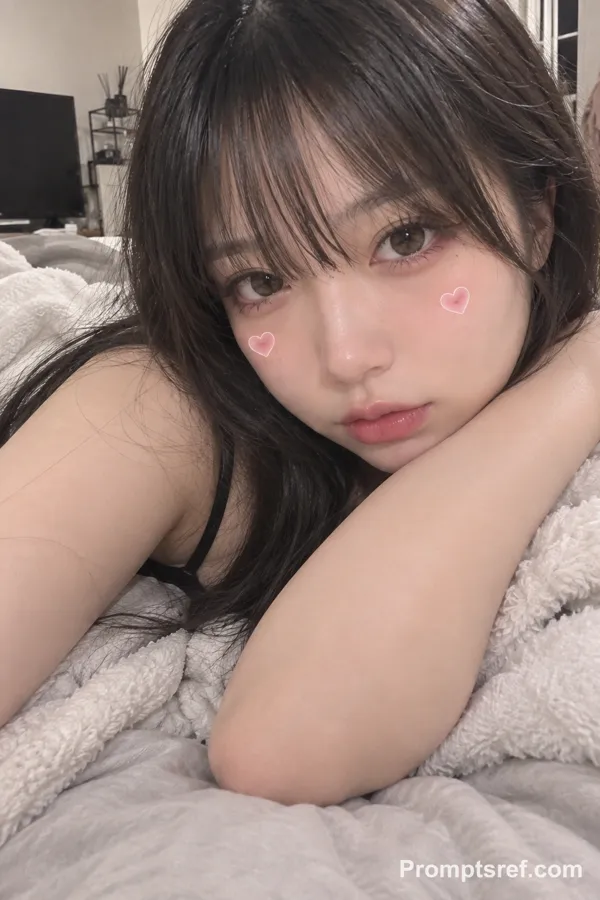
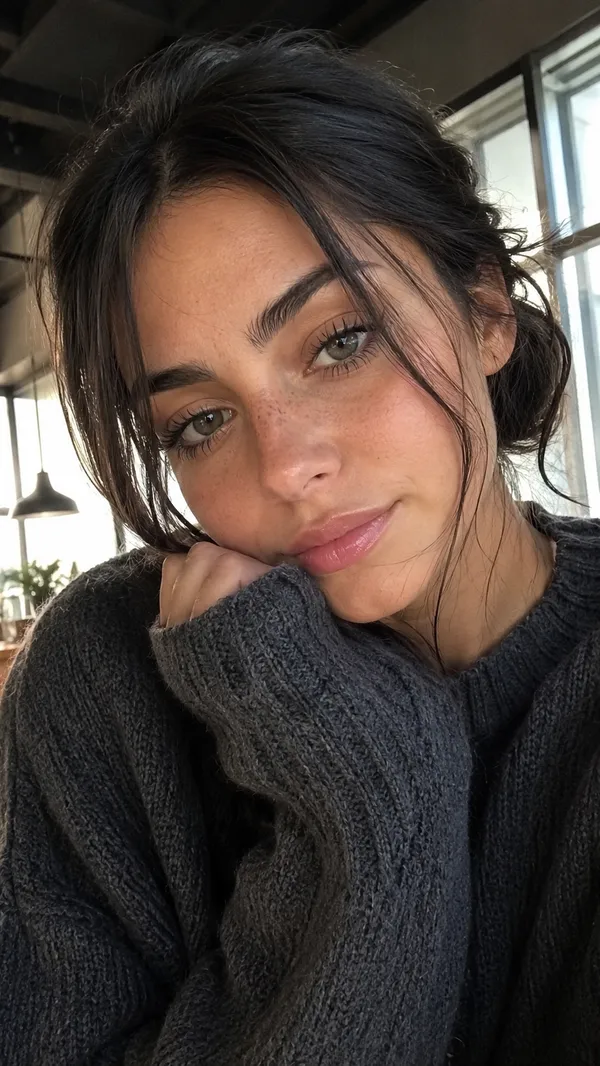
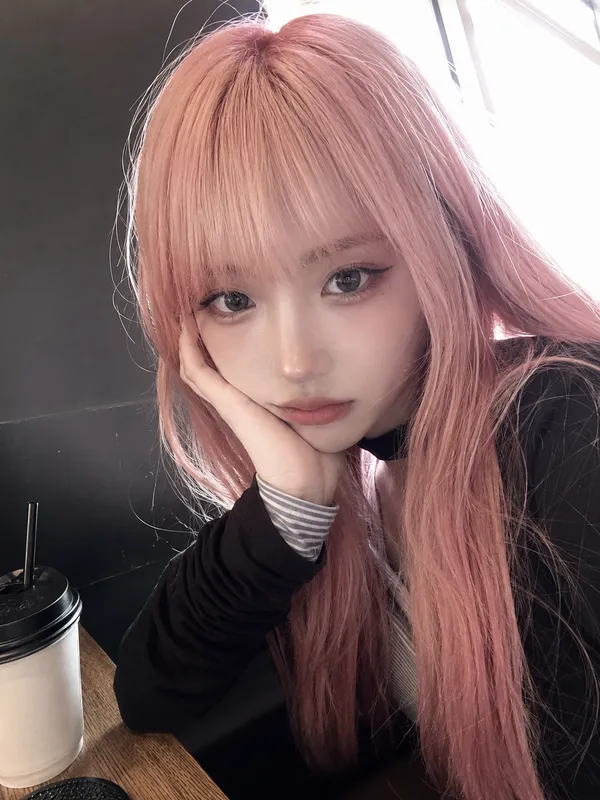
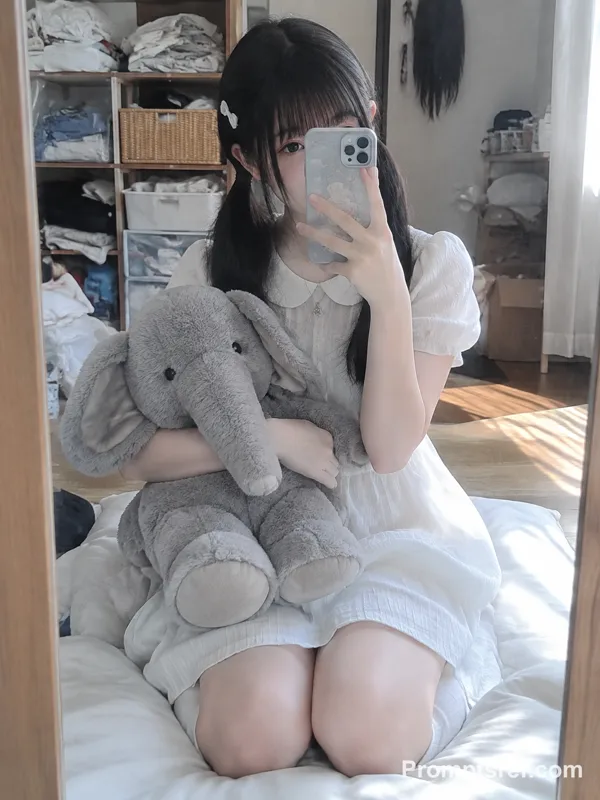
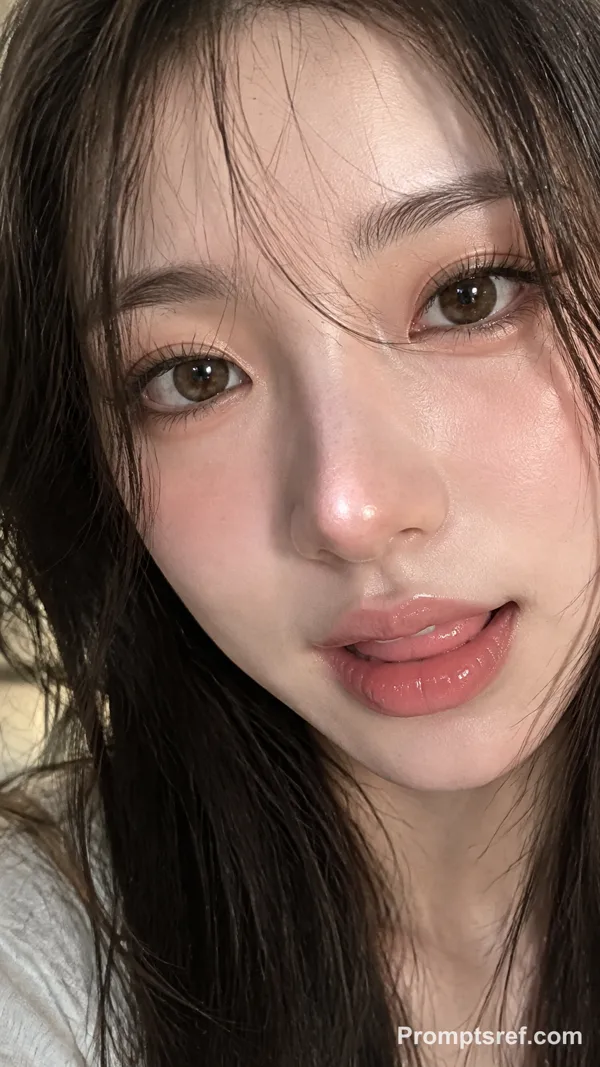
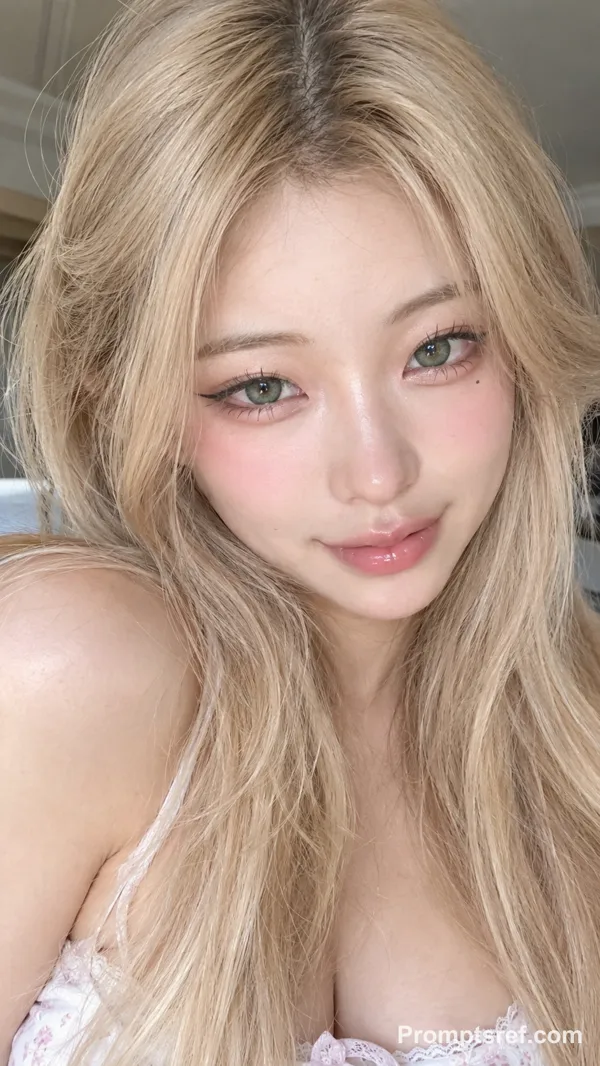
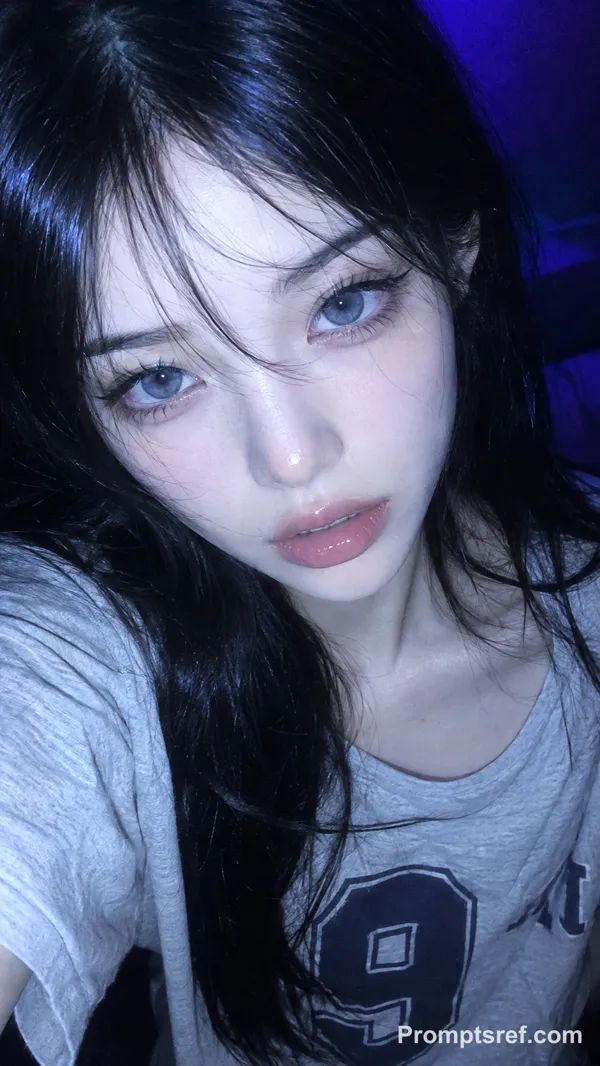
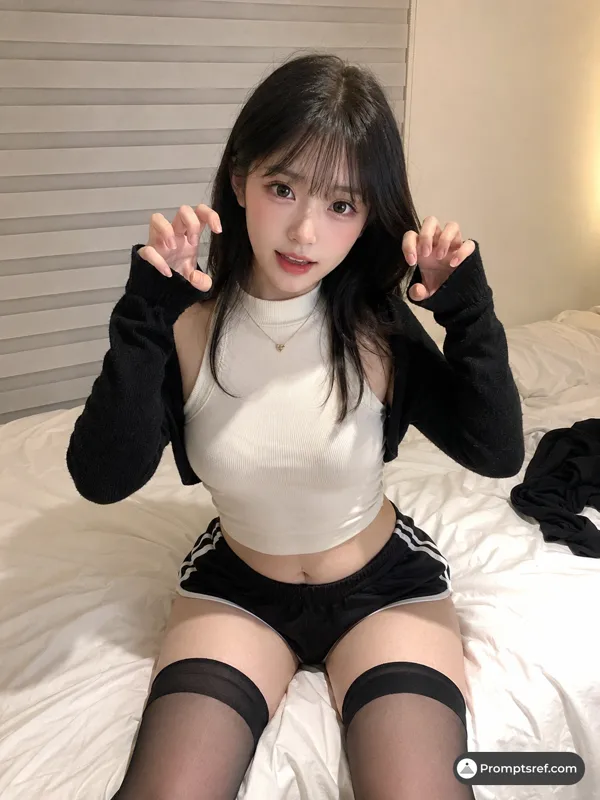
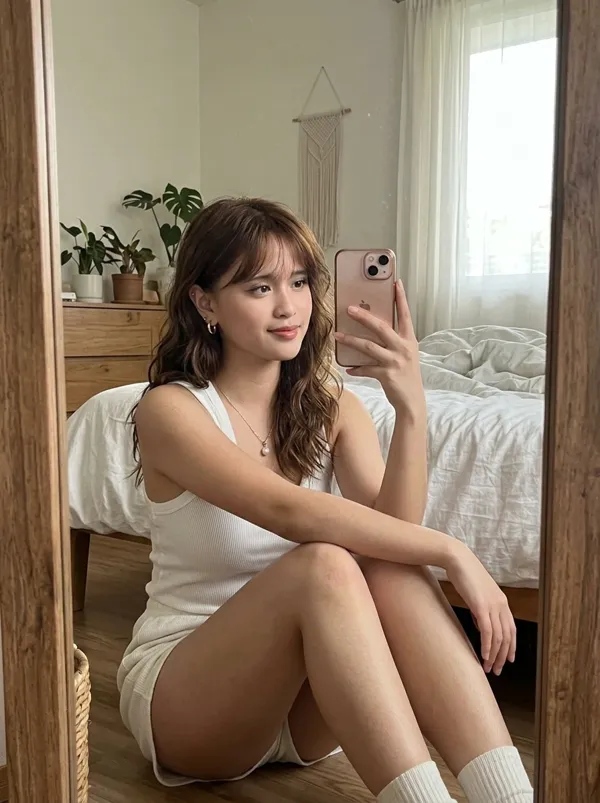
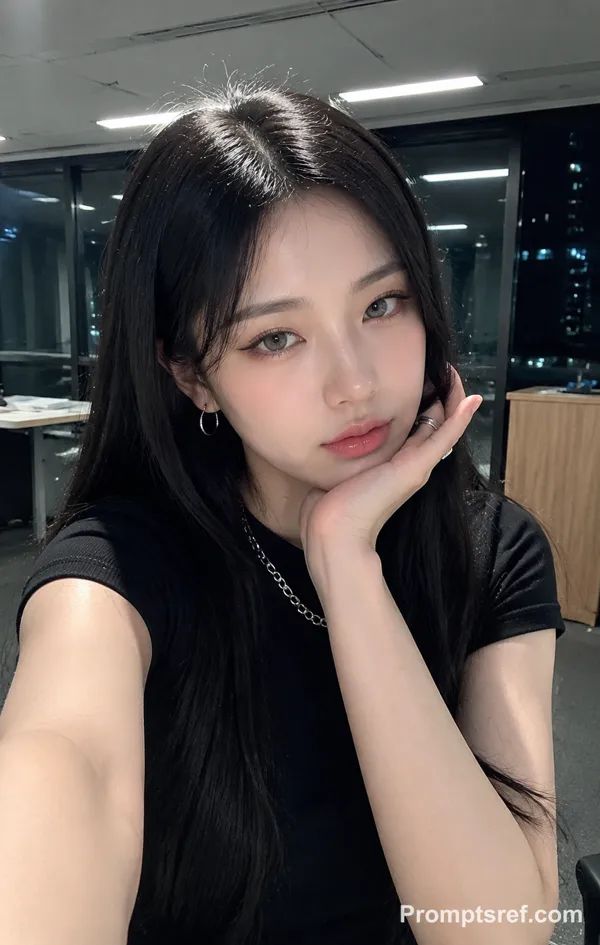
Nano Banana 2 프롬프트 - 부드러운 따뜻한 빛의 젊은 여성 스마트폰 셀카

- 화면 비율
- 9:16
- 화질
- 1K
프롬프트
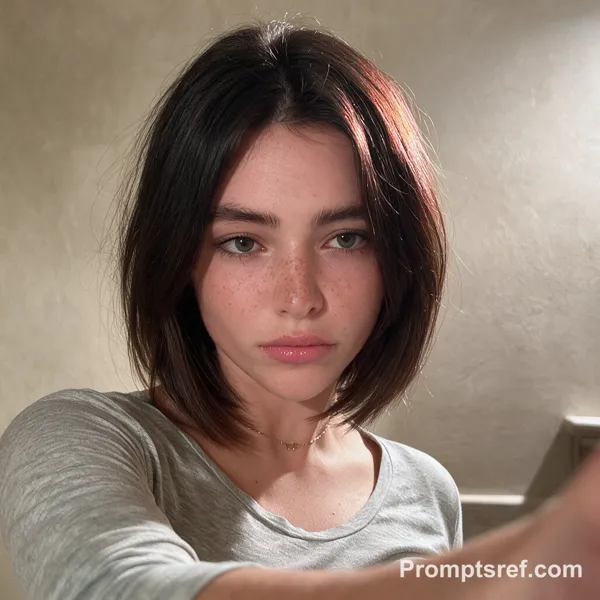
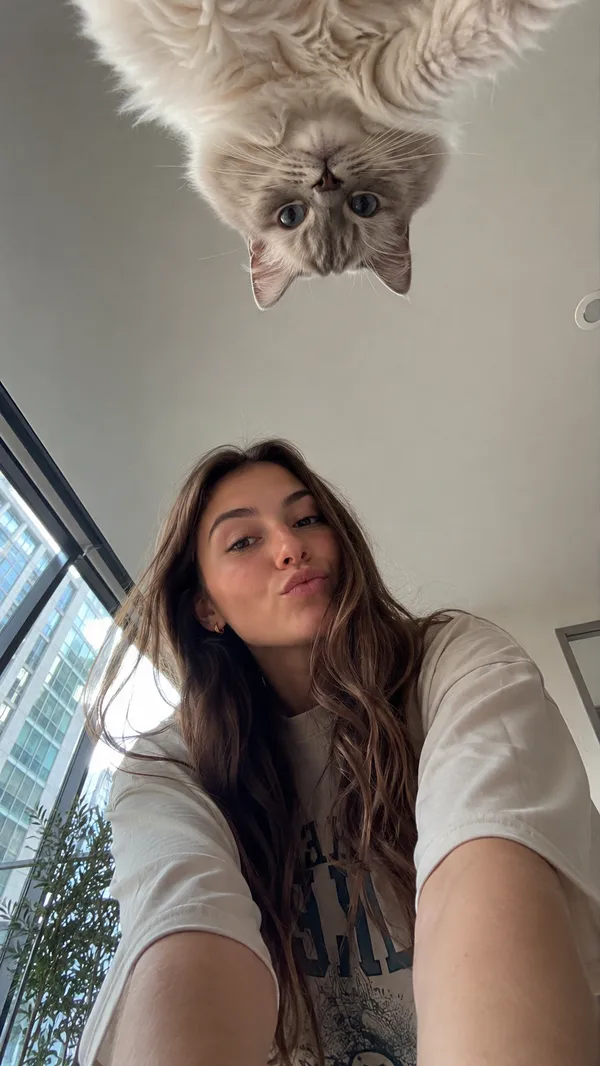
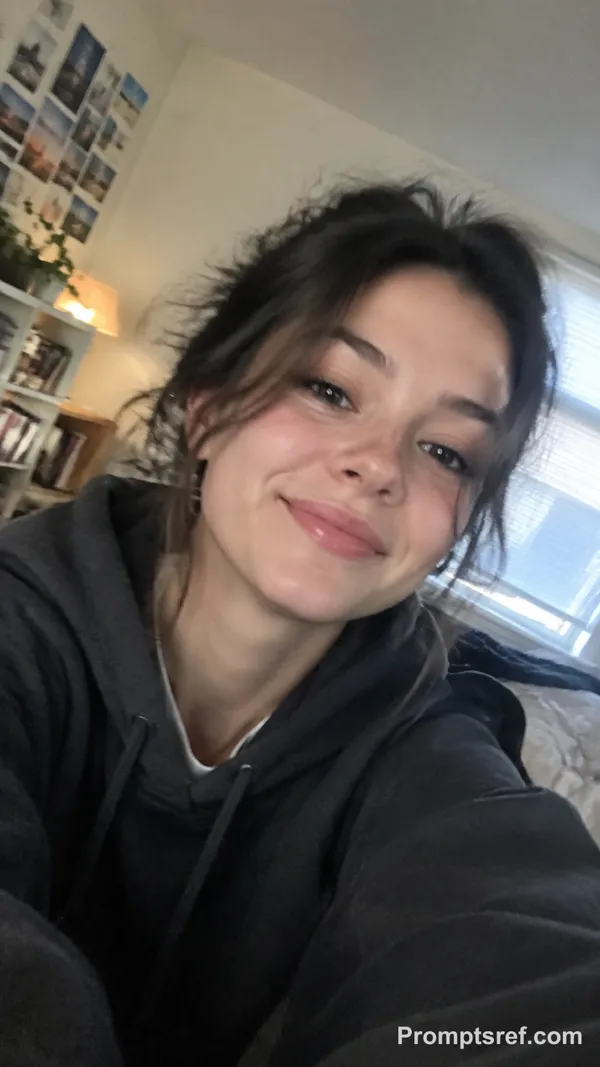
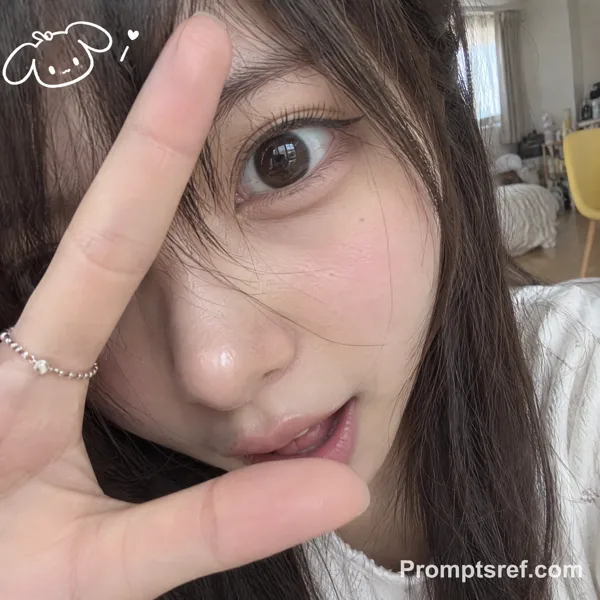
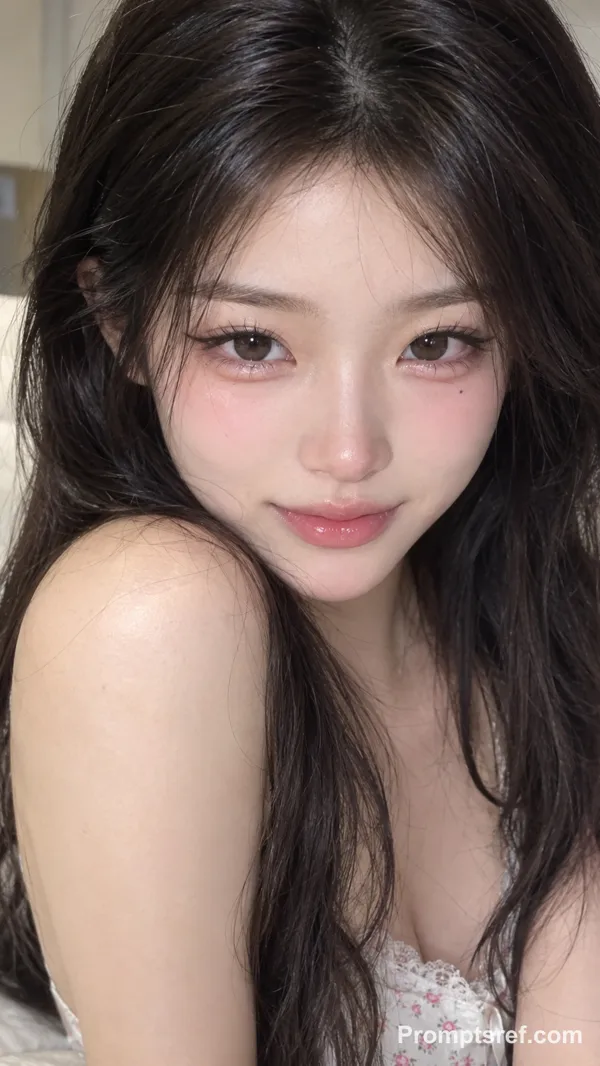
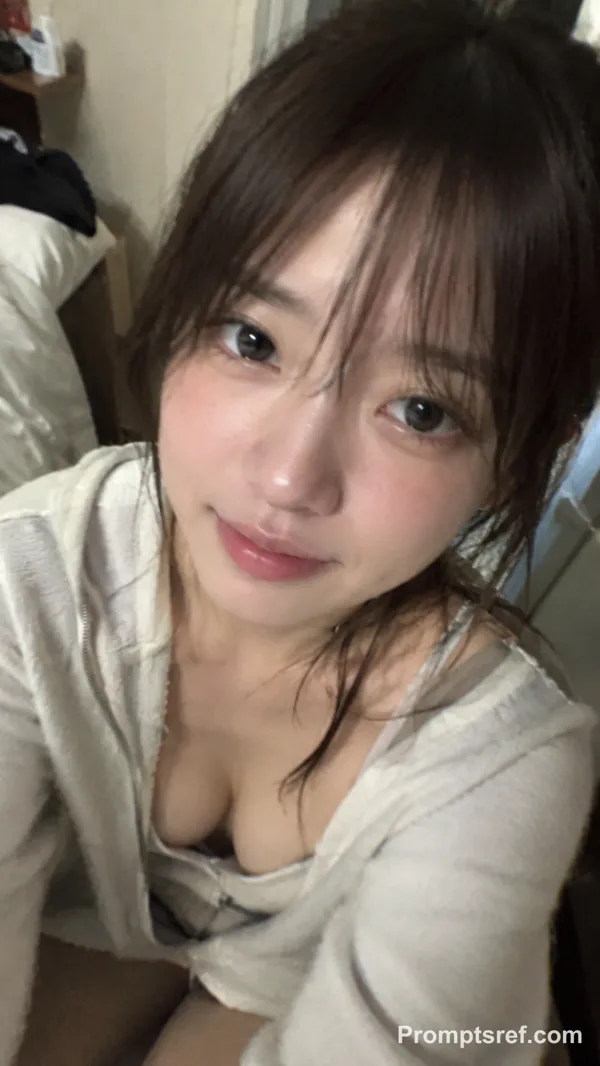
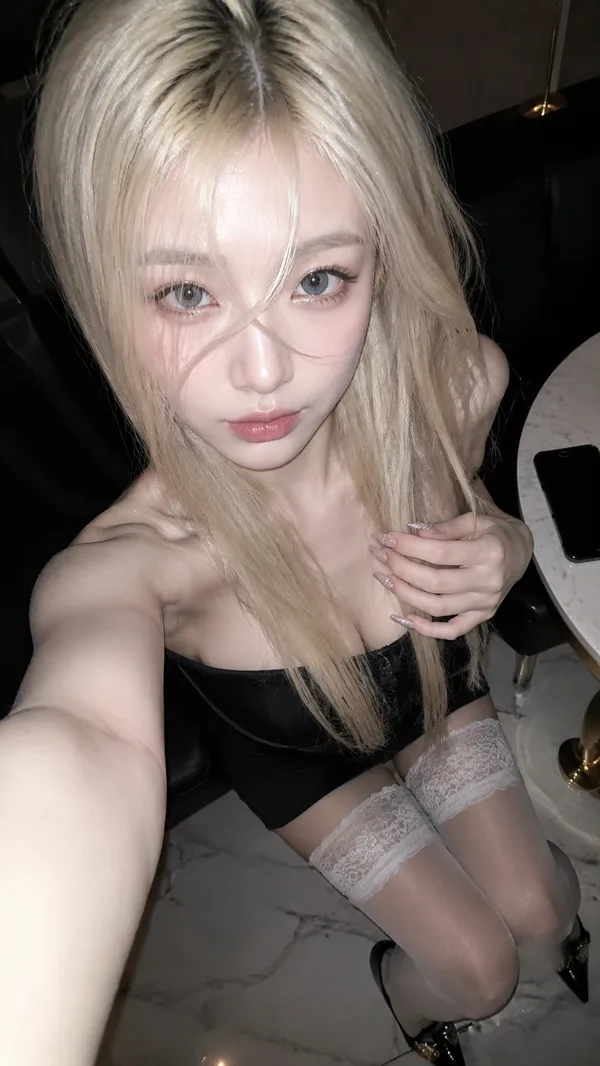
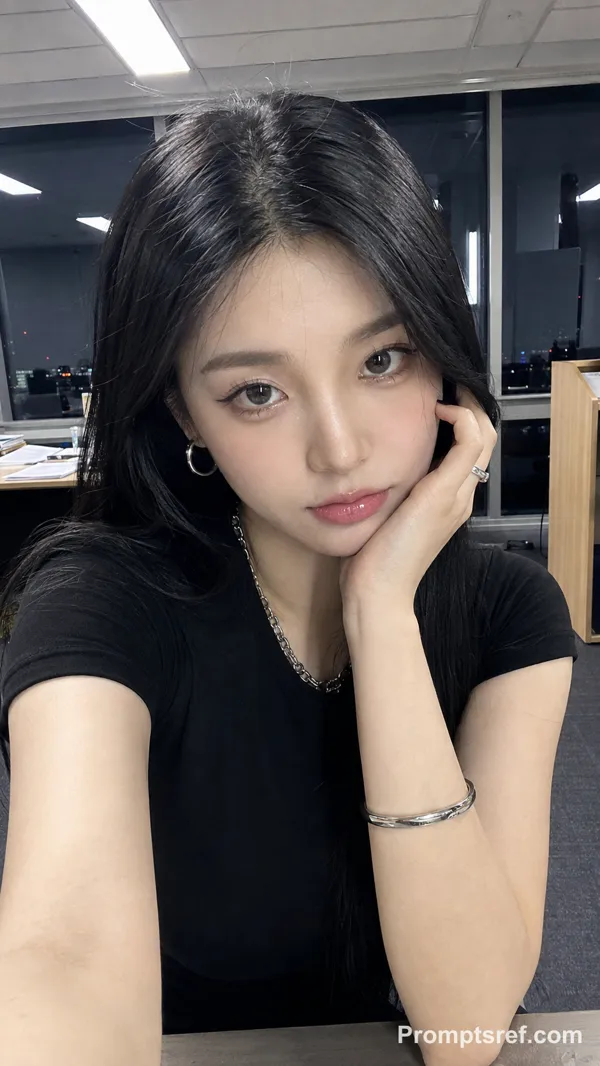
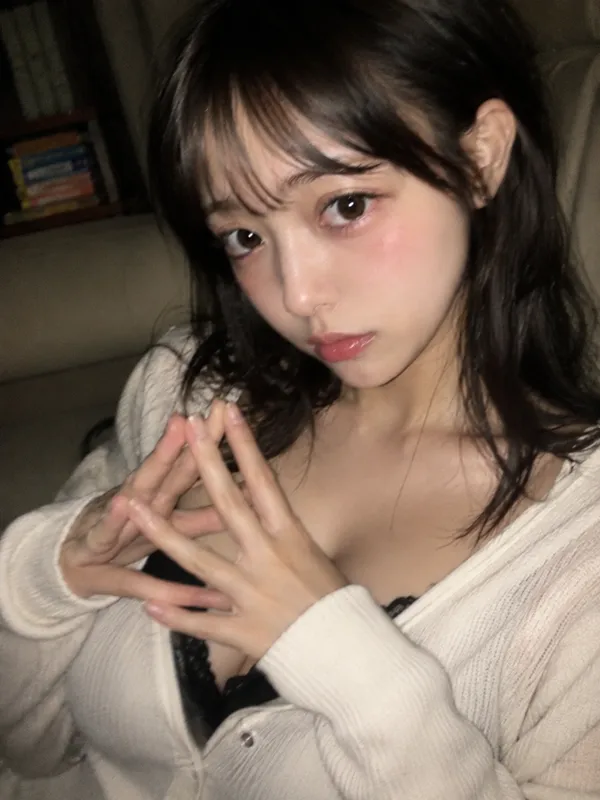
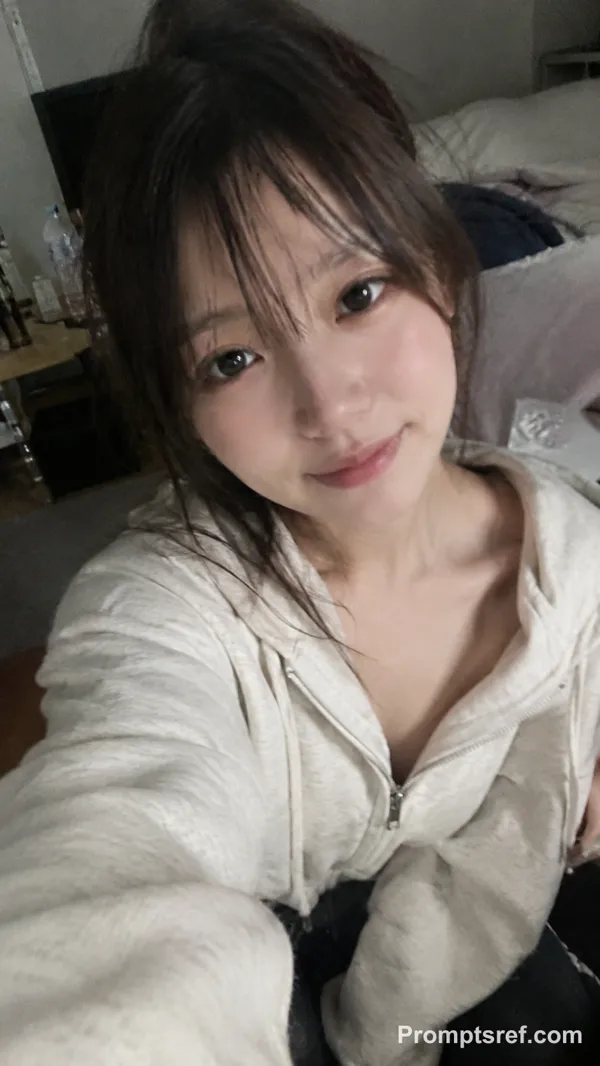
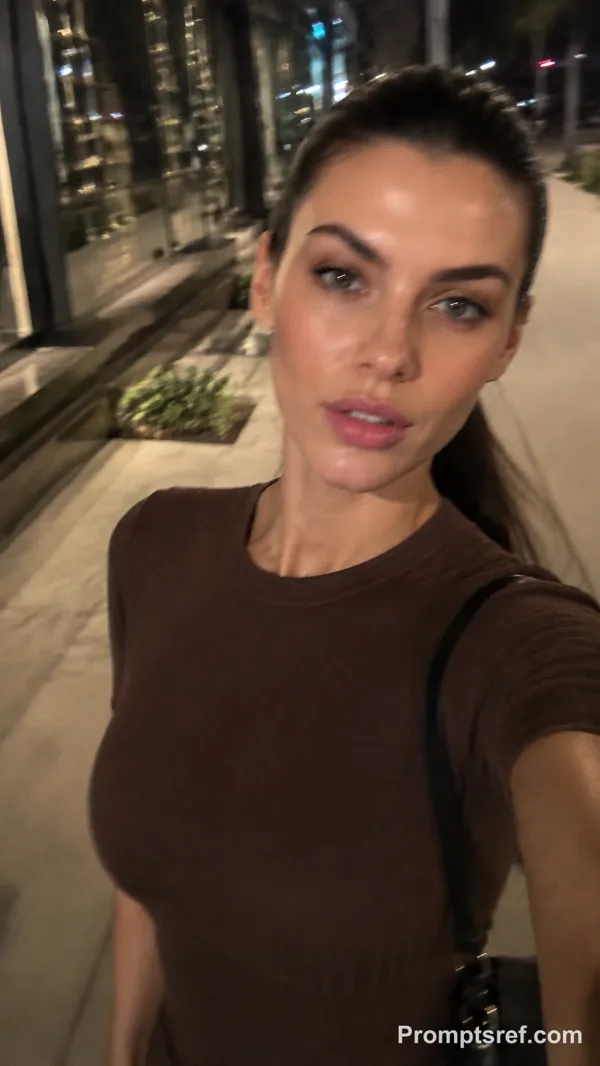
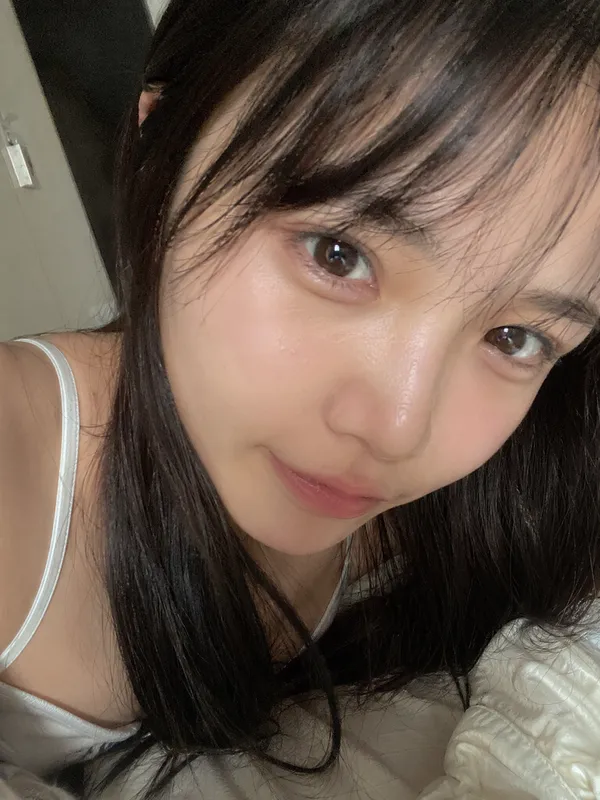
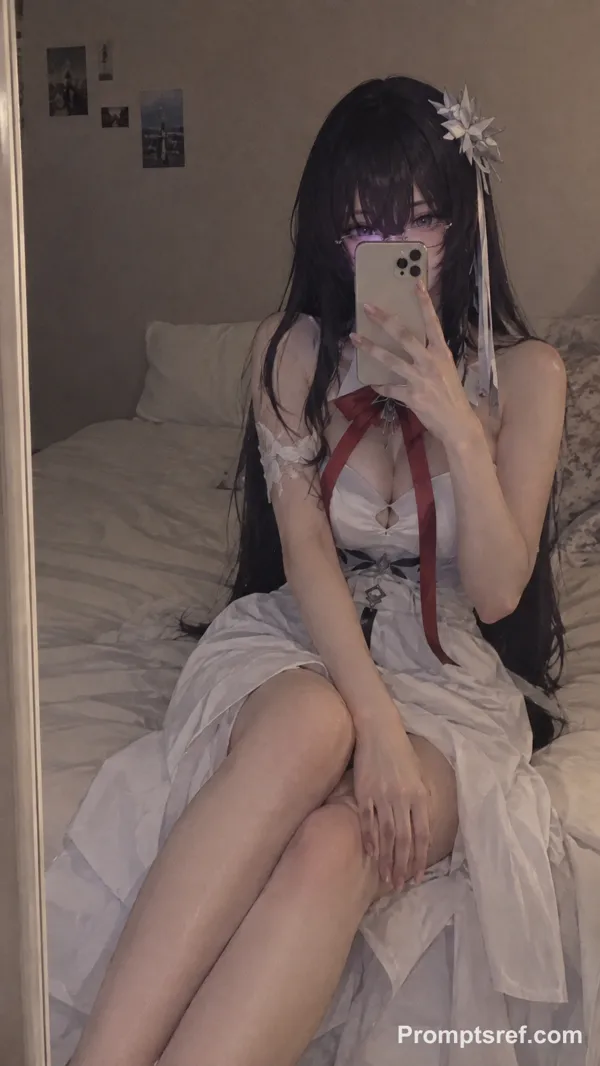
Create an ultra-realistic close-up portrait of a young woman taking a casual smartphone selfie indoors. She has fair skin, soft youthful facial features, large light gray-green eyes, long dramatic curled eyelashes, naturally shaped dark eyebrows, a small slightly upturned nose, soft glossy pink lips, subtle blush on her cheeks, and smooth natural-looking skin with realistic texture. Her expression is gentle and confident with a small closed-mouth smile. She is looking directly into the camera.
Her dark brown, almost black hair is styled in a messy high bun with a few loose wispy strands around her face and neck. A large pastel pink claw hair clip is visible securing the bun on the back-right side of her head. She wears small delicate silver butterfly-shaped earrings.
She is wearing a fitted pastel pink short-sleeve T-shirt with a white contrasting ribbed neckline and white sleeve cuffs. On the center of the shirt is a cute white cartoon cat illustration wearing a pink bow, with the word “Marie” printed underneath in large dark pink lettering. One hand is gently placed across the upper chest, with long almond-shaped manicured nails painted glossy nude-pink.
Warm beige indoor background, soft diffused ambient lighting, subtle shadows, natural smartphone-camera appearance, slightly warm color temperature, realistic skin tones, soft highlights on the cheeks and nose, shallow depth of field, casual home selfie aesthetic. Vertical composition, upper-body framing, camera held approximately at face level, highly detailed realistic hair strands, realistic hands and fingers, photorealistic facial details, natural proportions, high resolution, authentic smartphone photograph, no cinematic exaggeration, no artificial-looking skin.
Aspect ratio: 9:16, photorealistic, ultra-detailed, realistic smartphone selfie.
리믹스 작품
리믹스아직 리믹스가 없어요. 첫 번째 버전을 만들어 보세요.
이 이미지 프롬프트 사용하기
- 01
프롬프트로 시작하기
프롬프트를 복사하거나 생성 버튼으로 여세요.
- 02
나만의 아이디어 더하기
주제, 배경, 세부 사항을 조정하고 필요하면 참고 자료를 추가하세요.
- 03
생성 전 확인하기
모델과 출력 설정을 확인하세요. 생성 결과는 매번 다를 수 있습니다.