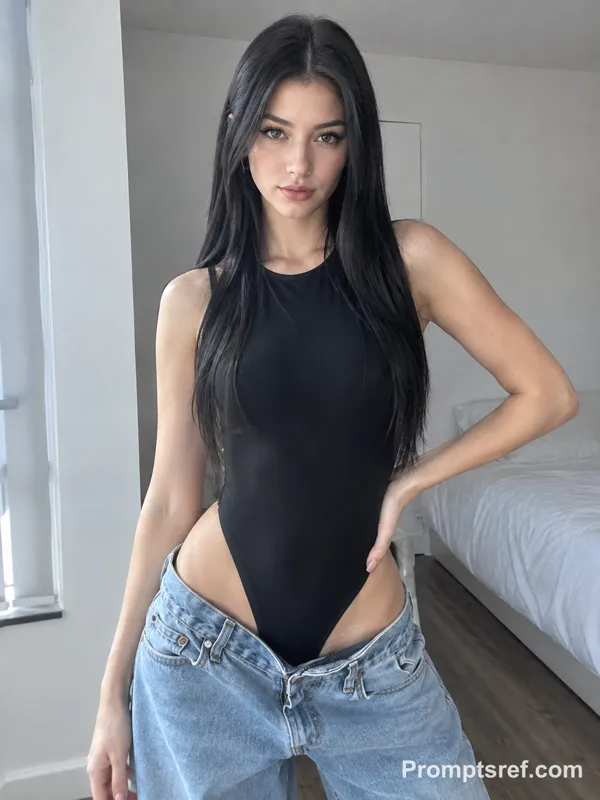
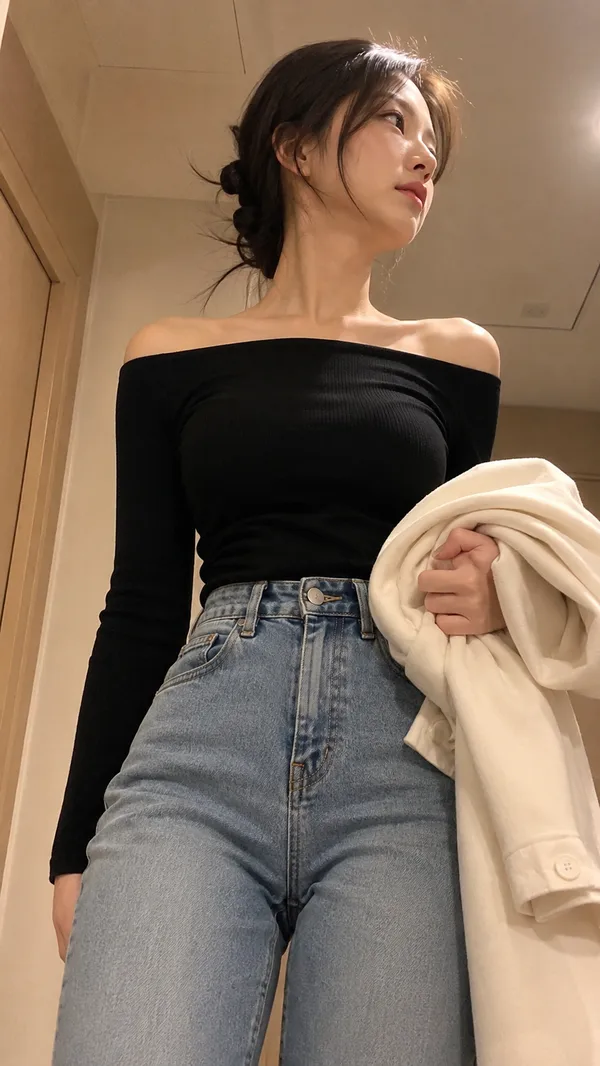
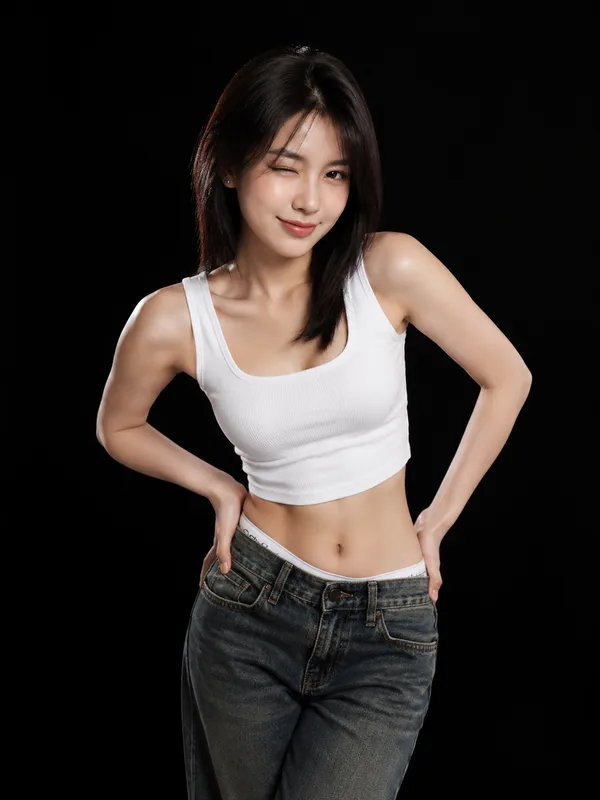
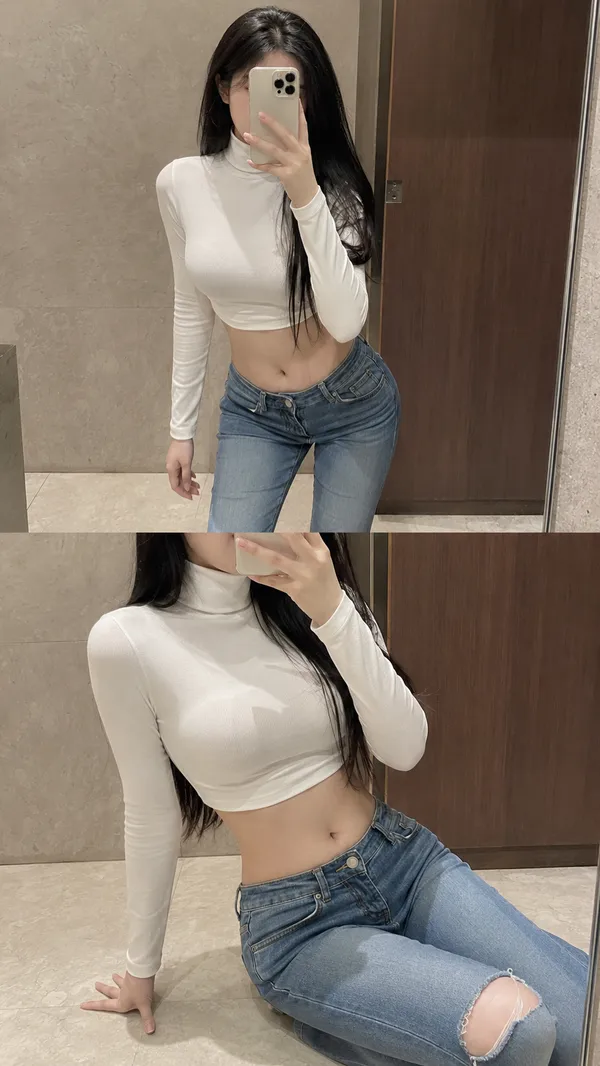
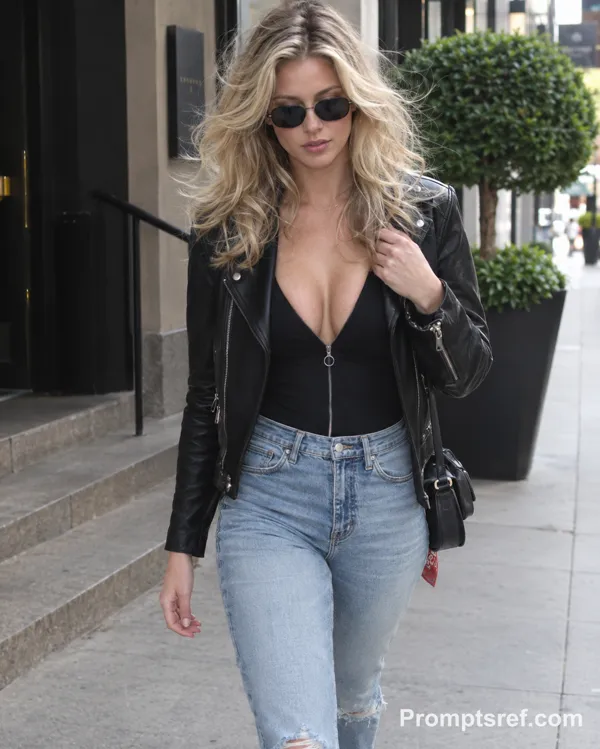
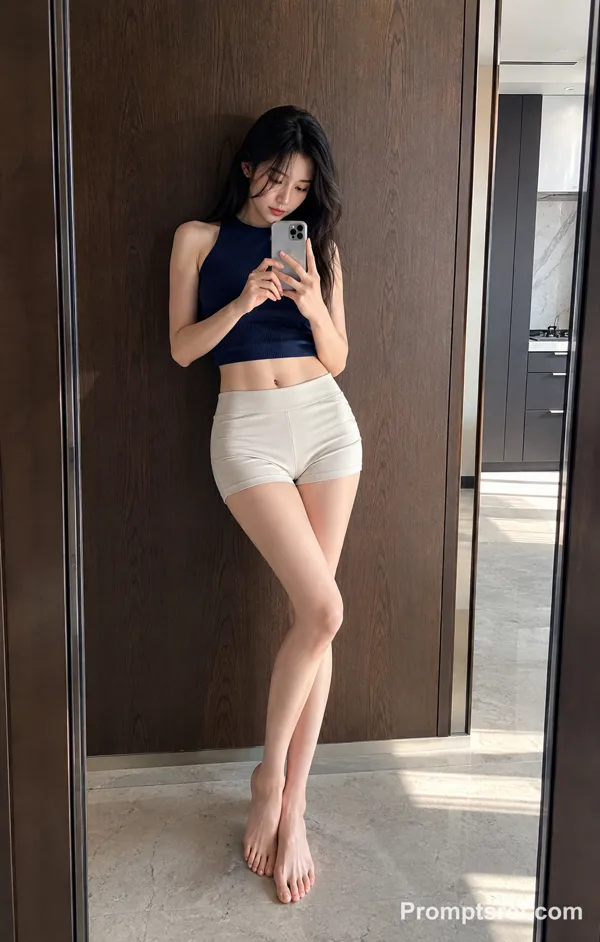
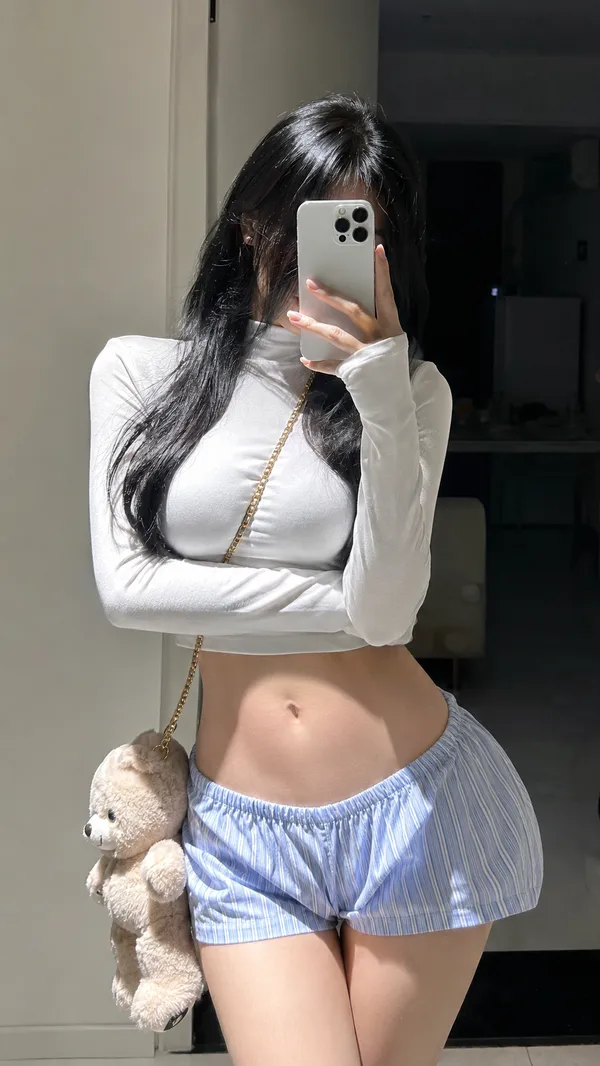
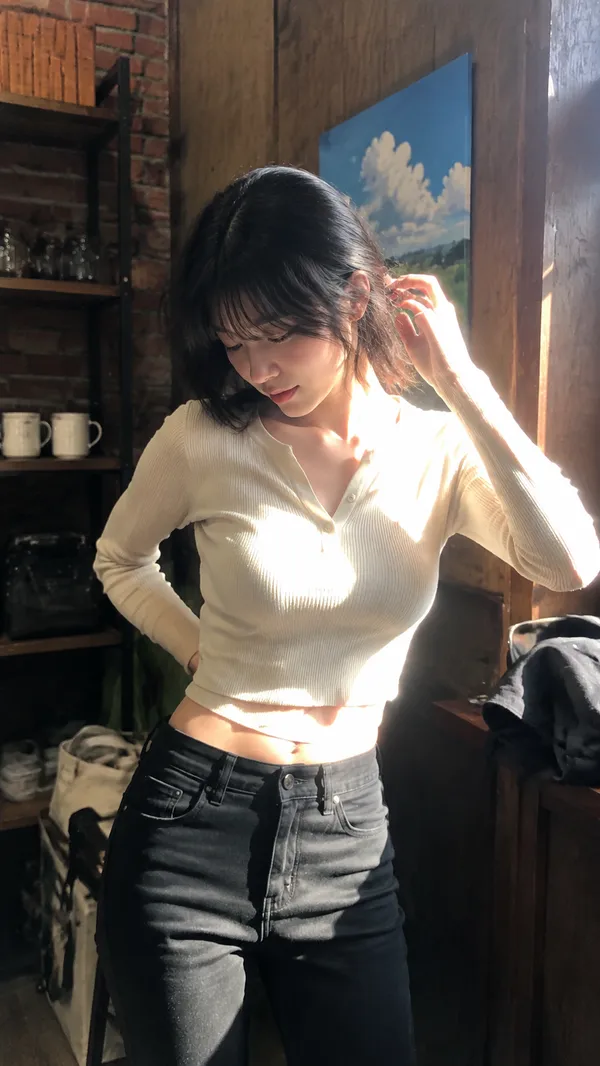
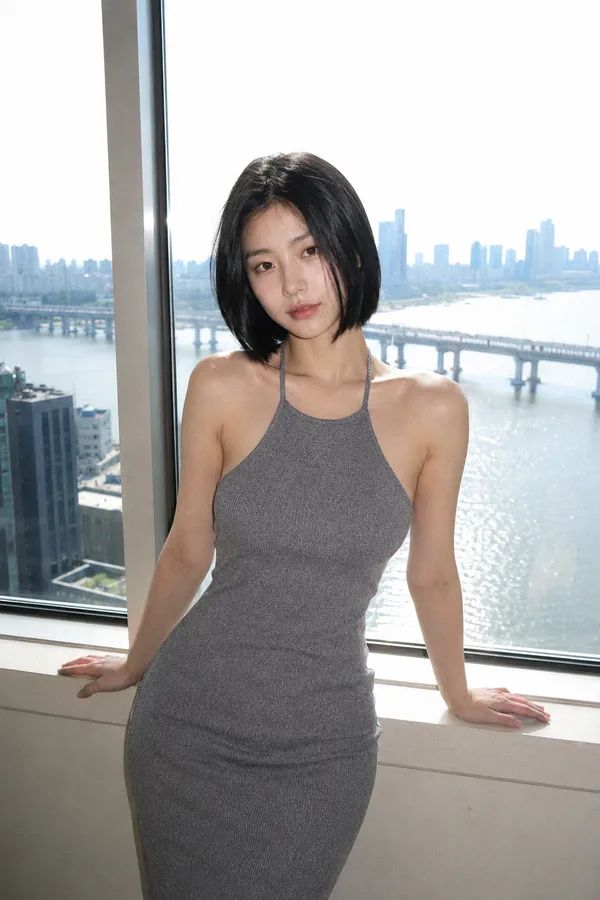
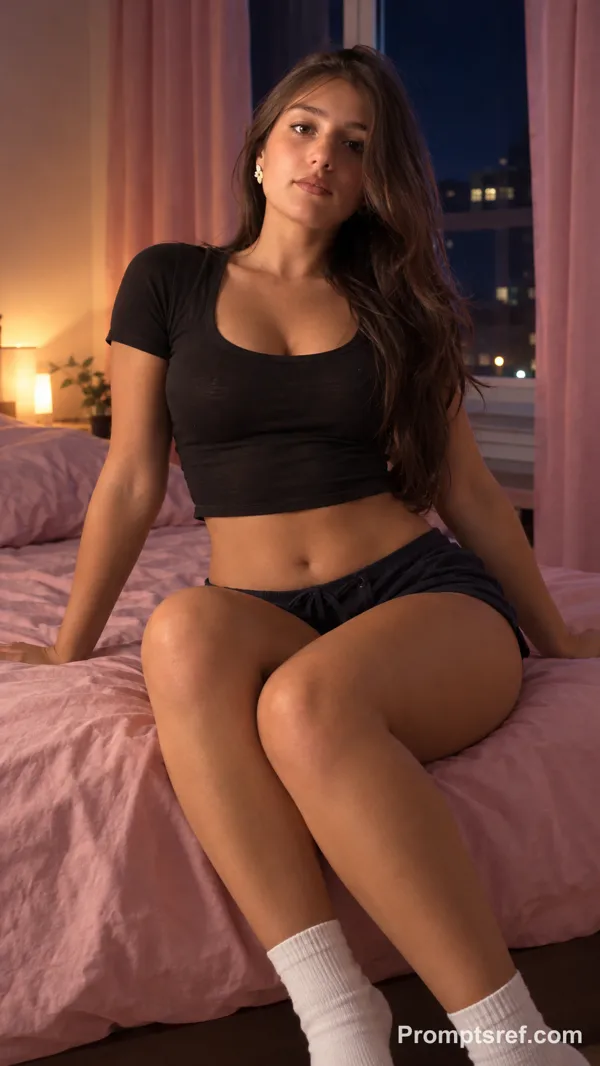
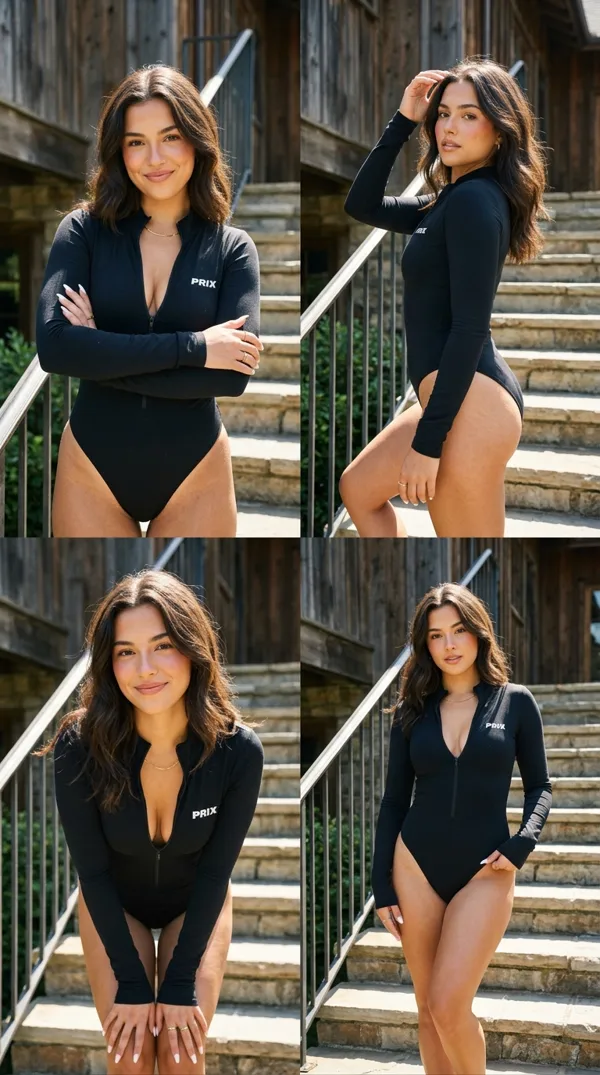
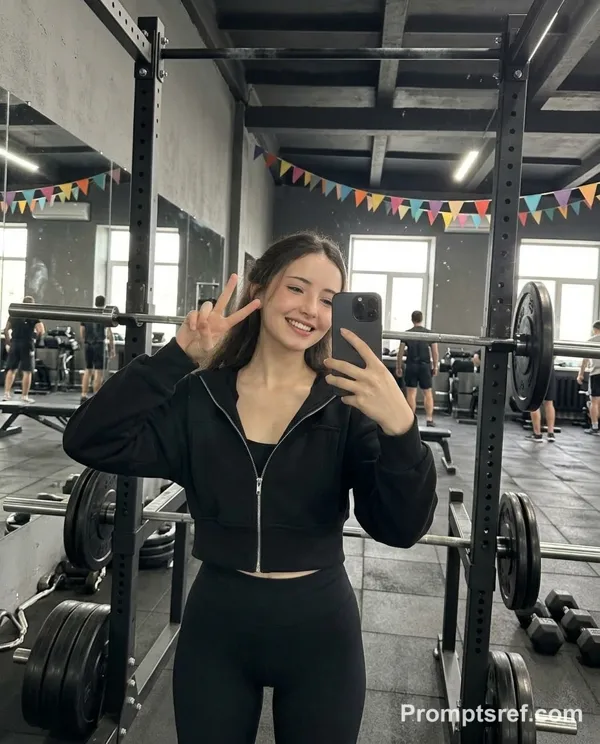
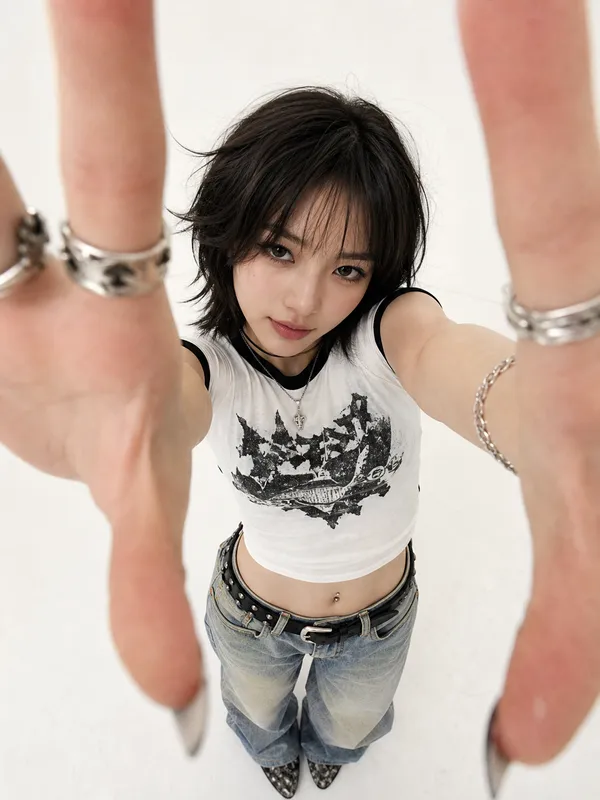
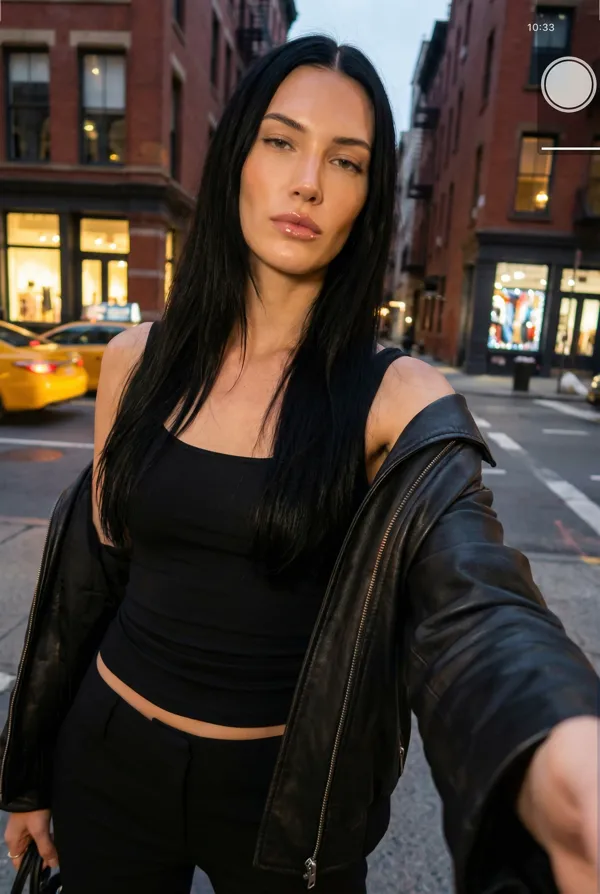
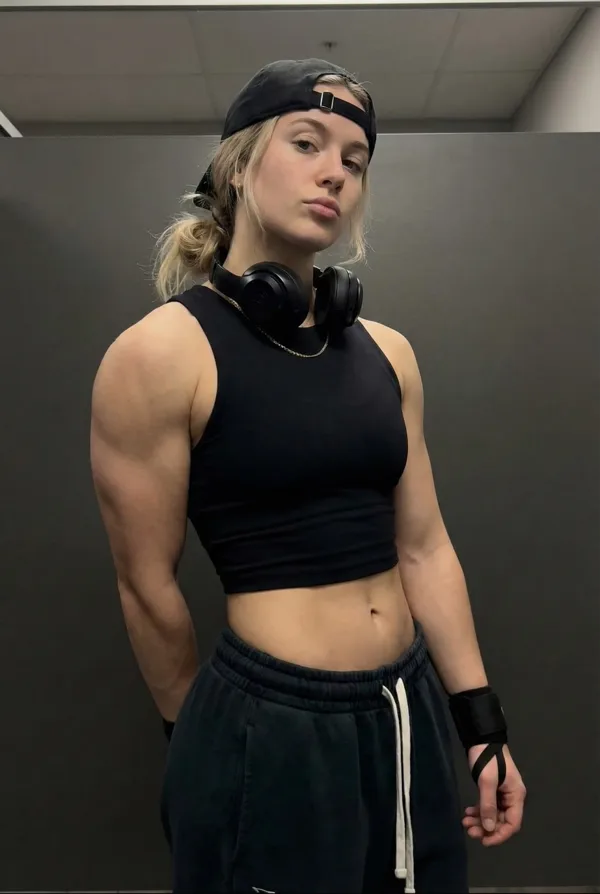
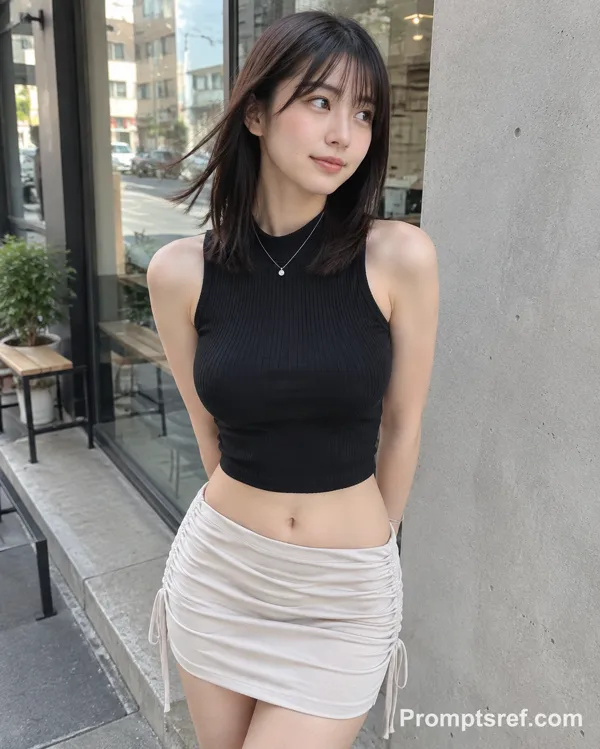
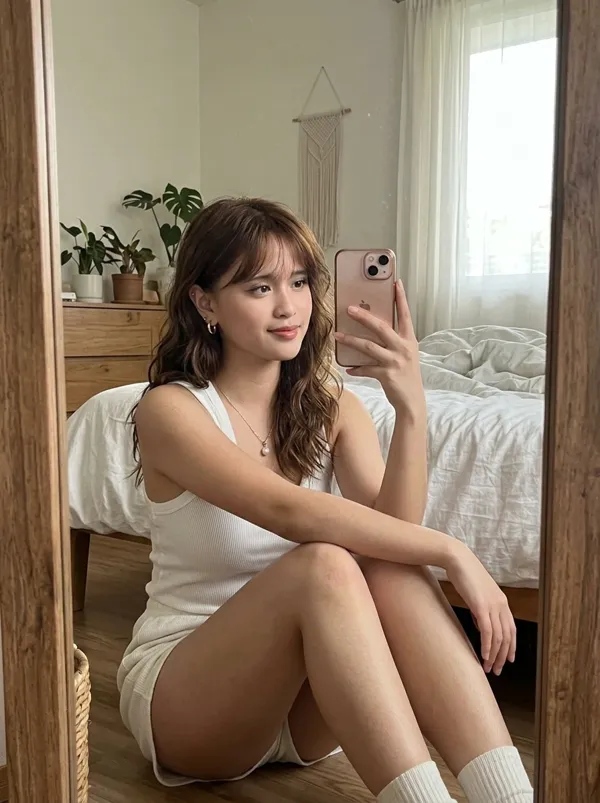
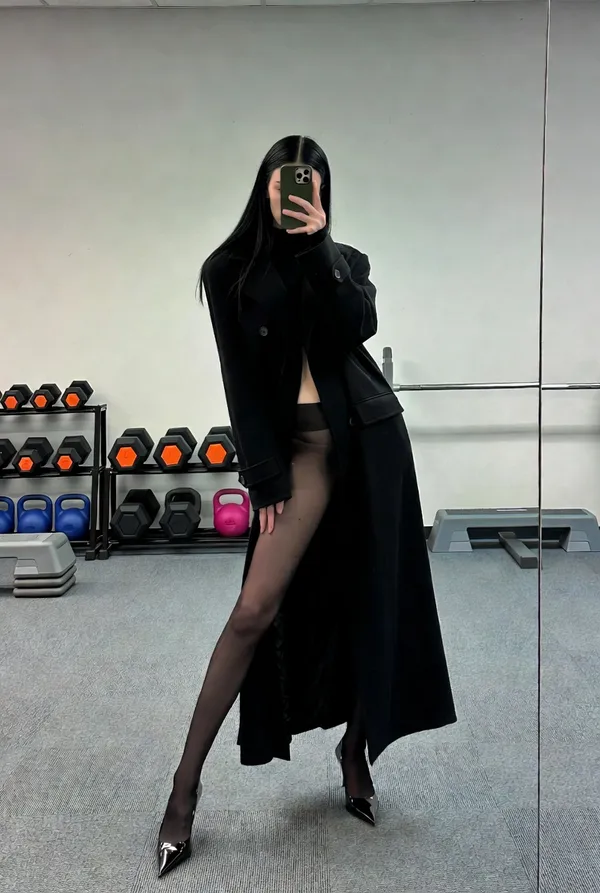
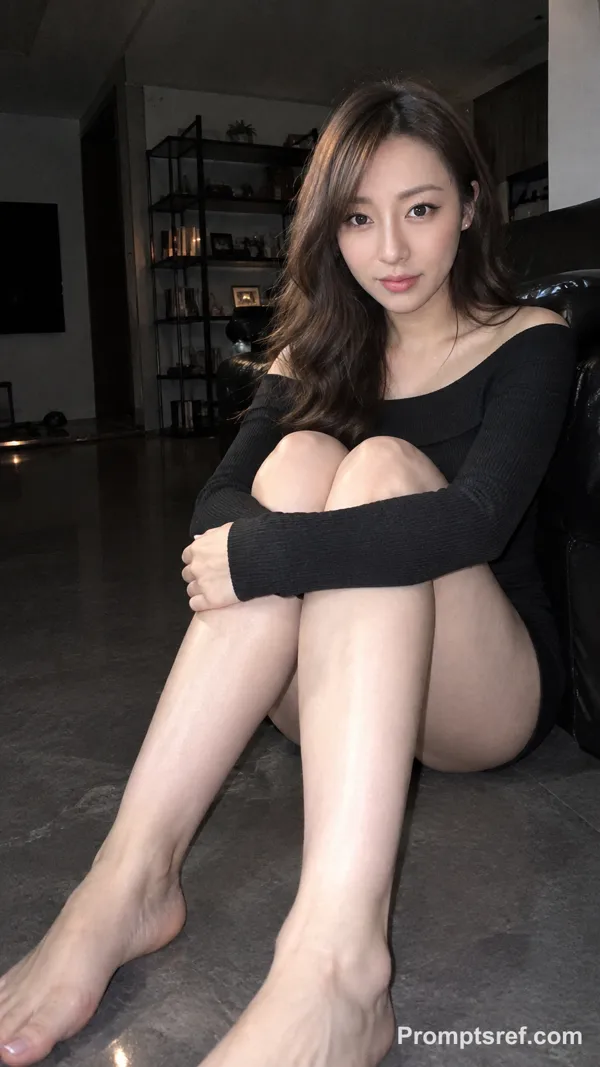
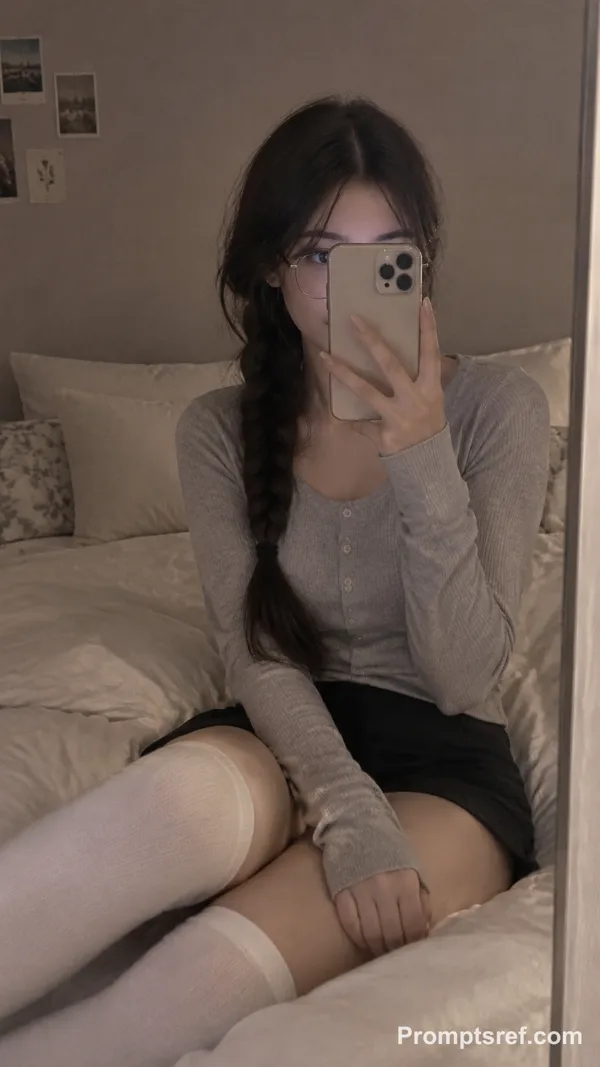
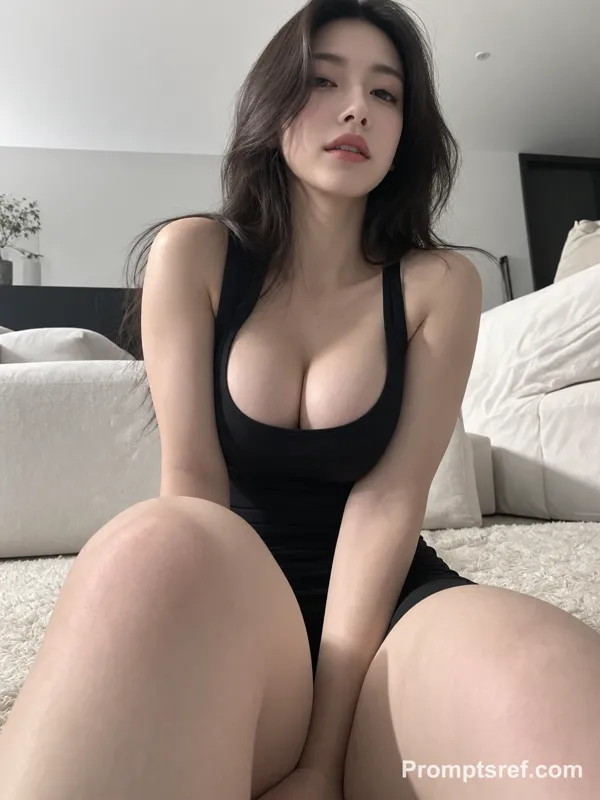
Nano Banana 2 프롬프트 - 하이컷 보디수트와 로라이즈 진의 Y2K 핏 체크

프롬프트
{
"subject": {
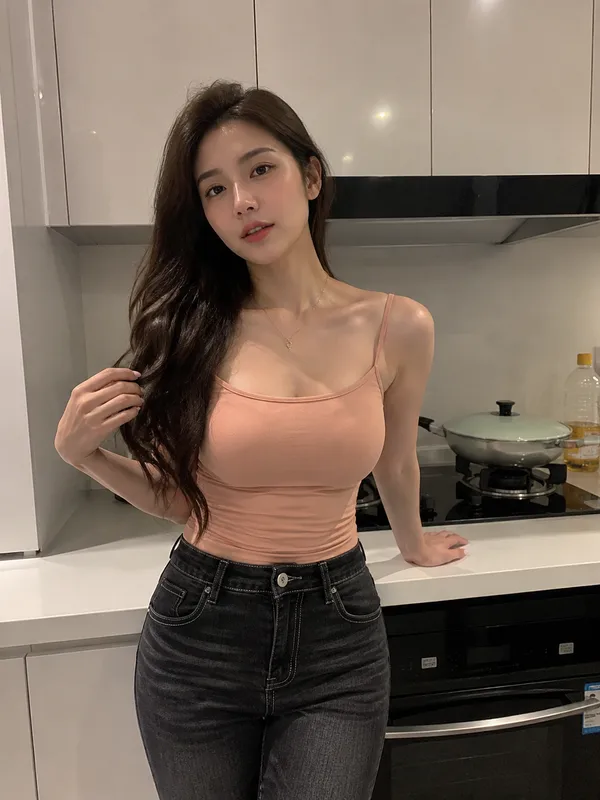
"description": "Young woman, high-cut bodysuit, low-rise jeans, exposed outer hips.",
"mirror_rules": null,
"age": "early 20s",
"expression": {
"eyes": {
"look": "direct",
"energy": "confident",
"direction": "at lens"
},
"mouth": {
"position": "relaxed",
"energy": "cool"
},
"overall": "confident"
},
"face": {
"preserve_original": false,
"makeup": "natural matte"
},
"hair": {
"color": "black",
"style": "long straight",
"effect": "sleek"
},
"body": {
"frame": "slim, toned",
"waist": "visible",
"chest": "covered",
"legs": "partially visible",
"skin": {
"visible_areas": "waist, outer hips, arms",
"tone": "fair",
"texture": "smooth, warm to touch",
"lighting_effect": "soft side light emphasizing hip bones"
}
},
"pose": {
"position": "standing, hand on waist to highlight hips",
"base": "floor",
"overall": "casual OOTD pose"
},
"clothing": {
"top": {
"type": "high-cut bodysuit",
"color": "black",
"details": "high leg opening exposing hips",
"effect": "fitted"
},
"bottom": {
"type": "low-rise baggy jeans",
"color": "light blue",
"details": "dropped waist"
}
}
},
"accessories": {},
"photography": {
"camera_style": "smartphone snapshot",
"angle": "waist-level",
"shot_type": "mid-shot",
"aspect_ratio": "3:4",
"texture": "clean digital",
"lighting": "natural window light",
"depth_of_field": "medium"
},
"background": {
"setting": "minimalist room",
"wall_color": "white",
"elements": [],
"atmosphere": "modern",
"lighting": "bright ambient"
},
"the_vibe": {
"energy": "trendy",
"mood": "cool",
"aesthetic": "Y2K streetwear",
"authenticity": "casual outfit check",
"intimacy": "medium",
"story": "OOTD snapshot",
"caption_energy": "fit check"
},
"constraints": {
"must_keep": [
"exposed outer hips",
"high-cut bodysuit",
"low-rise jeans"
],
"avoid": [
"overly formal"
]
},
"negative_prompt": [
"bad anatomy",
"cluttered background"
]
}
리믹스 작품
리믹스아직 리믹스가 없어요. 첫 번째 버전을 만들어 보세요.
이 이미지 프롬프트 사용하기
- 01
프롬프트로 시작하기
프롬프트를 복사하거나 생성 버튼으로 여세요.
- 02
나만의 아이디어 더하기
주제, 배경, 세부 사항을 조정하고 필요하면 참고 자료를 추가하세요.
- 03
생성 전 확인하기
모델과 출력 설정을 확인하세요. 생성 결과는 매번 다를 수 있습니다.