GPT Image 2.0 프롬프트 - 흰 토끼와 거대한 영혼 여우의 결전

- 화면 비율
- 16:9
- 화질
- 1K
프롬프트
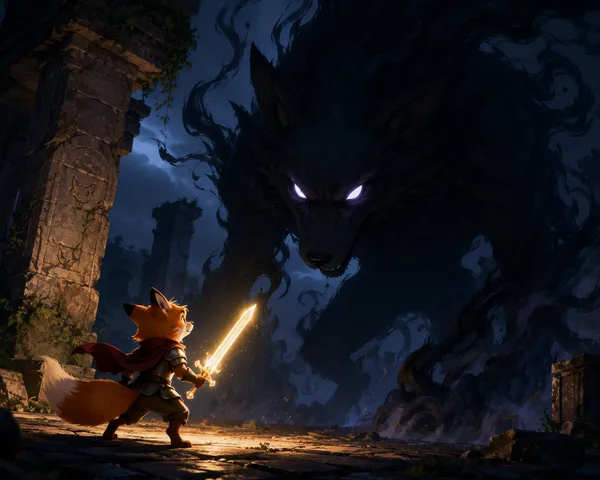
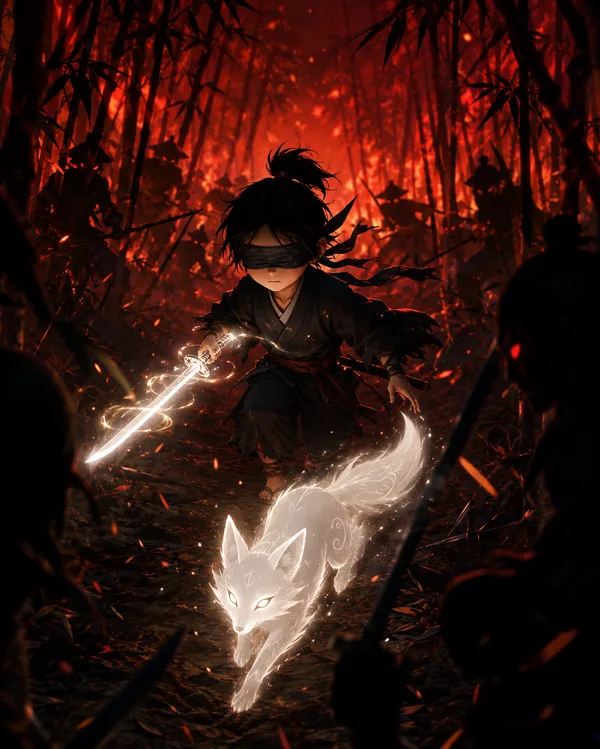
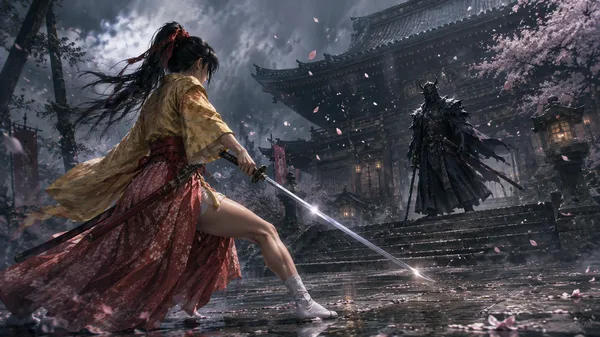
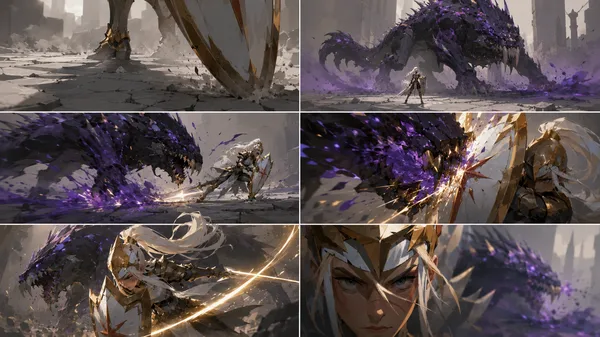
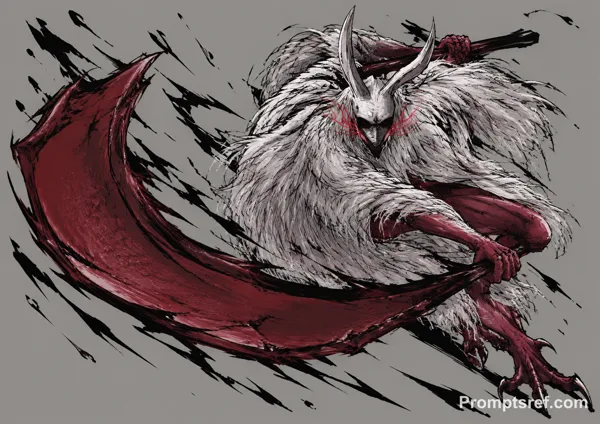
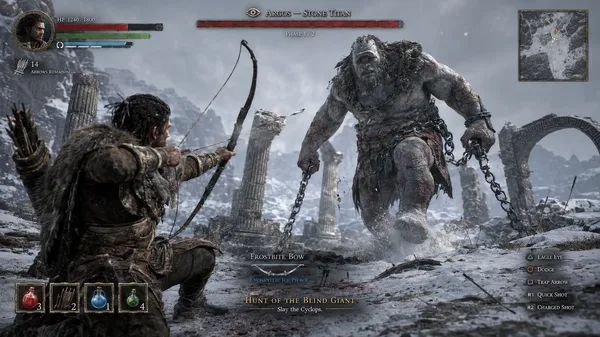
Cinematic Action-adventure game boss battle scene, Sekiro-style combat, single continuous shot, fast-paced with intense impact. A white rabbit adventurer stands at the center of a shattered ancient stone battlefield. Opposite stands a tall fox, dressed in flowing Eastern robes and wearing a dark mask, exuding an oppressive aura. It holds a long whip that sways slowly through the air. The battle erupts instantly. The fox dashes forward at high speed, its whip slicing through the air with sharp, explosive cracks. The rabbit precisely blocks with the frying pan, sparks bursting at the moment of impact. They enter a high-frequency exchange—continuous blocks, deflections, and pressure—forming a classic ARPG-style “posture combat” rhythm. Camera language: low-angle tracking, rapid forward movement, slight handheld shake on impact, with strong motion blur on the whip swings. The fox unleashes chained attack combinations: sweeping whip strikes, upward lash attacks, and long-range pulling strikes to control distance. The rabbit side-steps, rolls, and counters at close range, striking rapidly with the frying pan in tight melee. Mid-battle, everything suddenly pauses. The wind intensifies, sand spirals upward, and the atmosphere compresses dramatically. The fox leaps backward to create distance. Its body begins to emit a white glow—the ultimate move activates. Transformation begins—the fox rapidly expands, transforming into a massive white spirit fox. Its fur flows like misty clouds, its enormous body covering the entire battlefield, radiating overwhelming pressure. The camera pulls back, revealing the vast difference in scale. The giant fox raises its front paw and slams it down toward the rabbit with devastating force. At the moment of impact—shockwaves spread outward, the ground violently shatters, and sand explodes across the frame. Final shot: the rabbit is engulfed beneath the shadow of the massive fox’s paw. On screen, bold red calligraphic characters appear: “落命”
리믹스 작품
리믹스아직 리믹스가 없어요. 첫 번째 버전을 만들어 보세요.
이 이미지 프롬프트 사용하기
- 01
프롬프트로 시작하기
프롬프트를 복사하거나 생성 버튼으로 여세요.
- 02
나만의 아이디어 더하기
주제, 배경, 세부 사항을 조정하고 필요하면 참고 자료를 추가하세요.
- 03
생성 전 확인하기
모델과 출력 설정을 확인하세요. 생성 결과는 매번 다를 수 있습니다.