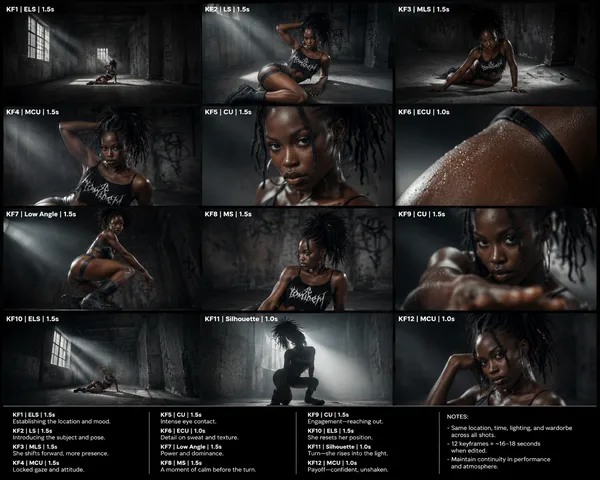
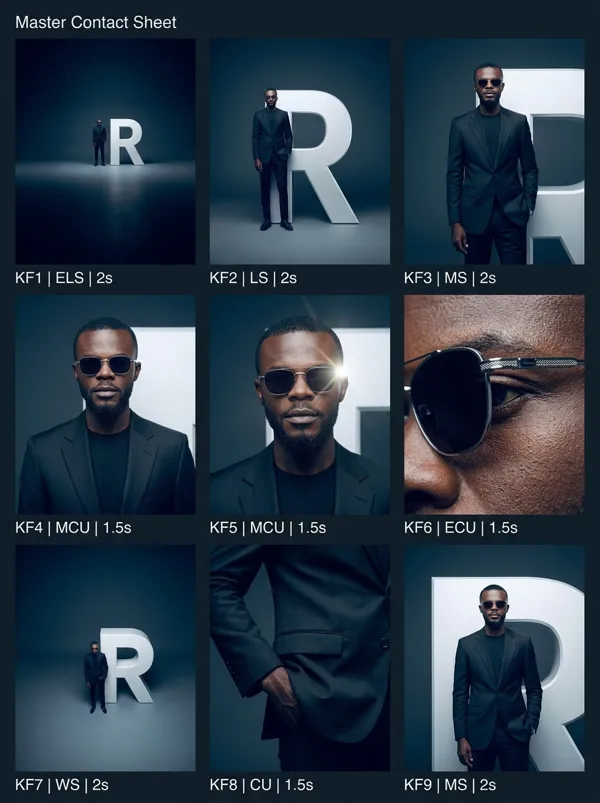
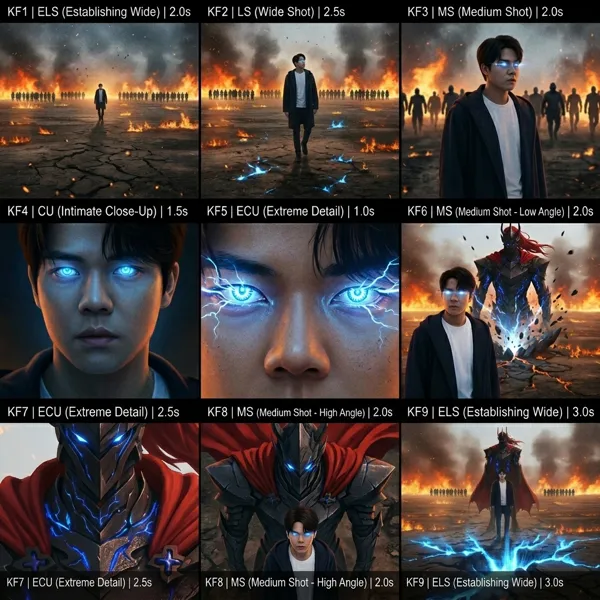
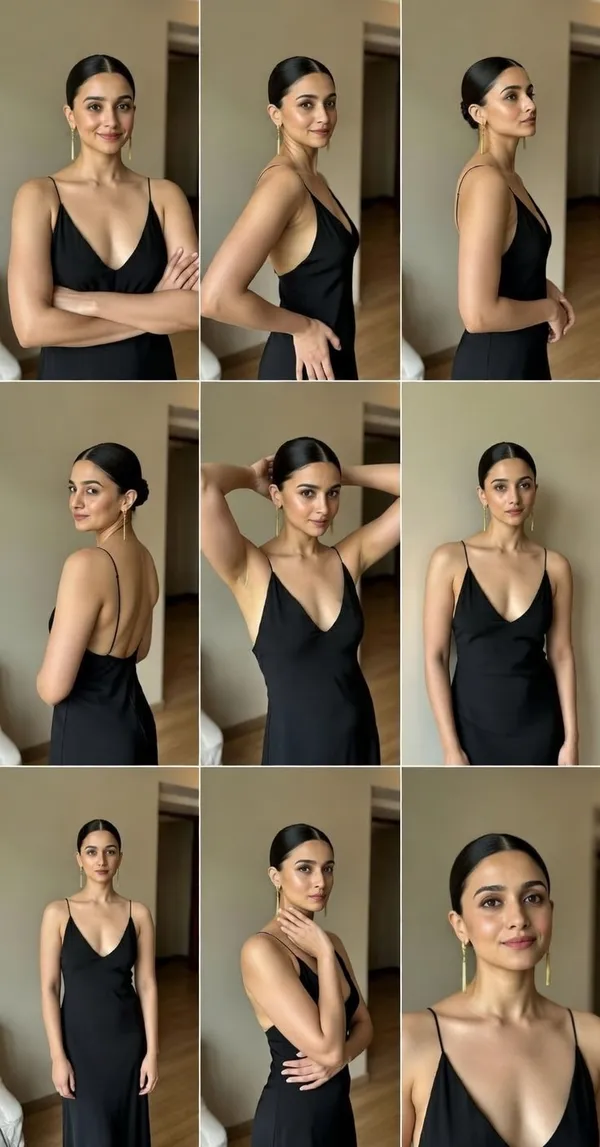
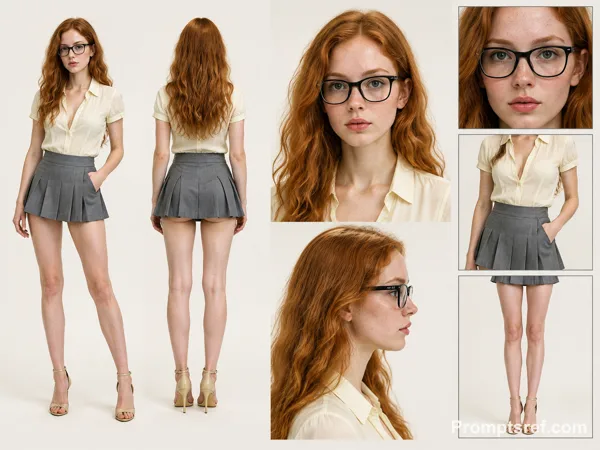
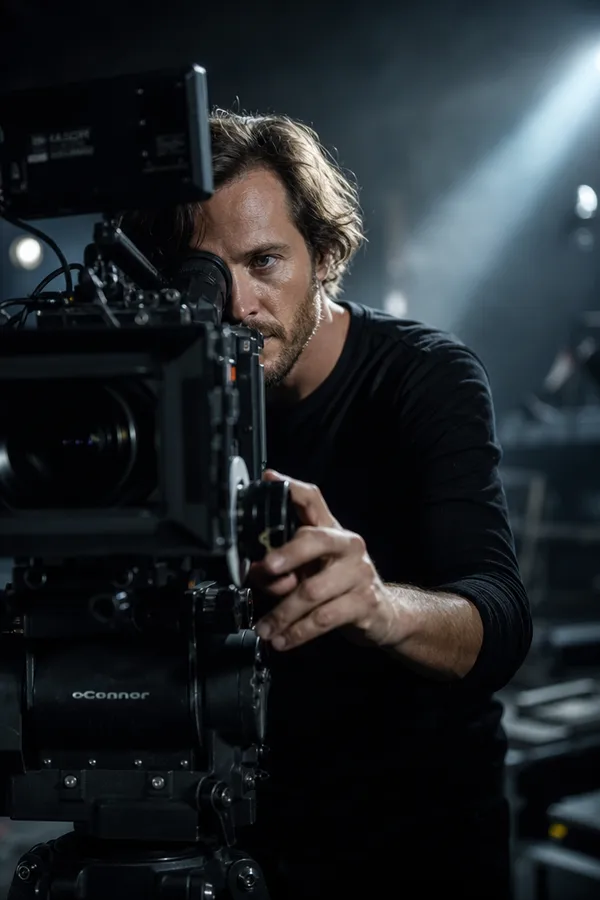
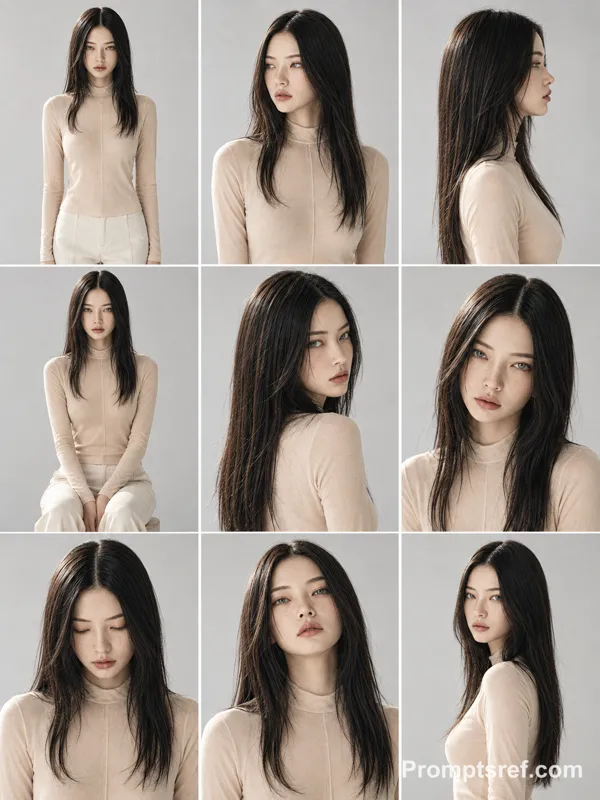
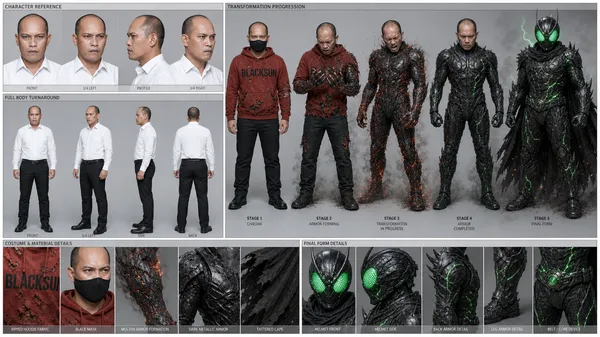
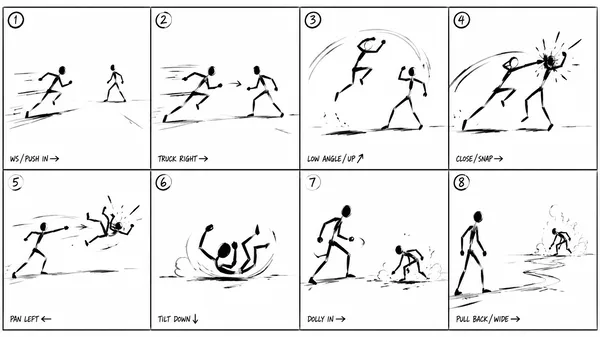
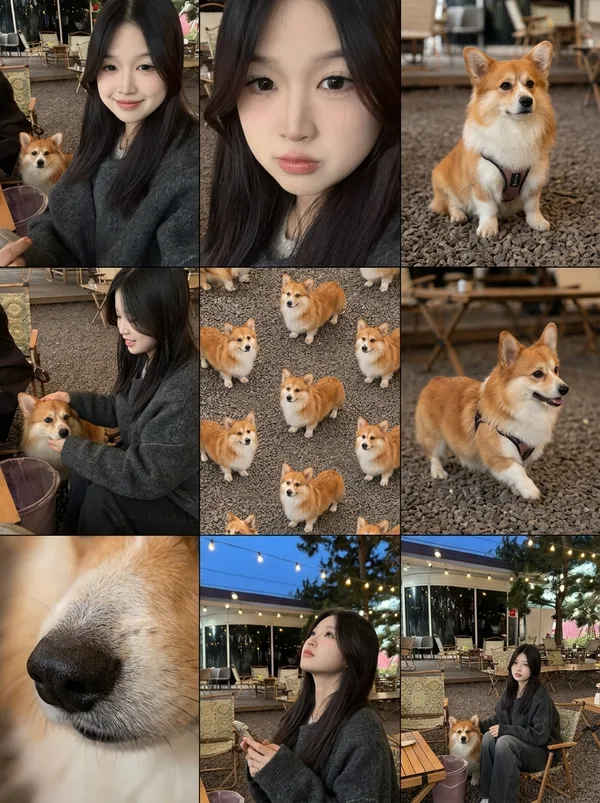
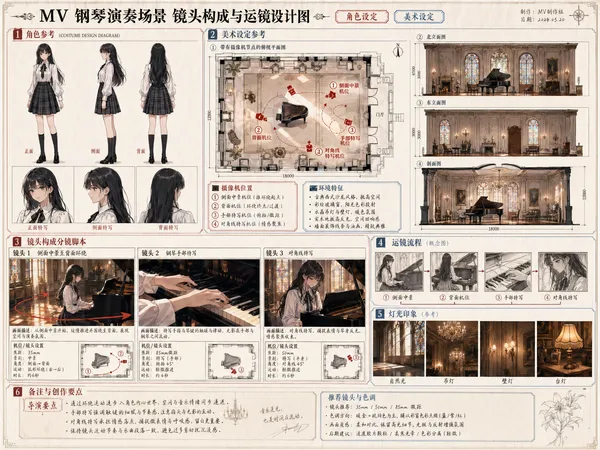
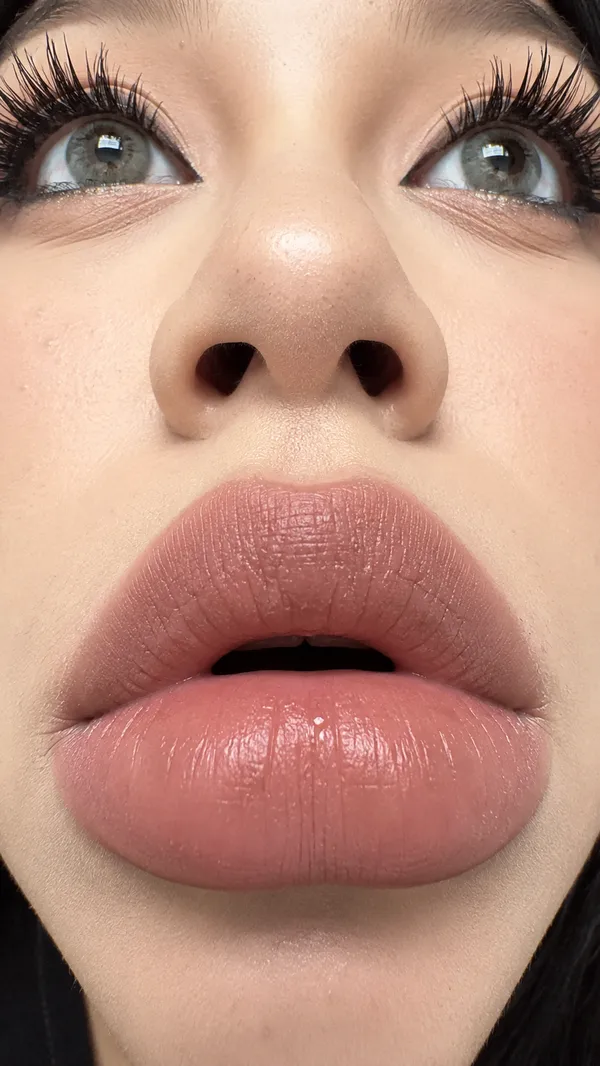
Seedance 2.5 프롬프트 - 참조 장면을 가르는 스무 번의 하드 컷 시점

- 화면 비율
- adaptive
- 화질
- 720p
프롬프트
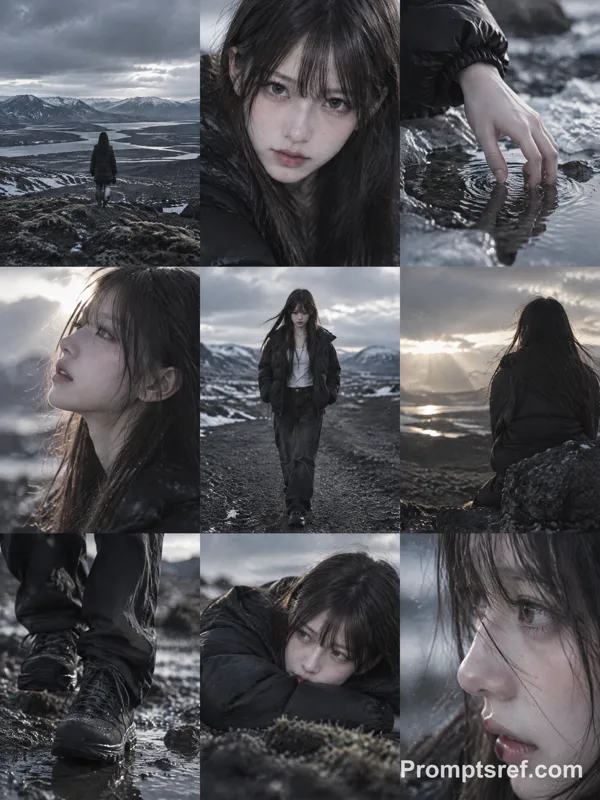
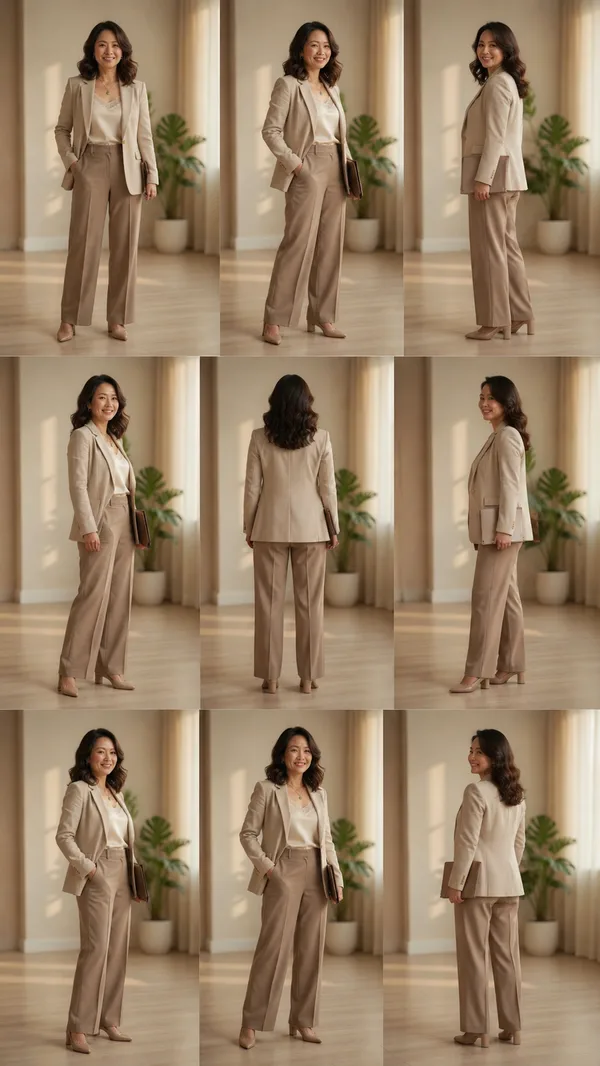
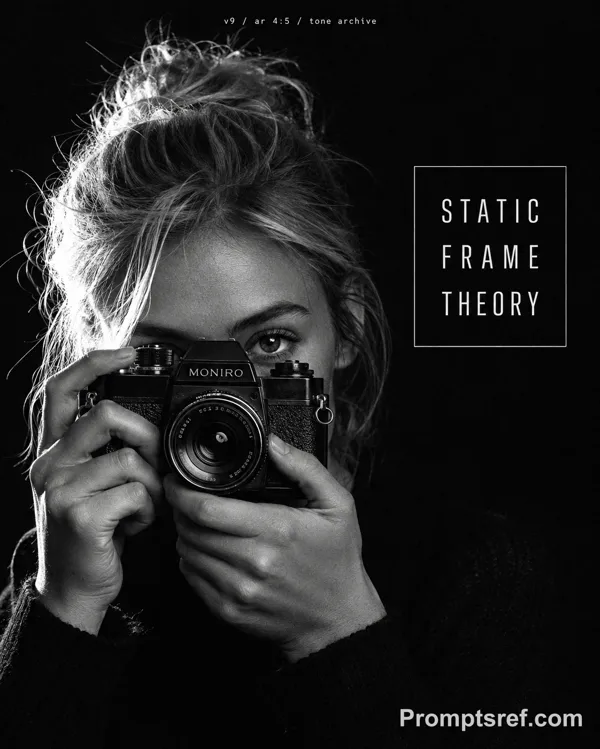
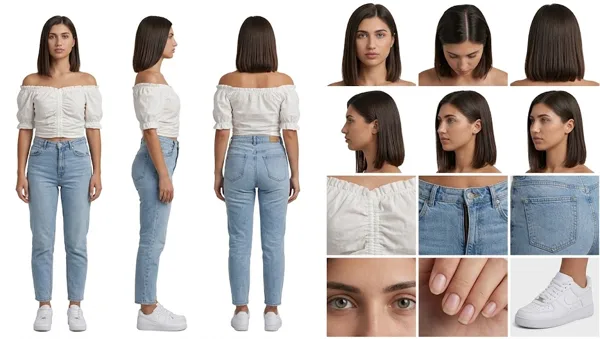
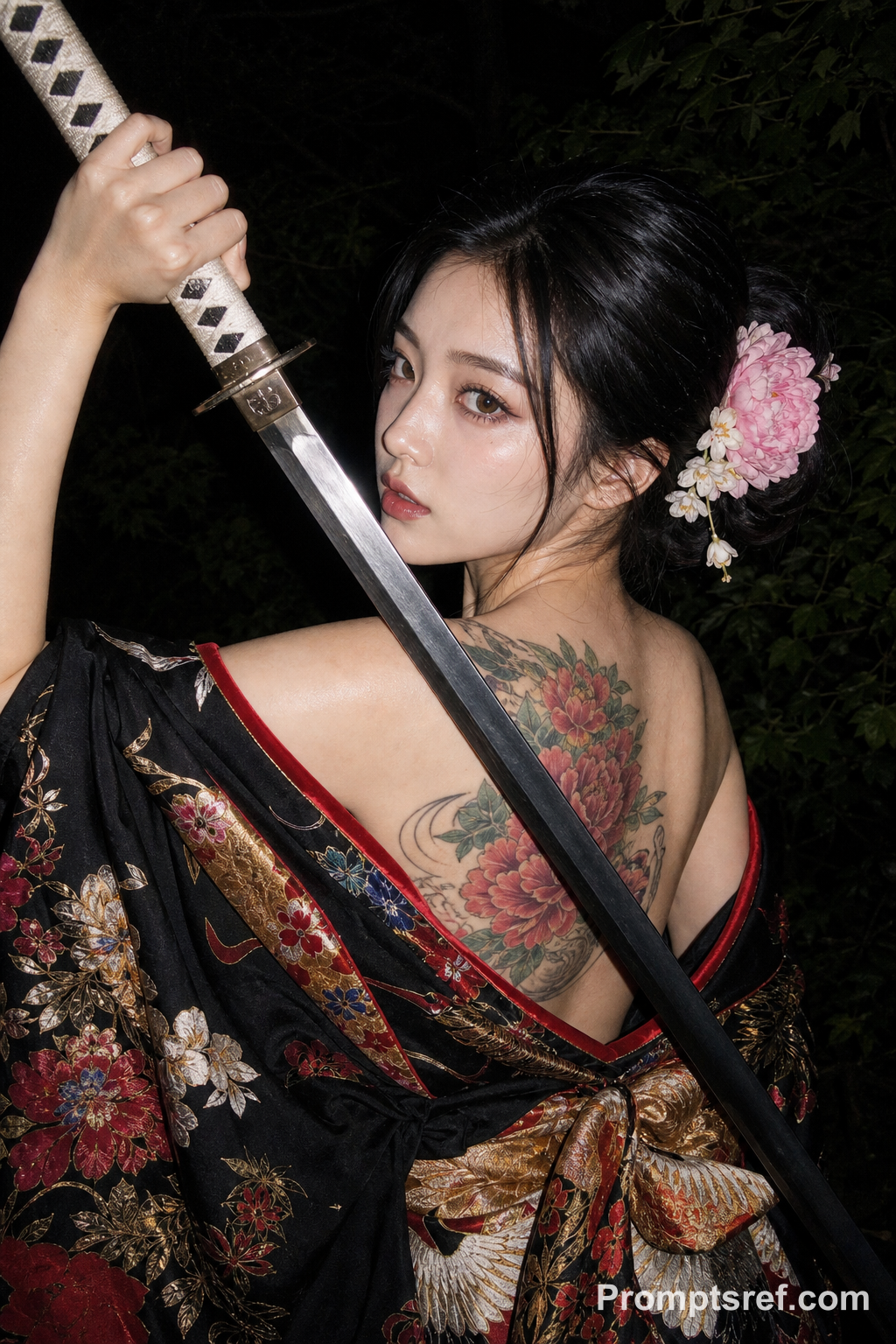
Create a rapid-fire cinematic camera-angle showcase of Reference image
TOTAL CAMERA SHOTS: 20
Keep the characters, environment, clothing, lighting, action, and overall scene completely consistent throughout the entire video. Do not change the location or introduce new elements.
Use 20 clearly distinct camera setups, including:
extreme wide shot, wide establishing shot, medium wide shot, medium shot, medium close-up, close-up, extreme close-up, low angle, extreme low angle, high angle, overhead shot, top-down shot, ground-level shot, eye-level shot, Dutch angle, profile shot, three-quarter angle, front-facing shot, rear angle, over-the-shoulder shot, reverse over-the-shoulder shot, side angle, foreground-framed shot, long-lens shot, wide-angle close shot, symmetrical composition, off-center composition, tracking angle, orbiting angle, and dramatic perspective angle.
IMPORTANT:
- Use HARD CUTS between every shot.
- Never hold one camera angle for longer than 1 second.
- Do not repeat any camera angle or composition.
- Do not create long continuous camera movements between angles.
- The action should remain continuous across all cuts.
- Only the CAMERA POSITION, CAMERA ANGLE, LENS, and FRAMING should change.
- The subject and scene must remain visually consistent.
참조 이미지
리믹스 작품
리믹스아직 리믹스가 없어요. 첫 번째 버전을 만들어 보세요.
이 동영상 프롬프트 사용하기
- 01
프롬프트로 시작하기
프롬프트를 복사하거나 생성 버튼으로 여세요.
- 02
나만의 아이디어 더하기
주제, 배경, 세부 사항을 조정하고 필요하면 참고 자료를 추가하세요.
- 03
생성 전 확인하기
모델과 출력 설정을 확인하세요. 생성 결과는 매번 다를 수 있습니다.