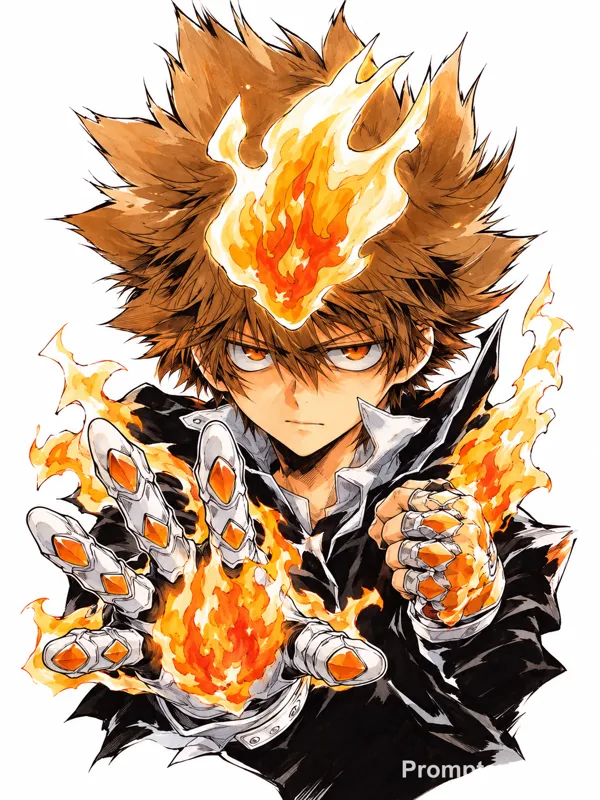
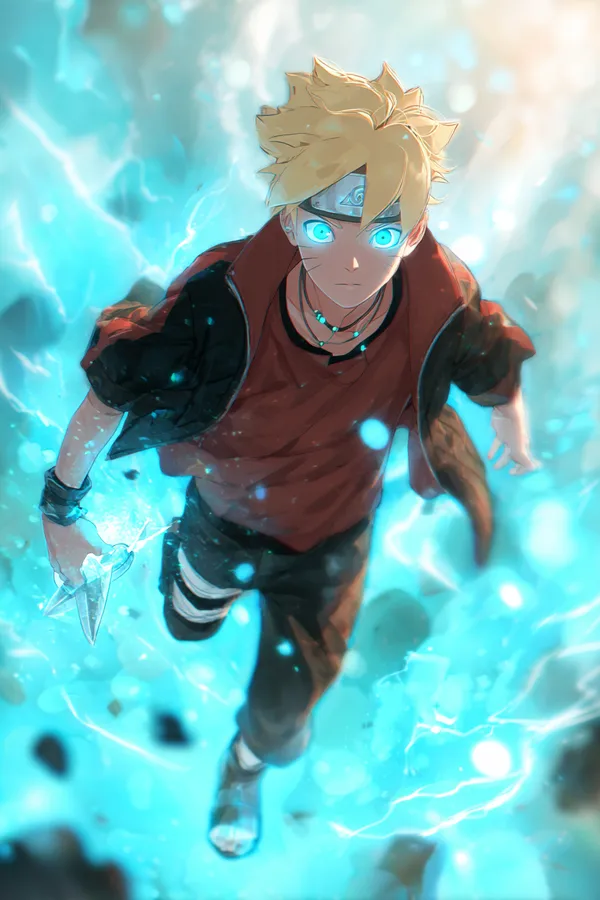
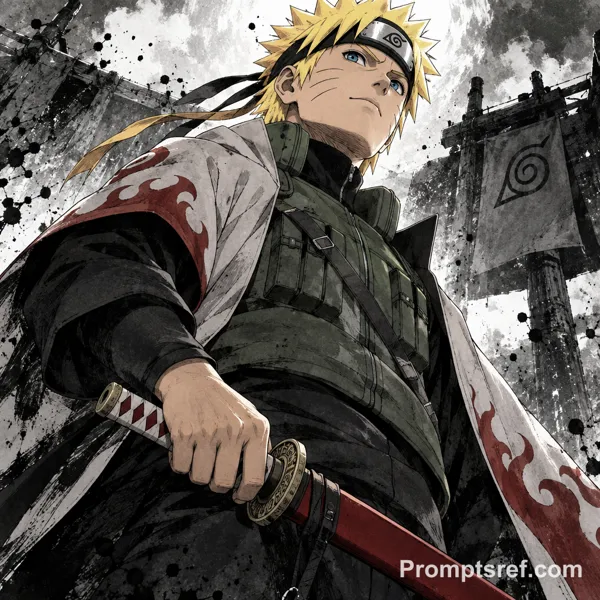
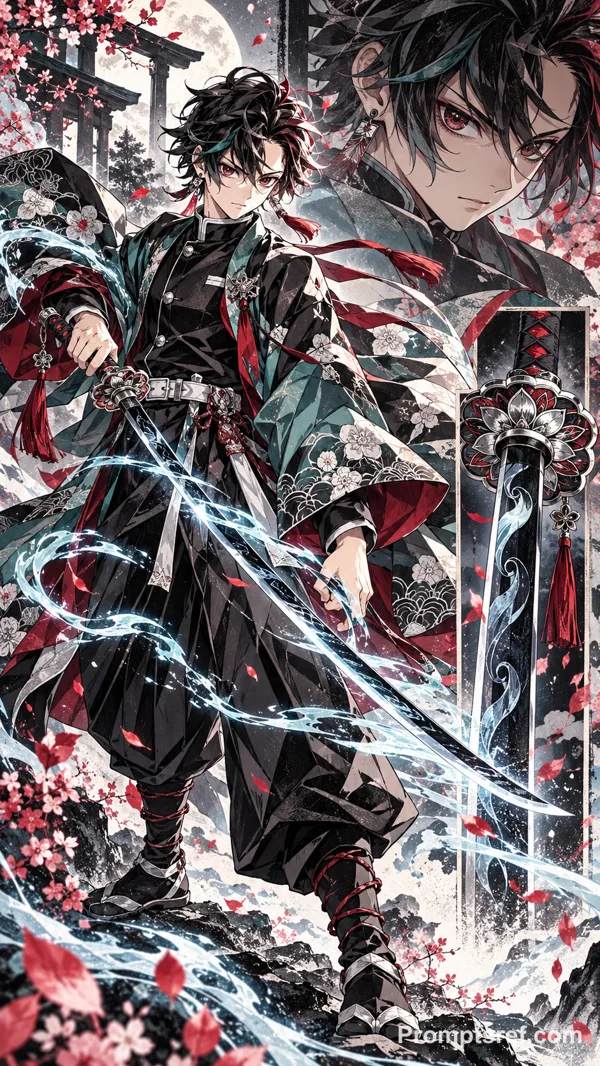
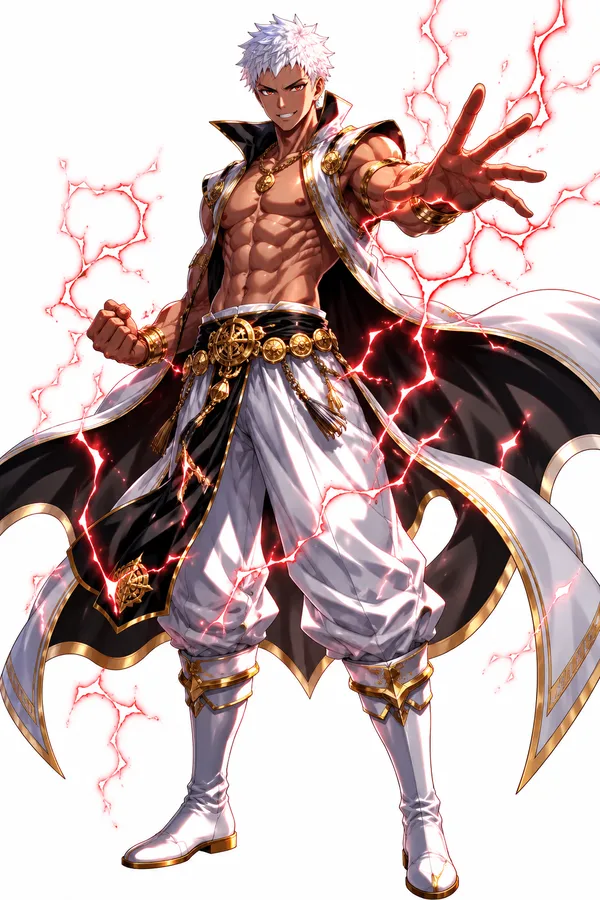
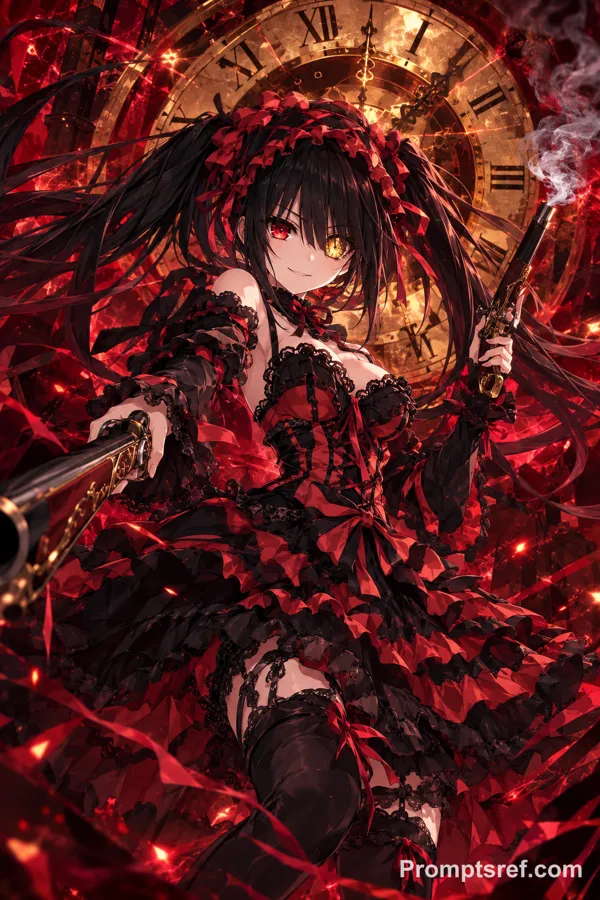
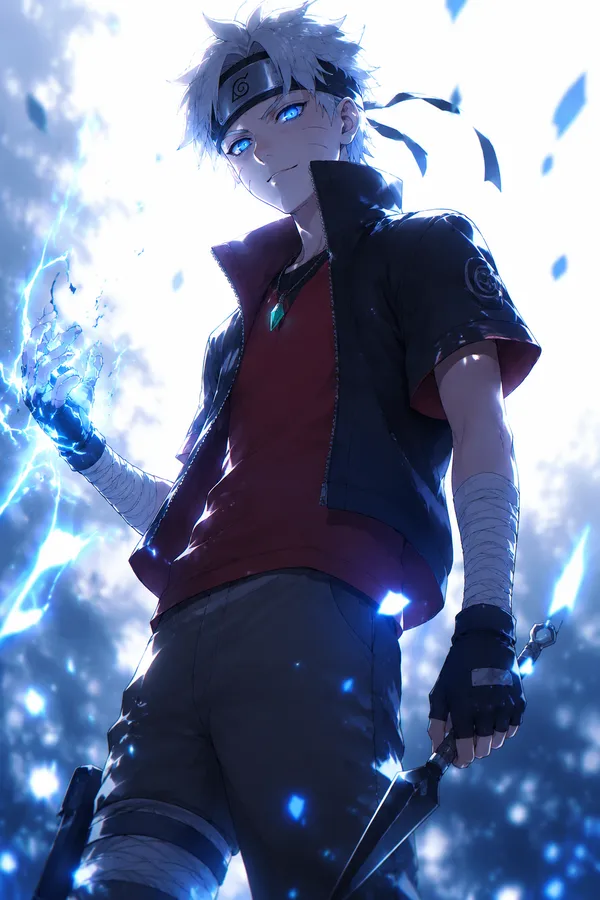
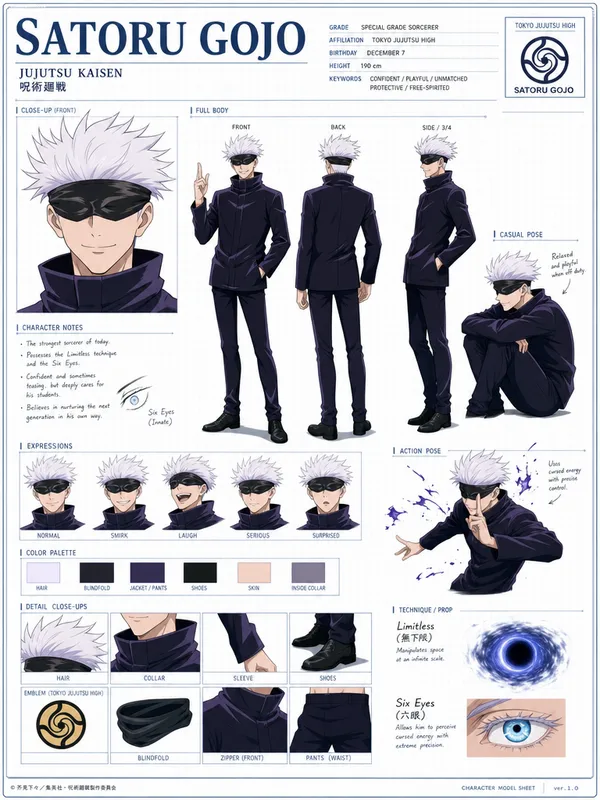
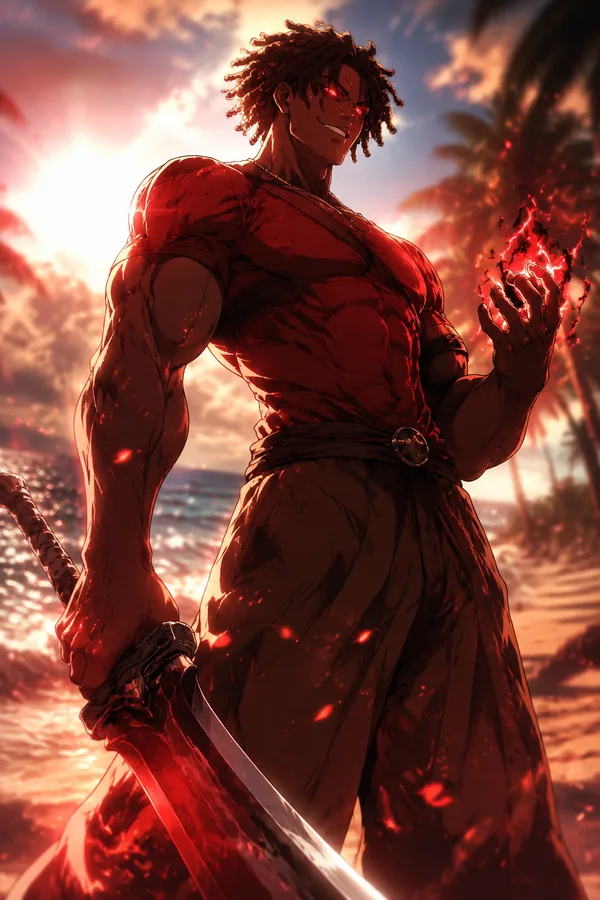
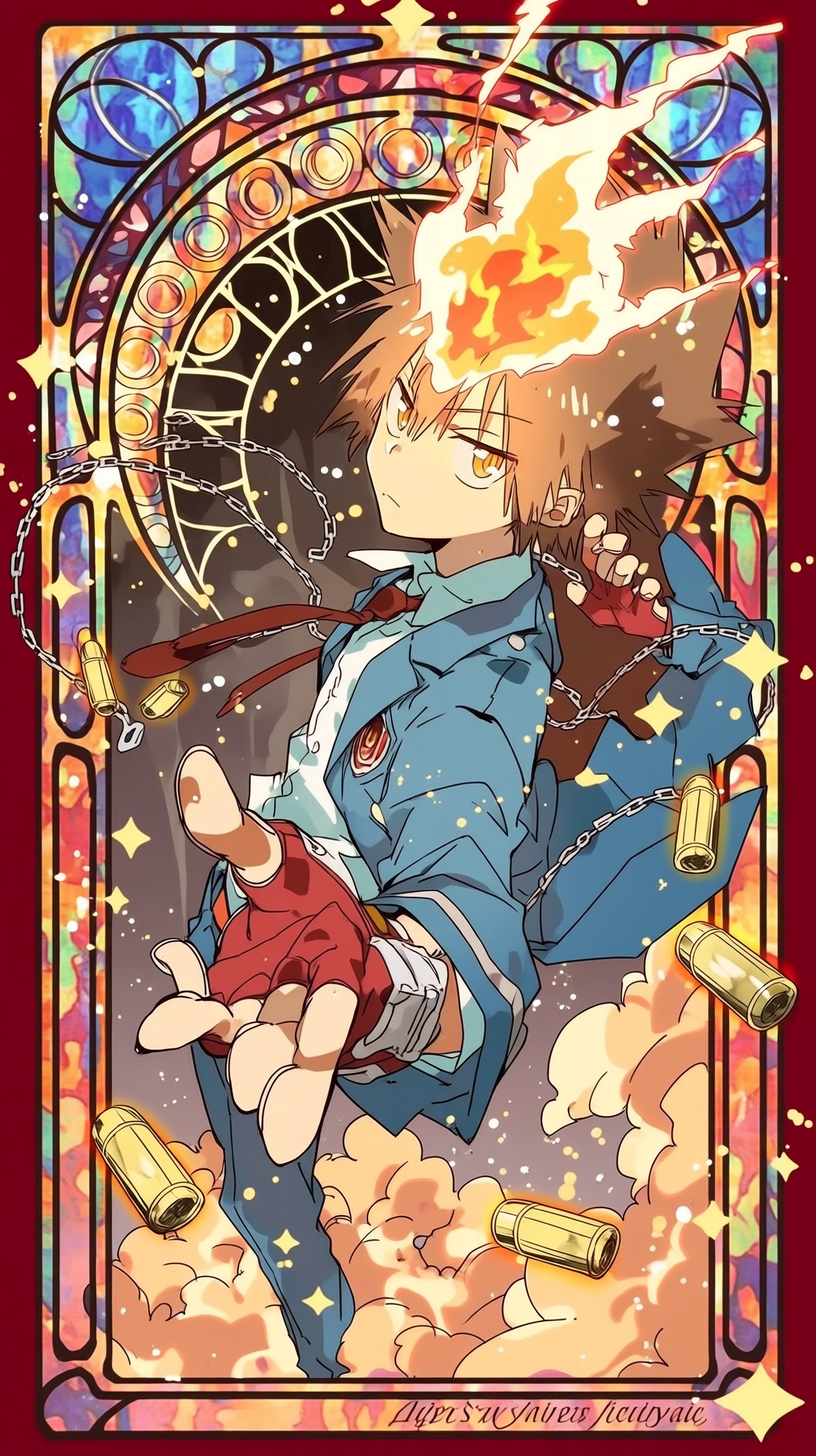
GPT Image 2.5 Sunburst 프롬프트 - 아르누보 스테인드글라스 속 하이퍼 모드 츠나

- 화면 비율
- 9:16
- 화질
- 1K
프롬프트
【修复原则申明】
请在原有图片基础上进行修复,遵循以下原则:
保持核心元素不变(Tsuna 超死气特征、彩窗卡牌构图、链条弹壳意象、华丽装饰风)
仅修复问题区域,重点解决双手、火焰异物、领带衔接
修复后人体与物体逻辑连贯,画面干净
这是修复,不是重绘。去除噪点,消除颗粒感和瑕疵,精细化动漫线条,色彩柔和自然,增强面部特征,恢复清晰轮廓,改善发丝和服装细节,保留原作风格,打造高品质动漫插画。 【第一步】双手人体工学重构 (Critical Fix)
提示词: Reconstruct both hands ergonomically: the foreground reaching hand with correct thumb proportion and natural finger segments (no balloon fingers), readable palm in red fingerless glove; the shoulder-raised hand with clear curled fingers and visible wrist connection from the sleeve.
【第二步】火焰与领带修复 (Critical Fix)
提示词: Clean the dark brown wedge artifact inside the forehead flame, separate flame edges from hair spikes, keep the orange Dying Will flame shape. Reconnect the red tie to the shirt collar knot so it reads as one tie blown by wind (not two floating strips).
【第三步】链条/弹壳与横幅整理
提示词: Make the left chain coherent: connected ends or cleanly trimmed, clarify the small key charm; keep floating bullet casings as motif with one clearly entangled in the chain. Tidy the garbled bottom banner text into readable lettering (e.g. "VONGOLA") or clean ornament.
【第四步】整体收尾
提示词: Keep the brown spiky hair, orange eyes, determined Hyper Mode gaze, blue school jacket with white shirt, red fingerless gloves, stained-glass Art Nouveau card frame, cloud base and warm palette, high quality illustration.
참조 이미지
리믹스 작품
리믹스아직 리믹스가 없어요. 첫 번째 버전을 만들어 보세요.
이 이미지 프롬프트 사용하기
- 01
프롬프트로 시작하기
프롬프트를 복사하거나 생성 버튼으로 여세요.
- 02
나만의 아이디어 더하기
주제, 배경, 세부 사항을 조정하고 필요하면 참고 자료를 추가하세요.
- 03
생성 전 확인하기
모델과 출력 설정을 확인하세요. 생성 결과는 매번 다를 수 있습니다.