GPT Image 2.0 프롬프트 - 사실적인 3D 진화 타임라인

- 화면 비율
- 9:16
- 화질
- 2K
프롬프트
{
"type": "evolutionary timeline infographic",
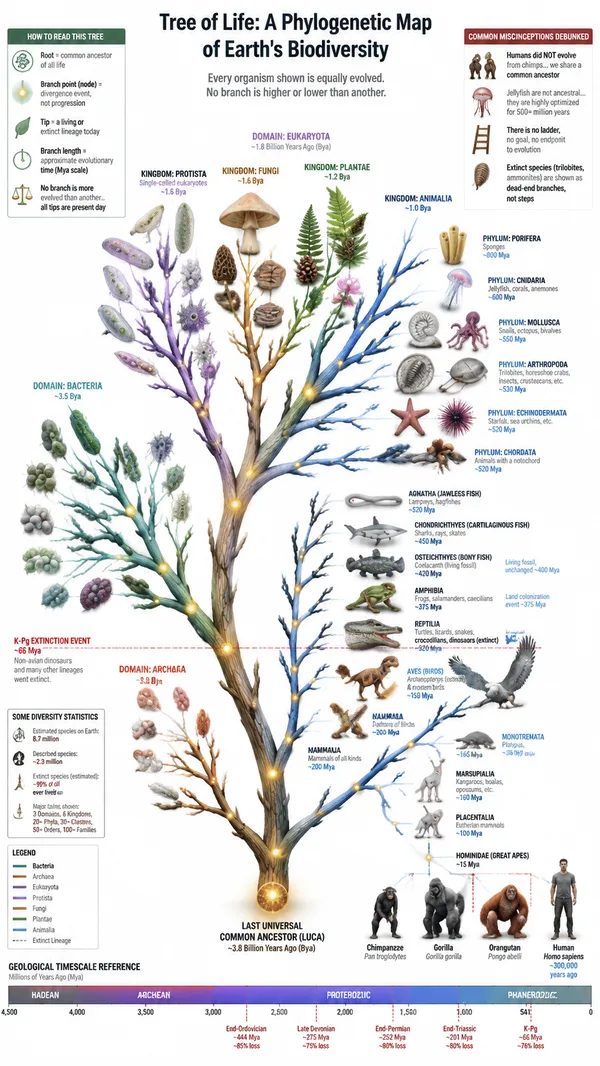
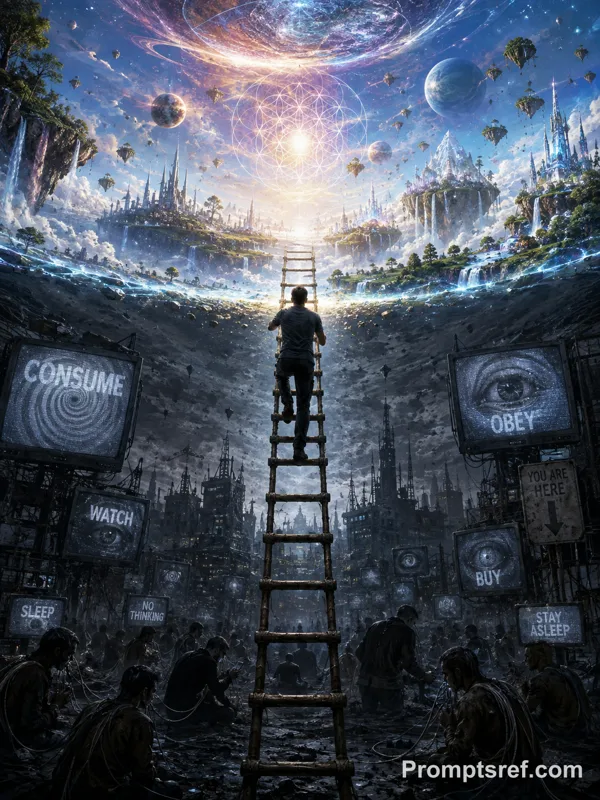
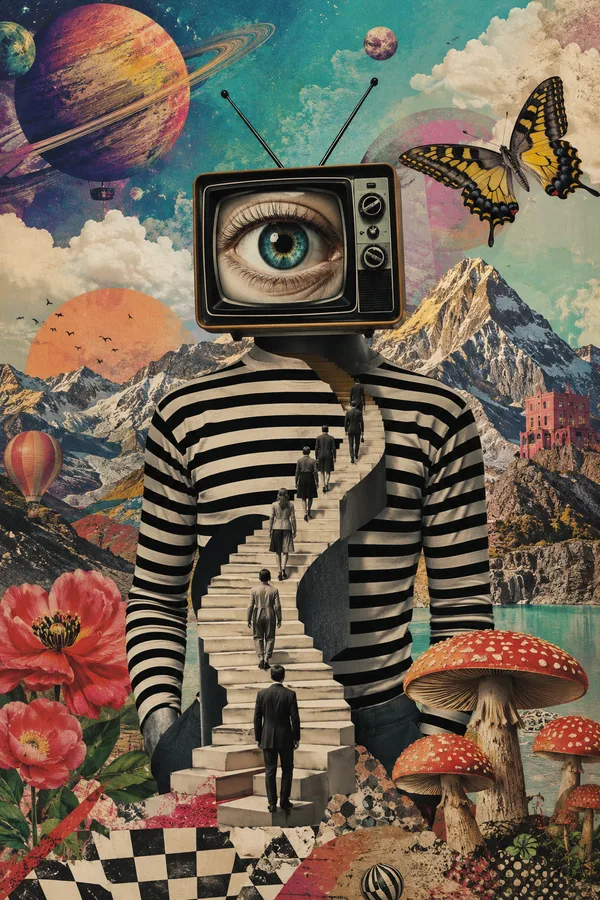
"instruction": "Using REFERENCE_0 as a structural base, transform the flat vector design into a highly realistic 3D infographic. Replace the smooth ramps with distinct stone steps and upgrade all organisms to photorealistic 3D models.",
"style": {
"background": "{argument name=\"background style\" default=\"white plain background\"}",
"staircase": "{argument name=\"staircase material\" default=\"realistic textured stone blocks\"}",
"subjects": "{argument name=\"organism style\" default=\"highly detailed photorealistic 3D renders\"}"
},
"layout": {
"main_title": "{argument name=\"main title\" default=\"Human Evolution\"}",
"sections": [
{
"position": "left sidebar",
"count": 8,
"labels": [
"L0: Single-Celled Life",
"L1: Multicellular Organisms",
"L2: Animal Kingdom",
"L3: Chordates",
"L4: Conquest of Land",
"L5: Mammalia",
"L6: Hominid Evolution",
"L7: Homo Sapiens Era"
]
},
{
"position": "top right",
"title": "Acquired Functions / Lost Functions",
"description": "Legend with plus and minus icons"
},
{
"position": "bottom center",
"title": "Key Evolutionary Milestones",
"count": 6,
"description": "Timeline with a silhouette graphic of 6 figures showing ape-to-human evolution"
}
],
"centerpiece": {
"description": "Winding stone staircase with 25 numbered steps featuring specific organisms.",
"count": 25,
"notable_elements": [
"Step 07: Jellyfish",
"Step 09: Ammonite",
"Step 10: Trilobite",
"Step 24: Walking human",
"Step 25: {argument name=\"future evolution concept\" default=\"glowing cosmic silhouette with a question mark\"}"
]
}
}
}
리믹스 작품
리믹스아직 리믹스가 없어요. 첫 번째 버전을 만들어 보세요.
이 이미지 프롬프트 사용하기
- 01
프롬프트로 시작하기
프롬프트를 복사하거나 생성 버튼으로 여세요.
- 02
나만의 아이디어 더하기
주제, 배경, 세부 사항을 조정하고 필요하면 참고 자료를 추가하세요.
- 03
생성 전 확인하기
모델과 출력 설정을 확인하세요. 생성 결과는 매번 다를 수 있습니다.