GPT Image 2.0 프롬프트 - Lumière 플래티넘 패션 커버

- 화면 비율
- auto
- 화질
- 1K
프롬프트
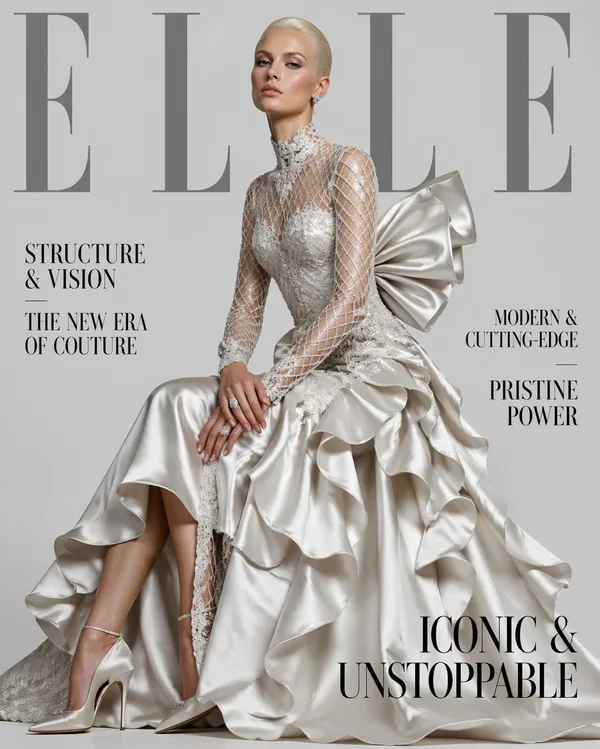
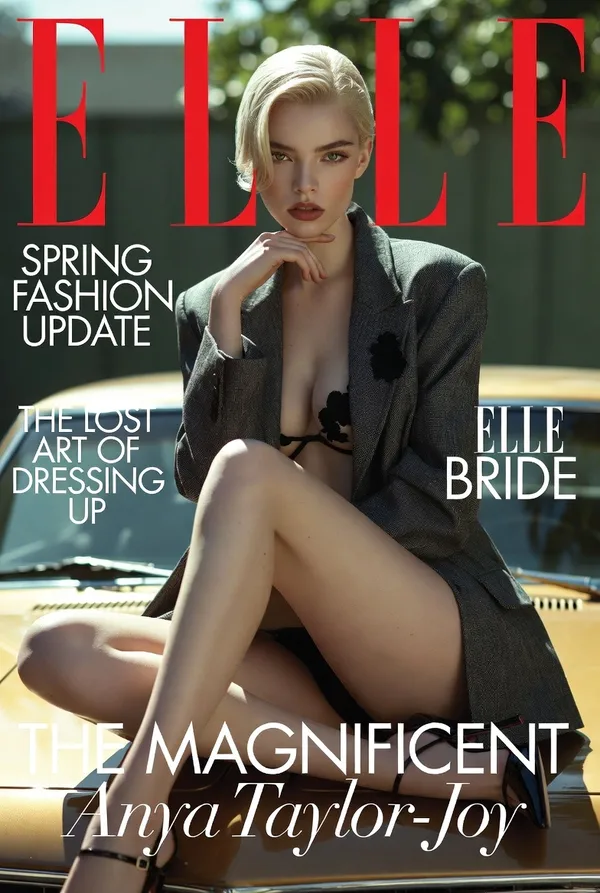
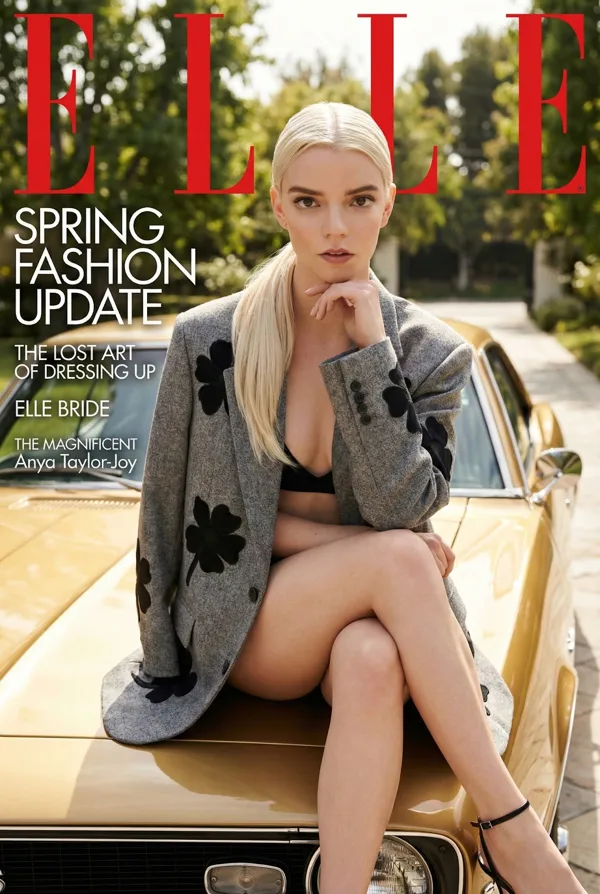
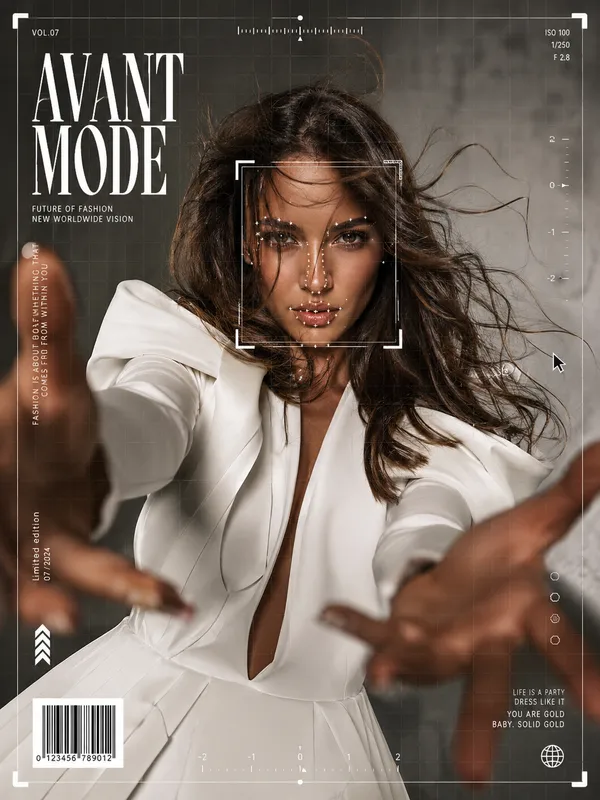
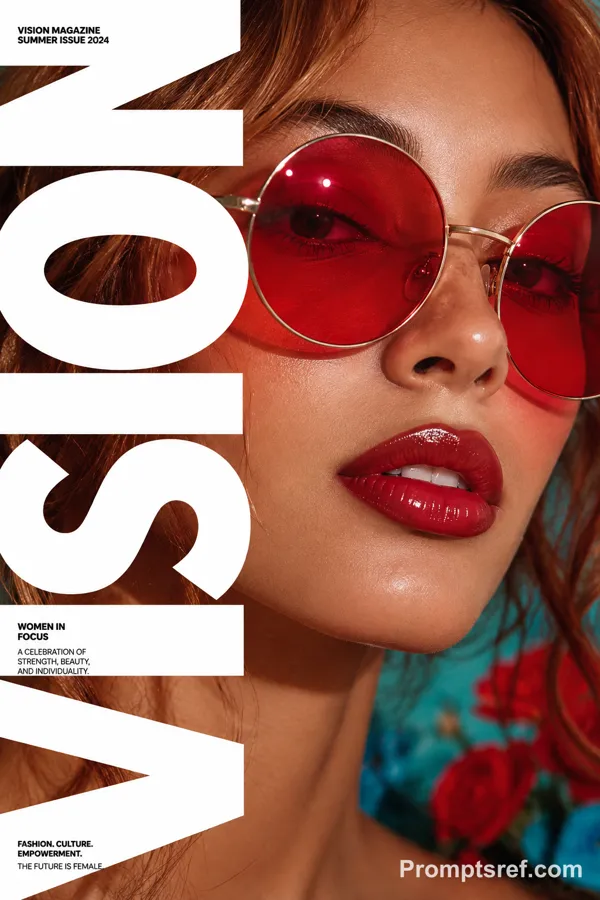
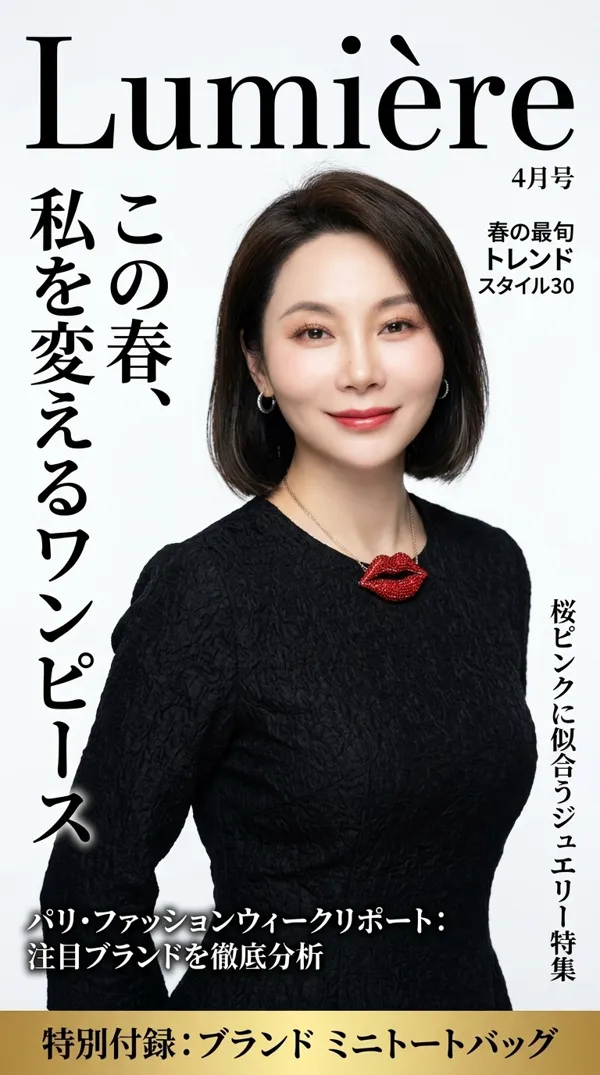
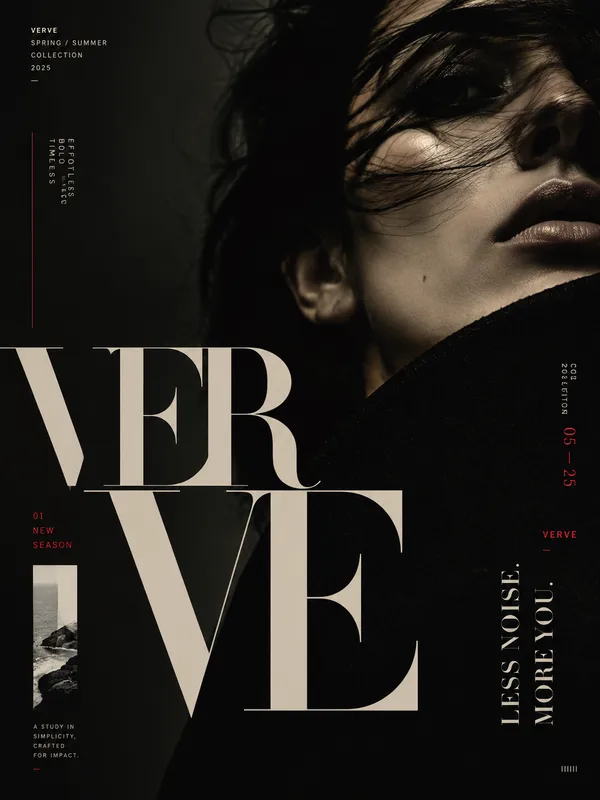
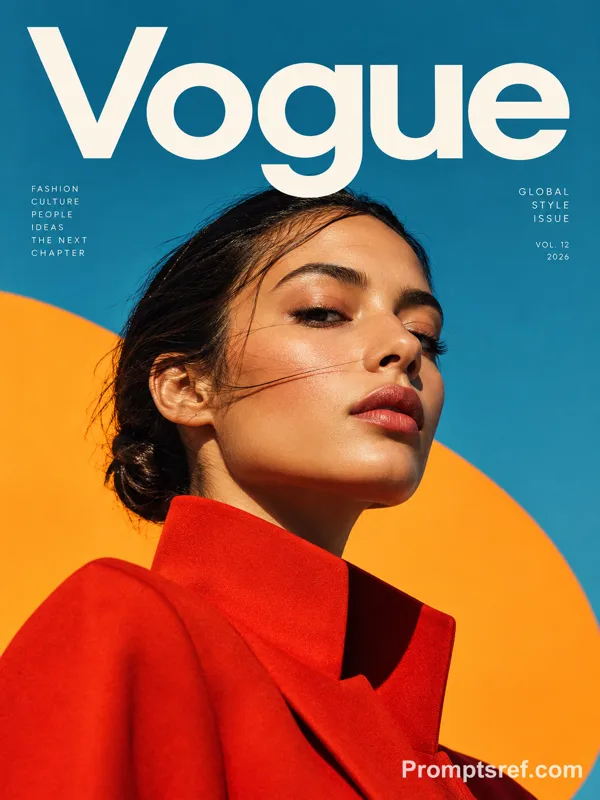
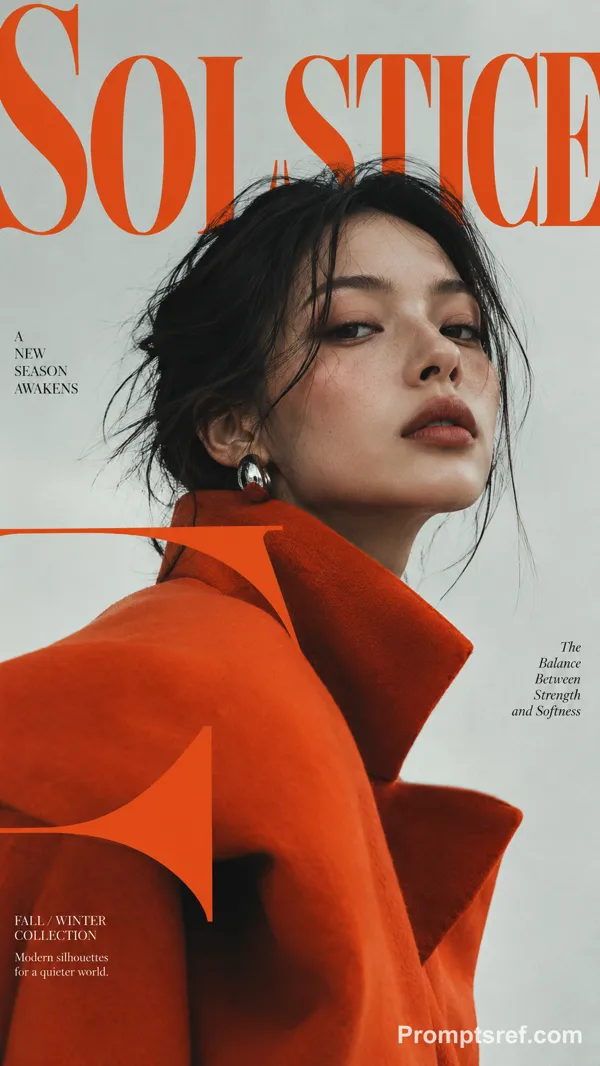
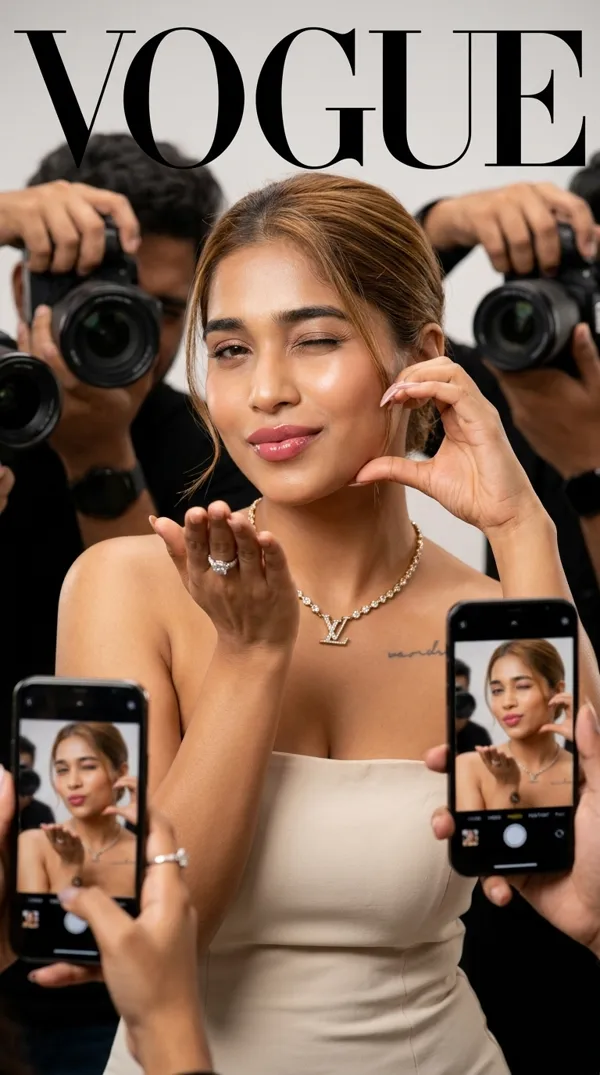
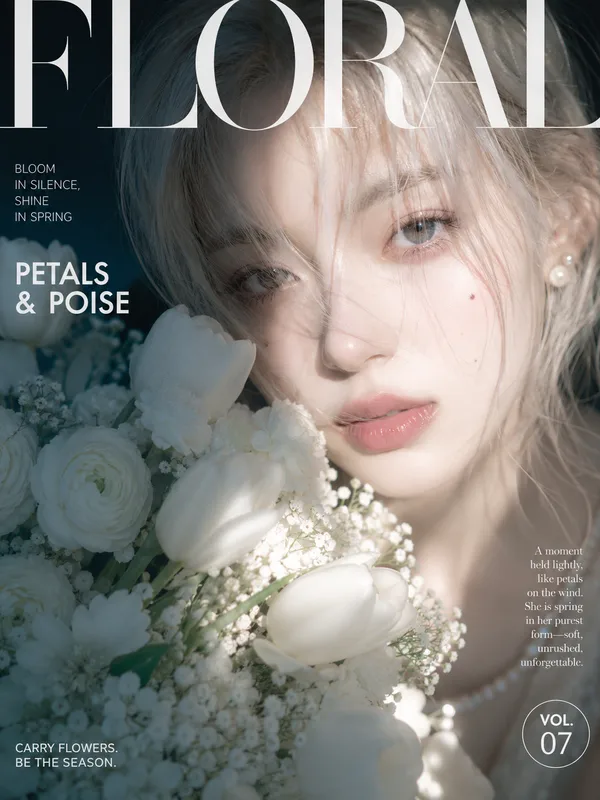
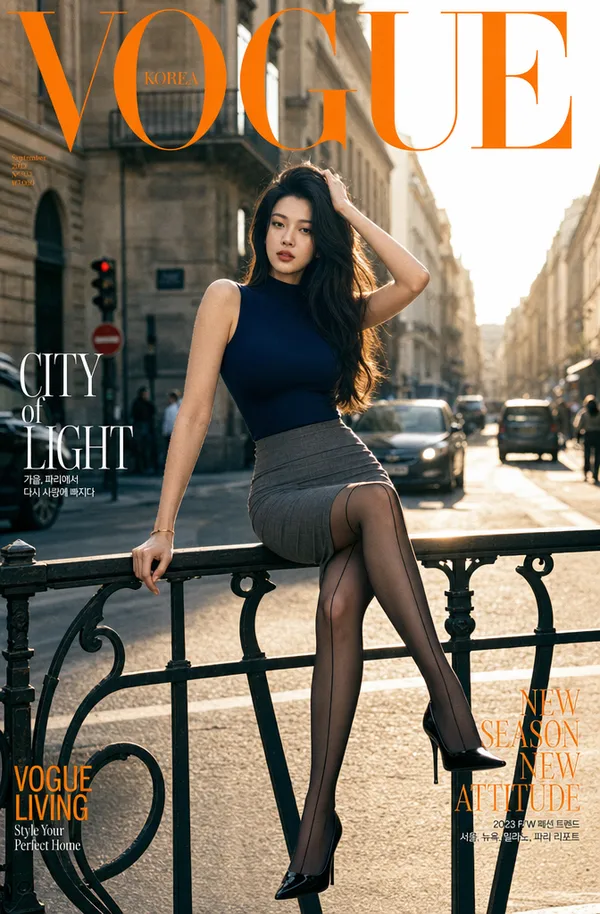
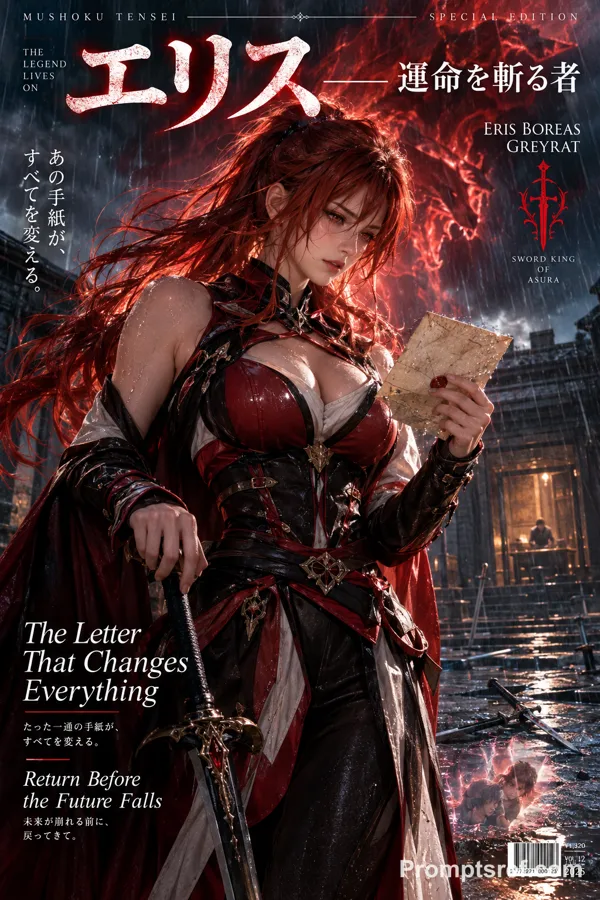
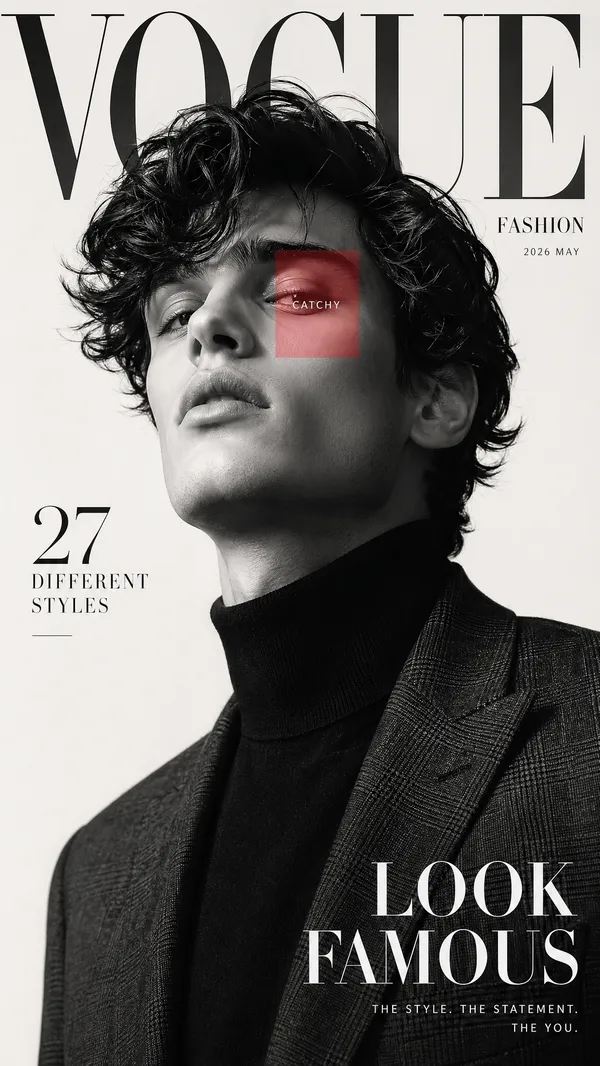
A luxury high-fashion magazine cover. Magazine name at the very top in massive elegant serif font reads "LUMIÈRE" — the letters are large, slightly transparent/ghost-style overlapping the model's head just like ELLE magazine, in soft platinum silver color blending into the background.
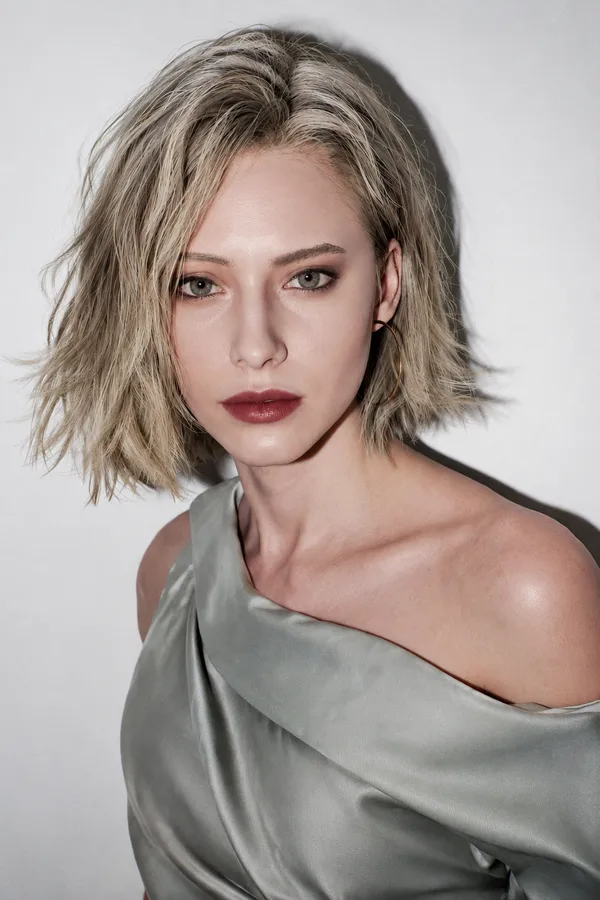
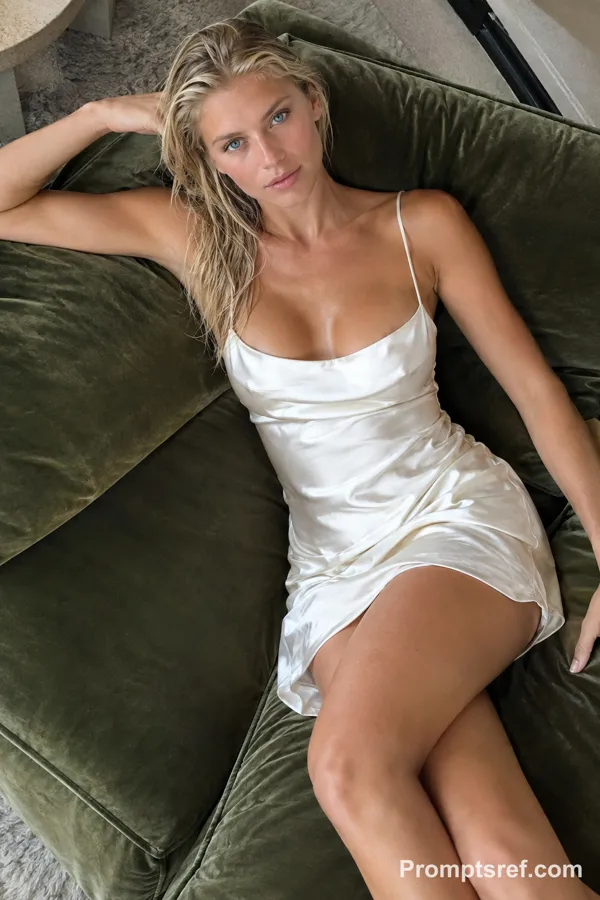
Character: A young beautiful white woman, early 20s, soft feminine features, big blue eyes, naturally full lips, flawless porcelain skin, subtle makeup — rosy cheeks, nude lips, defined brows. Her hair is platinum blonde, long and wavy, loosely flowing over one shoulder. She looks directly into the camera with a soft yet powerful gaze. Slight tilt of the head, naturally elegant posture.
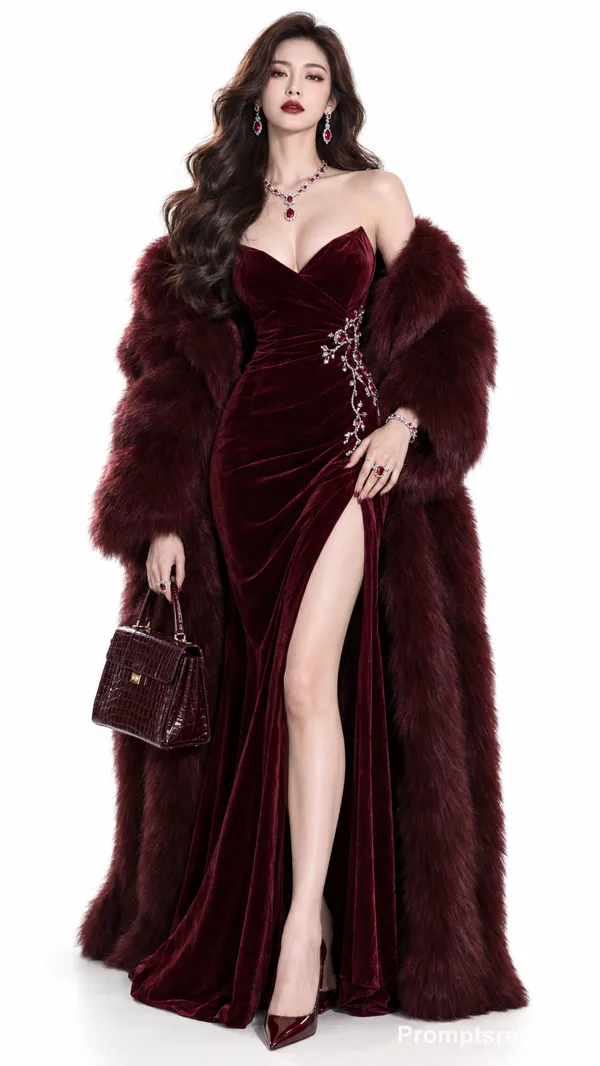
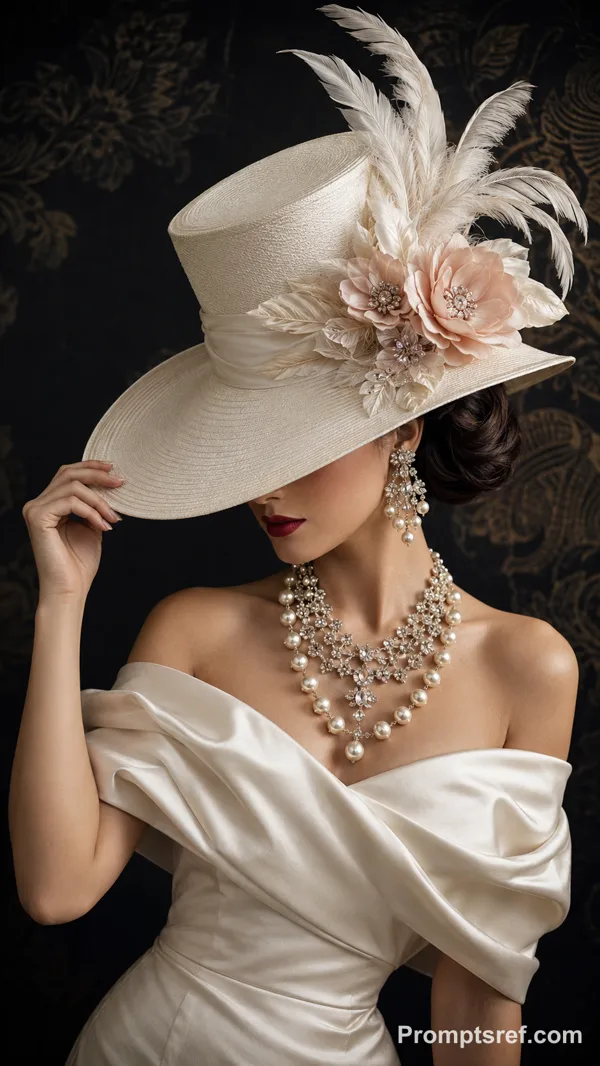
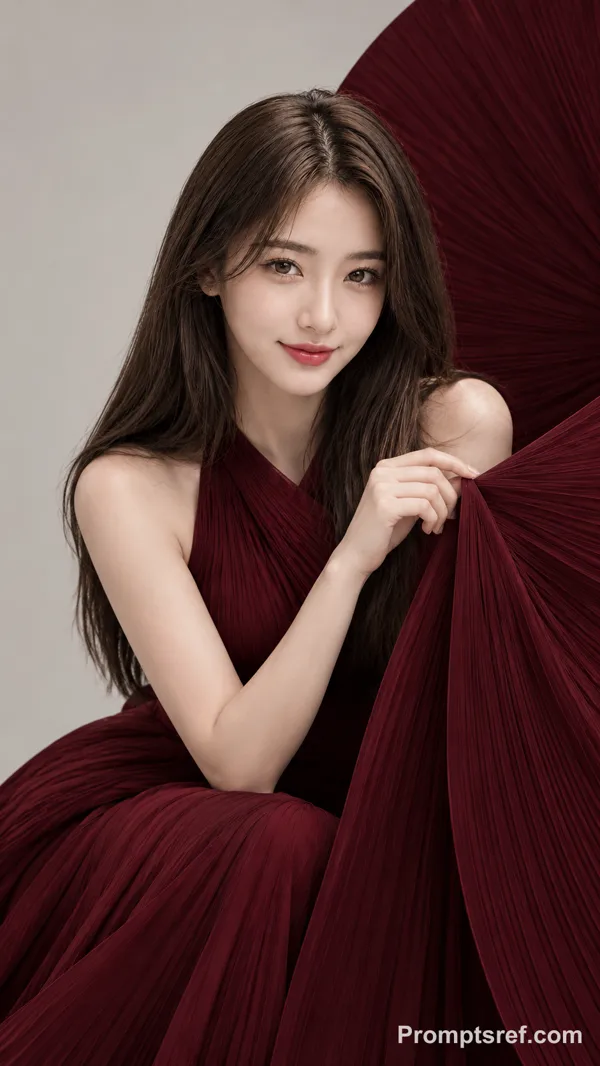
Outfit: She is wearing a dramatic deep burgundy wine-red ballgown — structured corset top with off-shoulder neckline, voluminous layered satin skirt billowing around her dramatically. Behind her shoulders, large sculptural fabric rises like rose petals — same architectural drama as reference. She leans slightly forward, both hands resting gently on her knees.
Background: Pure soft warm white/ivory background — completely clean, minimal, high-end studio editorial. Soft diffused light, no harsh shadows.
Typography — placed EXACTLY like ELLE magazine reference:
Top: "LUMIÈRE" massive serif, platinum/silver, overlapping model's head slightly
Left mid: "GRACE & POWER" bold serif, then smaller below "THE NEW VISION OF LUXURY"
Right mid: "TIMELESS & FEARLESS" bold, then "PURE OPULENCE" smaller below
Bottom right large: "ICONIC & UNSTOPPABLE" elegant large serif
All text in deep charcoal/dark navy. Font style: classic high fashion serif — same weight, spacing, and elegance as ELLE. Text naturally integrated into the composition, NOT floating randomly.
Ultra photorealistic, 8K, real magazine cover quality, perfect typography placement, vertical 9:13 format.
리믹스 작품
리믹스아직 리믹스가 없어요. 첫 번째 버전을 만들어 보세요.
이 이미지 프롬프트 사용하기
- 01
프롬프트로 시작하기
프롬프트를 복사하거나 생성 버튼으로 여세요.
- 02
나만의 아이디어 더하기
주제, 배경, 세부 사항을 조정하고 필요하면 참고 자료를 추가하세요.
- 03
생성 전 확인하기
모델과 출력 설정을 확인하세요. 생성 결과는 매번 다를 수 있습니다.