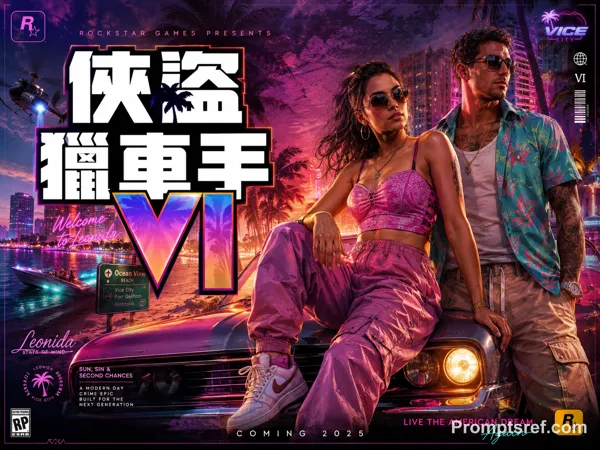
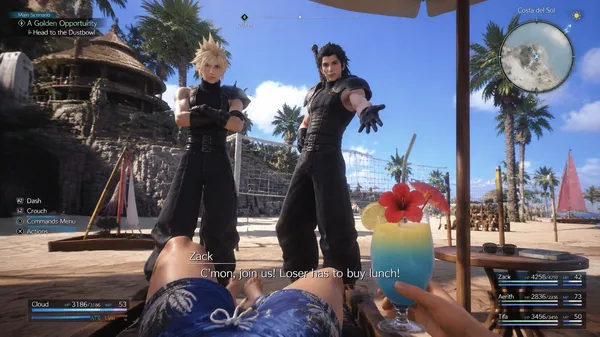
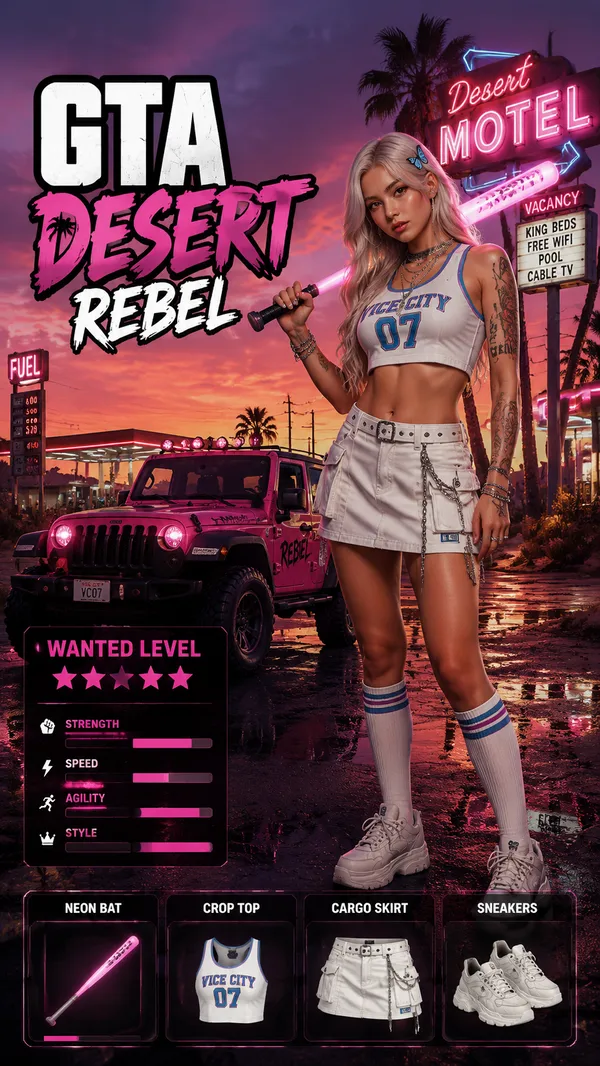
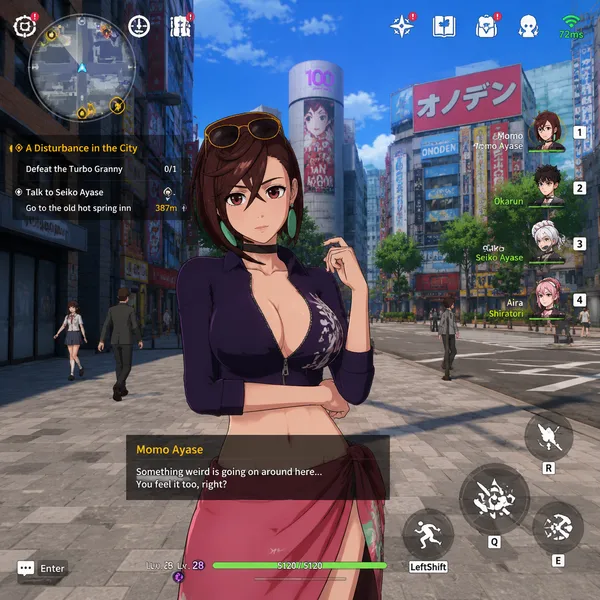
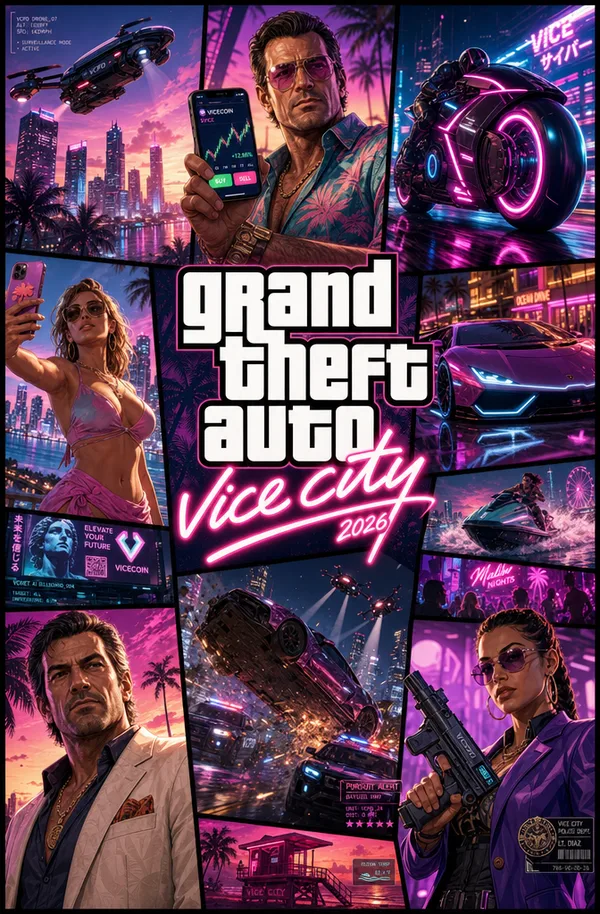
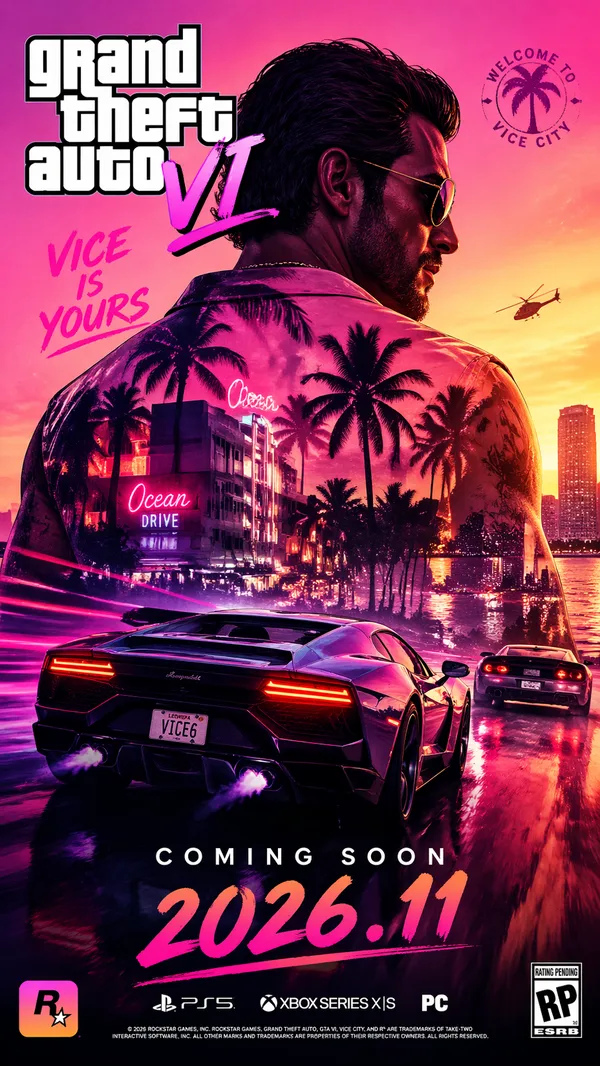
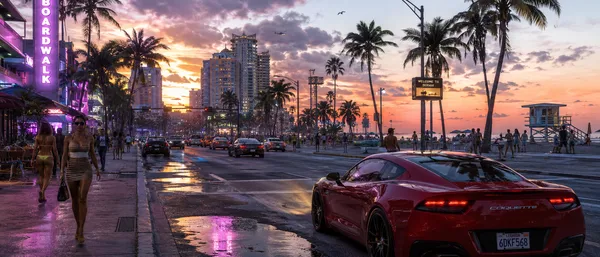
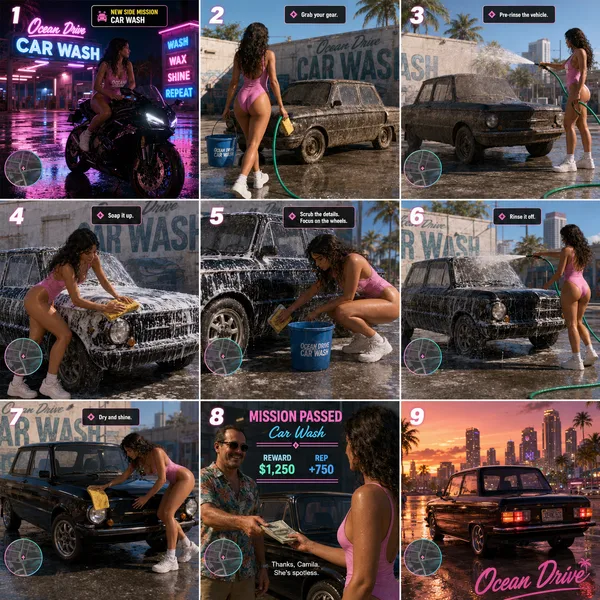
GPT Image 2.0 프롬프트 - 레오니다 키스 열대 오픈월드 게임 화면

프롬프트
{
"type": "video game screenshot mockup",
"perspective": "third-person over-the-shoulder",
"character": {
"description": "male protagonist seen from behind",
"clothing": "grey tank top with graphic '{argument name=\"shirt graphic\" default=\"LEONIDA MARINE CENTER\"}', camouflage cargo shorts"
},
"environment": {
"setting": "tropical coastal town, dirt road, sunny daytime with scattered clouds",
"left_side": "wooden welcome sign reading 'Welcome to {argument name=\"location name\" default=\"LEONIDA KEYS\"} YOUR PARADISE', pink plastic flamingo, tropical foliage, distant water tower",
"center": "green building with 'FISH' sign and marlin graphic, sign reading 'BAIT TACKLE ICE BEER WINE', pedestrians walking",
"right_side": "two-story wooden building 'Brian's Boat Works & Marina', 'Brian's Bar' neon sign, parked pickup truck, jet skis on a trailer"
},
"ui_elements": {
"count": 5,
"components": [
{
"position": "top-left",
"type": "mission objective",
"text": "{argument name=\"mission title\" default=\"MEET RAUL\"}\n{argument name=\"mission description\" default=\"Raul has some work for you at his boatyard\"}"
},
{
"position": "top-right",
"type": "status HUD",
"text": "13:47\n$1,142",
"icon": "pink palm tree"
},
{
"position": "bottom-left",
"type": "minimap",
"description": "circular map with purple border, white map icons including 'N' for north"
},
{
"position": "bottom-left, right of minimap",
"type": "location text",
"text": "{argument name=\"location name\" default=\"LEONIDA KEYS\"}\nPALM ISLAND"
},
{
"position": "bottom-right",
"type": "watermark",
"text": "{argument name=\"game title\" default=\"GTA VI\"}\nPRE-ALPHA FOOTAGE"
}
]
}
}
리믹스 작품
리믹스아직 리믹스가 없어요. 첫 번째 버전을 만들어 보세요.
이 이미지 프롬프트 사용하기
- 01
프롬프트로 시작하기
프롬프트를 복사하거나 생성 버튼으로 여세요.
- 02
나만의 아이디어 더하기
주제, 배경, 세부 사항을 조정하고 필요하면 참고 자료를 추가하세요.
- 03
생성 전 확인하기
모델과 출력 설정을 확인하세요. 생성 결과는 매번 다를 수 있습니다.