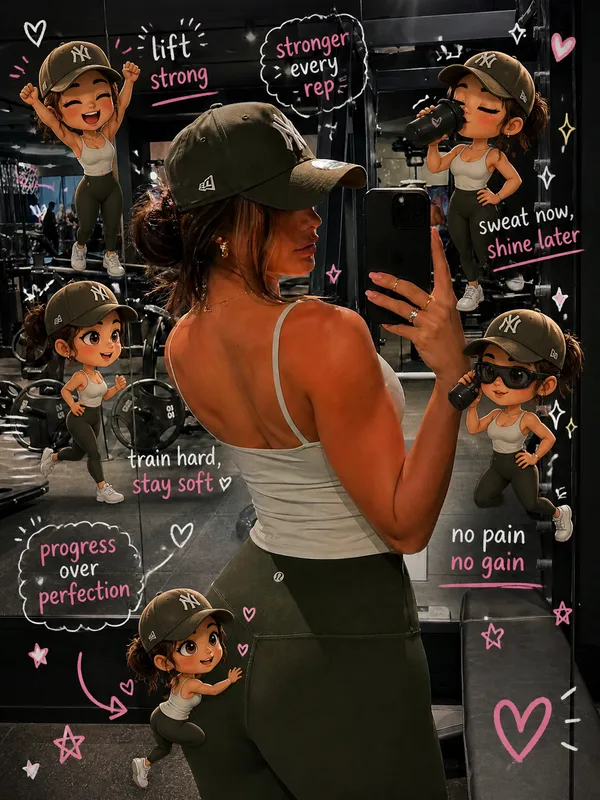
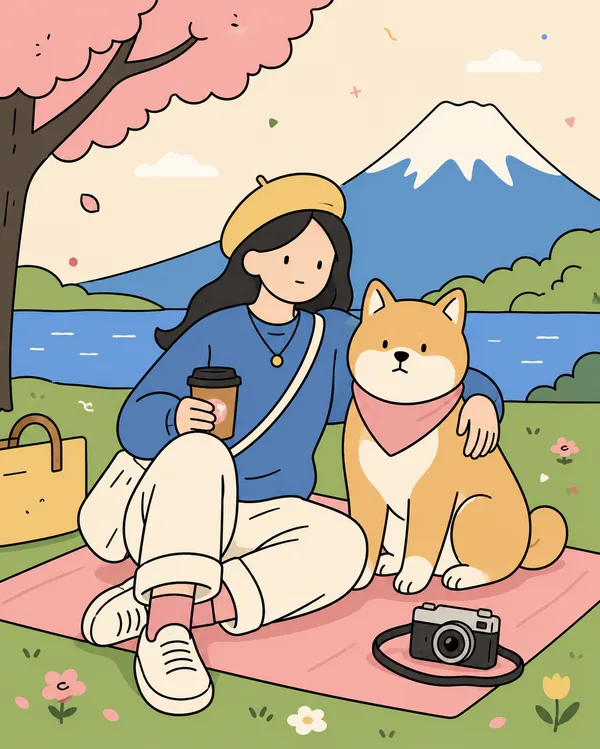
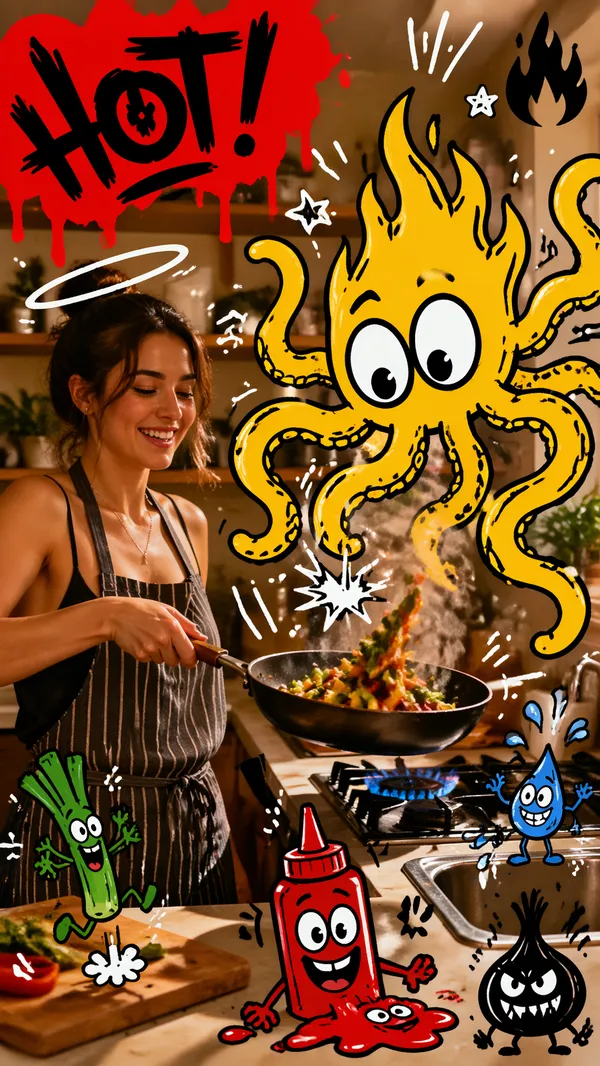
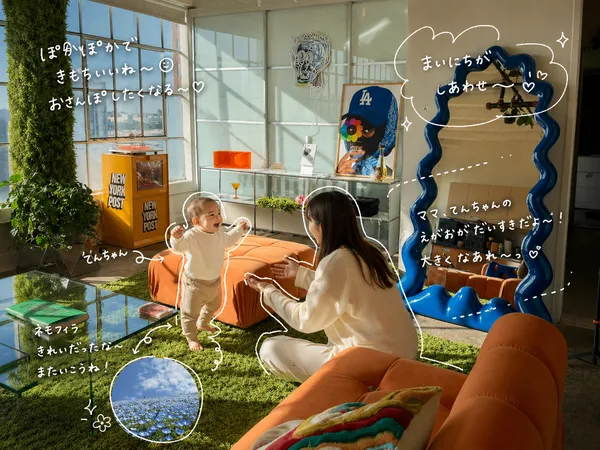
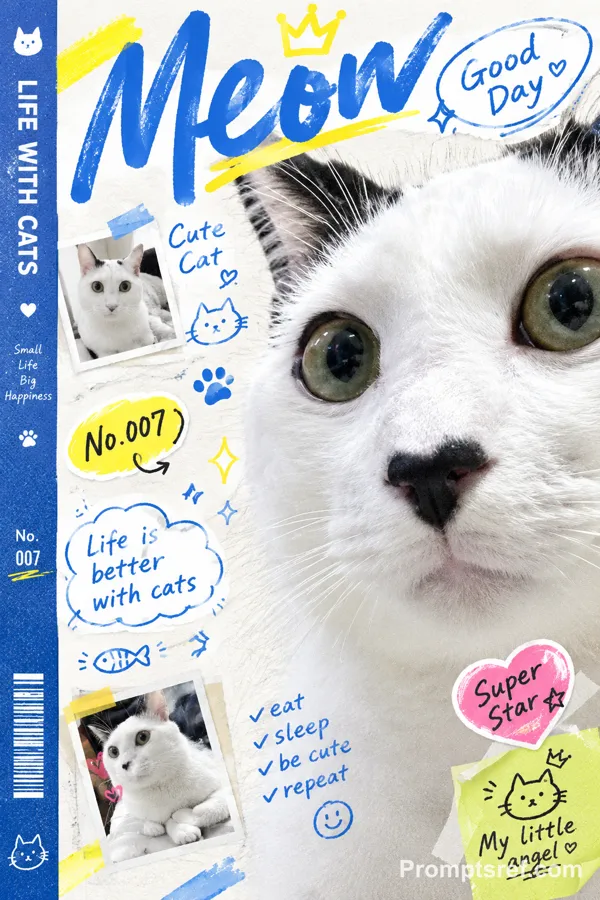
GPT Image 2.0 프롬프트 - 사진과 어우러지는 손그림 낙서 편집

- 화면 비율
- 3:4
- 화질
- 2k
프롬프트
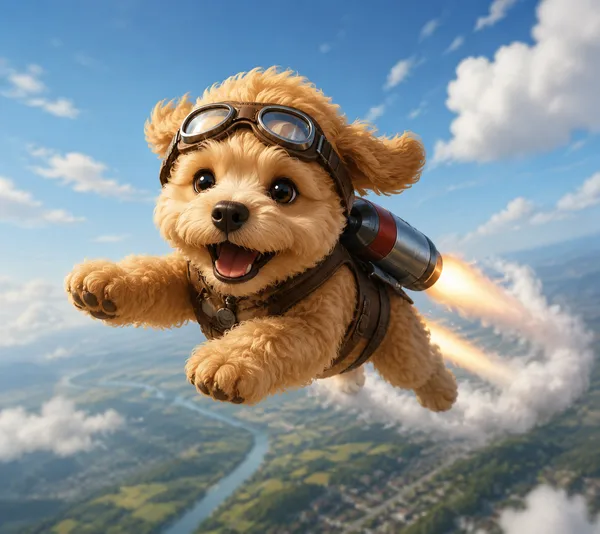
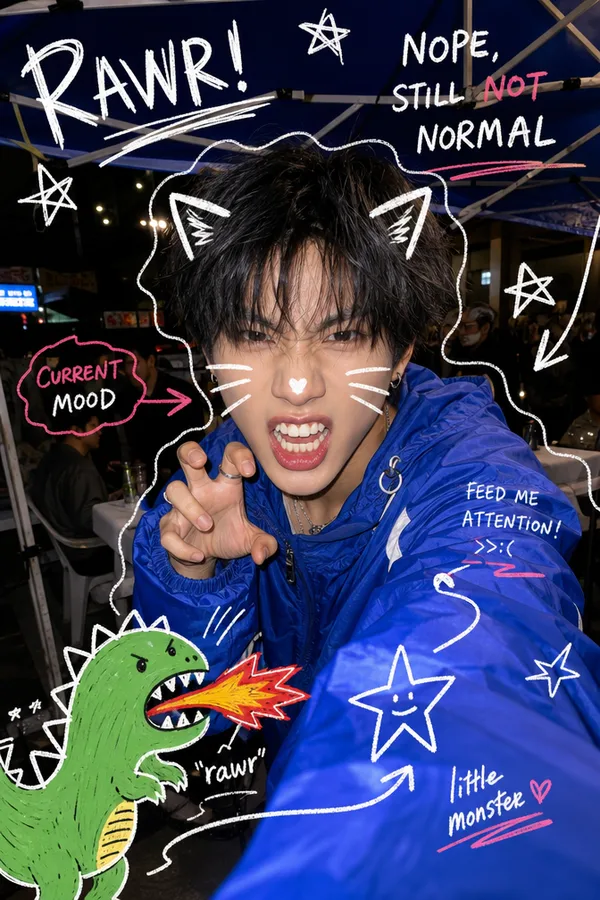
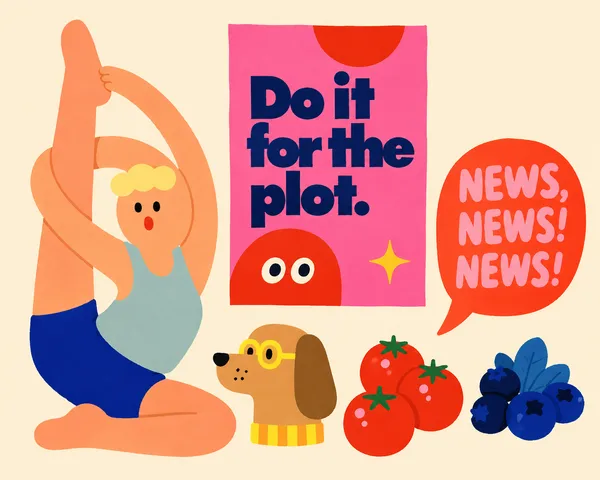
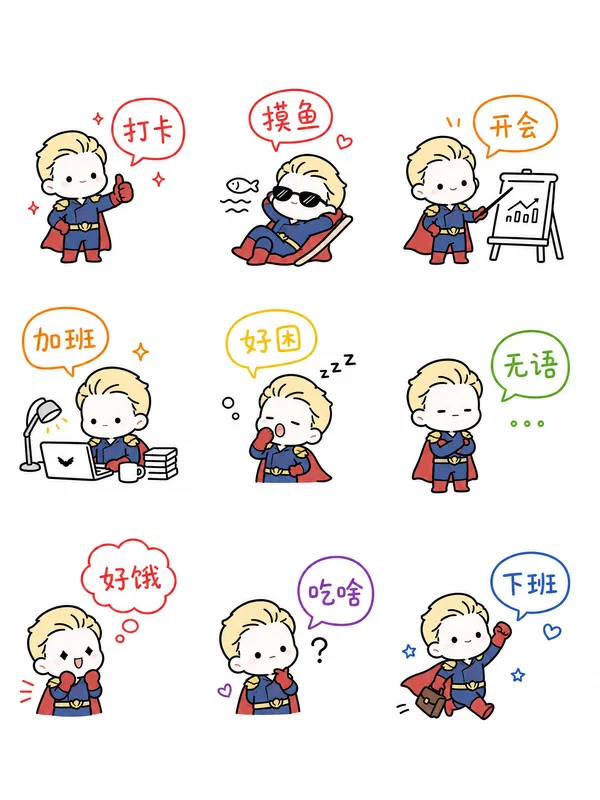
Analyze the uploaded image and preserve the original subject, composition, and lighting. Do not alter the identity or structure of the main subject. Add playful, hand-drawn doodles that interact directly with the subject in the image. The doodles should mimic, follow, or exaggerate the shapes, gestures, or motion present-such as outlining poses, extending limbs, adding motion lines, or creating imaginative elements that
"respond" to the subject.
Ensure the doodles feel naturally integrated into the scene, as if they were drawn on top of the photo with intention.
Use a sketchy, imperfect, hand-drawn style with organic lines, slightly uneven strokes, and a casual illustrated feel.
Include whimsical handwritten text elements placed around the image. The text should match the mood or implied context of the scene, with a playful and spontaneous tone.
Avoid fixed phrases-generate context-aware, creative, and humorous text that fits each unique image. Maintain a balanced composition so the doodles enhance the image without overwhelming the original subject. Keep the overall aesthetic fun, expressive, and social-media-ready. High resolution, clean overlay, vibrant yet natural color harmony.
리믹스 작품
리믹스아직 리믹스가 없어요. 첫 번째 버전을 만들어 보세요.
이 이미지 프롬프트 사용하기
- 01
프롬프트로 시작하기
프롬프트를 복사하거나 생성 버튼으로 여세요.
- 02
나만의 아이디어 더하기
주제, 배경, 세부 사항을 조정하고 필요하면 참고 자료를 추가하세요.
- 03
생성 전 확인하기
모델과 출력 설정을 확인하세요. 생성 결과는 매번 다를 수 있습니다.