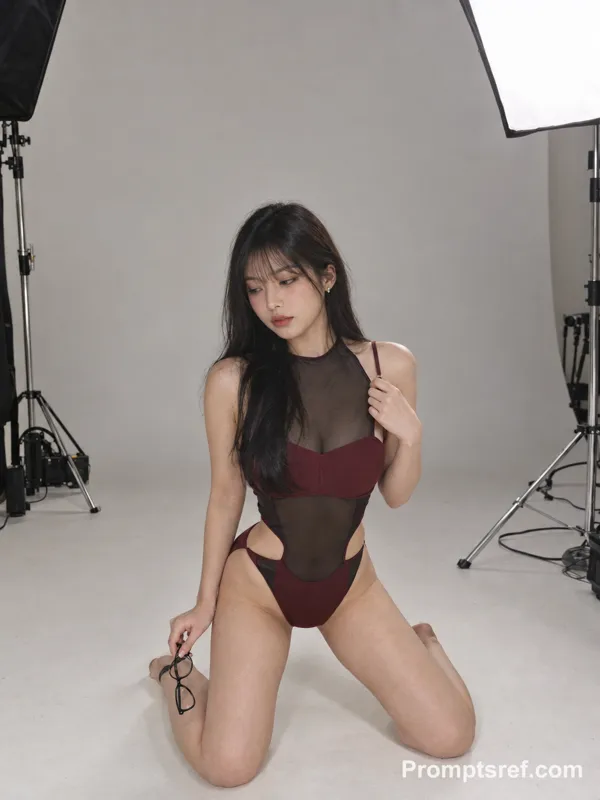
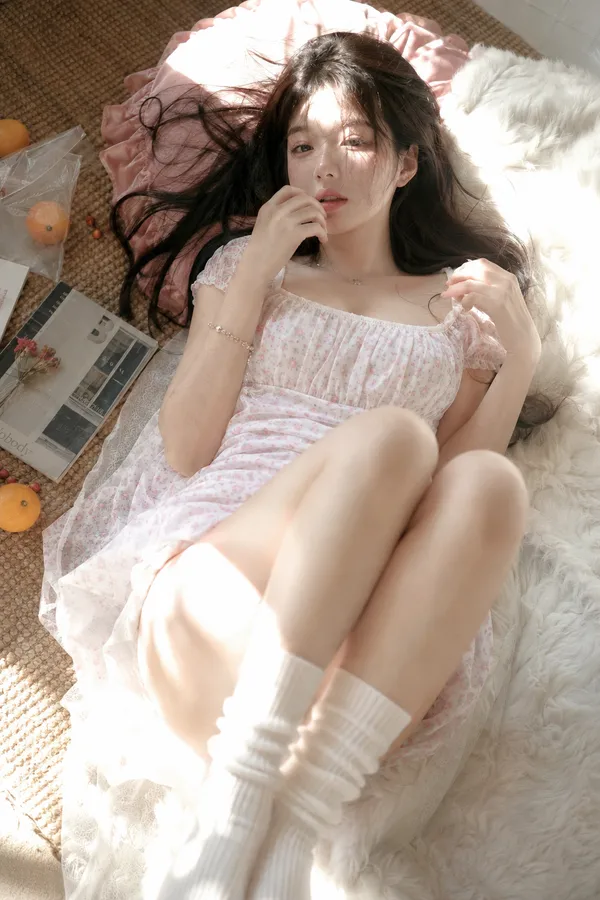
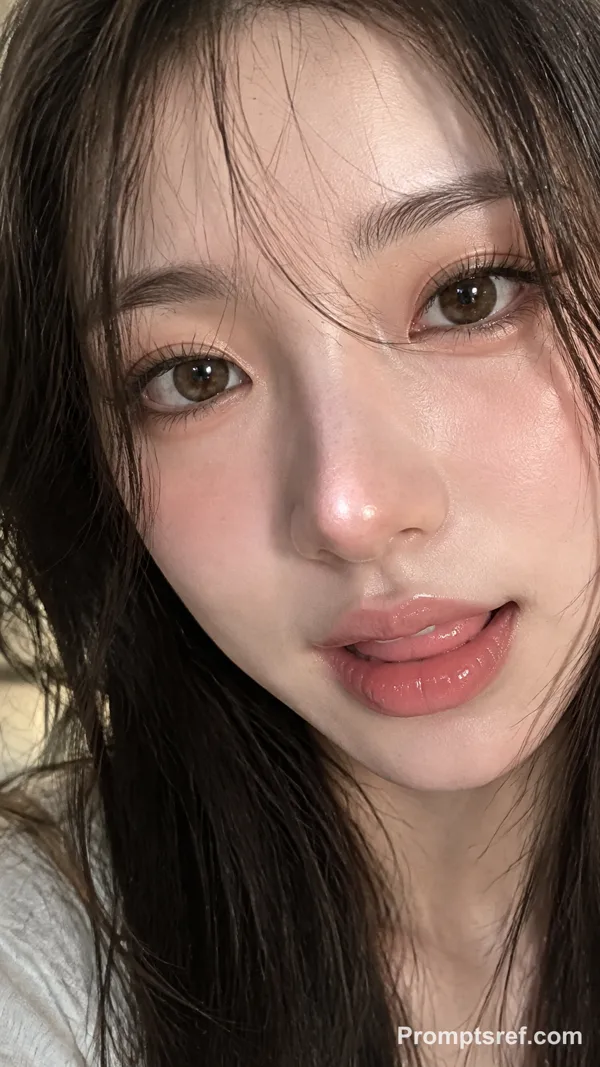
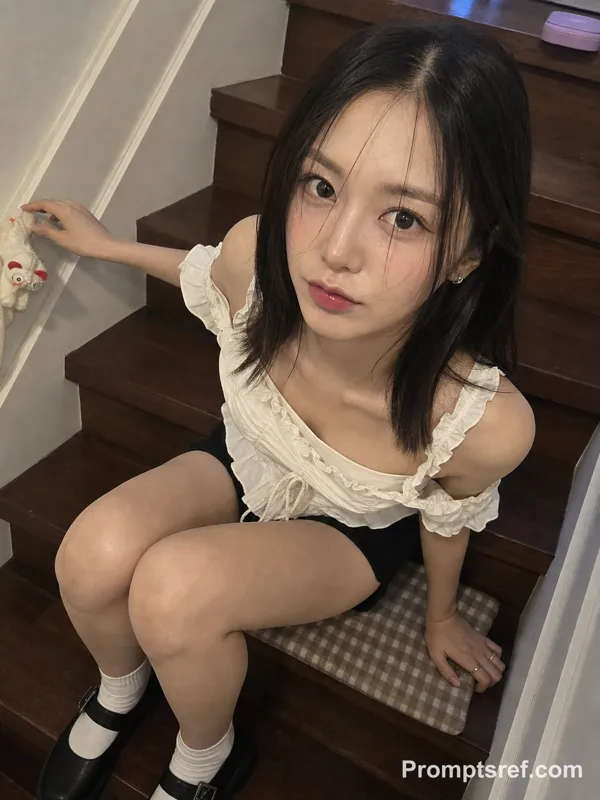
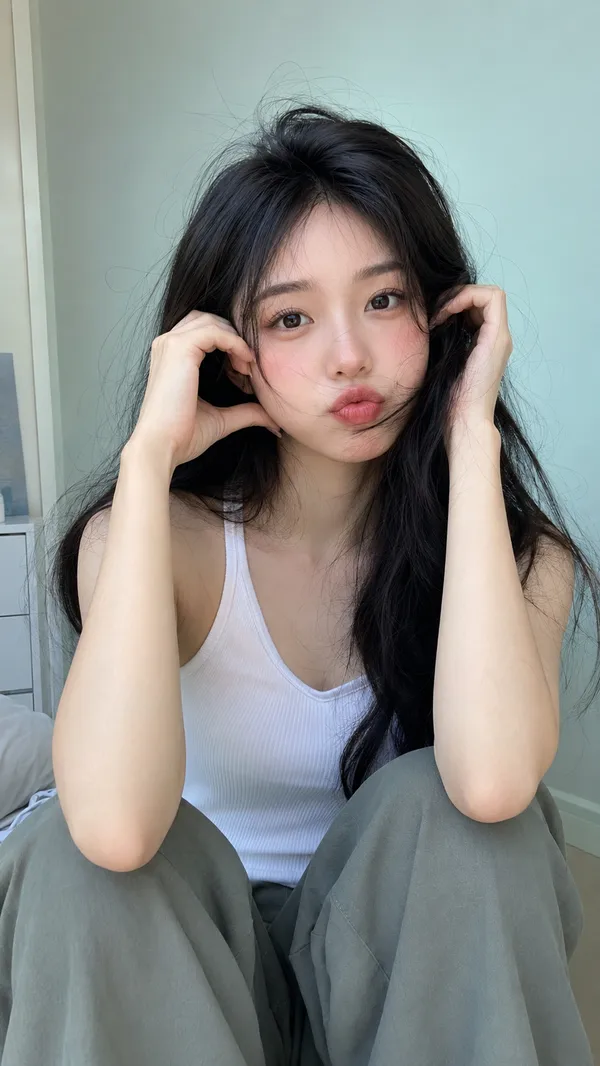
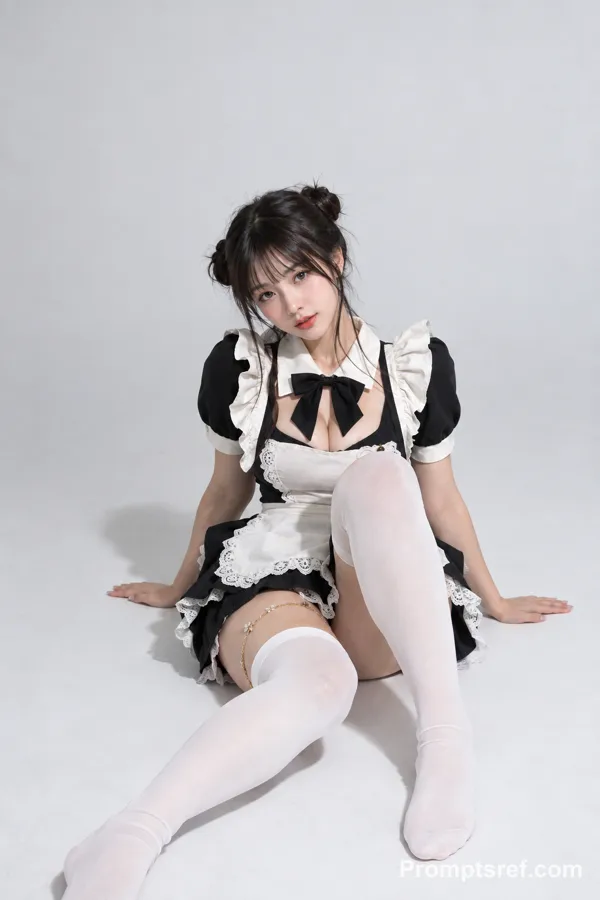
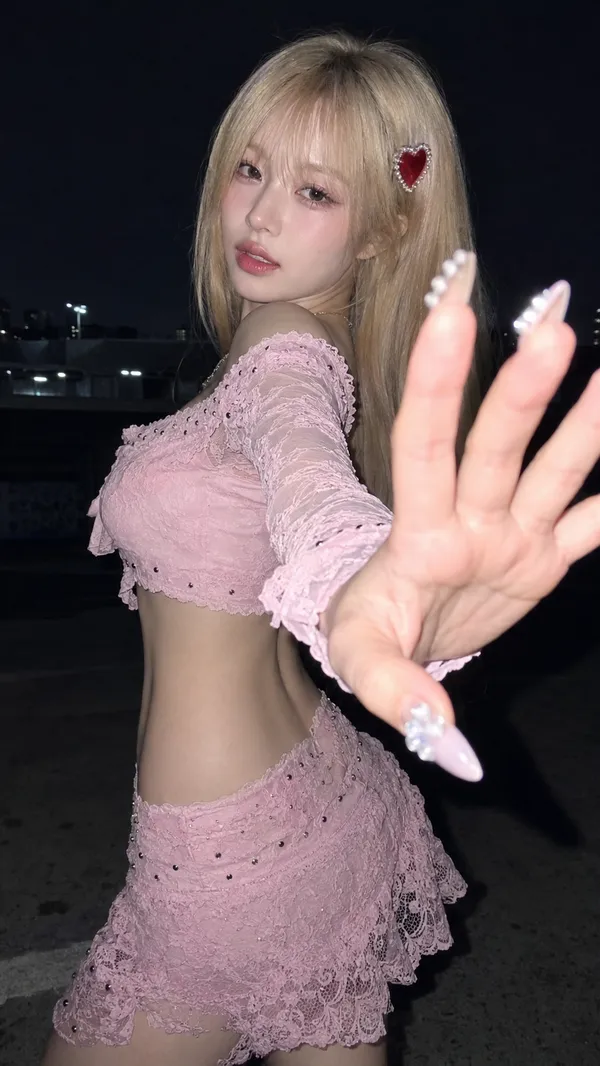
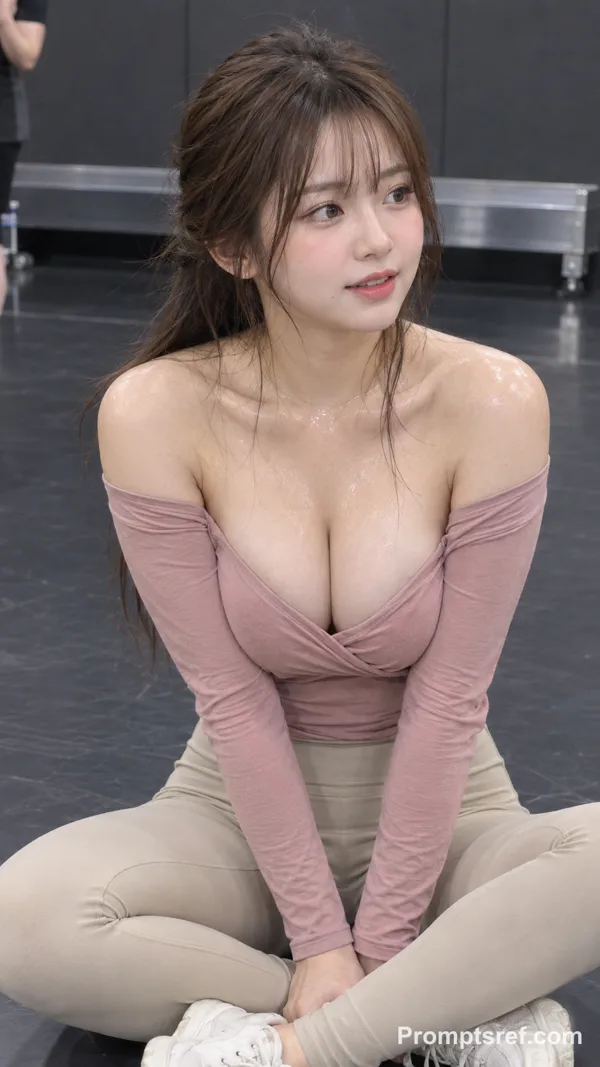
Nano Banana 2 프롬프트 - 고급 플래시 인플루언서 초상

- 화면 비율
- 3:4
- 화질
- 1K
프롬프트
{
"type": "image_prompt",
"aspect_ratio": "9:16",
"style": [
"ultra realistic social media portrait photography",
"modern flash photography",
"clean studio aesthetic",
"high-end influencer content",
"photorealistic 8K"
],
"subject": {
"identity": "hailee steinfeld",
"appearance": {
"skin": [
"fair skin",
"natural texture",
"healthy glow",
"slightly shiny skin"
],
"hair": [
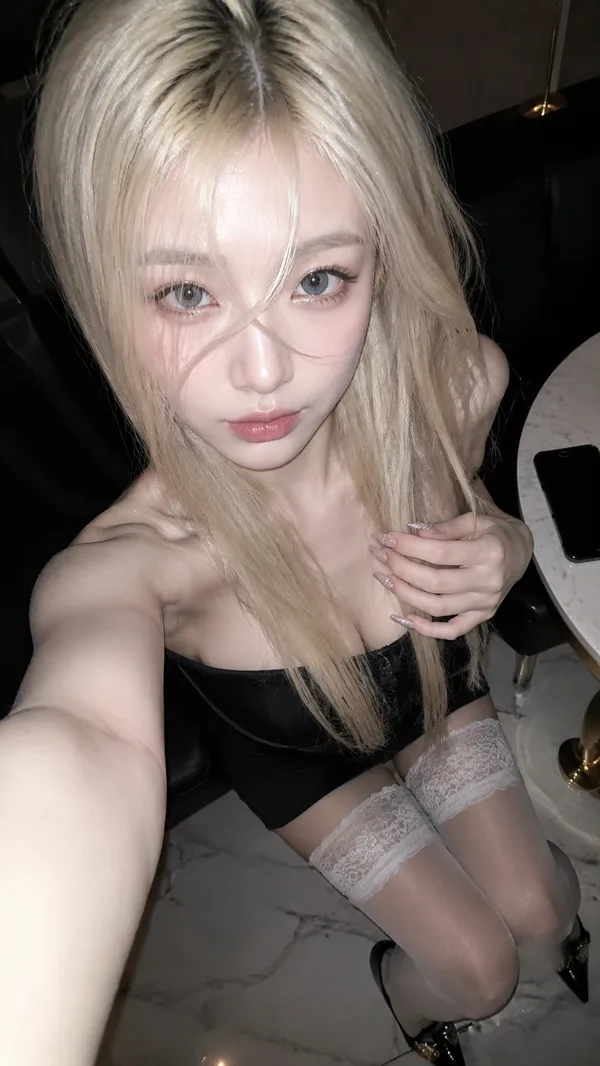
"long voluminous dark hair",
"soft glamorous waves",
"side part",
"healthy shine"
],
"face": [
"defined brows",
"direct eye contact",
"soft pink glam makeup",
"playful expression",
"tongue lightly touching upper lip",
"glossy nude-pink lips"
]
}
},
"wardrobe": {
"outfit": {
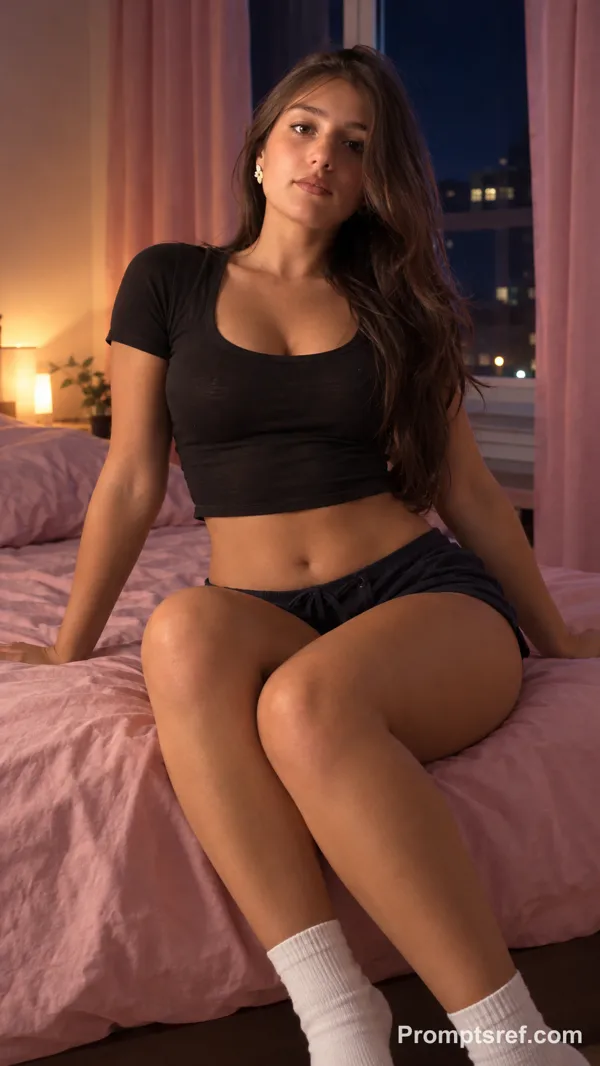
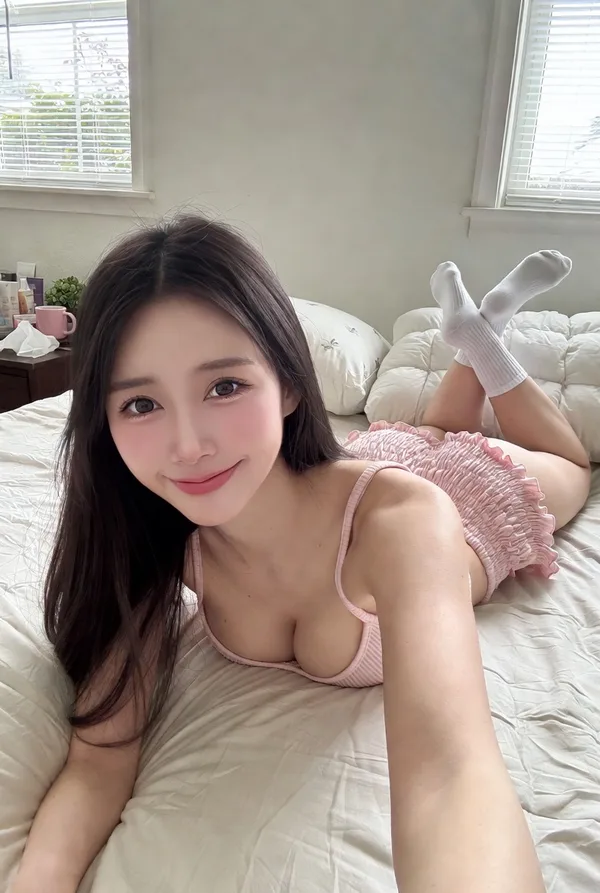
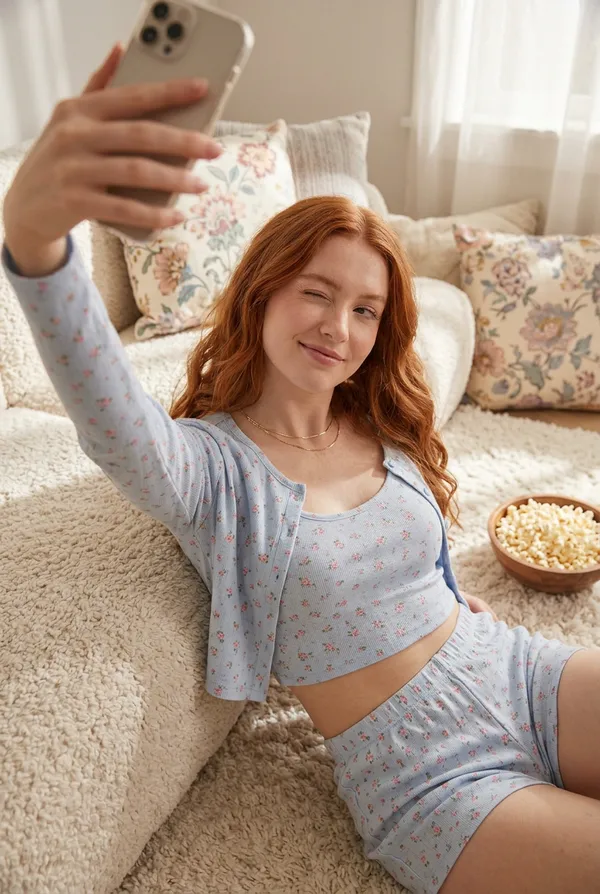
"type": "pastel pink ribbed knit pajama set",
"top": {
"style": "cropped camisole",
"fit": "fitted",
"deep V neckline",
"thin spaghetti straps",
"details": [
"visible midriff",
"scalloped hem",
"small red hearts",
"scattered lipstick kiss marks",
"subtle lipstick stain pattern"
]
},
"shorts": {
"matching_pattern": true,
"large red satin bow",
"scalloped hem"
}
}
},
"pose": {
"seat": "small black cube stool",
"body": [
"sitting on edge of stool",
"torso slightly angled",
"subtle S-curve posture",
"relaxed shoulders"
],
"head": [
"slight tilt",
"direct eye contact"
],
"arms": [
"hands resting on stool beside hips"
],
"legs": [
"relaxed open seated pose"
]
},
"environment": {
"background": [
"plain white wall",
"minimalist studio interior"
]
},
"lighting": {
"type": "direct frontal flash",
"effects": [
"bright illumination",
"crisp catchlights",
"soft wall shadow",
"flash-lit social media aesthetic"
]
},
"camera": {
"lens": "50mm",
"angle": [
"slightly low angle"
],
"framing": [
"mid-thigh portrait",
"centered composition"
],
"focus": [
"sharp eyes",
"sharp fabric texture",
"sharp hair detail"
]
},
"color_grading": {
"style": [
"warm pink tones",
"clean whites",
"soft pastel palette"
]
},
"negative_prompt": [
"anime",
"cartoon",
"CGI",
"plastic skin",
"overprocessed skin",
"low resolution",
"motion blur",
"extra fingers",
"deformed anatomy",
"cluttered background"
]
}
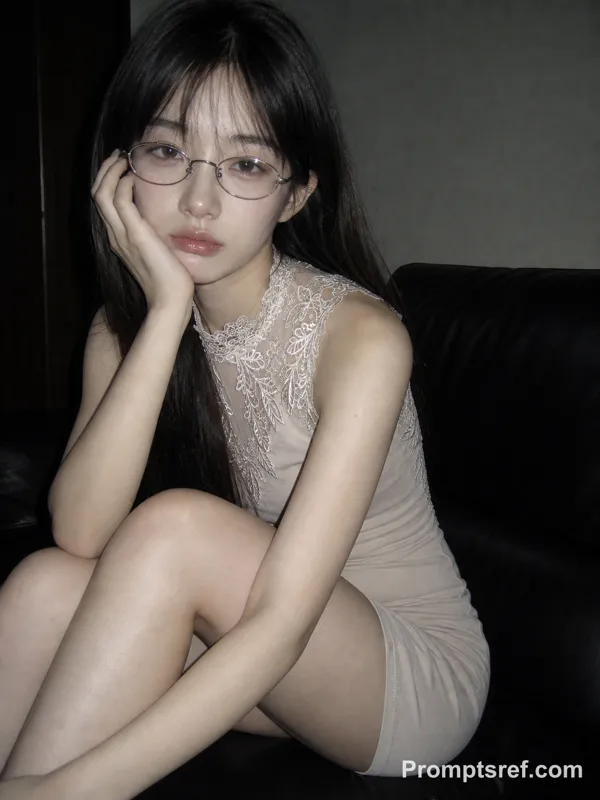
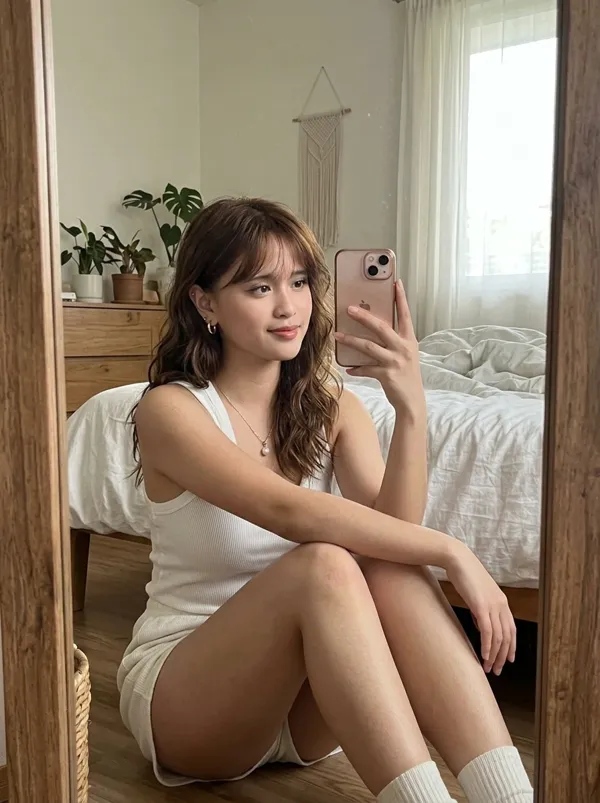
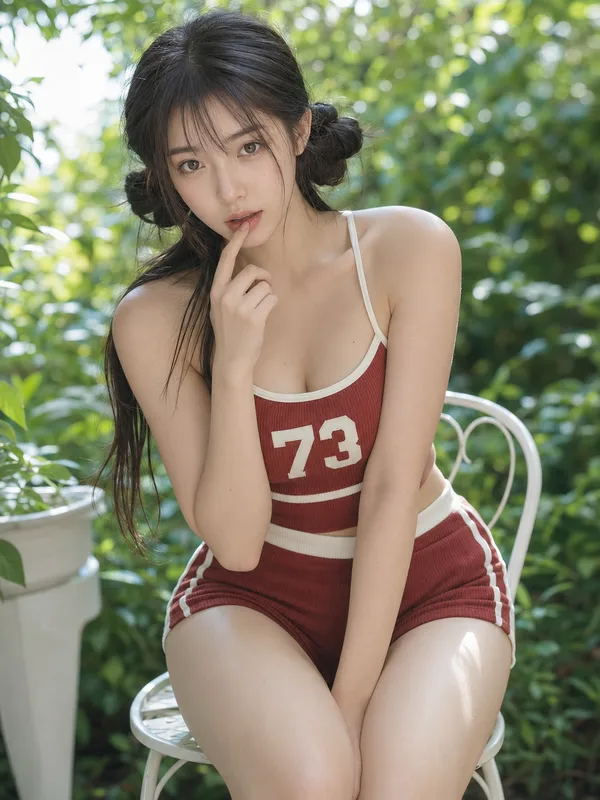
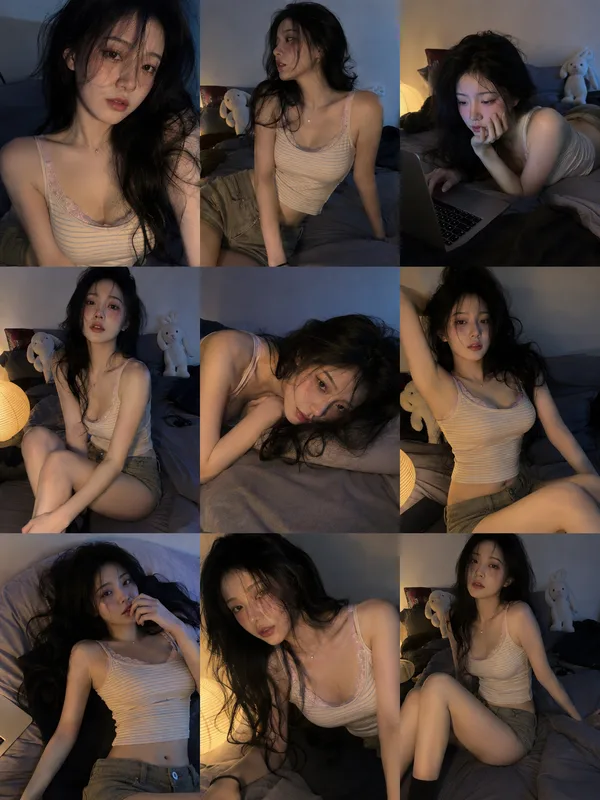
참조 이미지
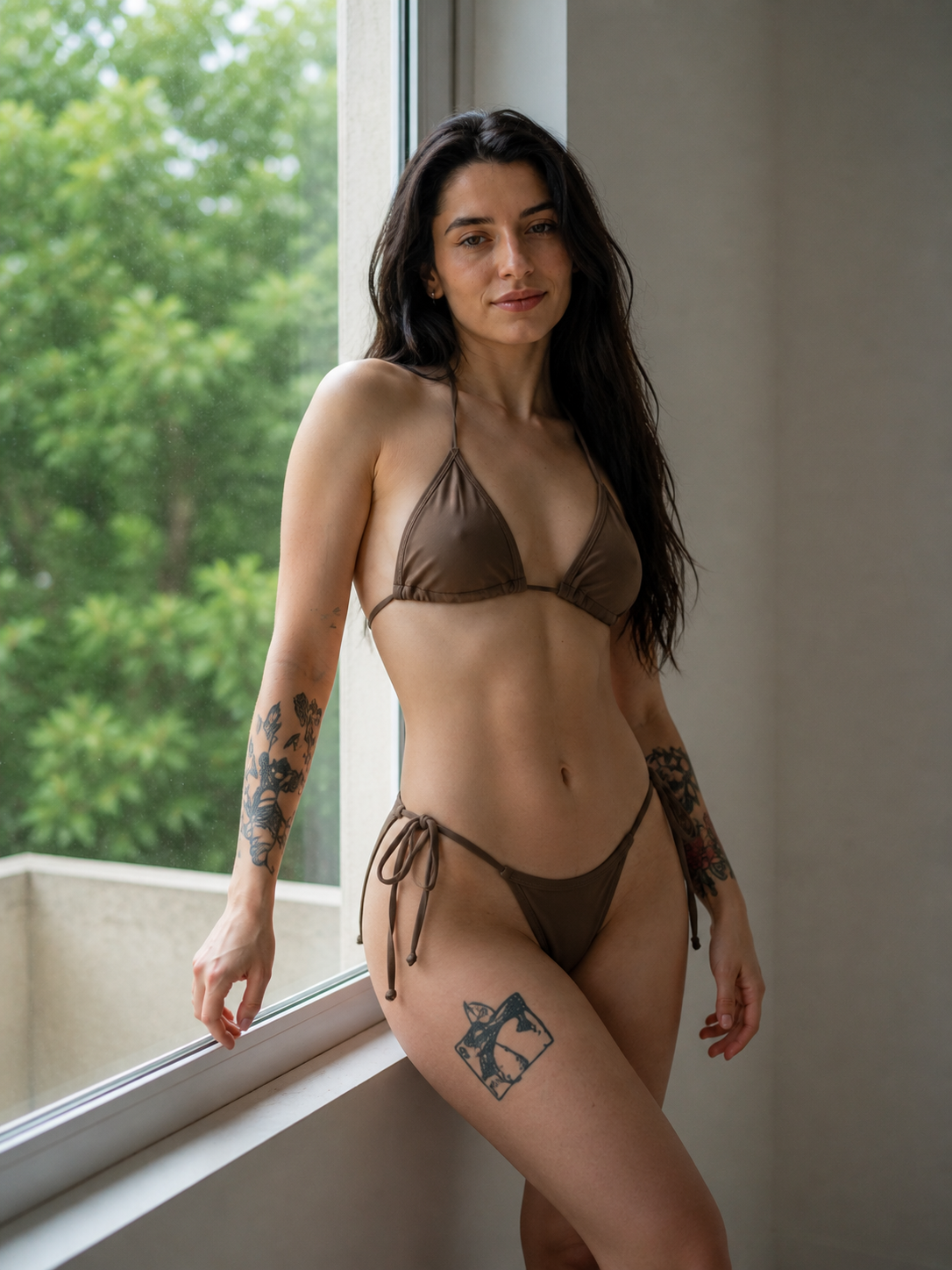
리믹스 작품
리믹스아직 리믹스가 없어요. 첫 번째 버전을 만들어 보세요.
이 이미지 프롬프트 사용하기
- 01
프롬프트로 시작하기
프롬프트를 복사하거나 생성 버튼으로 여세요.
- 02
나만의 아이디어 더하기
주제, 배경, 세부 사항을 조정하고 필요하면 참고 자료를 추가하세요.
- 03
생성 전 확인하기
모델과 출력 설정을 확인하세요. 생성 결과는 매번 다를 수 있습니다.